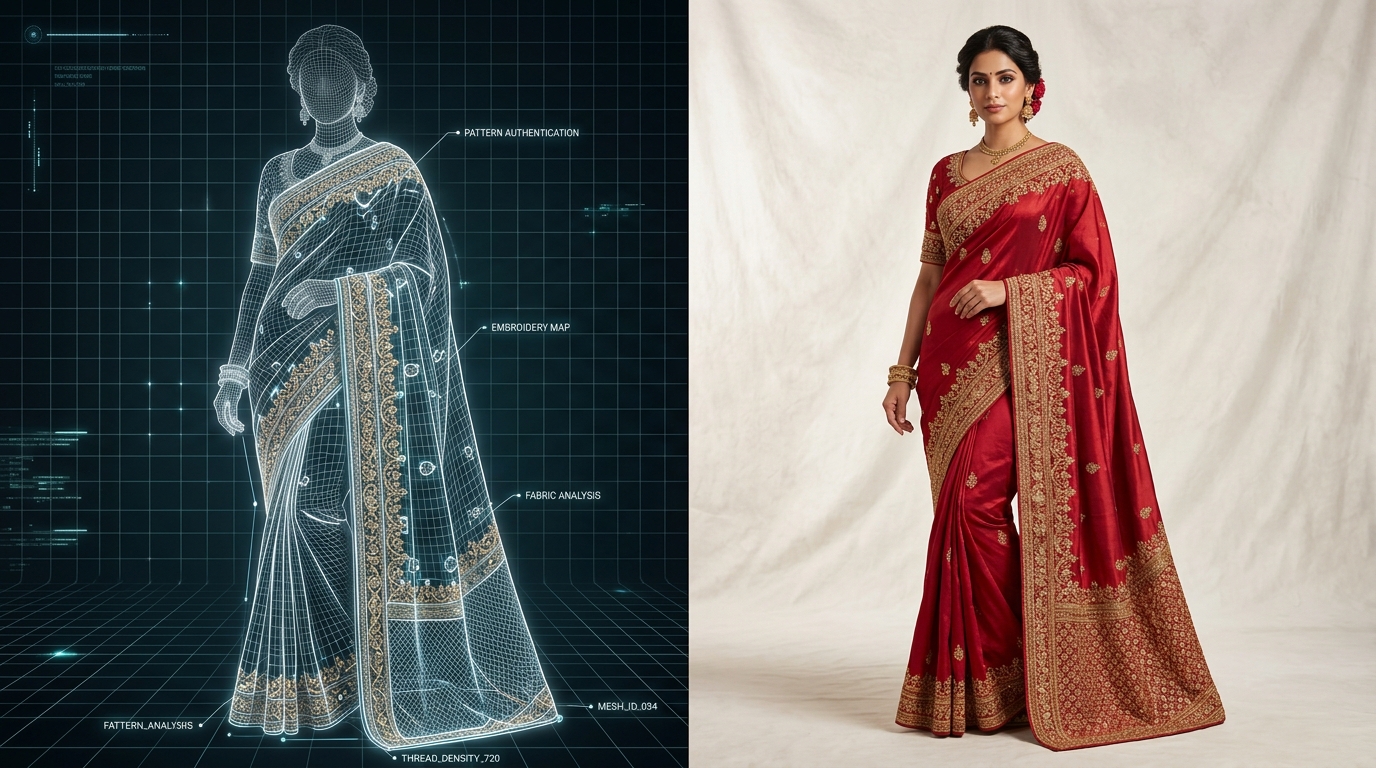
Denim shoppers are obsessive about fit and wash. A customer buying an acid-wash wide-leg cargo jean wants to see exactly where the waistband sits, how the hem breaks over sneakers, and the exact contrast of the pocket stitching. Generic AI tools often hallucinate generic blue textures. Vastralook captures the exact distress texture and silhouette of your physical sample.
How to Photograph Denim for AI Processing
- 1. Lay Flat with Inseam Straight
Lay the jeans on a clean, contrasting surface. Ensure the waistband is buttoned and both legs are symmetrical to communicate the true cut (straight, tapered, or flared).
- 2. Illuminate Whiskering & Fades
Use uniform, diffused lighting to avoid harsh glare on metal rivets while highlighting subtle acid wash or stone wash shading.
- 3. Choose the Corresponding StyleMuse Look
In Vastralook's Catalogue Studio, select 'Denim / Streetwear' package or 'Urban Loft' for high-converting lifestyle context.
| Denim Style | Key Visual Focus | Recommended Pose | Best Marketplace Preset |
|---|---|---|---|
| Skinny / Slim Fit | Ankle taper & thigh hugging fit | Front Standing + Slight Turn | Myntra 3:4 Full Body |
| Wide-Leg / Baggy | Hem break & relaxed drape | Candid Stroll / Walking | AJIO 3:4 High Fashion |
| High-Waisted Mom Fit | Waistline button closure & hips | Hands on Hips / 3/4 Angle | Amazon 1:1 Square |
| Denim Jacket / Overshirt | Collar stiffness & chest pockets | Front Open / Layered | Flipkart 3:4 Clean |
Does AI preserve custom distressed holes and patches on jeans?
Yes. Vastralook's segmentation preservation maps exact tear coordinates, distress fringes, and custom embroidery patches from your uploaded photo onto the generated model.
Can I generate men's and women's denim fits simultaneously?
Yes. You can select male, female, or unisex models across various body heights and builds in a single batch.