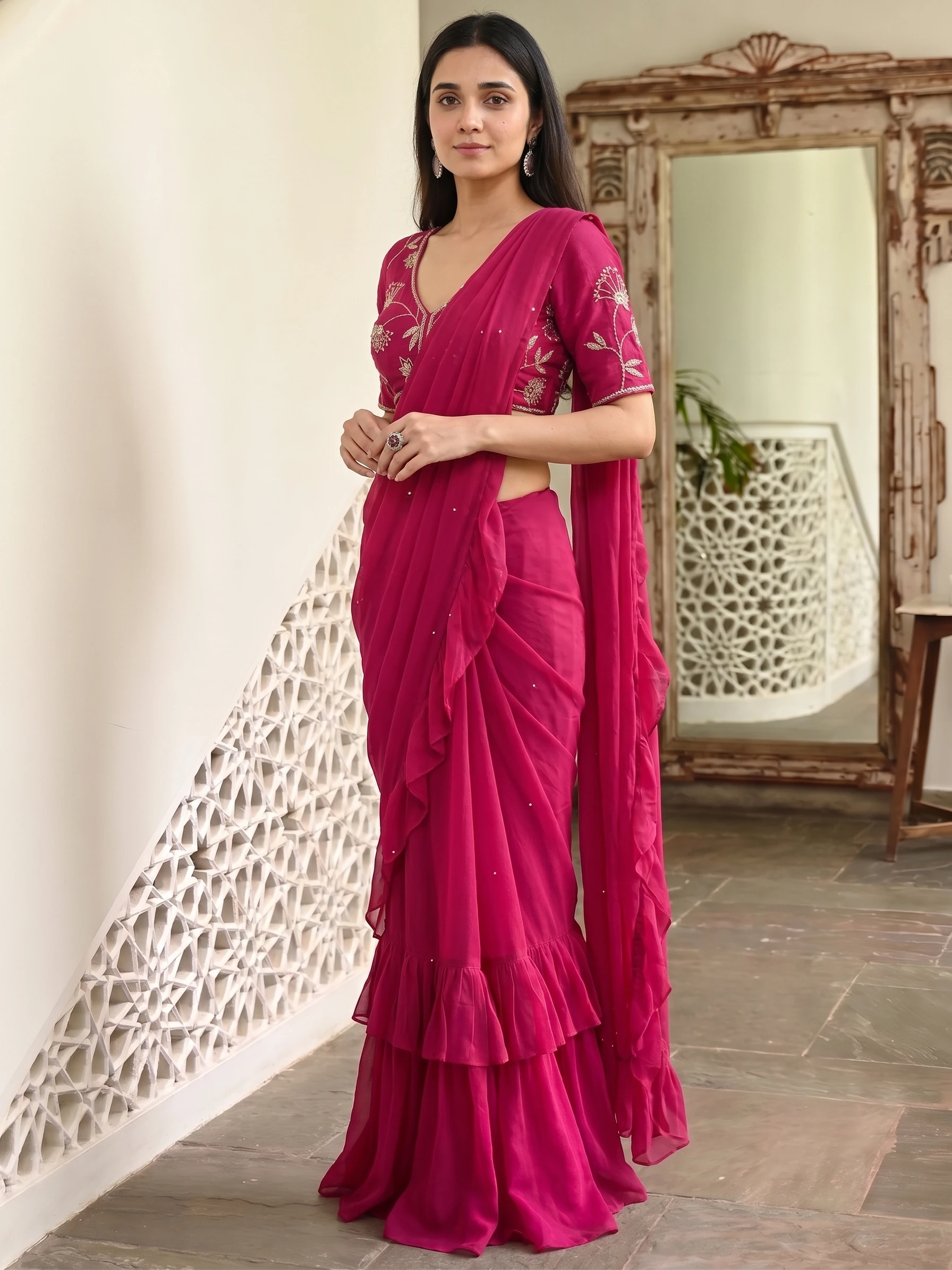
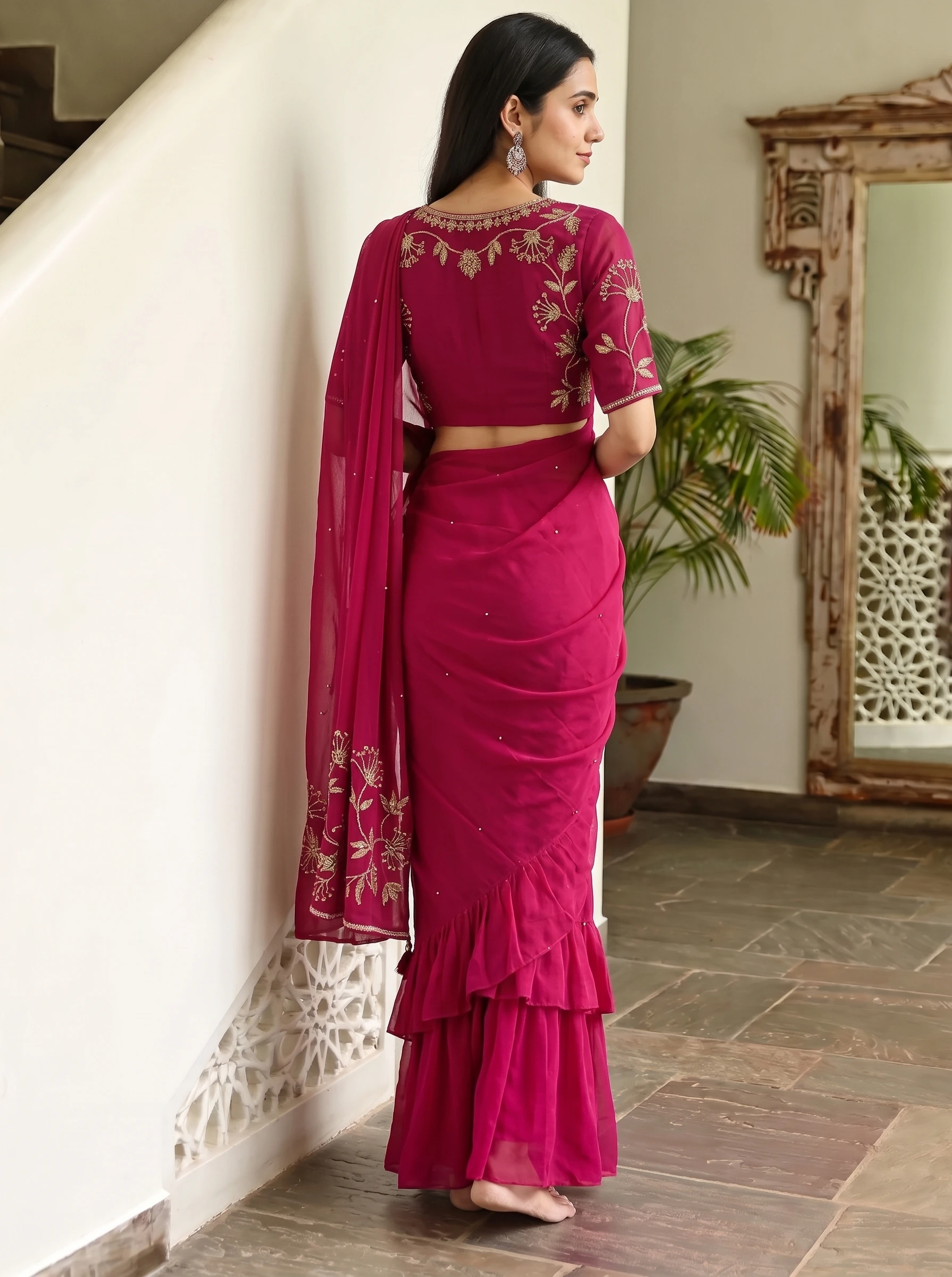
A saree photoshoot is not one picture. It is a set: the front to win the click, the side to show the pleats, the back to show how the pallu falls, and a seated or walking shot to make it feel real. Doing that with a real model and studio means one booking per batch. With AI you plan the shot list once and run it for every saree. This guide shows the shot list, how to keep one model across your catalog, and what it costs.
The shot list for a saree listing
| Shot | What it shows | Where to use it |
|---|---|---|
| Front standing | The whole saree, the drape and the border as a buyer first sees it | Main image on marketplaces, your website, WhatsApp |
| Side profile | The pleats and how the saree falls | Second image, to answer "how does it drape?" |
| Back view | How the pallu falls down the back | Third image, for sarees with a designed pallu |
| Seated | The saree in a relaxed pose | Lifestyle image, catalogue pages |
| Candid stroll | Movement: how the fabric looks while walking | Social posts, banners |
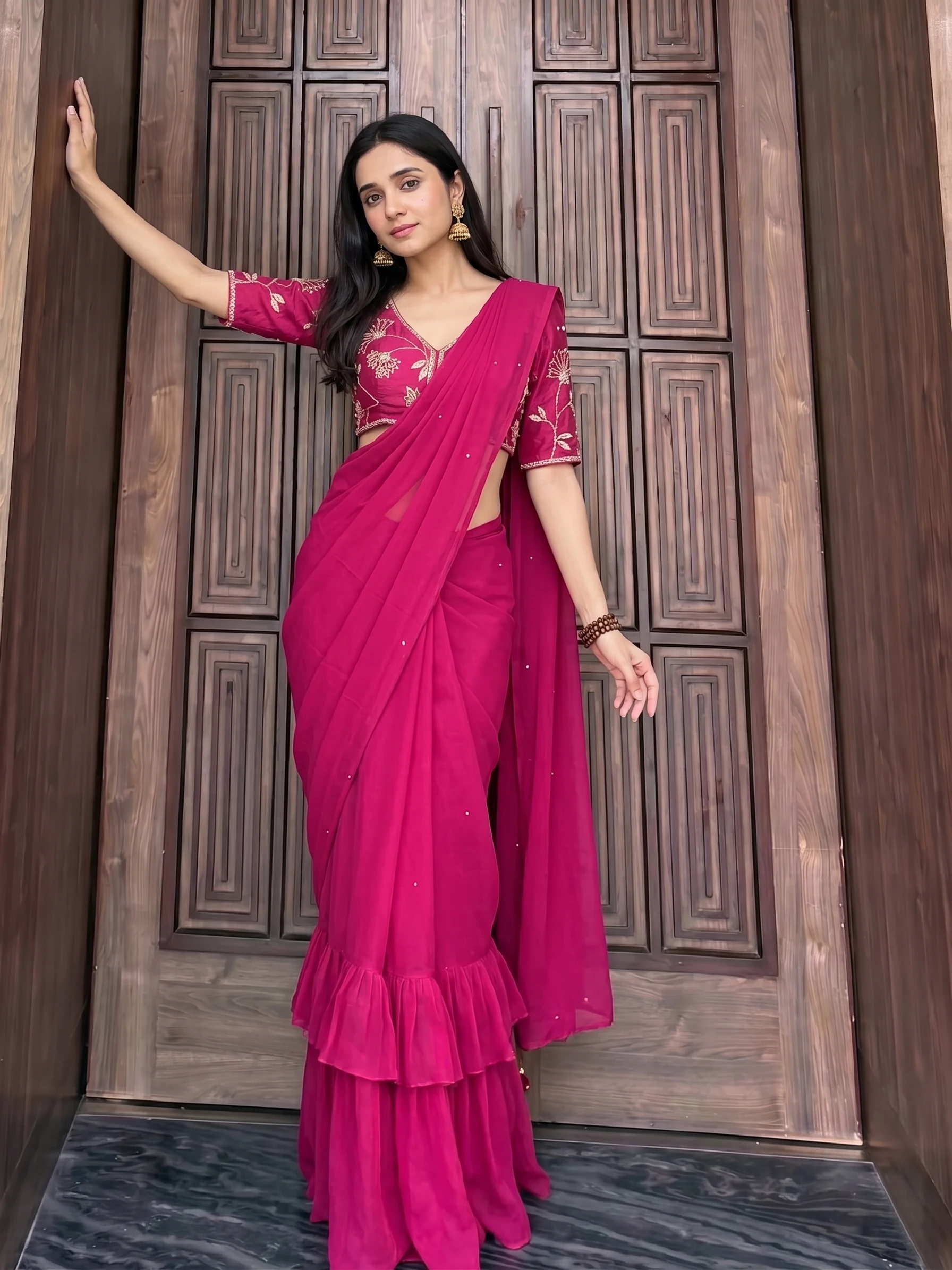
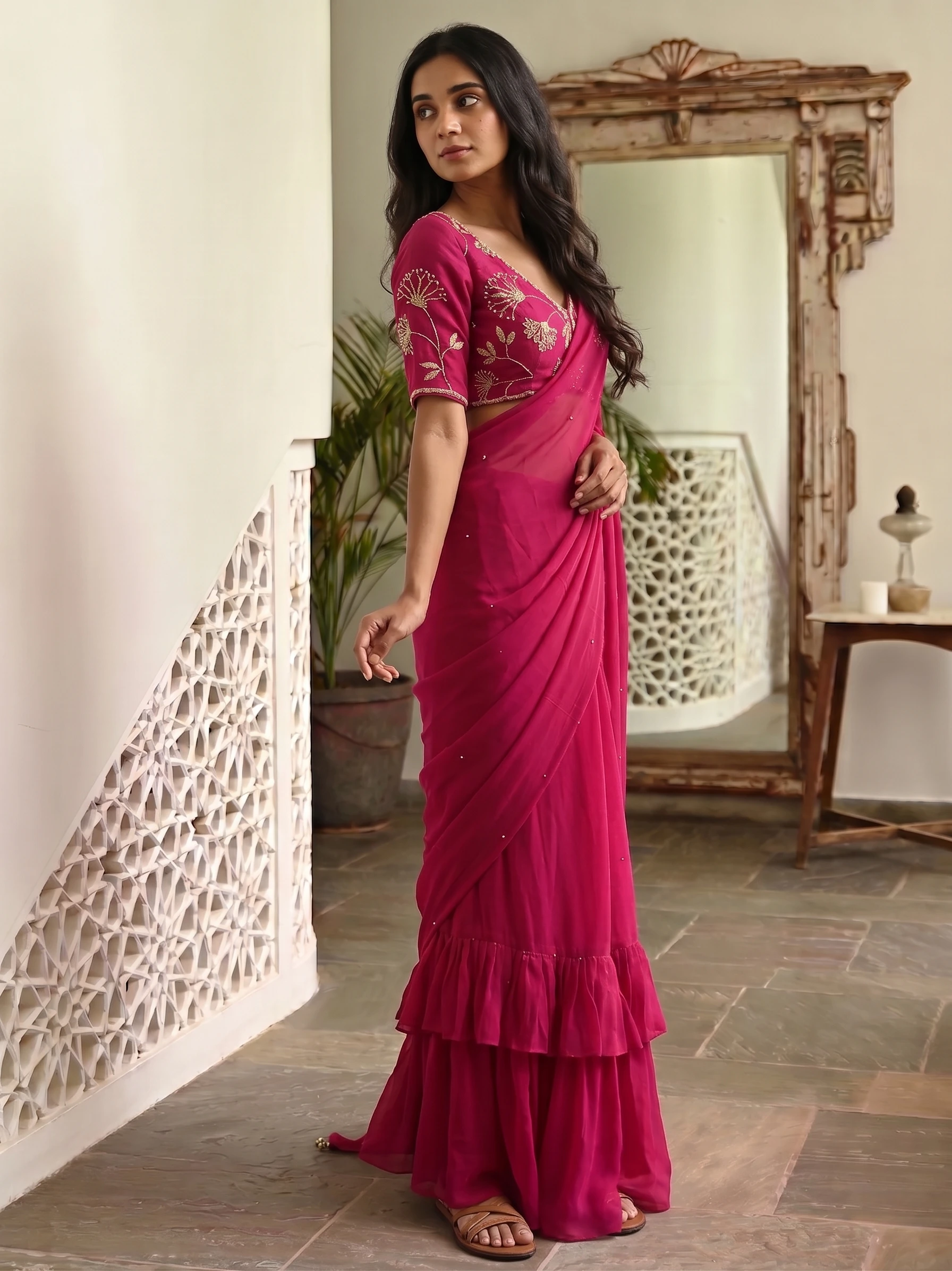
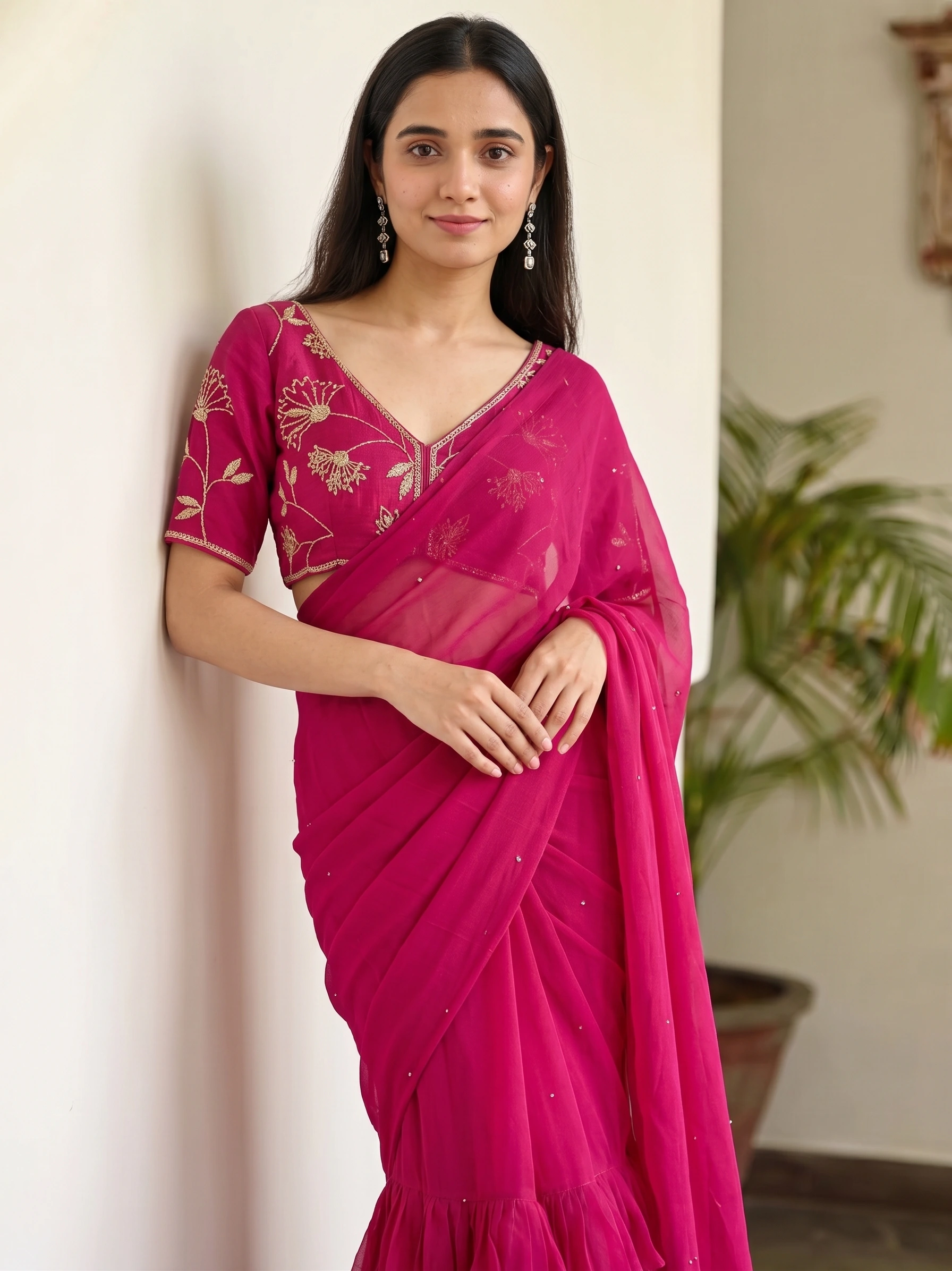
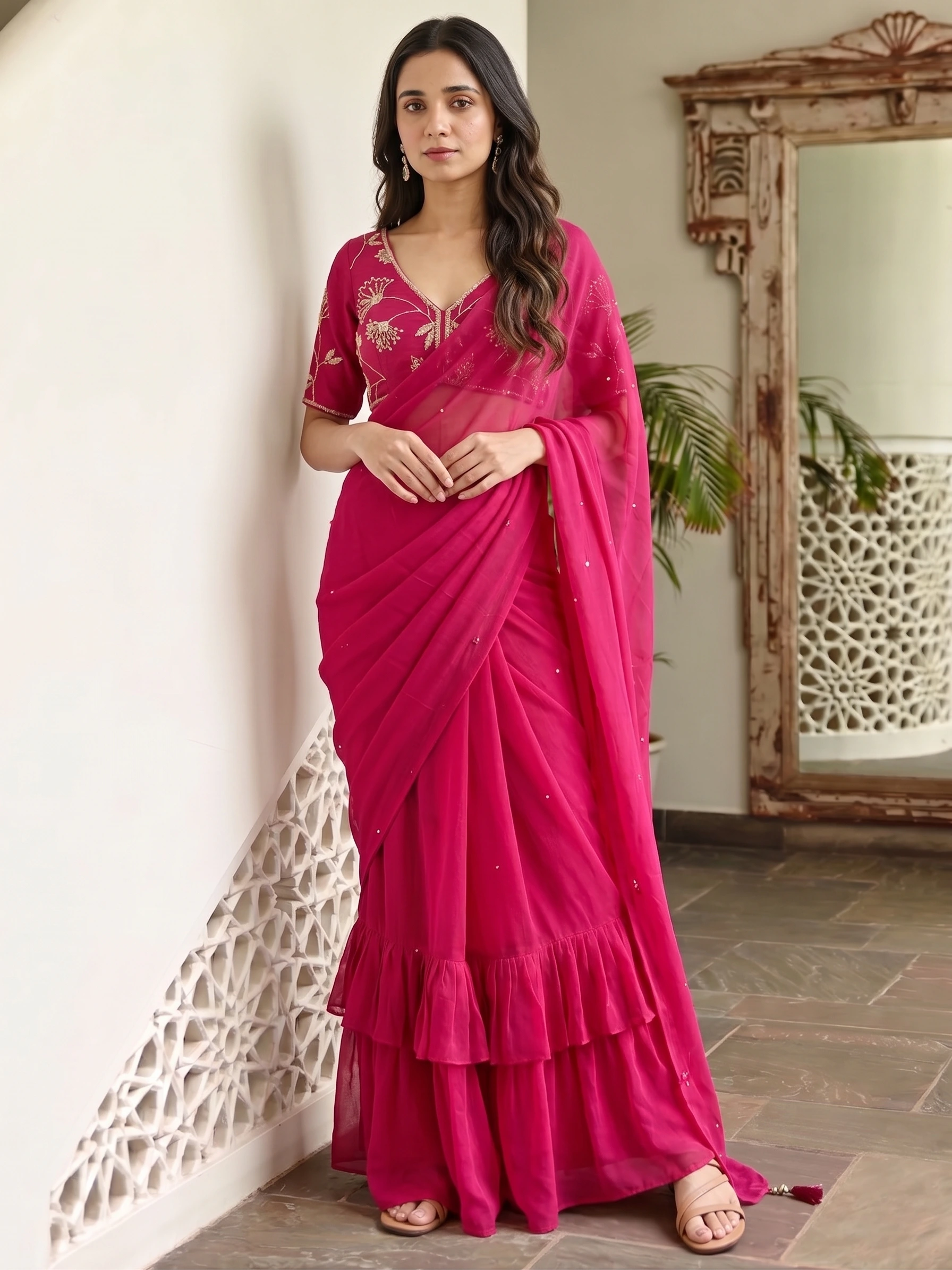
Frames from one package in our library: the same garment in different poses. A batch gives you a set like this for every saree you upload.
An AI saree photoshoot against a real one
- You have many sarees and want every one shot the same way
- You want the same model and background across the whole catalog
- You need photos this week, not after a booking
- You want to add a new saree later without a new shoot
- You need video or a moving campaign
- You want a specific named model or a location shoot
- The brief is a brand film, not a catalog
How to plan your saree photoshoot in Drape Studio
- Photograph each saree once
The whole saree, body and pallu together, laid flat or hanging, in even daylight and cropped to the fabric. Add the blouse fabric as a separate, tightly cropped photo.
- Set the cut and the pallu
Check the cloth's edges, set the pallu line and say whether the pallu is at the top or the bottom. Add repeat lines if the pattern repeats down the body.
- Pick one model and one background
Choose a model, or upload a model image to keep the same face in every shot. Pick a background such as Pure White Studio or Light Grey Studio. Or choose a marketplace and let the studio set them.
- Pick the poses
Tick the poses from the shot list above. Each pose is another shot of the saree.
- Add your logo
Upload your logo and set its position, size and opacity. It goes on every shot you download.
- Generate, or order
Generate runs it now. Create order has us make it: 8 credits a 1K shot or 10 at 2K, ready in about 3–4 minutes. Download from the Orders tab.
What an AI saree photoshoot costs
A worked example: 20 sarees in 3 poses each is 60 shots. Ordered at 2K that is 600 credits, about ₹600–₹750 depending on the credit pack. Credits come in rupee packs from ₹250, and top-up credits never expire. If a shot misses, you can ask for 50% of its credits back.
Before you start the shoot
- Every saree is photographed whole, in even daylight, with no filter.
- The photos are cropped to the fabric, with no hands or hanger in the frame.
- The blouse fabric is a separate, tightly cropped photo.
- You know which end of each saree is the pallu.
- You have chosen one model and one background for the whole shoot.
- You have decided which poses each listing needs.
- Your logo file is ready.
What is an AI saree photoshoot?
An AI saree photoshoot makes a set of model photos of your saree from one flat photo, in the poses and background you pick, with no model, photographer or studio. In Vastralook's Drape Studio you also set the pallu end and the repeat first.
How much does an AI saree photoshoot cost?
A Create order is 8 credits a 1K shot or 10 at 2K, about ₹8–₹10 and ₹10–₹13. A shoot of 20 sarees in 3 poses is 60 shots, about ₹600–₹750 at 2K.
How many photos do I get for each saree?
As many as the poses you pick: each pose is one shot. Most listings need a front, a side and a back view, plus a seated or walking shot for a lifestyle image.
Can I use the same model for all my sarees?
Yes. Pick a model, or upload a model image, and reuse it with the same background across every saree so the catalog looks consistent.
Are the photos good enough for Meesho, Amazon and Myntra?
Pick a marketplace in the studio and it sets the poses, background, model and output size for it. Myntra, Amazon, Flipkart and Meesho are listed.
Is there a free way to try it?
Yes. New accounts get up to 4 free 2K images after signing in and verifying a phone number, with no card. Use them on your hardest saree to judge the result.
Can I do a saree photoshoot at home instead?
Yes, and a phone photo is all you need for the AI route: lay the saree flat, shoot it whole in daylight, and let the studio make the model photos. Our guide to photographing sarees at home with a phone covers the setup.