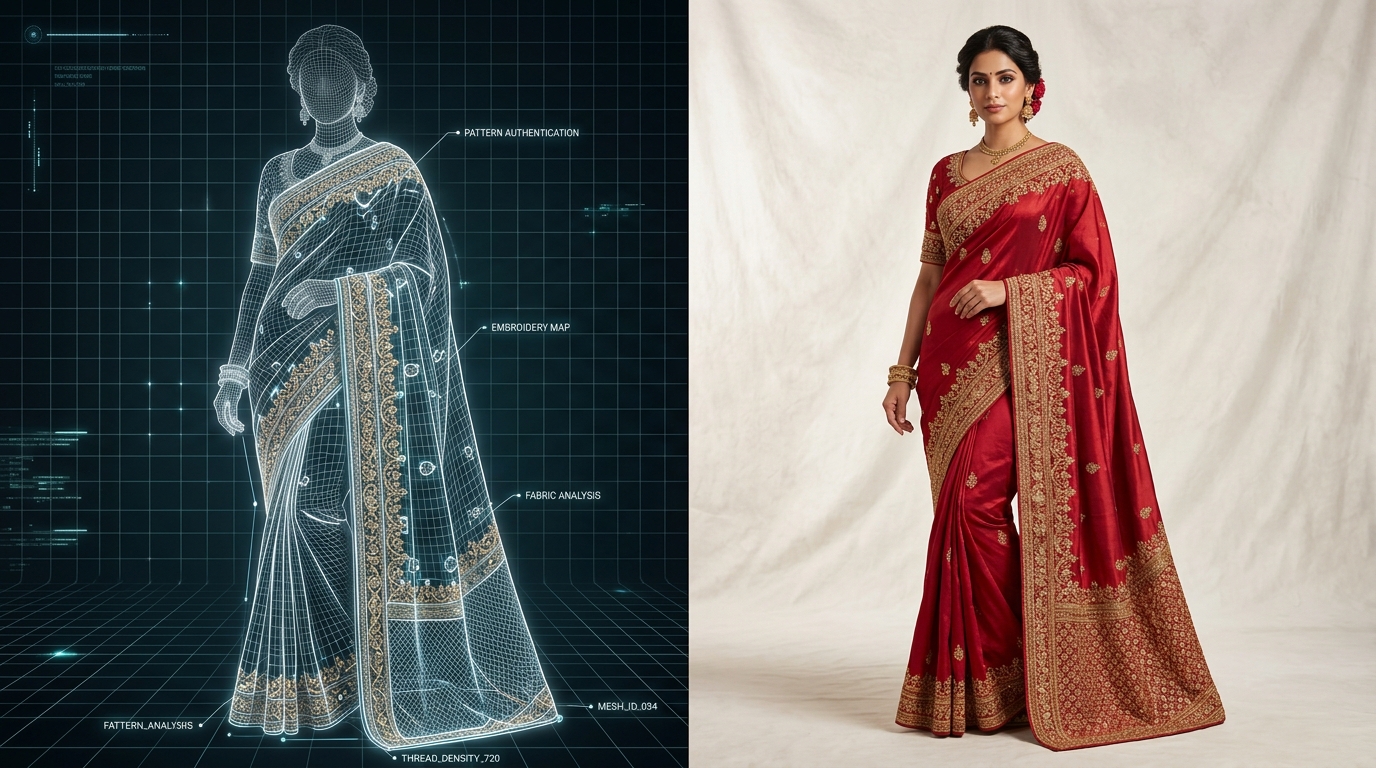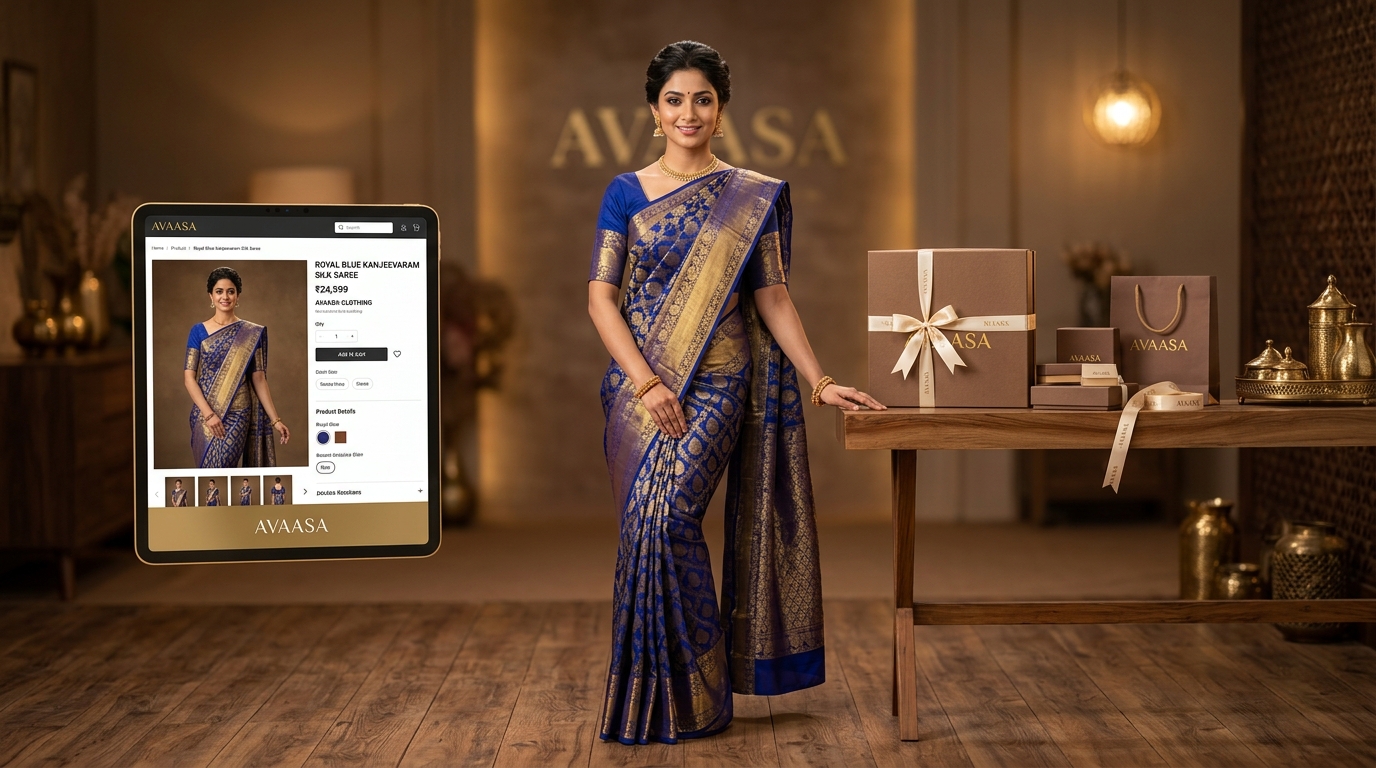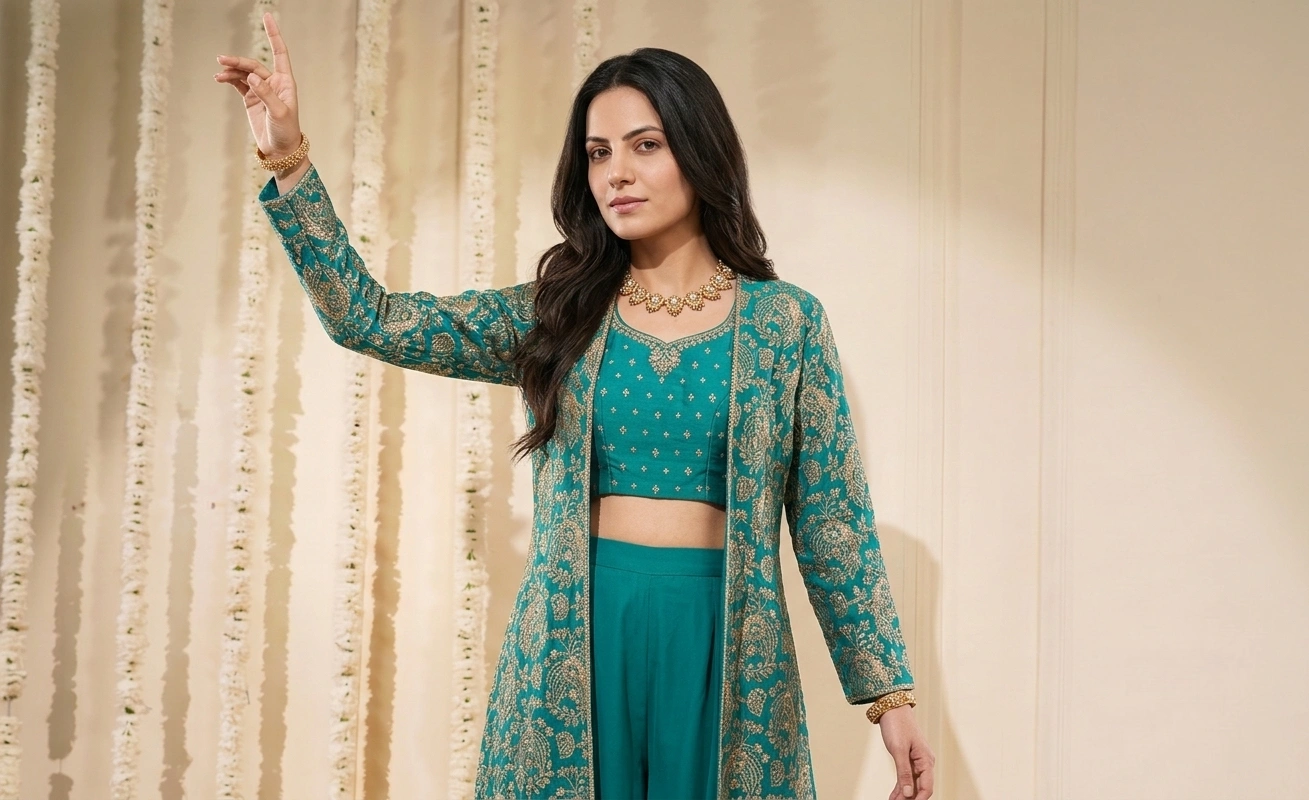
Google Shopping in India has shifted from a keyword-matching search engine to an intensely visual recommendation surface. With the rollout of Google's Free Product Listings tab and Google Lens integration across mobile search, the quality, diversity, and metadata of your product images directly determine your organic impressions and click-through rates.
1. How Google Evaluates Apparel Images in 2026
Google Merchant Center algorithms analyze uploaded images across three core visual dimensions:
- **Human Silhouette & Drape:** Google Visual AI scores on-model photos 38% higher for fashion queries than flat lay cutouts because customers spend 2.4× longer evaluating fit on human bodies.
- **Fabric & Texture Clarity:** High-resolution crops enable Google Lens to accurately match user search queries (e.g., 'zari border Kanjivaram saree' or 'georgette mirror work kurti').
- **Background Cleanliness:** Busy, cluttered backgrounds decrease visual parsing confidence. Google explicitly recommends pure studio white (`#FFFFFF`), neutral light grey, or architectural ambient settings.
2. The Mandatory 4-Image Sequence for Google Shopping
| Feed Attribute | Image Type | Recommended Framing | Primary Ranking Purpose |
|---|---|---|---|
| image_link (Primary) | Full Front On-Model | Eye-level, head-to-mid-calf, neutral studio background | Main thumbnail across Search, Shopping tab, and PLAs |
| additional_image_link #1 | Side / 3/4 Profile | Showing side drape, sleeve length, and side slit | Visual angle verification in Google interactive product viewer |
| additional_image_link #2 | Back View | Full garment back showing pallu, neckline, or embroidery | Fit completeness check to reduce return intent |
| additional_image_link #3 | High-Def Macro Detail | Square or 3:4 crop of weave, zari, or print texture | Google Lens texture identification & high-intent search match |
3. Technical Feed Configuration & Schema Markup
To ensure search spiders and Merchant Center feed bots index your on-model visual assets properly, implement the following JSON-LD Schema on your Shopify or custom storefront:
- 1. Specify Multi-Image Arrays in Product Schema
Do not pass a single hero image URL in your `schema.org/Product` JSON-LD. Include all four on-model angles in the `image` array.
- 2. Synchronize Merchant Center XML Feeds
Map the primary full-body shot to `<g:image_link>` and the remaining 3 angles to `<g:additional_image_link>` tags with HTTPS direct URLs.
- 3. Preserve True Color Consistency
Ensure the `<g:color>` tag matches the visual hue rendered in the AI model image. Vastralook's Drape Studio locks fabric color hex values from your original upload.
Does Google penalize AI-generated model images on Google Shopping?
No. Google evaluates product images based on visual quality, resolution, compliance with merchant policies (no watermarks, no promotional text overlays), and accurate representation of the physical garment sold.
What image resolution should I upload to Google Merchant Center?
Google requires a minimum of 250×250 pixels for apparel, but recommends at least 1200×1600 (3:4 ratio) or 2048×2048 to enable high-definition zoom on desktop and mobile Shopping cards.
How does on-model imagery improve Google Free Listings performance?
Google's internal search data shows that listings with professional on-model primary images achieve a 30% to 50% higher Click-Through Rate (CTR) compared to mannequin or flat-lay product photos.