To make a fashion lookbook in Catalogue Studio, add your garments, pick one or a few models, choose styles or a ready-made package for a consistent look, check the Summary tab for the shot count and cost, then place the order. Sarees and lehengas use Drape Studio instead.
A catalogue shows the product. A lookbook shows the collection. The difference is not the number of pictures but whether they belong together: one world, one mood, a few models you start to recognise. That is what makes a buyer think of it as a brand and not a stock list.
What makes a lookbook feel like one collection
- The same model, or a small set of models, across the pieces.
- A setting family: the backgrounds and light feel related, not random.
- A repeated set of poses and framing, so shots line up page after page.
- The same picture shape and size throughout.
Build your fashion lookbook in Catalogue Studio
- 1. Add the garments in the collection
Press Add a garment and choose the front photo of each piece. You can add up to 4 photos of the same piece (front, back, side and detail). Use one clean, flat photo per side.
- 2. Choose who wears it
The Models tab lets you filter by region, age, skin tone and body type. Pick one model for a tight lookbook, or a few for a wider one. Every model you pick multiplies the shots.
- 3. Choose the look
A style sets the pose, framing and setting. Search by background or object, and filter by garment category, pose and camera angle. View opens a style in a larger picture before you choose.
- 4. Or start from a package
A package is a curated group of styles that work together. Flip through its scenes, then use Add all styles to put the whole set in your batch in one tap.
- 5. Check the Summary
Summary lists every shot: each card is one garment on one model in one style. Nothing is charged until you place the order, and you can drop a single shot without changing your picks.
- 6. Set the size and place the order
Choose the picture's shape and size (1K, 2K or 4K), then pick Instant, Budget or Standard. Each button shows the price before you pay.
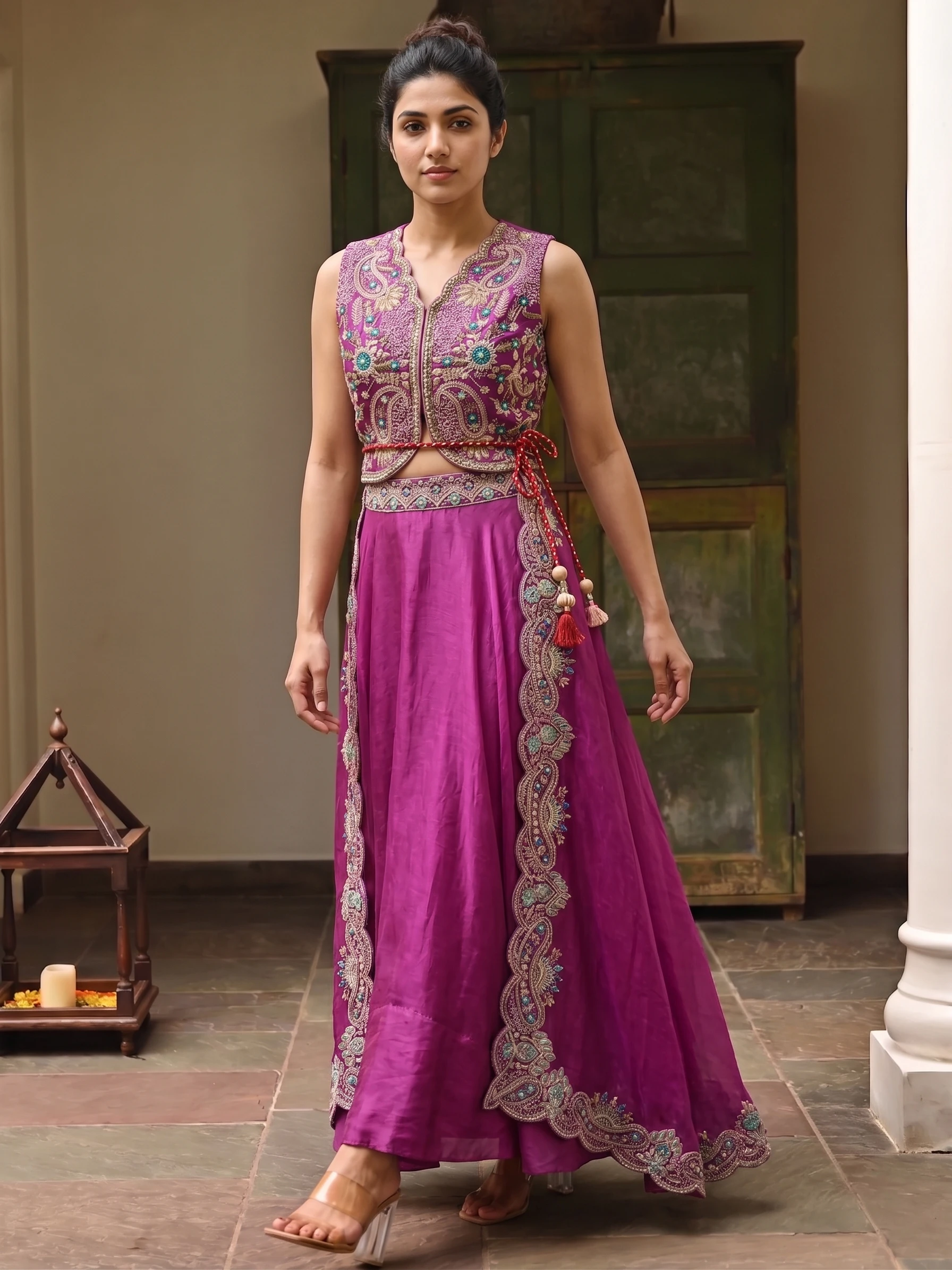
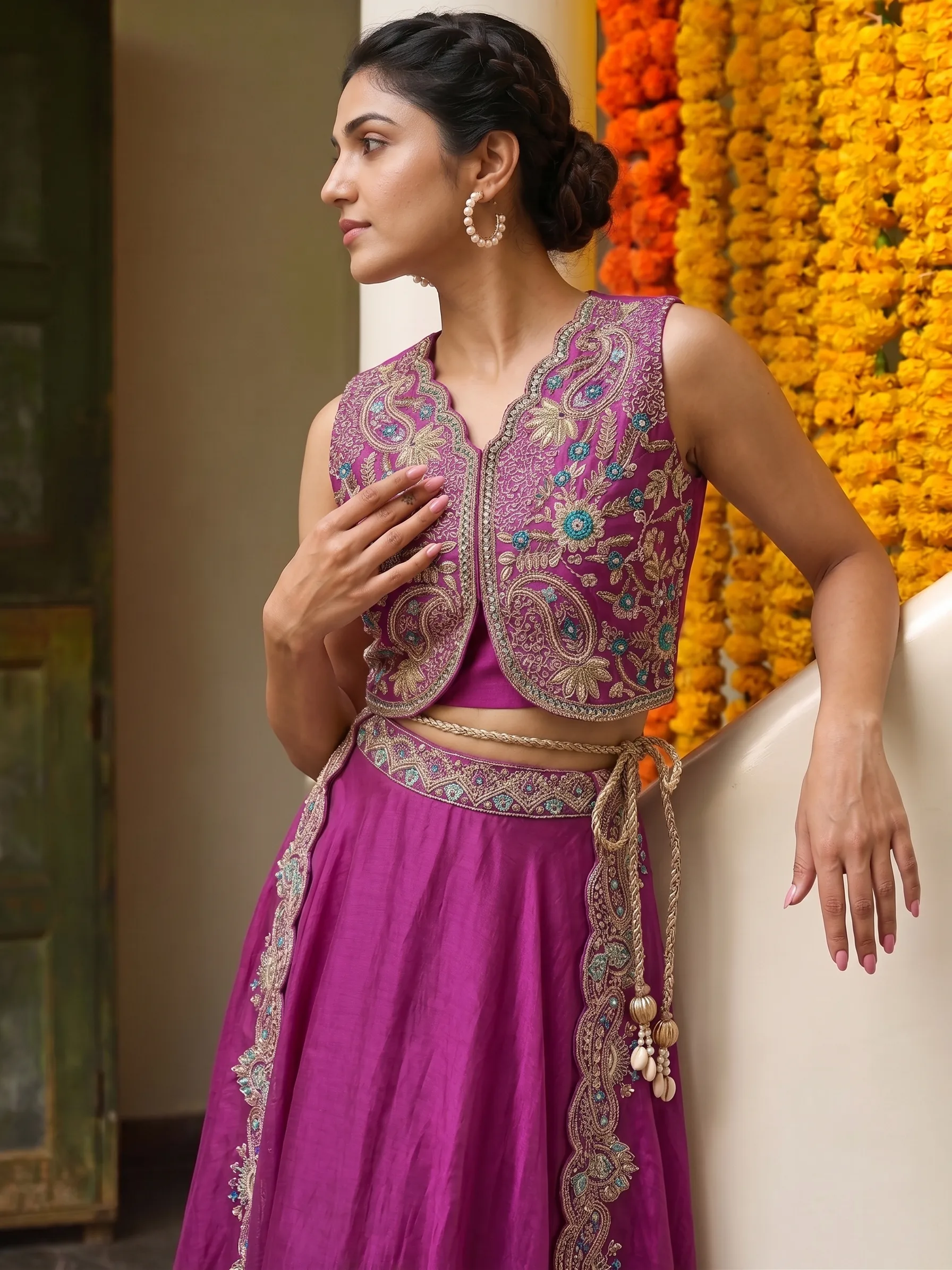
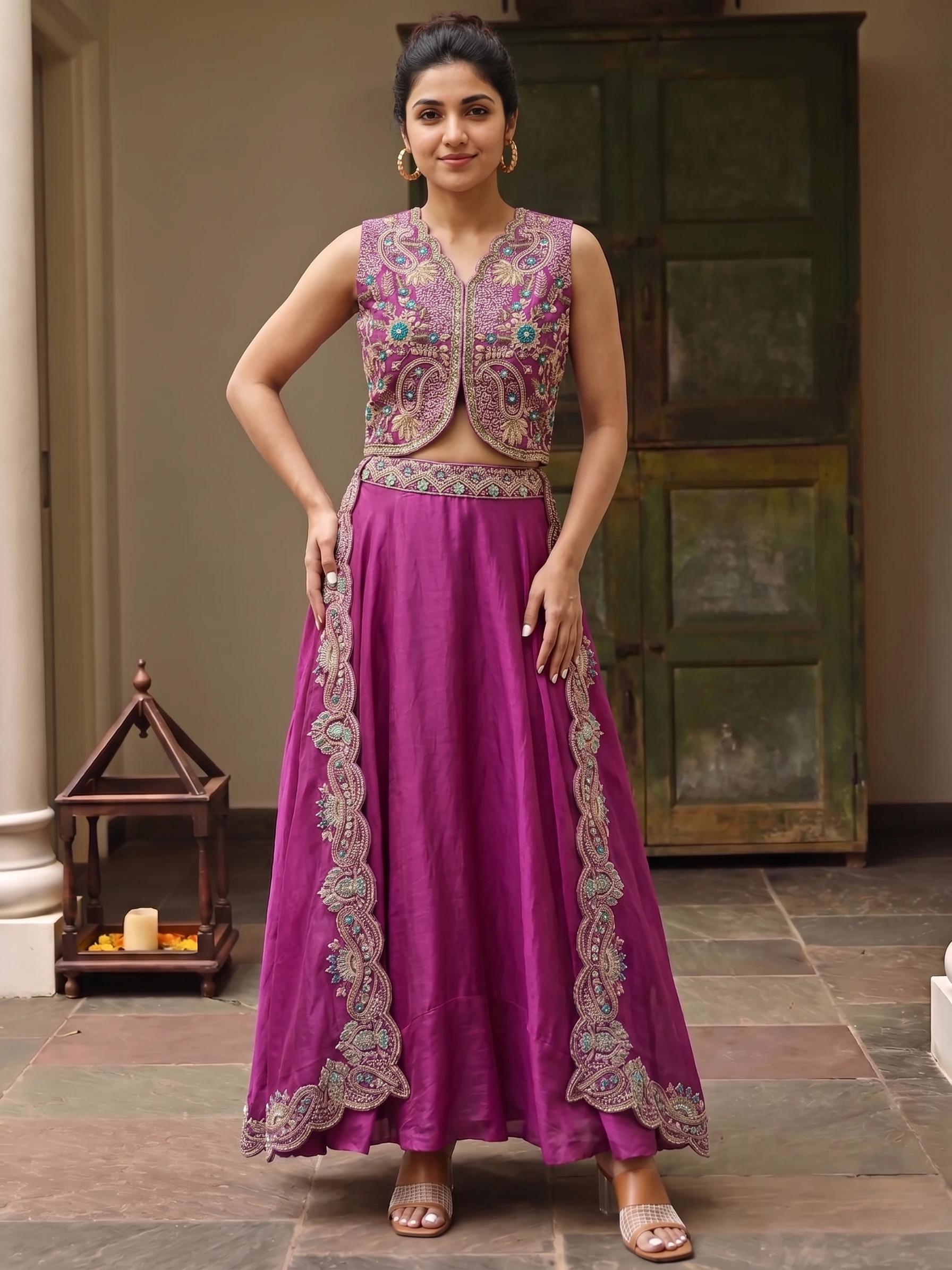
These frames come from a single package. The setting and mood are shared, so the pictures read as one set.
Sarees and lehengas
Catalogue Studio is for every garment except sarees. For a saree or lehenga lookbook, use Drape Studio, where you set the pallu line, can choose a model and background, and can add jewellery and hairstyle from the StyleMuse library. Both studios share your credits, so one lookbook can mix both.
Choosing an order type for a fashion lookbook
| Order type | Ready in | Sizes | Good for |
|---|---|---|---|
| Instant | 1 to 2 minutes | 1K, 2K, 4K | When you need the pictures right away |
| Budget | 5 to 10 minutes | 1K, 2K, 4K | A big batch where cost matters more than speed |
| Standard | 3–4 minutes | 2K | A lookbook at the lowest price; one free Recreate per shot |
Standard is the most affordable for a lookbook. A 2K shot costs ₹10–₹13, so a 40-shot lookbook comes to ₹400–₹500. The studio shows your total before you pay.
Is a lookbook different from a catalogue?
A catalogue exists to list each product clearly. A lookbook shows how pieces work together as a collection, with a consistent mood. The same studio makes both; the difference is in the choices you make.
How many models should I use?
One model gives the tightest look; a few add variety. Every model you pick multiplies the shot count, which the Summary tab shows.
How do I make a fashion lookbook with AI?
Add your garments to Catalogue Studio, pick models and styles or a package, check the Summary tab, and place the order. Sarees and lehengas go through Drape Studio.
What does a lookbook cost?
It depends on the shot count, the size and the order type. The total is shown before you pay, and this post works out an example.
Can I put my logo on the lookbook pictures?
Yes. Save a logo in Branding, then use Export with logo from a shot's menu.
Can I change a shot I do not like?
You can Recreate it from the shot's menu. On Standard orders the first Recreate of each shot is free.


