Canva product photos for clothing are easy to arrange but hard to make: Canva is a design suite for layouts, text and templates, and it cannot turn a flat lay into someone wearing the garment. Vastralook makes the on-model photo of your actual piece. For clothing sellers the practical answer is both: Vastralook for the photo, Canva for the banner around it.
Canva is probably already open in a tab on your computer. Many clothing sellers start there: pull in a phone photo of a kurti, remove the background, set it on a pastel colour, add the price and post it. For a first catalogue that is a perfectly sensible way to begin.
The trouble starts when the same flat garment has to compete against listings that show a person wearing the piece. That is a photography problem, not a design problem, and it is the part Canva was not built to solve.
1. Canva product photos for clothing: what each tool is for
| Vastralook | Canva | |
|---|---|---|
| What it is | On-model fashion photo studio | General design and layout suite |
| Main output | A photo of your garment worn by a model | Posters, banners, social posts, documents, decks |
| Starts from | A photo of your garment | A template or a blank design |
| Text, fonts, brand templates | Logo placement on download only | Core strength |
| Saree draping | Dedicated Drape Studio | No |
| Team design workflow | Brand seats on plans | Strong: shared brand assets and templates |
| Billing | INR, GST invoice | Check canva.com/pricing; prices vary by country |
2. Why Canva product photos of a flat lay fall short
A flat lay shows the print and the colour. It does not show how the cloth falls. Online fashion shoppers want that, and sarees in particular are judged on drape. Cleaning the background in a design tool improves the tidiness of the picture. It cannot add a body underneath.
That is the gap Vastralook fills. You upload the garment photo, pick a model and a shoot, and the studio produces the worn shot. For sarees you use Drape Studio, where you mark the pallu line and the fabric cut before it drapes.
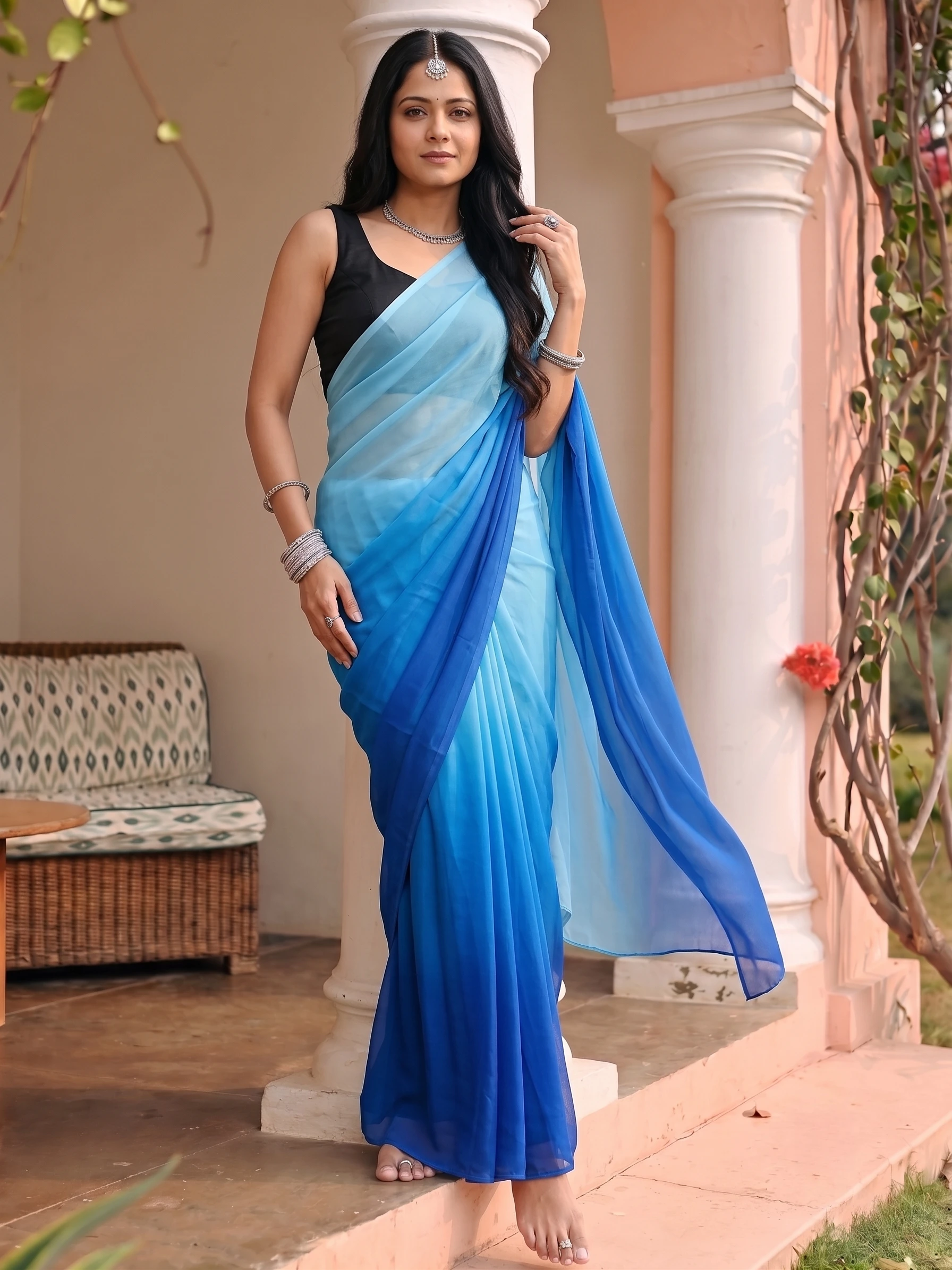
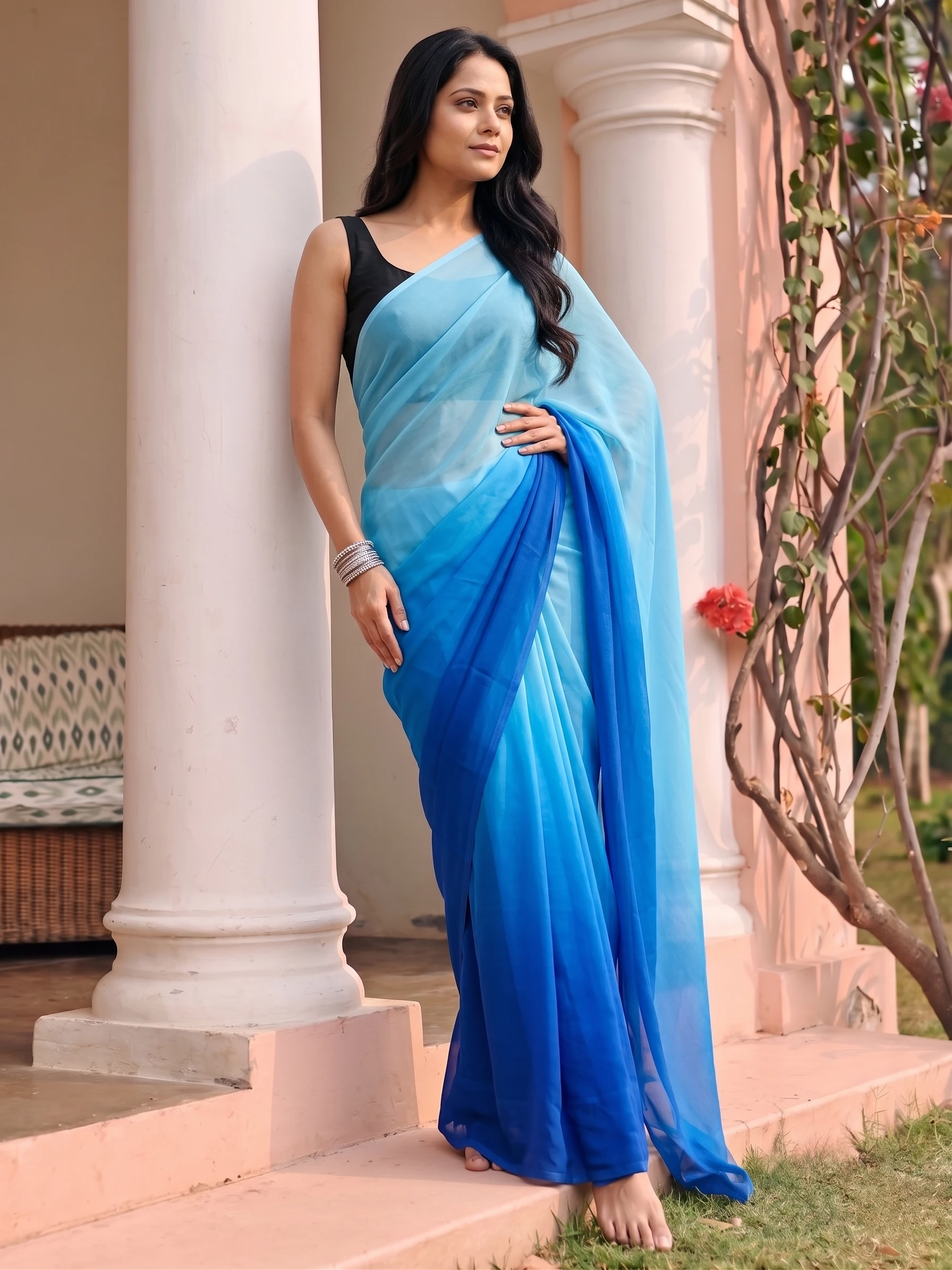
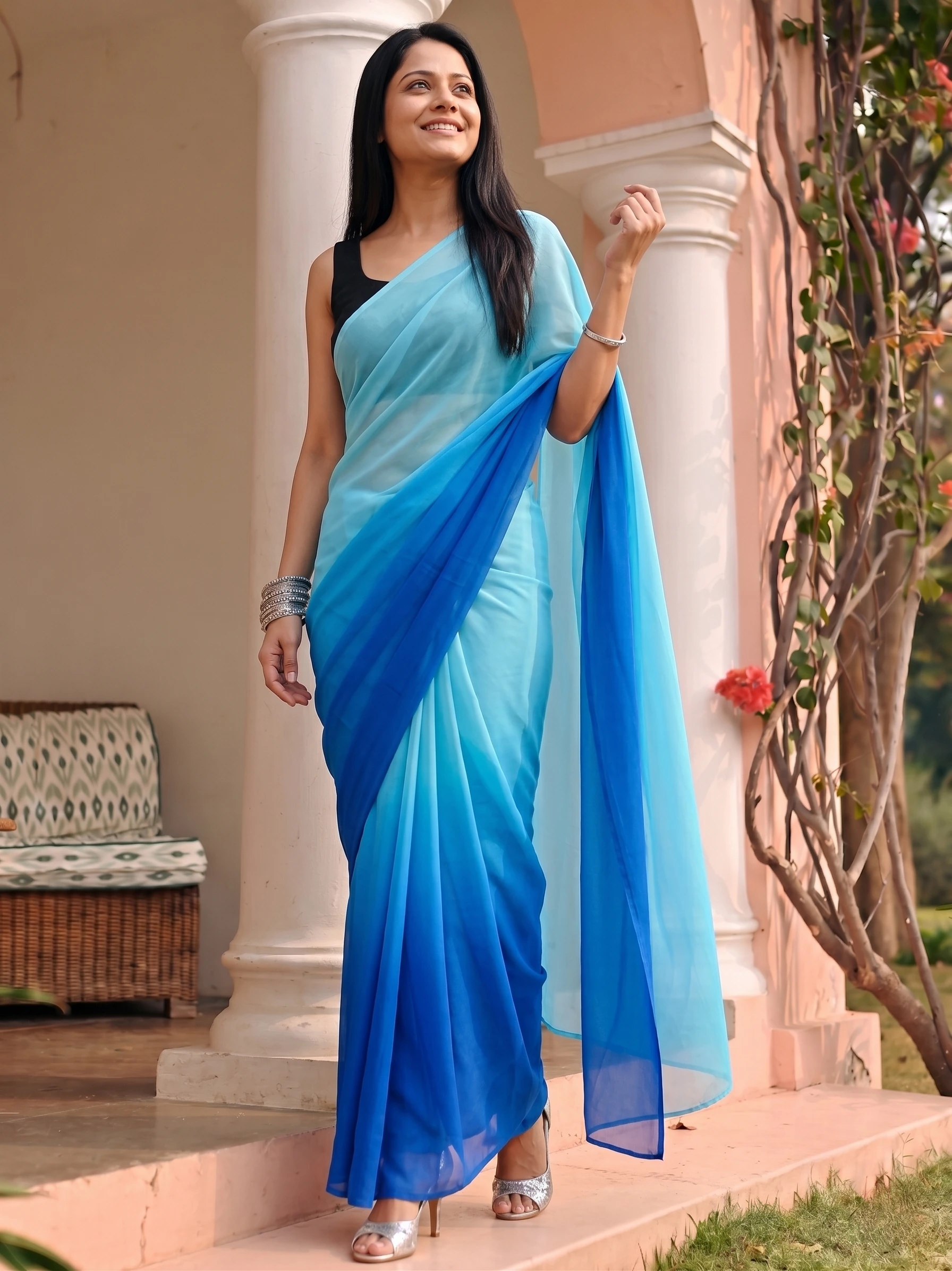
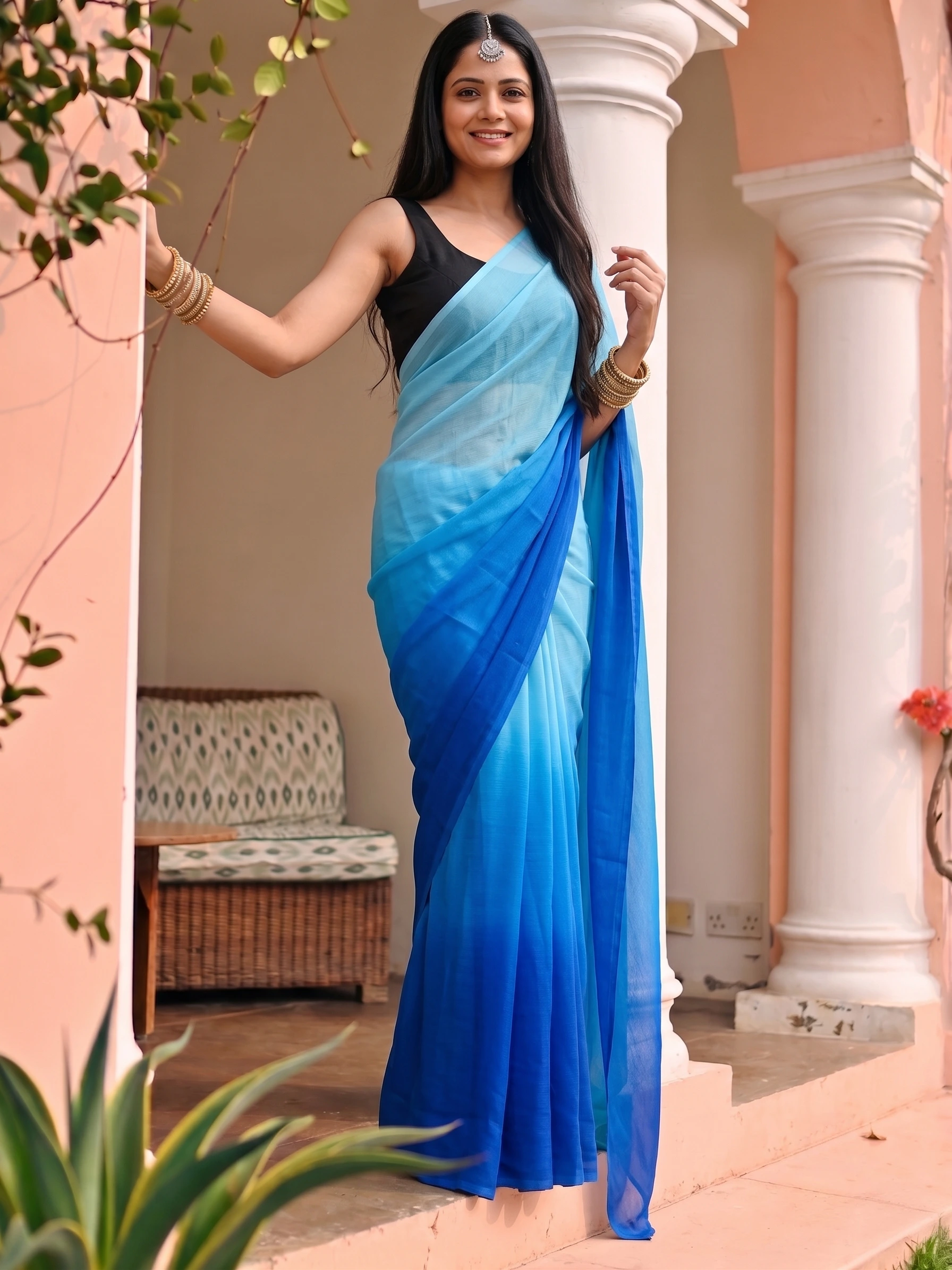
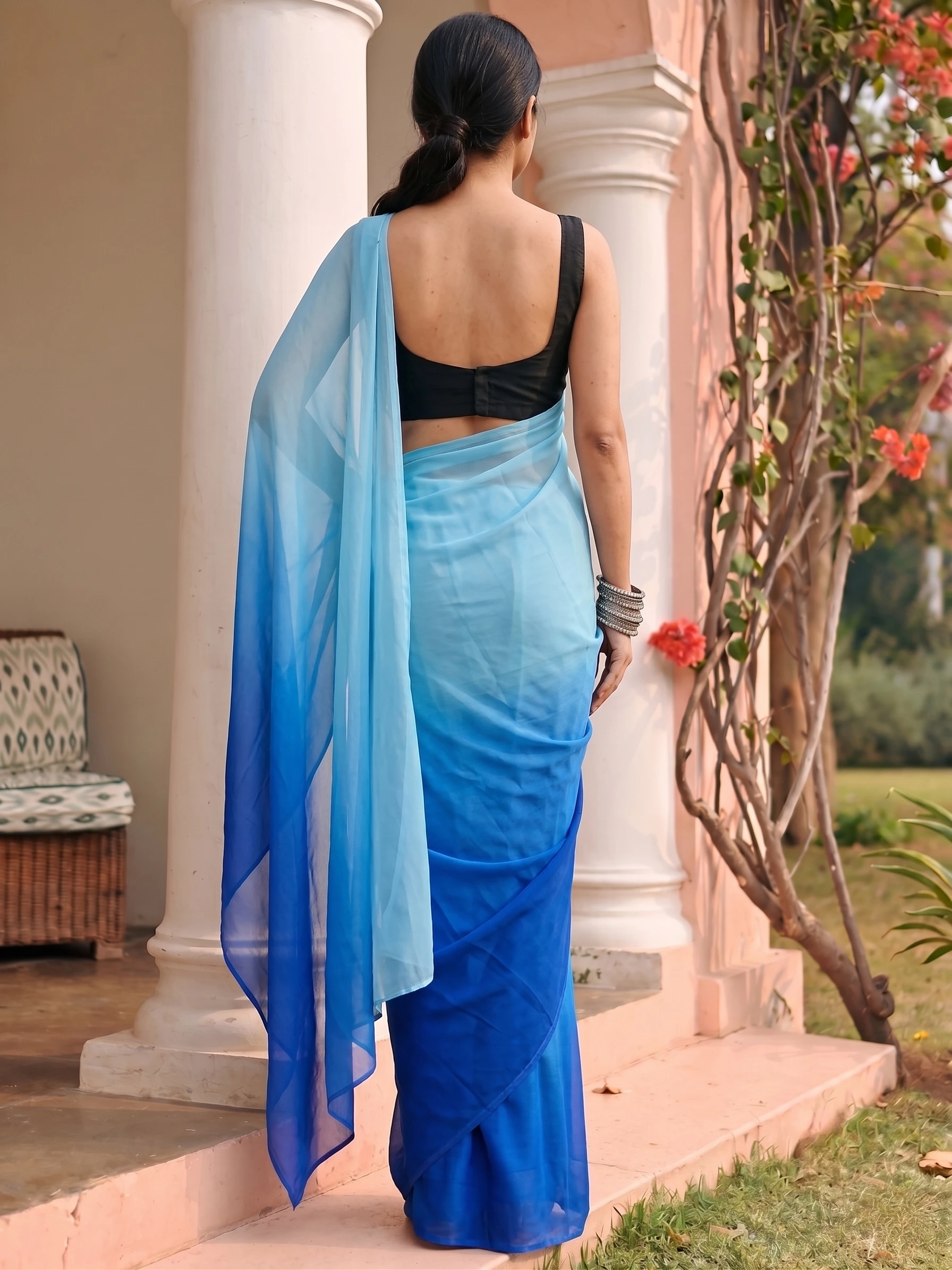
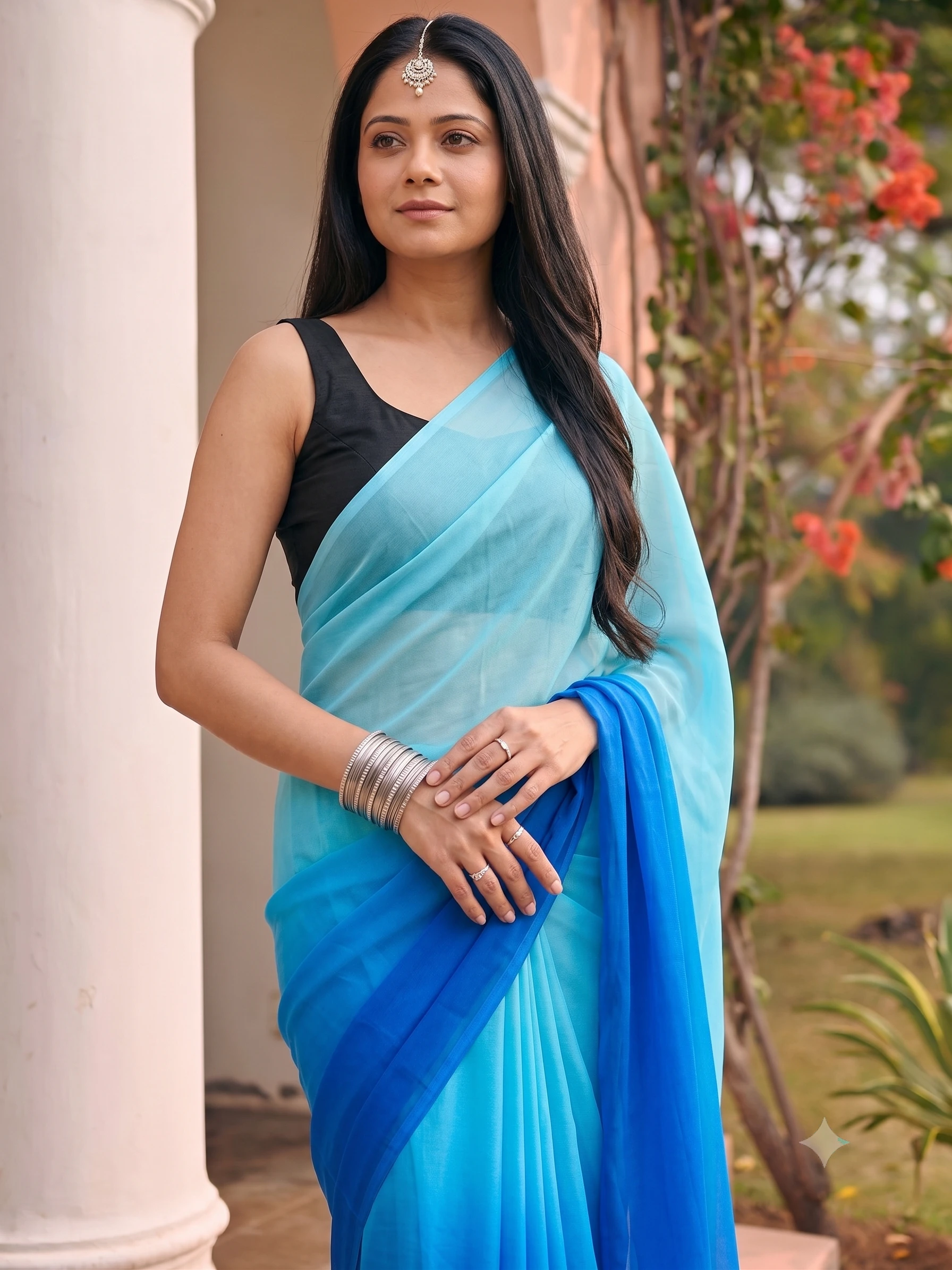
This is the output a flat lay cannot become in a design tool: the same saree and the same model in six frames, ready to drop into a listing or a banner.
3. A workflow that uses both
- Photograph the garment
A flat lay or hanger shot, square-on, in daylight. Our upload guide covers each garment type.
- Make the on-model shots in Vastralook
Pick the model and shoot, then download at the size your channel needs.
- Open your Canva template
Drop the photo into your festival banner, price card or story layout.
- Publish
Listing photos go to the marketplace as they are; the designed versions go to Instagram and WhatsApp.
If you need a size guide for marketplaces, our presets post lists the crops each one wants, so you do not resize by hand.
4. What it costs to make a photo
A 1K image you generate in Vastralook is about ₹20–₹25. A Create order, made by our pipeline, is 8 credits, or ₹8–₹10 at 1K, usually ready in 3–4 minutes. Plans work out to ₹20–22 per 1K image, and credit packs from ₹250 never expire.
| Vastralook plan | Price | Per 1K image | Per 4K image |
|---|---|---|---|
| Starter | ₹1,099 / mo · 1,000 credits | ₹22.0 | ₹44.0 |
| Growth | ₹1,999 / mo · 2,000 credits | ₹20.0 | ₹40.0 |
Canva publishes its own plans and, according to its pricing page, varies them by country. Its page returned an access error when we tried to read it on 15 October 2026, so we cannot quote a figure. Look at canva.com/pricing for what your plan includes, especially which AI and background-removal tools sit on the free plan.
- You need the garment worn, not laid flat.
- You sell sarees and drape matters.
- You want a set of matching listing photos fast.
- You want rupee billing with a GST invoice.
- You are designing a banner, a story or a price card.
- You need text, fonts and brand templates shared across a team.
- You are making print material or documents.
- The picture is already good and only needs layout.
5. Where Canva is clearly better
- Layout. Text, fonts, shapes and templates are what it was built for, and we do not try to compete there.
- Breadth. Social posts, documents, presentations and print from one tool.
- Team workflows around shared brand assets.
Frequently asked
Can Canva make on-model clothing photos?
Canva can edit and arrange photos and has AI image tools, but it is a design suite and not a studio built to put your exact garment on a model. Check what its current AI tools do on its own site before you rely on them for a product page.
Is Canva enough for my first clothing catalogue?
It can be, if flat lays with clean backgrounds are accepted on your channel and your customers are happy with them. When you need worn shots, a catalogue studio fills the gap.
Can I use Vastralook photos inside Canva?
Yes. Download the shots and place them in any design. Vastralook does not watermark at any tier.
Can I put AI model photos into my Canva banner?
Yes. Download the shot from Vastralook at the size you need and place it in any Canva design.
What does Canva cost?
We could not read Canva's pricing page on 15 October 2026, so we do not quote a price. It varies by country, so check canva.com/pricing.
Disclosure: Vastralook is our own product. Canva is a very good tool for design work, and we use that point of view throughout.