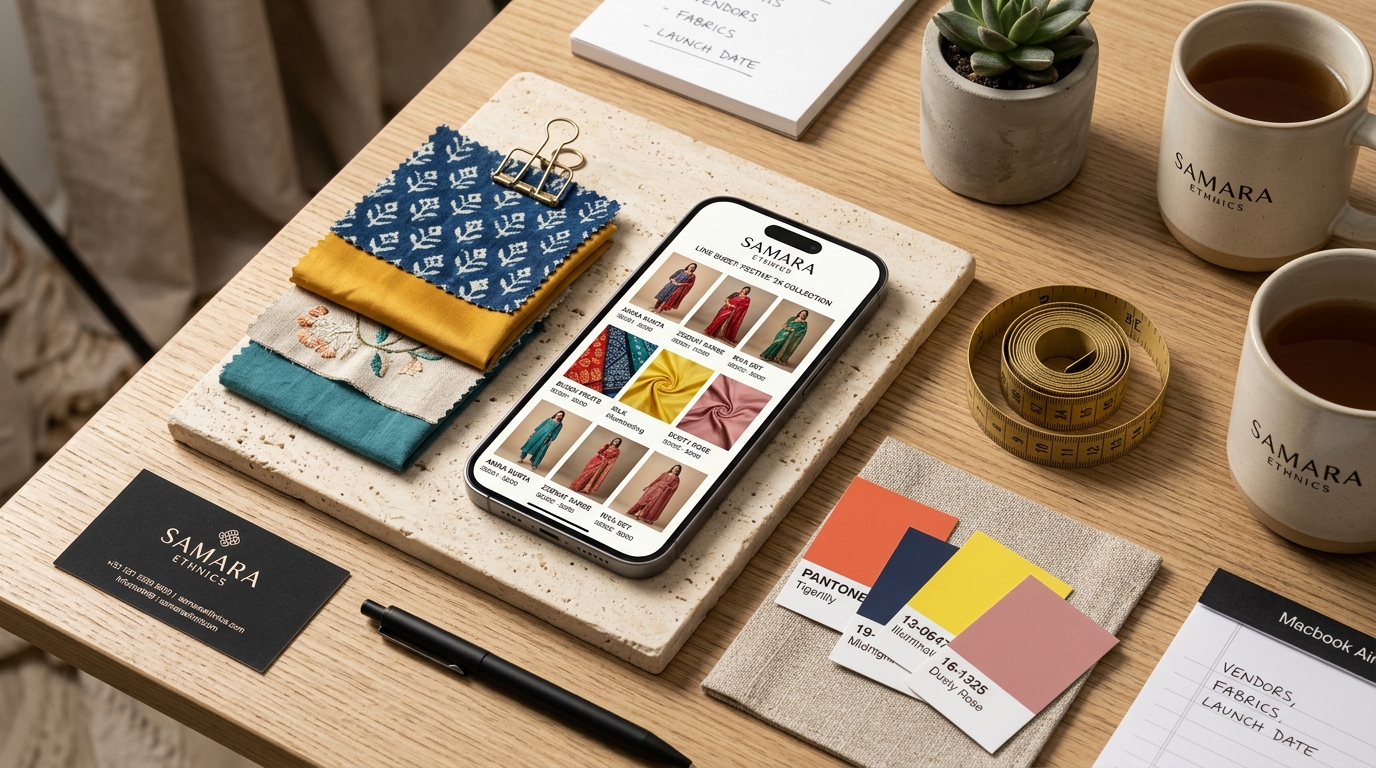
If you walk through the textile markets of Surat (Ring Road), Ahmedabad (New Cloth Market), or Delhi (Chandni Chowk), you will notice that almost no one is browsing desktop websites. Thousands of crores in wholesale ethnic wear, kurtis, and unstitched fabrics trade daily through WhatsApp Business chats and broadcast lists.
Yet despite doing crores in turnover, many manufacturers still showcase their collections the same way they did ten years ago: throwing an unstitched kurti or folded saree onto a godown floor, snapping a tilted phone photo under fluorescent tubelights, and blasting a 50-image photo dump to their buyer lists.
The hidden cost of godown floor photos
Floor shots hurt wholesale and boutique margins in four direct ways:
- Zero drape context: B2B buyers and boutique owners cannot see how a georgette or organza fabric hangs on a body, making them hesitant to place bulk MOQ orders.
- Price erosion: When garments look like commodity inventory dumped on tiles, wholesale buyers aggressively haggle on price per metre rather than appreciating the design craft.
- Image theft without attribution: Unwatermarked phone photos get forwarded across hundreds of reseller groups, stripping your contact information and allowing competitors to copy your designs.
- WhatsApp chat clutter: Dumping 60 unorganized photos into a chat overwhelms buyers. Clean, square catalog cards with SKU codes make ordering effortless.
| Feature | Smartphone Floor Photos | Vastralook WhatsApp Line Sheet |
|---|---|---|
| Visual Presentation | Flat cloth on warehouse floor | Professional on-model studio shoot |
| Aspect Ratio | Tilted 3:4 or random aspect | Perfect 1:1 square for WhatsApp grid |
| Buyer Confidence | Low (buyer wonders how it drapes) | High (complete silhouette visible) |
| Design Protection | None (easily poached) | Embedded brand logo and SKU watermark |
| Perceived Wholesale Value | Commodity / bargain tier | Premium D2C / export ready |
The 3-shot formula for WhatsApp clothing catalogs
Top-performing B2B apparel brands structure their WhatsApp catalog entries with a standardized 3-shot sequence per design:
- Shot 1: Full-length front standing hero on a professional AI fashion model. Shows the full outfit, hemline, and drape.
- Shot 2: Side profile or 3/4 candid angle showing garment fit, pallu fall, or sleeve structure.
- Shot 3: Close-up fabric and embroidery swatch highlighting texture, zari work, or lace details.
How to build a 50-SKU WhatsApp catalog in one afternoon
- 1. Capture flat garment photos
Lay each garment square on a flat surface and capture a clean top-down shot. Keep lighting neutral.
- 2. Batch generate in Catalogue Studio or Drape Studio
Select your garments, pick a consistent model, and choose clean studio lookbook packages. Select the 1:1 square aspect ratio for optimal WhatsApp viewing.
- 3. Apply your brand watermark and SKU prefix
In the Branding panel, upload your company logo and set position, opacity, and margin. Add client details or a design prefix (e.g. 'VL-FESTIVE-101') so every download carries your code.
- 4. Upload directly to WhatsApp Business Catalog
Create catalog items in WhatsApp Business with price, SKU, and description. Share complete catalog links or collections with one tap.
What is the best image size for WhatsApp clothing catalogs?
1:1 Square (1080 × 1080 pixels) is the recommended standard. It displays cleanly in WhatsApp chats, product catalogs, and Instagram feeds without awkward letterboxing.
Can I add my business phone number and logo to every image?
Yes. Vastralook's integrated branding tool lets you position your logo, phone number, or watermark in any corner with custom padding and opacity.
How many designs can I shoot in Catalogue Studio?
You can batch process dozens of garments simultaneously. The Batch Summary calculates the total shots and credits before you generate.
Do I need Photoshop or editing skills to make a line sheet?
No. Vastralook outputs finished, studio-lit, watermarked images ready to share directly to WhatsApp.