Reliance AJIO is one of the highest-converting fashion marketplaces in India, but its cataloguing team enforces some of the strictest visual quality filters in the industry. Submitting flat lays, harsh smartphone shadows, or mannequin shots often leads to immediate SKU QC rejections and delayed listing approvals.
Whether you are a Surat saree manufacturer, a Jaipur kurti brand, or an independent D2C seller listing on AJIO, this guide breaks down the exact technical specifications and pose sequences required to pass AJIO quality checks on the first submission.
Technical Specifications for AJIO Product Photography
| Parameter | AJIO Requirement | Vastralook Studio Default |
|---|---|---|
| Aspect Ratio | 3:4 Portrait (mandatory) | 3:4 (or custom 1:1 / 4:5) |
| Minimum Resolution | 1080 × 1440 px | 896 × 1200 (1K), 1792 × 2400 (2K), 3584 × 4800 (4K) |
| Color Space & Format | RGB / sRGB, JPEG or JPG | sRGB JPEG, web-optimized |
| Background Shade | Light Grey (#F2F2F2 to #EAEAEA) or Pure White (#FFFFFF) | Pure White Studio or Soft Grey Studio preset |
| Frame Coverage | Garment/Model must cover 80%–85% of frame | Automated 85% golden ratio framing |
| Watermarks & Logos | Strictly prohibited | Optional toggle (kept off for marketplace feeds) |
The 4 Mandatory Poses for AJIO Ethnic Wear Listings
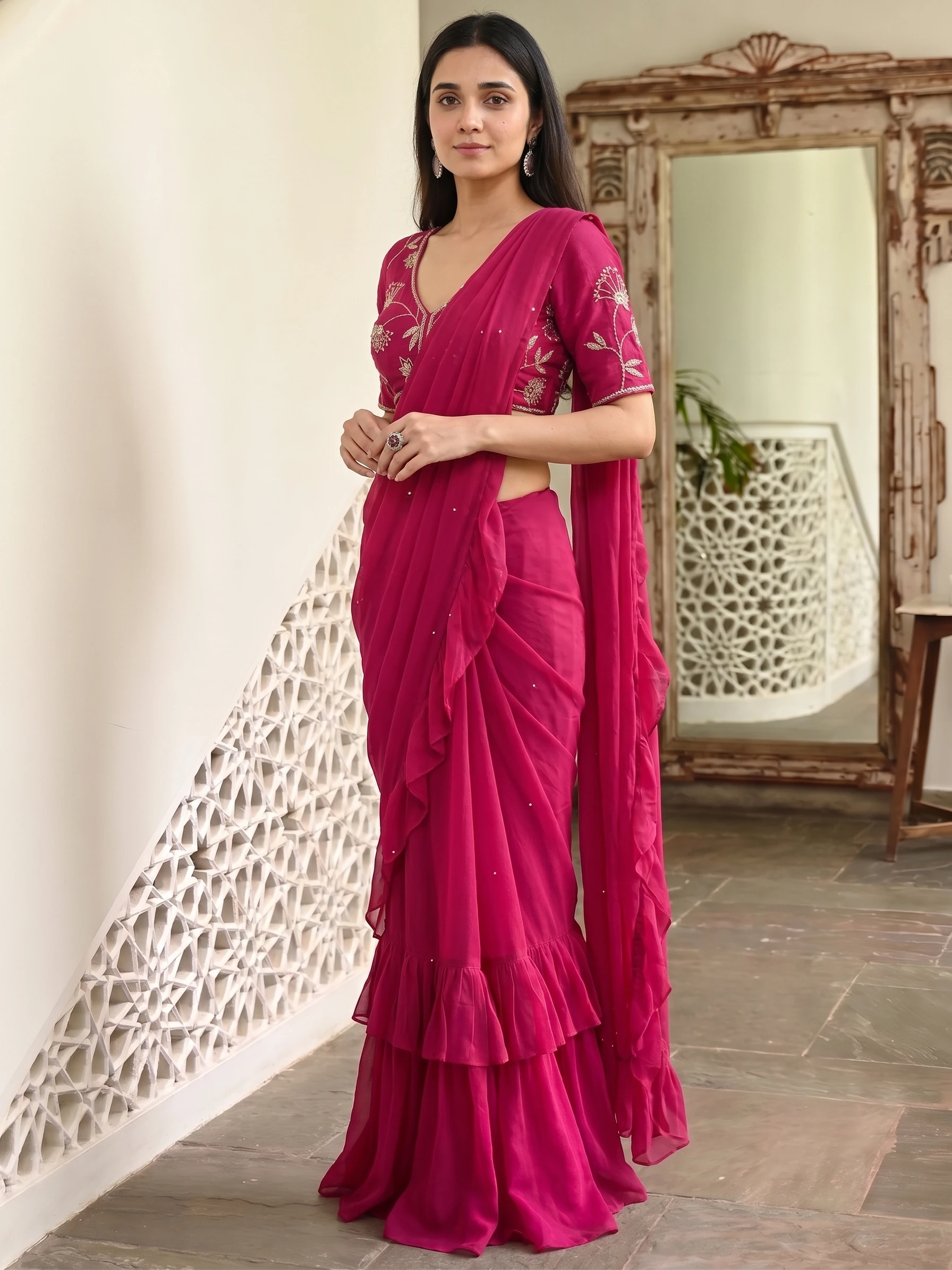
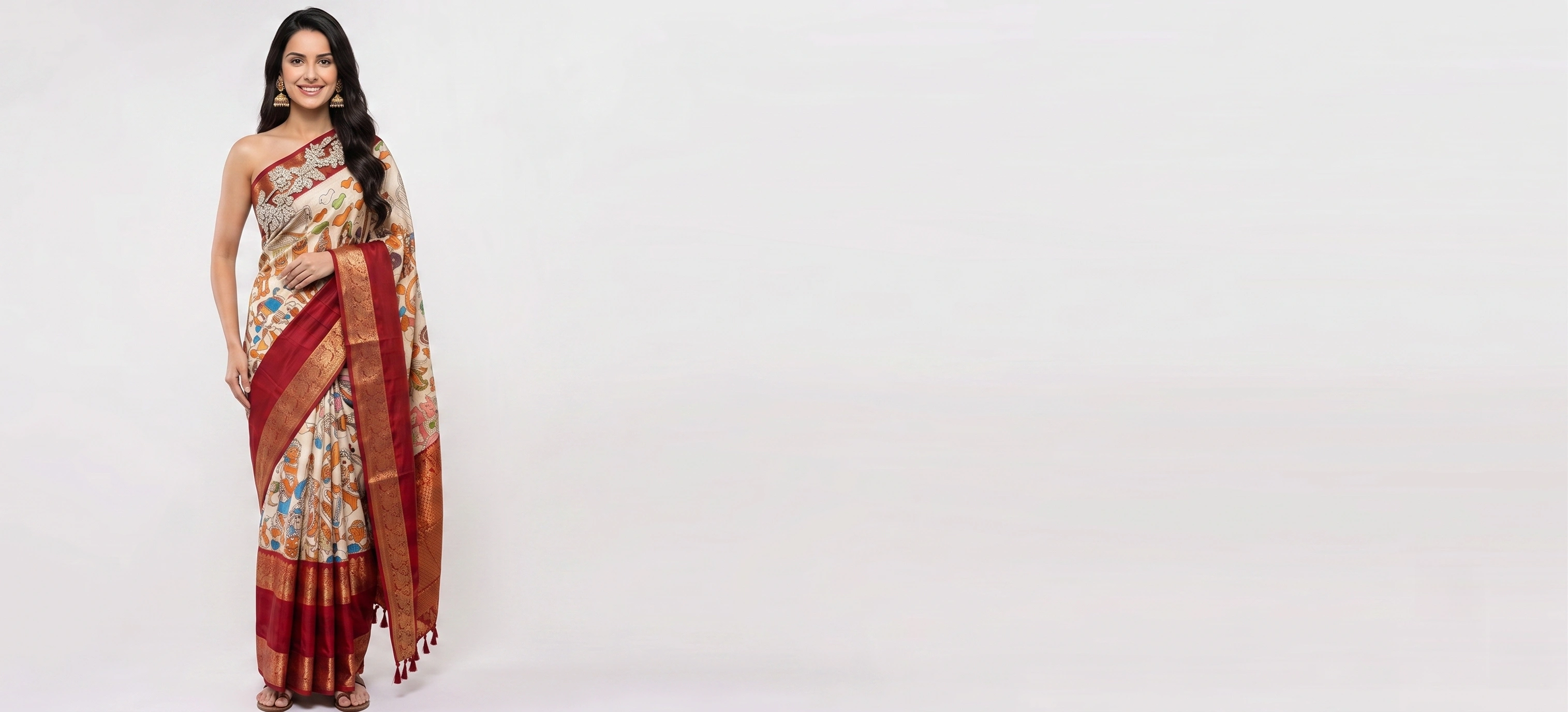
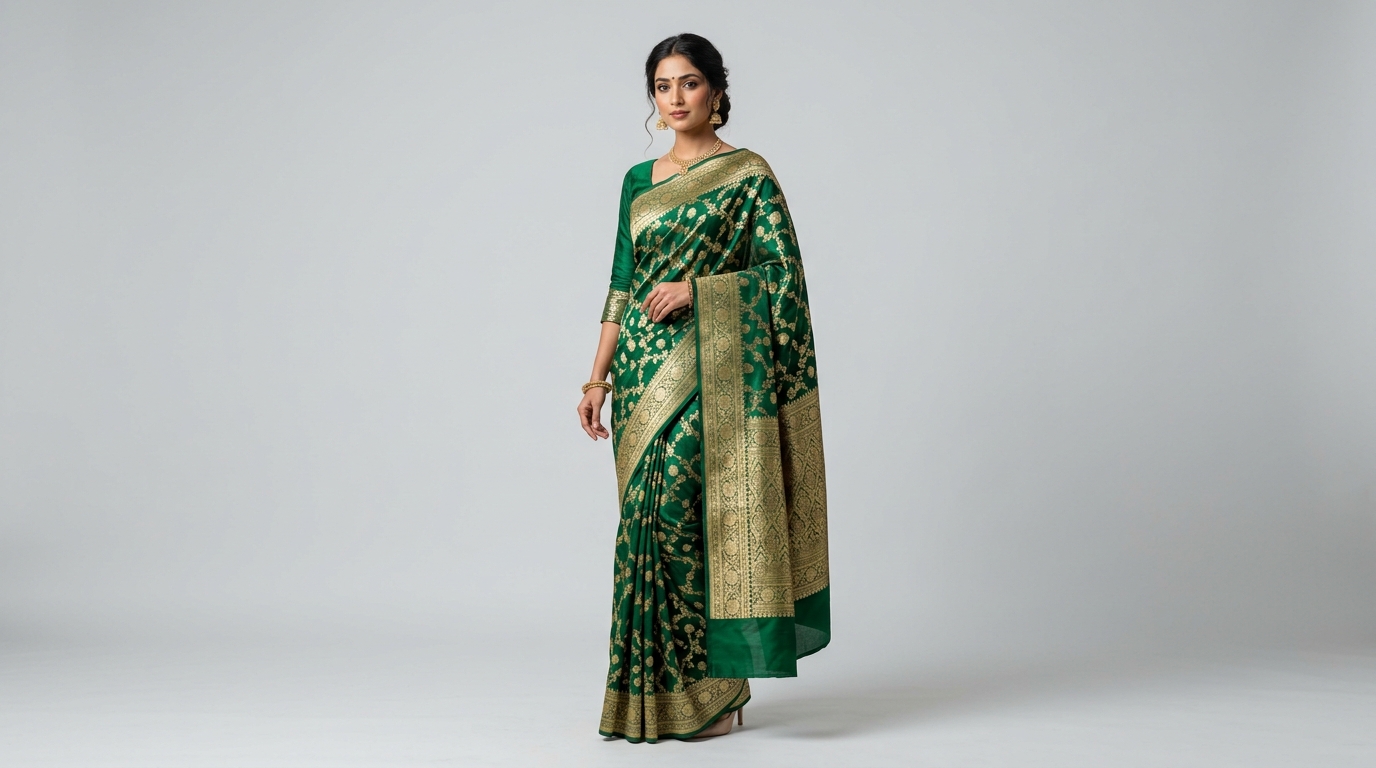
AJIO requires sellers to provide a comprehensive visual walkthrough of every garment. For sarees, lehengas, and suit sets, you need the following four key angles:
- 1. Full Front Standing (Main Hero Image)
Full-body head-to-toe shot showing the complete silhouette, pallu drape across the shoulder, and bottom hem border with natural posture.
- 2. Side Angle Profile (45° or 90° Turn)
Displays the sleeve fit, blouse armhole cut, flare of the lehenga or side pleat flow of the saree.
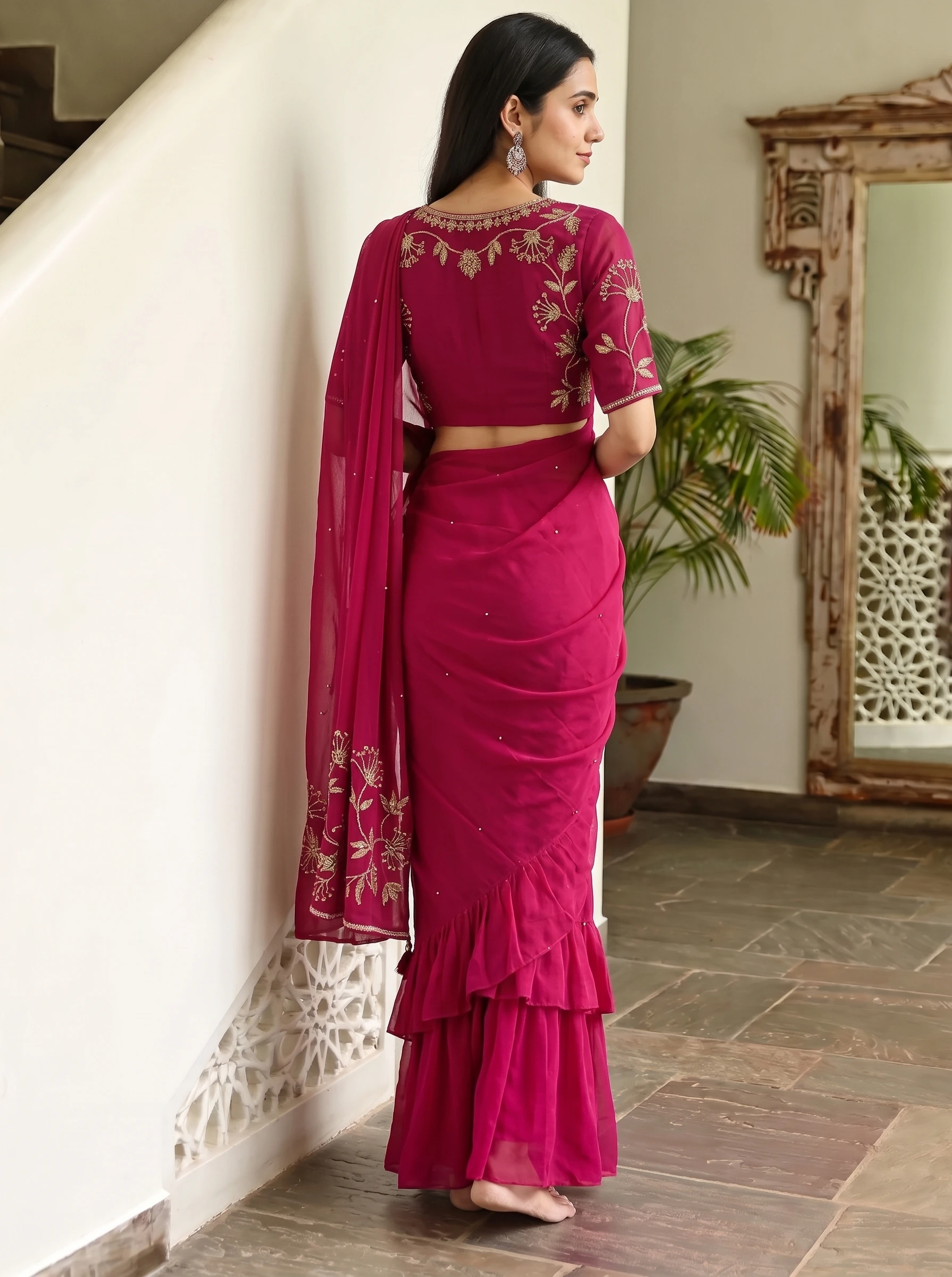
- 3. Back View
Essential for showing the back blouse neckline, dori ties, back embroidery motifs, and rear fall of the pallu/dupatta.
- 4. Fabric & Embroidery Close-Up
A sharp waist-up or fabric-level macro shot displaying zari weave, sequin work, lace borders, or print sharpness.
Common Reasons AJIO Rejects Fashion Product Images
- **Motif & Pallu Distortion:** Using generic AI tools that hallucinate random floral prints instead of the seller's actual fabric pattern.
- **Blouse Mismatch:** Showing a sleeveless model when selling an unstitched blouse fabric piece with full-sleeve border embroidery.
- **Harsh Shadows & Cluttered Backdrops:** Photos shot against shop racks, tiled floors, or outdoor gardens with distracting light leaks.
- **Inconsistent Model Faces Across Angles:** Submitting front and back shots with visibly different AI models for the same SKU.
- **Missing Fabric Close-up:** Submitting 4 wide shots without a single clear detail frame of the border and weave.
How Vastralook Generates 100% AJIO-Compliant Catalogues
With Vastralook's Drape Studio and Catalogue Studio, creating AJIO-compliant image sets takes less than 3 minutes without renting a photography studio or booking models:
- Upload your flat saree/garment photo into Drape Studio.
- AI edge detection finds the fabric boundaries automatically; adjust corners and pallu line with the precision loupe.
- Select the 'Light Grey Studio' or 'Pure White Studio' background preset.
- Pick the 4 mandatory AJIO poses (Front Standing, Profile, Back, Seated/Close-Up).
- Export in 2K or 4K resolution — ready to upload straight to AJIO Seller Hub.
What is the best image resolution for AJIO fashion listings?
The minimum allowed is 1080 × 1440 pixels at a 3:4 aspect ratio, but exporting at 1792 × 2400 (2K) or 3584 × 4800 (4K) ensures AJIO's interactive zoom tool functions smoothly.
Does AJIO allow ghost mannequin photos for women's ethnic wear?
No. AJIO strongly mandates live models (or photorealistic AI models with authentic garment drape) for adult women's ethnic wear, including sarees, lehengas, and kurtis.
Can I use the same images for AJIO and Myntra?
Yes. Both AJIO and Myntra use the standard 3:4 portrait ratio and neutral light grey/white background guidelines. Images created with Vastralook's marketplace presets satisfy both platforms simultaneously.
How does Vastralook preserve exact zari and embroidery on AJIO shots?
Vastralook's Drape Studio uses dedicated edge detection and an Auxiliary Close-Up slot, mapping your exact border, zari motifs, and fabric weave directly onto the generated model rather than generic prompt hallucination.
Sources
- Reliance AJIO Supplier Portal — Product Image & Listing Guidelines — AJIO's internal seller portal guidelines; read October 2026
- Fynd Commerce — AJIO Marketplace Cataloguing & Image Guidelines — Marketplace integration partner documenting AJIO cataloguing rules; read October 2026
- Fynd Commerce — Myntra Image Requirements — Myntra listing guidelines; read October 2026