How to use Vastralook
Pick your studio for a step-by-step walkthrough — a real screenshot for every step, with the button to press ringed.
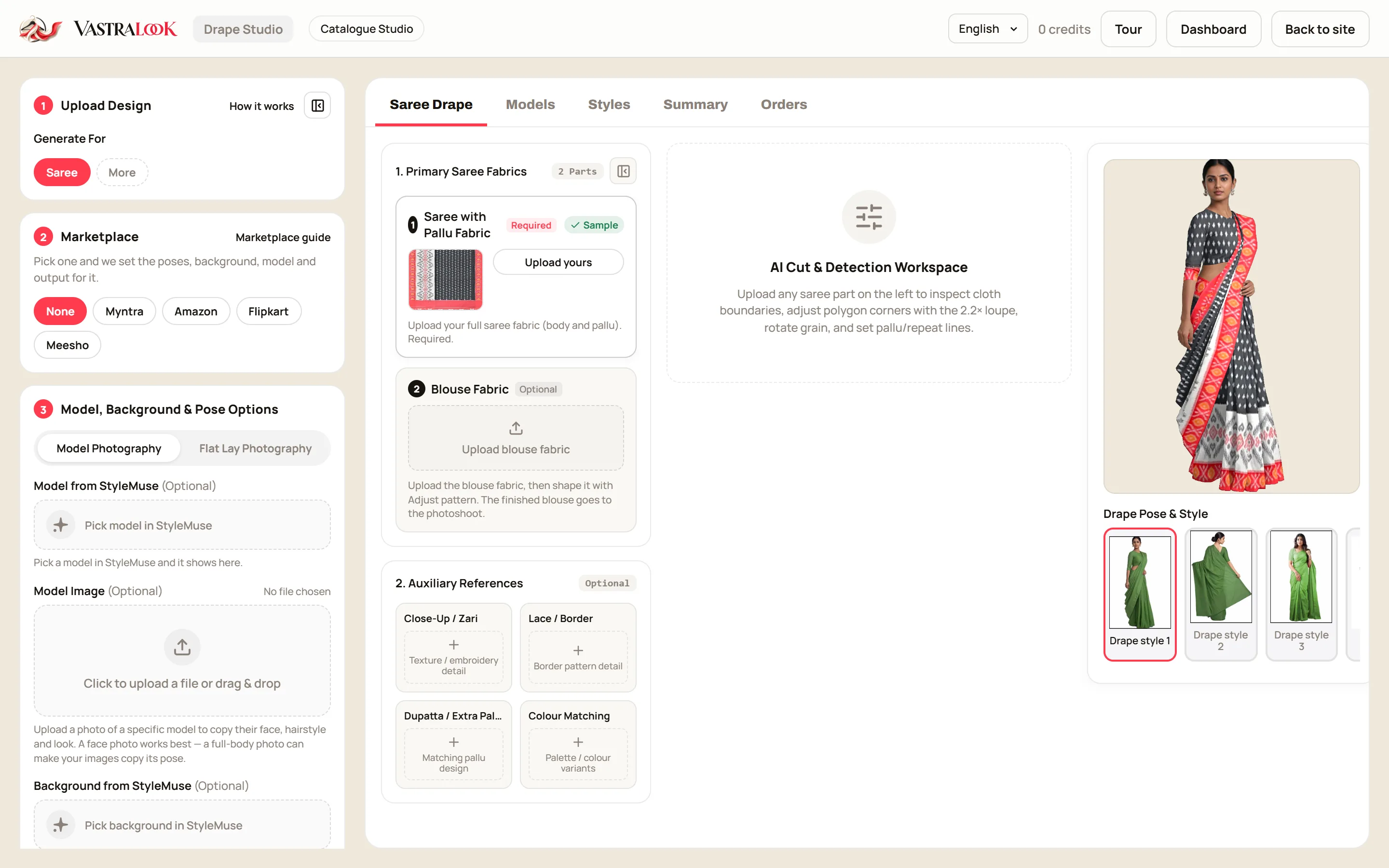 Drape StudioDrape Studio guide: your saree on a model, step by stepRead the guide
 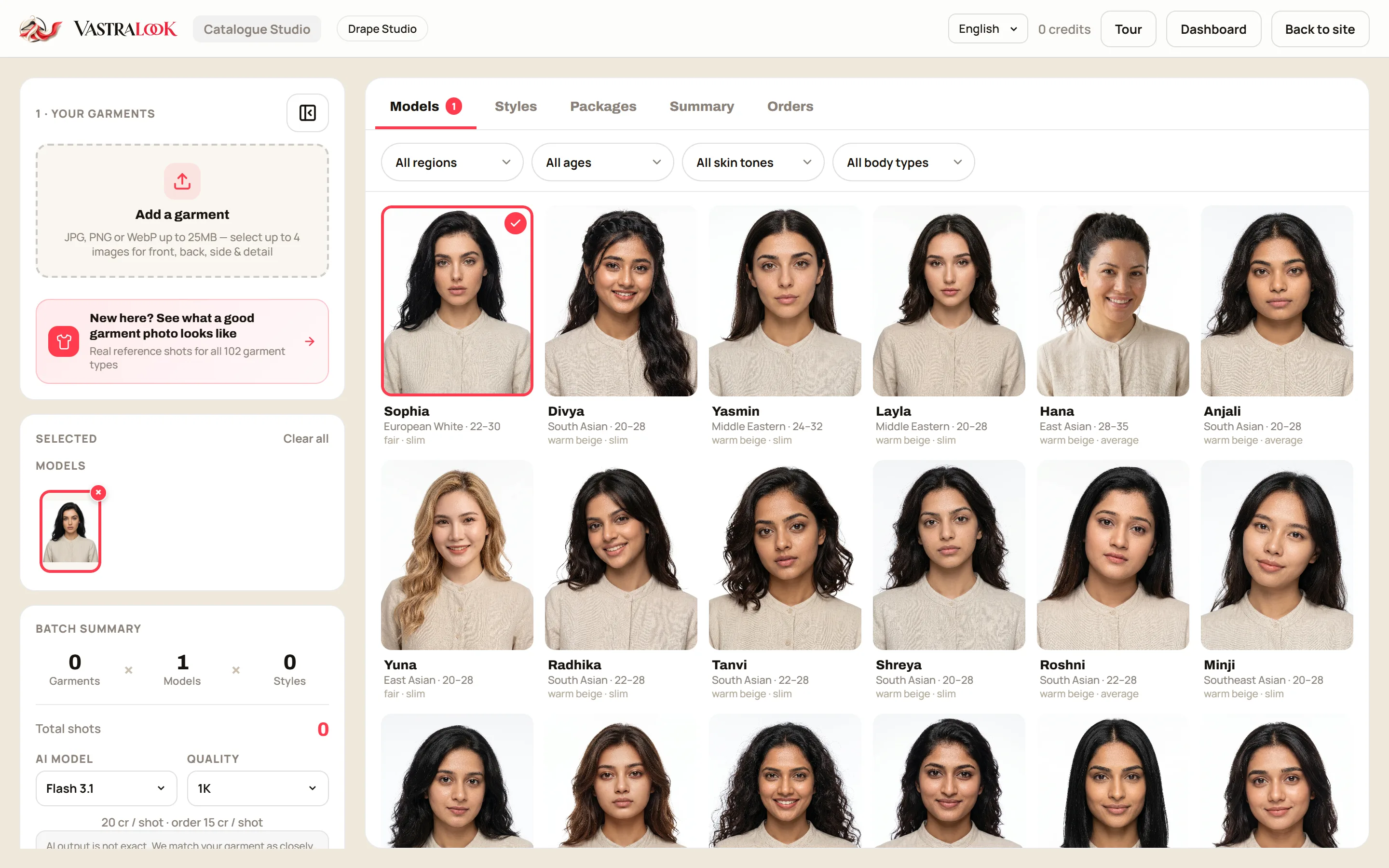 Catalogue StudioCatalogue Studio guide: a whole catalogue in one batchRead the guide
 How-to guides
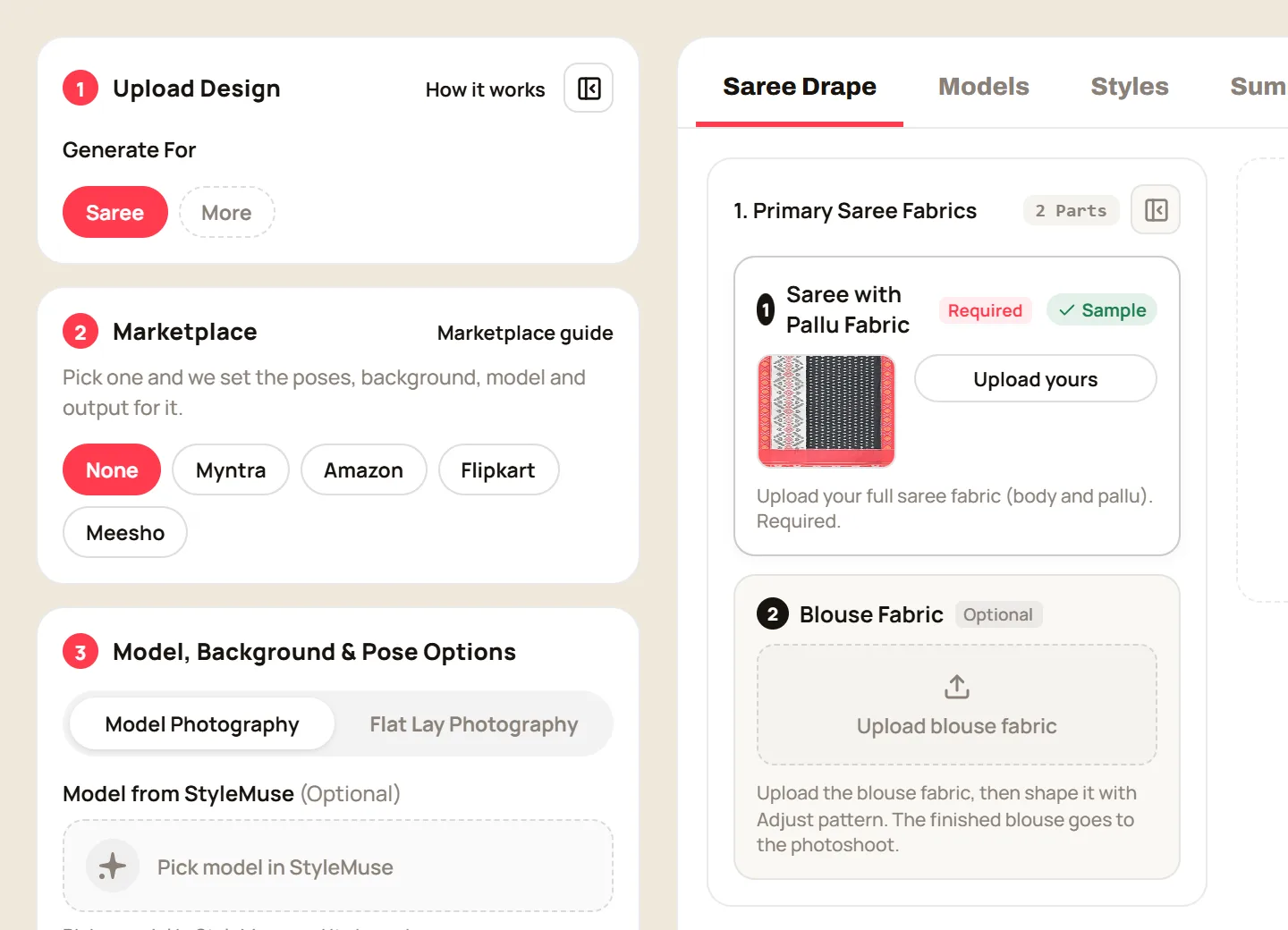 Marketplace presetsMarketplace presets: Myntra, Amazon, Flipkart and Meesho in one tapRead the guide
 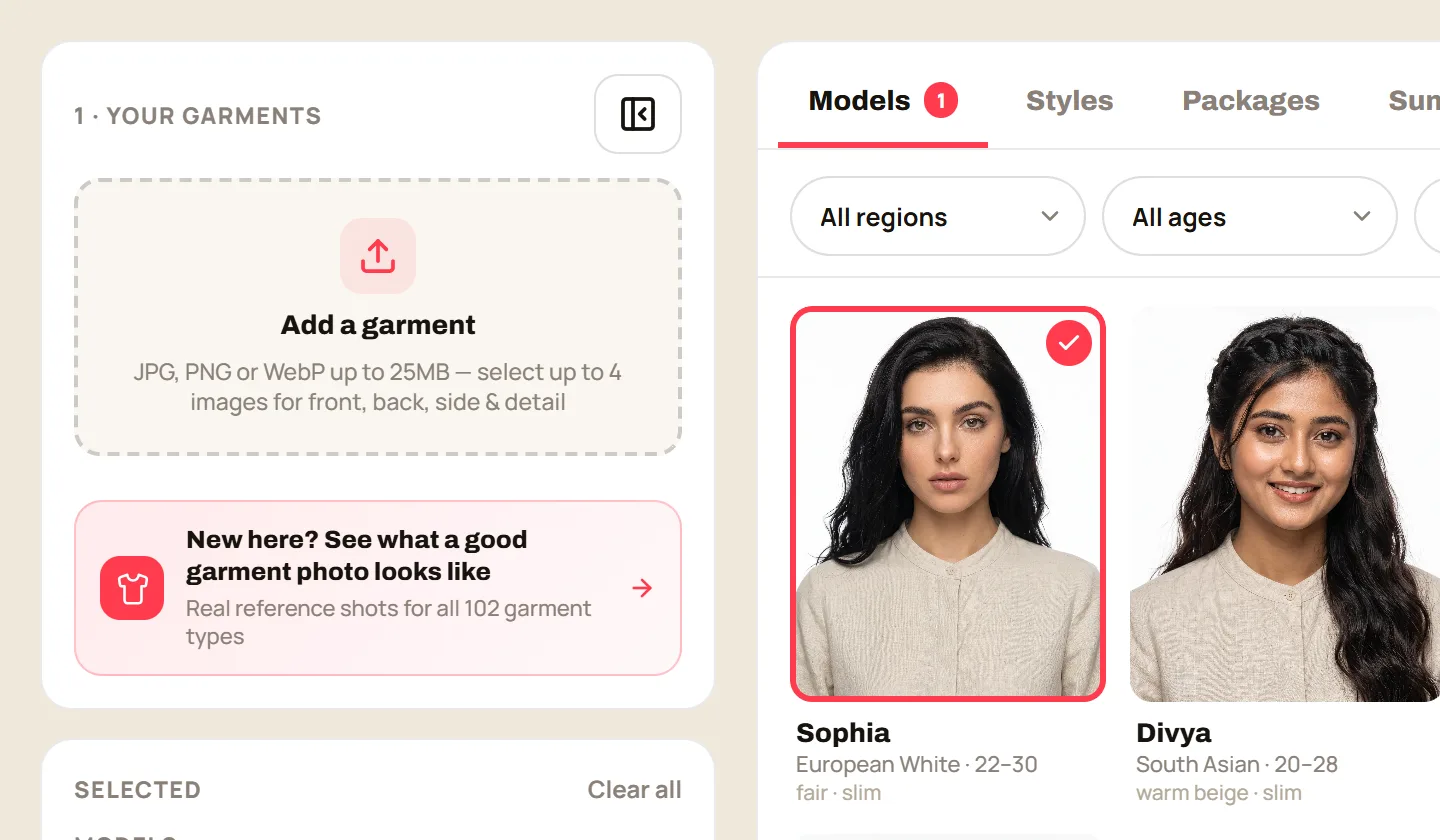 Before you uploadBefore you upload: the garment photo that gets it right first timeRead the guide
 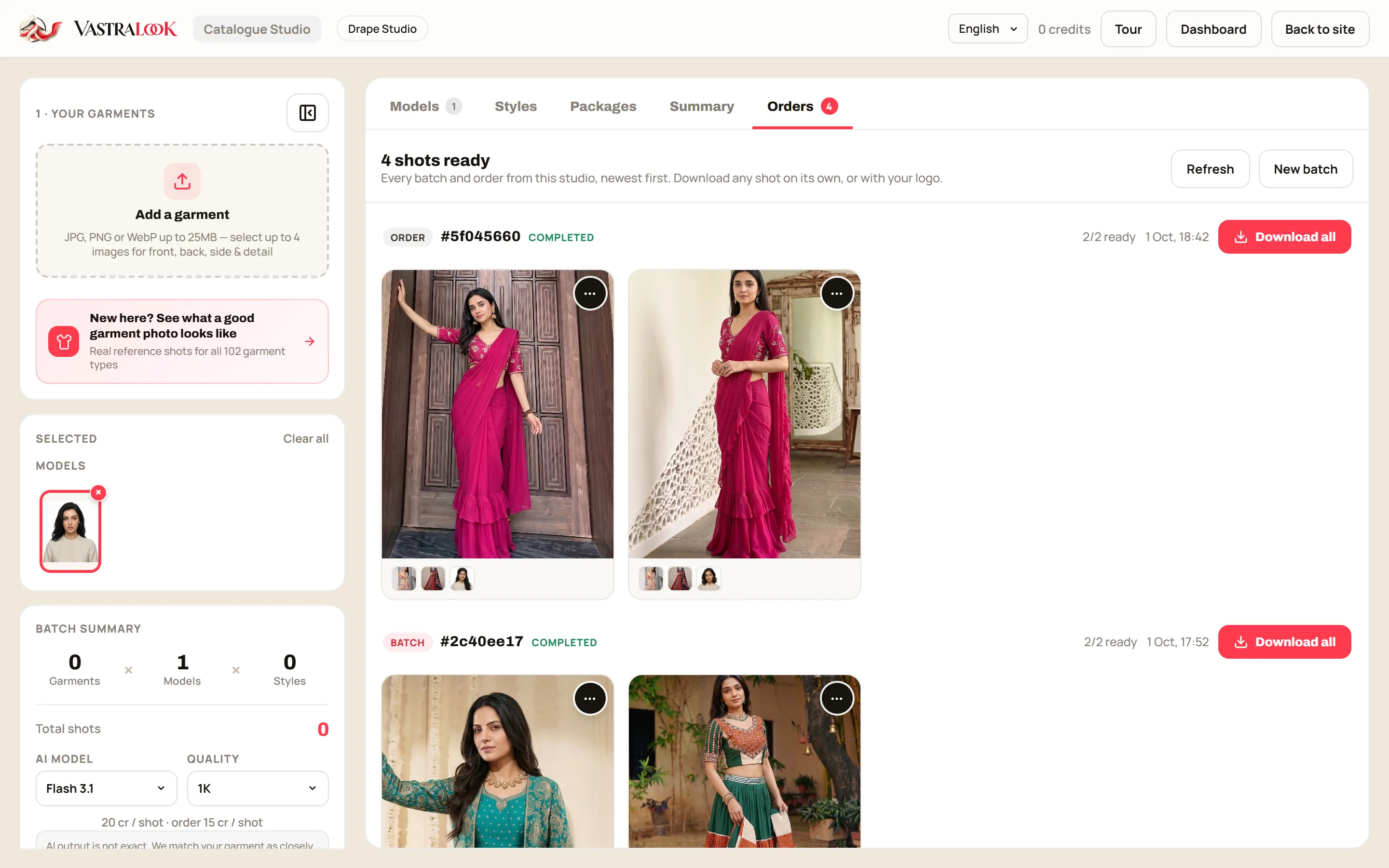 Orders and downloadsOrders and downloads: track, download and get credits backRead the guide
 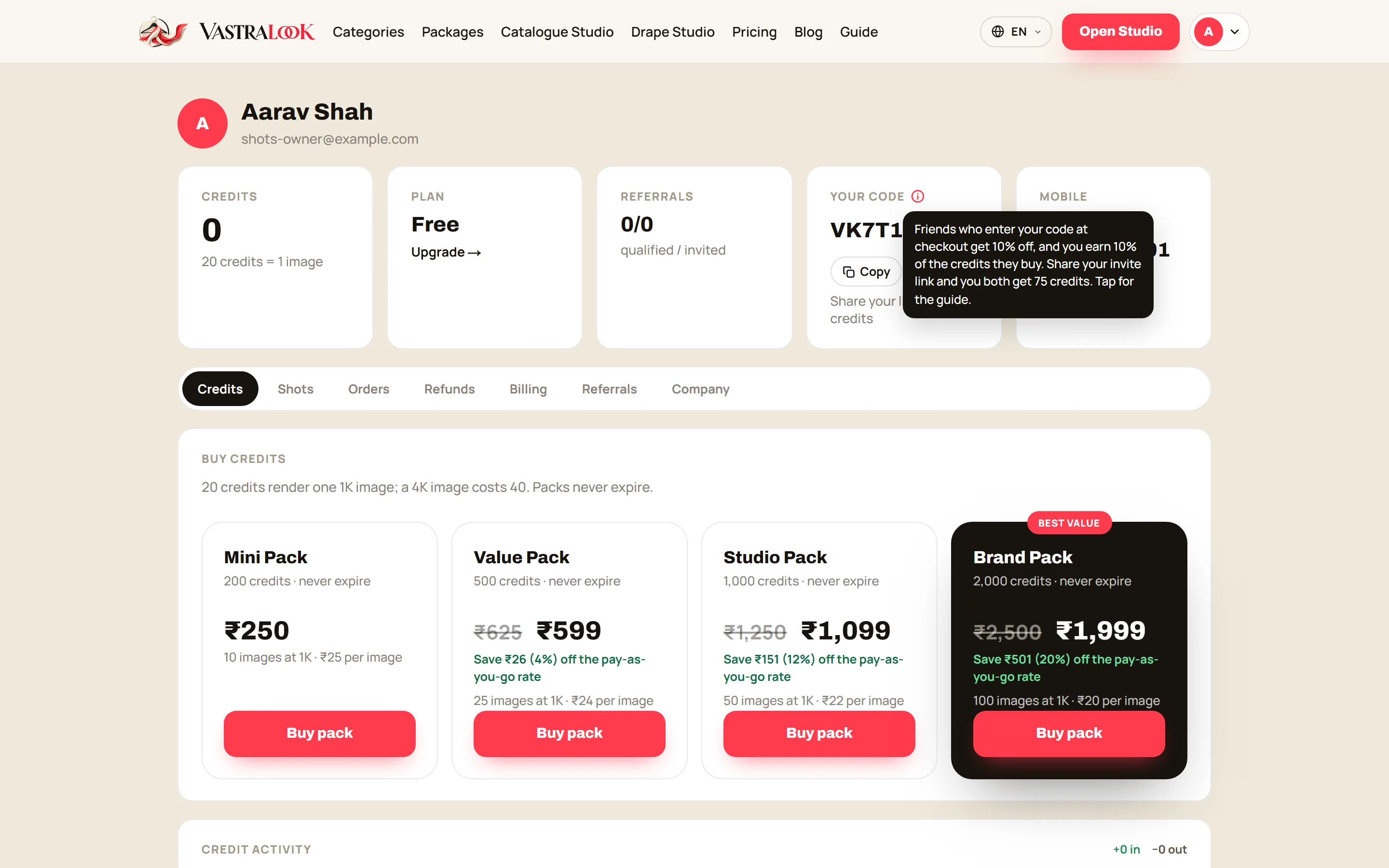 Codes and referralsYour code, invite link and coupons: how to earn credits and save on a purchaseRead the guide
 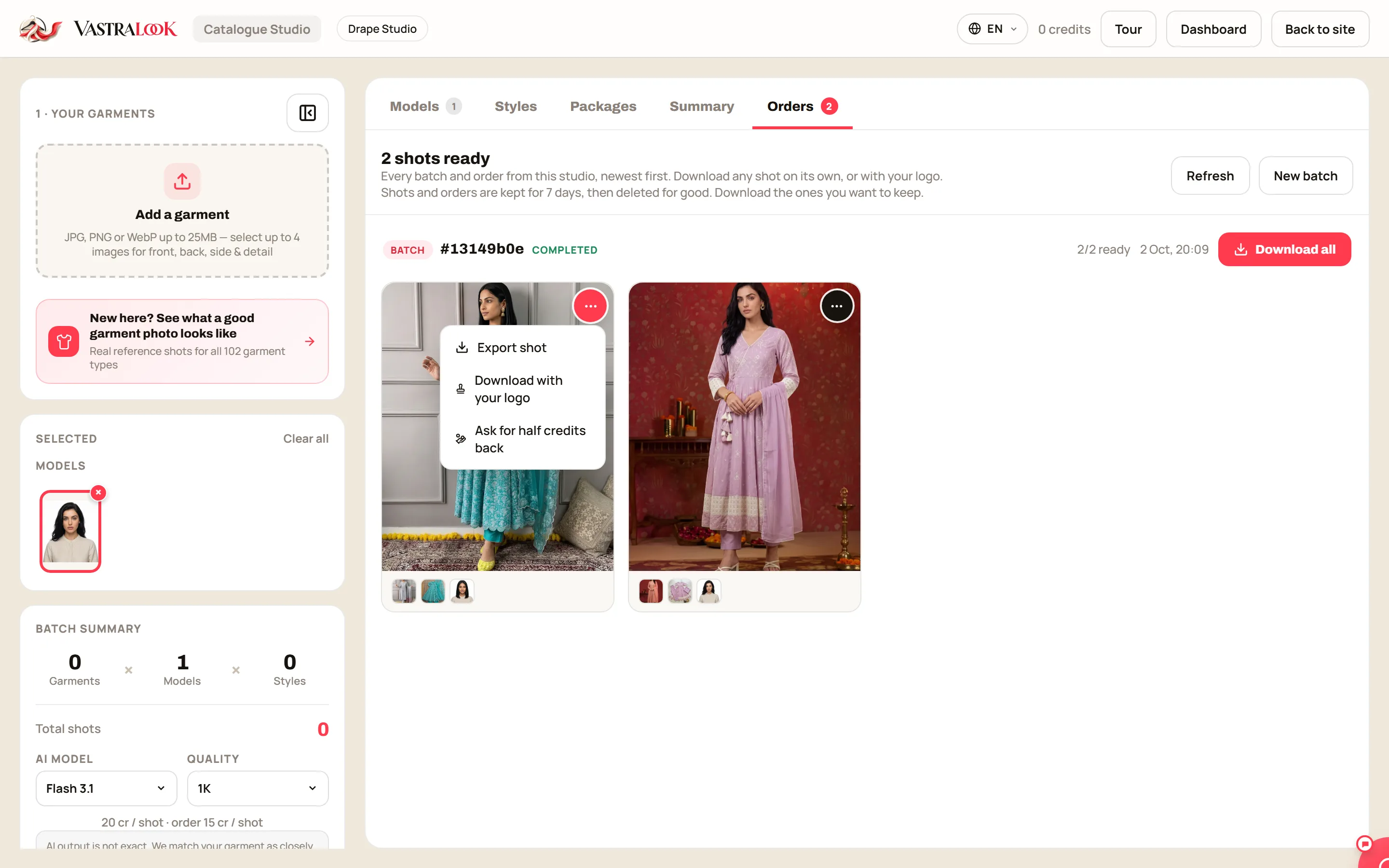 Credits back on a shotAsk for 50% of the credits back on a shot that missedRead the guide
 If something looks wrong
Pallu design in the pleats? How to put the pallu on the shoulderRead the guide Saree border or pallu showing on the blouse? Crop the blouse photoRead the guide Colour in the AI photo does not match your garment? Fix the photo firstRead the guide A shot failed? What it means and what to do nextRead the guide
Preparing your garment photos? See the garment upload guide.