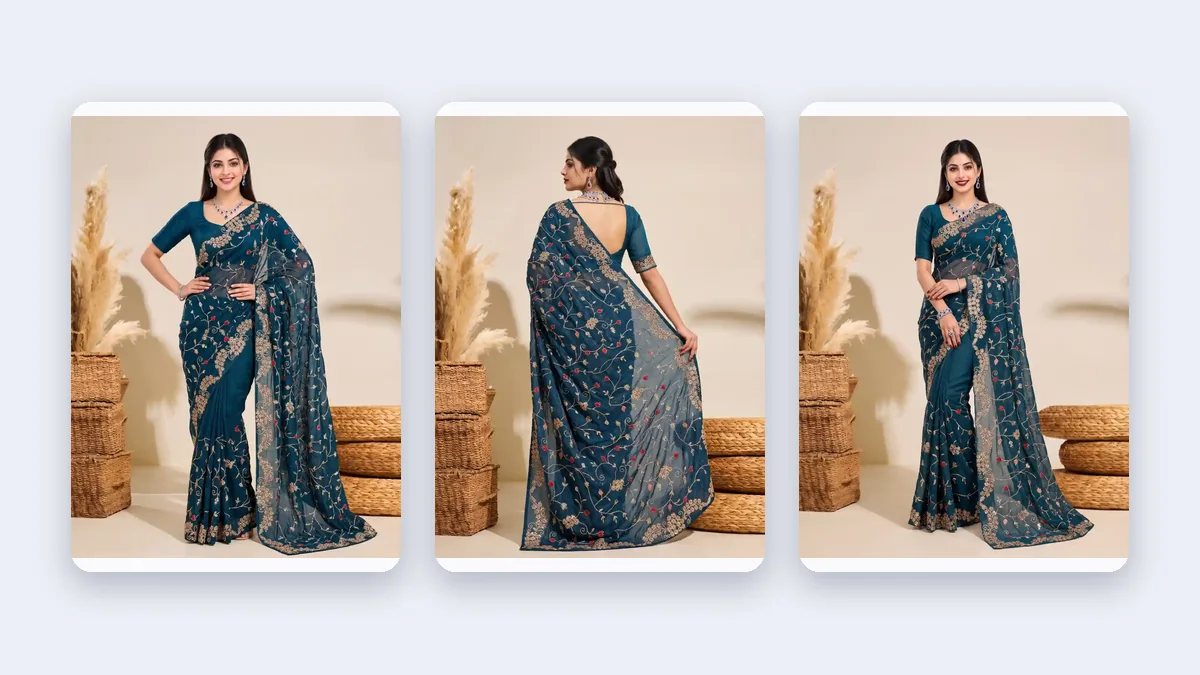
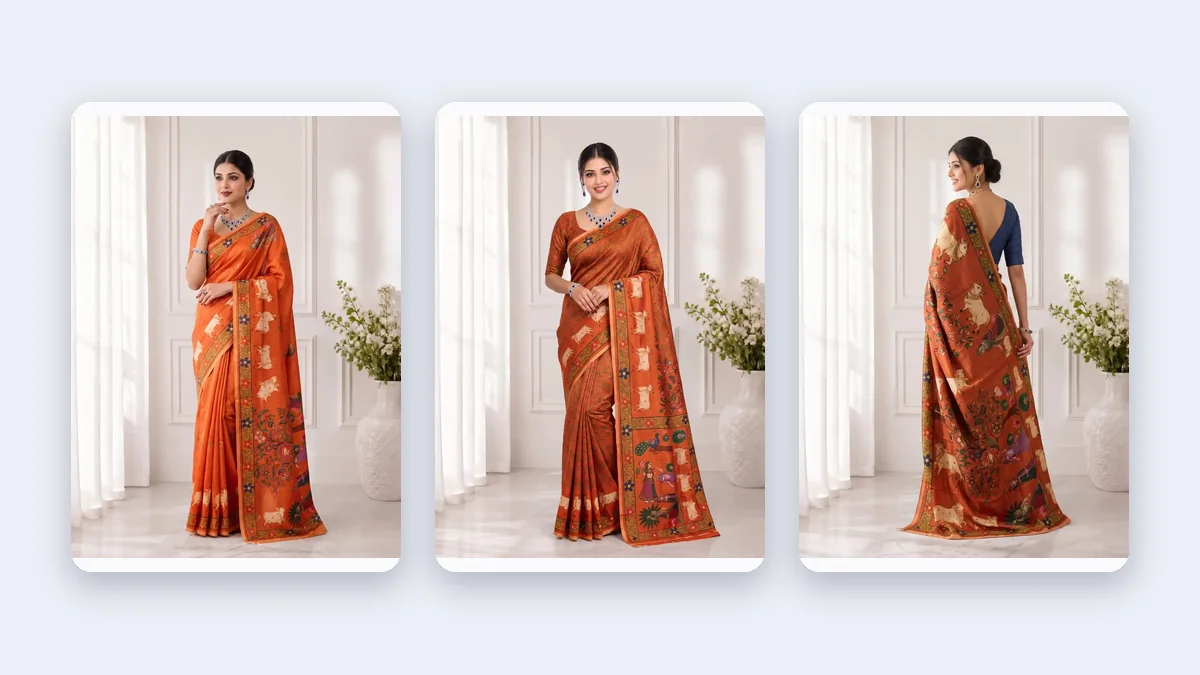
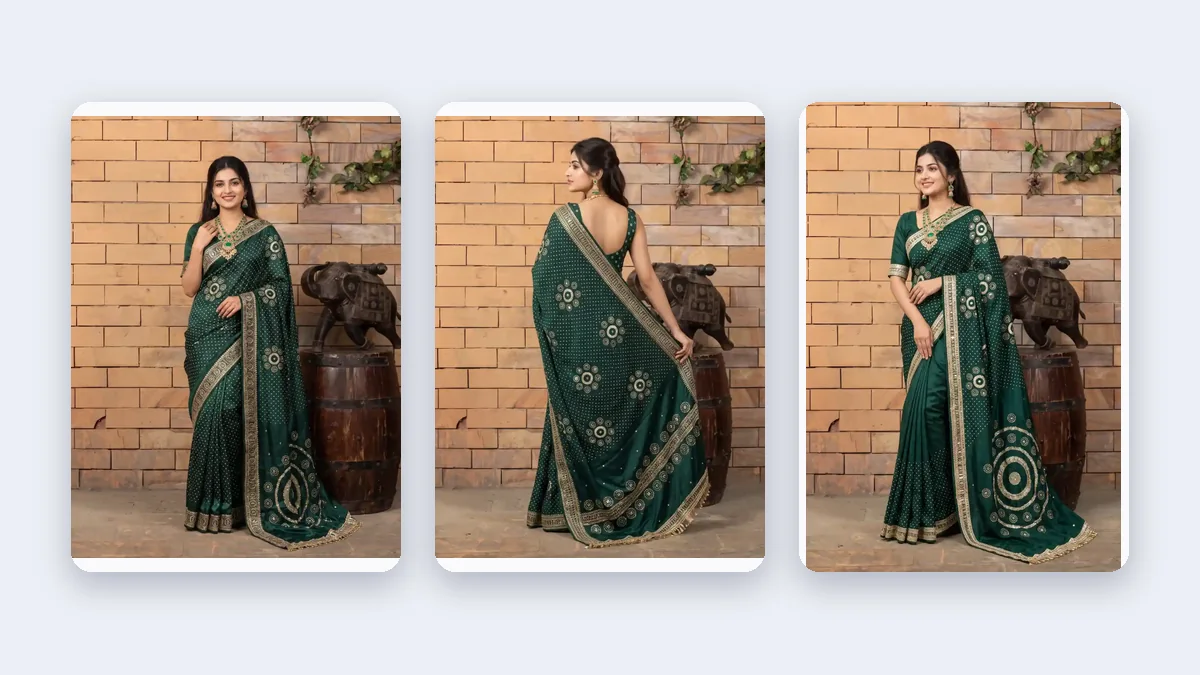
Meesho is India's largest social commerce and reseller platform, but competing on price alone is a race to the bottom. When twenty sellers upload the same blurry catalogue photo forwarded in a WhatsApp group, the only lever left is the price, and your margin goes with it. AI photos for Meesho sellers are one way out: a fresh, clean on-model image of the exact garment you sell, made without a studio, a model booking or a photographer.
This guide covers what a good Meesho listing photo needs, what to ask of an AI photo tool, and how to produce a full set for a saree in a few minutes using the Meesho preset in Vastralook.
Why do Meesho sellers need their own photos?
Most Meesho garments come from a small number of wholesalers, and the supplier usually shares the same set of pictures with everyone. When your listing looks identical to ten others, the shopper compares only the price. A different image does not guarantee more orders, and results vary, but it gives the shopper a reason to stop on your listing instead of the one above it.
There is a second reason. Supplier photos are often cropped badly, compressed, or carry the wholesaler's own marks. Your own image is clean, and you can show the garment from the angles a buyer needs.
What should a good Meesho listing photo look like?
Meesho feeds are mostly scrolled on phones, often in bright light, and the shopper sees a small thumbnail first. Three habits matter more than anything fancy.
- 1. Use a clean, high-contrast background
A white or light grey studio makes coloured sarees and kurtis stand out on a small screen. Busy backgrounds fight the garment, and the colour is what the shopper is judging.
- 2. Keep the image free of text and contact details
Do not add phone numbers, price banners or your shop name over the photo. Marketplaces tend to suppress or reject images with text and contact details on them, so check the current image rules in your Meesho supplier panel before a big upload.
- 3. Show accurate front and back views
A clear front and back view reduces wrong-item and not-as-shown disputes, which protects your seller rating. It also answers the questions buyers would otherwise message you.
What should you look for in an AI photo tool for Meesho?
- It should keep your fabric. The saree or kurti in the photo must match the one you ship, in colour, print and border. A beautiful image of a different garment becomes a return.
- It should make the same set quickly for many listings. Meesho sellers add products in bulk, so a tool that needs long set-up for every item will not fit.
- It should let you choose the model and background, so a whole catalogue looks like one store.
- It should show you what a shot costs before you order, in a unit you can plan around.
- It should be honest about misses. Output varies, so you need an easy way to check each shot and a clear policy when one misses.
How does the Meesho preset in Drape Studio work?
Drape Studio is Vastralook's studio for sarees and lehengas. The second card on the left is Marketplace, with chips for Myntra, Amazon, Flipkart and Meesho. Tap Meesho and the studio sets the poses, background, model and output in one go.
| Setting | What the Meesho preset sets |
|---|---|
| Poses | 3: Front Standing, Left Profile, Back View |
| Background | Light Grey Studio |
| Model | Indian Model |
| Size | 1K |
| Aspect ratio | 3:4 portrait |
| Format | JPEG |
Meesho is the only preset at 1K, which makes it the cheapest per shot. You can still change the poses, background, model or size afterwards, and your change wins. The exact settings of every marketplace preset are written up in the Marketplace presets guide.
How do you make Meesho photos of a saree, step by step?
- Photograph the saree flat
Lay the saree on a bed or table in daylight, with the body and pallu both visible, and take one clear phone photo. Crop it tight so only the saree is in the frame.
- Upload it in Drape Studio
Add the photo under Primary Saree Fabrics in the Saree Drape tab. Use the original photo, never an earlier AI image.
- Square up the cut and set the pallu line
Check the corners sit on the cloth, then set the pallu line so the decorated end falls over the shoulder. Press Use this cut to see the saree draped.
- Tap Meesho and pick a model and background
The preset fills the rest in, but a model and a background from StyleMuse are both required before you can order. Pick them once and reuse them for every listing.
- Order and check each shot
Press Instant or Budget. When the shots arrive, look at the pallu, the border and the colour against your photo before you upload anything to your Meesho panel.
How many credits does a Meesho listing cost?
Every shot costs credits, and the price depends on the order type and the size. At 1K, an Instant shot costs 10 credits and a Budget shot costs 7. The Meesho preset has three poses, so one saree costs 30 credits on Instant or 21 on Budget. Budget takes a little longer: 4 to 5 minutes against 1 to 2 for Instant.
| Order type | Credits per shot at 1K | 3 poses (one saree) | Ready in |
|---|---|---|---|
| Instant | 10 | 30 | 1 to 2 minutes |
| Budget | 7 | 21 | 4 to 5 minutes |
A new account starts with 30 welcome credits, so you can make one full Meesho set on Instant, or one on Budget with some left over, before you spend anything. If a shot fails, its credits come back automatically. If a shot is made but misses, you can ask for part of the credits back, and a person reviews it.
What about kurtis, sets and other garments?
Drape Studio is for sarees and lehengas. For kurtis, kurta sets, dresses and every other garment, use Catalogue Studio. You upload photos of the garment, up to four sides each, pick a model, pick the poses you want and check the Summary tab. The shot count there is garments times models times styles, so you can see the total before you order.
For a Meesho listing, a front view, a side view and a back view are a sensible set to start from, which mirrors the poses the Meesho preset uses for sarees. Choose them yourself in the Styles tab.
What mistakes do Meesho sellers make with AI photos?
- Skipping the check. The drape, the pleat count and fine detail can differ from your reference. Look at every shot at full size before it goes live.
- Colour that is slightly off. A shopper who receives a different shade returns the parcel. Compare the shot against the real fabric in daylight.
- Uploading a bad starting photo. A blurry, tilted or cluttered saree photo gives a weaker result. Flat, in daylight, cropped tight.
- Putting text on the image. A phone number or price banner on the photo can get the image suppressed or rejected. Put the price and contact details where Meesho asks for them.
- Using one front shot only. A back view answers the question every buyer has and reduces disputes.
- Changing the look for every listing. A consistent model and background make your store look like a brand.
Can I use a phone photo of my saree for a Meesho AI shoot?
Yes. Lay the saree flat on a bed or table in daylight, take one clear photo of the whole saree with the body and pallu, crop it tight and upload it to Drape Studio.
How many poses does the Meesho preset make?
Three: Front Standing, Left Profile and Back View, at 1K on a light grey studio with an Indian model. You can change any of it after picking the preset.
How many credits does a Meesho set cost?
At 1K, 10 credits per shot on Instant and 7 on Budget, so a three-pose set is 30 credits on Instant or 21 on Budget. New accounts get 30 welcome credits.
What are Meesho's image rules?
They can change, so check the current rules in your Meesho supplier panel. As a safe habit, keep photos clean, with no phone numbers, price overlays or watermarks on the image.
Can I use this for kurtis and other garments on Meesho?
Yes, in Catalogue Studio rather than Drape Studio. Upload photos of the garment, pick a model and poses, and check the shot count in the Summary tab before you order.
Will the AI photo match my actual garment exactly?
Output varies, so pose, drape and fine detail can differ from your reference. Check each shot against the real garment, especially colour and border, before you list it.
Meesho ke liye saree ki photo bina model ke kaise banayein?
Saree ko bed ya table par failakar phone se photo lein, Drape Studio mein upload karein, model chunein aur order karein. Meesho ke image rules apne Supplier Panel mein check karein.