Loading
Skip to main contentકેટેગરી
51 ગાર્મેન્ટ કેટેગરી, દરેક ઑડિયન્સ કવર
ગાર્મેન્ટ પ્રમાણે કૅટલોગ બ્રાઉઝ કરો. કેટેગરી ટૅપ કરીને સીધા ફોટોશૂટ પેકેજ પર જાઓ — ફિલ્ટર અને સર્ચ માટે તૈયાર.
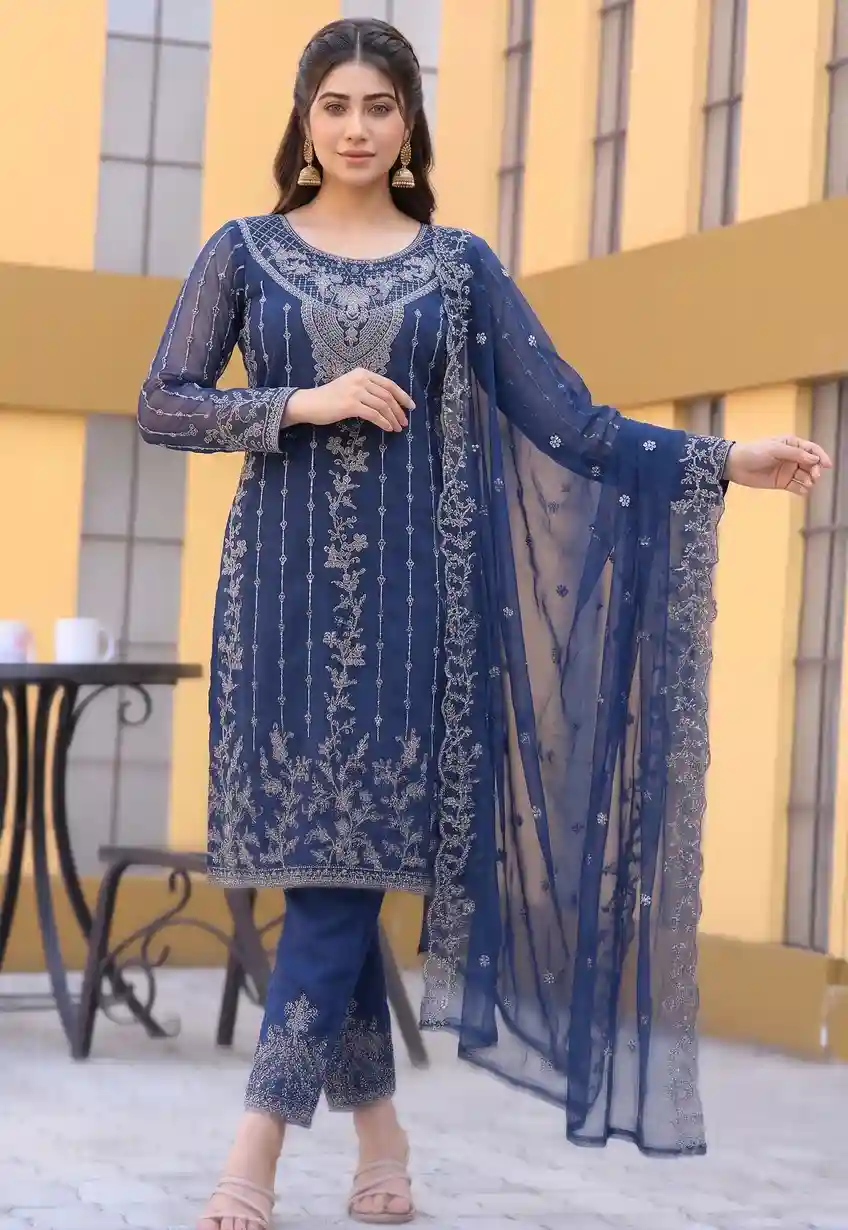
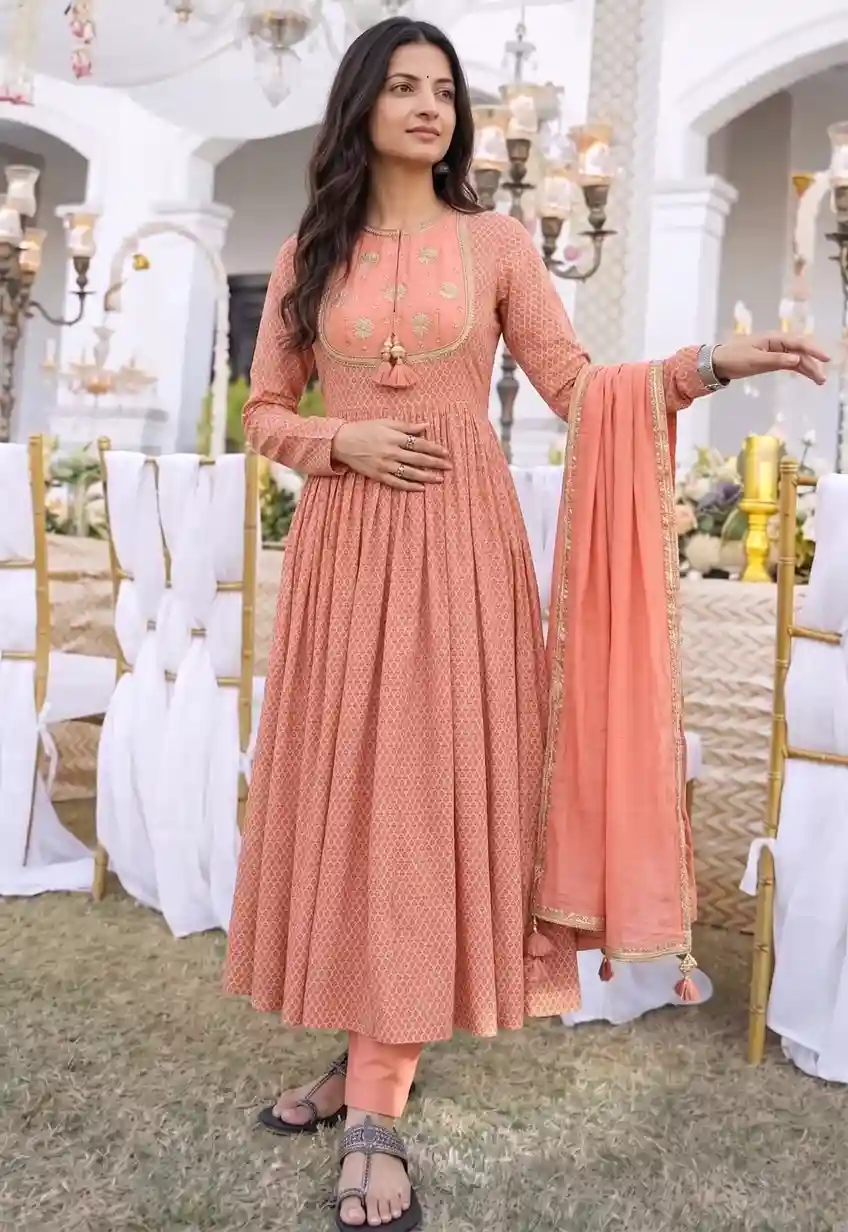
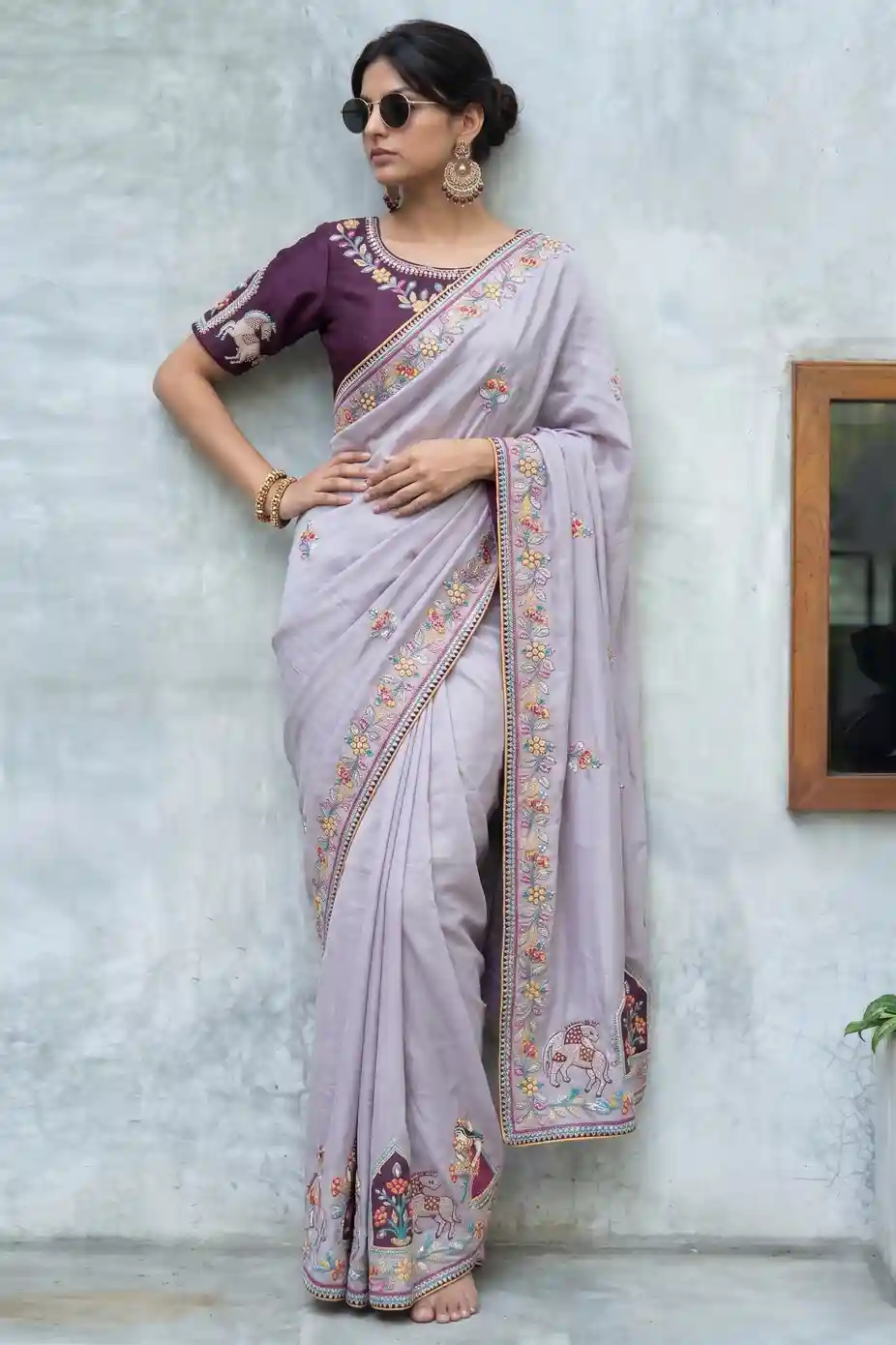
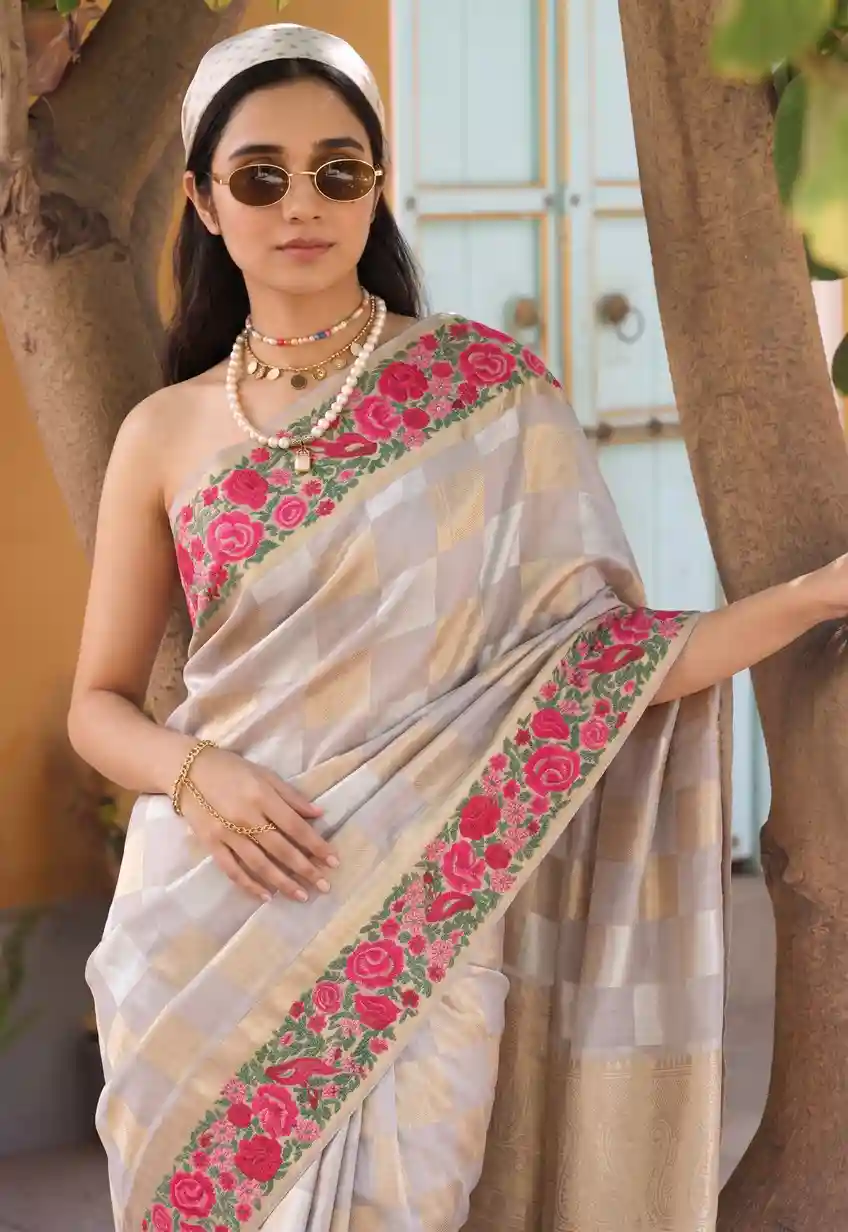
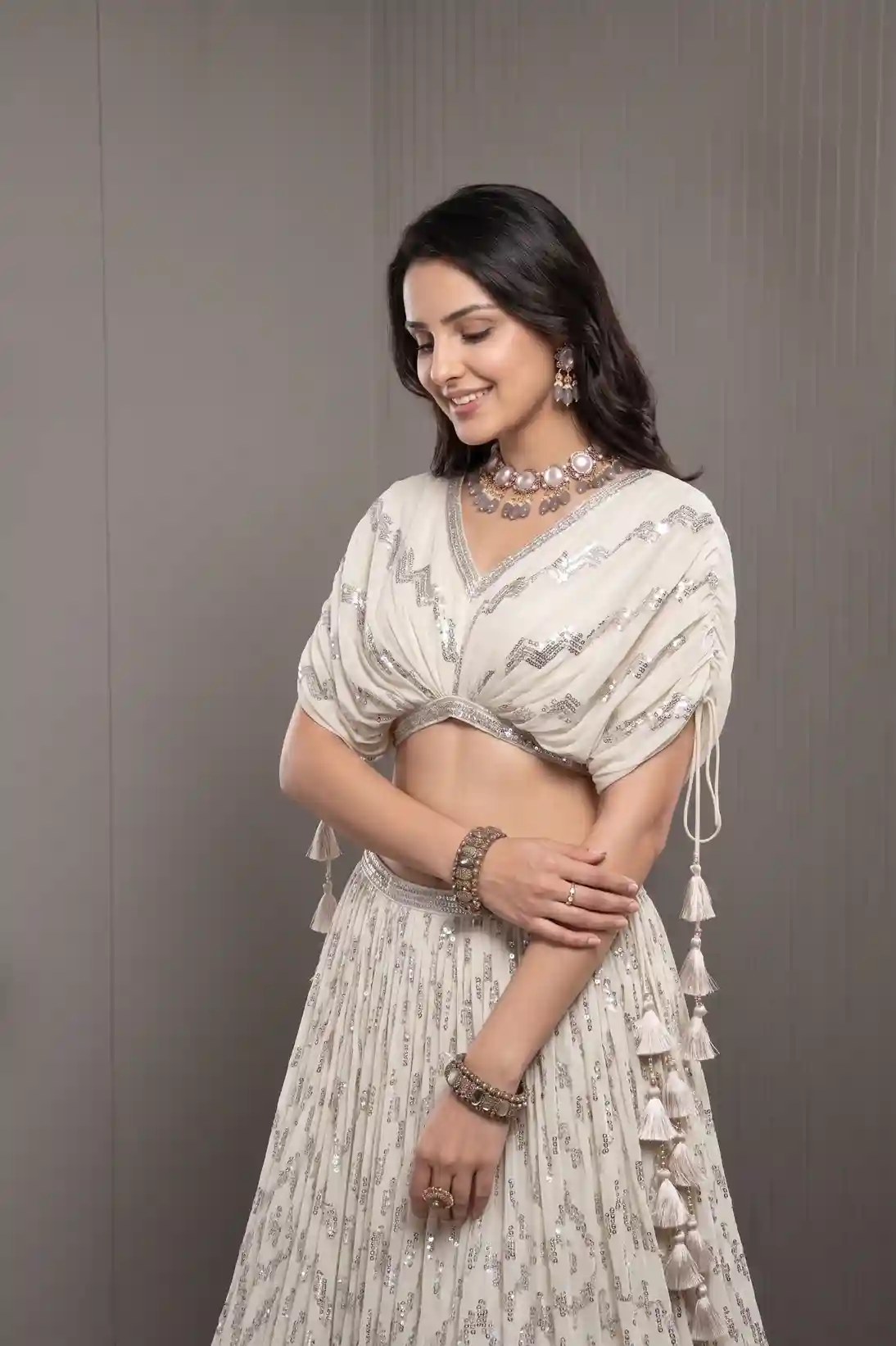
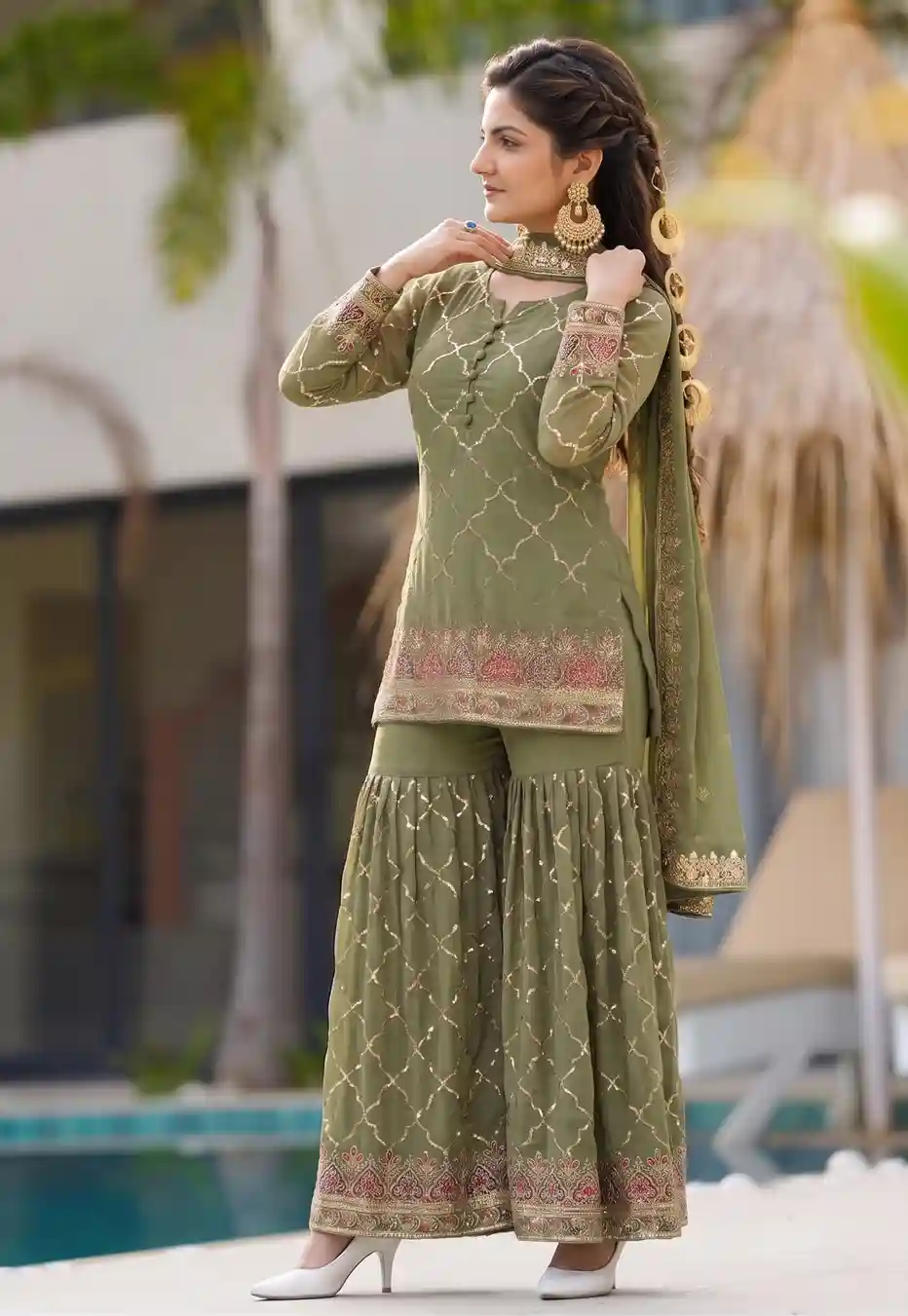
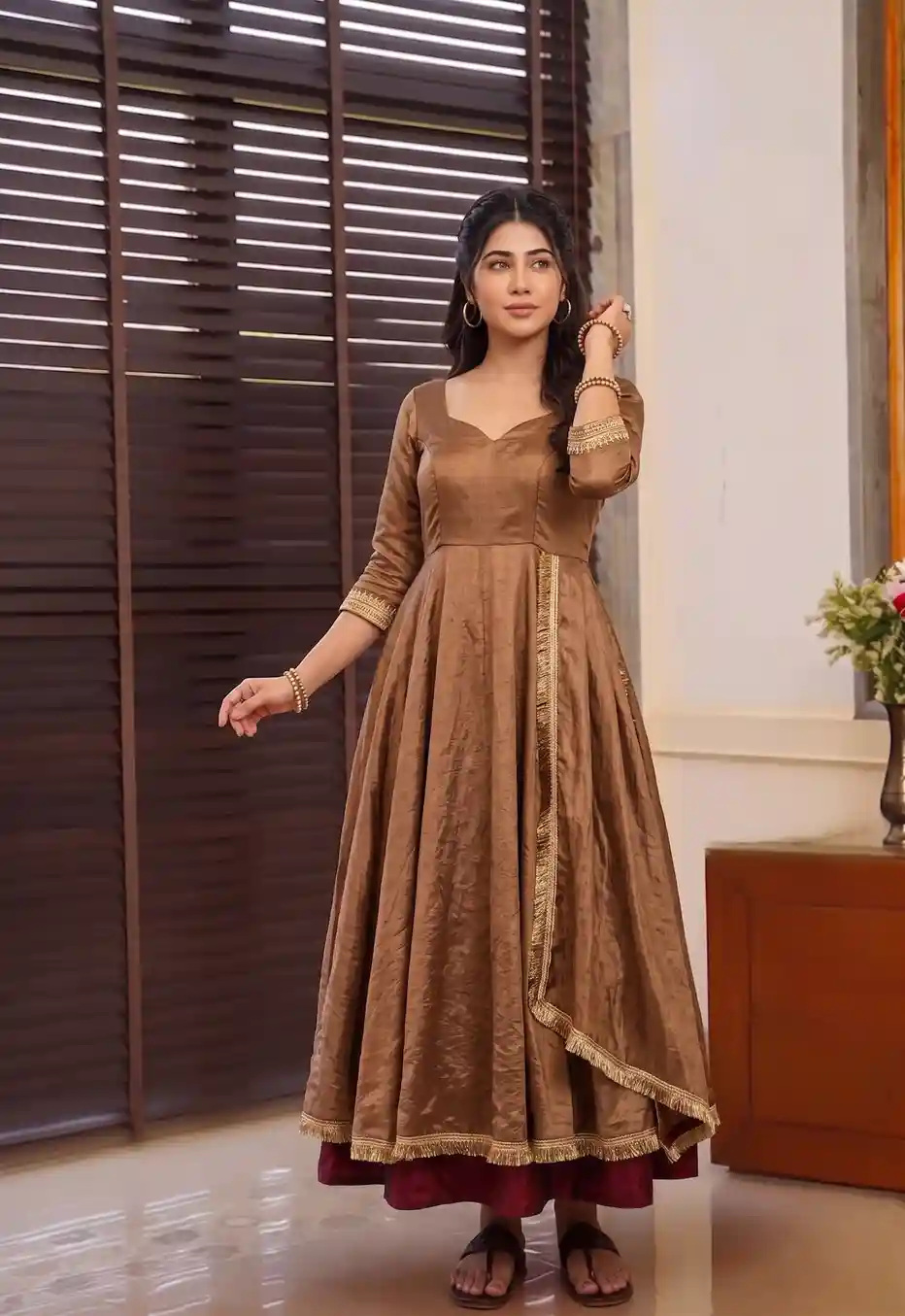
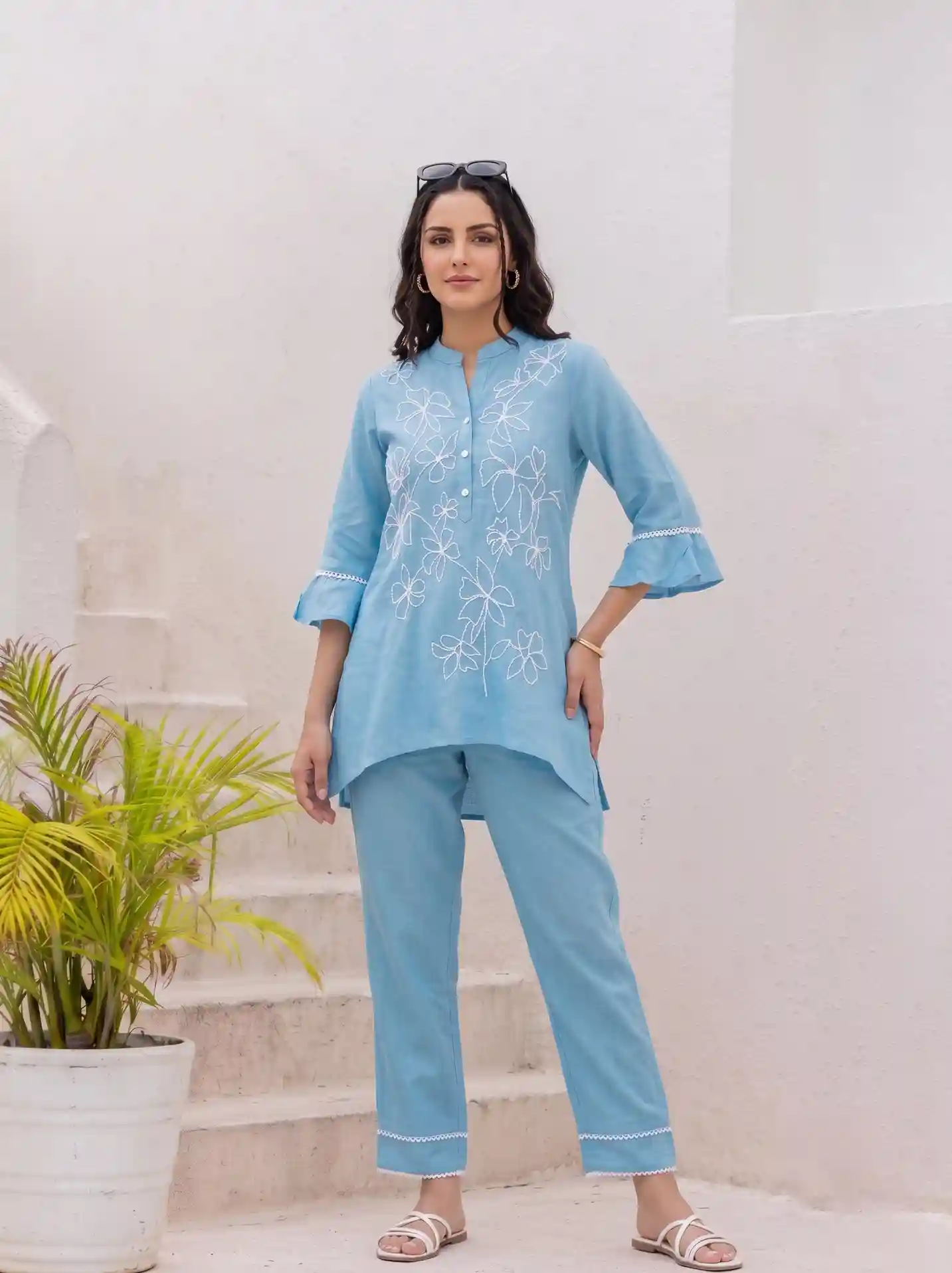
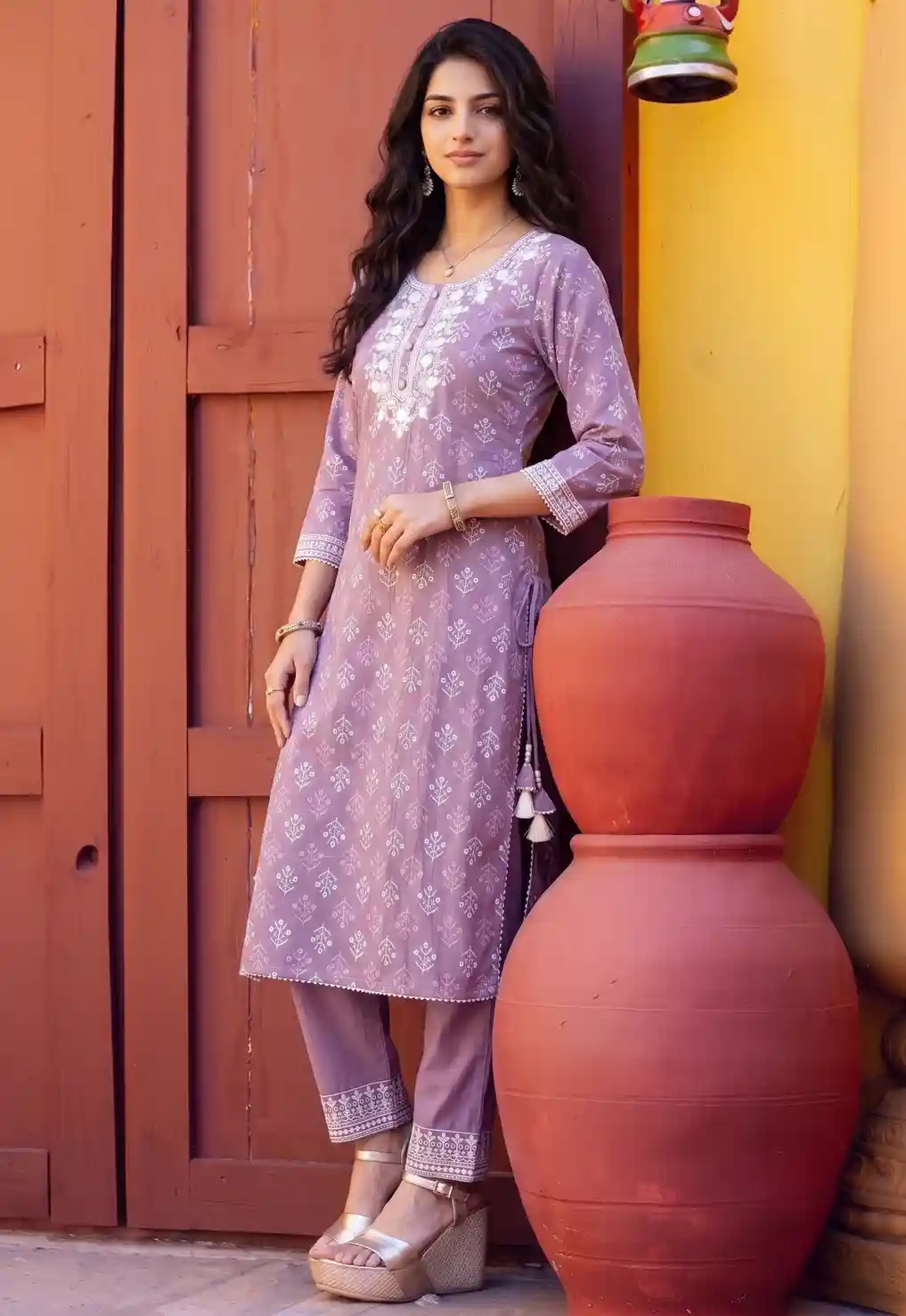
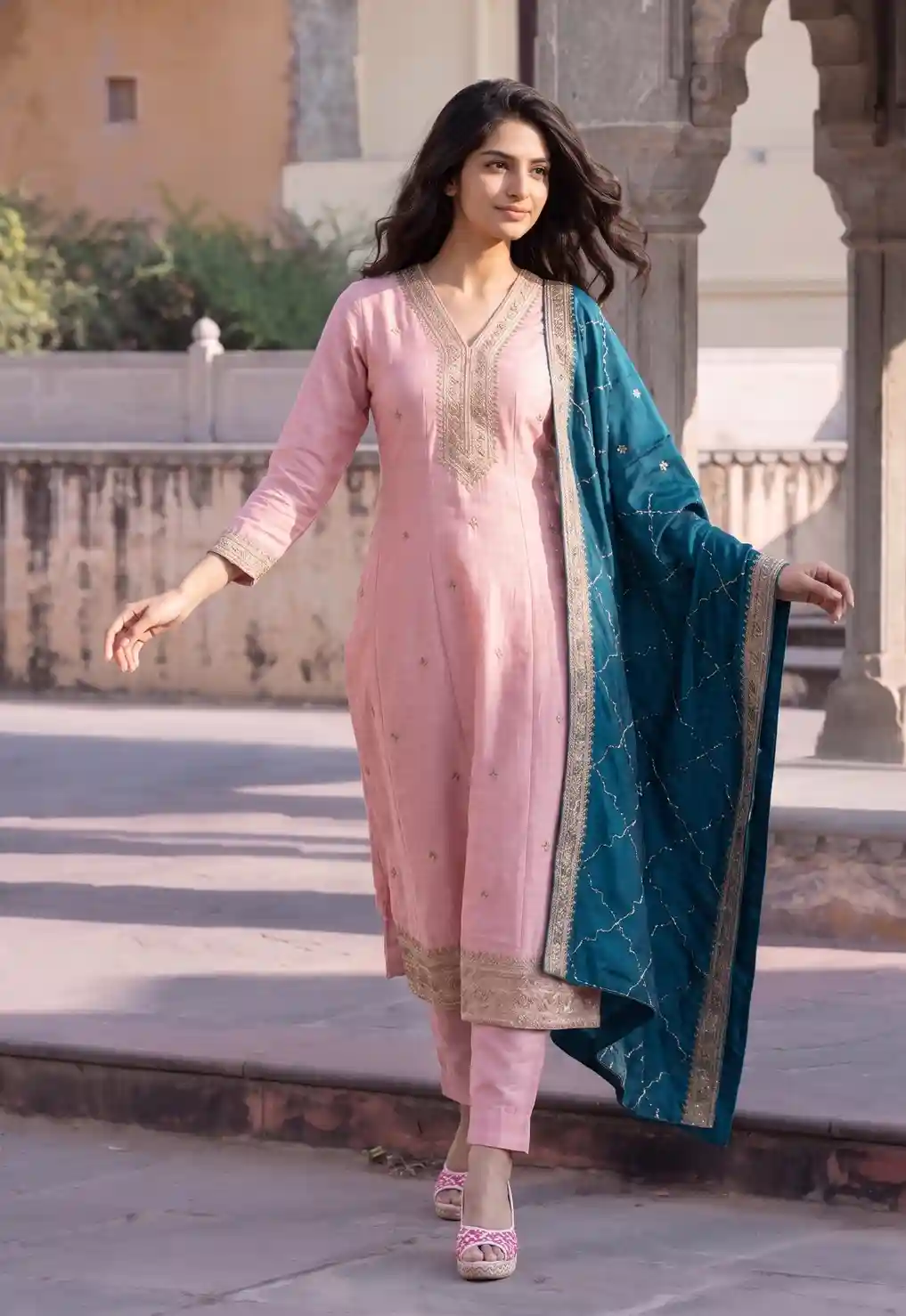
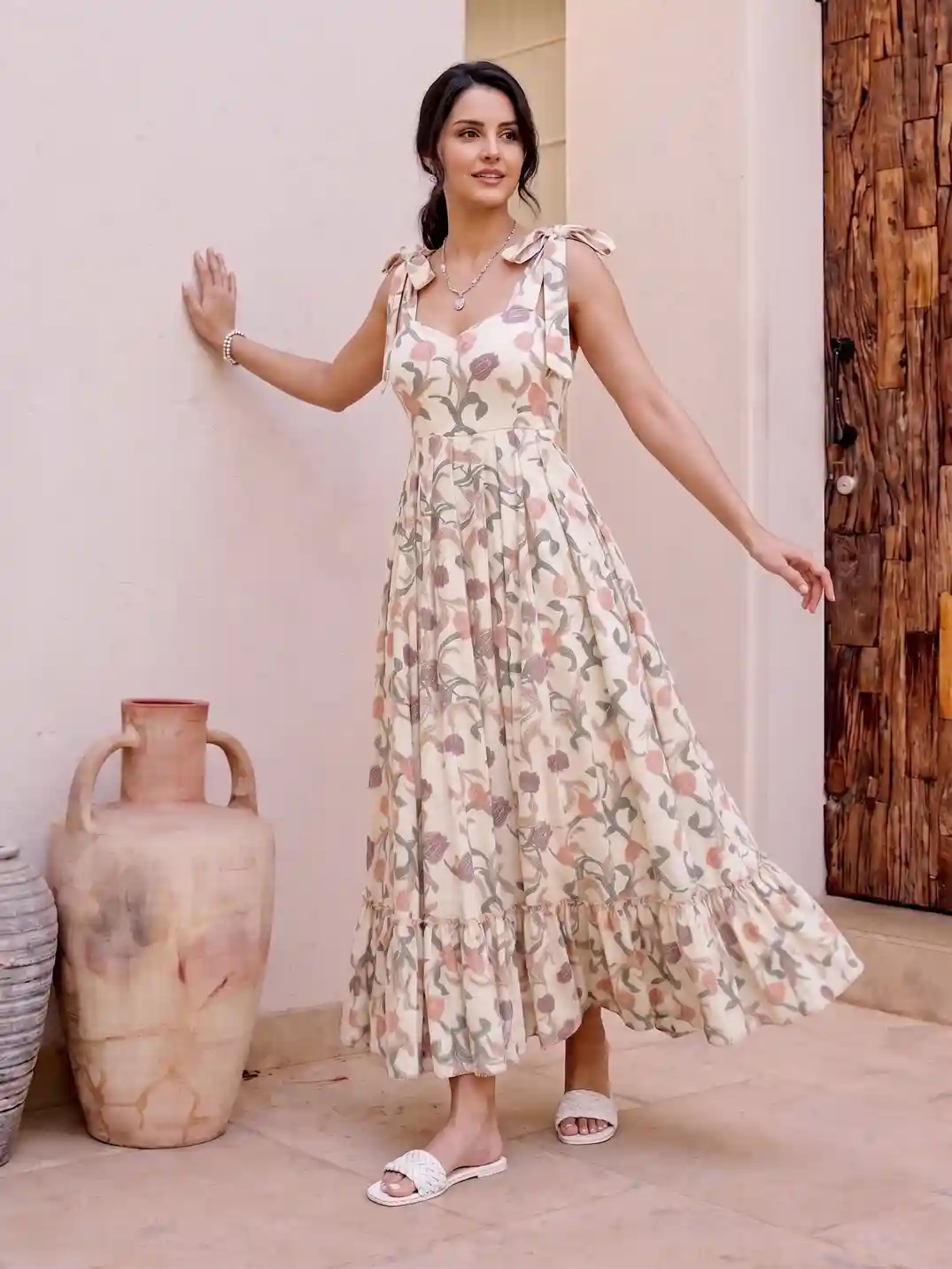
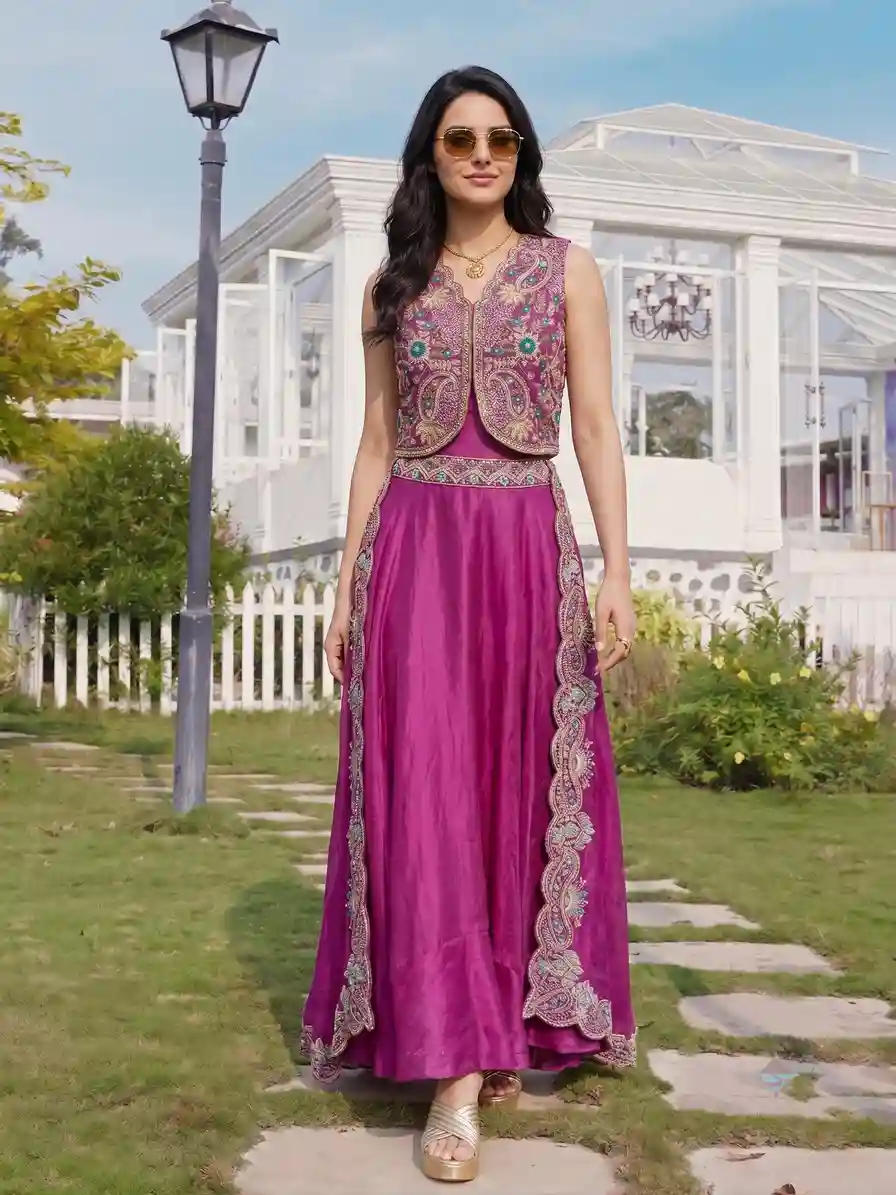
Garment photoshoot packages by category
Why browse by category
Different garments need different photography. A saree has to show drape, border and pallu placement; a kurta set is judged on print scale and fit; activewear needs to read as movement. Browsing by category puts you in front of setups already tuned for what you sell, instead of a general-purpose grid you have to filter down yourself.
Ethnic wear
The deepest part of the catalogue, and the category with the most to gain. Sarees, silk sarees, pre-draped sarees, lehenga cholis, anarkali suits and dresses, salwar kameez, sharara sets and kurta sets. Colourways are the highest-return use here: a design that exists in twelve colours needs twelve on-model shots and almost never gets them.
Western and contemporary
Maxi, midi and mini dresses, gowns, co-ord sets, jumpsuits, shirt dresses, blazers and activewear. These behave predictably in a garment photoshoot because the construction is fixed, which makes them a good place to start if you are new to generating catalogue imagery.
Garments that do not fit one category
Some pieces sit between two groups, such as a kurta with a dupatta, a lehenga set with a jacket, or a co-ord set in an ethnic print. Choose the category that matches the main piece you are selling, then check the guide for that garment type before you upload, because the photo you take matters more than the category you pick.
How the categories map to your catalogue
Each category collects packages whose lighting, framing and styling suit that garment type. Pick the category that matches the piece, then hold the same package across the whole category so your grid reads as one collection rather than a marketplace listing.