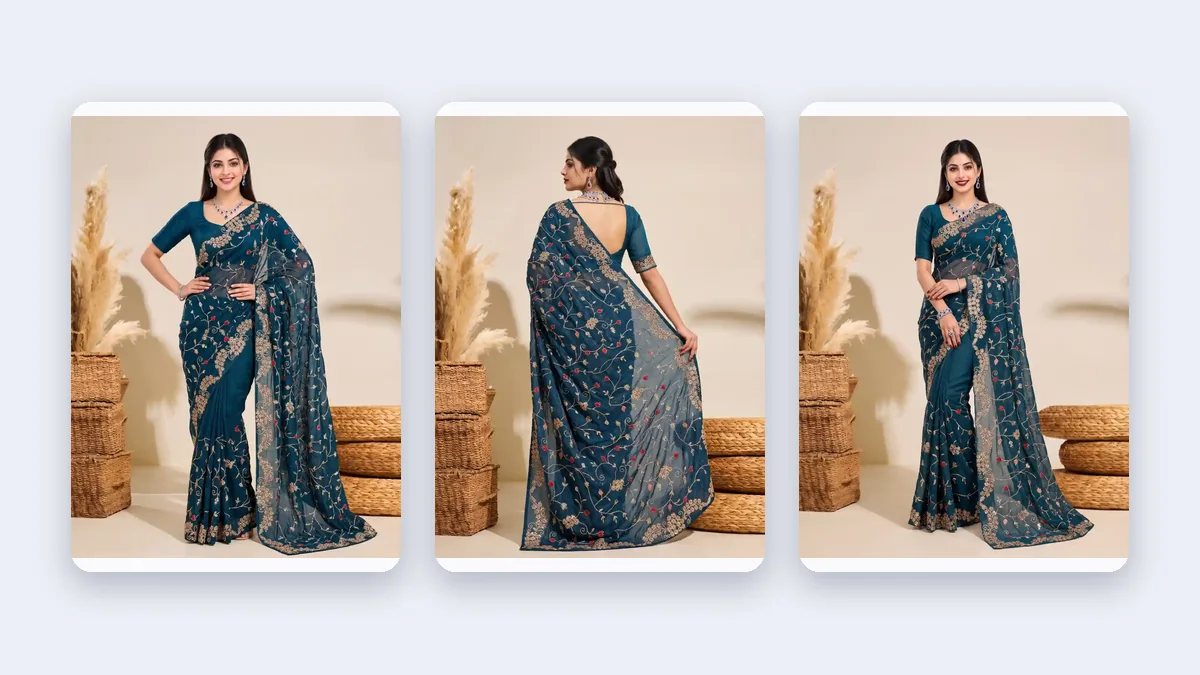
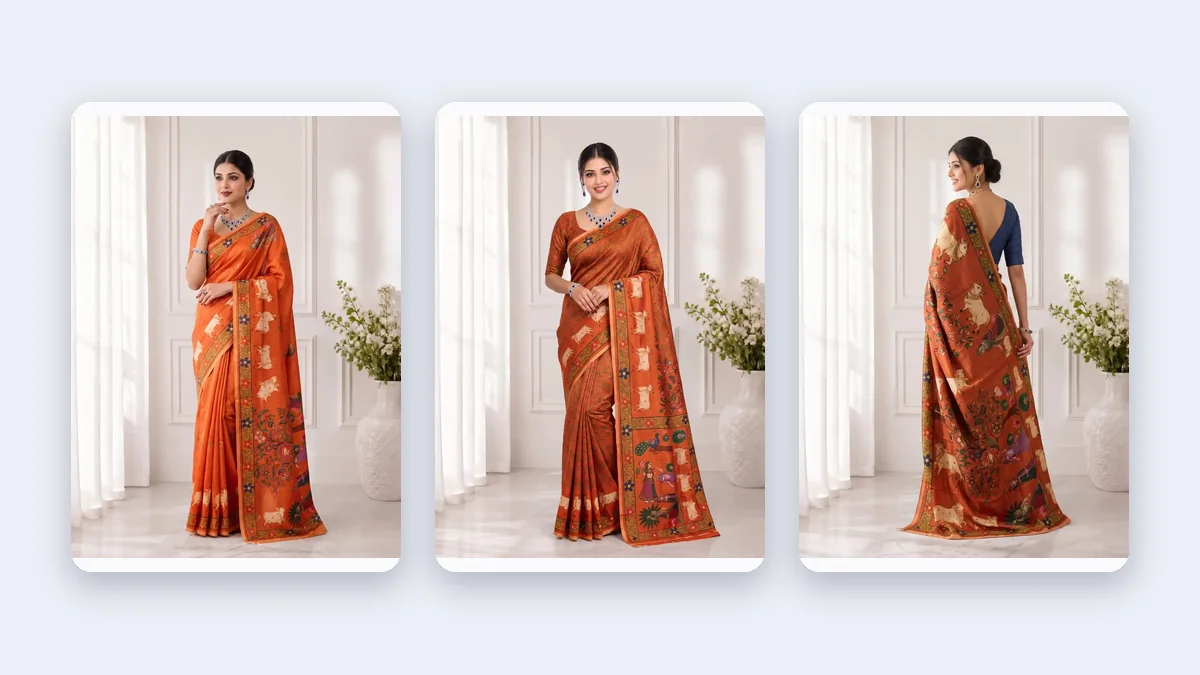
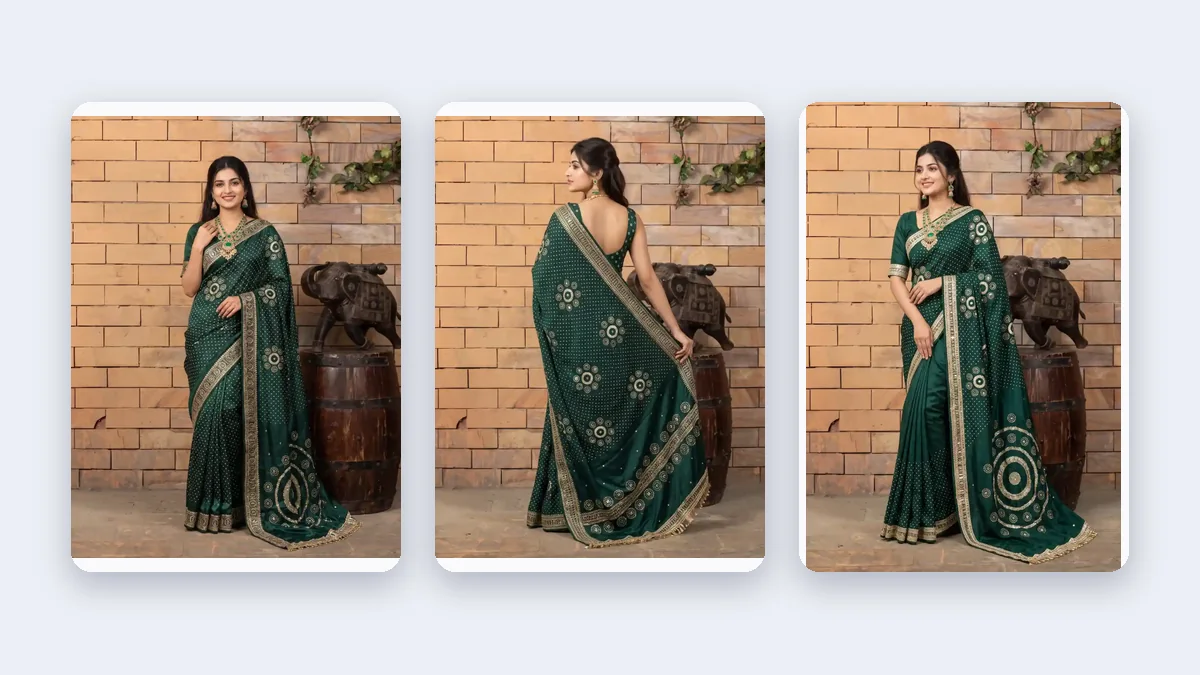
A catalogue is rarely one photo of one garment. It is thirty garments, each shown on a couple of models, each in a few poses — and shooting that by hand, or by prompting an image generator one picture at a time, is where the time goes. Catalogue Studio turns it into a selection: add your garments, tick the models and styles you want, and the studio builds every combination.
How a batch works, step by step
- Add your garment
JPG, PNG or WebP up to 20 MB. Add front, back, side and detail shots of the same piece — up to four images per garment.
- Choose who wears it
In the Models tab, pick one model or several. Filter by region, age, skin tone and body type. Each model you tick is another shot of every garment.
- Choose the look
In the Styles tab, pick the pose, framing and setting — as many as you like. Or start from a package: a ready-made set of styles added in one click.
- Check the batch before you spend
The Summary tab previews every shot: garments × models × styles. Remove any combination you do not want.
- Pick the order type and quality
Choose Budget or Instant and the quality. A 1K shot is 7 credits on Budget and a 4K shot 15. Test at 1K first, then re-run the shots you keep at 4K.
- Place a Create order, Instant or Budget
Create order hands it to us instead: 7 credits a 1K shot or 10 at 2K on Budget, ready in 4–5 minutes. Budget orders accept your free credits.
- Download from Orders
Every batch lands in the Orders tab. Download the shots, restyle them, or ask for 50% of a shot's credits back if it missed.
What a catalogue costs
A worked example: 10 garments on 2 models in 3 styles is 60 shots. Generated at 1K that is about ₹1,199–₹1,500, depending on the credit pack — and the Summary tab shows the 60 before you commit. Credits come in rupee packs from ₹250, and top-up credits never expire.
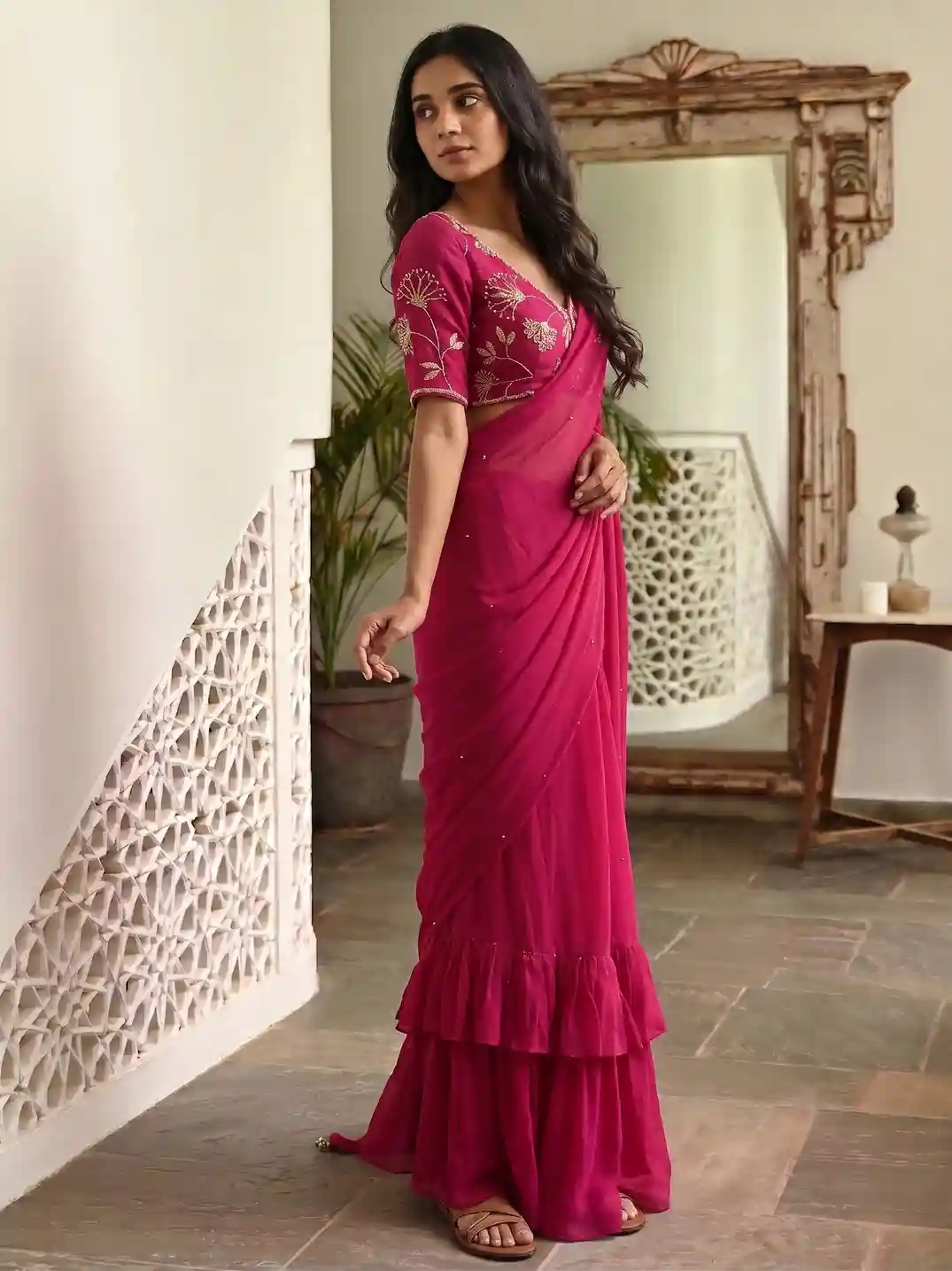
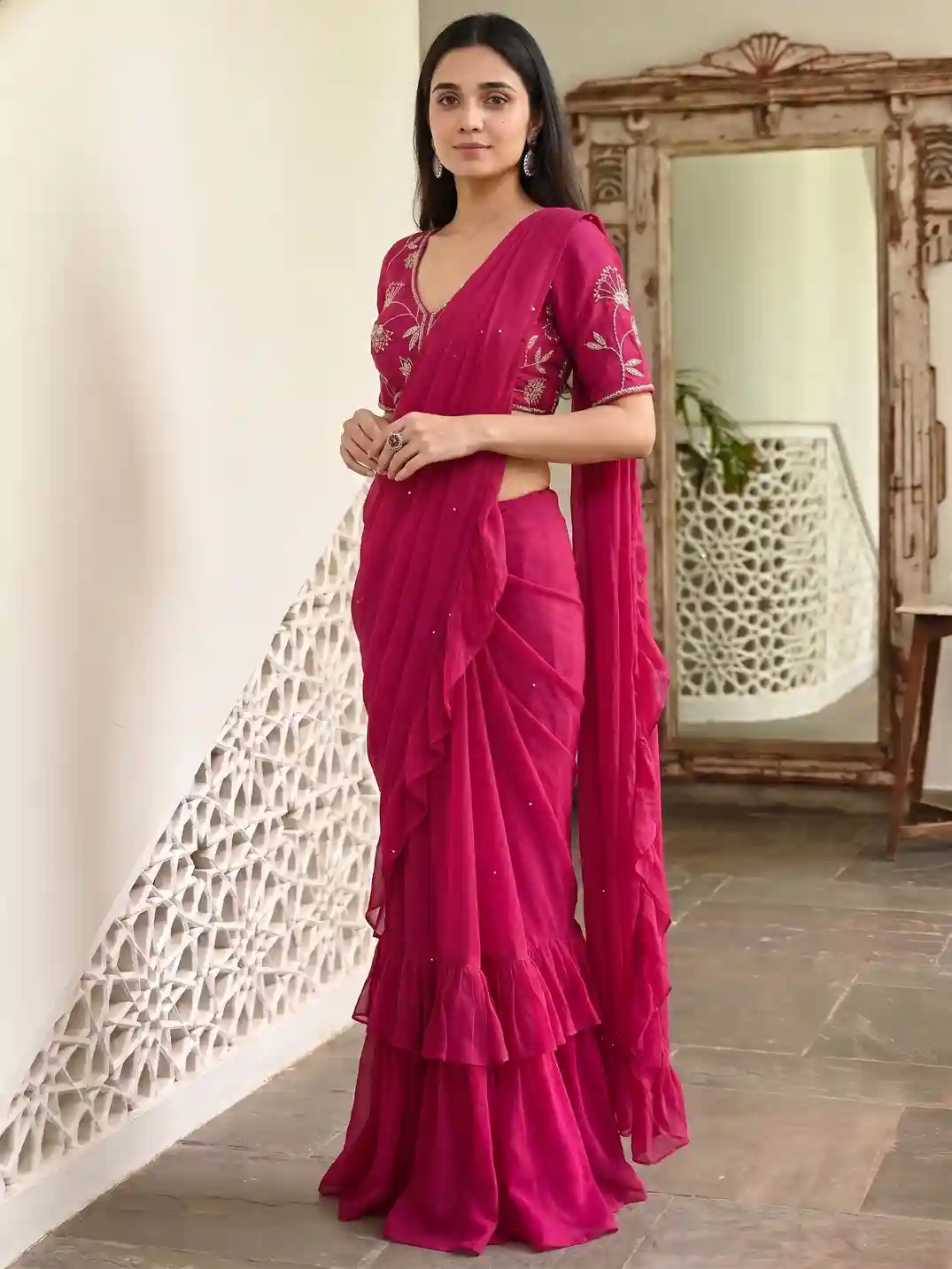
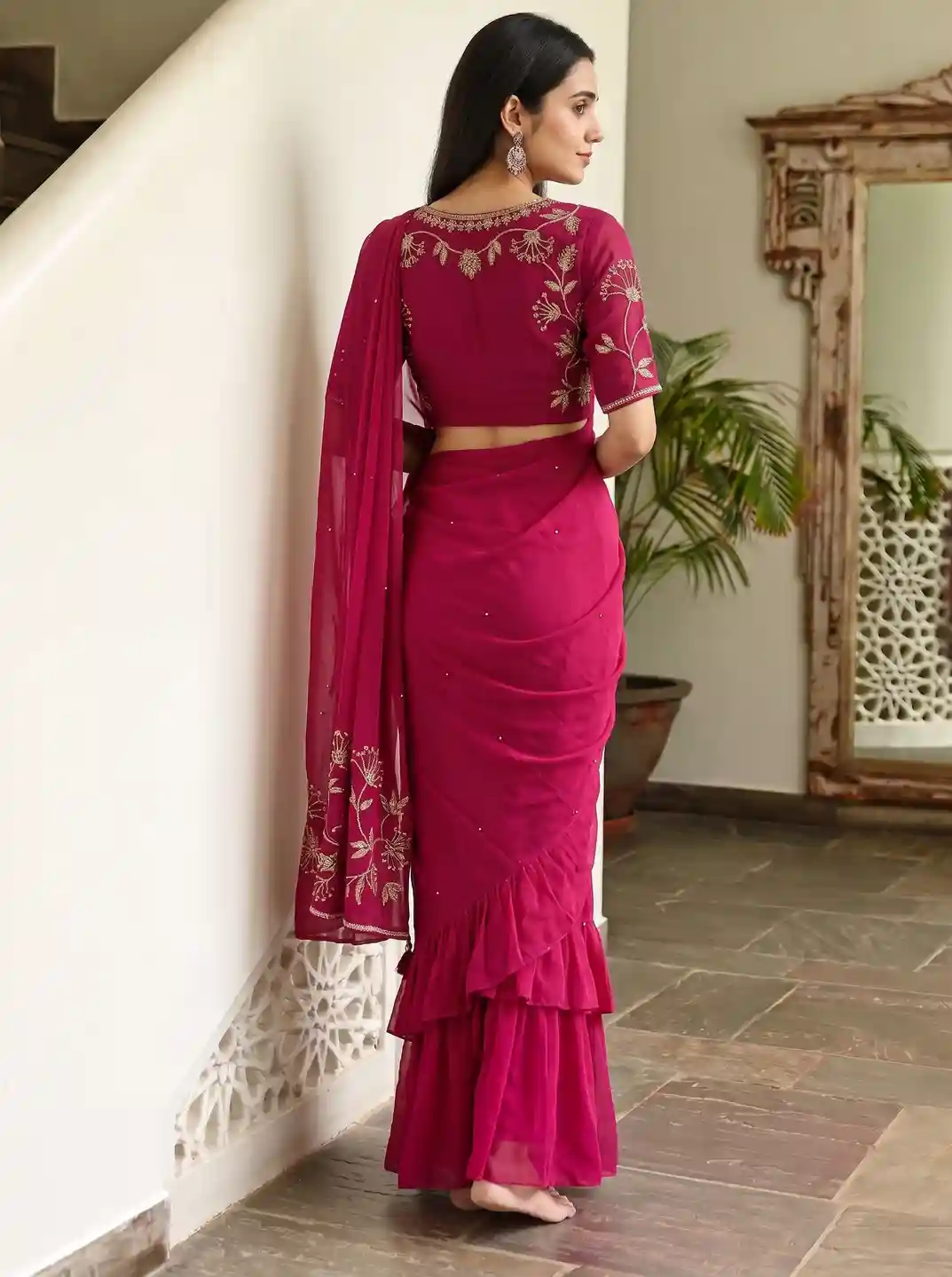
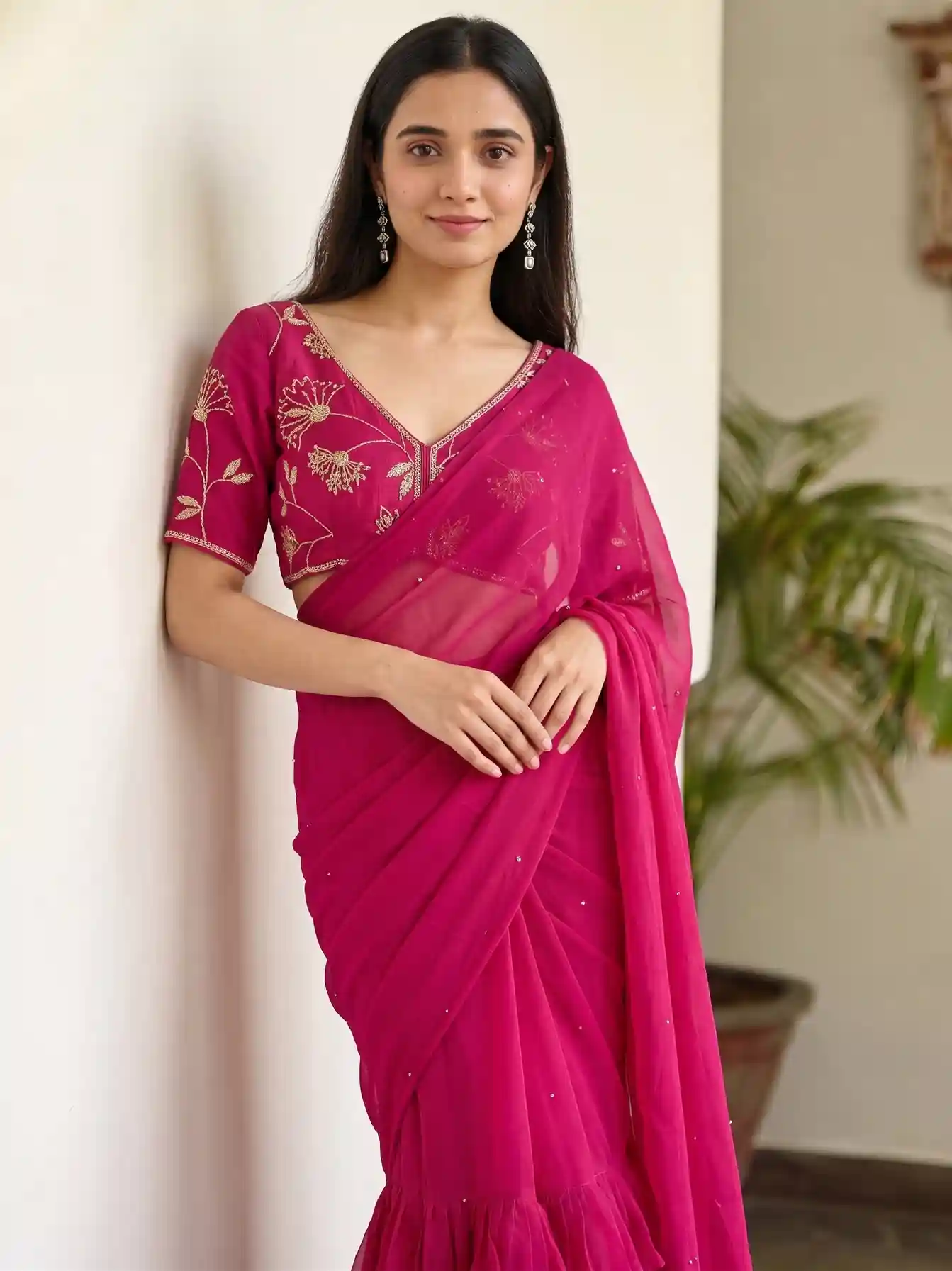
Frames from one package in our library — the same garment across different poses. A batch gives you a set like this for every garment you upload.
Catalogue Studio or Drape Studio?
| Catalogue Studio | Drape Studio | |
|---|---|---|
| Best for | Many garments across categories | Sarees, where the drape matters |
| What you upload | Up to four photos per garment | The saree with its pallu, and the blouse separately |
| What you control | Models, styles and packages | The cut, the pallu end, the grain and the repeat lines |
| Output | Every garment × model × style | A model wearing your saree, in the pose you pick |
What is Catalogue Studio?
Catalogue Studio is the batch tool in Vastralook. You upload your garments, pick models and styles, and it shoots every combination — garments × models × styles — as AI model photos.
How many photos do I need per garment?
One clear front photo is enough to start. You can add back, side and detail shots of the same piece, up to four images per garment.
How much does a catalogue cost?
A batch of 60 shots (10 garments × 2 models × 3 styles) at Budget 1K is about ₹404–₹420, depending on the credit pack.
Can I place a whole batch as one order?
Yes. Create order hands the batch to us: 7 credits a 1K shot or 10 at 2K on Budget, ready in about 4–5 minutes. Budget orders accept your free credits.
Is there a free way to try it?
New accounts get up to 3 free 2K images (5 at 1K) after you sign in and verify a phone number, so you can see your own garment on a model before you buy credits.