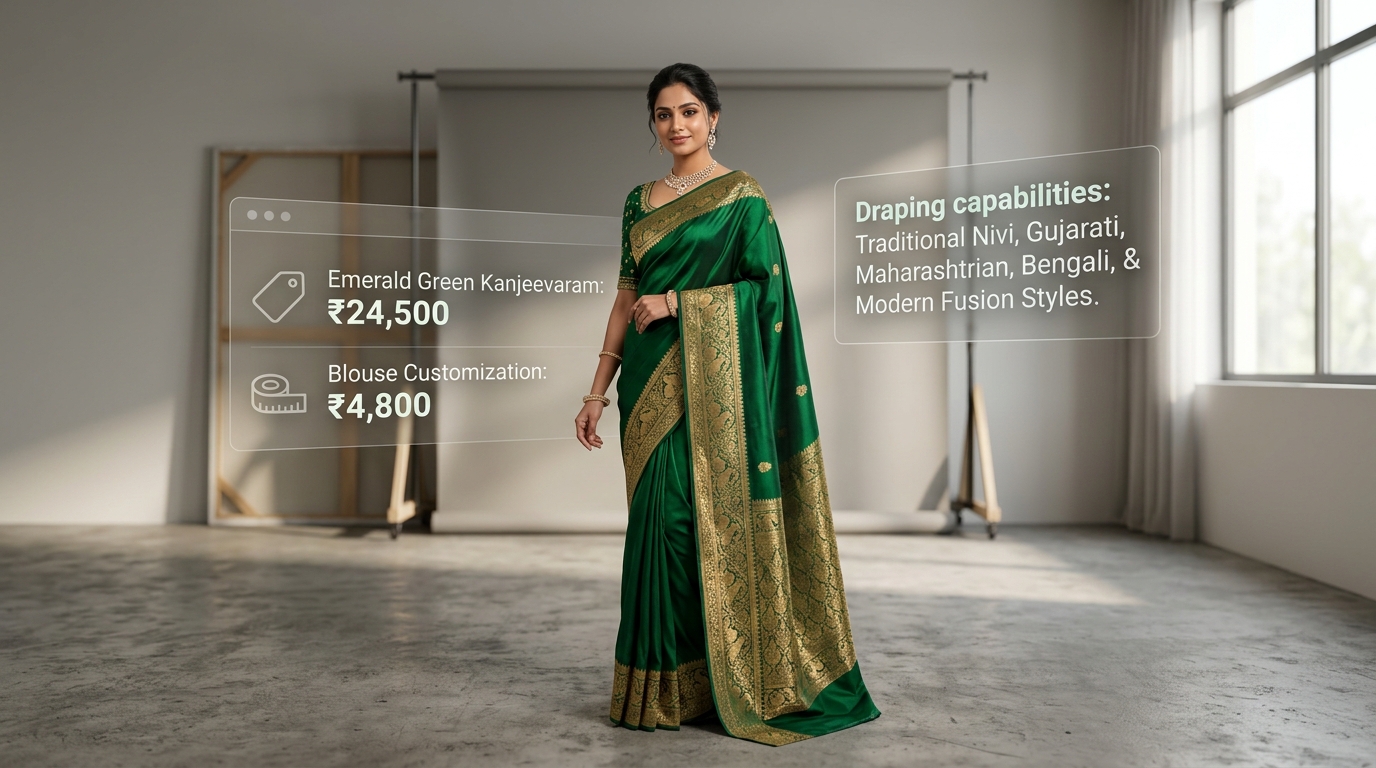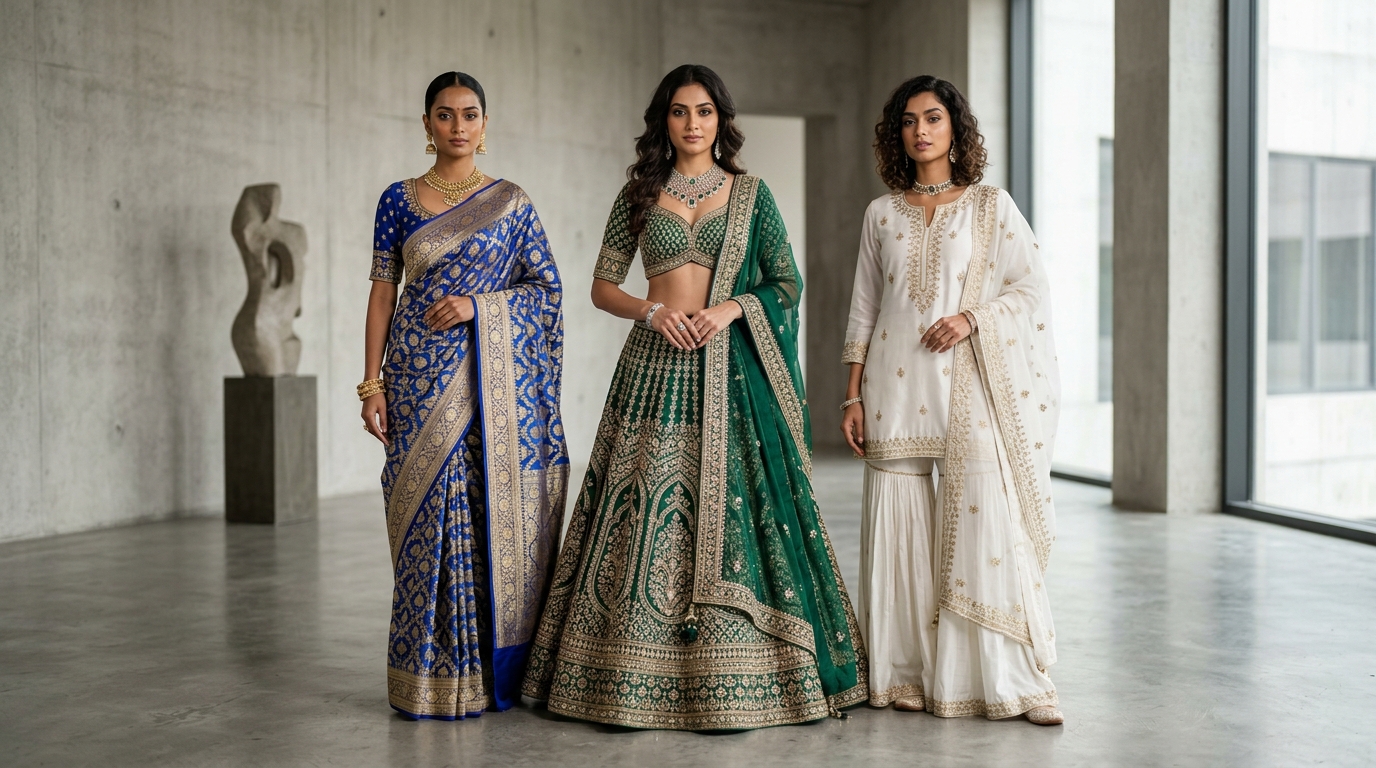
You can absolutely make a striking fashion image in a general-purpose generator. Try to make the two hundredth image in a catalogue that matches the first one, and the cracks show up fast. The gap is not image quality — it is everything around the image.
1. Your garment, not a similar garment
A text prompt describes a garment. It does not reproduce yours. Ask for "a green kurta with gold embroidery at the neckline" and you get a plausible green kurta with plausible embroidery — a different neckline, a different pattern repeat, buttons that were never on the sample. For a lookbook that might be fine. For a product page it is a misrepresentation, and the return rate will tell you so.
Catalogue work starts from a photograph of the actual garment and preserves its construction. That is a different technical problem from generating a nice picture, and it is the one that matters commercially.
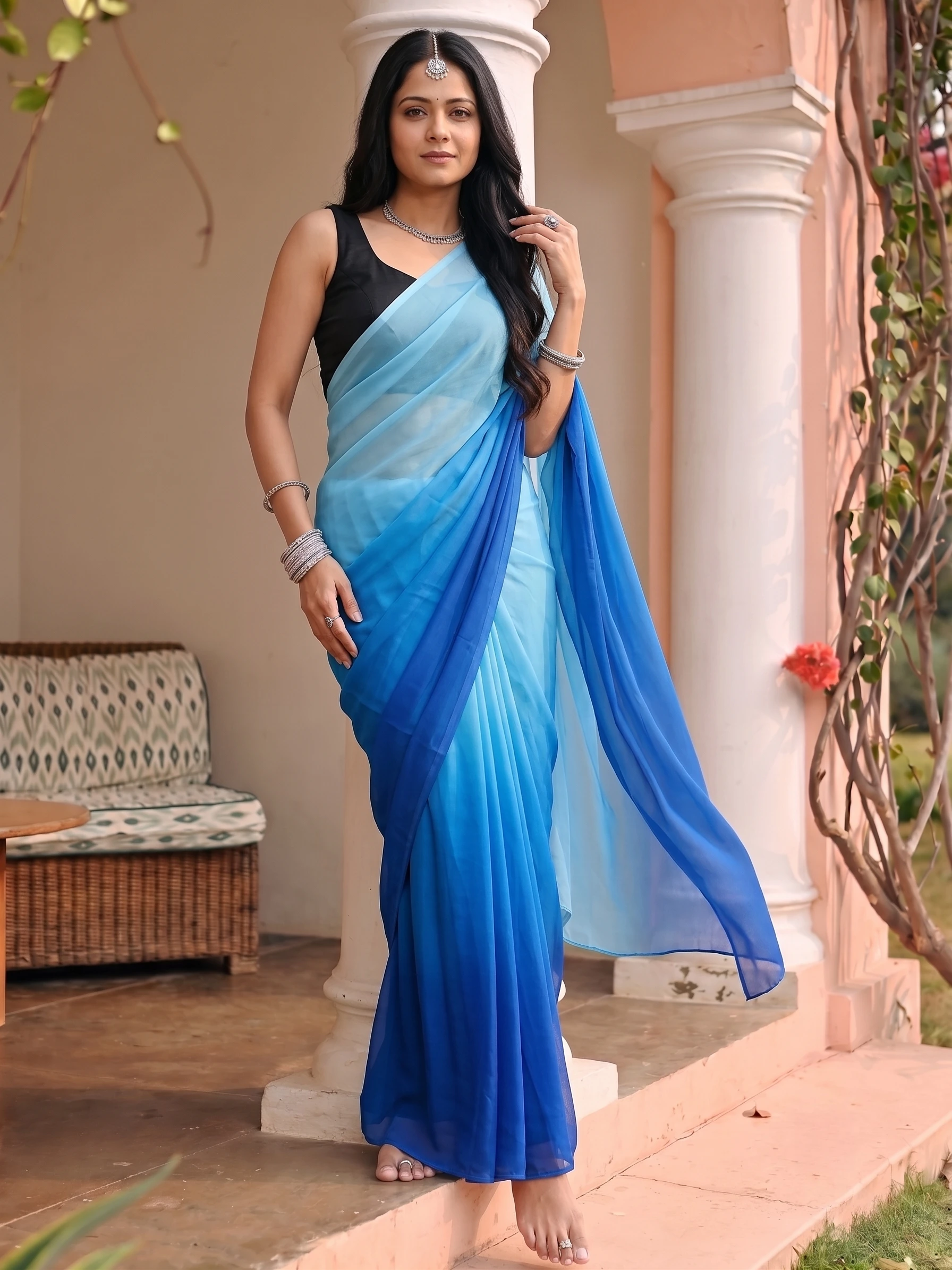
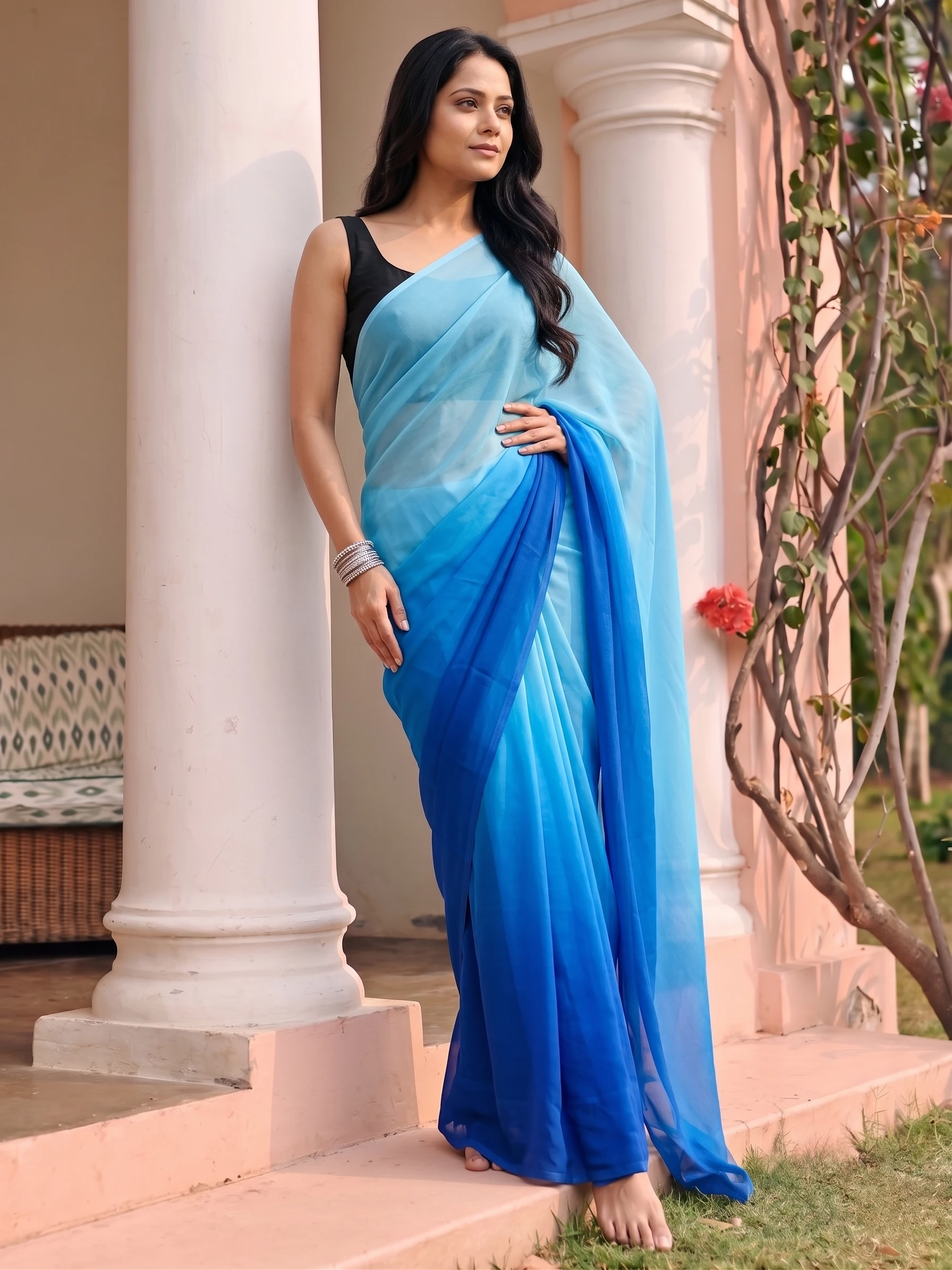




The saree's border, the pleating and the model are identical across every frame. A general-purpose tool will give you six beautiful images of six different women in six similar sarees — which is fine for a mood board and unusable on a category page.
2. The same model across the set
Generic tools give you a new person every generation. Seed-locking and reference images help, but drift is real: the face shifts, the skin tone shifts, the build shifts. On a category page where forty products sit in a grid, that inconsistency reads instantly as fake, even to shoppers who could not say why.
3. Output specs, not just images
Marketplaces have rules. Minimum pixel dimensions, background requirements, fill ratios, aspect ratios that differ per channel. A generic tool hands you a square image and leaves the rest to you and your image editor. Catalogue tooling produces the crops and sizes the channel actually accepts.
4. Rights and record-keeping
Read the terms of any tool before you put its output on a product page. Commercial-use permissions vary by tool and by plan tier, some free tiers explicitly exclude commercial use, and some grant the provider broad rights over what you upload. If you are putting an image next to a price, this is not a detail.
5. The workflow around the generation
- Re-running one product without re-describing the whole setup.
- Keeping the shoot's settings so next season's drop matches this one.
- A team member picking up the same project without a prompt handover document.
- Exports that go straight to the storefront rather than through three manual steps.
A general-purpose generator is a camera. Catalogue tooling is a studio — the camera is the easy part.
- Mood boards and concept exploration
- Campaign ideation before a brief exists
- One-off social images with no consistency requirement
- Anything where being unconstrained is the point
- Product pages, where the garment must be the real one
- Category grids, where forty images must match
- Marketplace uploads with strict specs
- Anything a second person has to reproduce next season
When the generic tool is the right answer
For mood boards, concept exploration, social one-offs and campaign ideation, a general-purpose generator is excellent and often better, precisely because it is unconstrained. The mistake is carrying that tool into production work where consistency, garment fidelity and channel specs are the whole job.
Brand kit — your logo on every shot
Upload your logo once and set exactly where it sits — corner, size, opacity and padding — against a live preview. Every shot can then be downloaded with your branding already applied, at full resolution, so the file you hand to a marketplace or a reseller is already yours.
It is applied at download, not baked into the render, so the same shot can go out branded to one channel and clean to another without regenerating anything — and changing the logo later does not cost you a single credit.