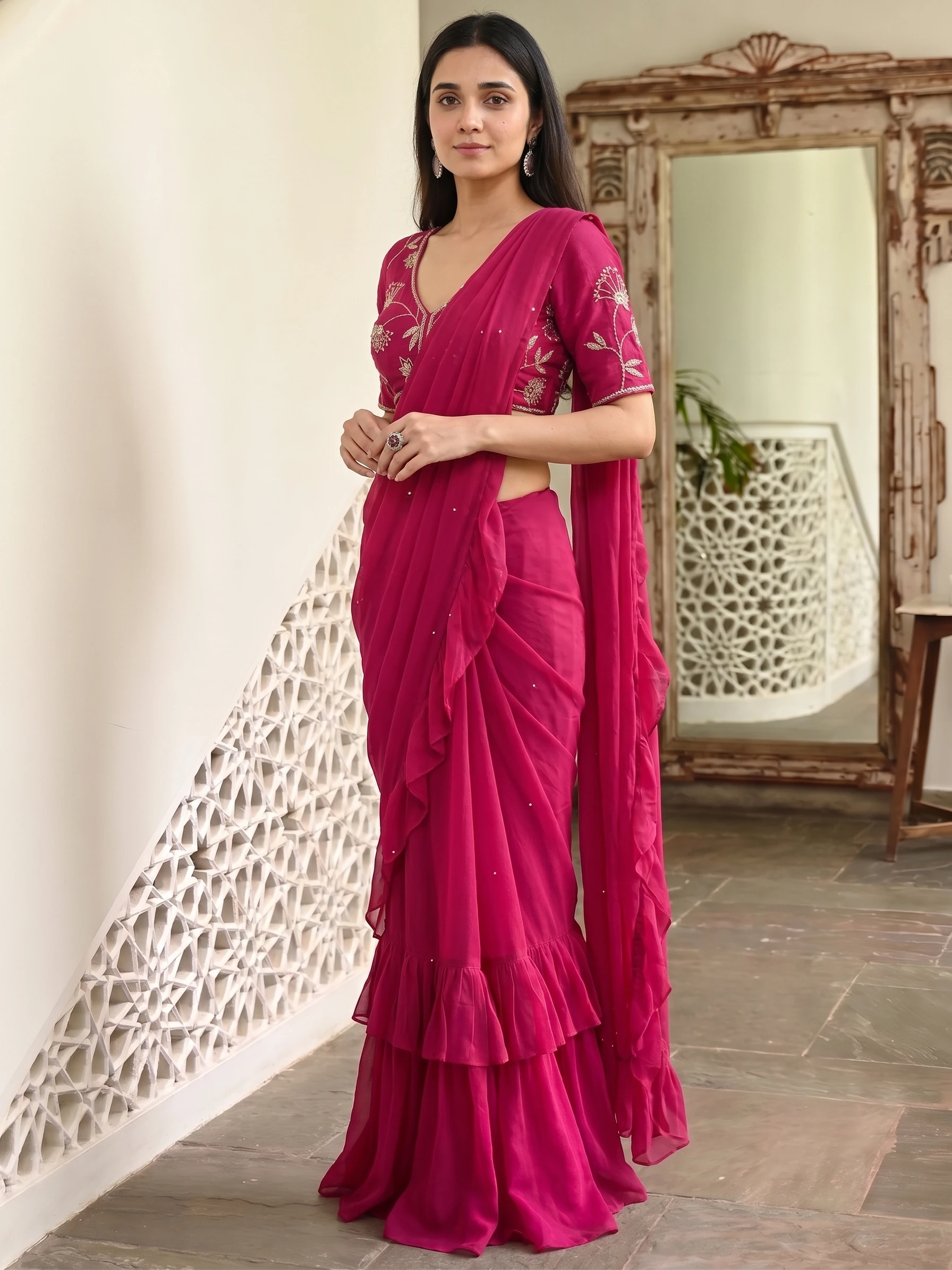
Most bad drape results trace back to the input photo, not the AI. The same upload habit does not work for every saree, so here are the five types we see and what each one needs.
| Type | Do | Trap |
|---|---|---|
| All-over print | One tight photo of the fabric; leave the reference slots empty | Adding close-ups of the same print mixes up the sections |
| Placement print | Show the full saree so the AI sees where the motif sits; check the cut | Cropping to just the motif makes it repeat everywhere |
| Plain | Natural, even light; no filters; add a Close-Up for silk or tissue weave | A colour cast in your photo comes through in the result |
| Plain with border | Full saree with the border visible; add Lace / Border if it comes out soft | A border strip in the main slot becomes a border-patterned saree |
| Designed pallu | Full saree with the pallu visible; set the pallu line; add an extra pallu photo if needed | A pallu photo that includes the blouse piece mixes the two |
All-over print
Crop tight so the fabric fills the frame. Because the print is the same everywhere, extra close-ups add nothing and can confuse which section is which.
Placement print
Here the position of the motif is the design. Show the full saree so the AI can see where the motif sits, then check the cut. A crop of just the motif teaches the AI to repeat it all over.
Plain
There is no pattern to hide behind, so colour is everything. Shoot in natural, even light and skip filters. For silk or tissue, add a Close-Up reference so the weave shows.
Plain with border
Keep the border visible in the full-saree photo. If the border comes out soft in the result, add a straight-on Lace / Border photo. Do not put a border strip in the main slot.
Designed pallu
Show the pallu in the full photo, set the pallu line, and add an extra pallu photo only if it carries detail the main photo misses. Keep the blouse piece out of it.
Should I upload many photos of one saree?
No. Use one fabric photo plus only the parts that are different. Overlapping photos give overlapping instructions.
Can I use a photo that already has a model in it?
Use your original product photo of the fabric. An earlier AI image can carry its errors into every new shot.
What if the border looks blurry?
Add a straight-on Lace / Border reference photo for that part only.
Does the plain saree colour always match?
It matches your photo, so a colour cast in the photo shows up in the result. Shoot in even natural light.


