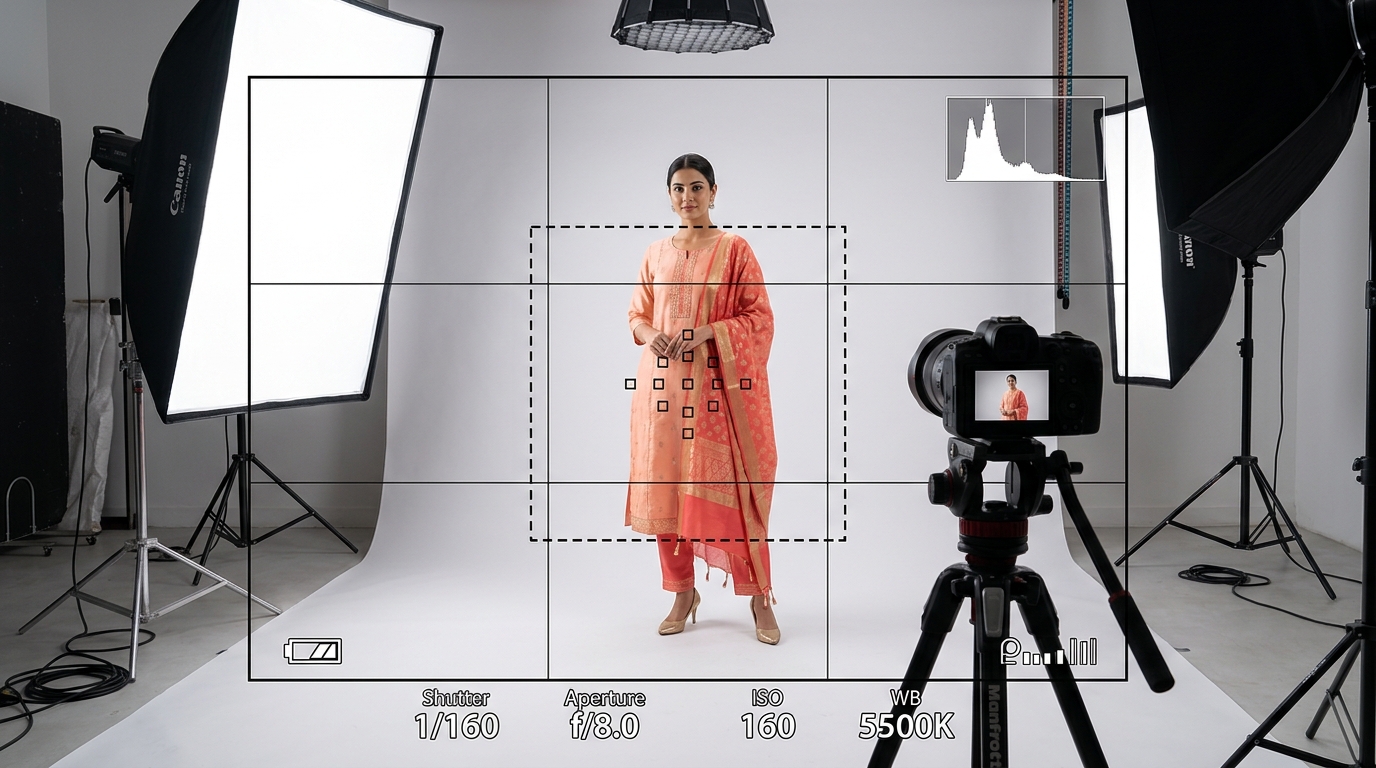
If you sell clothing across multiple Indian ecommerce platforms, you already know the frustration of marketplace image requirements. A hero image that passes Amazon's listing bot with flying colours will get rejected by Myntra for having an artificial white cutout look. Meanwhile, an editorial shot that Myntra loves will get flagged by Amazon for lacking a pure white background.
Sellers end up either paying photographers for multiple shoots with different backdrops or spending hundreds of hours manually deep-etching and re-cropping photos in Photoshop. Vastralook solves this with built-in 1-click marketplace presets.
The conflicting rules across Indian fashion marketplaces
Here is how the four major platforms differ in their apparel photography guidelines:
| Marketplace | Required Ratio | Background Specification | Garment Fill | Main Reason for Rejection |
|---|---|---|---|---|
| Amazon India | 1:1 or 3:4 | Pure White (RGB 255, 255, 255) | 85%+ of frame | Off-white background or visible mannequin |
| Myntra | 3:4 vertical | Soft light grey or editorial studio | Full body standing | Overly flat cutout or poor model aesthetics |
| Flipkart | 3:4 or 1:1 | Clean neutral / subtle grey | 80%+ of frame | Harsh cast shadows or low resolution |
| Meesho | 1:1 or 3:4 | High contrast clean studio | Full garment clear | Blurry mobile compression or file >5MB |
How Vastralook presets automate compliance in one click
Inside both Drape Studio and Catalogue Studio, you will find the **Marketplace** preset dropdown under 'Upload Design':
- Amazon Preset: Automatically sets a seamless, pure white background (RGB 255, 255, 255) with balanced soft lighting, ensuring your hero listing passes Amazon's automated image verification algorithms.
- Myntra Preset: Adjusts the canvas to a clean 3:4 vertical ratio with professional softbox lighting and neutral studio grey backgrounds favored by Myntra's catalogue curation team.
- Flipkart Preset: Balances shadow softness and model framing to highlight fabric seams and border details cleanly.
- Meesho Preset: Optimizes colour saturation, sharpness, and output file compression so your listings pop on budget smartphone screens without exceeding Meesho's upload thresholds.
- None (Custom): Gives you complete manual control over background selection, aspect ratios (3:4, 4:5, 1:1, 9:16, 16:9), and custom model uploads.
A 3-step workflow to shoot once and export everywhere
- 1. Upload your master garment photo
Take one clean, flat smartphone photo of the garment. This single input powers all your marketplace variants.
- 2. Select your target marketplace preset
Under Marketplace, pick Myntra, Amazon, Flipkart, or Meesho. The studio auto-locks the correct aspect ratio, background tone, and model stance.
- 3. Generate your catalogue or place a Create order
Run the batch yourself in minutes or place a Create order at ₹8–₹10 per shot for team-delivered shots within 3–4 minutes.
Do I have to edit backgrounds in Photoshop after generating?
No. Vastralook's Amazon preset outputs true pure white (255, 255, 255) backgrounds directly, so no clipping path or manual editing is required.
Can I download my images in 4K resolution?
Yes. Both Drape Studio and Catalogue Studio support 1K, 2K, and 4K export qualities, comfortably exceeding all marketplace zoom resolution standards.
Which preset should I pick if I sell on my own Shopify website?
Choose the 3:4 or 4:5 ratio with a natural studio or warm editorial background, or pick 'None' to use our curated StyleMuse backdrops.
What if a marketplace rejects an image generated using a preset?
Our presets are tested continuously against live marketplace audits. If an image is rejected due to formatting, contact our support team or use your free Recreate on Standard orders.


