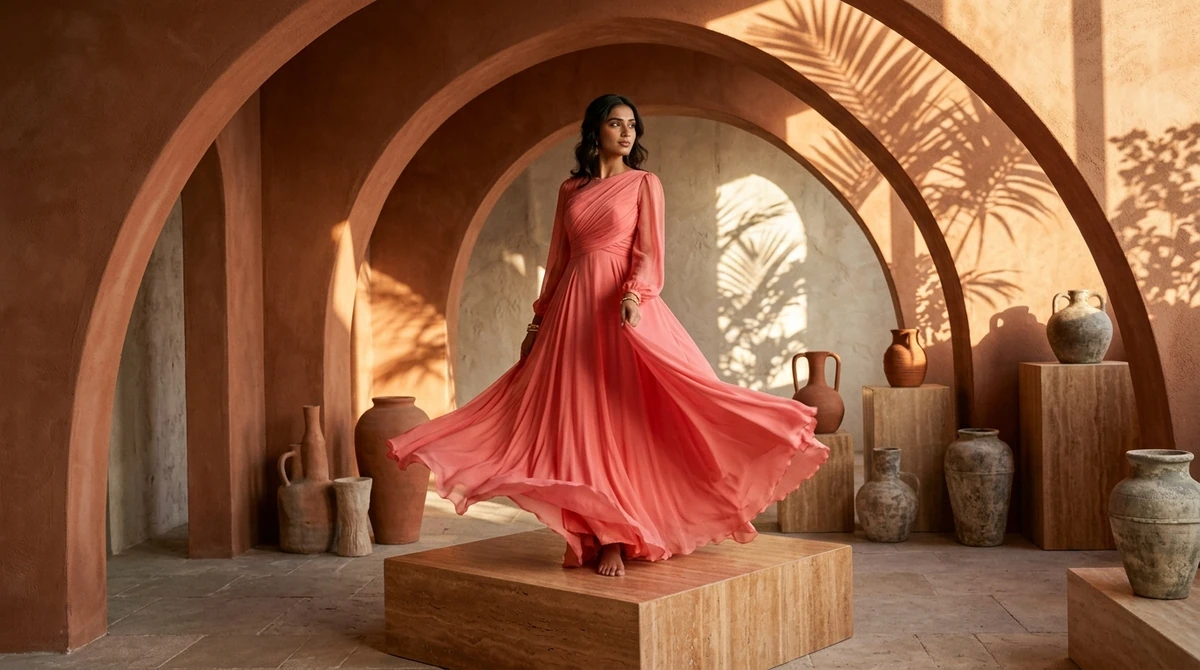
In high-end fashion and Indian ethnic wear ecommerce, resolution is not just a technical vanity metric—it is a critical conversion driver. When a customer considers investing ₹8,000 in a handloom chanderi saree or ₹25,000 in a bridal lehenga, they don't just glance at the thumbnail; they click the interactive zoom tool.
If the zoomed-in image turns blurry, pixelated, or mushy, confidence evaporates. The shopper cannot inspect whether the zari embroidery is genuine metallic thread or cheap print, whether the border stitching is secure, or how the weave texture feels. High-definition (HD / 4K) product photography bridges the tactile gap of online shopping, reassuring the buyer of premium quality.
This technical guide covers how to capture, optimize, and deliver ultra-crisp 4K HD fashion imagery—from camera sensor mechanics and optical diffraction limits to web compression and AI neural upscaling.
In this guide:
- Why HD zoom-in capability directly lifts conversion rates
- Camera sensor resolution: How many megapixels do you really need?
- The lens factor: Sharpness, sweet spots, and avoiding diffraction
- Optimizing 4K images for web without slowing down page load speed
- How Vastralook generates native 4K textile clarity with AI
- Frequently asked questions (FAQ)
1. Why HD Quality is Crucial for Fashion Ecommerce
Studies across online luxury and apparel retail demonstrate that high-resolution product imagery creates measurable business impact:
- Higher Average Order Value (AOV): Shoppers are 3x more likely to purchase premium-priced items when they can inspect microscopic fabric weave details.
- Fewer "Item Not as Described" Disputes: Blurry photos obscure subtle pattern nuances, leading to customer disappointment upon unboxing.
- Marketplace Listing Quality Boosts: Platforms like Amazon and Myntra prioritize listings that offer high-resolution zoom (minimum 1600 px on the longest side).
2. Megapixels vs Optics: What Actually Makes an Image "HD"?
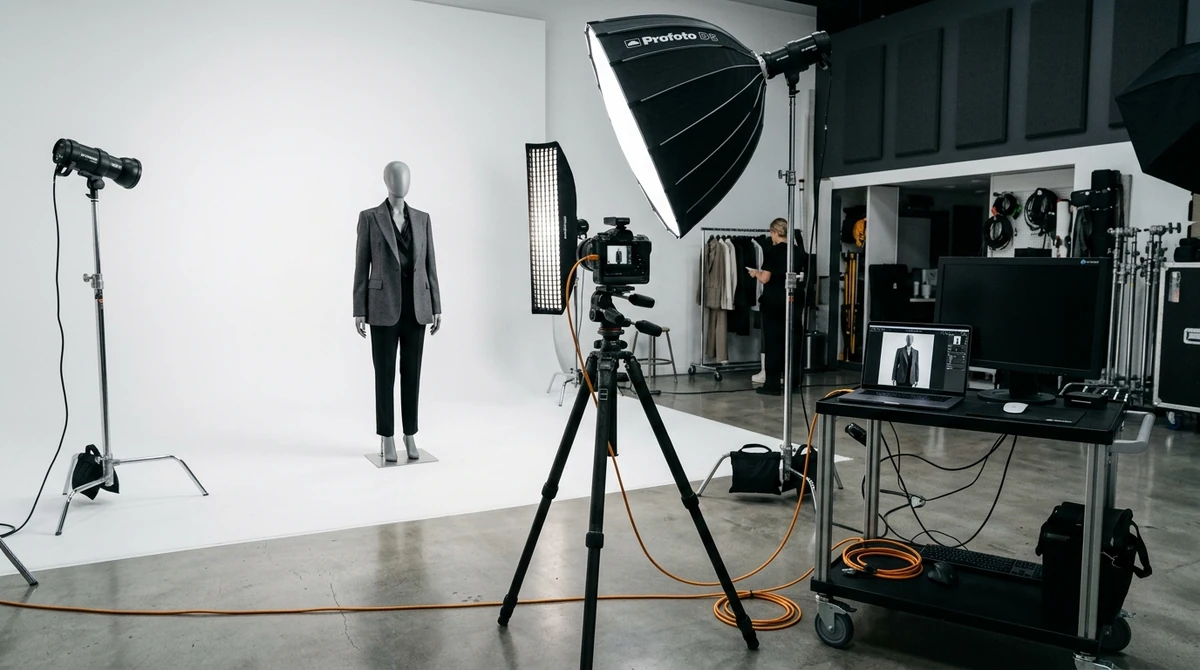
Many amateur photographers assume that buying a 50-megapixel camera automatically produces sharp HD photos. In reality, image sharpness is dictated by three optical factors:
[ Camera Sensor ] x [ Lens Resolving Power ] x [ Aperture Sweet Spot ] = True HD Clarity
- Aperture Sweet Spot (f/8 to f/11):
- Shooting wide open at f/1.8 or f/2.8 creates a shallow depth of field where only the model's nose is sharp while the dress fabric is blurry.
- Shooting at f/16 or f/22 causes optical diffraction, where light bends around the aperture blades and softens the entire image.
- Set your lens to f/8 or f/10 for razor-sharp edge-to-edge fabric detail.
- Flash Sync & Low ISO: Always shoot at your camera's native ISO 100, paired with studio flash strobes. Higher ISO settings introduce digital noise that destroys fine silk weaves.
- Tripod Stability & High Shutter Speeds: Even micro-vibrations from pressing the camera shutter can blur fabric threads. Use a heavy-duty tripod and tethered shooting software.
3. Resolving the Dilemma: 4K Clarity vs Fast Web Speed
Delivering 4K resolution (3840x2160 px) uncompressed would result in 15 MB image files that take 8 seconds to load on mobile connections, killing your SEO and bounce rates.
To serve 4K HD photos without sacrificing speed:
- Adopt WebP Image Compression: Modern WebP format delivers identical visual sharpness to JPEG at 35% to 50% lower file size.
- Use Responsive `<picture>` Srcset Tags: Serve 800px images to mobile phones, 1400px images to laptops, and load full 4K resolutions only when the user activates the zoom magnifying glass.
- Deploy a Global CDN (Content Delivery Network): Caching your image assets on edge servers ensures sub-100ms image delivery worldwide.
4. How Vastralook Generates Native 4K Micro-Textile Detail
Standard AI image generators often struggle with intricate patterns—mushy hands, blurred embroidery, and hallucinated motifs that fall apart under zoom inspection.
Vastralook was built specifically to solve the fashion zoom challenge:
- Textile-Preserving Neural Architecture: Vastralook separates the garment's exact weave, zari threads, and print geometry from the model rendering pipeline.
- True 4K Export Engine: Delivers crisp 3840x2160 resolution outputs where every individual thread, zari border reflection, and pleat fold remains crystal clear under 400% zoom.
- Optimized WebP Delivery: Every generated export is automatically compressed to under 200 KB while retaining full optical sharpness.
Frequently Asked Questions
What resolution is considered "HD" in fashion photography?
In web ecommerce, standard HD is 1920x1080 px, while Ultra HD / 4K ecommerce resolution is 3840x2160 px (or 2048x2048 px for square listings), providing pristine zoom clarity.
What is the best format to download high-resolution photoshoot pictures?
For printing and archival: Uncompressed TIFF or Maximum Quality PNG. For online ecommerce stores: WebP at 85-90 quality, which balances retina sharpness with lightweight file weight.
Why do my photos look blurry when customers zoom in on Shopify?
If your source upload is less than 1600 pixels on the longest side, Shopify's zoom module simply enlarges pixels rather than revealing extra detail. Always upload images between 2048 px and 3840 px.
Can AI upscale low-resolution garment photos into HD?
Yes. Specialized neural upscalers can upscale phone photos to 4K. However, using Vastralook's dedicated studio generation guarantees accurate textile physics and natural model skin textures.