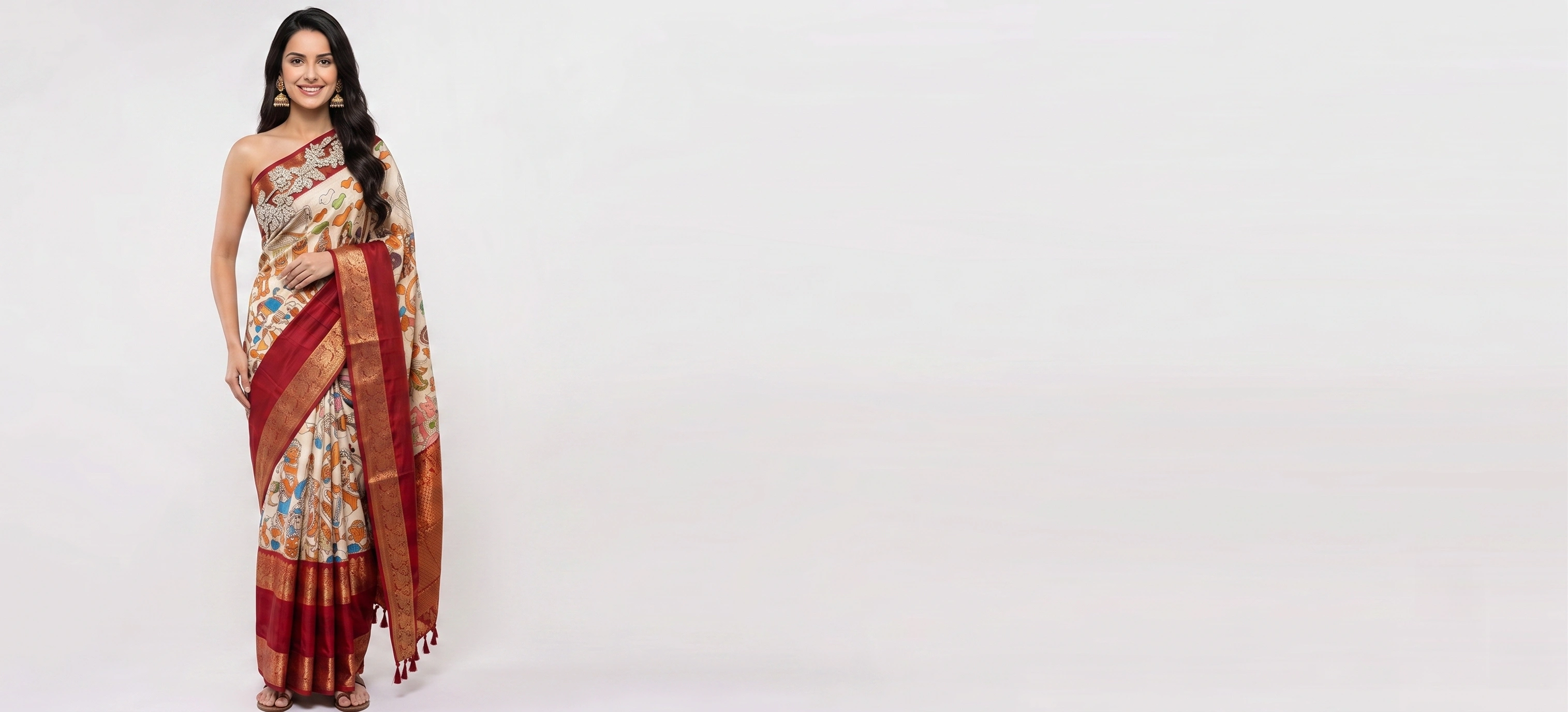
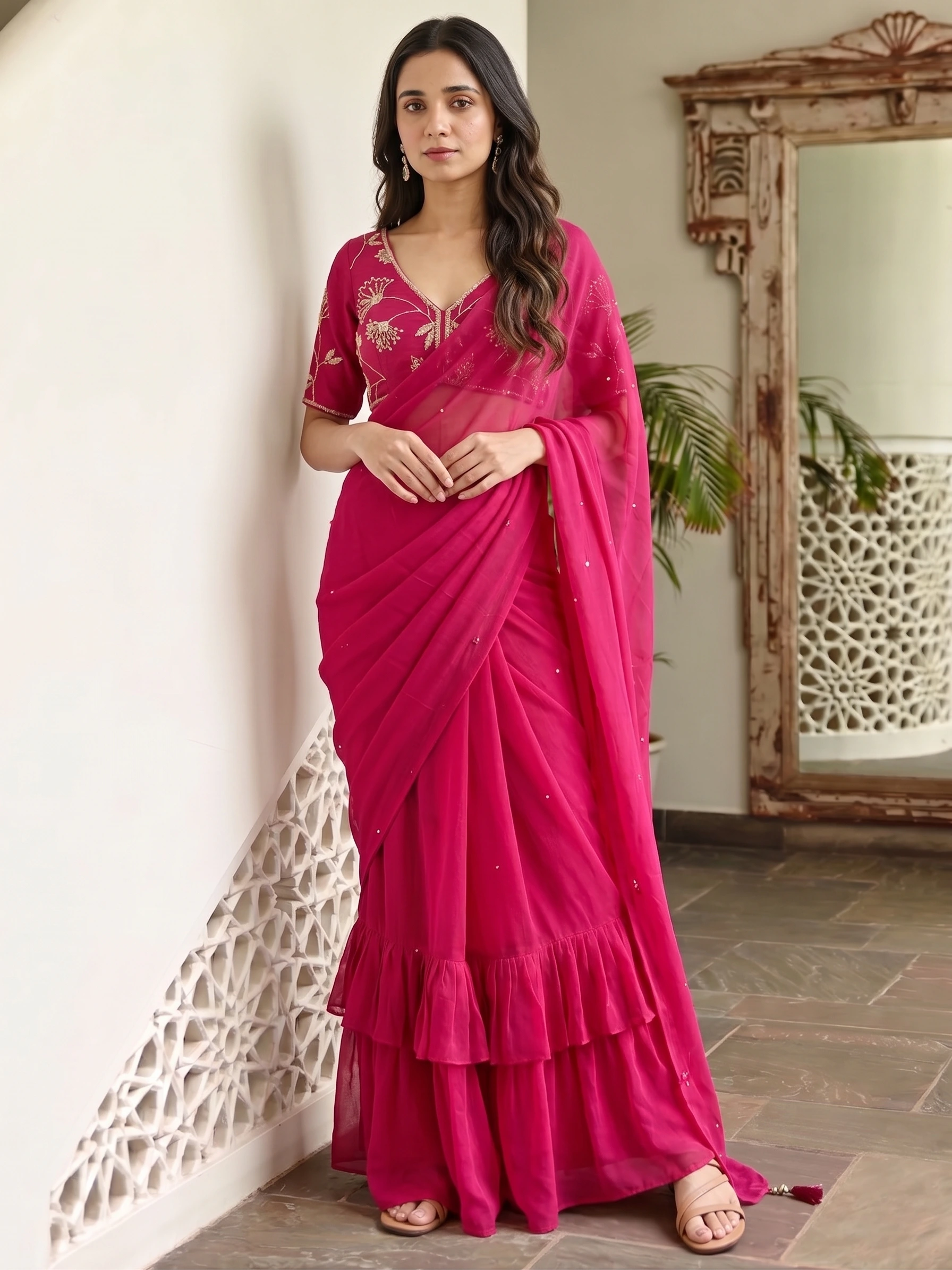
Most sellers do not need one perfect photo. They need thirty garments shown the same way, so the catalog looks like one brand. That is the job an AI catalog maker does: you give it the garments, you choose the look once, and it makes the whole set. This guide shows how that works with Vastralook's Catalogue Studio, what it costs, and what to check in any tool before you commit.
What an AI catalog maker actually does
It starts from a flat or hanging photo of the garment and produces a photo of a model wearing it, in a pose and setting you choose. Do that for every garment and you have a catalog. Three kinds of tool get called a catalog maker, and they do different jobs:
| Kind of tool | What it makes | Good for | Not enough when |
|---|---|---|---|
| Layout and template apps | Pages: grids, covers, price lists | Putting finished photos into a PDF or a line sheet | You do not have the photos yet |
| Background and product-photo tools | Clean cut-outs of the garment | Plain white-background product shots | You need a person wearing it |
| AI on-model catalog makers | The garment on a model, for every garment in a batch | Building the photos themselves, in one consistent look | You only need a layout |
How to build a catalog in six steps
- Photograph each garment once
Lay it flat or hang it, square-on, filling the frame. Everything after this is built from that photo. You can add back, side and detail shots, up to four images a garment.
- Add the garments
In Catalogue Studio's Garments tab, upload each piece. JPG, PNG or WebP, up to 10 MB.
- Choose the models
In the Models tab, pick one model for a consistent look or several to show range. Filter by region, age, skin tone and body type.
- Choose the styles
In the Styles tab, pick the pose, framing and setting, or start from a ready-made package. There are 1,200+ packages.
- Check the shot count
The Summary tab shows garments × models × styles. Remove anything you do not need before you spend a credit.
- Generate, or order
Generate runs it now. Create order has us make it: 8 credits a 1K shot or 10 at 2K, ready in about 3–4 minutes. Download everything from the Orders tab.
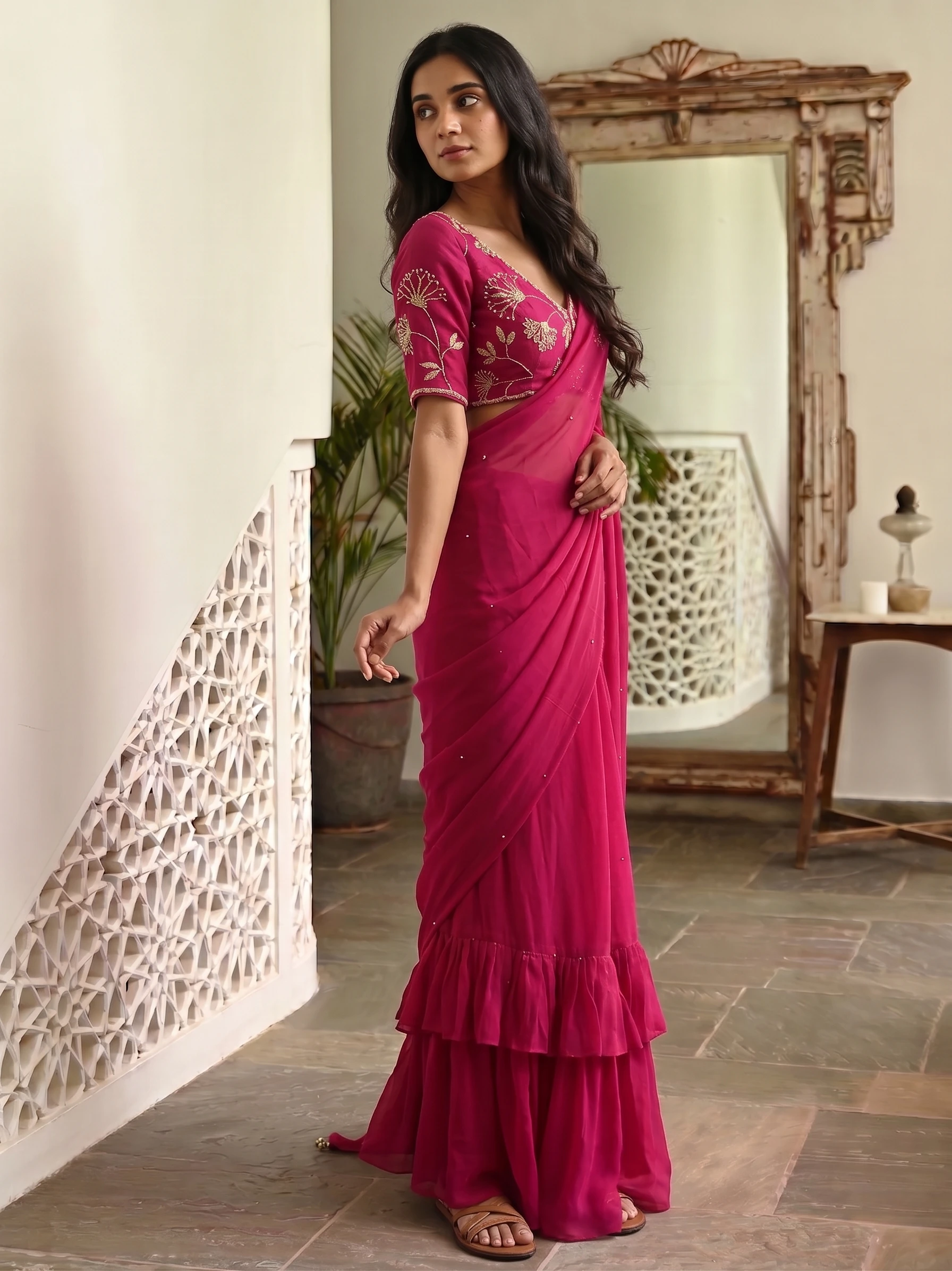
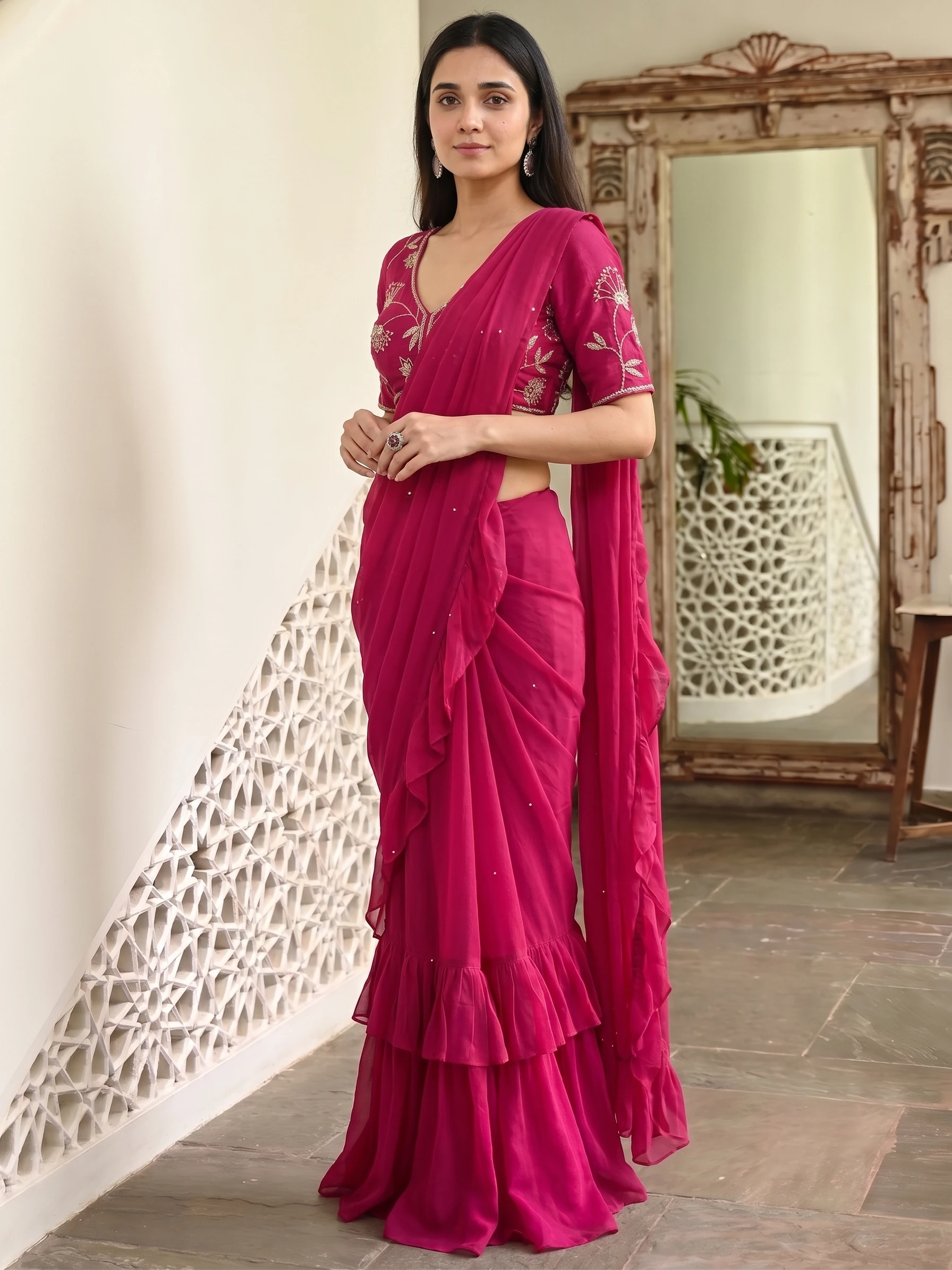
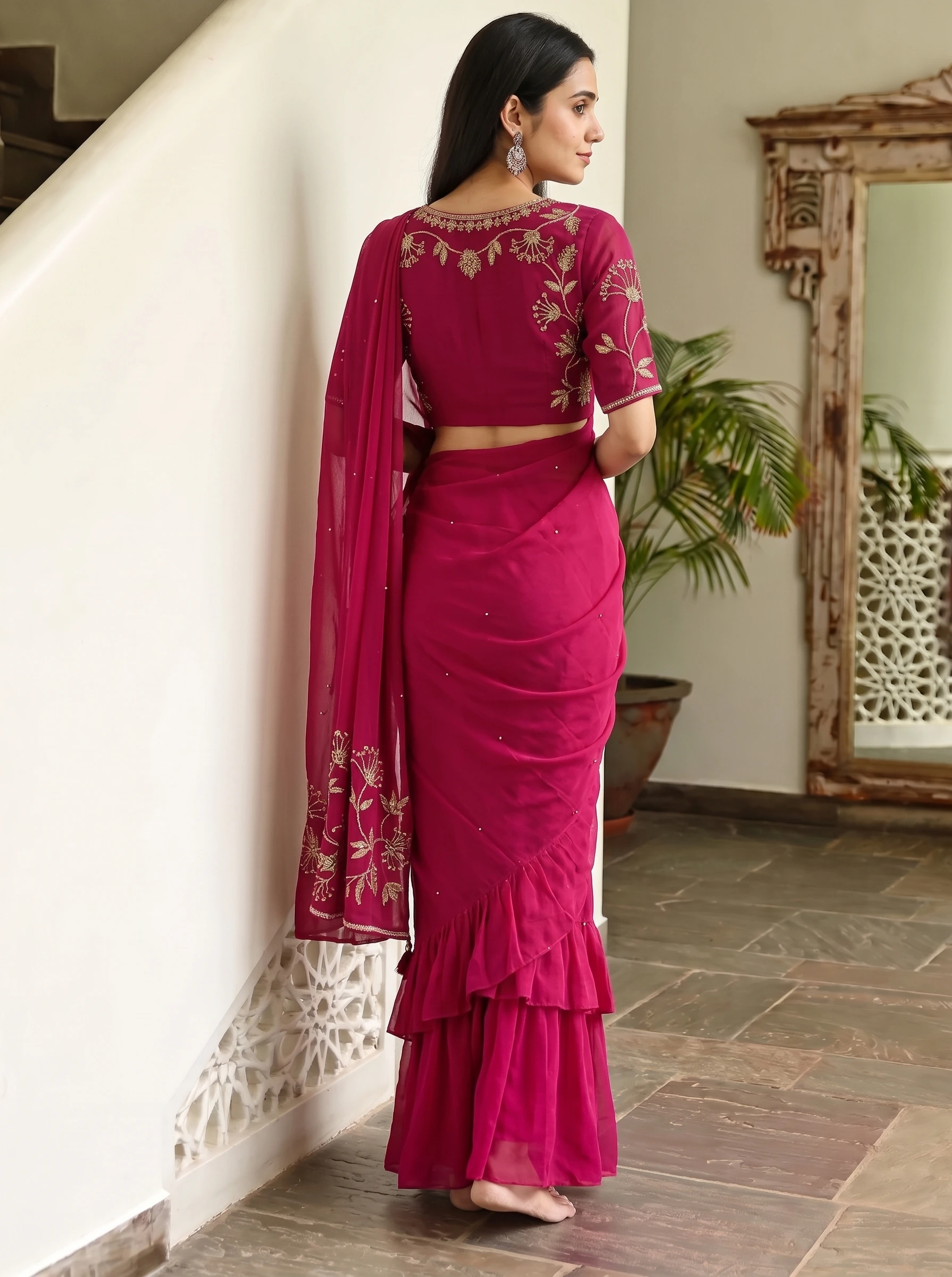
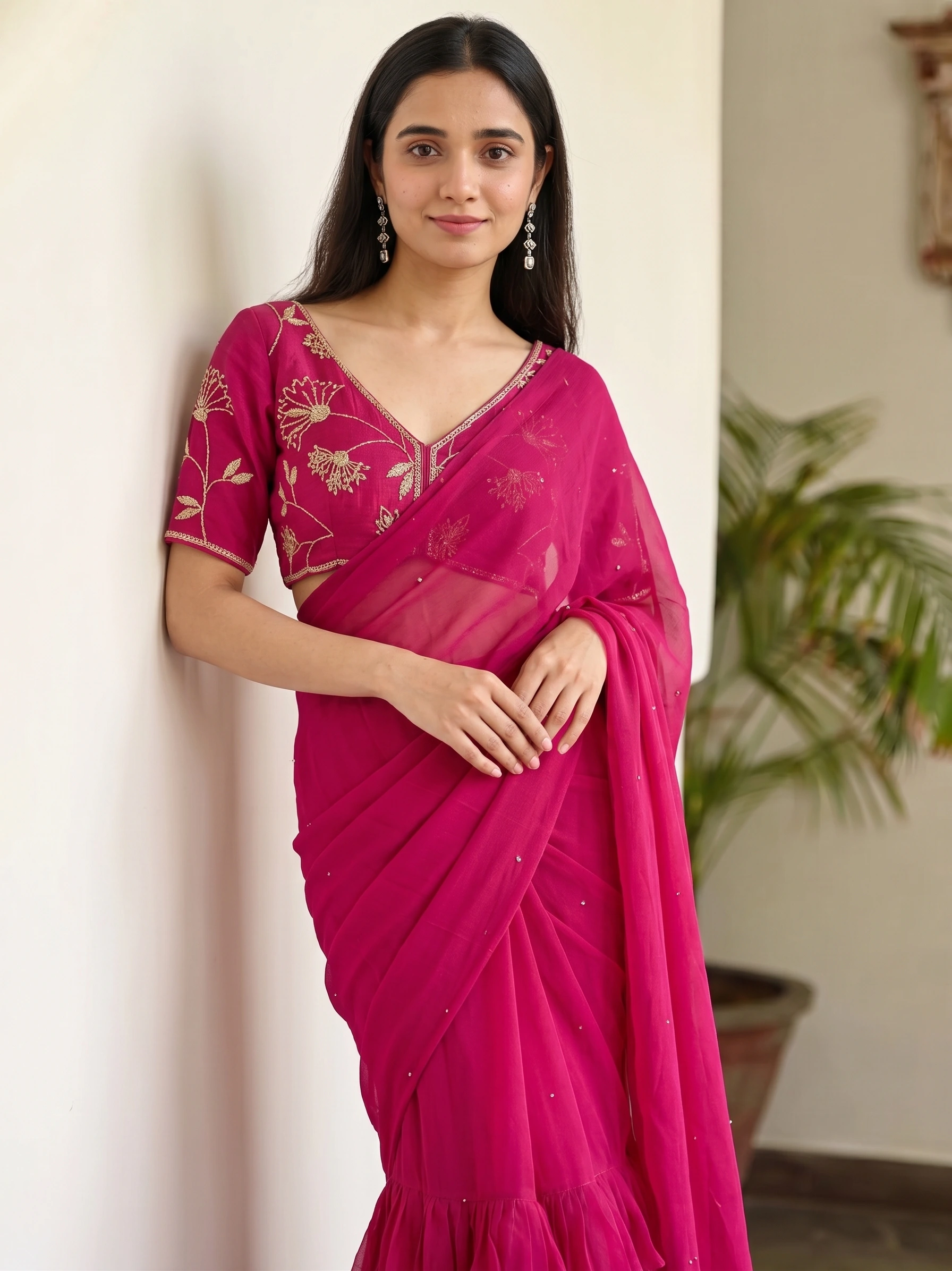
Frames from one package in our library: the same garment across different poses. A batch gives you a set like this for every garment you upload.
What a catalog costs
A worked example: 10 garments on one model in three styles is 30 shots. Ordered at 2K that is 300 credits, about ₹300–₹375 depending on the credit pack. Generated yourself at 2K it is about ₹1,199 or more, because a self-generated image costs more credits than an order. Credits come in rupee packs from ₹250, and top-up credits never expire.
What to check in any AI catalog maker
- Does it keep your fabric, colour and border, or does it invent them? Test on your hardest garment.
- Can you make many garments in one batch, or only one image at a time?
- Can you keep the same model and style across the whole catalog?
- Does it show the number of shots, and the price, before you spend anything?
- Does it have size presets for the marketplace you sell on (Myntra, Amazon, Flipkart, Meesho)?
- Can you put your logo on every image?
- Can someone else make it for you if you do not want to run the tool?
- Is the price in rupees, and do the credits expire?
What is an AI catalog maker?
An AI catalog maker takes photos of your garments and makes photos of them on models, so you can build a product catalog without a photoshoot. Vastralook's Catalogue Studio does this for a whole batch at once.
Is there a free AI catalog maker?
You can try Vastralook free: new accounts get up to 4 free 2K images after signing in and verifying a phone number, with no card. That is enough to judge the output on your own garment, not to build a whole catalog.
What is the difference between catalog and catalogue?
Nothing but the spelling. Catalog is the American spelling and catalogue the British one, and Indian sellers use both. The tool and the result are the same.
How many photos do I need for each garment?
One clear, square-on photo that fills the frame is enough to start. You can add back, side and detail shots of the same garment, up to four images a garment.
Can I make a catalog for Meesho, Amazon or Myntra?
Yes. Pick a marketplace in the studio and it sets the poses, background, model and output size for that marketplace. Myntra, Amazon, Flipkart and Meesho are listed.
Can I add my logo to the catalog photos?
Yes. Upload your logo once and set its position, size and opacity, and it goes on every shot you download.
Can someone make the catalog for me?
Yes. Create order has us make the shots: 8 credits a 1K shot or 10 at 2K, ready in about 3–4 minutes.