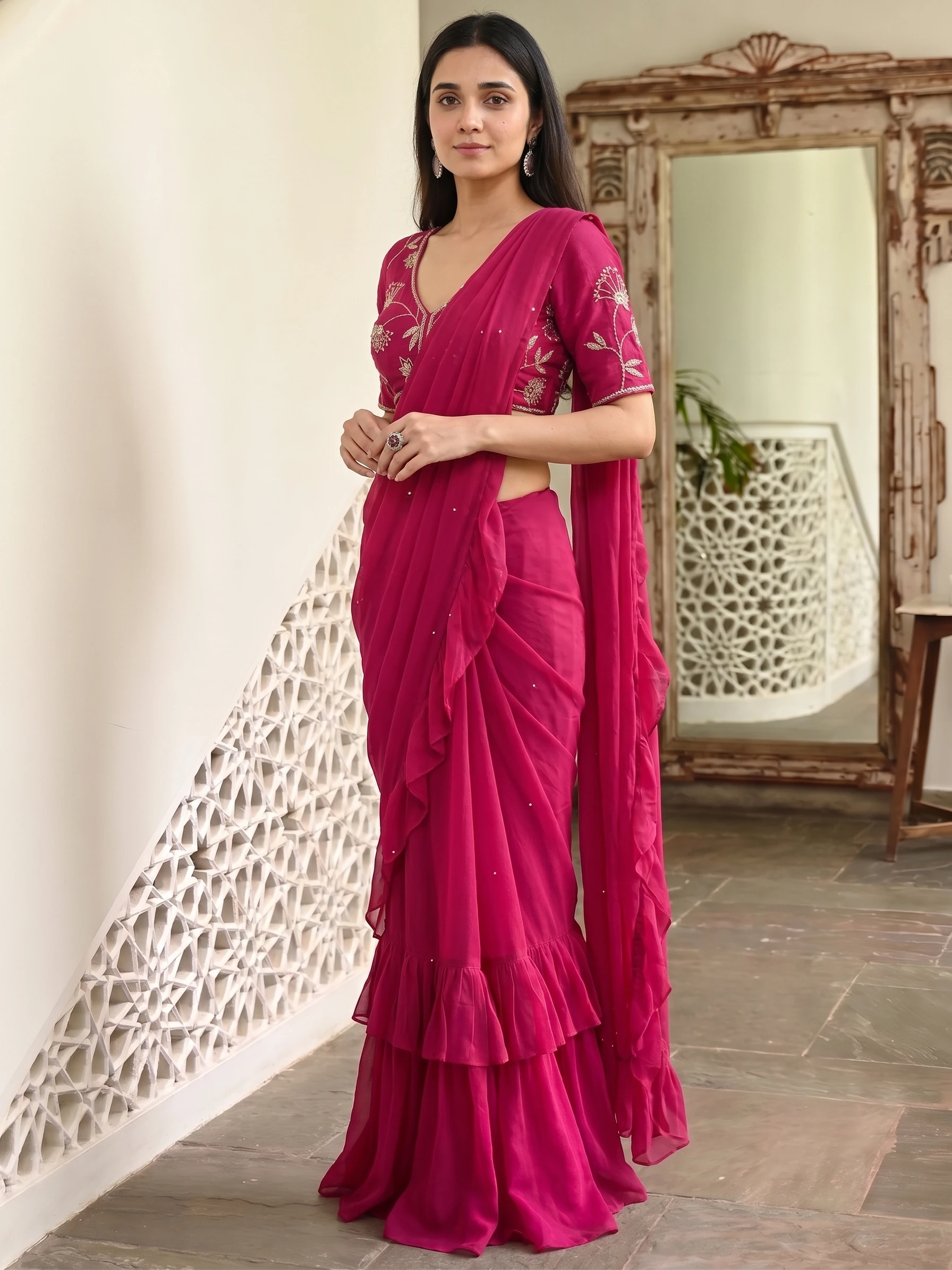
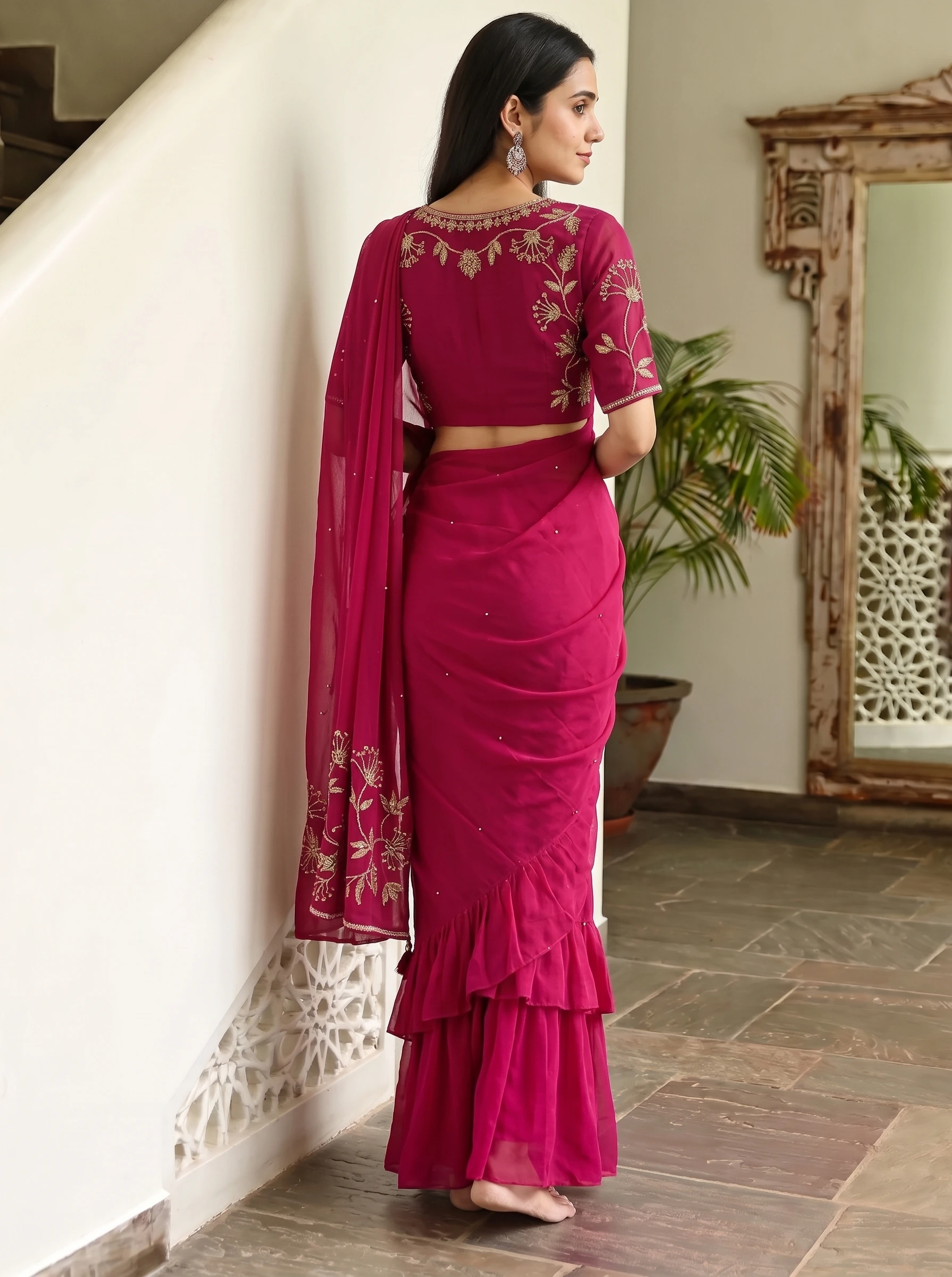
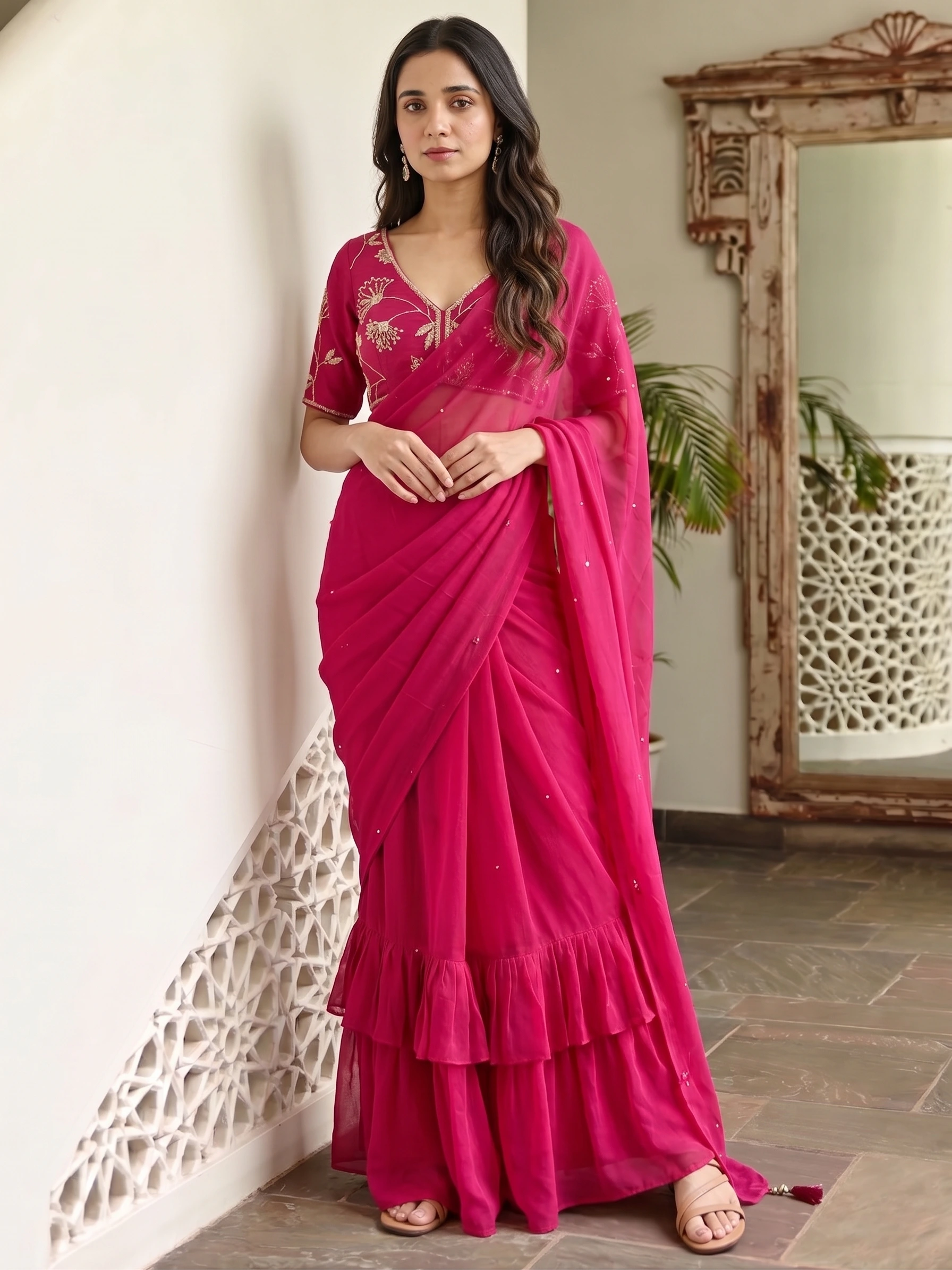
Sellers search for this in many ways: AI saree, AI saree draping, saree on a model, AI saree photoshoot. They all mean the same thing: you have a saree and you want it shown on a person, without hiring a model, a photographer and a studio. This guide shows how that works in Vastralook's Drape Studio, step by step, and what to expect.
What an AI saree generator is, and what it is not
It is a tool for sellers and brands. You give it your own saree photo and it makes catalog photos of a model wearing that saree. It is not a try-on for a customer's own photo: it will not show a buyer wearing your saree. If you want the photos for your Meesho, Amazon, Myntra or Flipkart listing, your website or your WhatsApp catalog, this is the right kind of tool.
Why a saree is harder than other clothes
- It is two pieces. The saree and the blouse are different fabrics, and they have to be worn as one outfit.
- The pallu has a design of its own. If the tool does not know where the pallu is, the pallu design ends up on the pleats.
- The border has to run along the edge, straight, and stay sharp.
- Many sarees repeat a pattern down the body, and the tool needs to know how much is one repeat.
How to make an AI saree photo in Drape Studio
- Choose Saree
In Upload Design, under Generate For, pick Saree. For a lehenga, kurti, salwar suit, anarkali or sharara, pick More.
- Upload the saree
Add one clear photo of the full saree, body and pallu together, laid flat or hanging and cropped to the fabric. This photo decides the colours, the weave and the border in every shot.
- Add the blouse fabric (optional)
Upload the blouse fabric, then set the blouse shape and sleeve length. The finished blouse goes into the photo.
- Check the cut
The studio finds the cloth's edges. Drag the corners if the outline misses, or draw around the saree with the lasso. You can remove the background of the cut too, so only the fabric is used.
- Mark the pallu
Set the pallu line, say whether the pallu is at the top or the bottom, and add repeat lines if the pattern repeats down the body.
- Choose the model, background and pose
Pick a model, a background and a pose: front standing, a side profile, back view, seated or a candid stroll. Or choose a marketplace and let the studio set them.
- Add your logo (optional)
Upload your logo and set its position, size and opacity. It goes on every shot you download.
- Generate, or order
Generate runs it now. Create order has us make it: 8 credits a 1K shot or 10 at 2K, ready in about 3–4 minutes. Download from the Orders tab.
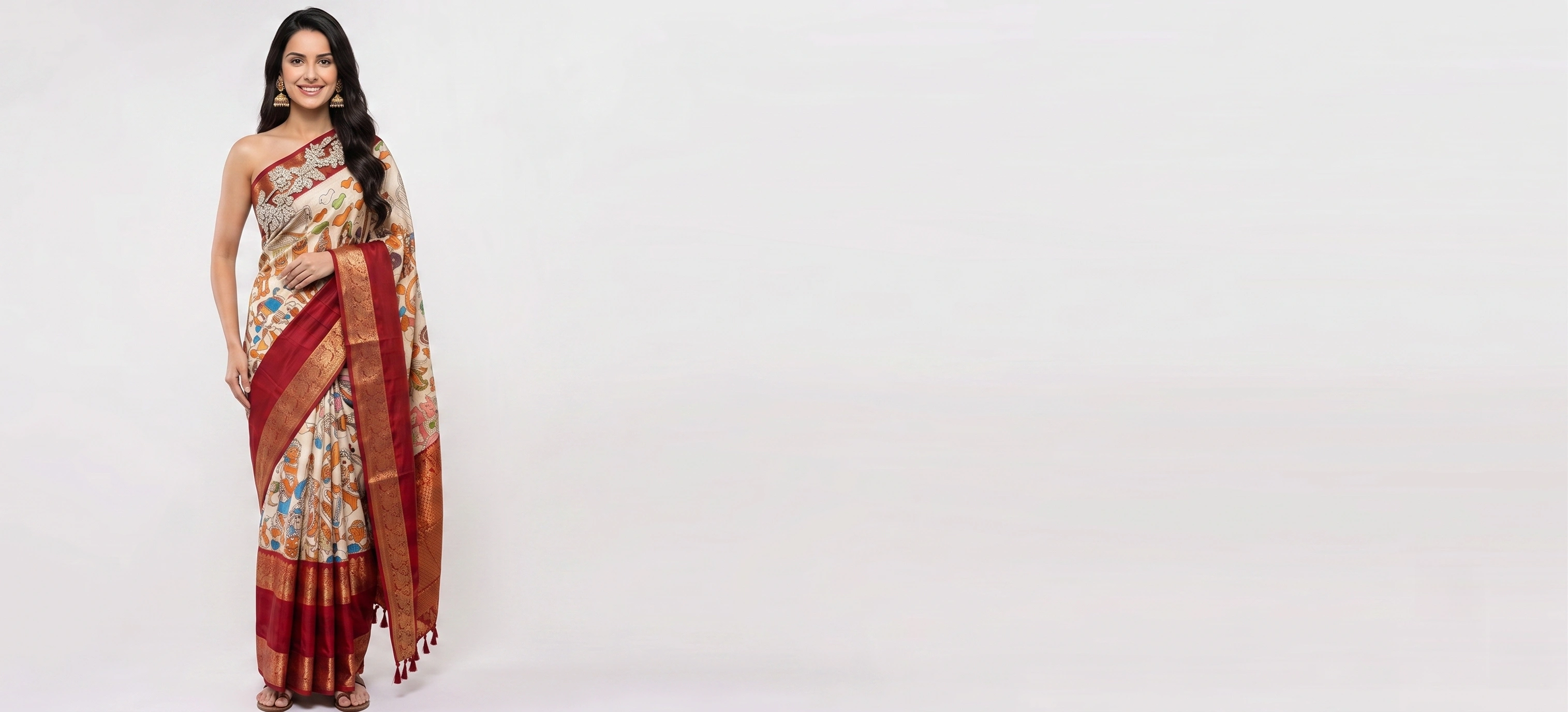
Three mistakes that ruin an AI saree photo
- The blouse photo also shows the saree. The tool copies whatever is in the photo, so crop the blouse fabric tight.
- Uploading every photo you have. Five photos of the same print give five overlapping instructions. Use one saree photo and only the parts that are different.
- Skipping the pallu line. Without it, the pallu design can land on the pleats.
What it costs
A 1K image you generate yourself is about ₹20–₹25, and a Create order is cheaper per shot because we make it for you. Credits come in rupee packs from ₹250, and top-up credits never expire. If a shot misses, you can ask for 50% of its credits back.
Before you upload your saree
- The whole saree is in the photo, body and pallu together.
- It is laid flat or hanging, in even daylight, with no filter.
- The photo is cropped to the fabric, with no hands or hanger in the frame.
- The blouse fabric is a separate, tightly cropped photo.
- The border is visible and sharp.
- You know which end is the pallu.
What is an AI saree generator?
An AI saree generator takes a photo of your saree and makes a photo of a model wearing it, so you can list it without a photoshoot. Vastralook's Drape Studio also lets you set the pallu end and the repeat first.
Is there a free AI saree tool?
You can try Vastralook free: new accounts get up to 4 free 2K images after signing in and verifying a phone number, with no card. That is enough to judge the result on your own saree.
Can I try a saree on my own photo?
No. Drape Studio is for sellers and brands: it shows your saree on a model for your catalog and listings. It is not a try-on for a customer's own photo.
Can AI drape the pallu and pleats correctly?
You mark the pallu end and the repeat lines, and the tool uses them to place the design. The final photo drapes the saree naturally, so the exact pleat count can differ from the preview, but the fabric, border and pallu design come from your photo.
Can I use the blouse fabric?
Yes. Upload the blouse fabric separately, set the blouse shape and sleeve length, and the finished blouse goes into the photo.
Can I make photos for Meesho, Amazon or Myntra?
Yes. Pick a marketplace in the studio and it sets the poses, background, model and output size for it. Myntra, Amazon, Flipkart and Meesho are listed.
Can someone make the saree photos for me?
Yes. Create order has us make the shots: 8 credits a 1K shot or 10 at 2K, ready in about 3–4 minutes.