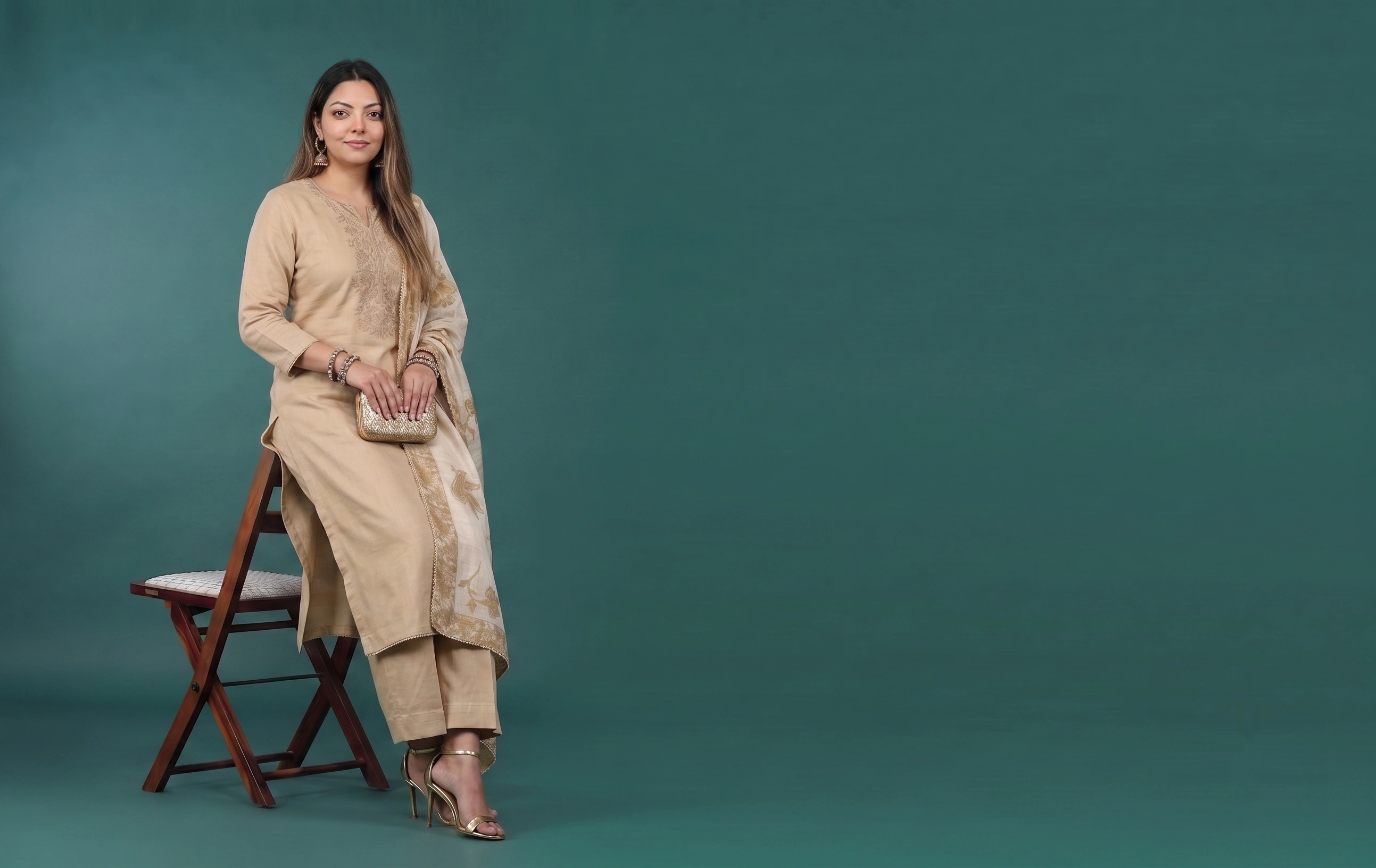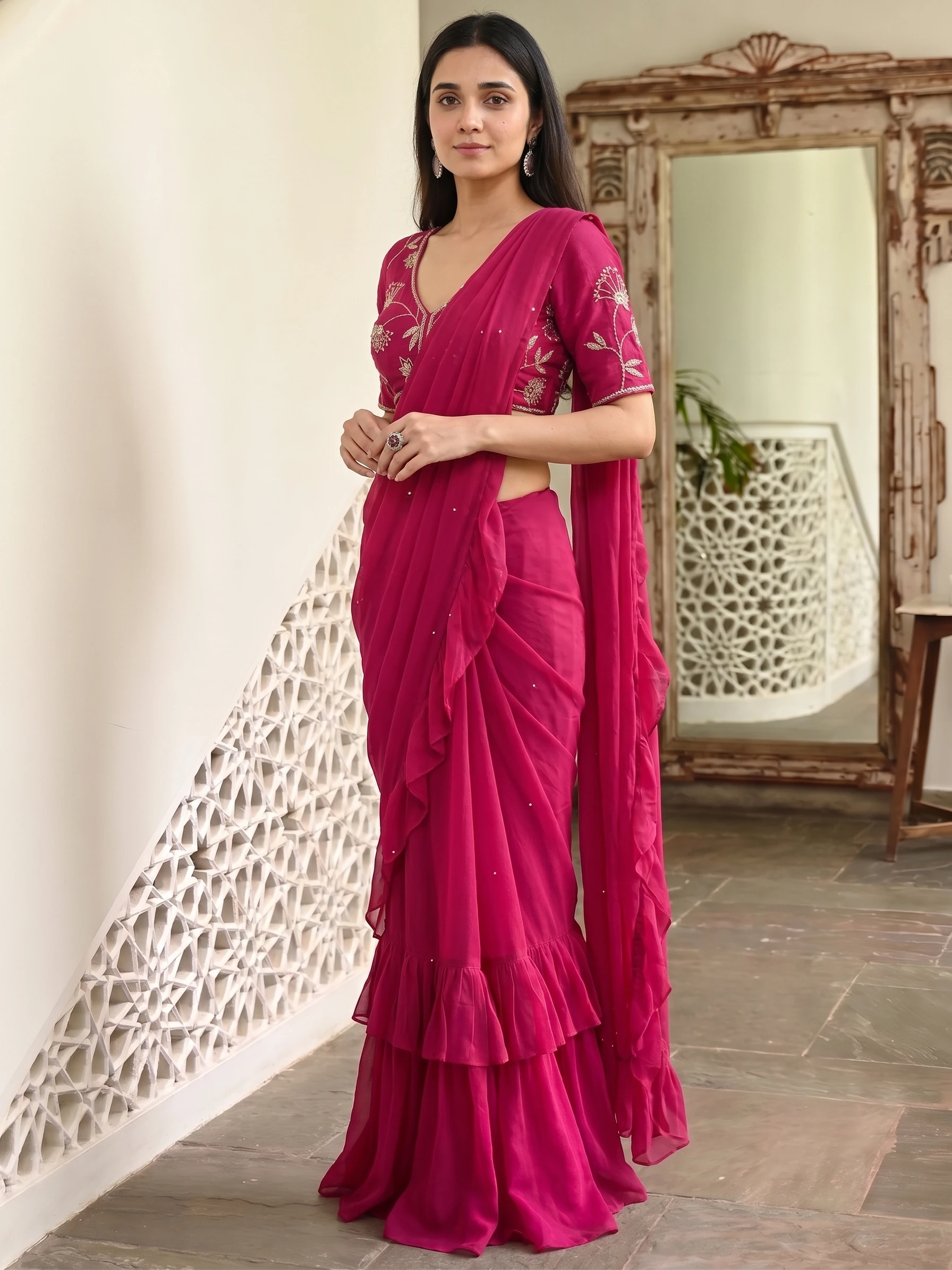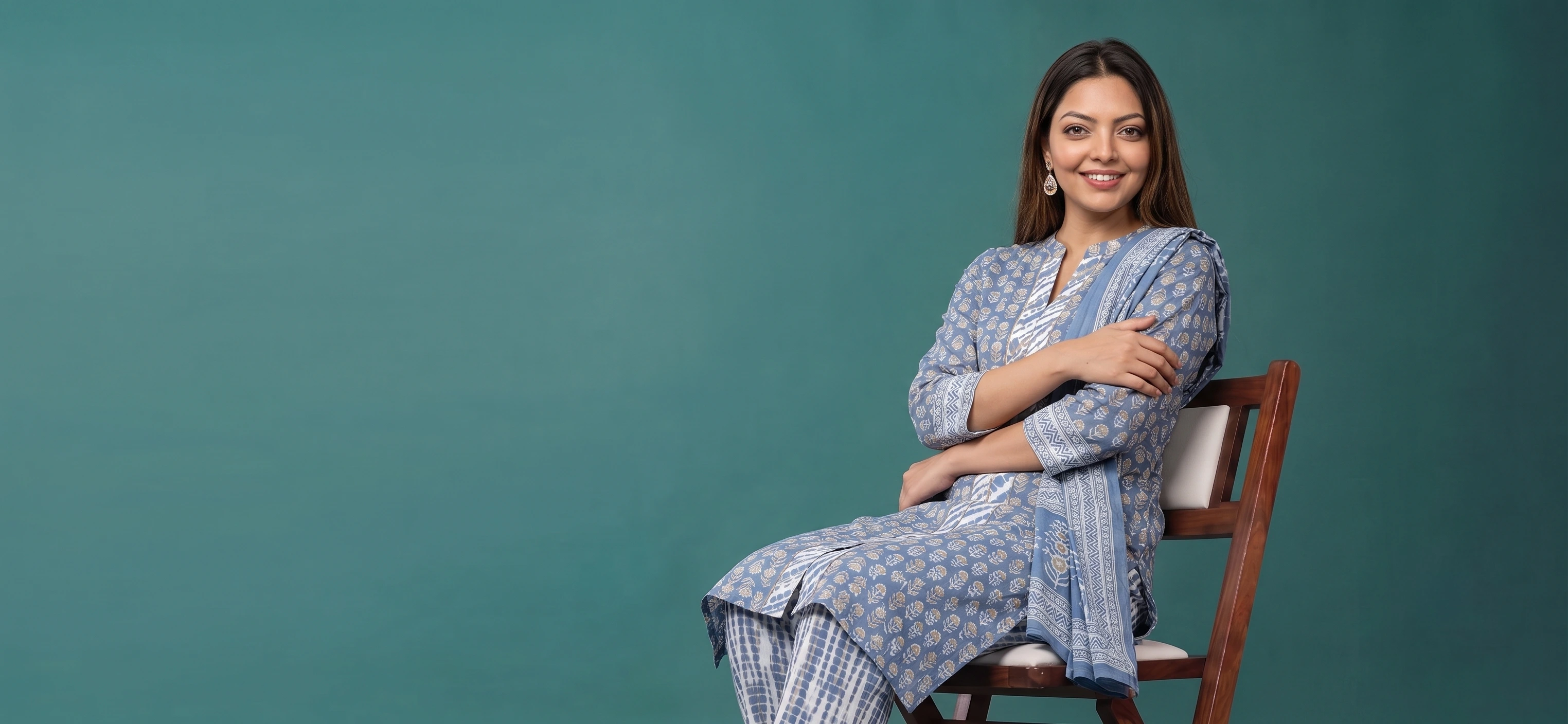
This is the whole loop, start to finish. Once it is familiar it takes a couple of minutes per look, and most of that is you deciding rather than the system working.
1. Upload the garment
A flat, overhead, well-lit shot on a contrasting background. You can upload up to four images per garment — front, back, side and a detail crop — and more angles give the generation more to work from.
2. Choose the model
Filter by region, age range, skin tone and body type until you have the right fit for the collection, then stay with that choice. If this is an extension of an existing campaign, pick the model you already used.
3. Pick a package or build the shot
Packages are pre-built scene, pose and lighting sets — the fastest route to a complete look. If you need something specific, select styles individually: scene, pose, camera angle and framing are all separate choices, so you can match an existing brand guideline rather than approximate it.
4. Generate the batch, review as a grid
Generate the full set rather than one image at a time, then review it together. You are looking for coherence across the set, not perfection in any single frame. Flag the ones that break the pattern.
5. Perfect and export
Open a flagged shot in the Studio editor and fix it directly — background, colour, crop, branding — with live preview. What you see on the canvas is what exports. Then download the set web-ready in the crops your channels need.
- Photograph the batch
Every new piece, same spot, same light, same settings. Steamed, flat, straight on.
- Draft cheap
Generate a handful of variations per product at low resolution. You are choosing a direction, not finishing.
- Select
Review at full size rather than in the grid — that is where the small failures show.
- Finalise
Re-run only the winners at the resolution your channel needs.
- Export and publish
Bulk export in the aspect ratios each destination expects.
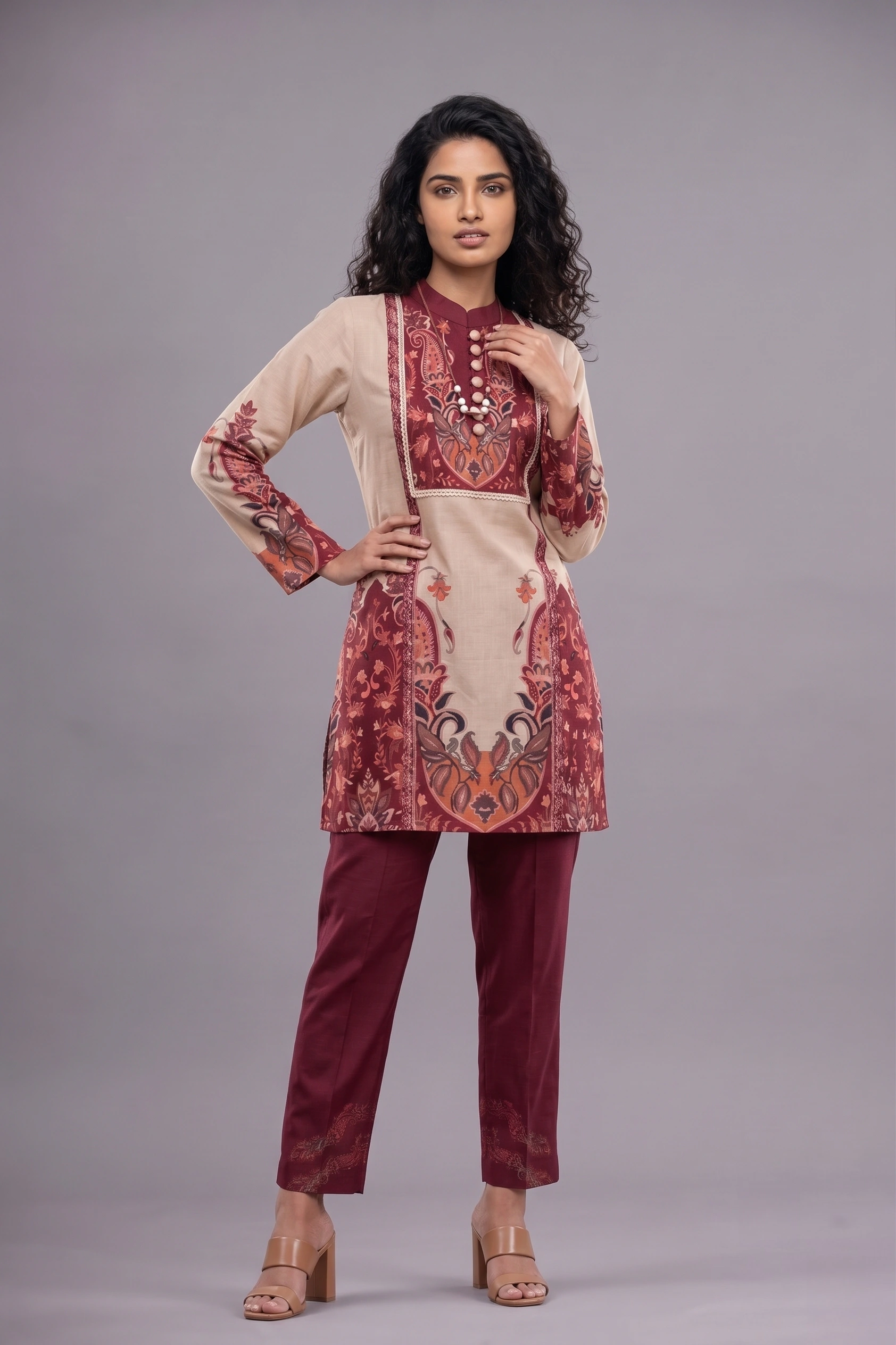
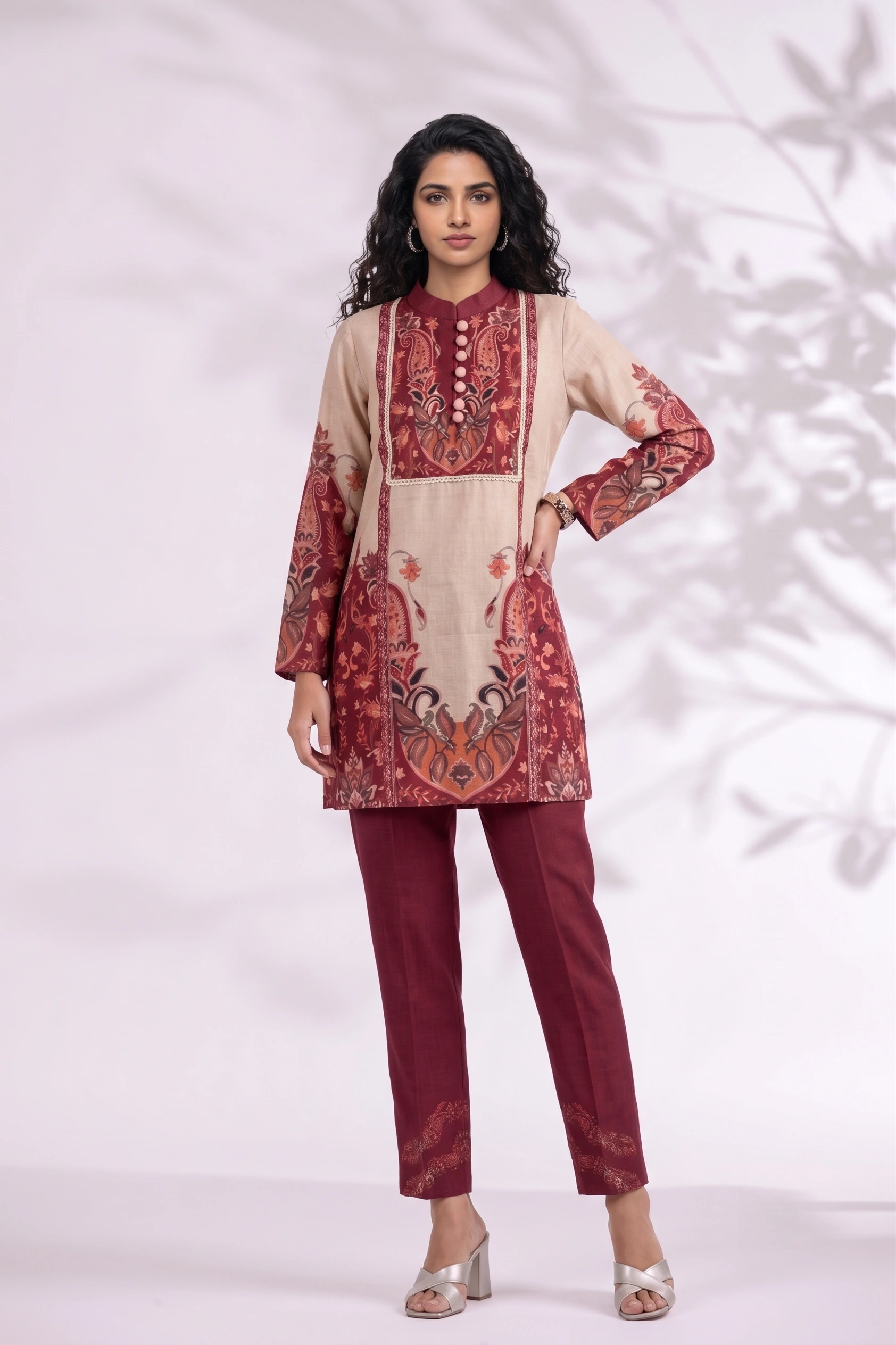
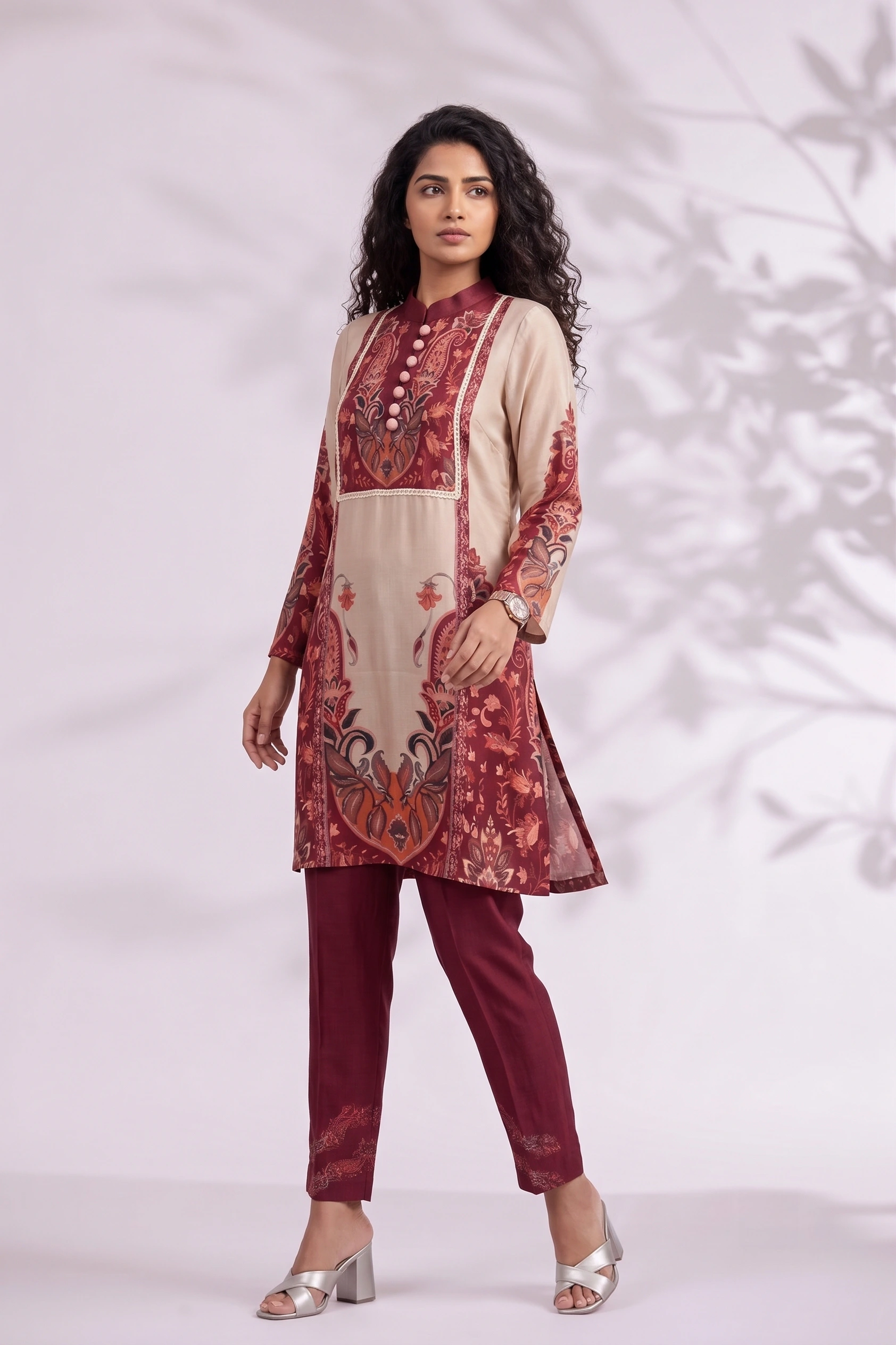
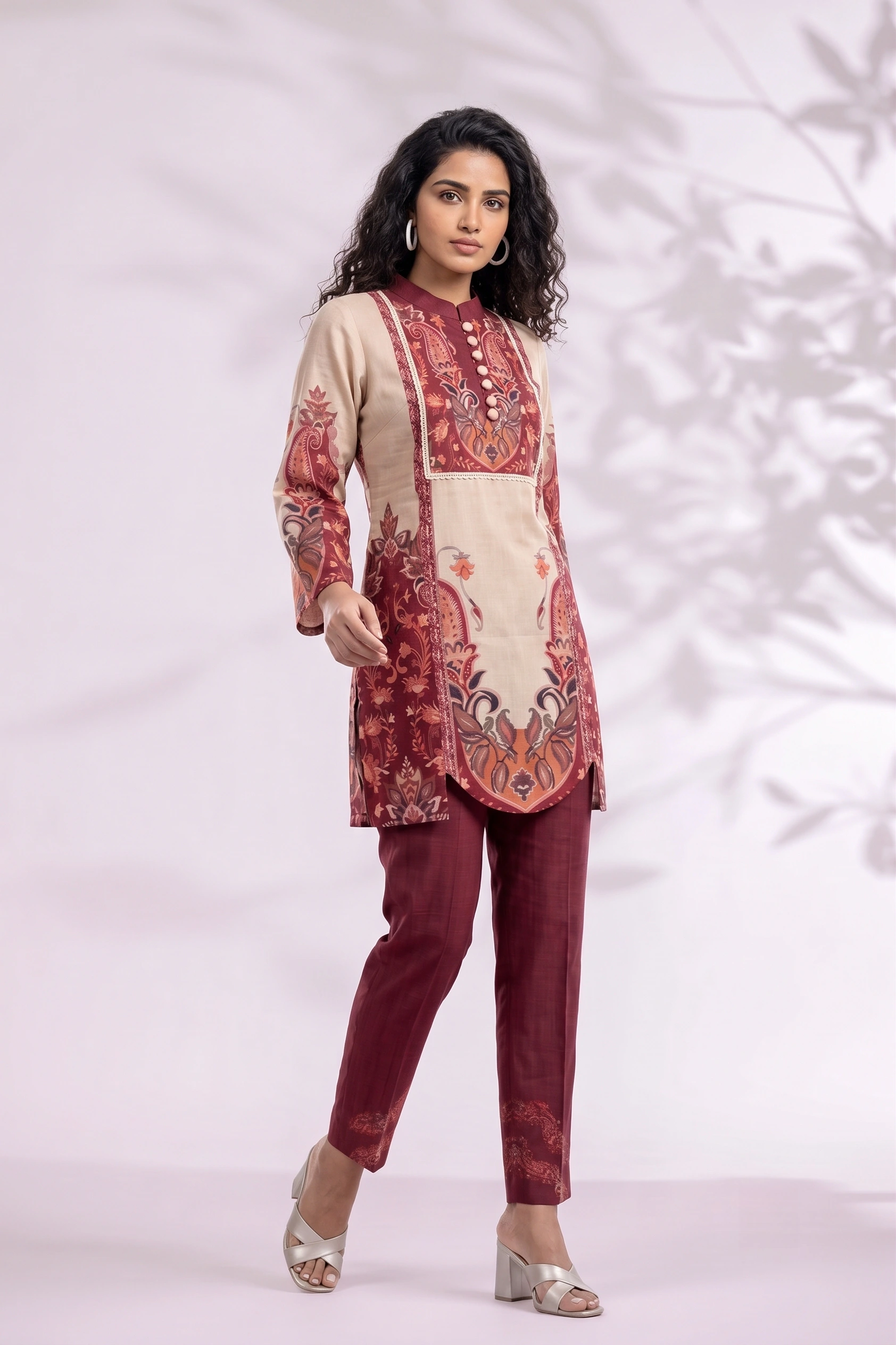
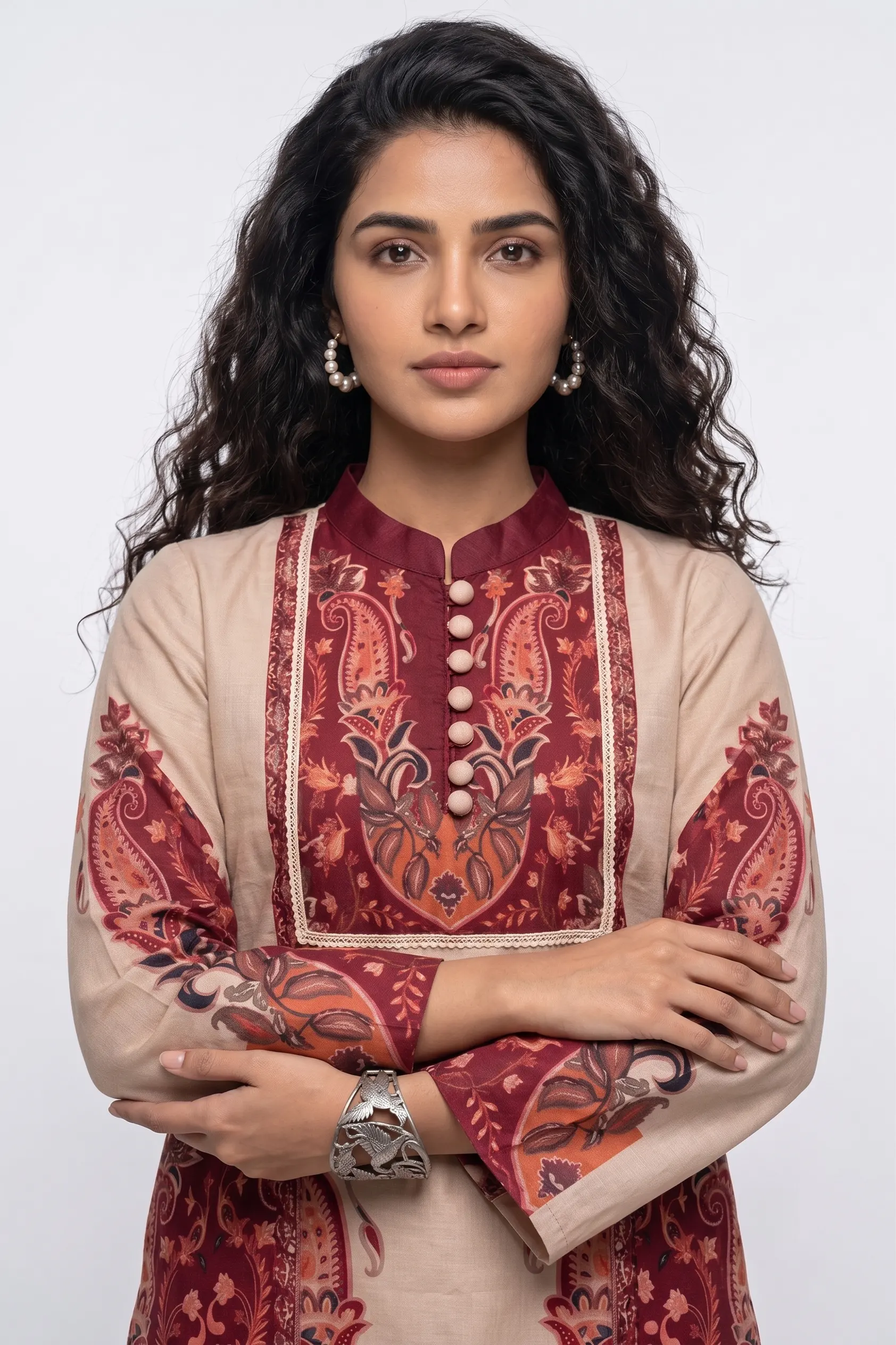
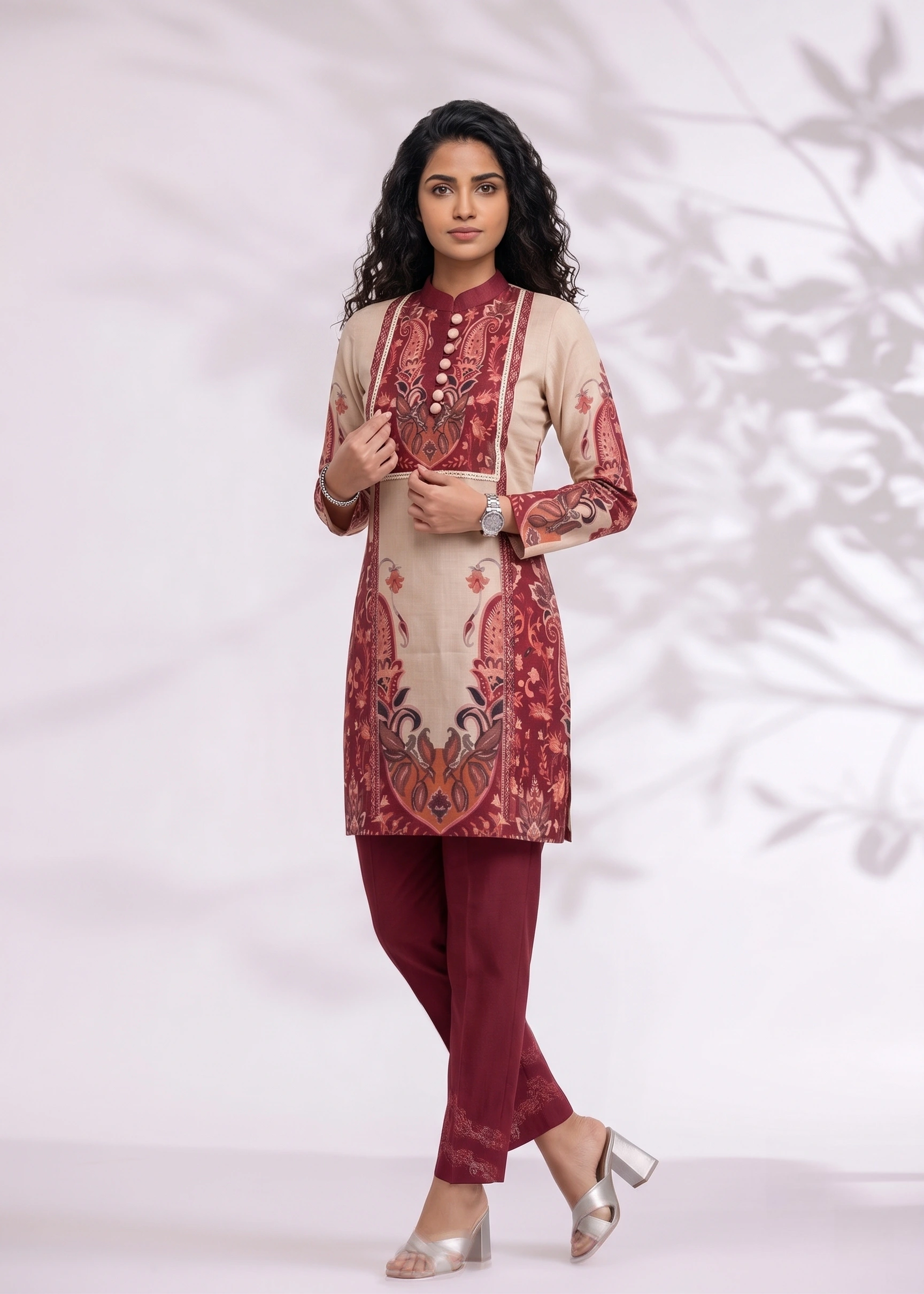
Six publishable frames of one co-ord set. Photographed once, drafted cheap, selected, then re-run at full resolution — the batch rhythm is what makes this an hour rather than a fortnight.
Where people lose time
- Reviewing image by image instead of as a set, then re-doing the whole batch for consistency.
- Changing model and scene together, which makes it impossible to tell which change caused a problem.
- Skipping the detail crop on garments where the detail is the selling point.