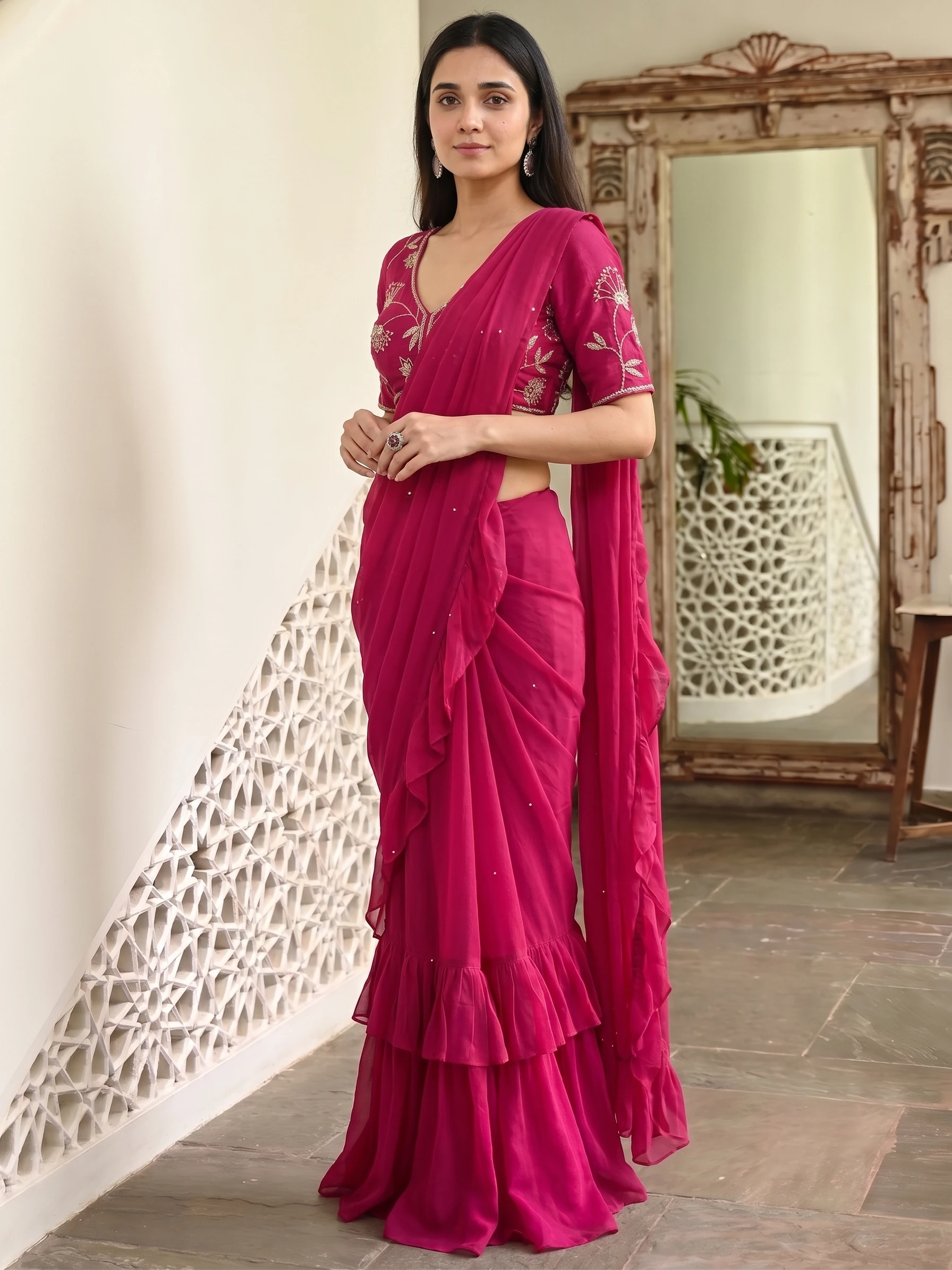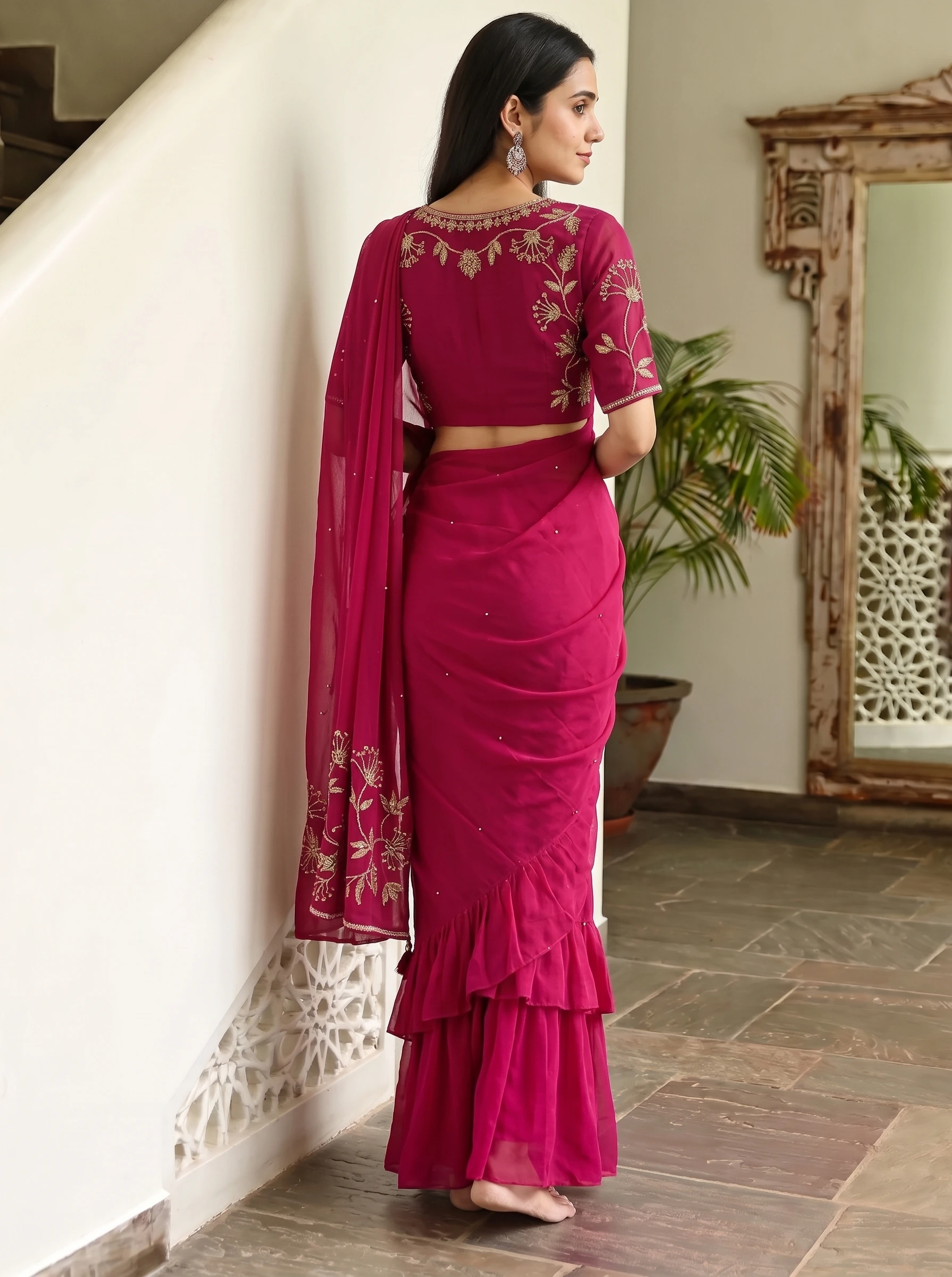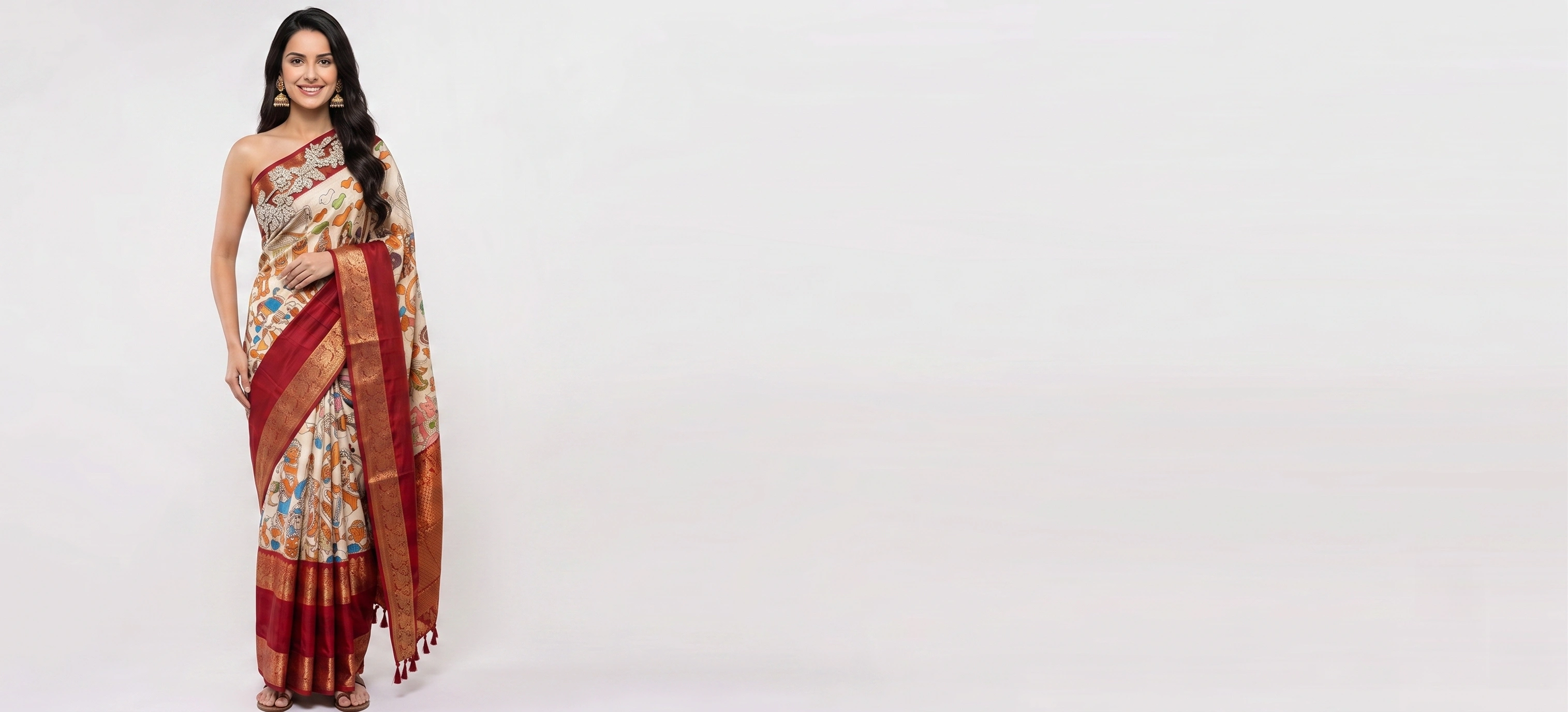
One of the greatest misconceptions in Indian ethnic wear selling is that creating high-end catalogue photos requires a commercial photography studio. In reality, the quality of an AI-generated model shoot depends entirely on the clarity of your **source fabric photo**.
By following a simple, 4-step smartphone setup at your home or shop counter, you can capture product photos in under 60 seconds that generate runway-grade model shoots in Vastralook.
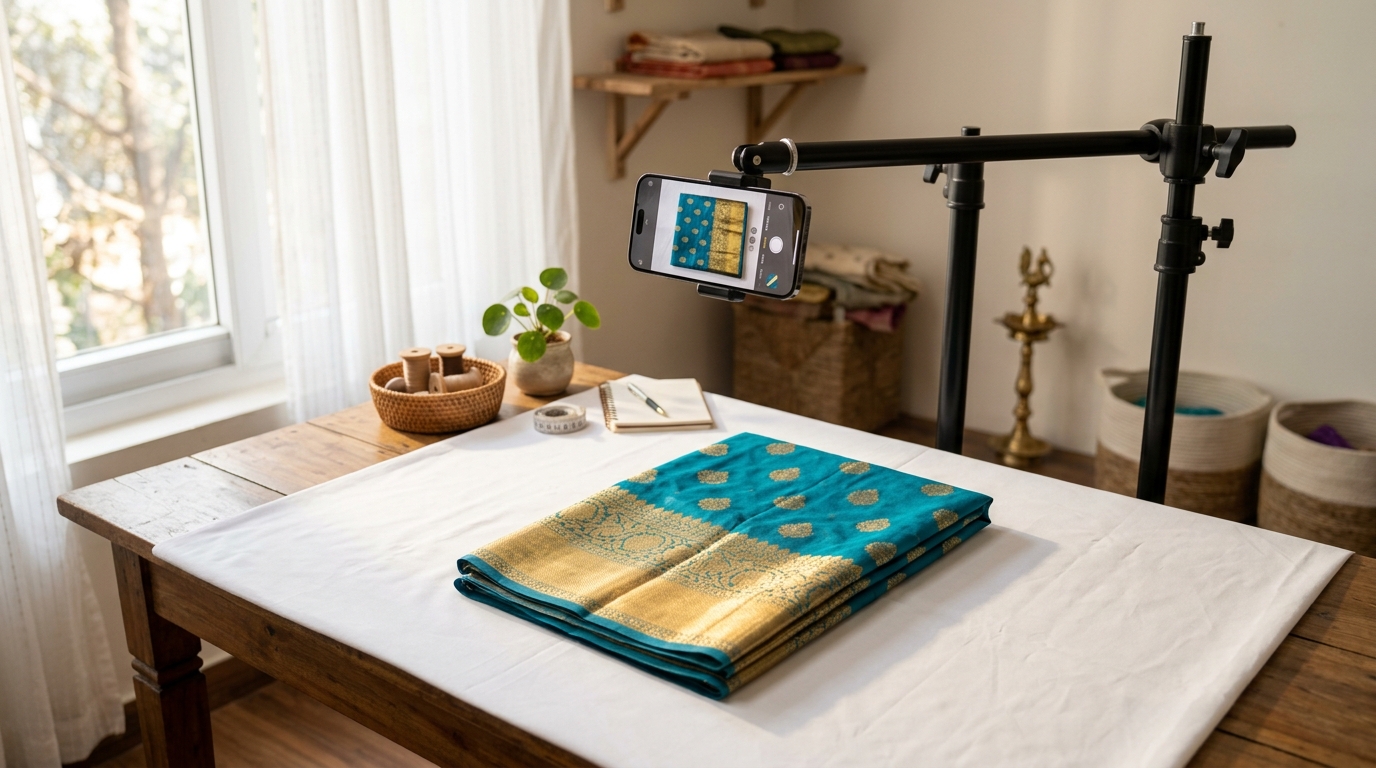
The 4-Step Zero-Budget Smartphone Photography Setup
- 1. Find Indirect Natural Window Light
Set up a clean table or floor space 3 to 6 feet away from a large window between 10:00 AM and 3:00 PM. Never place the fabric in direct harsh sunlight (which blows out highlights) or under warm yellow ceiling bulbs.
- 2. Prepare the Fabric & Steam the Creases
Fold lines from storage can distort pattern detection. Use a quick handheld garment steamer or iron to smooth the pallu and border so motifs lay perfectly flat.
- 3. Position the Phone Directly Overhead at 2× Zoom
Turn on the Camera Grid in your phone settings. Stand directly above the fabric and switch to 2× zoom. The 2× lens flattens perspective distortion, keeping borders parallel and square.
- 4. Turn Off 'Beauty', 'AI Vivid', and HDR Filters
Modern smartphones boost saturation automatically. Turn off auto-enhancers so the digital image matches the exact Pantone shade of the physical dye.
The 3 Photos You Should Take for Every Saree SKU
| Photo Slot | What to Show | Where it Goes in Drape Studio |
|---|---|---|
| 1. Main Body & Pallu | Full flat view showing body print and pallu side-by-side | Primary Saree Fabrics (Required) |
| 2. Blouse Piece | Tight crop of the unstitched blouse fabric | Blouse Fabric (Optional, builds stitched blouse) |
| 3. Zari / Lace Macro | Close-up 6-inch shot of the border weave and embroidery | Auxiliary Close-Up / Zari Reference |
Can I use photos taken with an iPhone or Android budget phone?
Yes. Any smartphone camera with 12 megapixels or higher produces sufficient pixel density for 4K AI model generation, provided there is good indirect window light.
Should I crop out the background before uploading?
No need. Drape Studio includes an automated AI Cut & Detection tool that isolates the fabric from your table or floor automatically.
Sources
- Meesho Supplier Hub — Image Upload Policies — Meesho seller policies; read October 2026
- Fynd Commerce — AJIO Marketplace Cataloguing & Image Guidelines — Marketplace integration partner documenting AJIO cataloguing rules; read October 2026