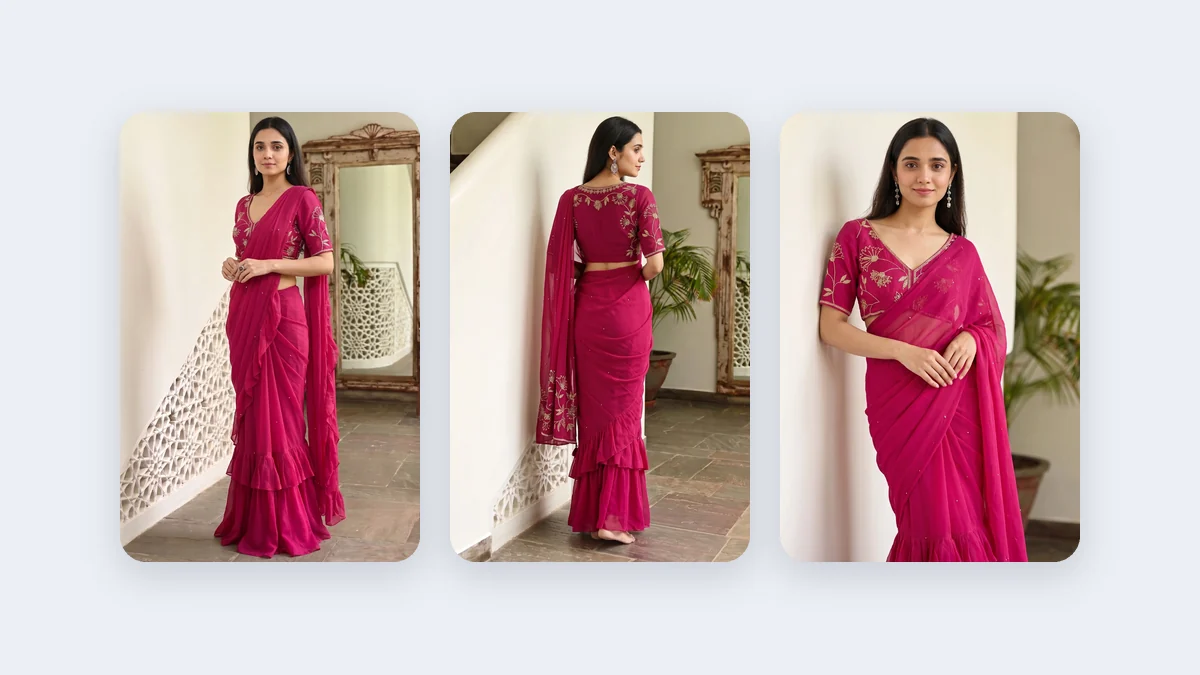
A small label in Jaipur has a good Instagram page and a website with a flat banner and the words "New Collection". Visitors land on the homepage and see no person, no mood and no garment. A website banner for a fashion store has a different job from a post. It is the first thing a visitor sees, it is wide, it has to leave room for words and a button, and on a phone it is cropped again. This post is about making that picture: a wide on-model picture with space left for text.
What is different about a banner picture
A post is a picture. A banner is a picture plus a headline, a line of text and a button, laid over or beside it. That changes what the picture needs. It has to be wide. It has to have calm space where the words go. It has to survive a crop on a phone, where a wide image is often cut down to a narrower frame. And it has to be sharp, because it is large on a desktop screen.
The platform guide lists 16:9 for a website hero banner and 4K for the quality, because a wide picture needs the most resolution. The studios here output 16:9, but not the ultra-wide 21:9 some themes use. For an ultra-wide strip, generate at 16:9 and crop the top and the bottom in your own tool, keeping the model and the garment in the middle.
The recipe: studio, ratio, quality
| Banner idea | Studio | Ratio | Quality | Notes |
|---|---|---|---|---|
| A saree collection hero | Drape Studio | 16:9 | 4K | Choose a calm, wide background, with the model placed to one side |
| A kurta, suit or dress collection hero | Catalogue Studio | 16:9 | 4K | Pick a style or background with open space |
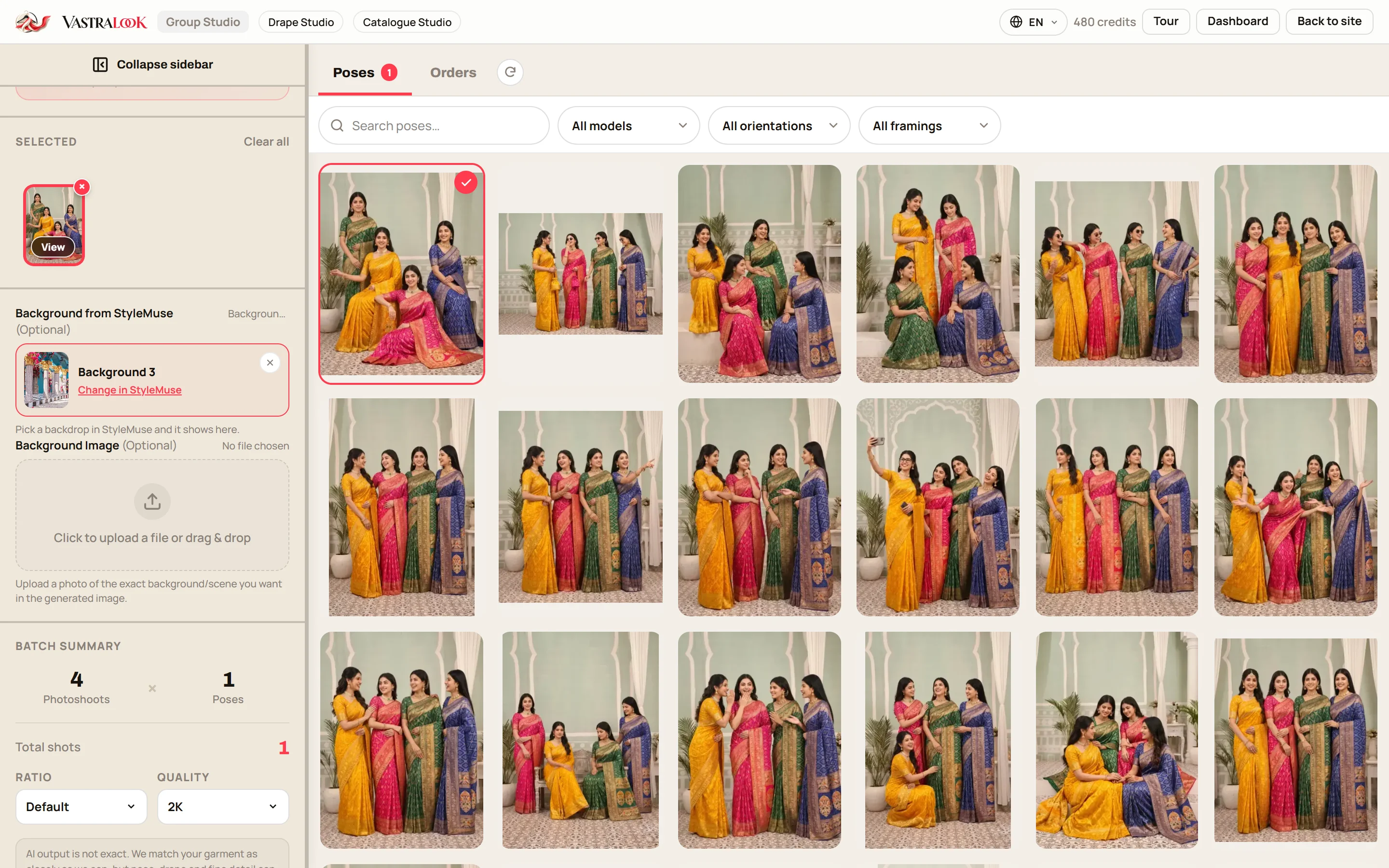
| A matching set or festive collection | Group Studio | 16:9 if the pose has it | 4K | Poses are built for a number of people and a framing, so check what is offered |
| A small shop banner or a section banner | Either | 16:9 | 2K | 2K may be enough for a smaller banner; 4K for a full-width hero |
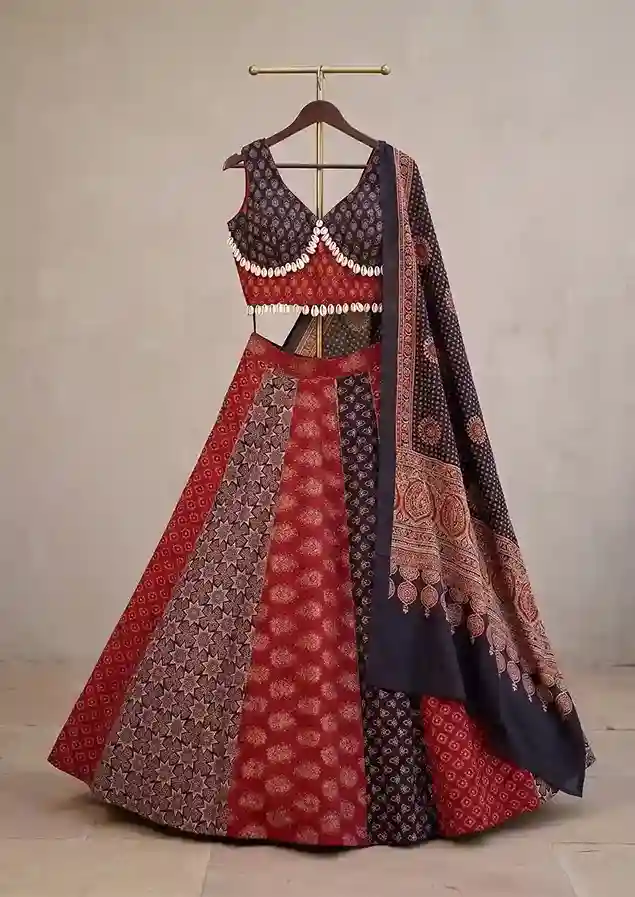 Your garment photo
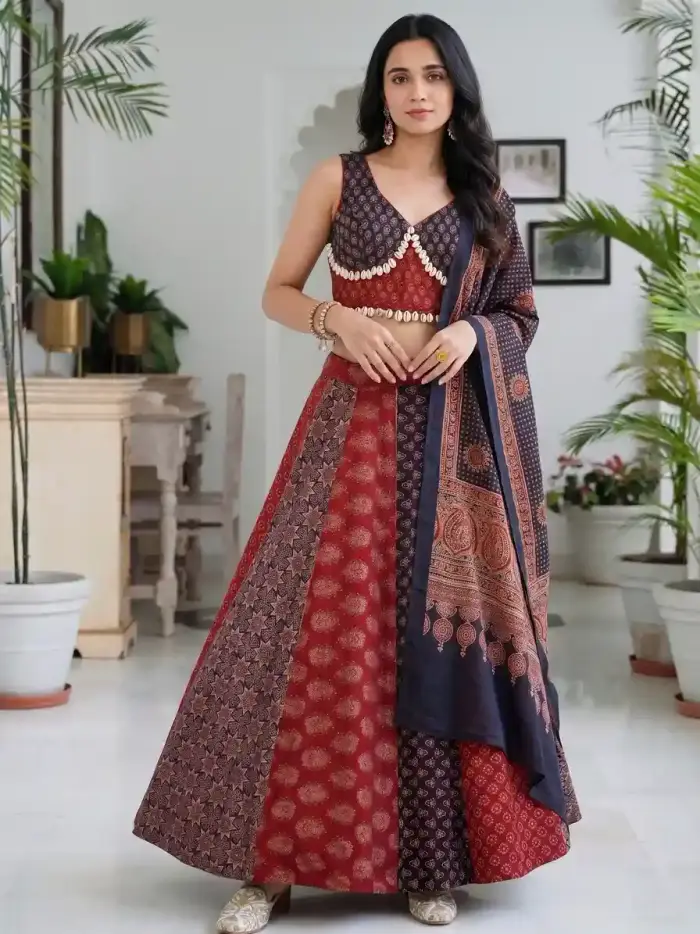 On a model
The left photo is a lehenga set on a hanger. The right is the same set on a model in a courtyard. Notice the calm space in the scene: that is where a headline could go once the picture is made wide.
Leave room for the words
The honest part: the studio does not place a headline for you, and it does not promise a certain amount of empty space. You steer it with the scene. Choose a background that is open and calm, such as a plain wall, a courtyard or a soft room, rather than a busy market. In a wide frame the model sits to one side and the other side stays quiet. Then add the text in your own tool: your theme's banner section, a design app or a slide editor.
- Decide where the words go
Left, right or centre. Most stores put the headline on one side and the model on the other.
- Pick a background with open space
A calm wall, soft drapes or a clear courtyard. Avoid a pattern that will fight your headline.
- Set the ratio to 16:9 and the quality to 4K
In Catalogue Studio, change Ratio and Quality in the batch summary. Check the summary picture before you order.
- Check the draft
Look at the garment, the face and the empty space. If the model fills the middle, Recreate it or pick another scene.
- Add text in your own tool
A headline, one line and a button. Keep text off the face and the garment's key detail.
- Test on a phone
Open the page on your phone. Most themes crop a wide banner on mobile, so check that the model's face and the garment stay in.
On a phone, the banner is cropped again
Many themes show a wide banner as a narrower picture on a phone, centred. Your 16:9 picture will be cut at the sides. Keep the model's face and the main part of the garment in the middle of the frame, and put the words on a calm side that survives the crop, or let the theme set the text over the picture. Some themes let you upload a separate phone banner. If yours does, make a 9:16 or 4:5 picture for it, using the Status, Story and Reels recipe or the feed recipe.
Studio by banner
- A saree collection: Drape Studio. It drapes your own cloth, and a wide frame can show the full length.
- A non-saree collection: Catalogue Studio. Choose the garment, the model and the style.
- A festive or bridal collection with several people: Group Studio. Orders take poses for the same number of people and framing as the photos you add. Check that a wide pose exists for the number of people you have before you plan the banner around it.
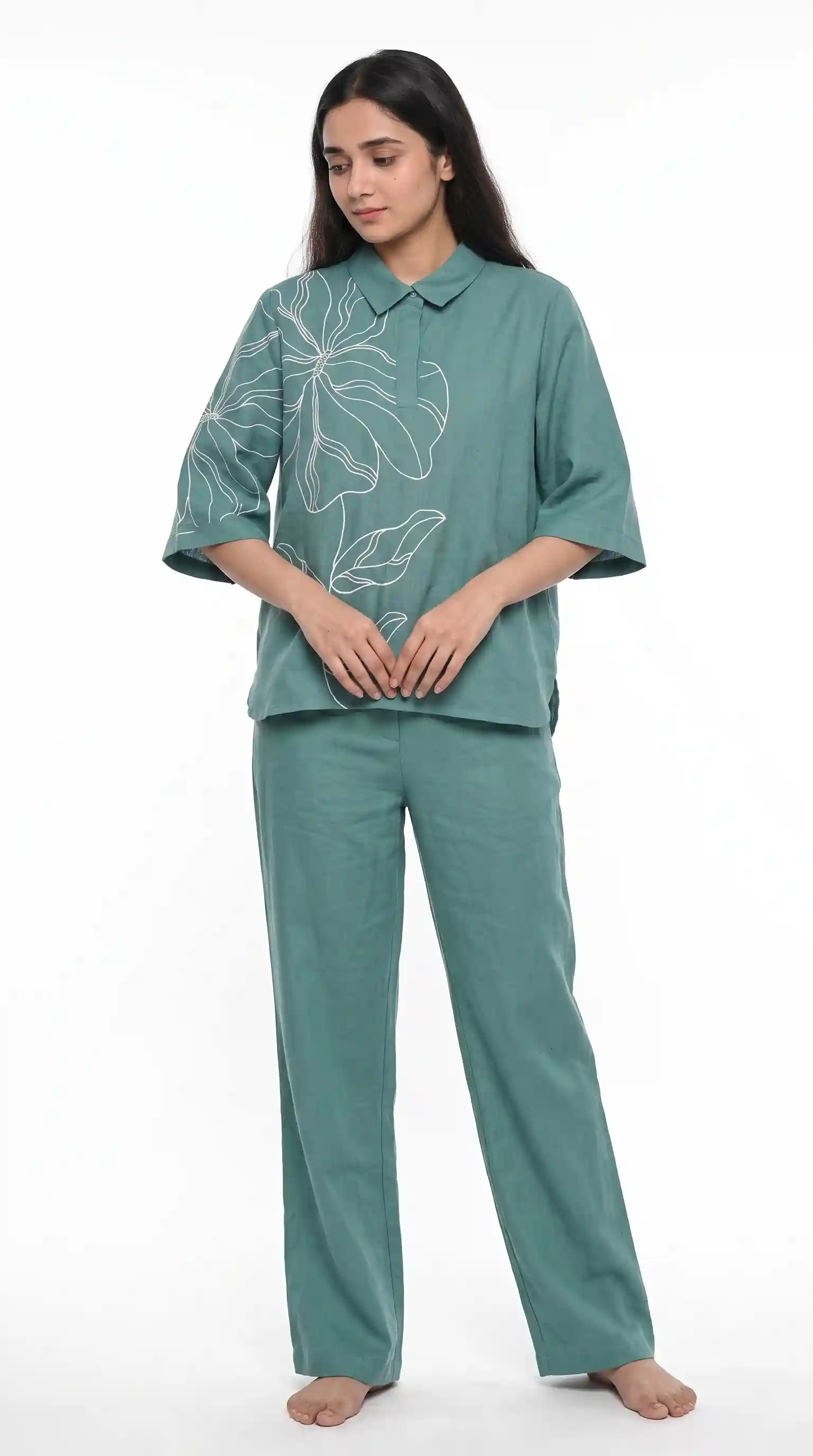 Front
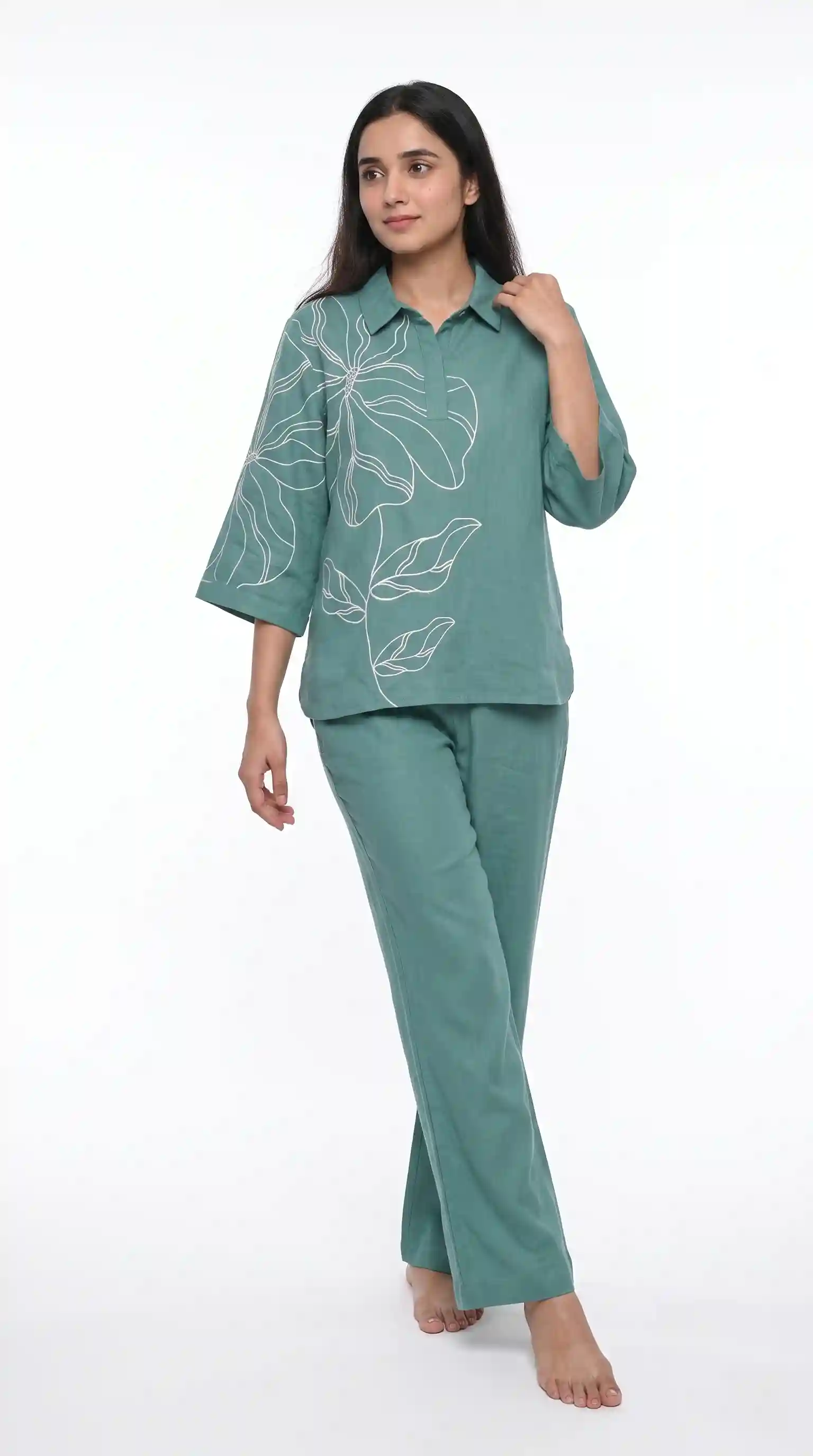 Side
The same model and set can carry each collection, so the homepage, the sale banner and the new-arrivals banner look like one store.
What to check before you publish
- The garment matches your real piece in colour, print and border.
- There is empty space for the headline, and the headline does not touch the face.
- The picture is sharp at full width on a large screen.
- The phone crop keeps the face and the garment in.
- The file loads quickly. Compress it in your own tool if your site feels slow.
- The banner points to the collection it shows.
Cost and time
A Create order shot costs from ₹14 at 4K and from ₹10 at 2K, depending on the credit pack, and a Budget order usually takes 4–5 minutes. A banner is usually one picture, or a few to choose from. The summary shows the price before you order. New accounts get up to 3 free 2K images.
Common mistakes
- Using a 3:4 listing picture as a banner and stretching it.
- Letting the model fill the middle so the headline has nowhere to go.
- Baking text into the picture, which then blurs or cannot be edited.
- Using 1K or 2K for a full-width hero on a large screen.
- Never checking the phone crop.
What size should a website banner for a fashion store be?
It depends on your theme. In Vastralook, generate at 16:9 and 4K, then crop in your own tool if the theme asks for a different shape. The ecommerce banner size guide covers what is known about theme sizes.
Can Vastralook make a banner with text on it?
It makes the wide picture. Add the headline and button in your own tool or your theme, so the text stays sharp and editable.
Which ratio should I pick for a banner?
16:9 is the wide ratio the studios offer for banners. For an ultra-wide strip such as 21:9, generate 16:9 and crop.
How do I leave space for the headline?
Pick a calm, open background so the model sits to one side. Check the draft, and Recreate or change the scene if the middle is full.
Should I use 2K or 4K?
Use 4K for a full-width hero banner. 2K may be enough for a smaller banner or a section picture.
Can I make a banner for a saree collection?
Yes, with Drape Studio. Upload your saree, pick a model and a calm background, choose 16:9 and 4K, and order.
Can I show a whole collection in one banner?
Yes, with Group Studio, if a wide pose exists for the number of people you have. Orders take poses for the same number of people and the same framing as the photos you add.
What about the phone version?
Many themes crop a wide banner on a phone. Keep the face and garment in the middle, and make a separate 9:16 or 4:5 picture if your theme allows one.
Will the garment match mine?
Your photo is the reference, and Vastralook is built to keep it and matches as closely as it can. AI output is not exact, so check the banner picture against the real piece.
What does it cost, and what if it misses?
A Create order shot costs from ₹14 at 4K, depending on the pack. If a shot misses, Recreate it, or ask for half the credits back on a paid shot that missed.