
To photograph a blazer outfit for a catalogue, show the shoulder line, the lapel and the trouser break clearly, in the true colour of the cloth. Buyers read tailoring as a set of small details, and they notice quickly when one of them looks wrong.
A jacket with slumped shoulders or a folded lapel looks badly cut, whatever the fabric is. That is why most of the work happens before the camera comes out.
What do buyers look at first?
They look at the shoulders, then the lapel, then where the sleeve ends. Get these four things right and the rest of the photo follows.
- Shoulder seams sitting level and square
- A lapel that rolls to the first button without kinks
- Sleeves ending at the wrist with the cuffs flat
- Trousers that break cleanly at the shoe or ankle
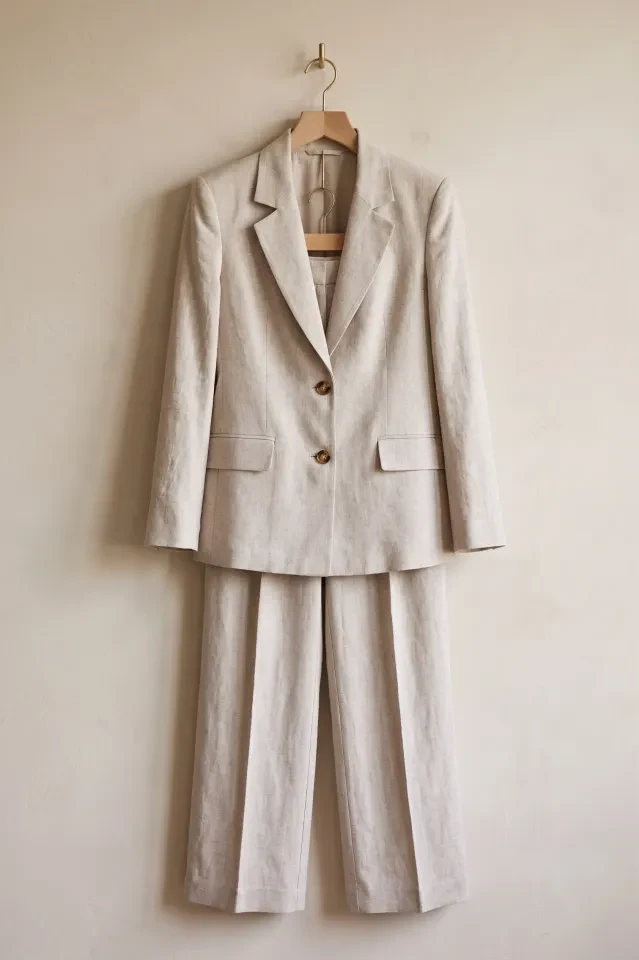
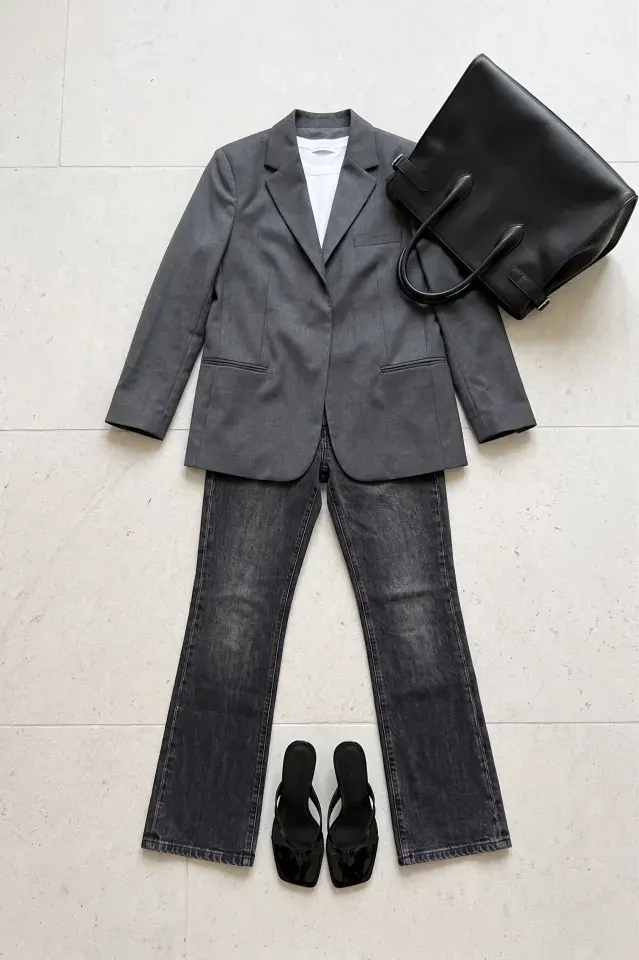
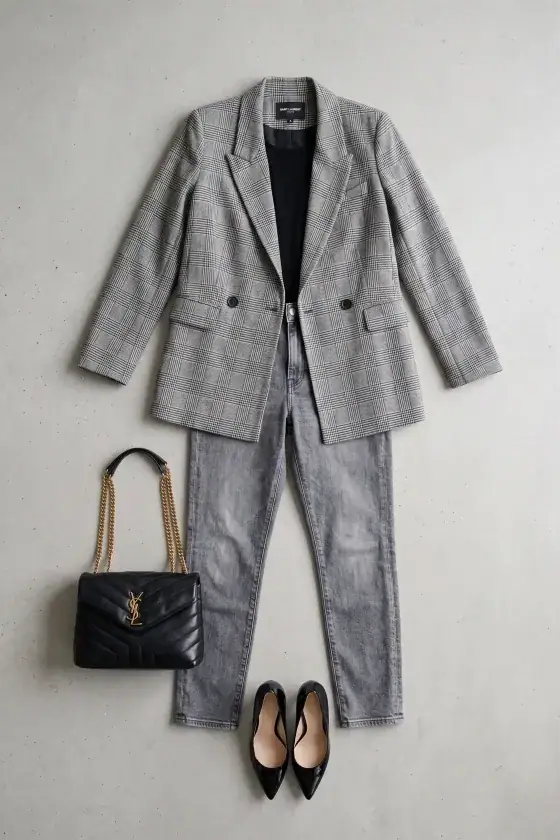
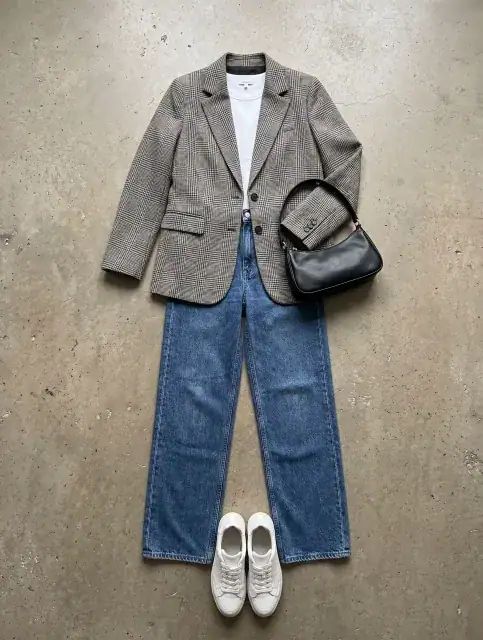
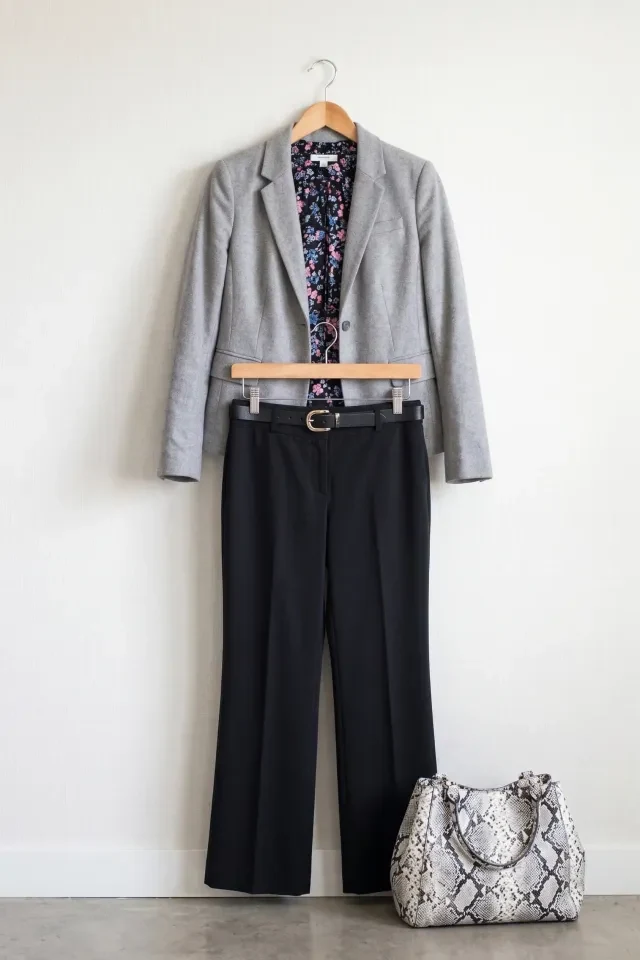
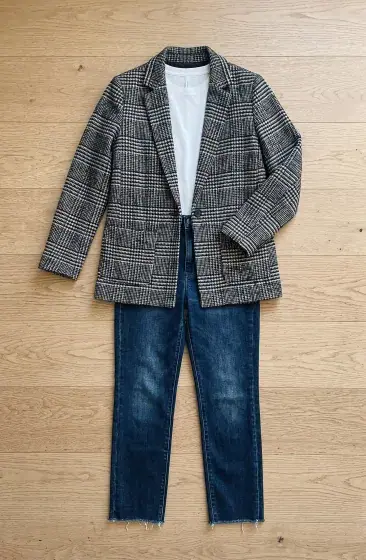
Real blazer outfit uploads. Compare how each jacket is shaped, and look for the ones where the lapel and the shoulders are clearly set.
How do you prepare the outfit for the source photo?
Put the jacket on a shaped hanger or a form, button it as it is worn, and photograph jacket and trousers together.
- Jacket on a shaped hanger or form, buttoned at the top button as worn
- Shoulders level and both lapels laid as they sit on the body
- Sleeves hanging straight, cuffs flat, buttons visible
- Trousers hung from the waistband so the crease runs straight
- Soft, even light from the side to show the texture of the cloth
- One close frame of the lapel, pocket flap or buttons if they are a feature
Which poses and angles show tailoring best?
A buttoned front view proves the fit, and a second view proves the construction. Add the others if the outfit has details that deserve them.
| Angle | What it proves | Notes |
|---|---|---|
| Front, buttoned | Shoulder line, waist suppression, overall fit | The hero image for marketplace listings |
| Front, open | Lining, inner pocket, the top or shirt underneath | Shows how the outfit can be styled |
| Three-quarter, walking | How the jacket and trousers move | Keep the hem of the jacket in frame |
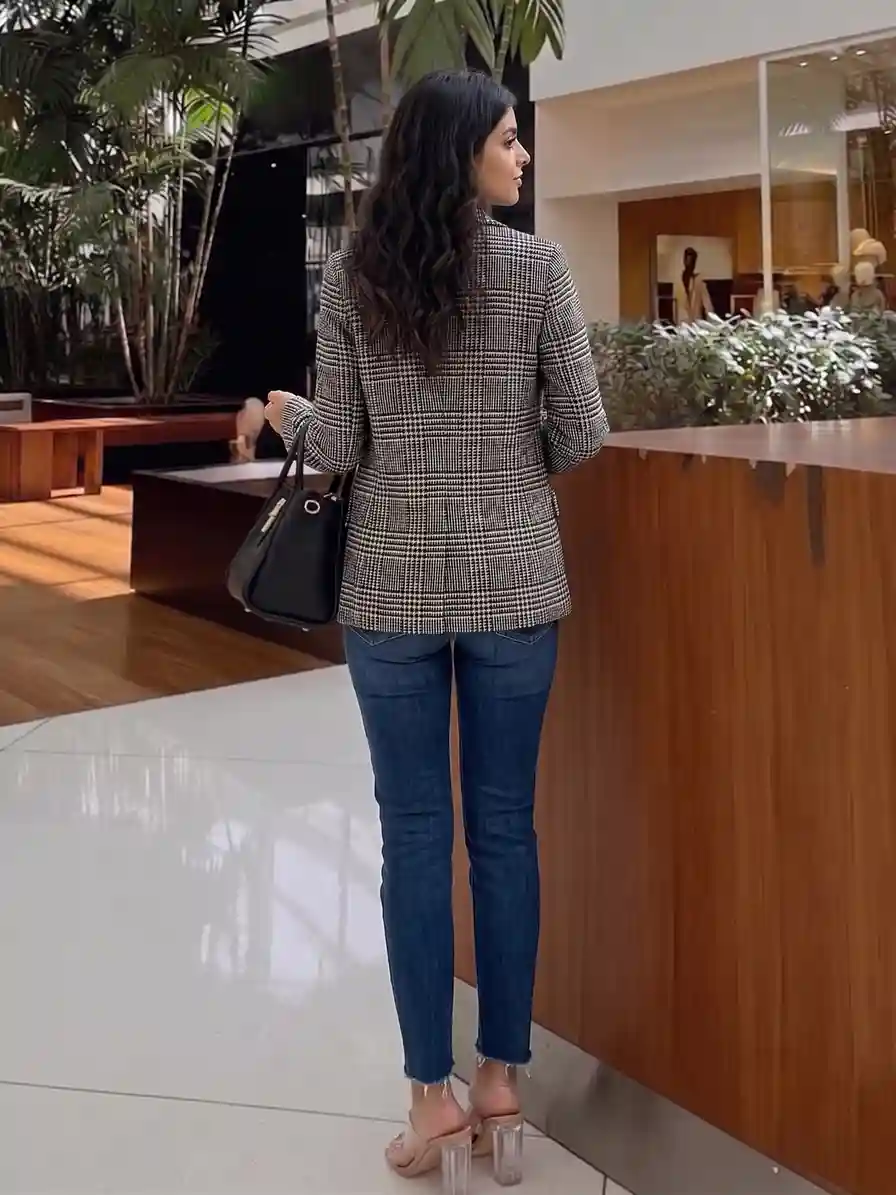
| Back | Vent, yoke, panel seams | Skip only if the back is plain |
| Close on cuff, pocket or lapel | Stitching, buttons, fabric weave | Needs sharp focus at full zoom |
What does a finished tailored set look like?
Package #497 is a tailored blazer outfit with ruffled trousers, shot on one model across three angles. Look at how the shoulder line holds from front to profile.
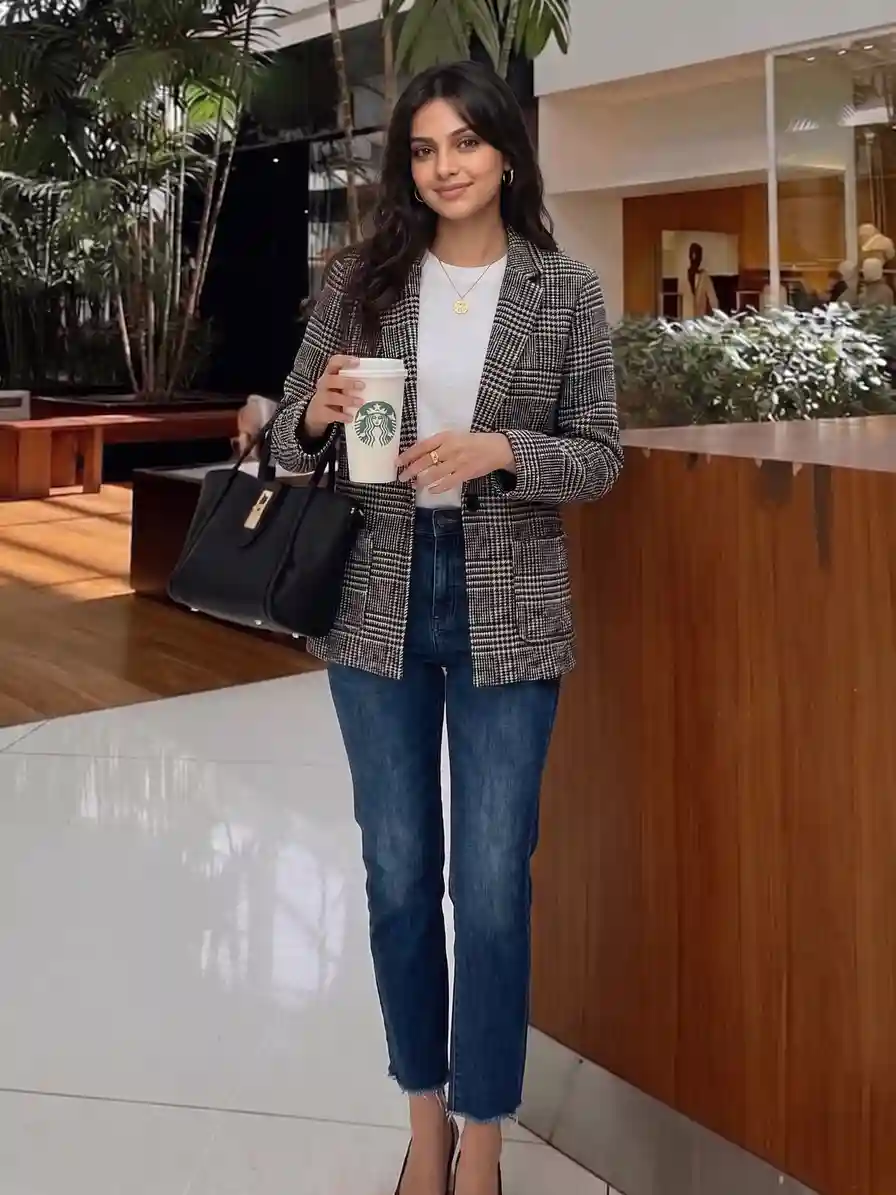
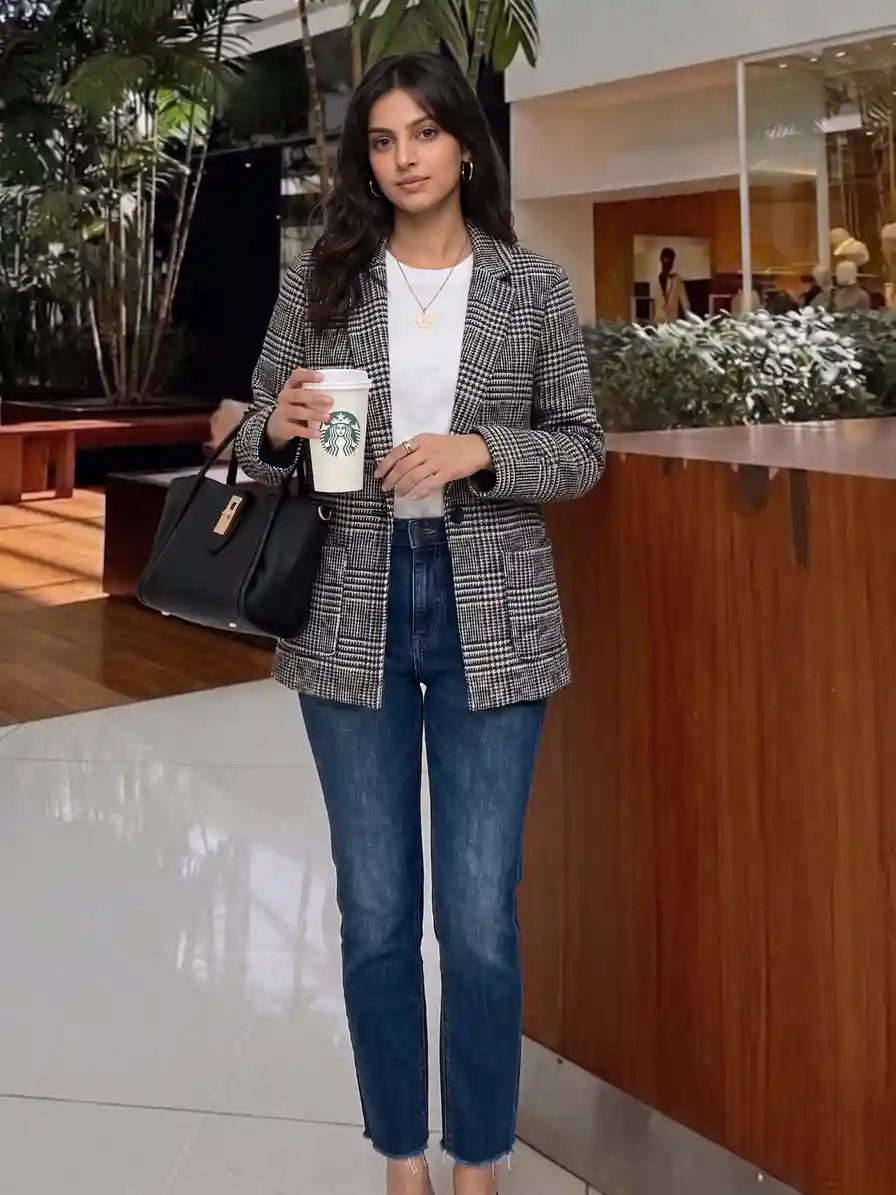
One model, one light, three angles. Check that the shoulders stay square, the lapel keeps its roll and the trousers hold their shape from front to profile.
How do you set up the batch in Catalogue Studio?
- Photograph the outfit
Use the hanger setup above, with jacket and trousers in one frame.
- Choose the category
Open Catalogue Studio and pick Blazer Outfit, then add your garment photo.
- Pick models and styles
Choose the models and the poses or backgrounds you want, or take a ready-made package from the Styles tab.
- Read the Summary tab
Every combination is listed there before you generate, so you can remove any you do not need.
- Generate and inspect
Open each shot at full size and check the shoulders, the lapel and the buttons. Recreate any shot that misses.
Which backdrop makes tailoring look right?
A plain, light backdrop suits listings, and a setting that fits the wearer suits campaigns.
| Backdrop | Best for | Why |
|---|---|---|
| Light grey studio wall | Marketplace and product pages | Neutral, and shows true colour |
| Brick or concrete loft | Smart-casual and street-tailoring lines | Texture contrasts with the clean cut |
| Glass office lobby | Workwear and executive collections | Signals the occasion at once |
| Sunlit stone atrium | Evening and event tailoring | Soft light flatters darker fabrics |
- The same model, light and framing across every colourway of an outfit
- A new pose or background without booking anyone again
- A shot you can inspect, recreate, or ask for part of the credits back if it missed
- Images you own and can use commercially
- A flat, well-lit source photo is needed to start
- Buttons, logos and any lettering must be checked at full zoom before you publish
- Moving fabric needs a motion style chosen on purpose
Questions sellers ask about blazer photos
Should the blazer be buttoned in the source photo?
Yes, button it the way it is worn, normally at the top button. An open jacket on a hanger can fall into a shape the buyer will never see on the body.
How do I photograph a black blazer without losing the detail?
Use a mid-tone or light backdrop and a soft light from the side, so the seams, lapel edge and buttons separate from the cloth. Avoid a black wall.
Do I need to show the trousers with the jacket?
If you sell them as an outfit, yes. Put both in one frame so the output keeps the pairing.
What if the outfit comes in several colours?
Shoot every colourway on the same hanger, at the same camera height and with the jacket buttoned the same way. Then the whole range reads as one collection, not as separate shoots.
Can I check and redo a shot I do not like?
Yes. Every shot is yours to review, and you can recreate it or ask for part of the credits back if it missed.
Start with one outfit
Choose your best-selling blazer outfit, photograph it on a hanger and run it through the steps above. Compare the result with the source photo before you shoot the rest of the range.


