
A kurti seller drops twelve designs this month. Each one comes in four colours. That is forty-eight garments, and a catalogue needs each of them from the front, the back and a close-up. Booking one model, one studio and one photographer for all of that is a week of coordination and a bill. Booking them for every drop, all year, is a business of its own.
Every garment needs a shoot, and no two shoots match
A catalogue is not one photo. It is every garment, in every colour, from several angles, and it changes with every season. Each shoot needs a model, a studio, a photographer and a date. And when you shoot in different weeks, the model, the light and the background drift. The result is a store where the first row of products looks like one brand and the next row looks like another.
So small sellers fall back on flat-lay photos, which are quick and consistent but do not show how a garment looks when someone wears it. Buyers scroll past them. Catalogue Studio is built for exactly this gap: on-model photos, consistent across the collection, without the shoot.
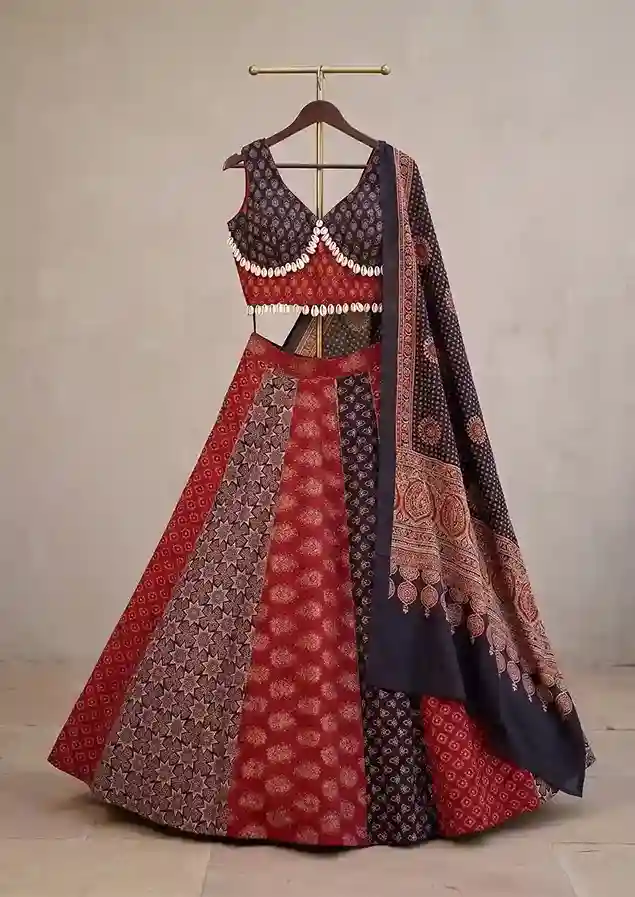 Your garment photo
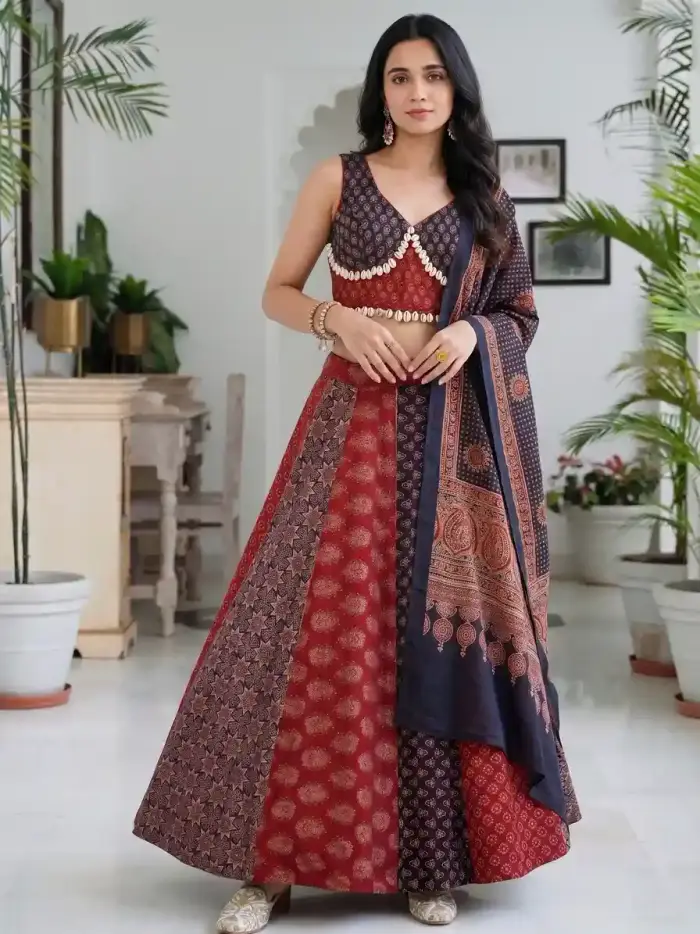 On a model
The left photo is a lehenga set on a hanger. The right photo is the same set on a model. Compare the skirt panels, the dupatta and the blouse trim.
How Catalogue Studio works, step by step
- Upload your garment
Front, back, side and detail, or pull from your saved library. A flat-lay, a mannequin shot or a packshot all work. Use your original product photo.
- Pick a model
Choose from a library of AI fashion models, with filters for region, age and skin tone. You can also use a face photo of your own.
- Pick a style or a package
Choose a scene, or one of the ready-made photoshoot packages: studio, outdoor, editorial, seasonal, streetwear, luxury, footwear, accessories and more.
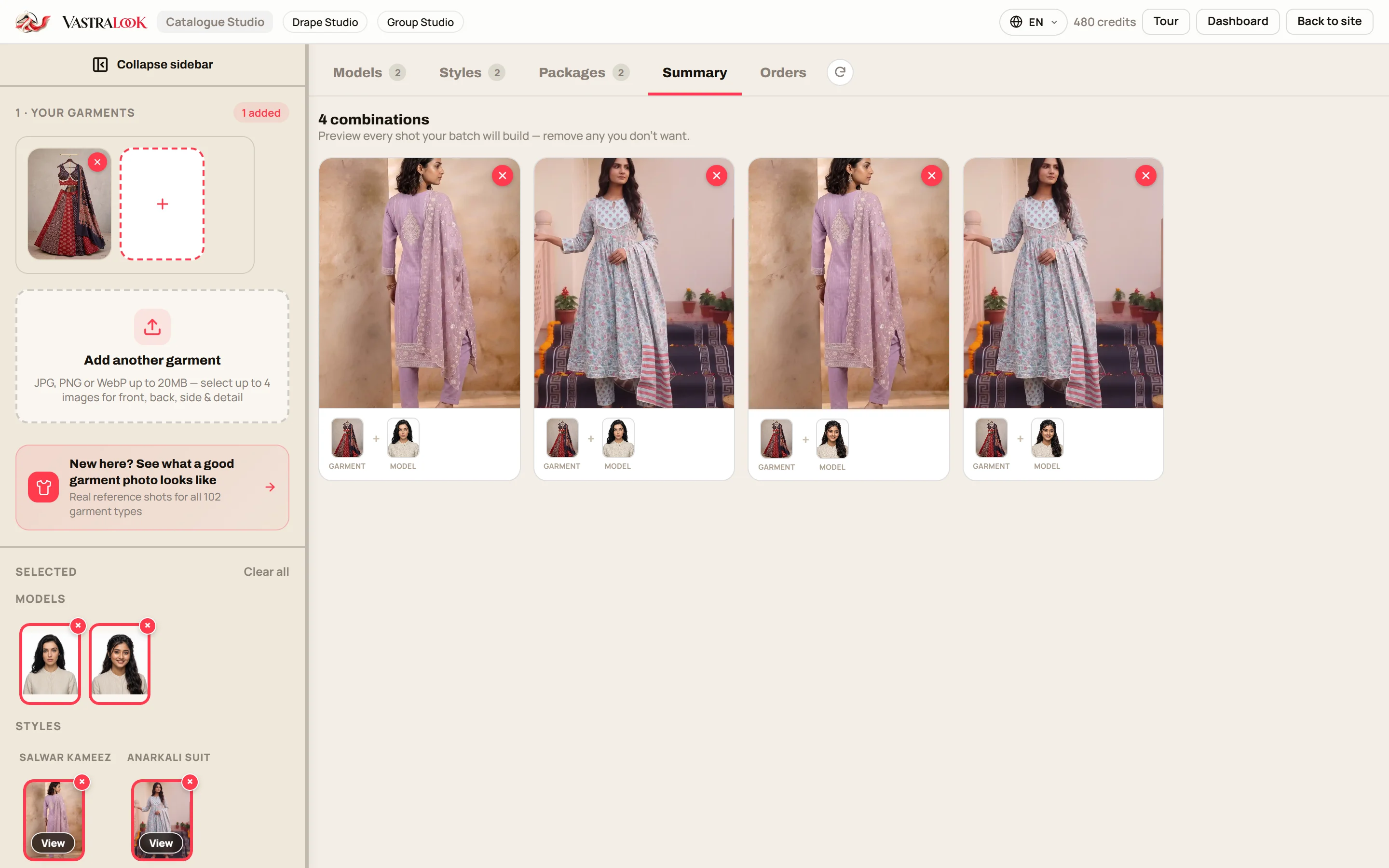
- Check the summary
Every garment, model and style combination is listed before you pay. Remove what you do not want, so you only order what you need.
- Order and download
Choose the size and the picture ratio, order, and download. Marketplace presets for Myntra, Amazon, Flipkart and Meesho set the background and size for you.
Add your logo once, and every download can carry it, in the corner, size and opacity you set. Agencies can save a logo per client and switch between them.
The difference is the order of operations
That matters more than it sounds. A one-off picture can look good and still be useless for a catalogue, because the next picture comes back with a different face, a different camera angle and a different room. A catalogue is a set, and a set needs the choices to stay put.
Same model, same set, many colours
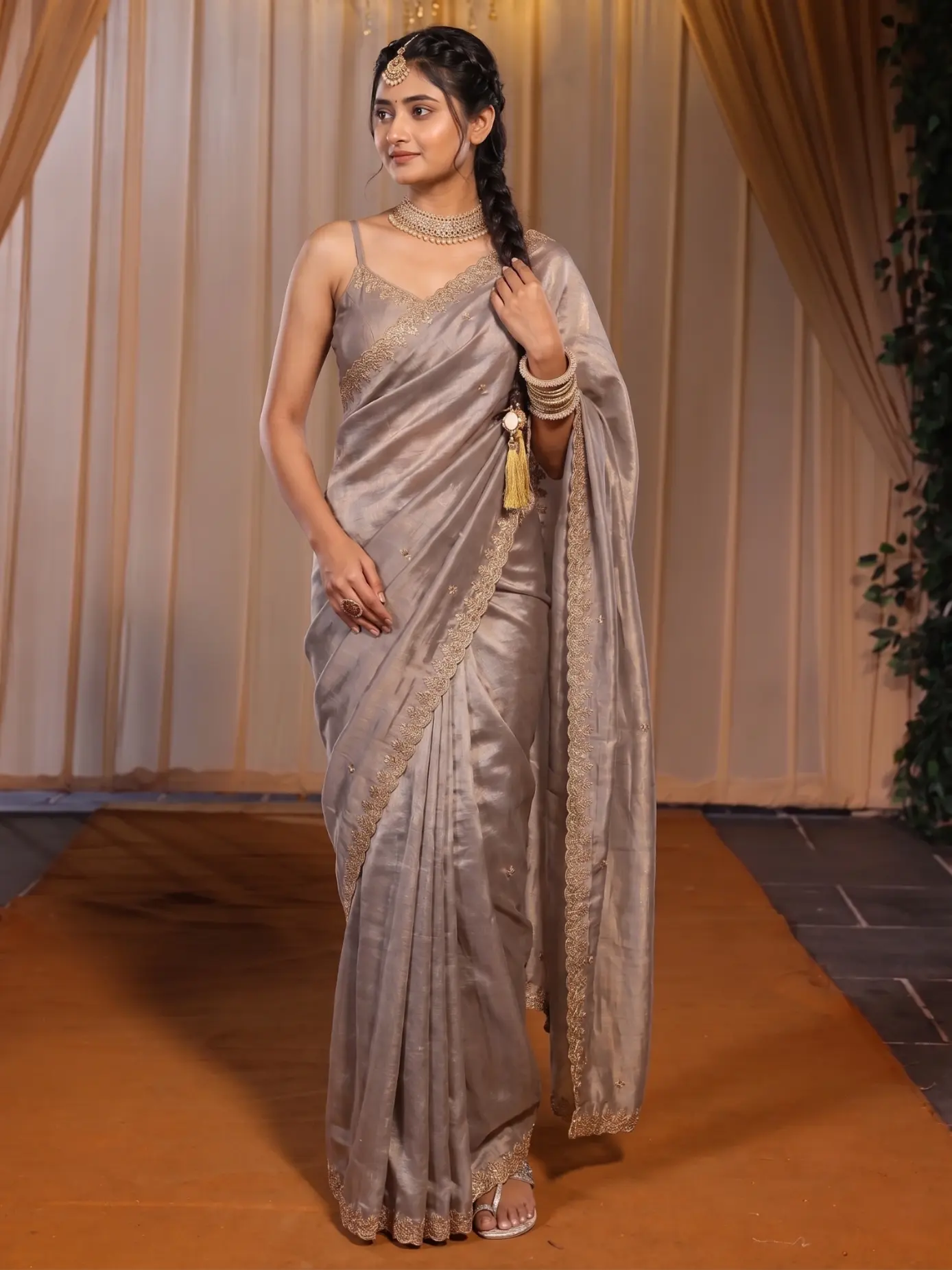 Garment one
 Garment two
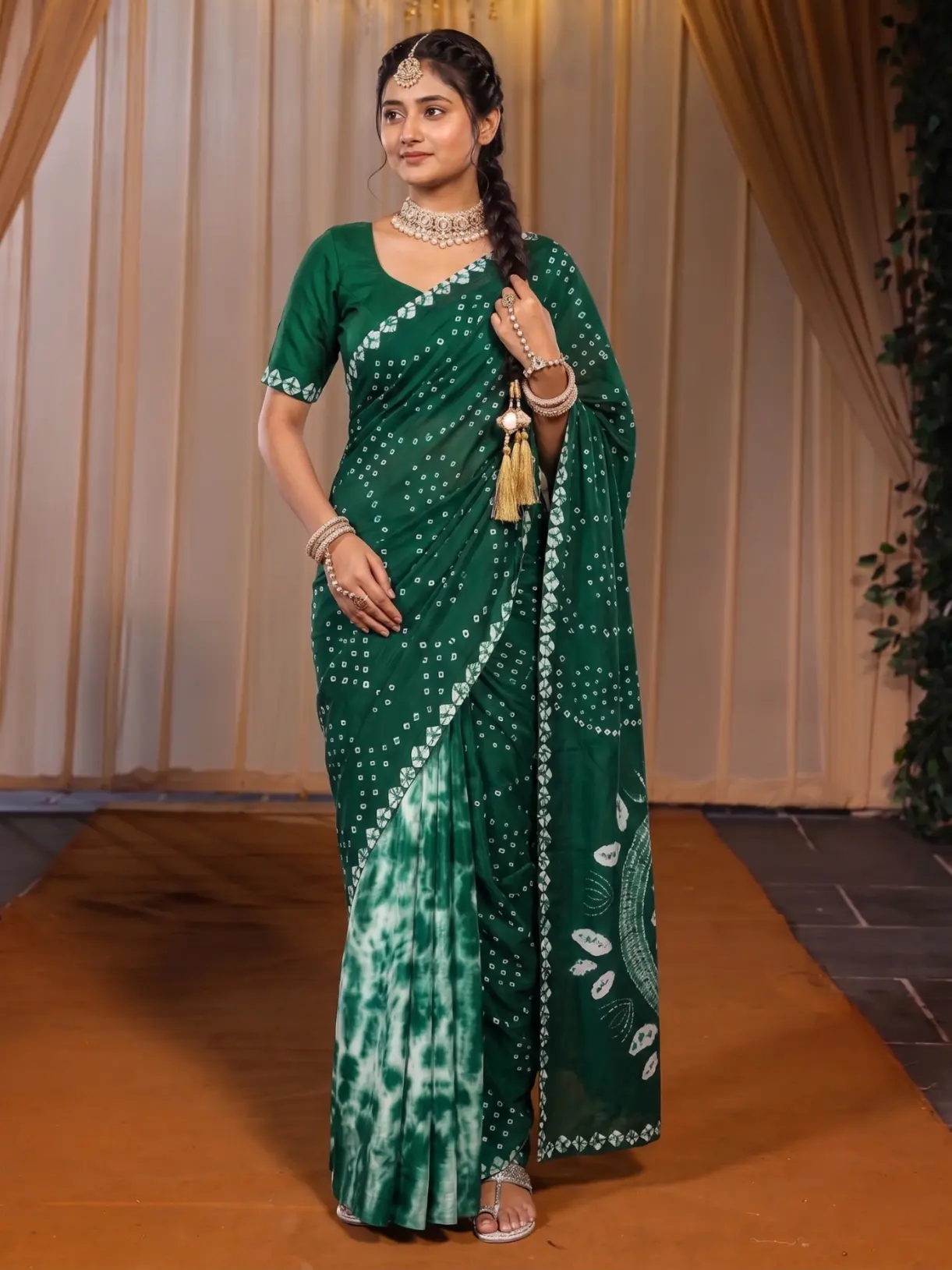
Same Model, Same Set locks the model, the pose and the scene and changes only the garment. This is how colourways and lookbooks keep to one look.
Ready-made photoshoot packages add the other half. A package is a planned set of poses in one scene, so a single order gives a catalogue's worth of angles: front, back, three-quarter and close-up, in the same light and place. The pose changer works the same way, taking one upload to a new angle.
 Front
 Side
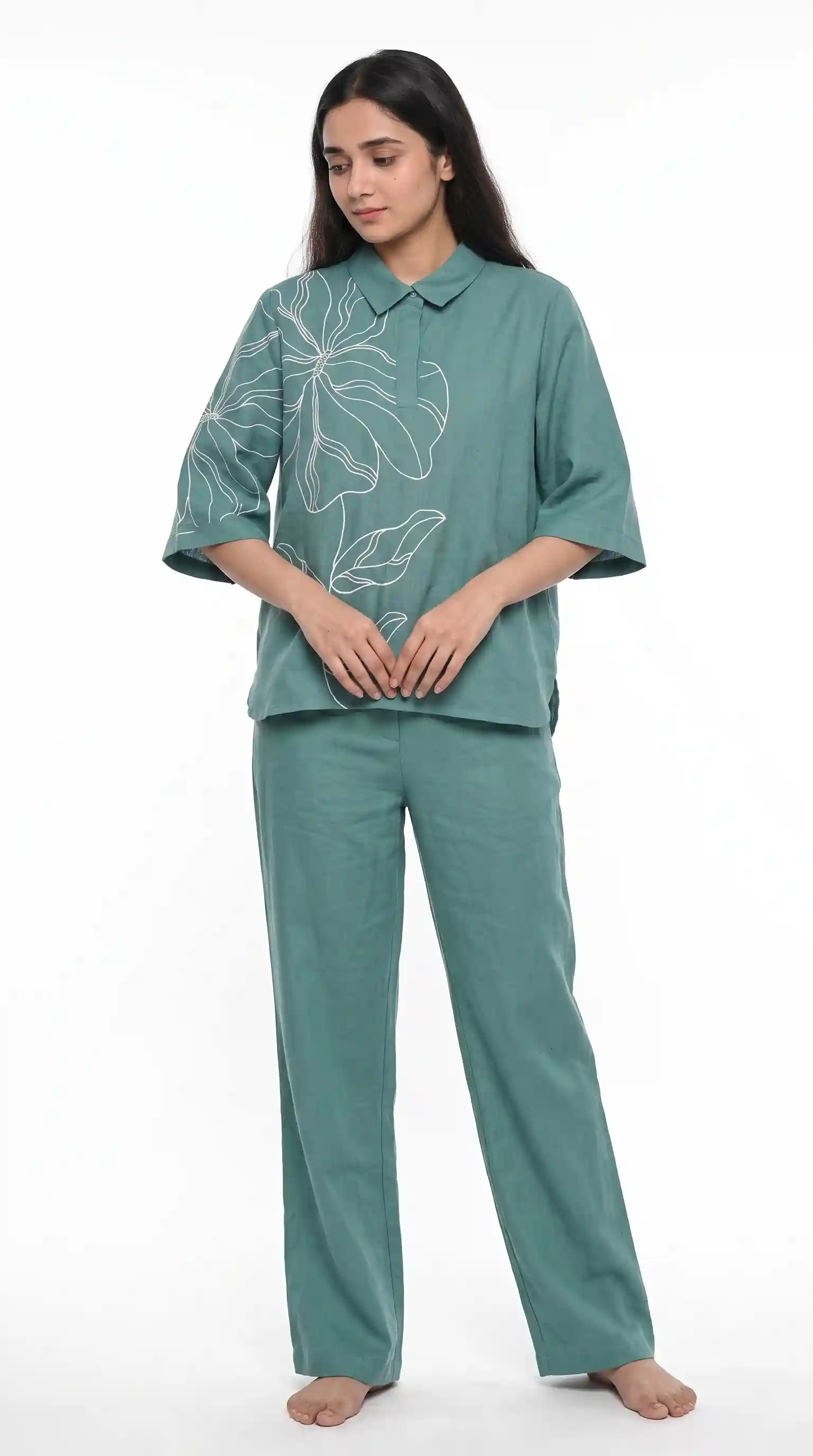
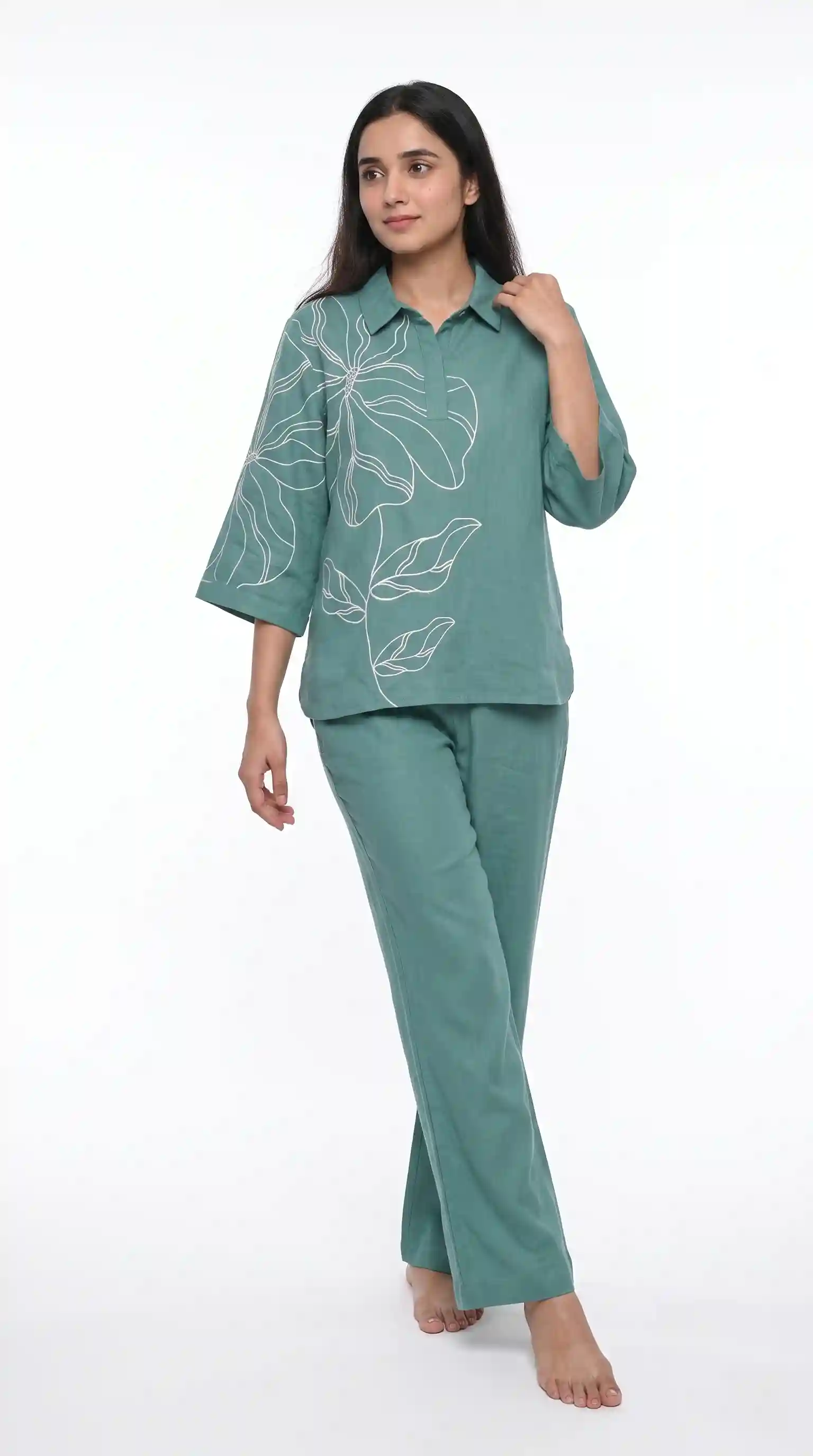
The same co-ord set, the same model and the same background, shown from the front and from the side.
Why a consistent look sells
A shopper rarely buys the first thing she sees. She scrolls through a row of products, and the row either reads as one trusted brand or as a market stall. When the model, the pose and the background match, her eye goes to the garment, which is the thing you are selling. When they do not, her eye goes to the differences. Consistency is not decoration. It is what lets the garment do the talking.
What it costs and how long it takes
A Create order shot costs from ₹7 at 1K and from ₹10 at 2K, depending on the pack you buy from, and a Budget order usually takes 4–5 minutes. Because you check the summary first, you pay for the combinations you chose and nothing else. For the arithmetic of ordering a whole batch, the credit maths post works through it with examples.
Who it helps
- Kurti, lehenga, dress and western-wear sellers with a new drop every few weeks.
- D2C brands that need every product page to look like the same brand.
- Marketplace sellers who need Myntra, Amazon, Flipkart or Meesho sizes without re-editing each photo.
- Small sellers who only ever listed flat-lays and want to see how on-model photos change their listings.
Before you order: what to upload
- One garment per photo, filling the frame, laid flat or hung, shot square-on.
- A plain background and indirect daylight. Shadows in your photo are copied into the result.
- Front, back and side where the garment has a detail on each, plus a close-up of embroidery or print.
- Your original product photo, not an earlier AI image.
What garment photos work?
A flat-lay, a mannequin shot or a packshot, as long as the garment fills the frame and is shot square-on in even light. Front, back, side and detail photos help the studio keep the design.
Does it keep my garment's design?
Your garment photo is the reference, so the print, embroidery and colours come from your garment and Vastralook does not invent a new design. It is built to keep them and matches as closely as it can, but AI output is not exact, so check each shot.
Can I keep the same model across colours?
Yes. Same Model, Same Set locks the model, pose and scene and changes only the garment, so a set of colourways reads as one shoot.
How do marketplace presets work?
Choose Myntra, Amazon, Flipkart or Meesho and the background and size are set for you, so you are not re-editing each photo.
Does it work for my kind of garment?
Catalogue Studio covers kurtis, lehengas, dresses, suits, co-ords, western wear, footwear and accessories. For sarees, use Drape Studio, which handles the pallu and pleats.
What if a shot misses?
Recreate it, or ask for half the credits back on a paid shot that missed. The team reviews each request.
Who owns the images?
You do. They are yours to use commercially in your store, on marketplaces, in ads and on social media.
Will the model's face look the same in every shot?
You pick the model before you order and Vastralook is built to keep it across the batch. Look at each shot, as with any AI image, and Recreate any that drifted.


