
Selling leather jacket online requires imagery that conveys both silhouette and tactile quality. Because customers cannot touch the fabric or test the fit in person, they rely entirely on your catalogue photos to evaluate authentic leather or suede grain texture, asymmetric front metal zippers, notch lapels with snap buttons, zippered cuffs, and structured shoulder tailoring. Traditional photoshoots require booking athletic or fashion models, renting specialized studios, and managing tedious post-production — making seasonal collection launches costly and slow.
With AI photoshoot technology from Vastralook, leather jacket brands can now transform a single smartphone photo into a cohesive, high-converting product catalogue. In this comprehensive guide, we walk you through the optimal model selections, pose guidelines, background strategies, and exact steps to build your catalogue.
Real Leather Jacket catalogue results from Vastralook
Here is an overview of leather jacket items from our garment reference library. When you run your collection through Catalogue Studio, each piece is preserved with precise edge detection, pattern continuity, and natural body contouring.
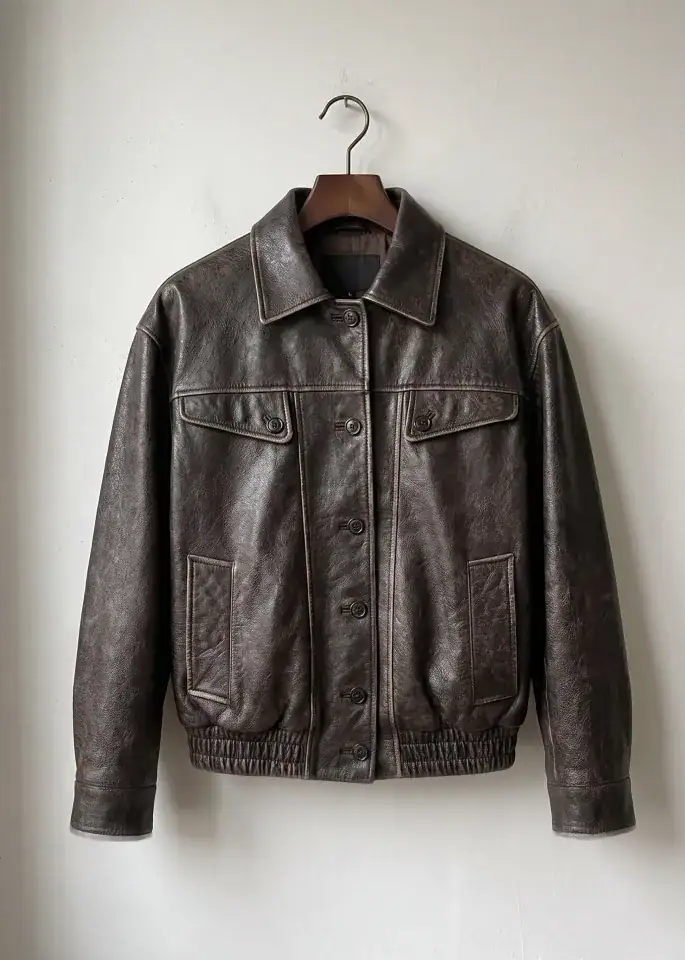
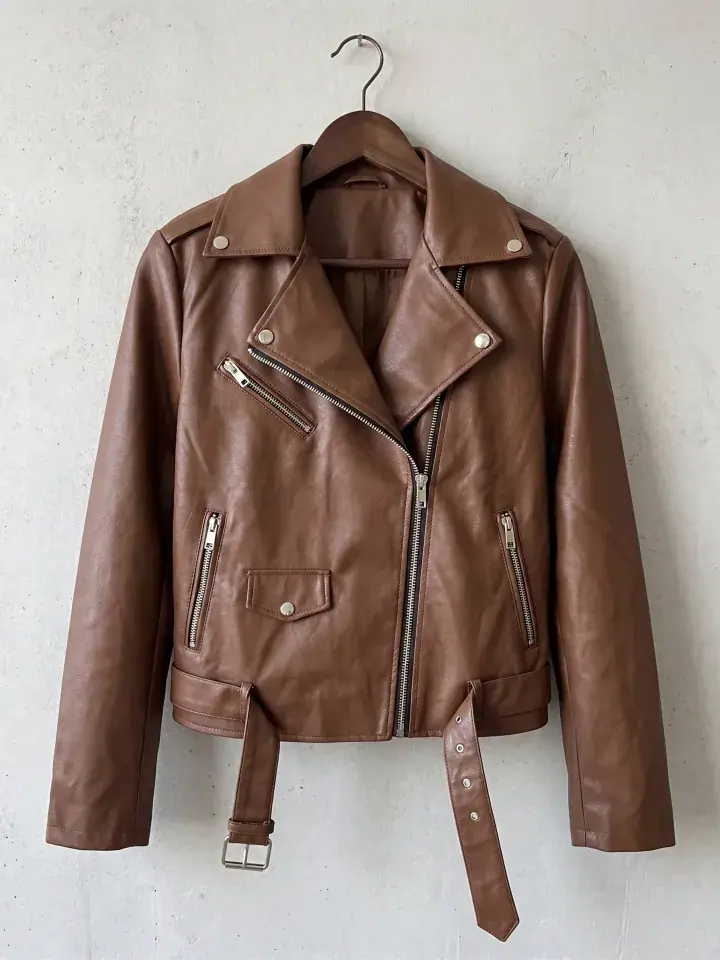
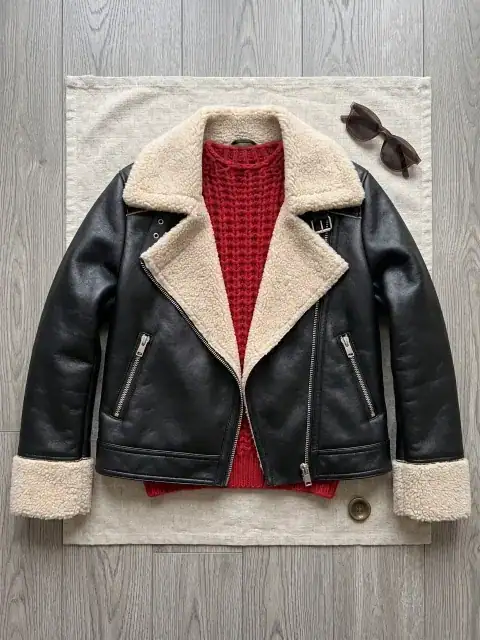
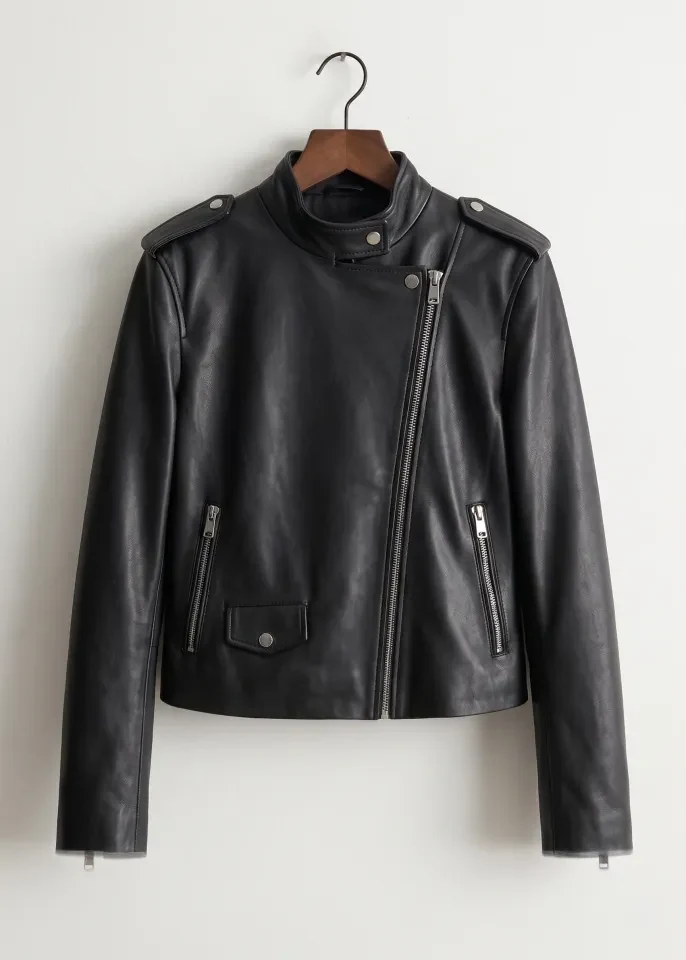
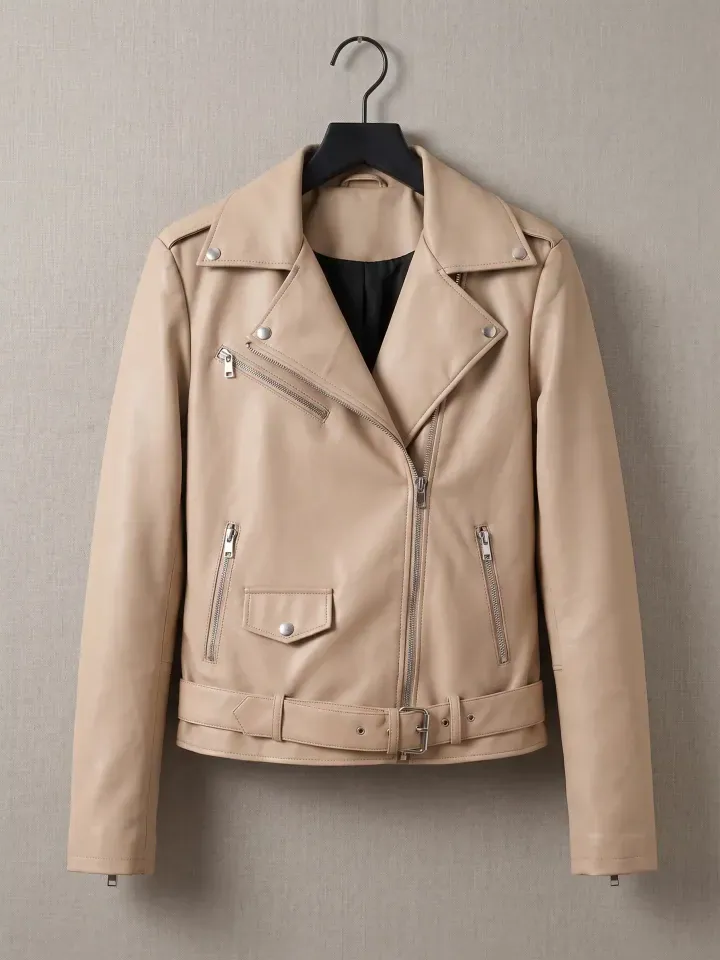
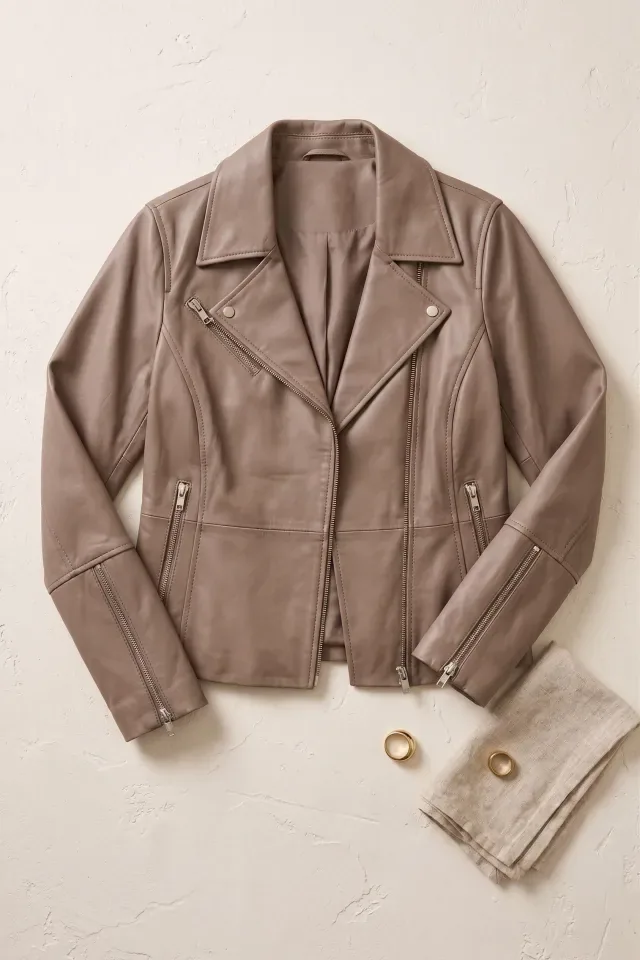
From flat-lays and hanger shots to structured fits, Catalogue Studio accurately transfers the fabric texture and construction of your leather jacket onto realistic AI models.
Pre-built Formal Wear studio package: multi-angle shoots in one click
Instead of configuring individual models and camera angles from scratch, you can also utilize our library of pre-built style packages in the formal wear category. A package pairs a professional model with matched camera angles — front view, three-quarter, and pose variations — so you get a complete product page set instantly.
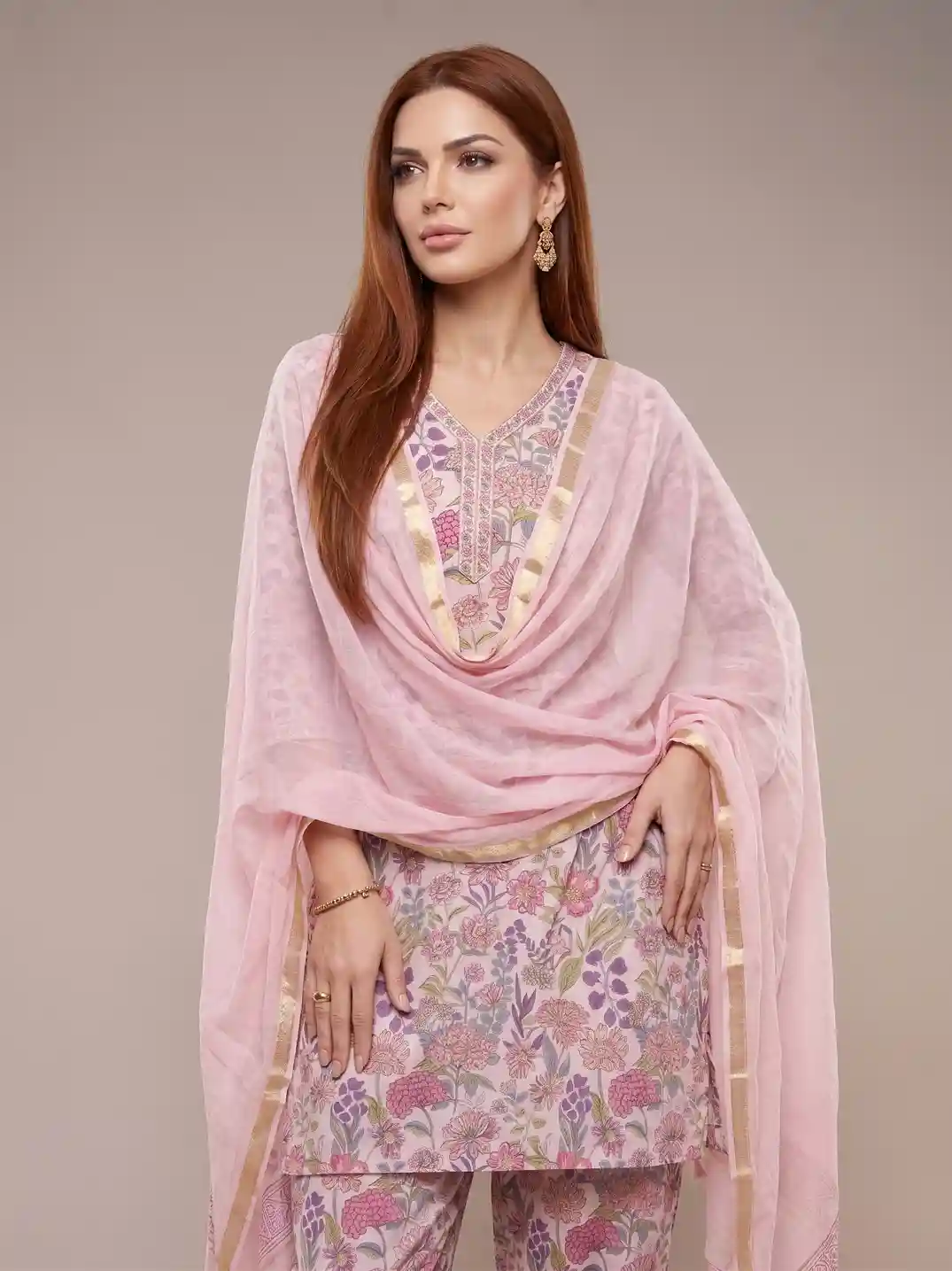
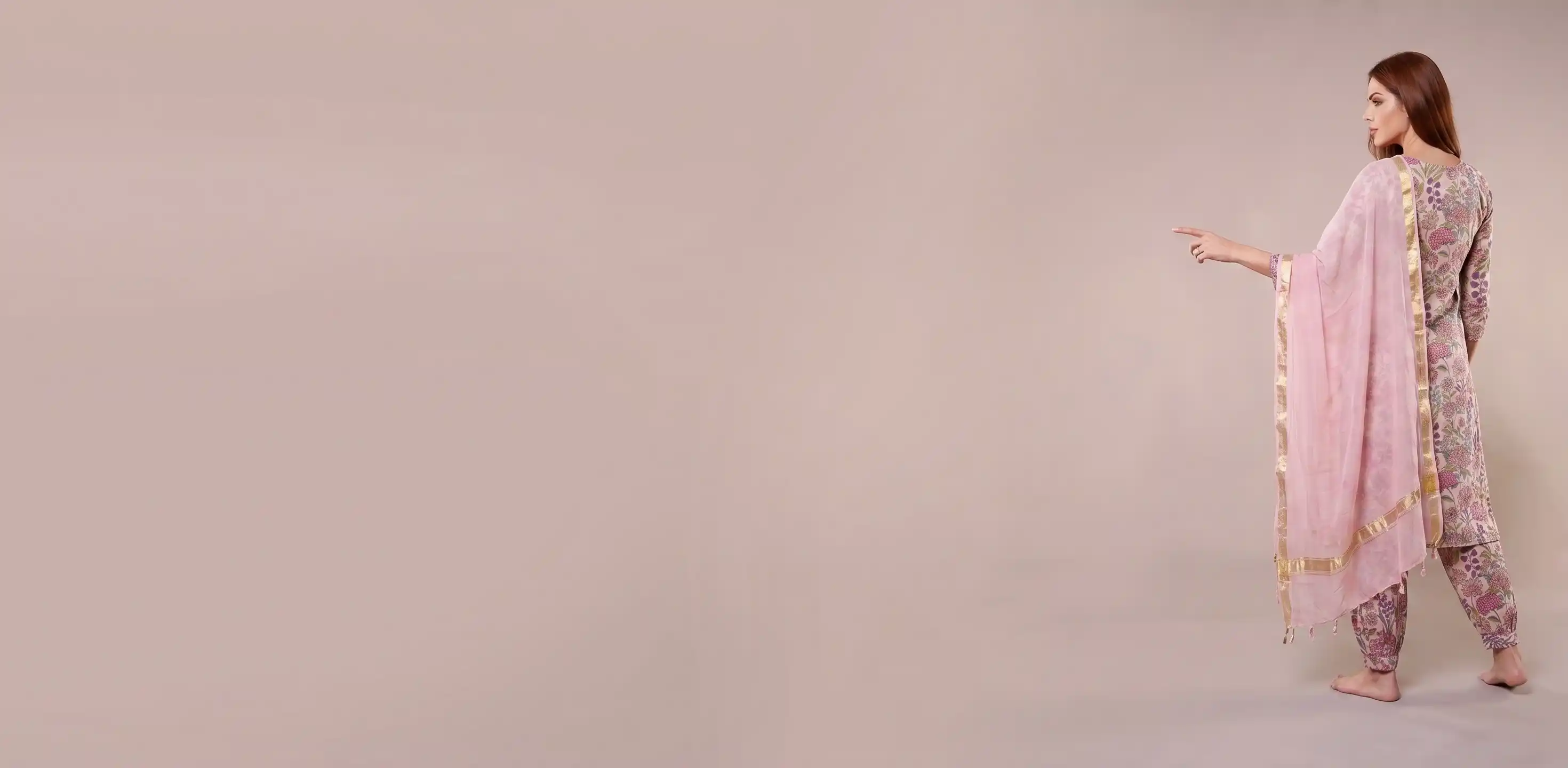
Frames from Package #17 in our studio library — Classic brown leather jacket paired with tailored denim across 2 urban outdoor frames. Captures authentic leather sheen, collar lapels, metal zipper details, and confident attitude.
Why traditional leather jacket photoshoots hold brands back
| Traditional Shoot Bottleneck | Impact on Your Business |
|---|---|
| Booking specialized models | High agency rates (Rs.15,000-Rs.40,000/day) plus scheduling delays |
| Studio rental & lighting crew | Rs.10,000-Rs.30,000 per half-day before photographer & styling fees |
| Multi-pose shooting time | Limited to 15-20 garments per day; long turnaround for post-processing |
| Seasonal consistency issues | Hard to re-hire the same model months later for colorway additions |
| Inventory risk & sample delays | Holding stock while waiting 2-3 weeks for final edited retouched files |
For growing fashion and direct-to-consumer labels, these overheads make frequent product drops nearly impossible. AI photography eliminates the logistics friction so you can publish new arrivals the day physical samples arrive.
How to build a leather jacket catalogue on Vastralook (6 steps)
- Photograph your leather jacket cleanly
Lay the garment flat on a neutral contrasting surface or suspend it on a clean wooden hanger. Use soft daylight or studio diffusion to capture true color and fabric texture without harsh highlights.
- Open Catalogue Studio and select category
Navigate to Catalogue Studio and choose Formal Wear (or Leather Jacket). This configures the underlying engine with tailored drape algorithms and allows instant package selection.
- Upload garment shots
Upload your primary front photo. You can also upload optional rear, side, and macro embroidery or fabric shots to provide complete 360-degree reference fidelity.
- Pick your models, poses, or ready packages
In the Styles tab, browse pre-configured packages (like Package #17) or choose individual models filtered by ethnicity, skin tone, and body archetype. Pick complementary poses such as confident power stance with jacket unzipped showing inner layer, three-quarter hands-in-pockets posture displaying sleeve zipper details, and profile turn highlighting back panel construction.
- Review the batch summary and generate
Preview the exact number of output shots in the Summary tab before spending any credits. Confirm your preferred resolution (1K fast testing or ultra-crisp 2K/4K) and generate.
- Inspect at full resolution and export
Examine fine seam lines, collar construction, hem symmetry, and fabric finish. Download production-ready WebP or PNG files directly to your ecommerce storefront or marketplace listing.
Source photo checklist for leather jacket
High-quality input photos guarantee lifelike AI output. Follow these simple guidelines when preparing your leather jacket source shots:
- Steam or iron the garment completely to eliminate packaging creases from the fabric.
- Shoot directly perpendicular (at a true 90-degree angle) to prevent perspective distortion.
- Ensure the full garment from neckline/collar to the lowest hem or cuff is completely inside the frame.
- Use soft, diffused natural daylight or two softboxes to eliminate deep cross shadows.
- Ensure high contrast against the floor or wall (e.g., light background for dark fabrics, dark for light fabrics).
- Smooth out symmetrical details such as straps, waistband edges, pocket flaps, and zippers.
- Include a close-up macro photo if the fabric features unique weaves, ribbing, or embellishments.
Catalogue consistency: AI photoshoot vs traditional shoot
- Uniform lighting, camera elevation, and framing across every single SKU
- Instantly generate matching photos for new colorways without hiring models
- Turnaround time measured in minutes rather than weeks
- Over 90% reduction in total photography production costs
- On-demand scaling: shoot 5 garments or 500 garments in the same batch
- Requires a flat, well-lit source image for initial calibration
- Dynamic fabric wind-tunnel motion requires selecting specific motion styles
- Must inspect detailed logos or text embroidery at 100% zoom before publishing
Background options: which setting fits your leather jacket brand?
| Background Setting | Best Used For | Visual Impression |
|---|---|---|
| Urban industrial street with exposed brick and concrete | Direct-to-consumer outerwear stores & lifestyle feeds | Edgy, raw, authentic |
| Minimalist solid charcoal grey or black studio wall | Marketplace standard across Amazon, Myntra & Ajio | High contrast, texture-defining, commercial |
| Neon-lit night cityscape alleyway with soft bokeh | Autumn/Winter outerwear campaign drops | Moody, cinematic, stylish |
| Polished loft interior with leather and metal furnishings | Luxury premium biker jacket lookbooks | Upscale, refined, aspirational |
Real impact: what AI photography delivers for leather jacket brands
Brands utilizing Vastralook for leather jacket cataloguing achieve immediate visual consistency across their catalog, accelerating customer trust and driving higher average order value.
Frequently asked questions
How does Vastralook preserve the authentic fit of my leather jacket?
Our specialized AI model analyzes the seams, cut, and elasticity of your source garment. When mapped onto your selected model, it adheres to realistic anatomical contours rather than generating generic approximations.
Can I use these photos on Amazon, Myntra, Flipkart, and Nykaa?
Yes. When you generate on a pure studio white or neutral grey background, the resulting images conform to standard marketplace catalog guidelines, including minimum resolution and margin specs.
What if my leather jacket has multiple color variants?
Upload each colorway separately and run them against the same model and style selection. The system generates an identical pose set across all colors, giving your product grid immaculate visual harmony.
How do pre-built packages work for leather jacket?
In the Styles tab under Formal Wear, ready-made packages (like Package #17) combine curated models, lighting setups, and multiple complementary poses into a single preset. Selecting a package generates a complete multi-angle catalogue set in a single click.
Do I need professional studio equipment to take the source photo?
Not at all. A clear smartphone photo taken in good daylight against a clean floor, sheet, or wall is sufficient. Ensure the garment is flat and without deep shadows for optimal extraction.
Can I review and re-generate if a particular pose needs tweaking?
Yes. Every generated batch is stored in your Orders library where you can review at full zoom, re-run specific angles, or test alternative backgrounds with full credit flexibility.
Start creating your leather jacket catalogue today
Say goodbye to stressful shoot schedules, model cancellations, and hefty studio invoices. Build an elevated, consistent leather jacket catalogue with Vastralook in just a few clicks.


