
A one-shoulder dress is bought on its neckline, so your photos need to show the strap, the bare shoulder and the diagonal between them. This guide covers how to prepare the source photo, which poses keep the asymmetry readable, and what to check in the result.
How do you photograph a one-shoulder dress so the asymmetry shows?
Keep the strap and the bare shoulder both in frame, with the neckline smooth and the dress square to the camera. If it collapses on a thin hanger, lay it flat on a table with the strap side on top and straighten the diagonal edge by hand.
- Steam the fabric
Satin and crepe show every crease along the diagonal, so steam the bodice and skirt before you shoot.
- Set the neckline
Smooth the diagonal edge and make sure the strap is not twisted. A twisted strap comes back twisted.
- Photograph the front
Keep the camera level with the bust and square to the dress, with the whole garment from strap to hem in frame.
- Photograph the strap side close up
A tight photo of the strap, the neckline edge and any gathers or ruching shows the detail the full frame cannot.
- Photograph the back
Show the zip, any cut-out and where the strap meets the back, because buyers check how the dress closes.
- Use one soft light
A large window with a white card opposite gives a gentle, even light that suits sheen without hot spots.
Poses that keep the asymmetry readable
Poses that turn the strap shoulder slightly towards the camera work best, because they show the neckline without hiding the bare shoulder. Weight on one hip makes the diagonal line of the neckline and waist read clearly.
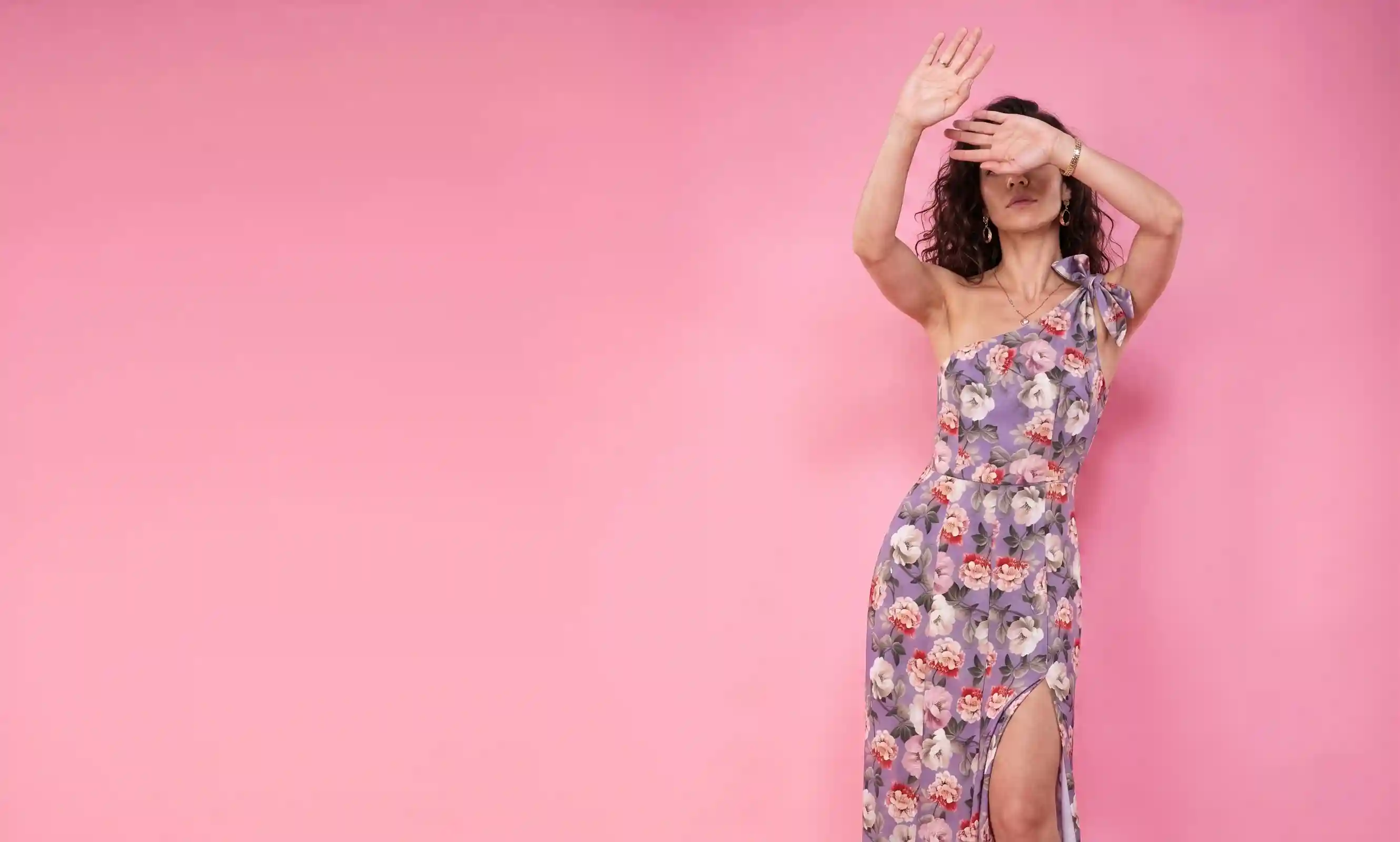
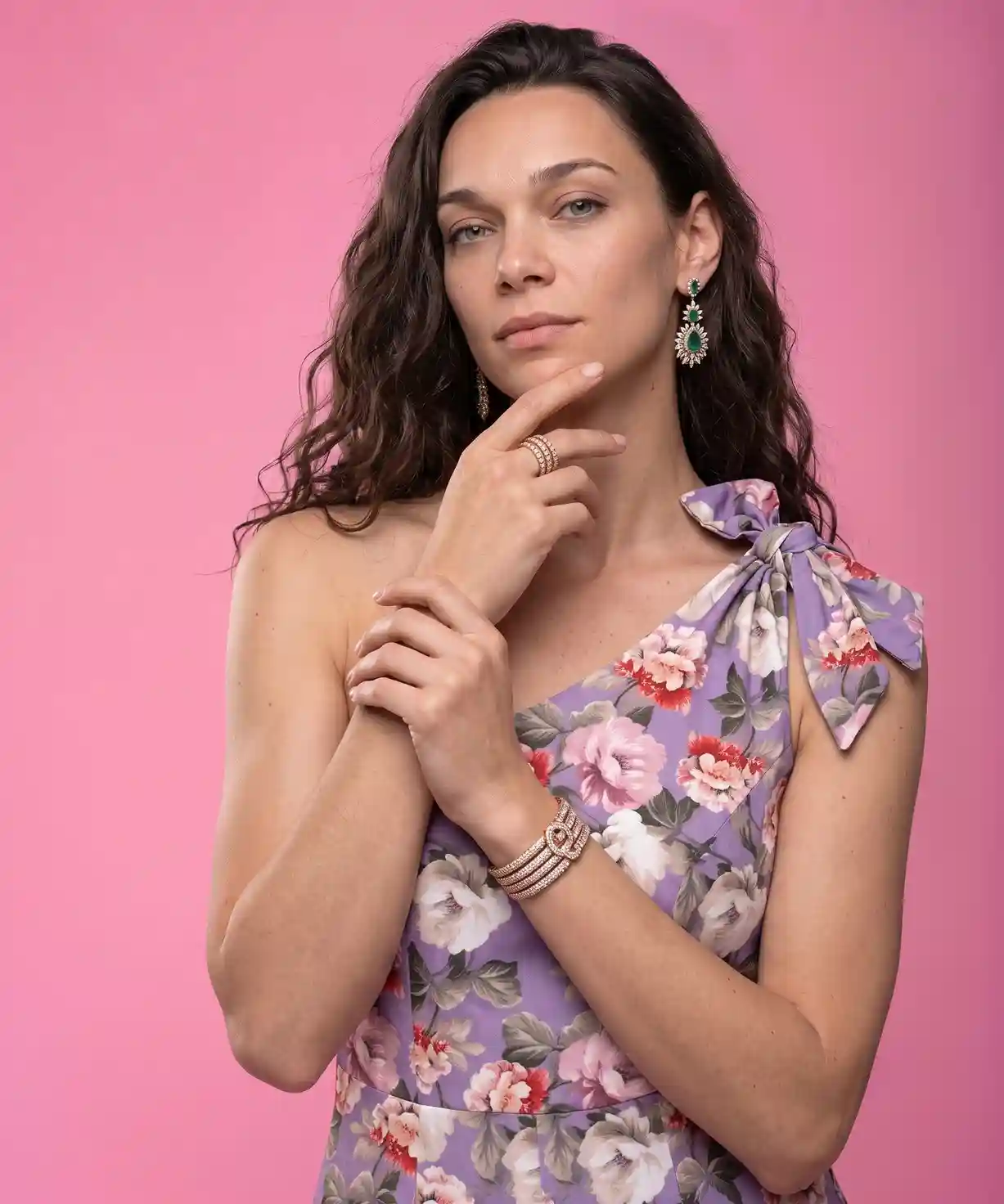
Look at the neckline edge in both frames: the front shows the strap and button detail, and the three-quarter turn shows how the diagonal runs down to the waist.
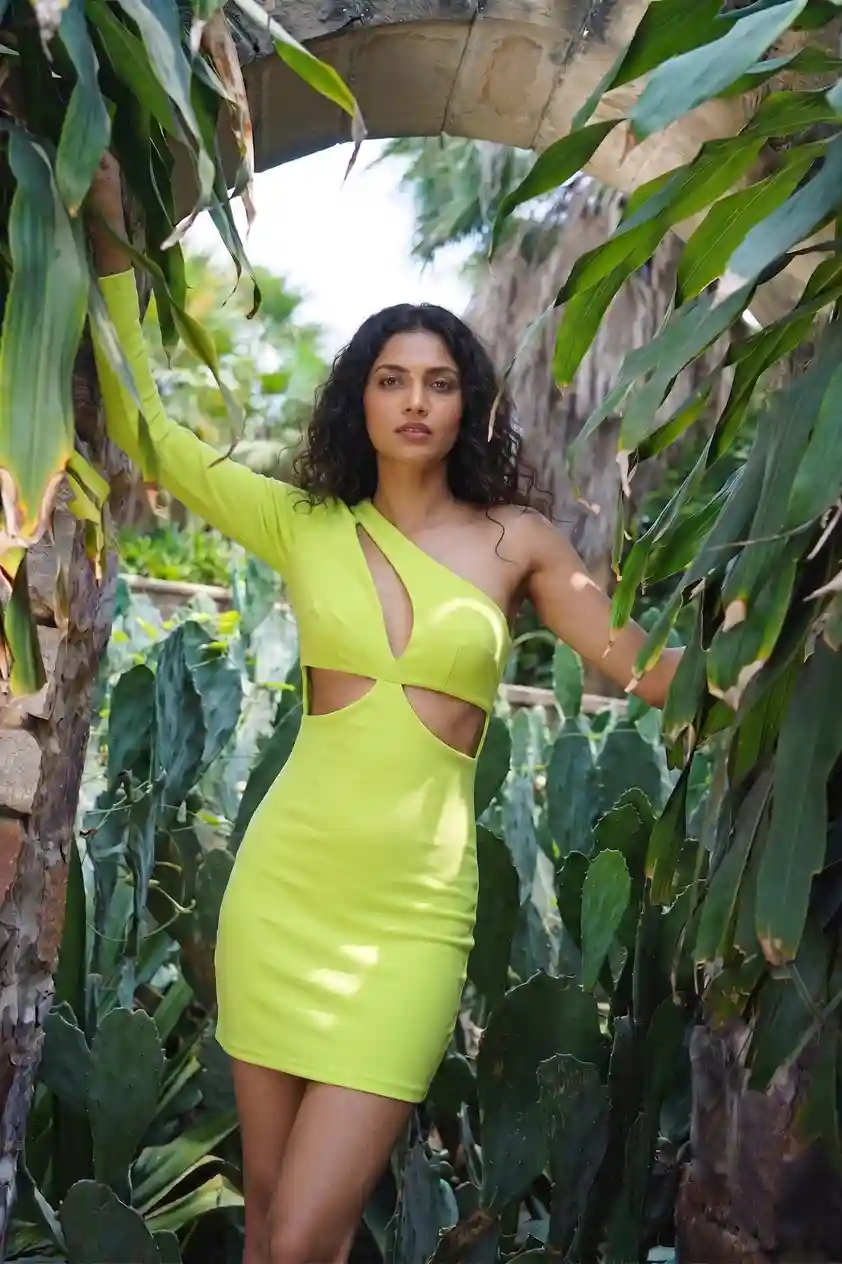
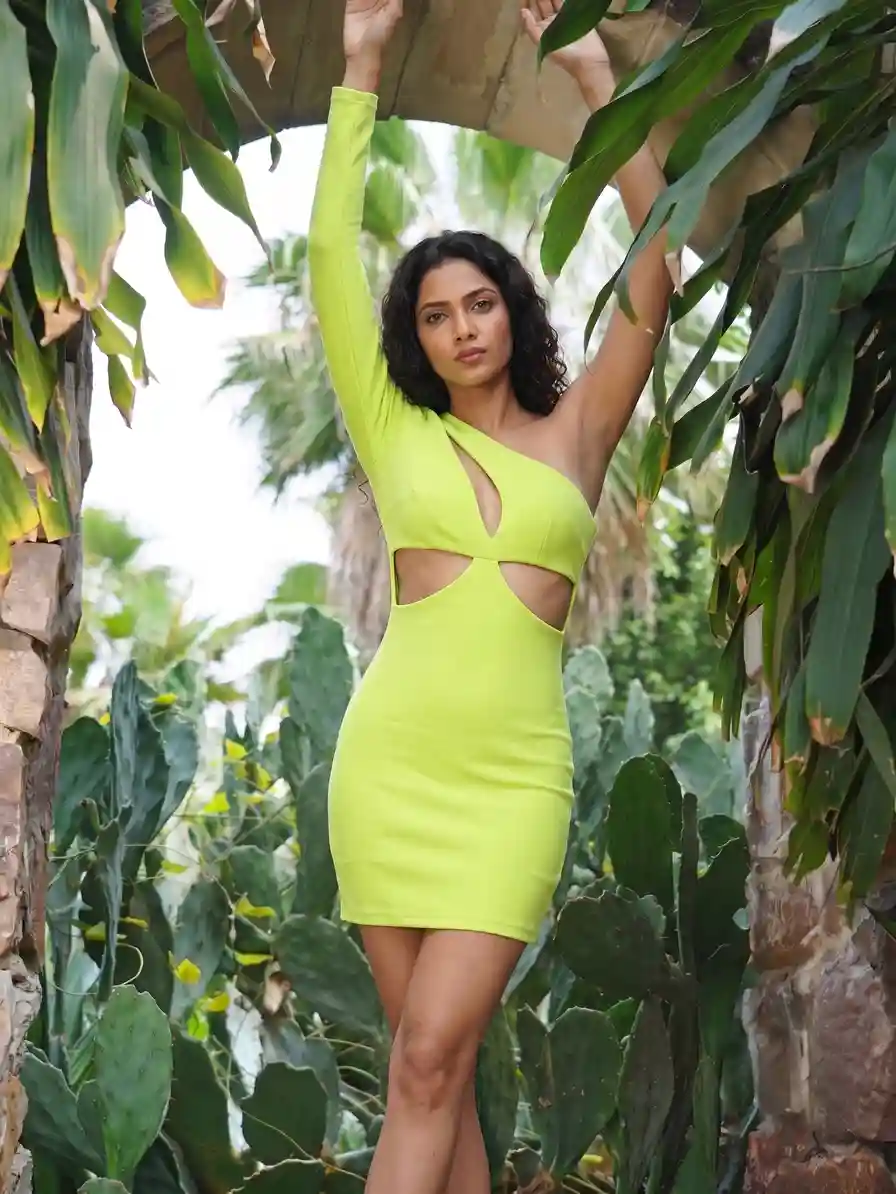
This tiered style needs the side profile: it shows how each ruffled tier falls below the single strap.
Which backdrop flatters a one-shoulder dress?
A plain, slightly warm backdrop keeps attention on the neckline, and a darker interior suits eveningwear. Avoid backgrounds with strong diagonal lines, because they compete with the diagonal of the neckline.
| Backdrop | Suits | Avoid |
|---|---|---|
| Warm plain studio wall | Product pages for any colour | A colour close to the dress fabric |
| Sunlit terrace or balcony | Summer and resort ranges | Harsh midday shadows across the strap |
| Dark, warmly lit interior | Evening and party dresses | Pale fabrics that disappear into the dark |
| Soft neutral drapes | Occasion and wedding-guest dresses | Patterns that clash with a printed dress |
- The same model and pose across every colourway of the dress
- A new colour does not need a new booking
- You choose the model, pose and background before you order
- It needs a clean, flat source photo of the strap side
- Strap and neckline should be checked at full zoom
- Very sheer or heavily beaded pieces need a closer look before publishing
One-shoulder dress source photo checklist
- The dress is steamed and the diagonal neckline is smooth.
- The strap is untwisted and clearly visible.
- The whole garment, from strap to hem, is in frame.
- The camera is level and square to the dress.
- The light is soft, from one side, with no flash.
- A close-up shows the strap, gathers or cut-out detail.
- A back photo shows the zip and any cut-out.
Which side should the strap be on in my photo?
Photograph the dress exactly as it is worn, strap side clearly visible. The on-model result is built from what the photo shows, so a clear neckline reference helps the strap and bare shoulder land in the right place.
Does the neckline stay asymmetrical on the model?
It should follow your source photo, but always check the strap and neckline at full zoom before you publish. If a shot misses, you can Recreate it or ask for half the credits back.
How do I handle satin shine?
Use one large soft light from the side and steam out creases first. Sheen looks smooth when the fabric is flat and the light is wide.
Do I need a back photo?
It helps, especially for dresses with a zip, cut-out or tie. Buyers look at how a dress closes, so it is worth including.
Can I use the same model for every colour?
Yes. Upload each colourway as its own garment and run them with the same model and style, so the range looks like one shoot.
Start with one colourway, compare the on-model photo with your source photo at full zoom, and then run the rest of the range with the same settings.


