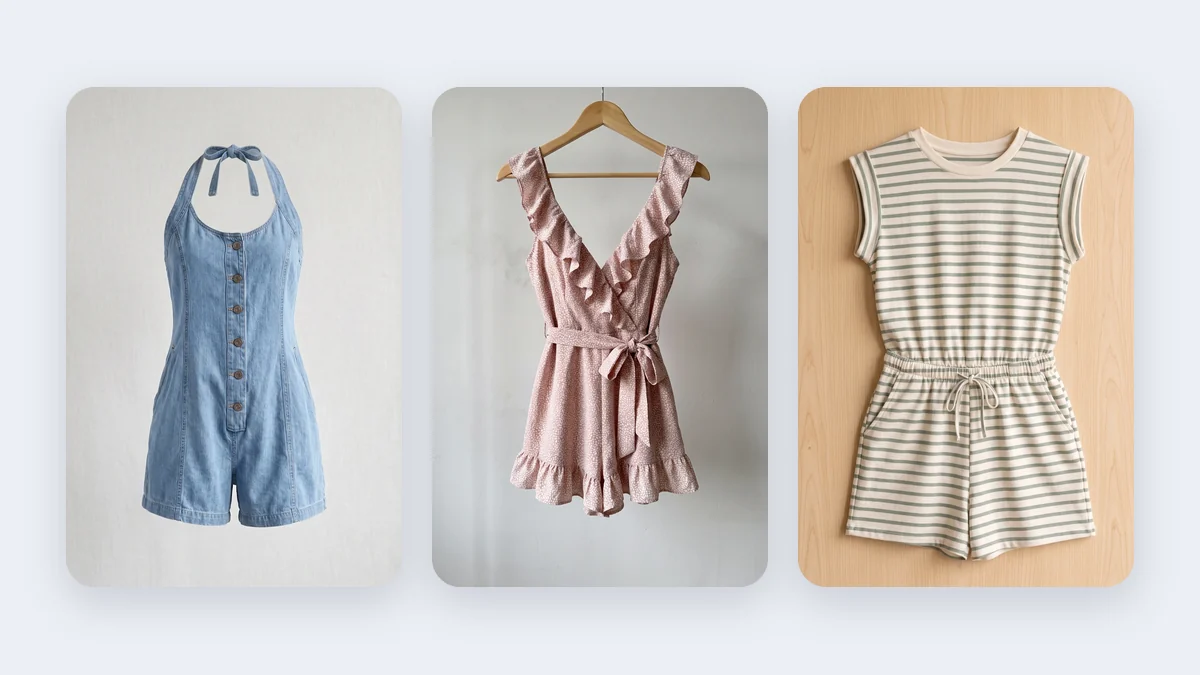
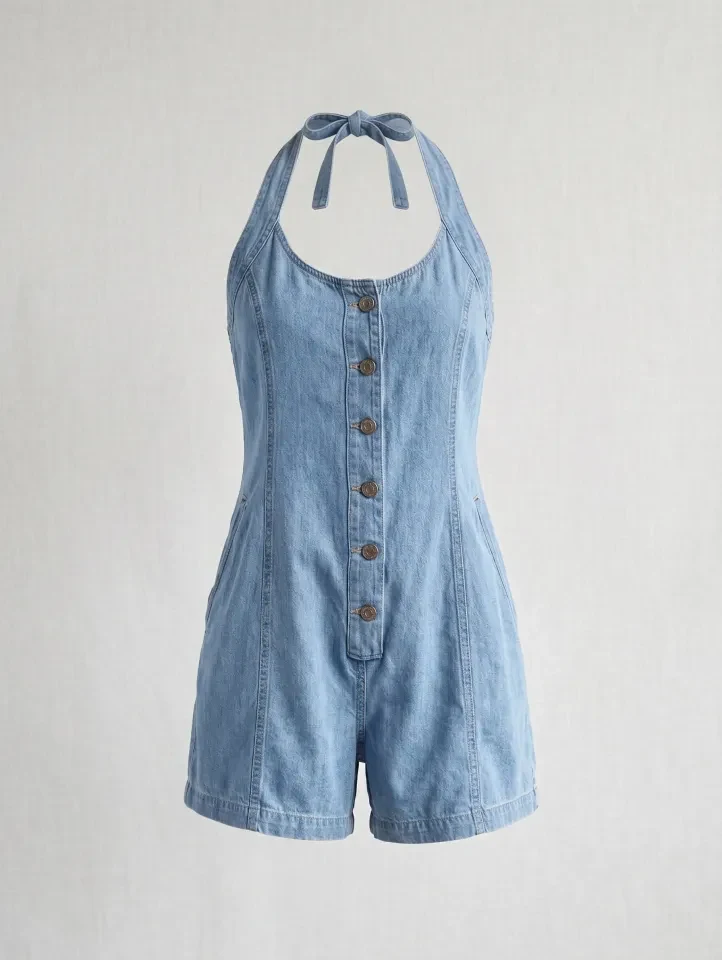
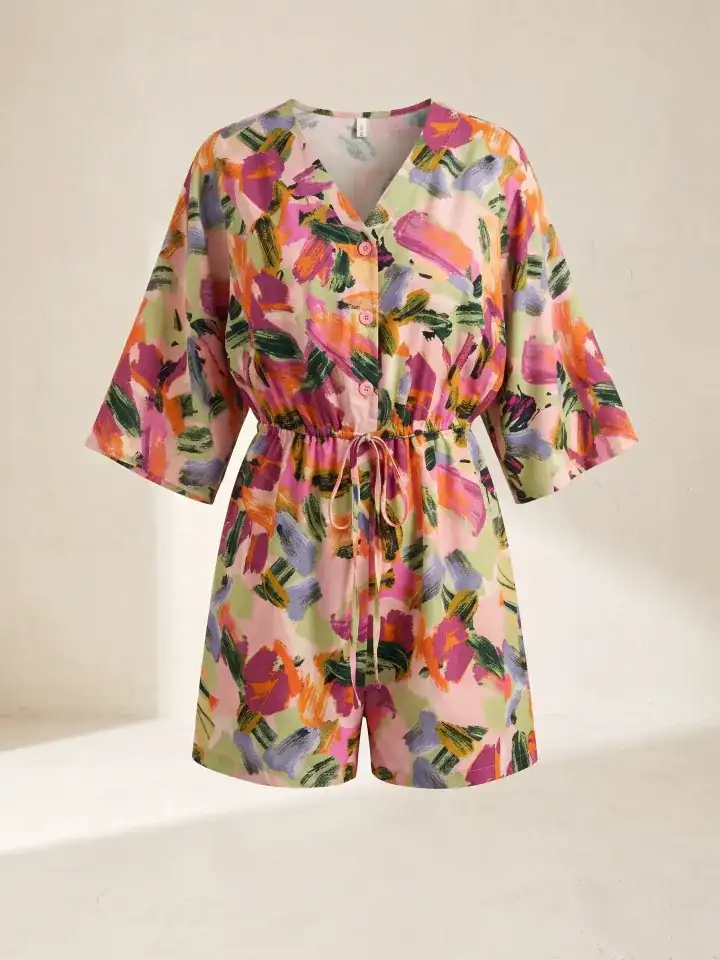
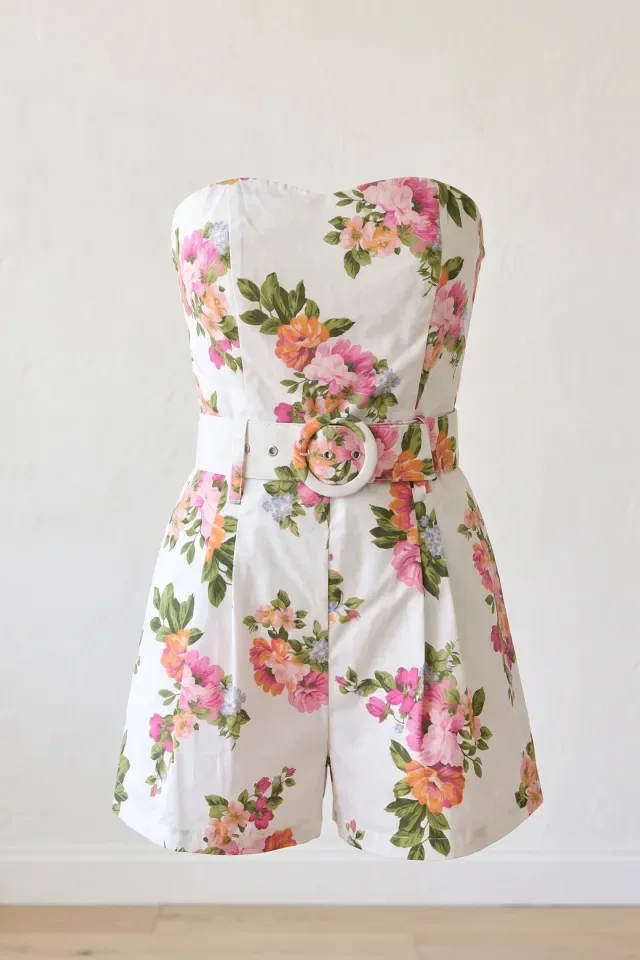
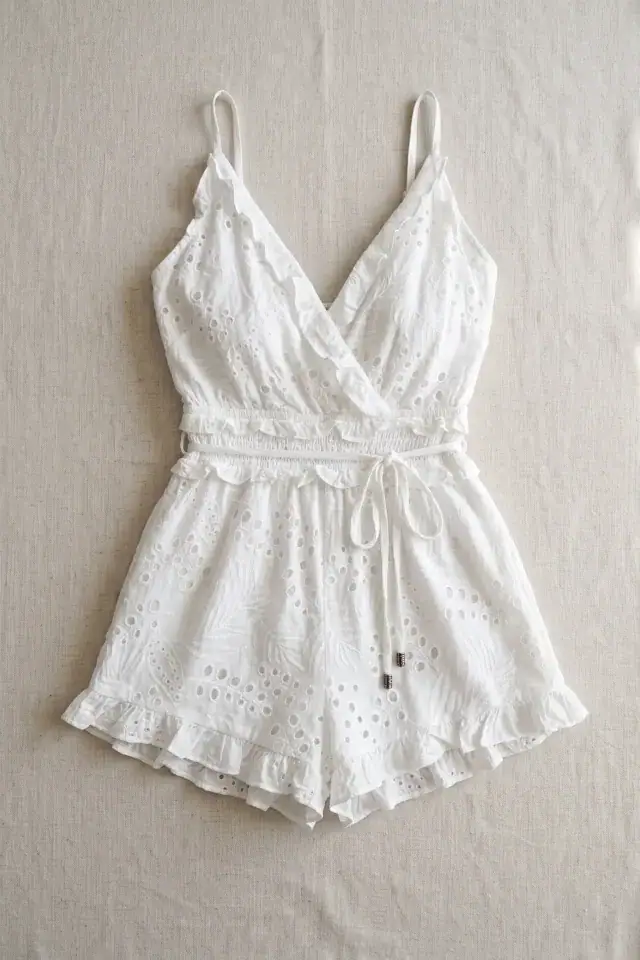
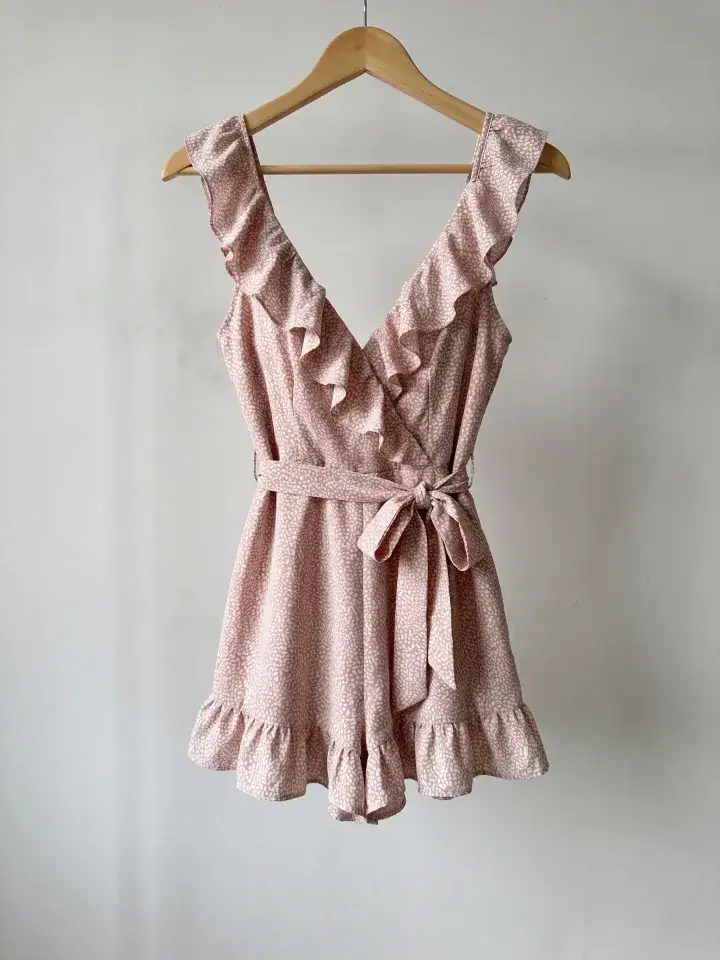
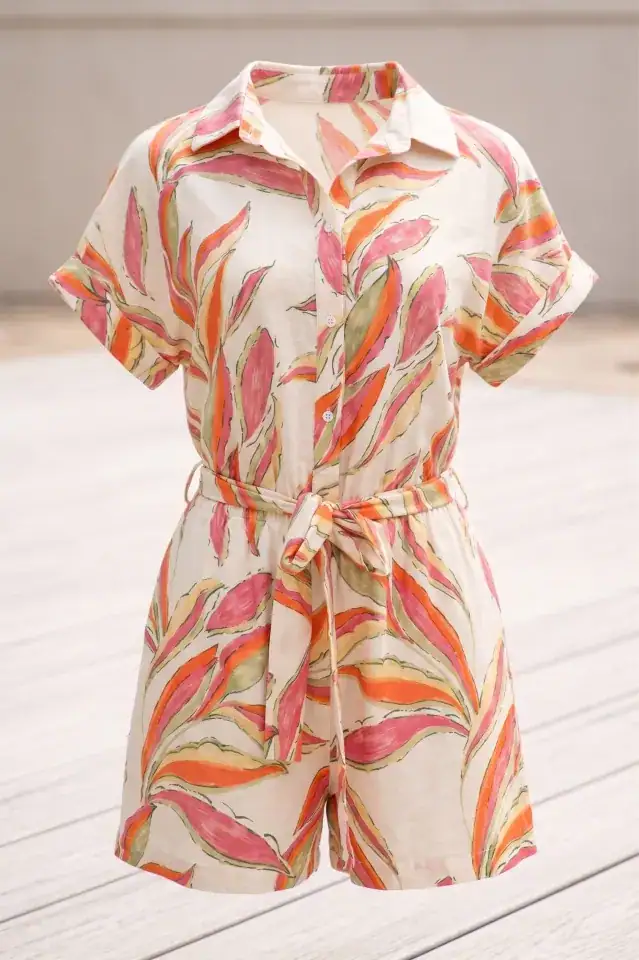
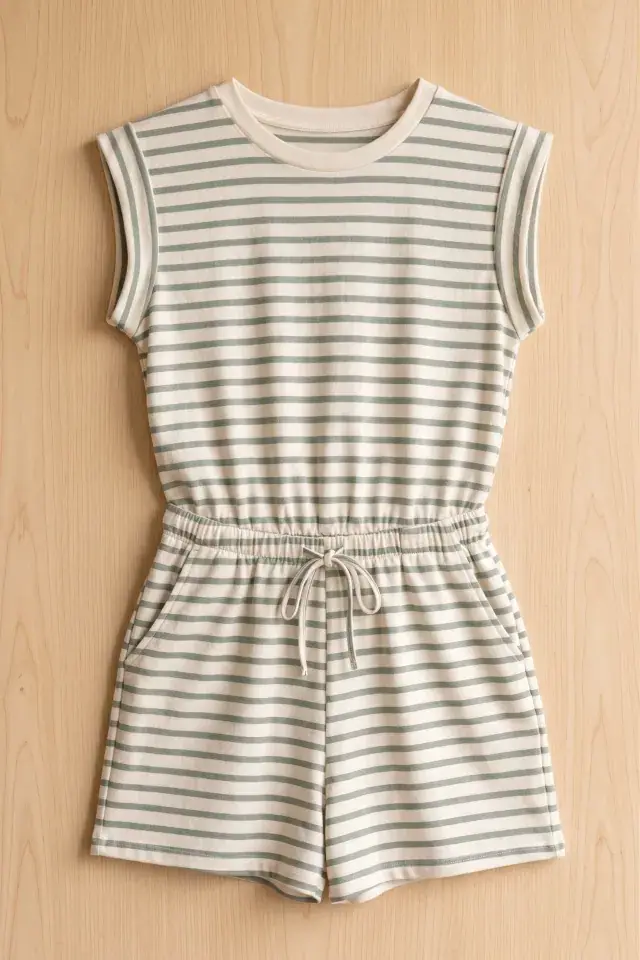
How to photograph your romper so the Studio can read it: dresses & long silhouettes advice, with 7 reference shots from our library. The general rules are in the main guide.
Updated
How should you lay out your romper?
Hang your romper or lay it with the skirt fanned so the silhouette is readable from hem to neckline.
Fabric preparation & steaming for romper
Hang or lay your romper so the silhouette flows naturally from shoulder to hemline. Fan the skirt section gently to display its flare, ensure the waist seam or drop is straight, and smooth out sleeves and neckline.
What does the Studio need to see?
The Studio needs to see these details of your romper, in order of importance.
Neckline to hem in a single frame
The waist seam or yoke where the silhouette changes
Sleeve shape, if the sleeves are part of the design
A flat-lay of the bodice, when the neckwork is the selling detail.
Lighting & reflection management for romper
Use a tall diffused light source to achieve even top-to-bottom illumination, preventing the lower half of the dress from falling into darkness compared to the bodice.
Essential marketplace angles for romper
Leading fashion ecommerce marketplaces (Amazon, Myntra, Nykaa, and Meesho) demand these core camera angles to maximize buyer conversion:
Full front hero shot showing neckline, waist transition, and hemline
Macro close-up of neckline, bodice texture, or waist tie detail
45-degree angle showcasing dress silhouette and skirt drape
Rear view displaying back neckline, zipper closure, and back flare
Frequently asked questions about photographing romper
How does AI ensure my romper fabric texture and color remain authentic?
Vastralook utilizes neural feature-preserving diffusion networks that analyze your uploaded high-resolution garment capture. Rather than synthesizing a generic romper, our proprietary architecture preserves pixel-level embroidery, weave density, surface luster, and Pantone-accurate colors while generating realistic lighting interactions with the virtual model.
Can I show multiple poses and angles for the same romper SKU?
Yes! Consistency across multi-angle listings is fundamental for ecommerce. You can generate front standing, three-quarter stride, back detail, and seated poses using the exact same virtual model face and body type to create cohesive product listings.
Do I need to hire a physical model or use expensive lighting gear?
Not at all. You can photograph your romper on an inexpensive headless plastic mannequin or simple flat surface using a standard smartphone or digital mirrorless camera. Our studio engine handles virtual model rendering, skin textures, natural hair movement, and studio-grade lighting.
Reference shots for romper
The reference shots below are real romper uploads from our own library. They show the framing, background and distance to aim for, so compare your own romper photo against them before you upload.
What happens to your photo?
The Studio keeps the design, print and colour of your romper from the photo you upload and puts it on the model, pose and background you choose.
The rules that never change
These rules never change, whatever the garment you upload.
One garment per upload. Two garments in a frame produce a shot with two garments on one model.
Plain, even background — a white sheet or a clean floor beats a patterned bed.
Daylight, indirect. Direct sun blows out the highlights. A bulb overhead casts the fold shadows the model will inherit.
Fill the frame. A garment occupying a fifth of the photo gives a fifth of the detail to work from.
Shoot square-on. A photo taken at an angle bends the garment, and the output bends with it.
JPG, PNG or WEBP, up to 20MB.
Shot the same way
Other dresses & long silhouettes are shot the same way.