Saree
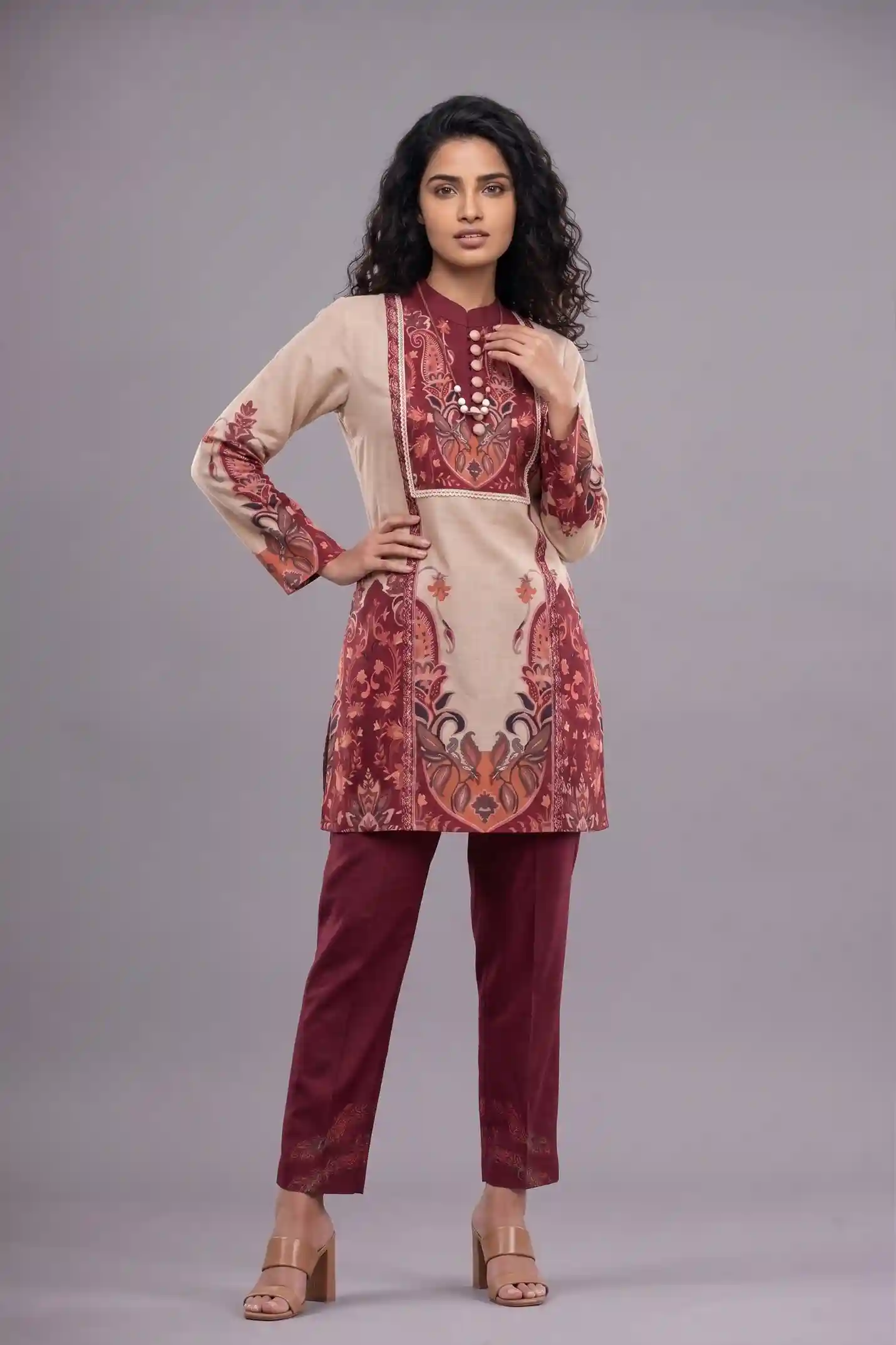
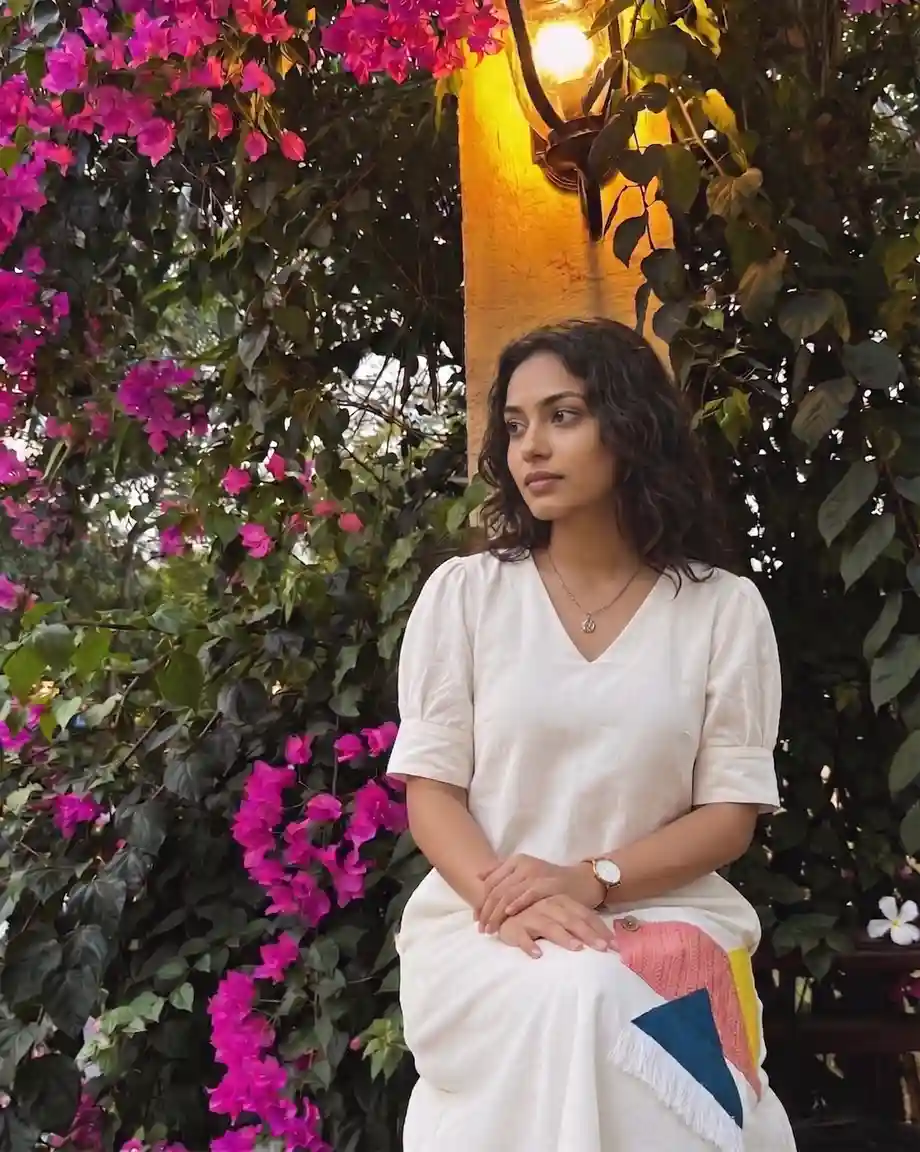
9 poses · model Sonal
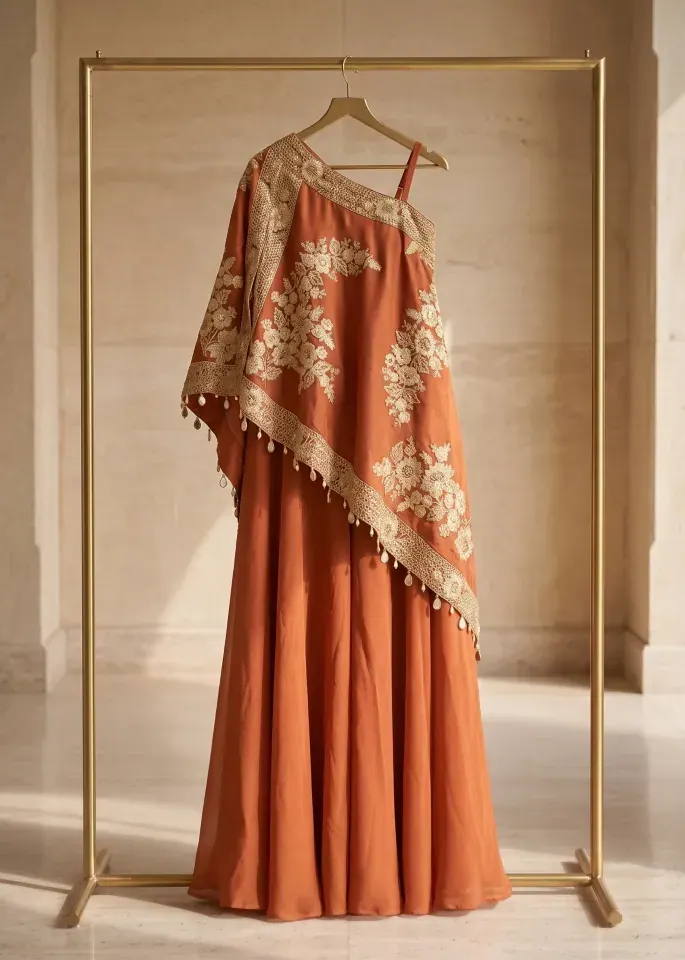
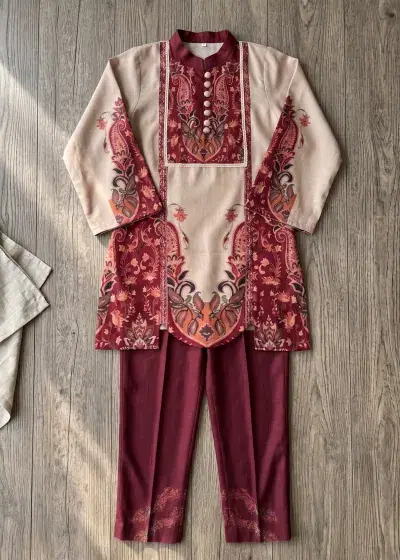
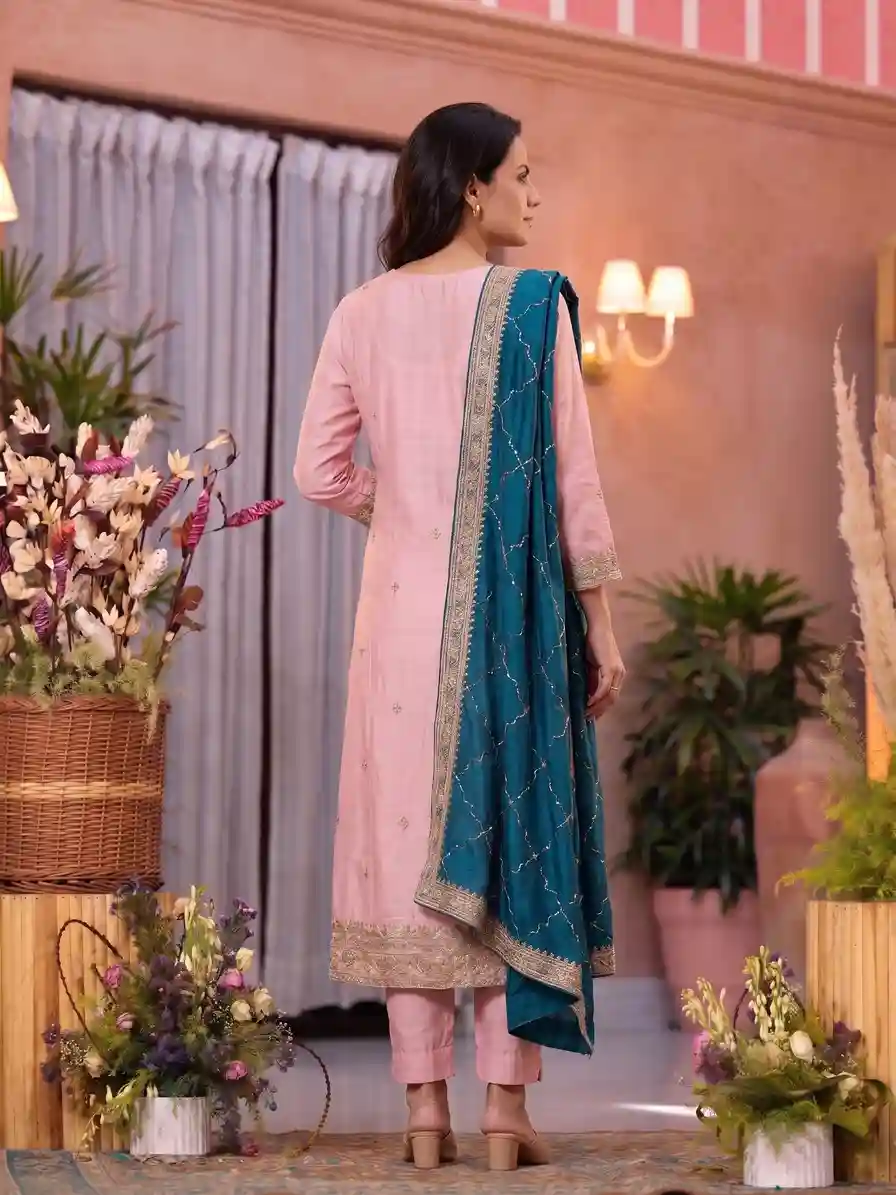
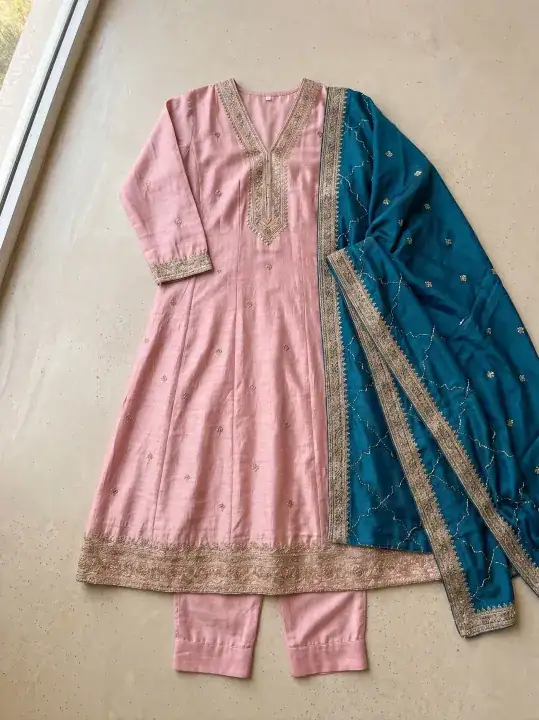
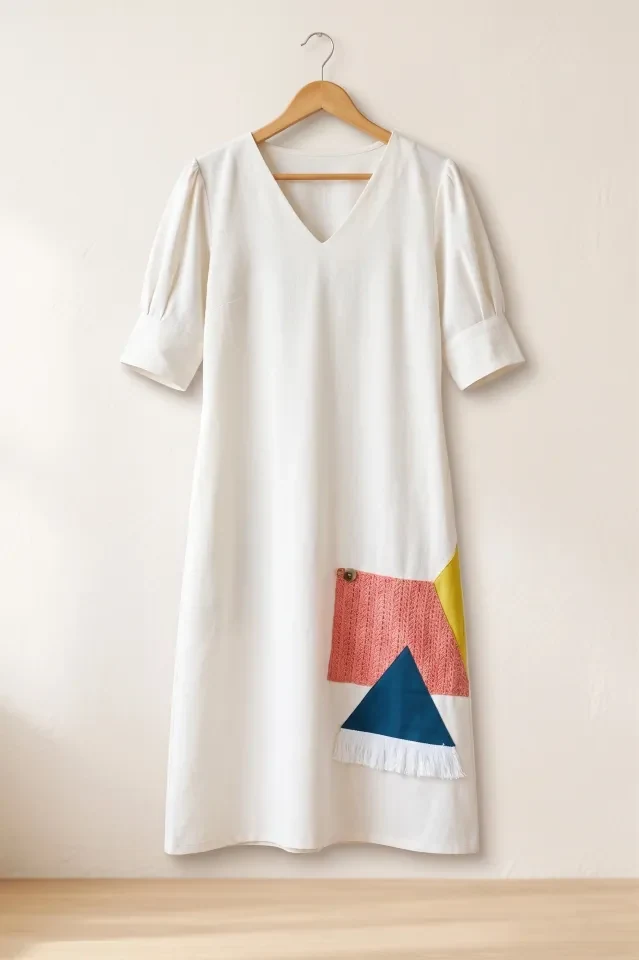
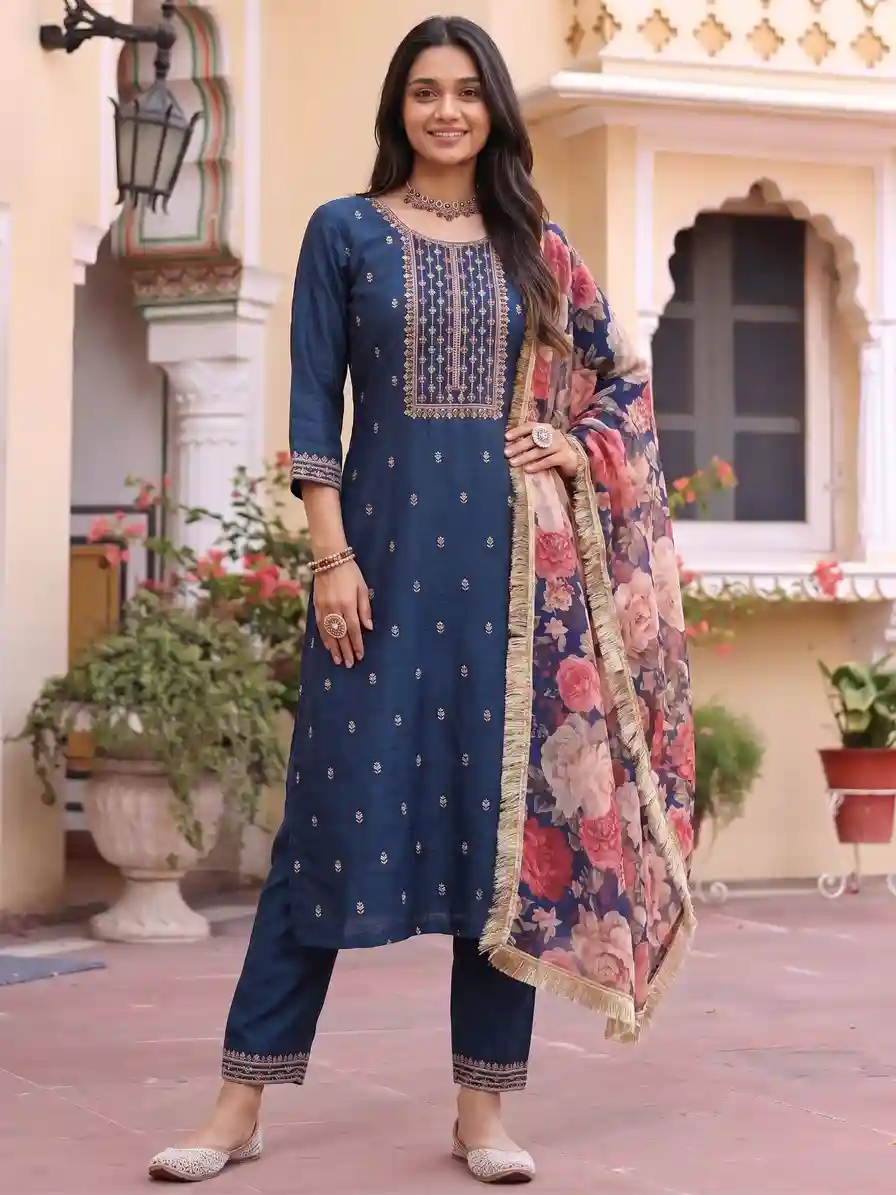
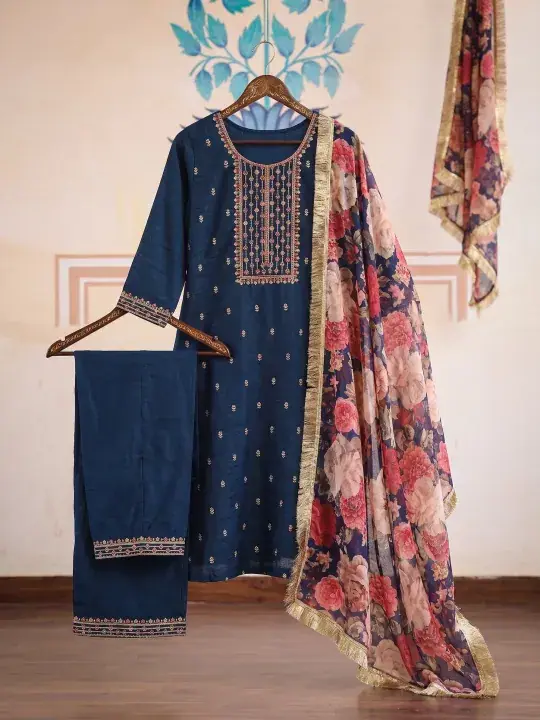
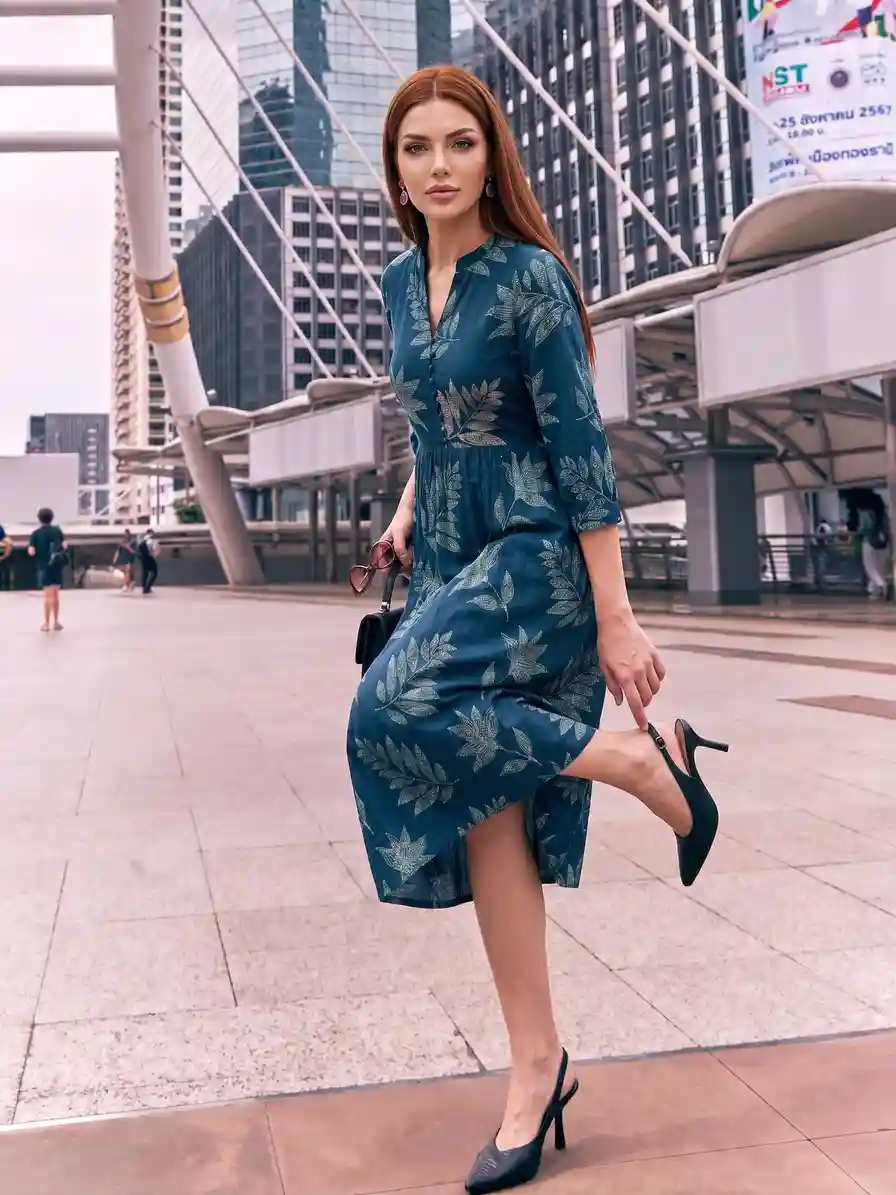
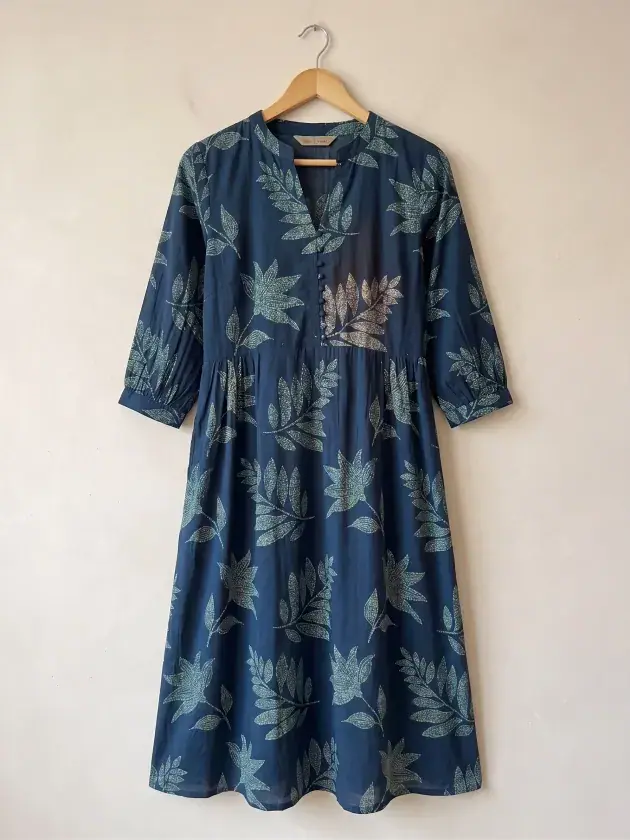
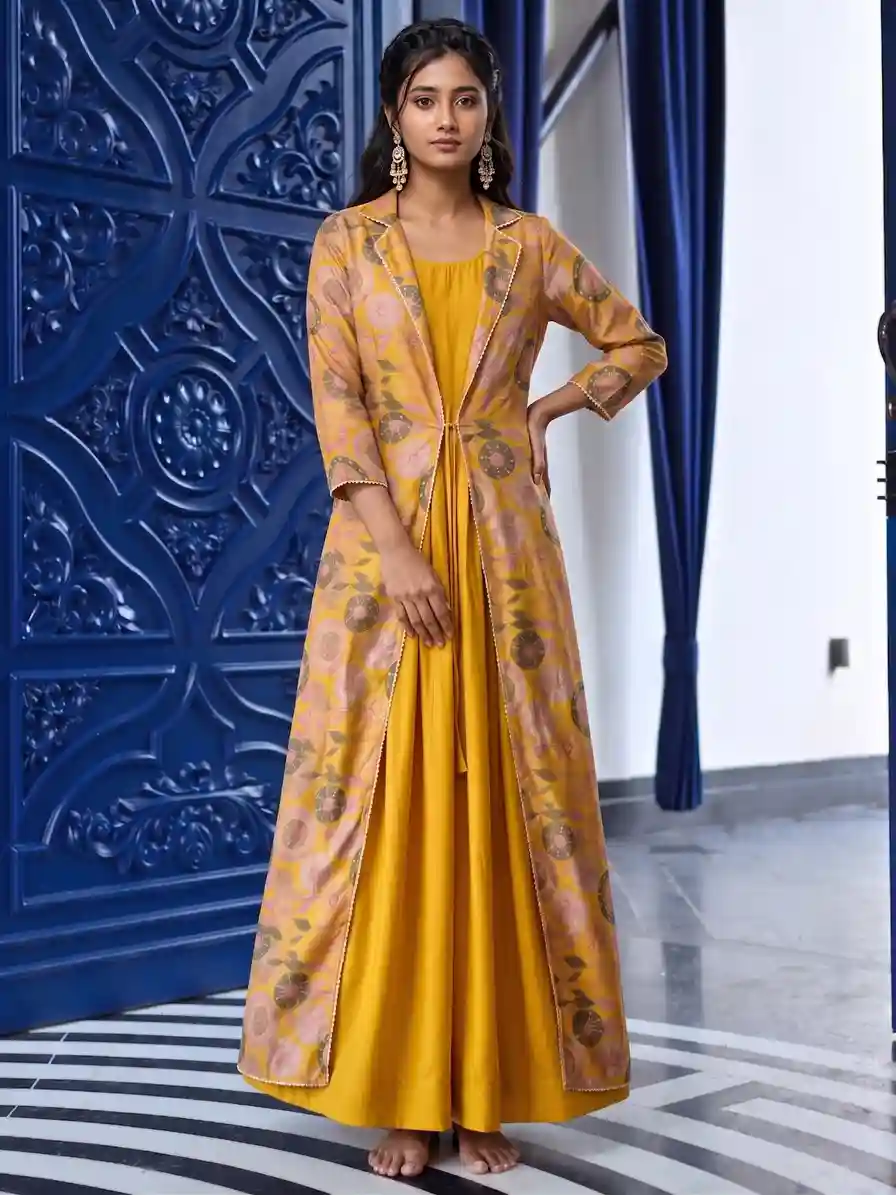
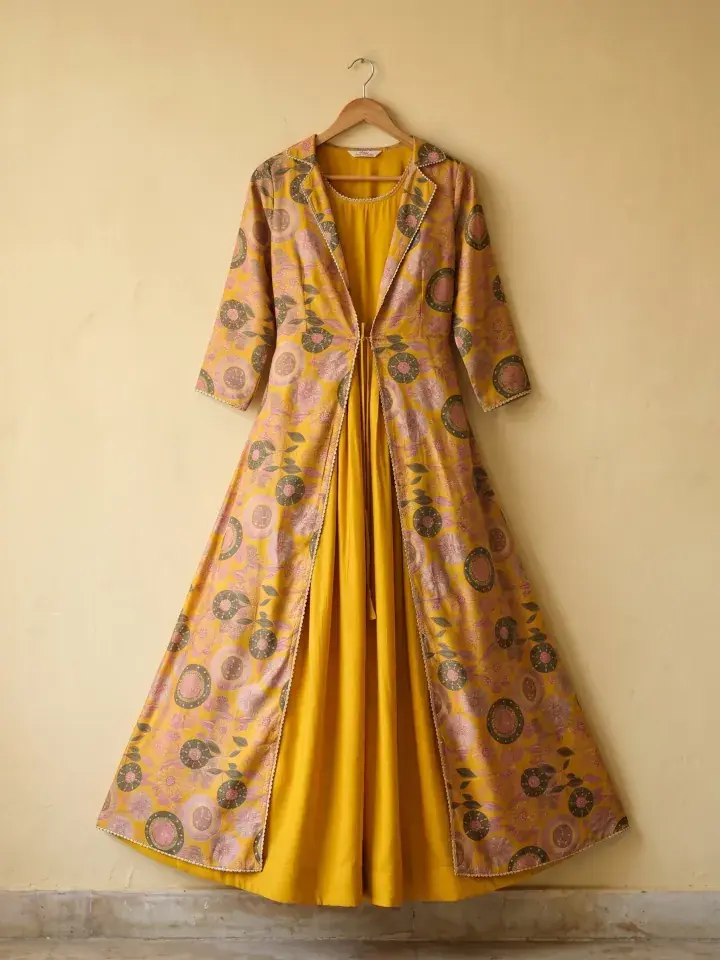
Vastralook's Catalogue Studio turns one garment photo (a flat-lay, a mannequin shot or a packshot) into on-model photos, or puts your garment on a model you choose. You pick the model, the style and a ready-made photoshoot package, check the summary, and then order. The free AI garment analysis comes first and uses no credits.
 Upload a garment photoStart free in Catalogue Studio
Free AI garment analysis · no credits used

Start with your garment
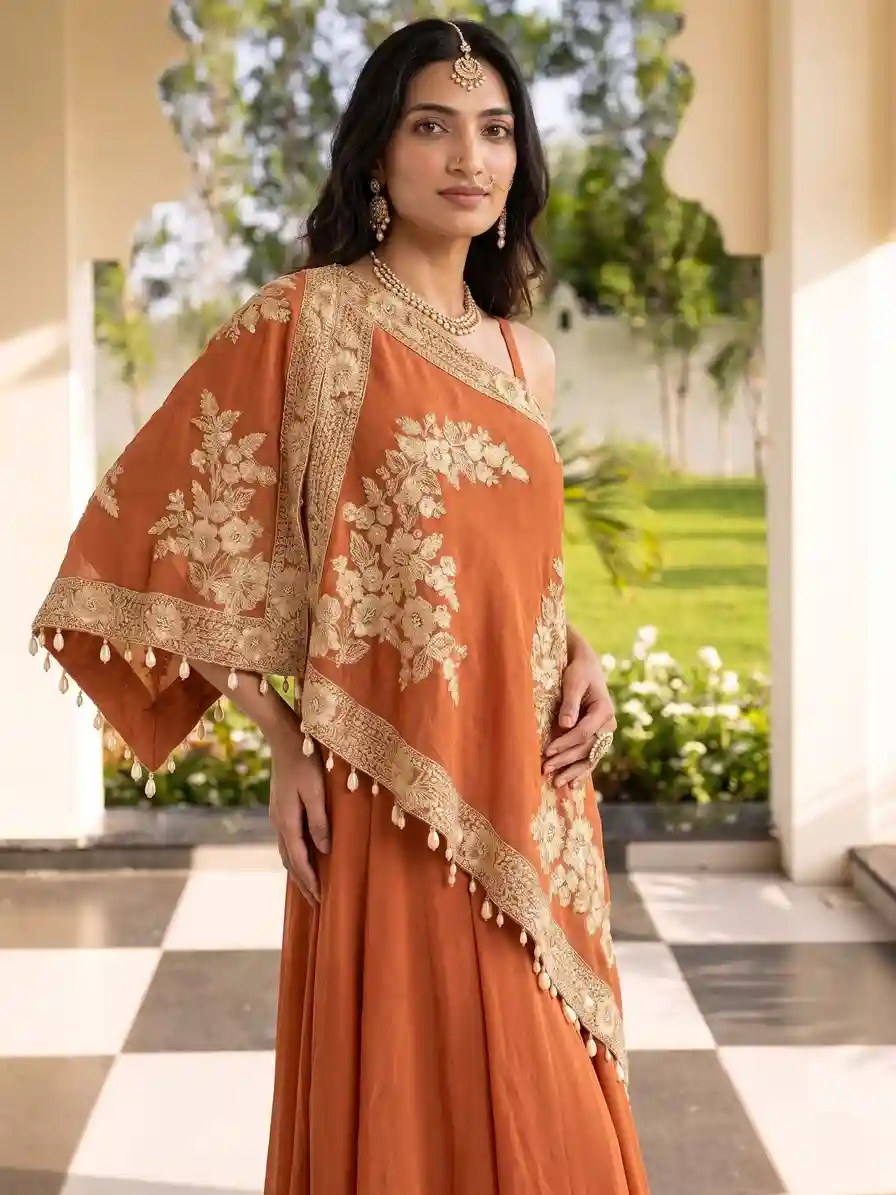
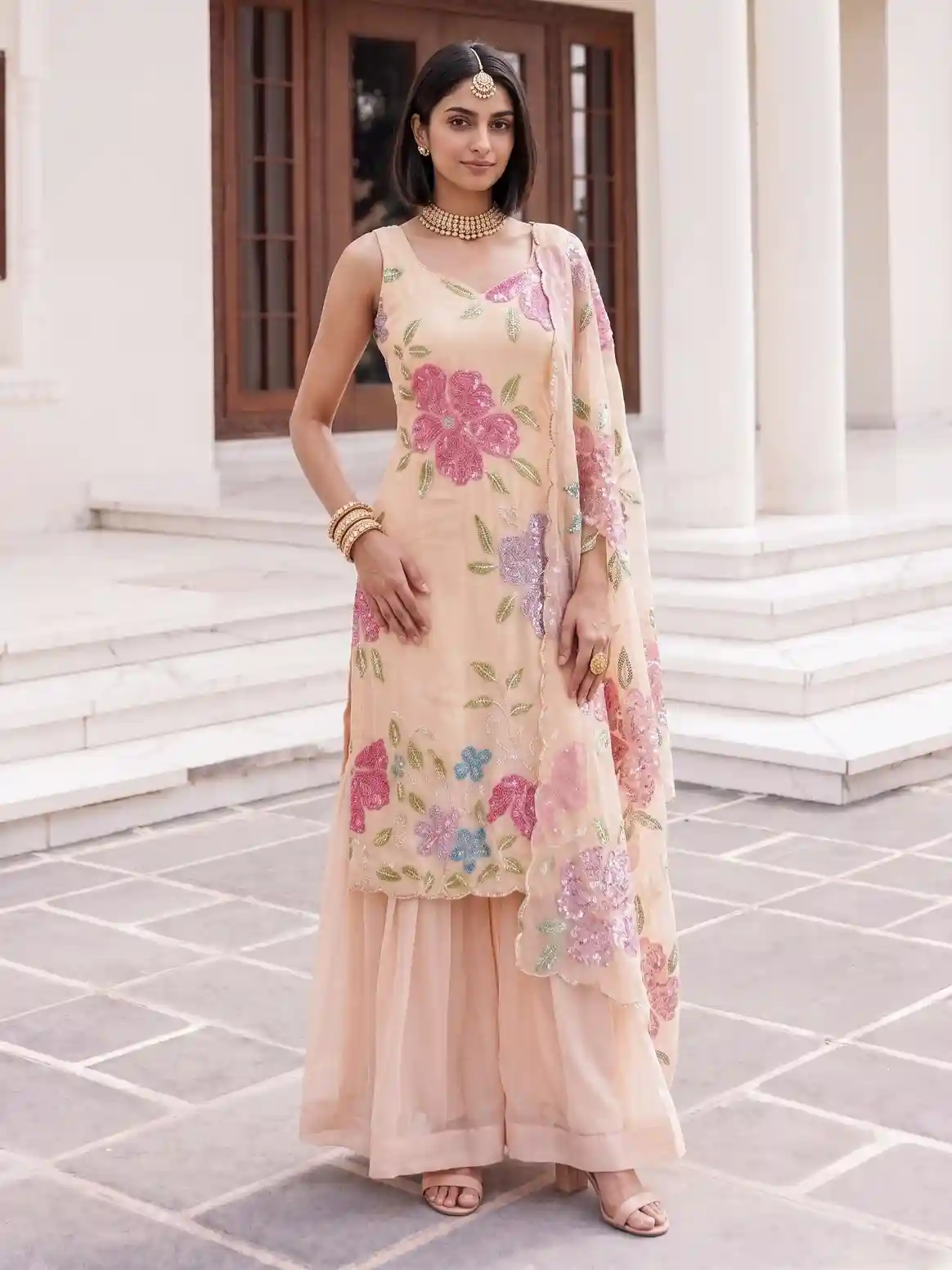
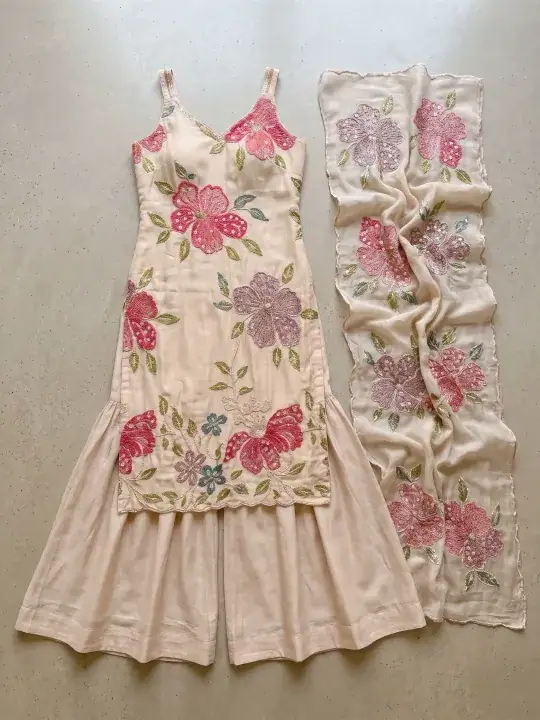
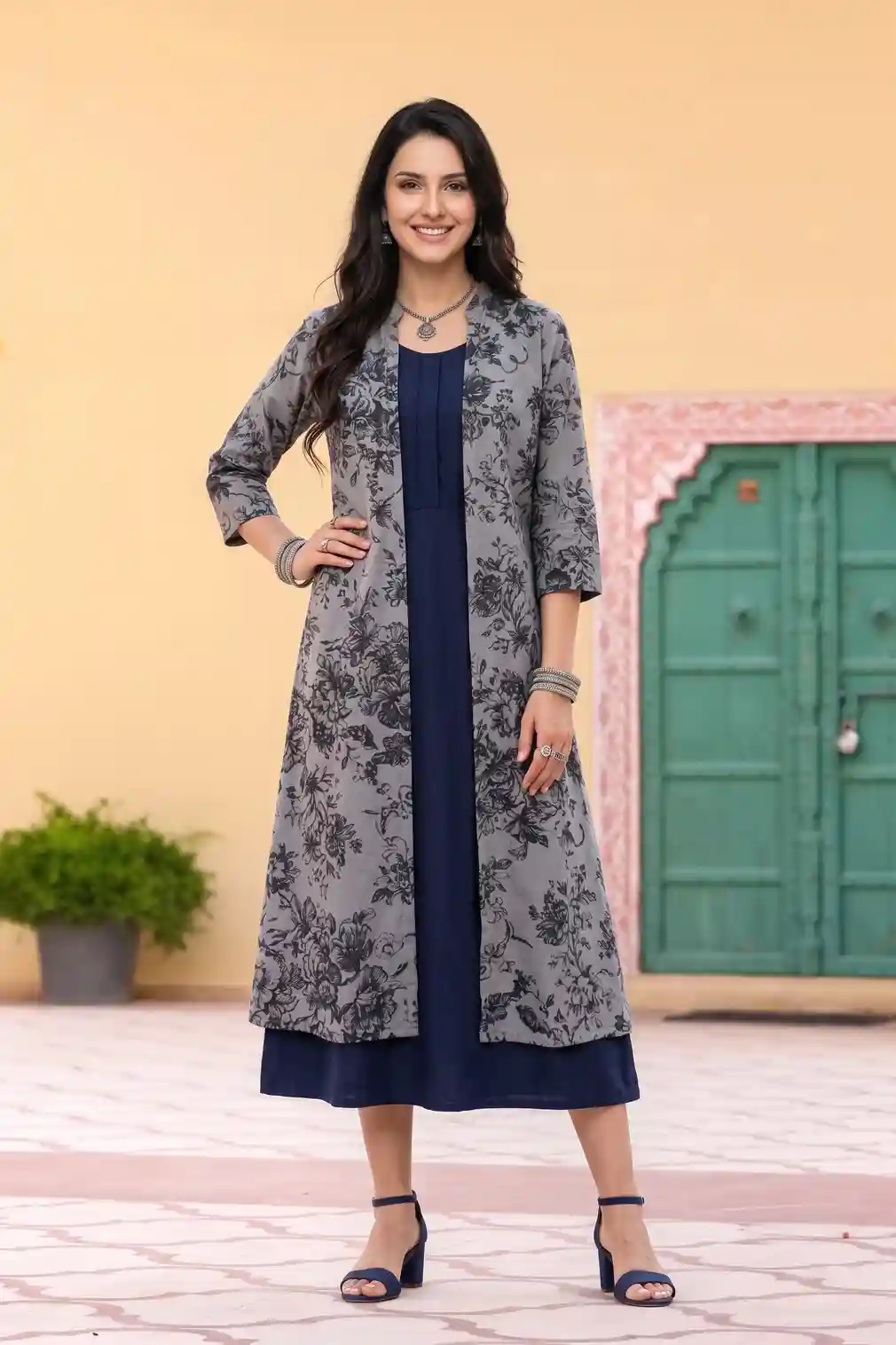
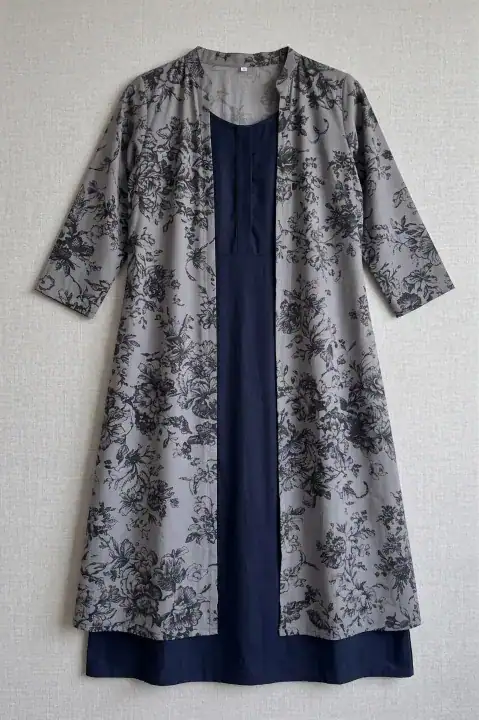
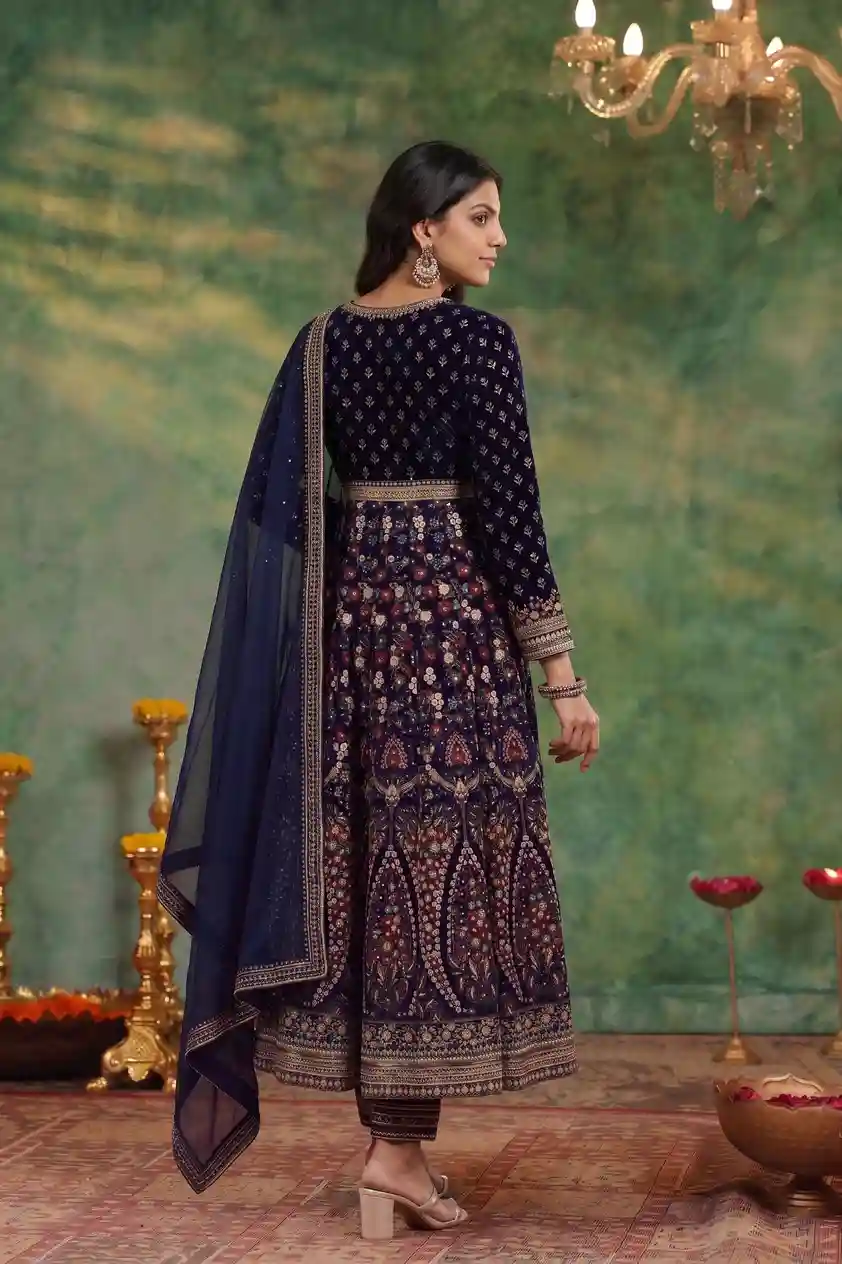
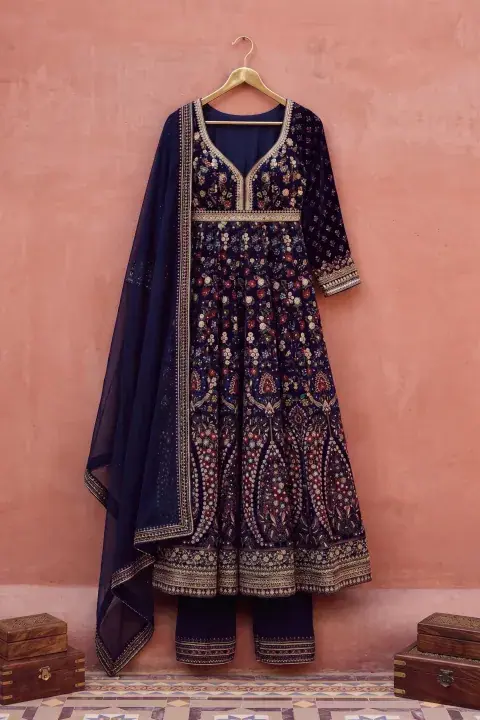
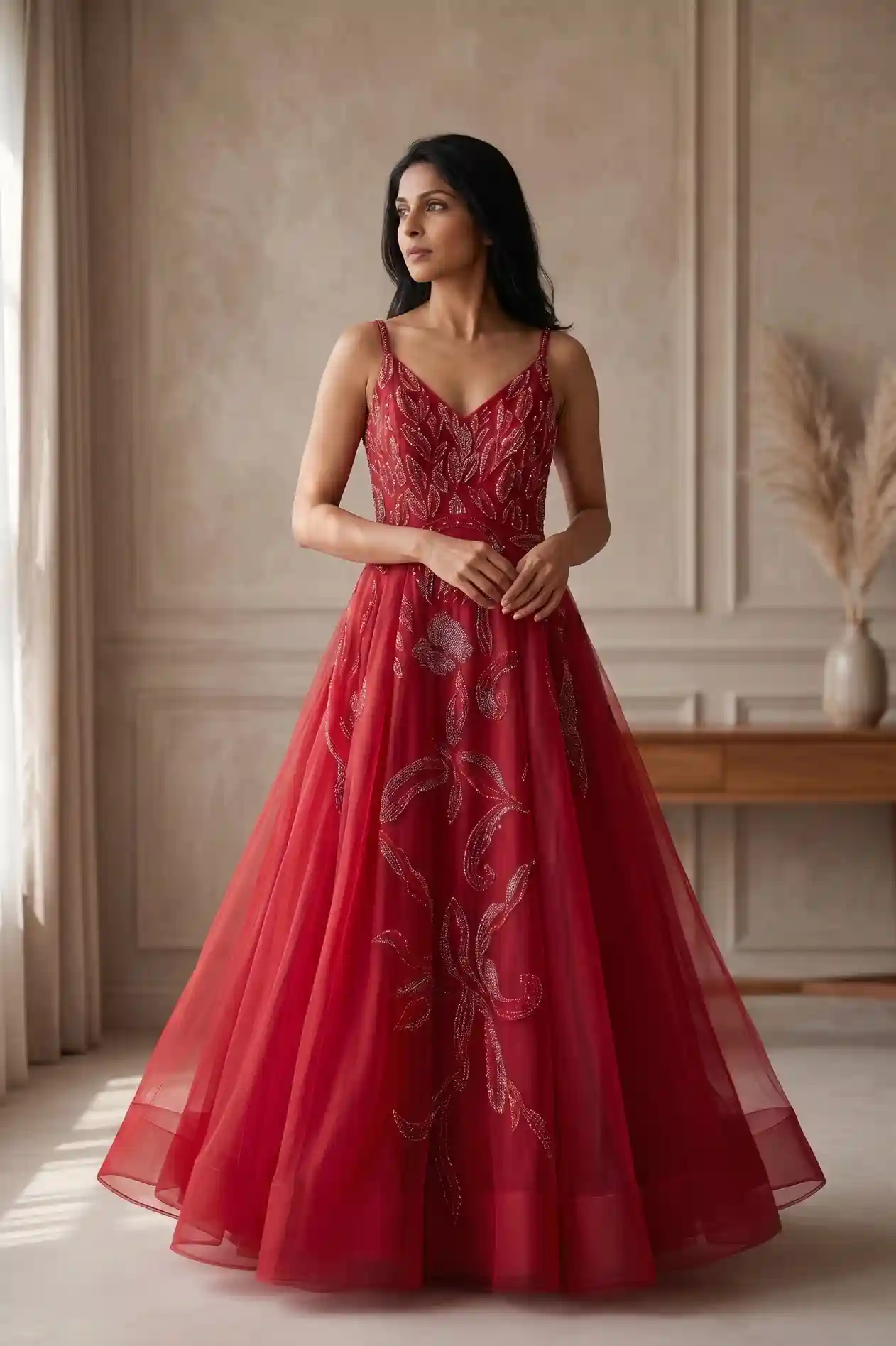
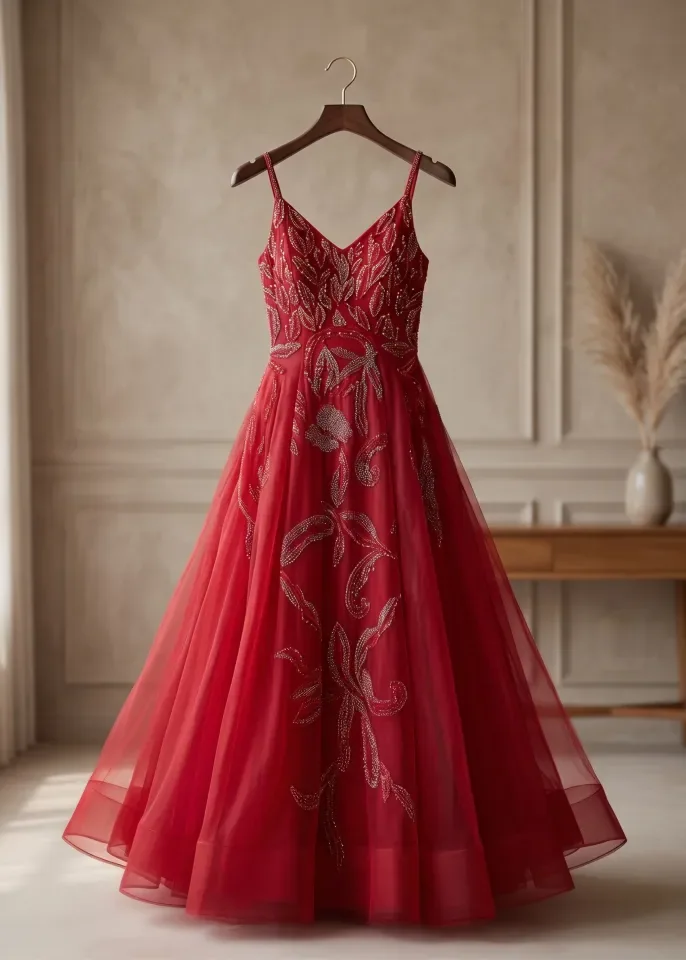
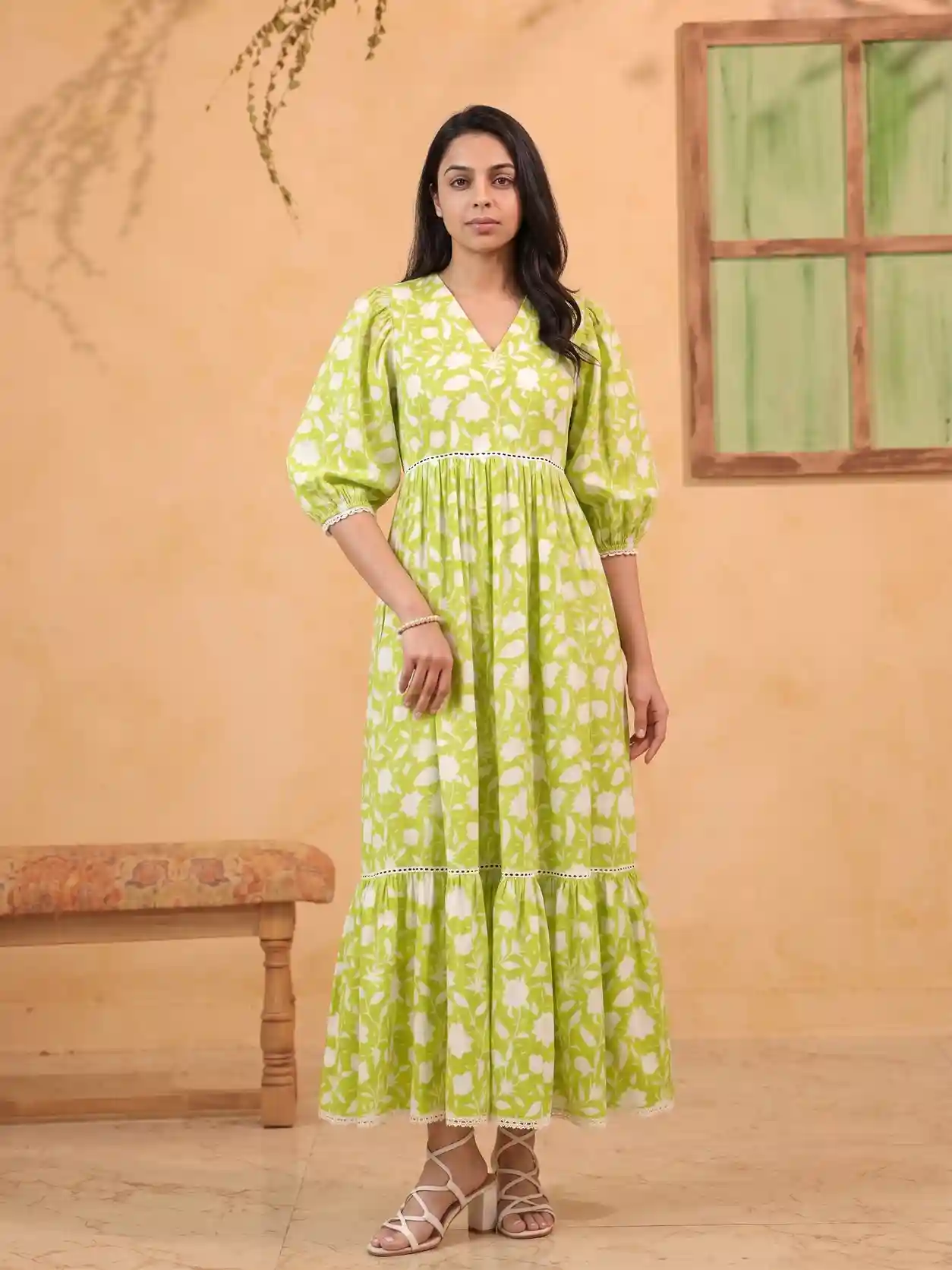
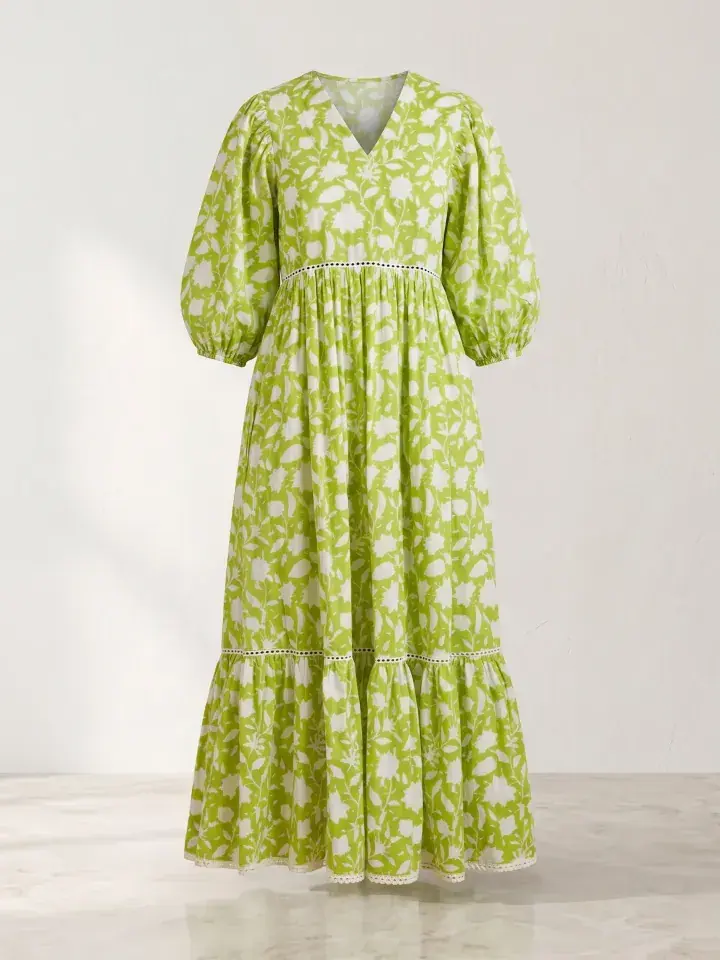
Shoot your collection. Without a single shoot.

Use a flat, square-on photo filling the frame. Add the back and a detail photo of the same piece if you have them.

A package is a set of poses in one scene. Filter by garment type.

The summary shows garments x models x styles as the number of shots, before you pay.
Put your garment on any model from the library, or on your own model photo.
Try a garment
Add many garments, pick one model and one package, get the same set for each piece.
Open Catalogue Studio
See what the free analysis reads in a garment photo: fabric, colours, design and work. No credits used.
See the analysis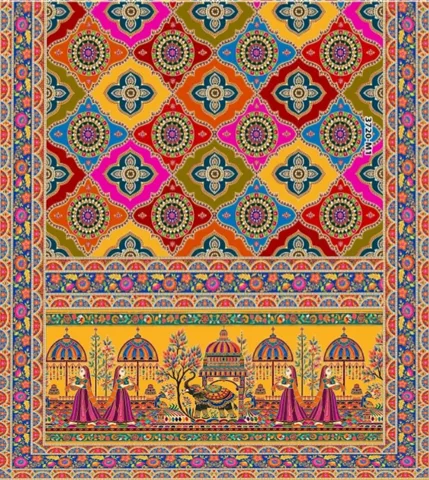
Printed Silk Saree With Geometric Medallion Pattern And Narrative Border
9 poses · model Sonal
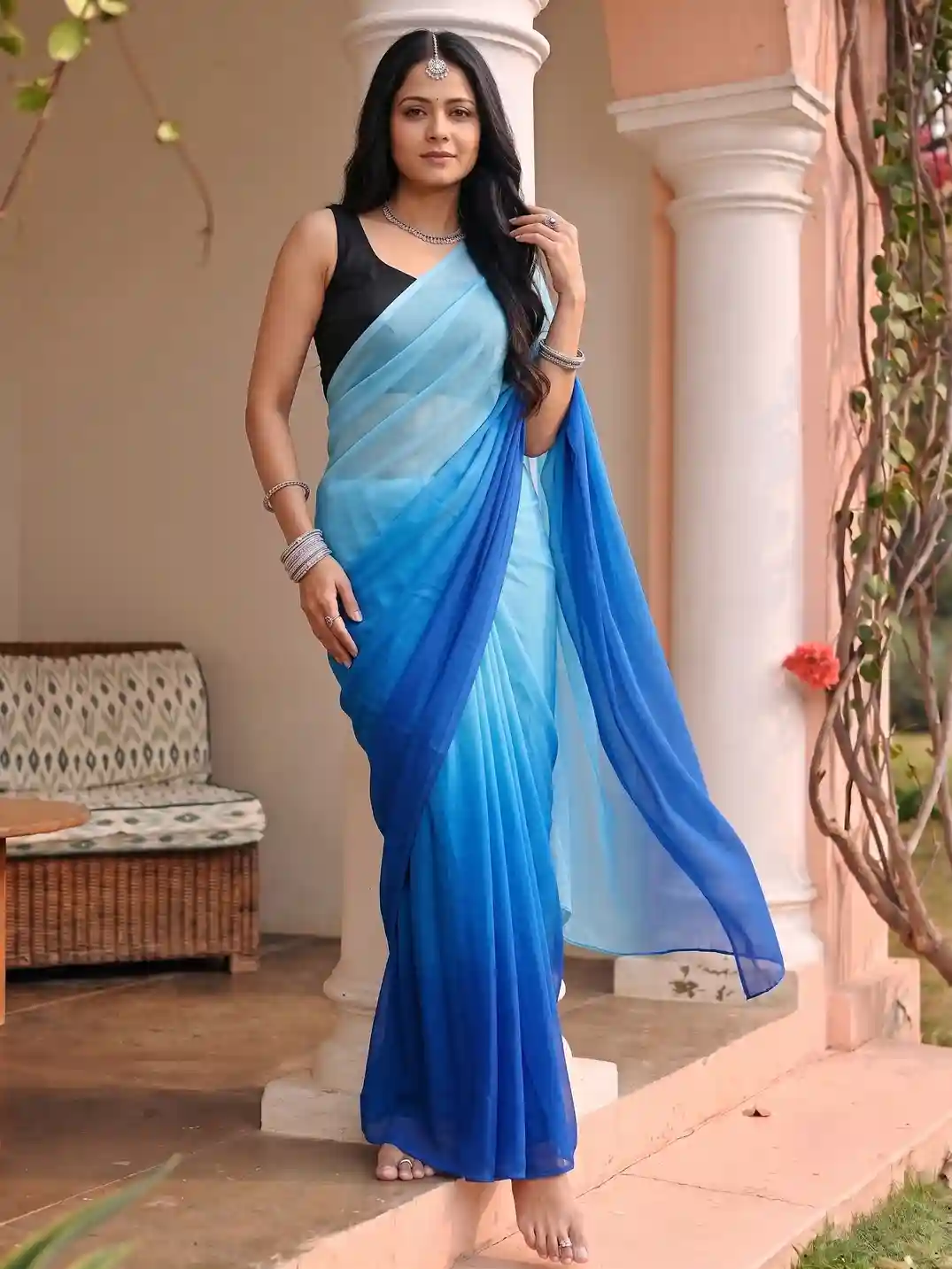
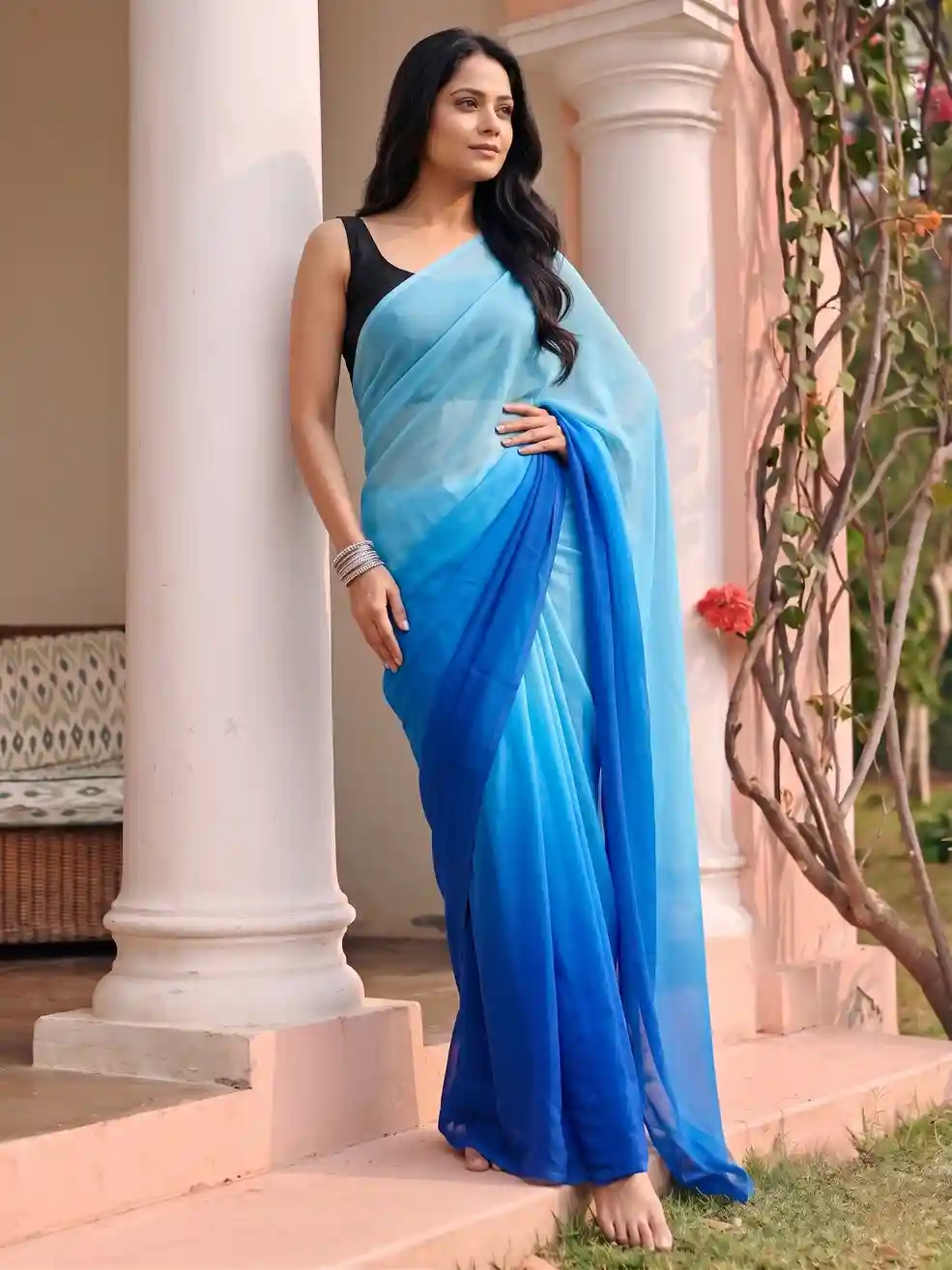
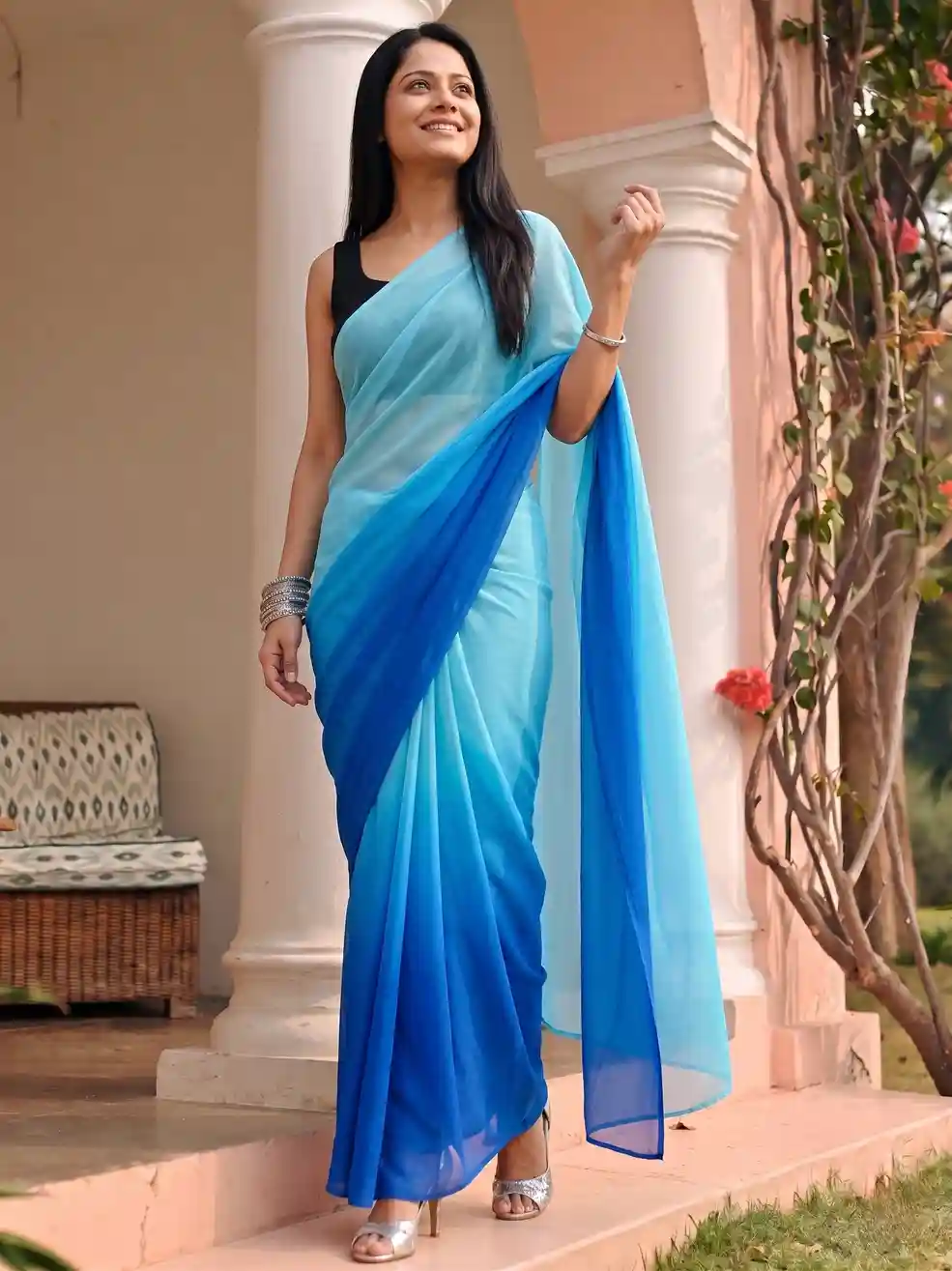
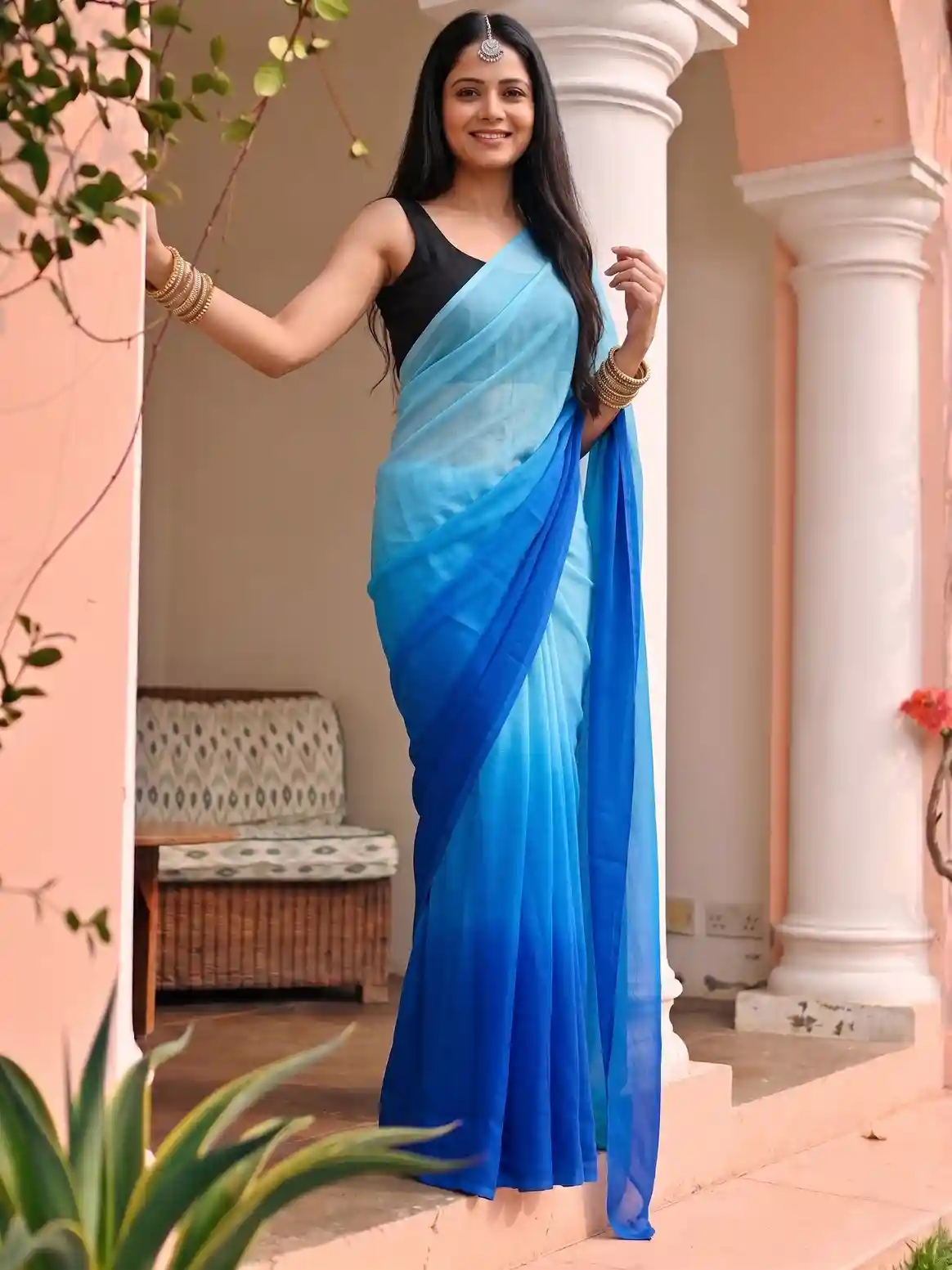
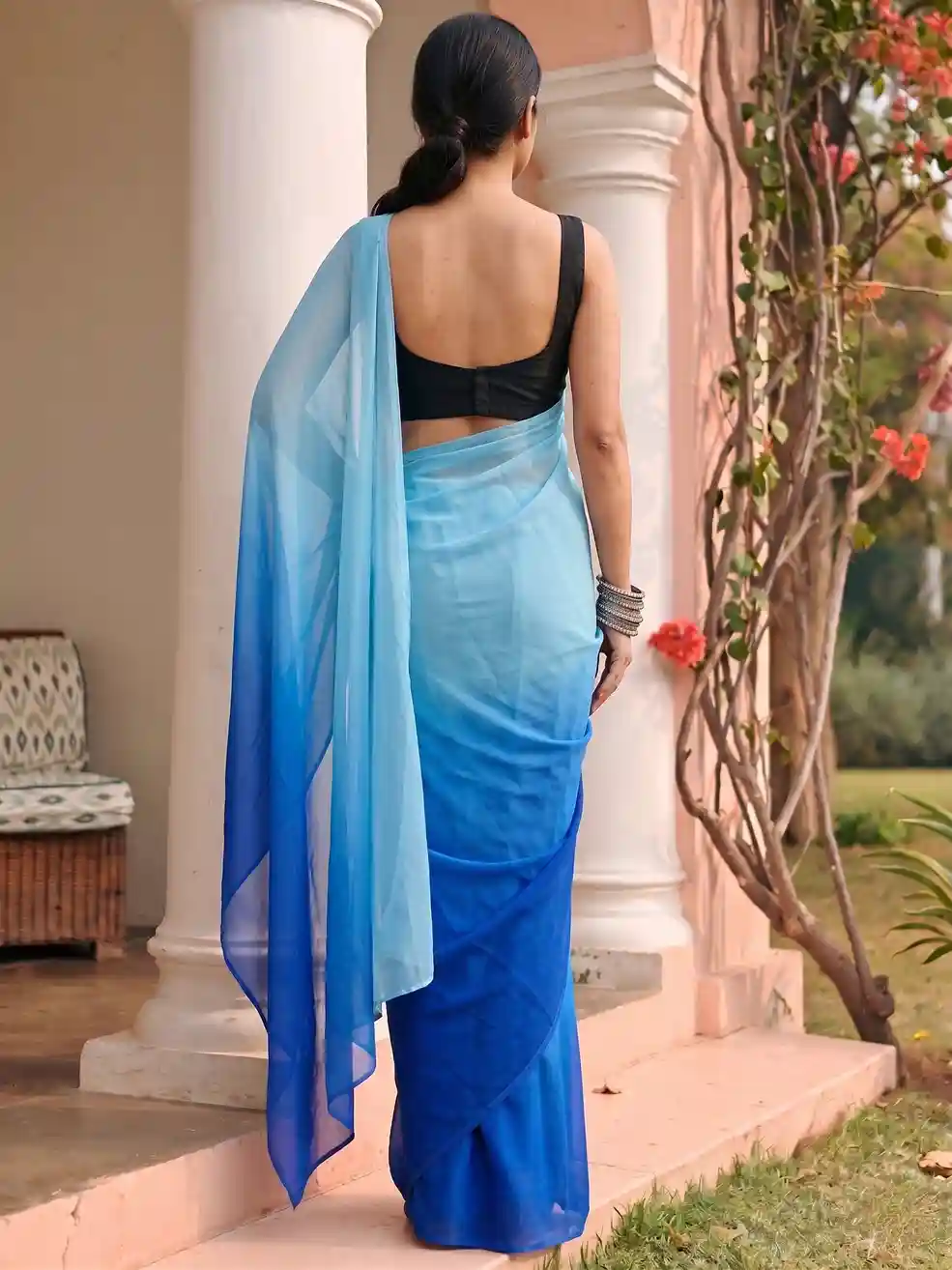
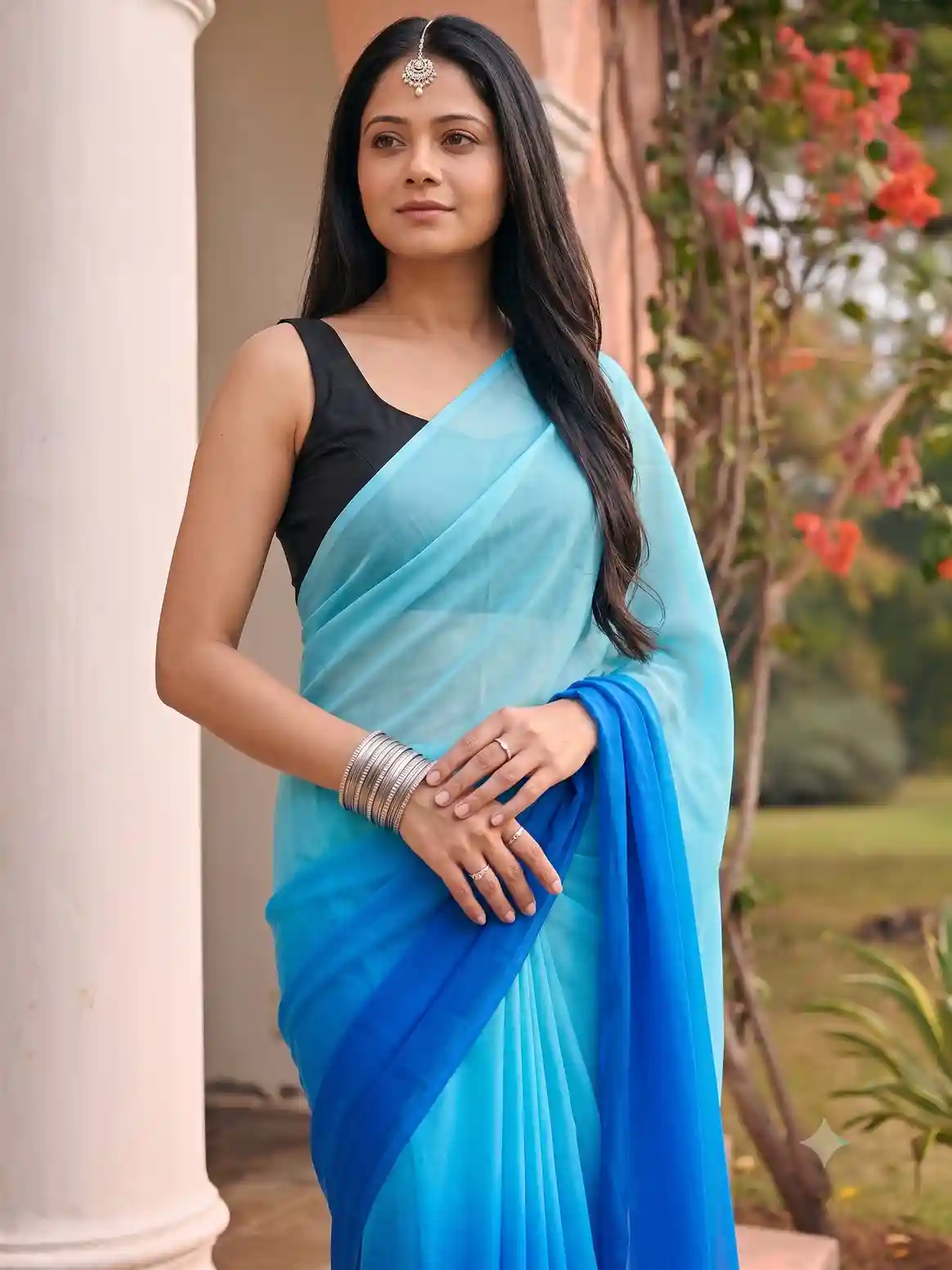
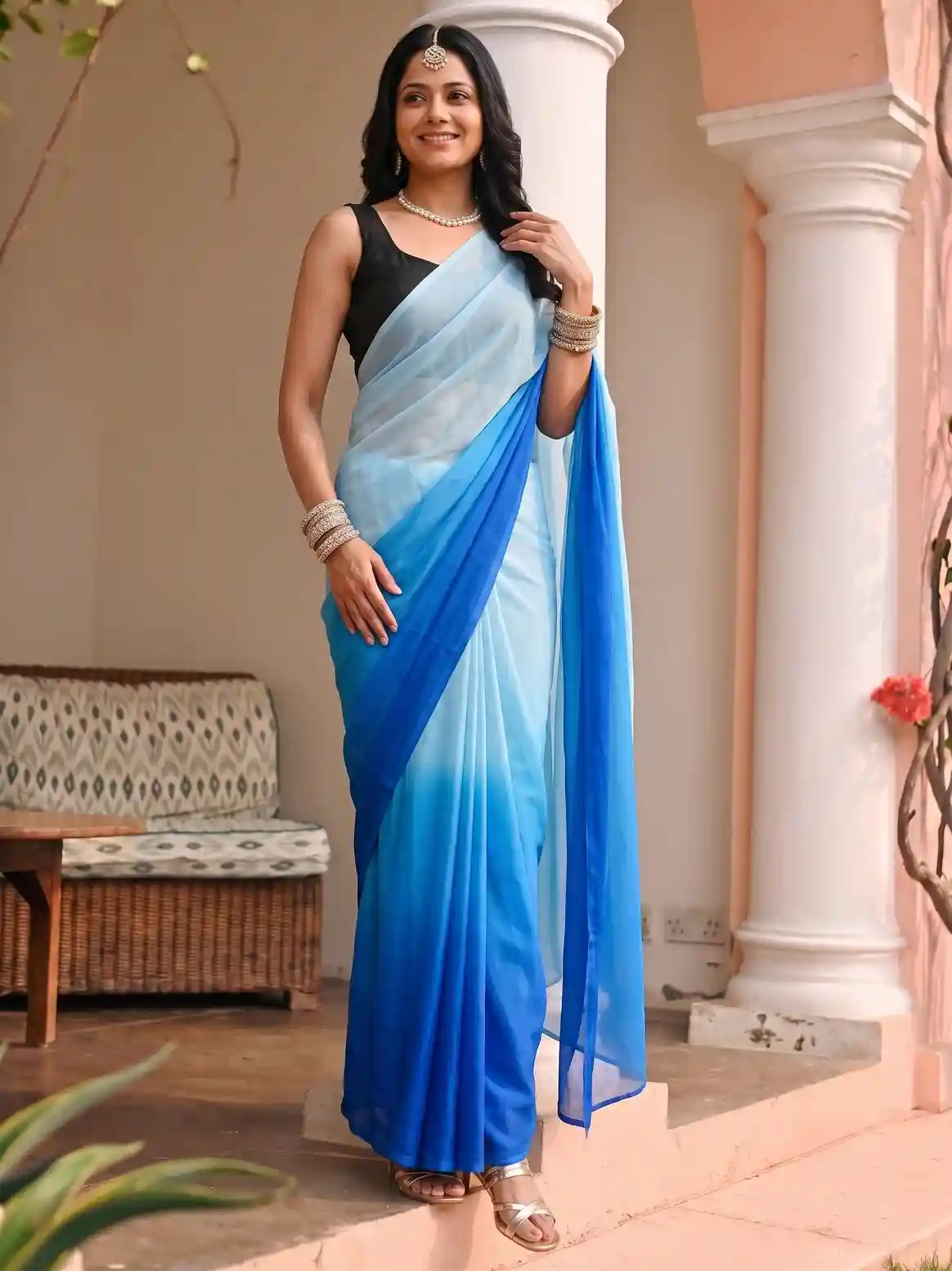
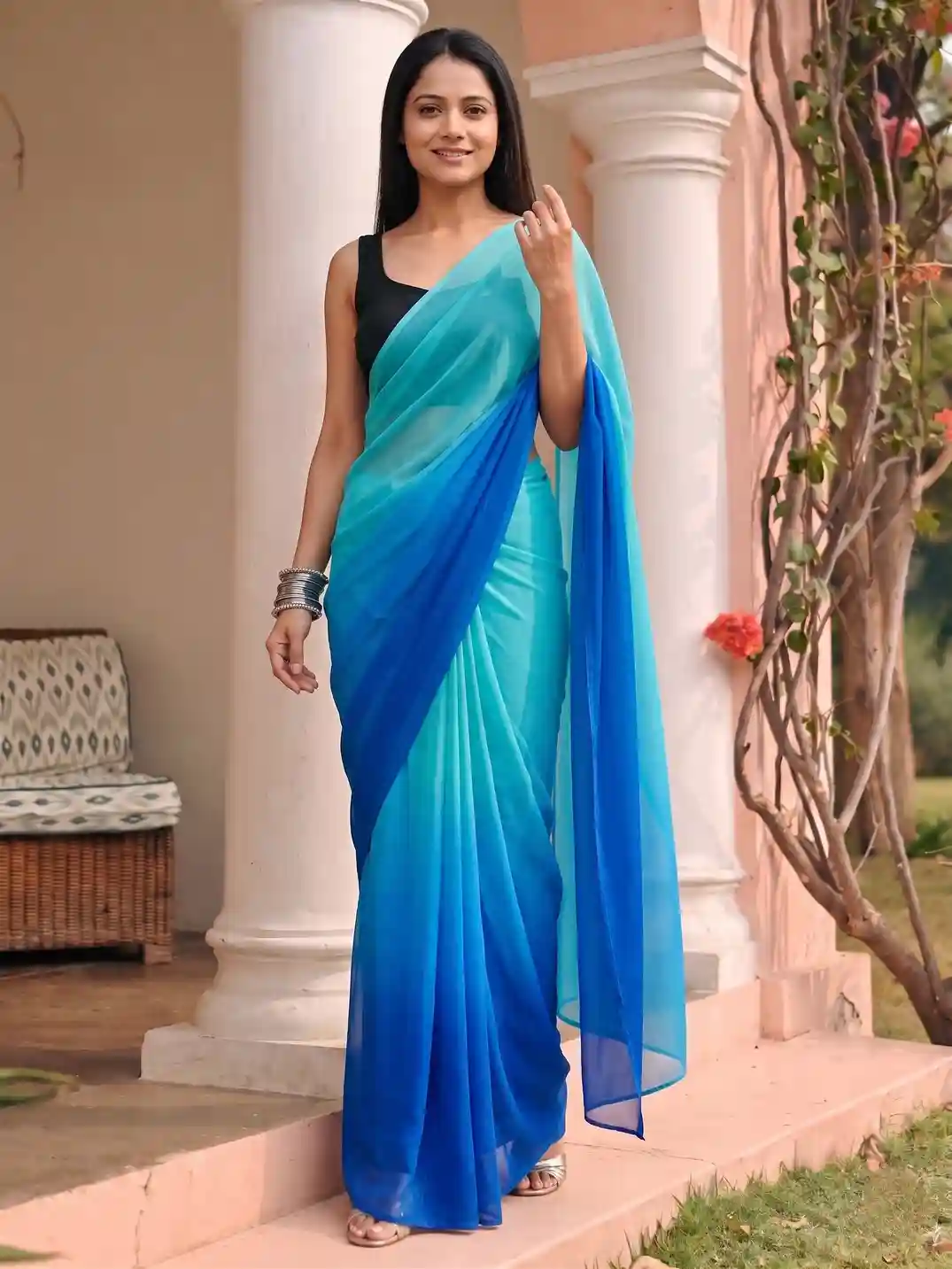
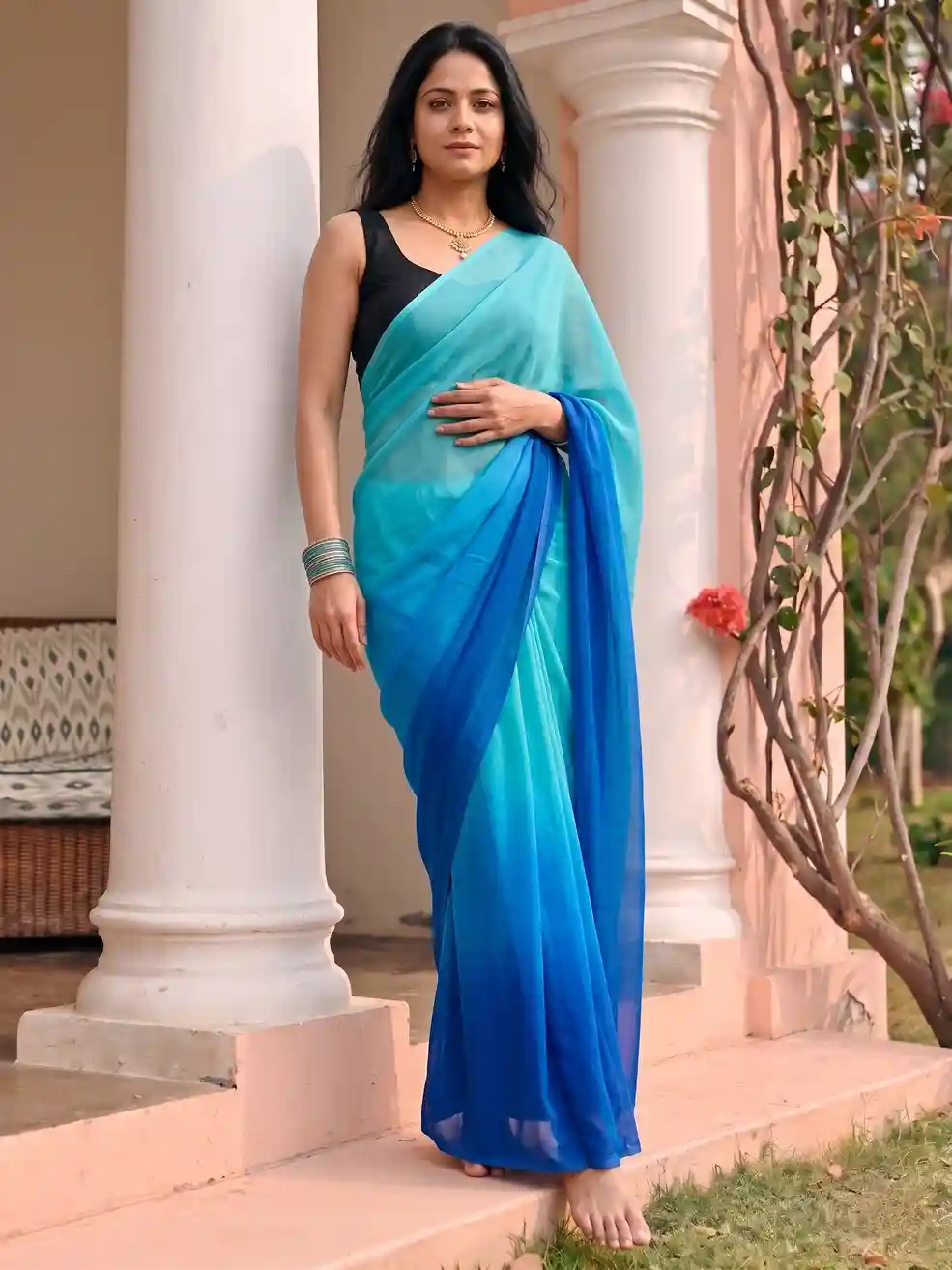
9 poses · model Navya
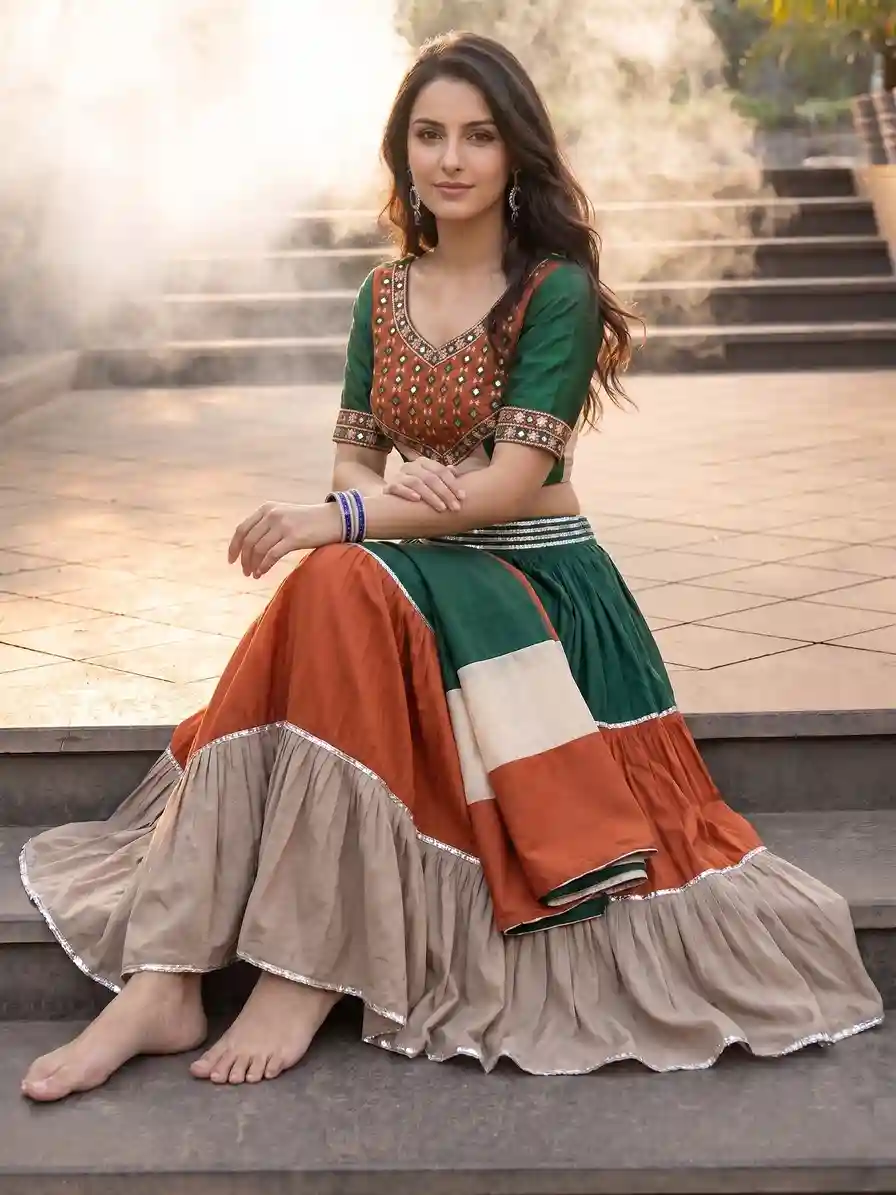
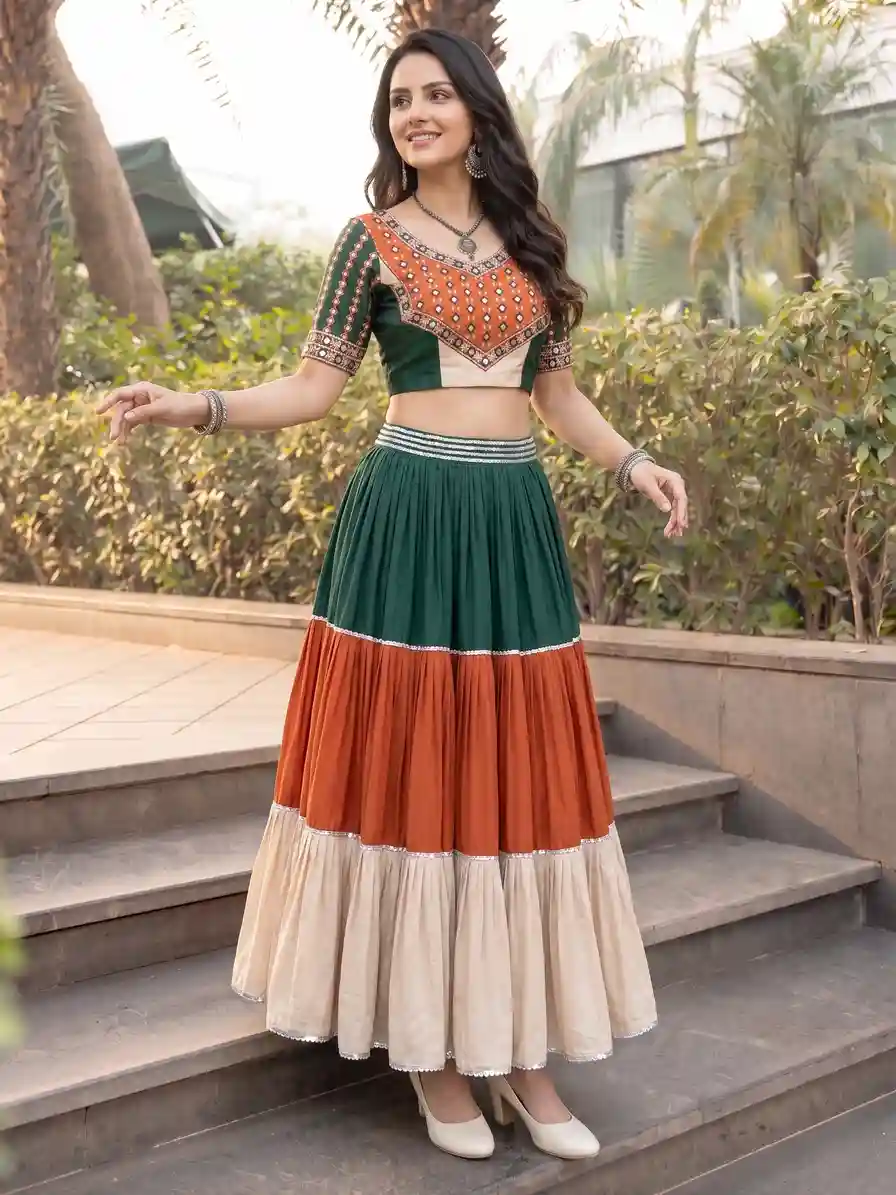
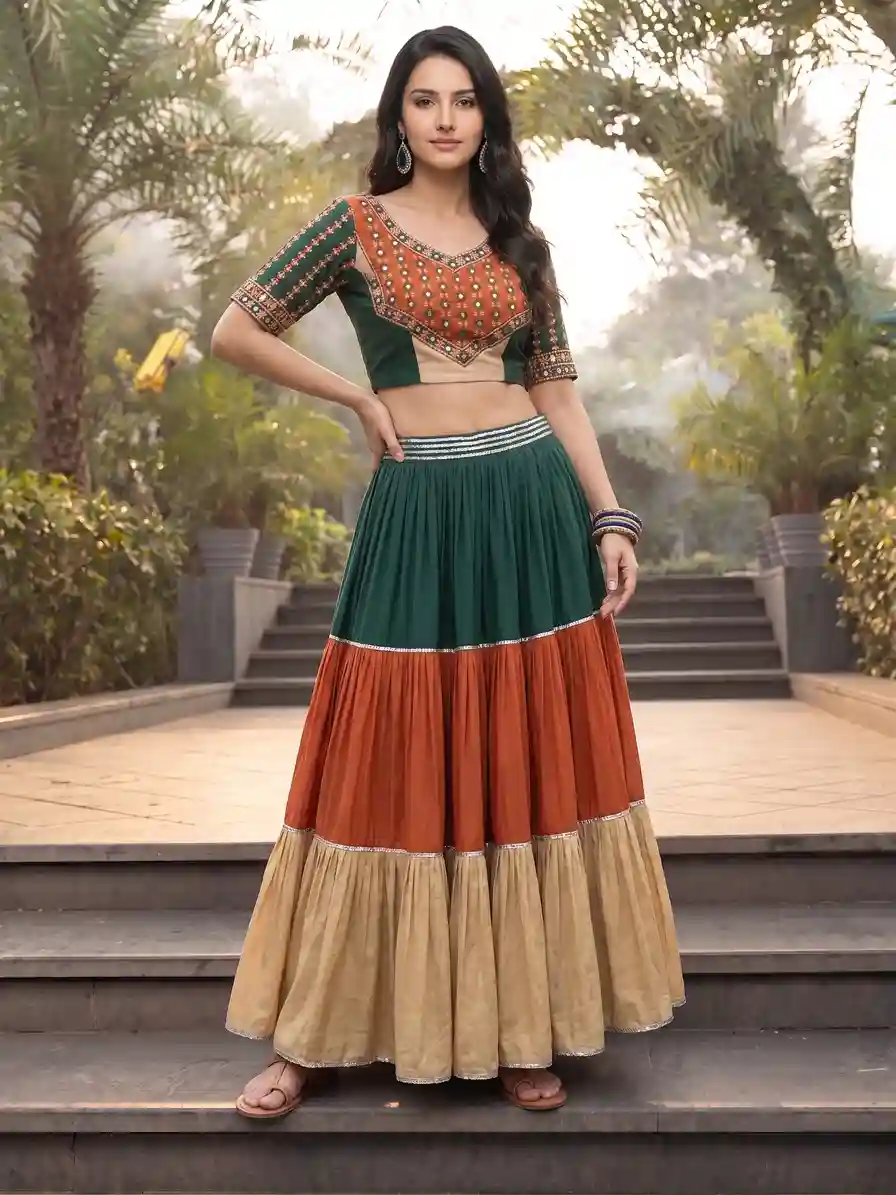
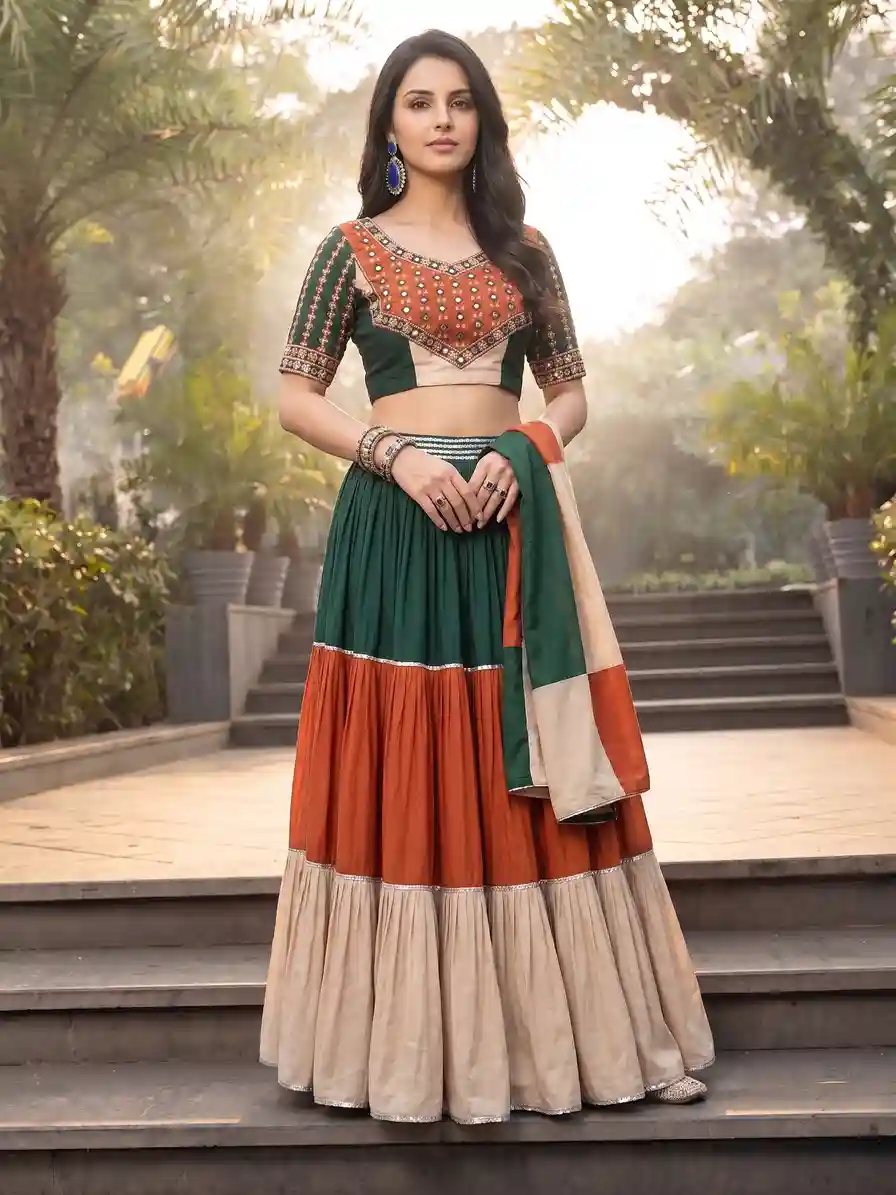
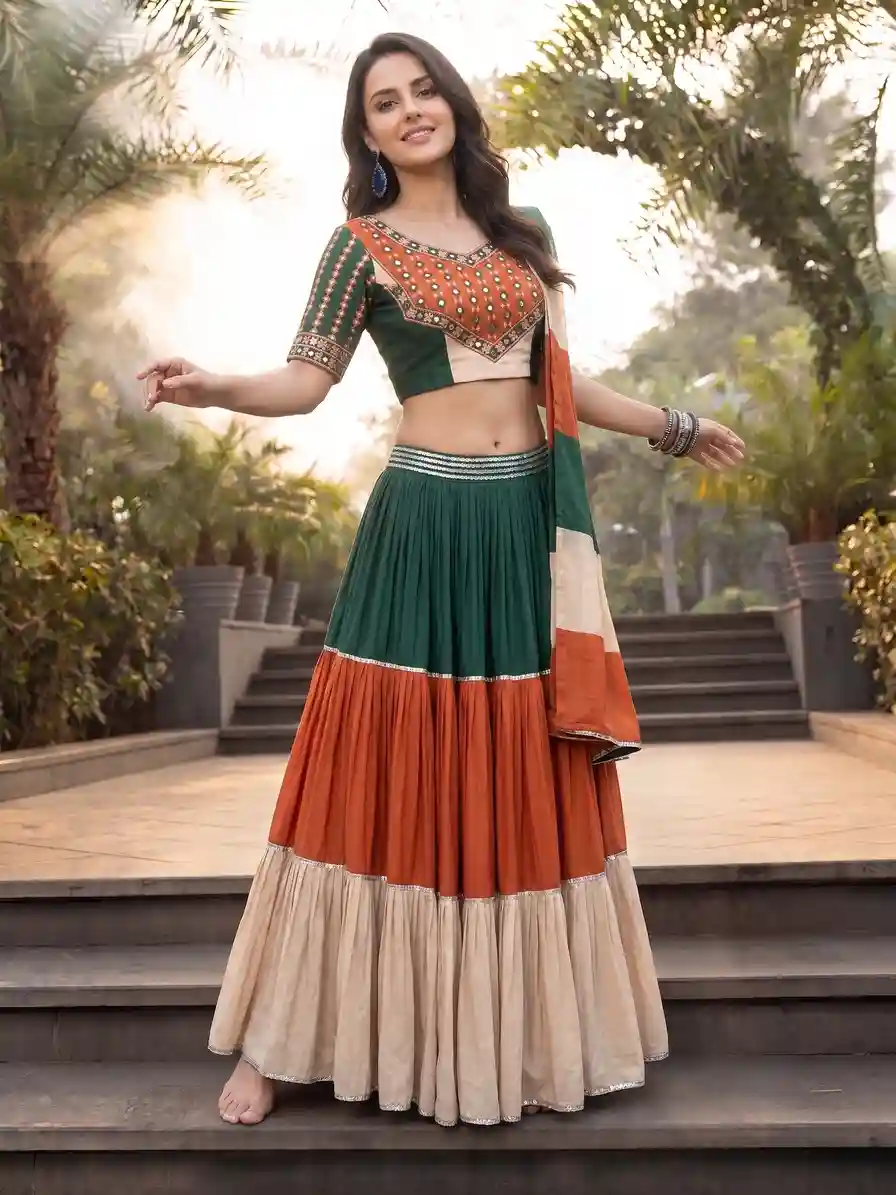
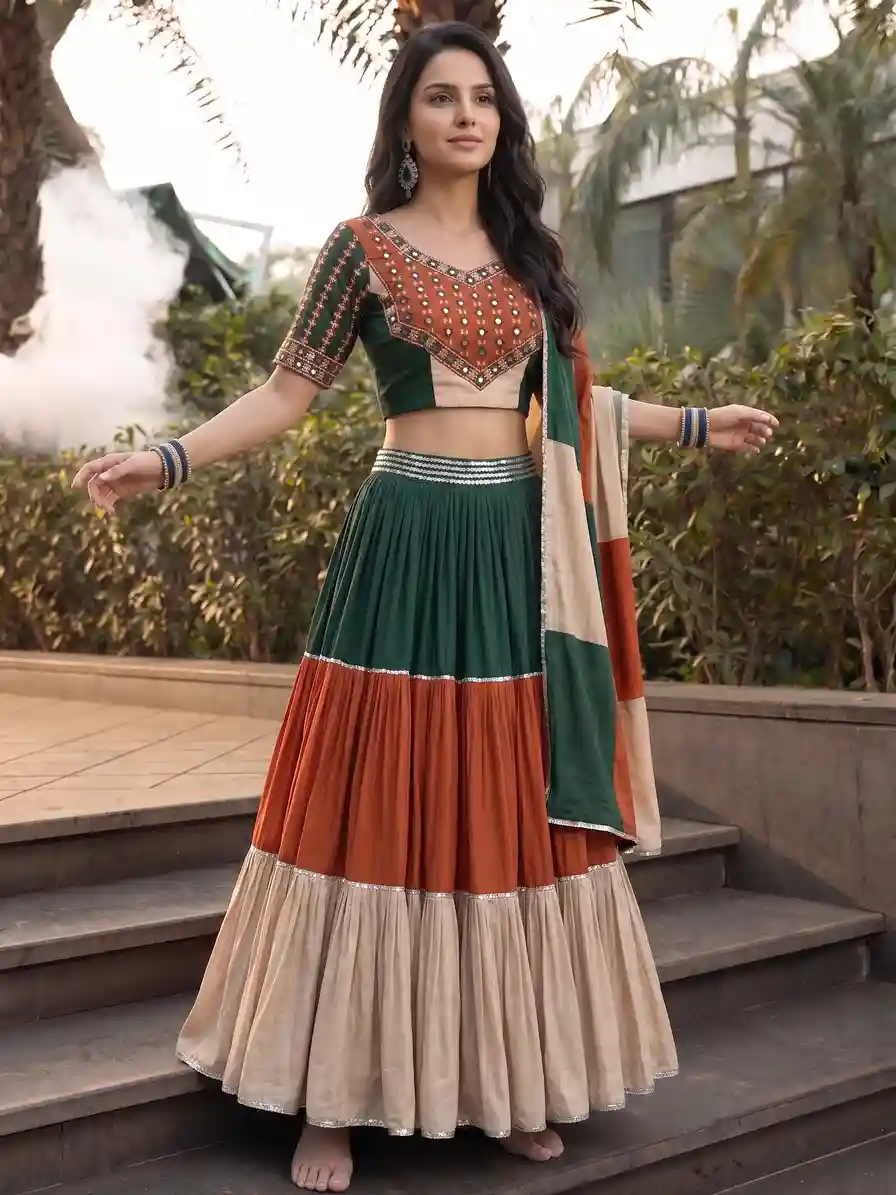
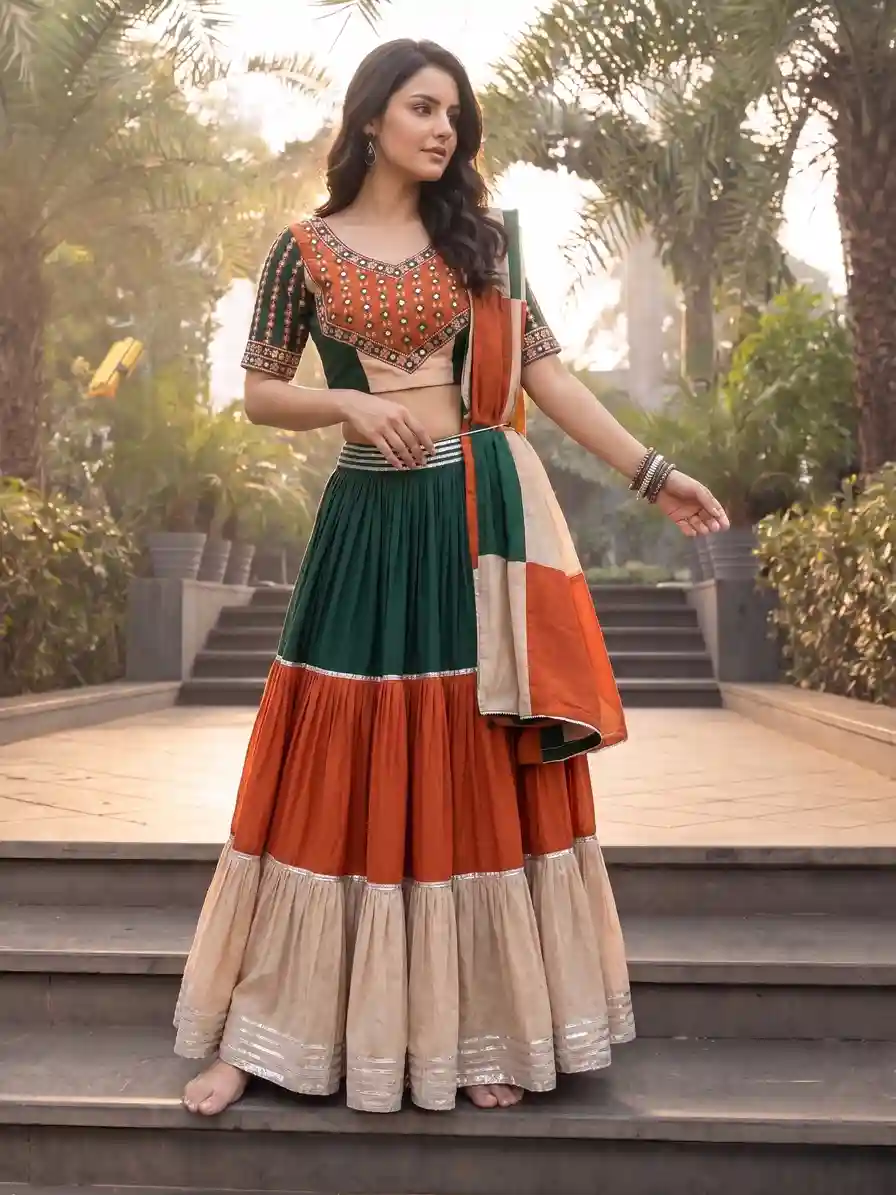
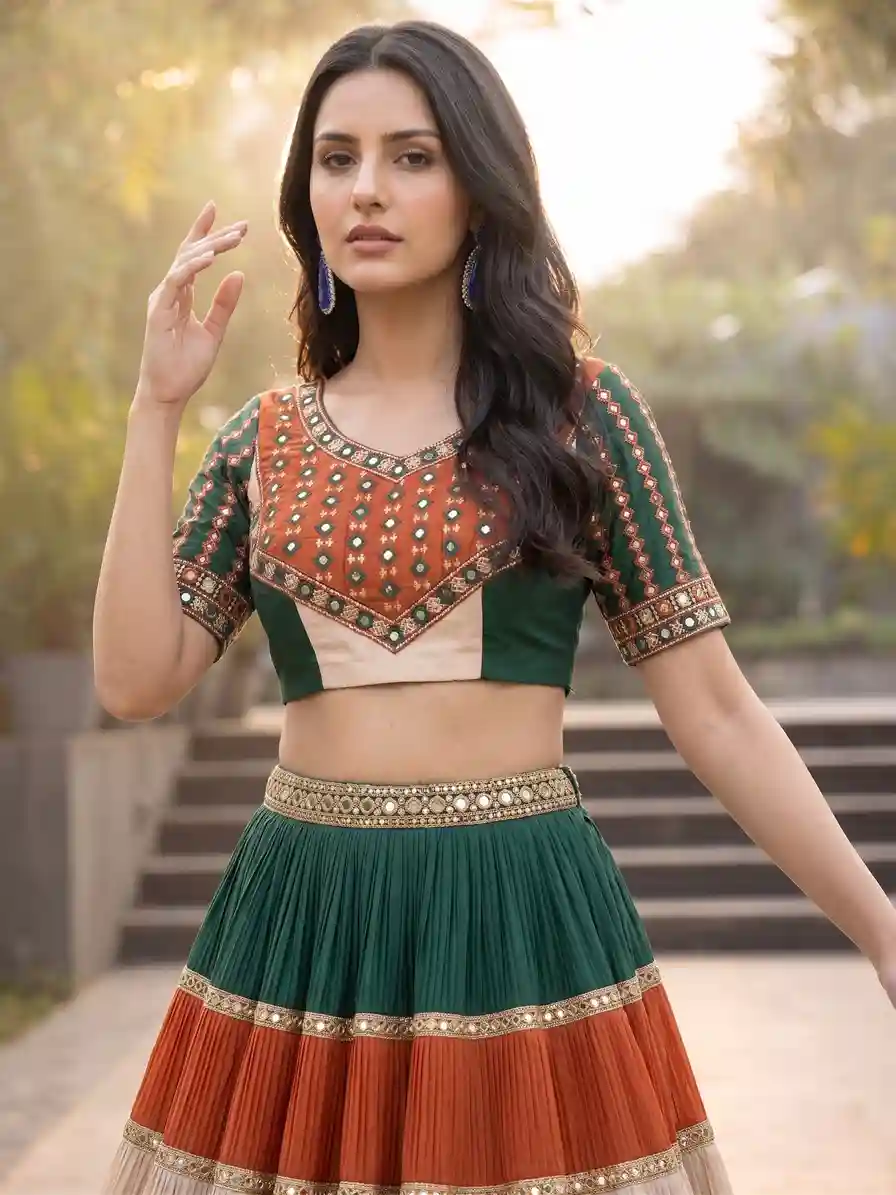
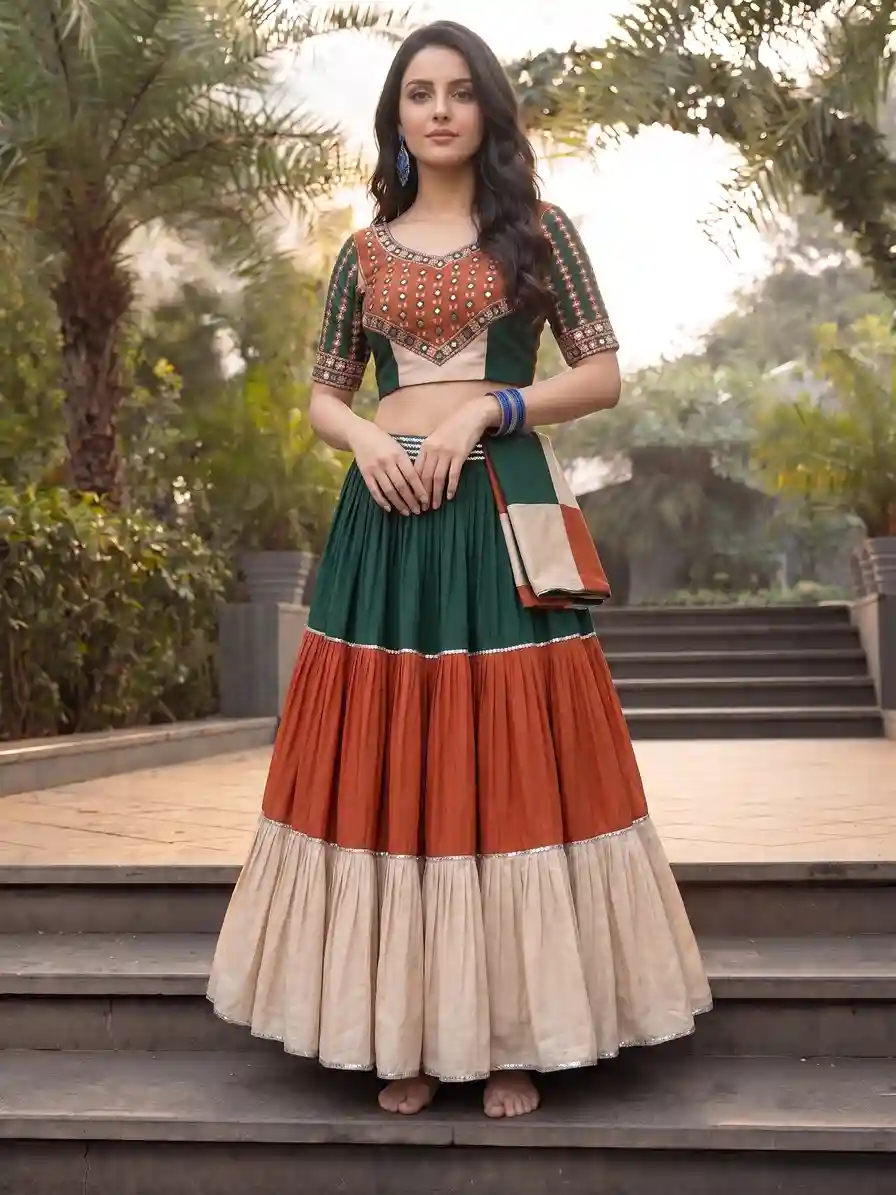
9 poses · model Pooja
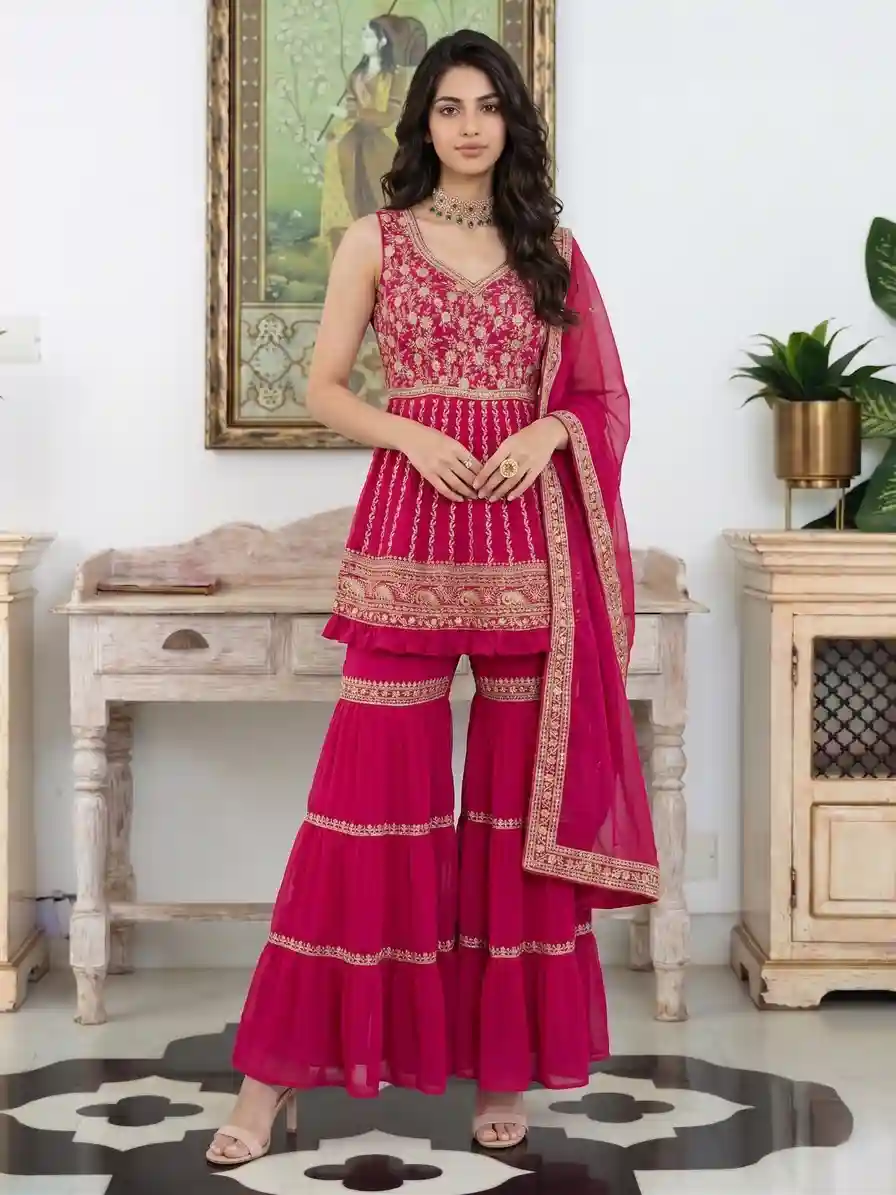
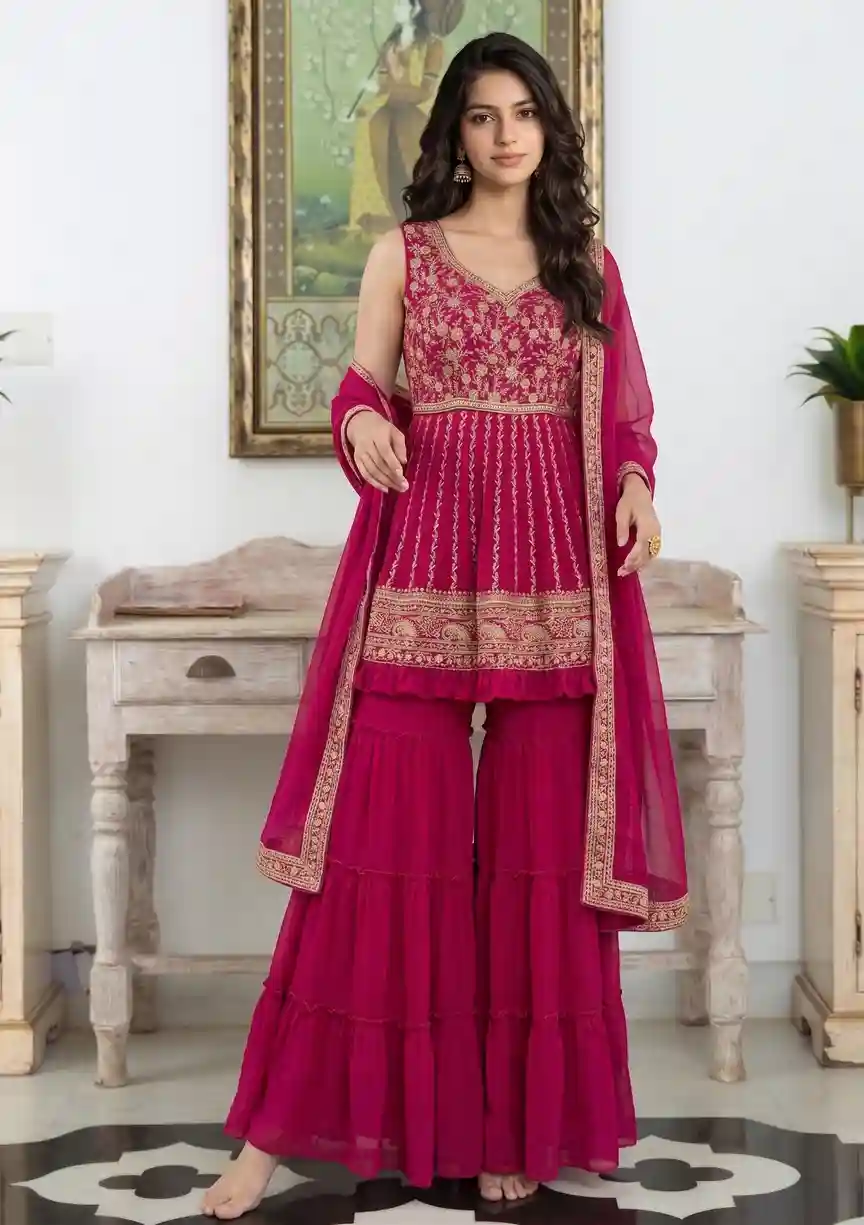
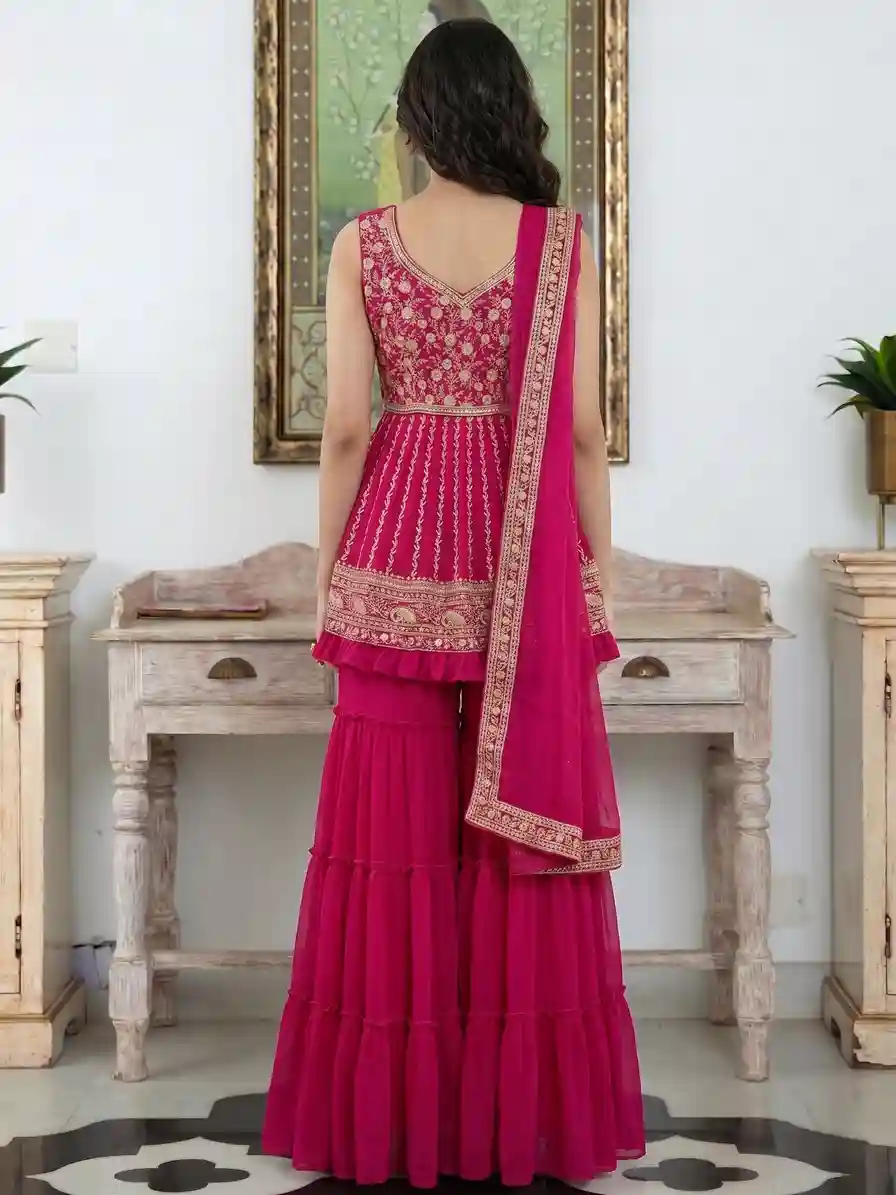
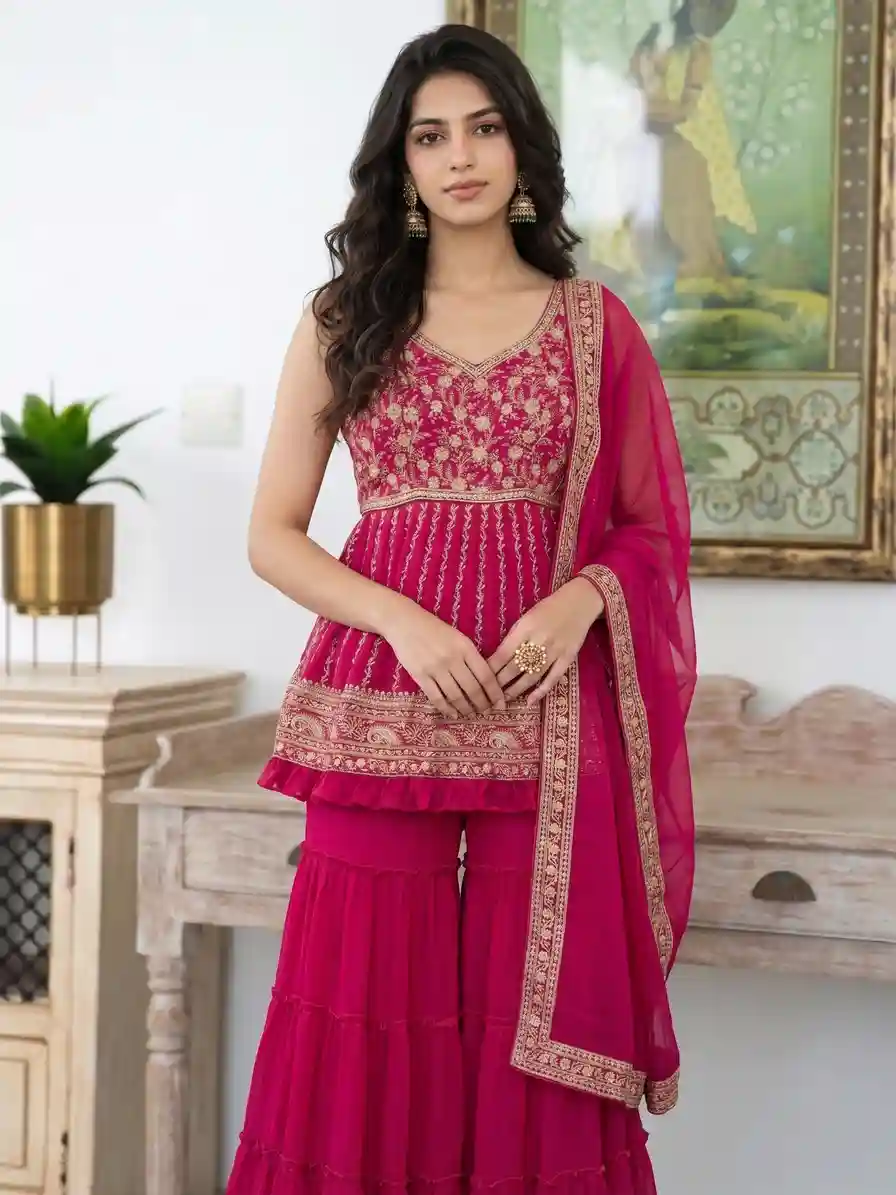
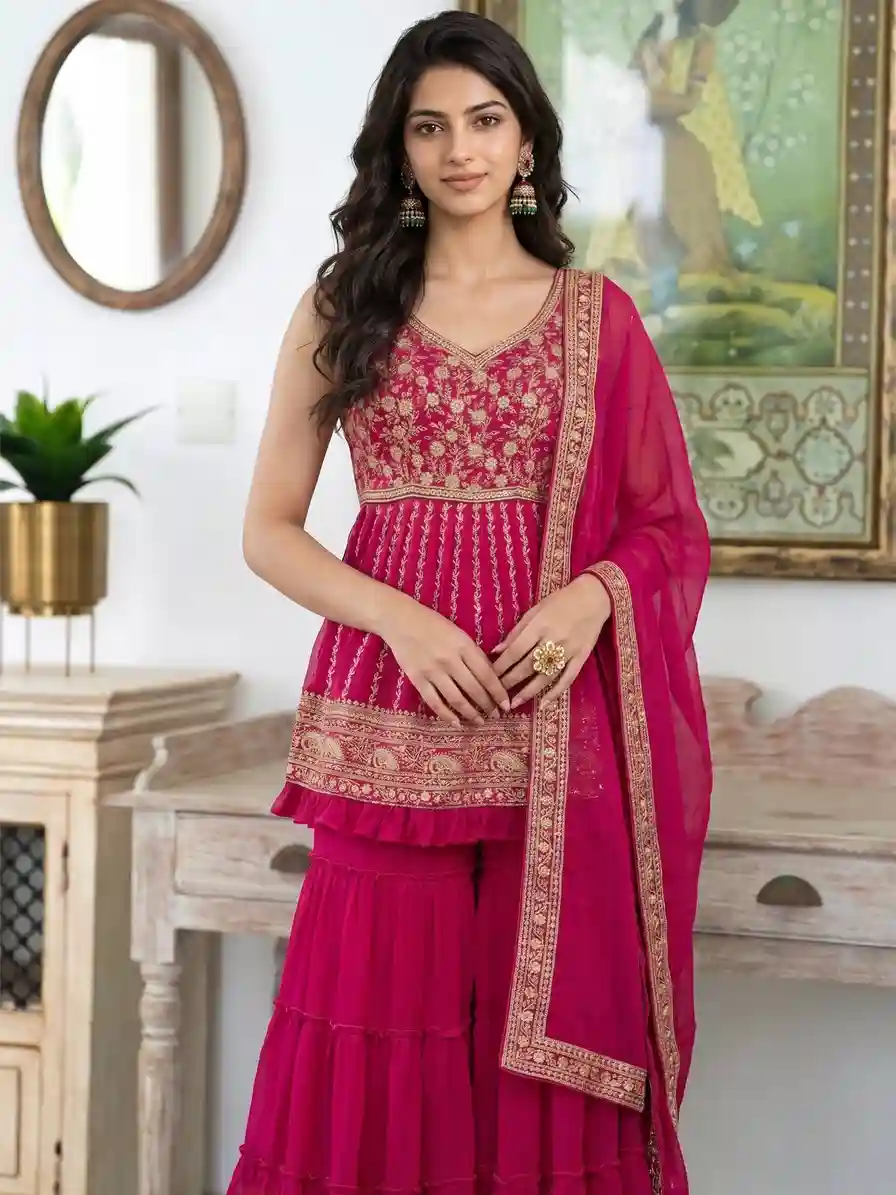
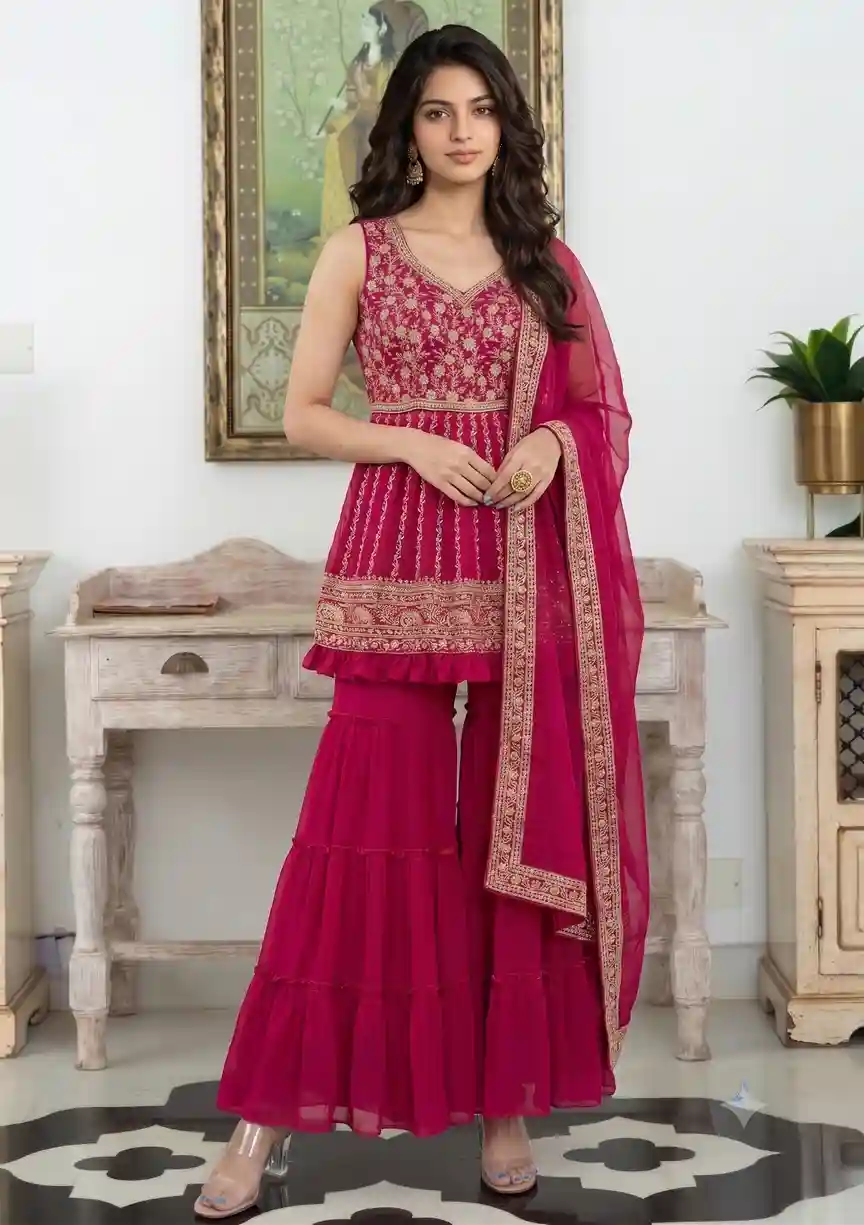
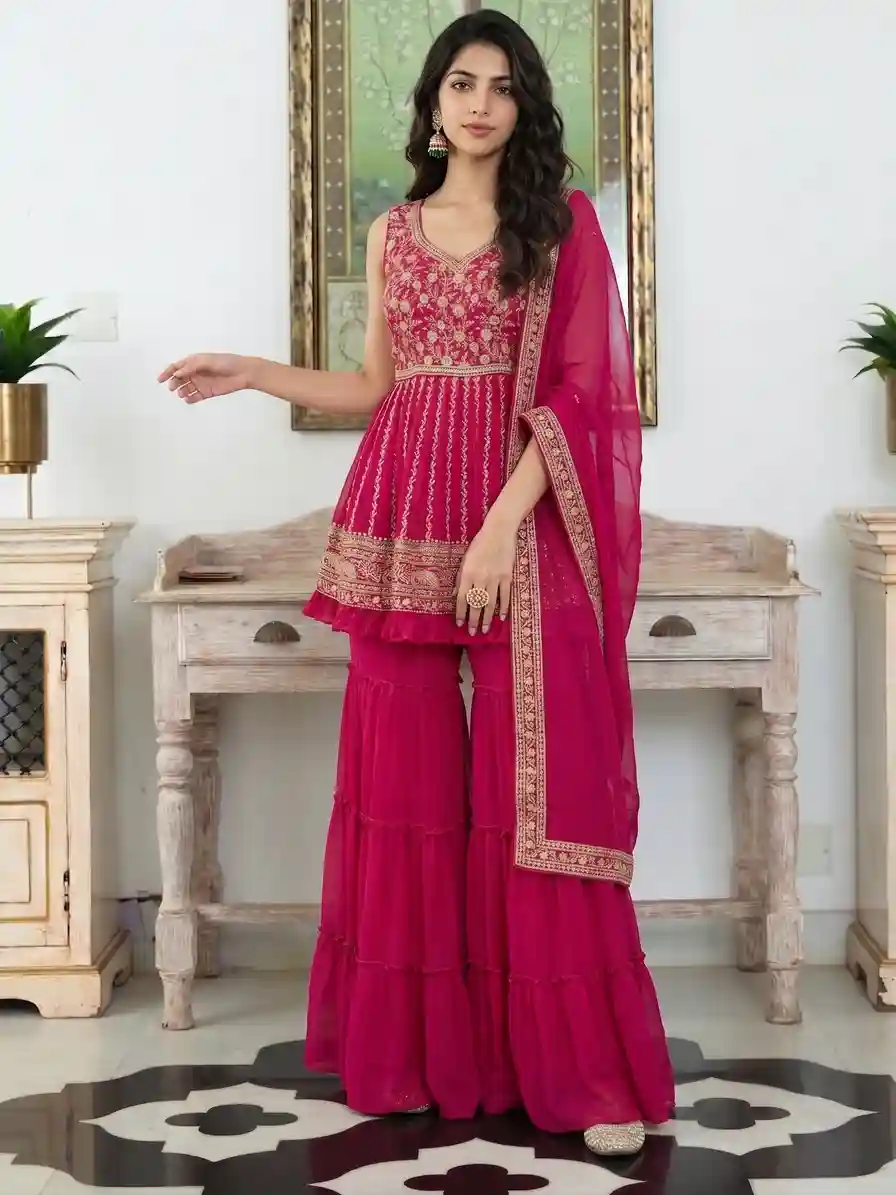
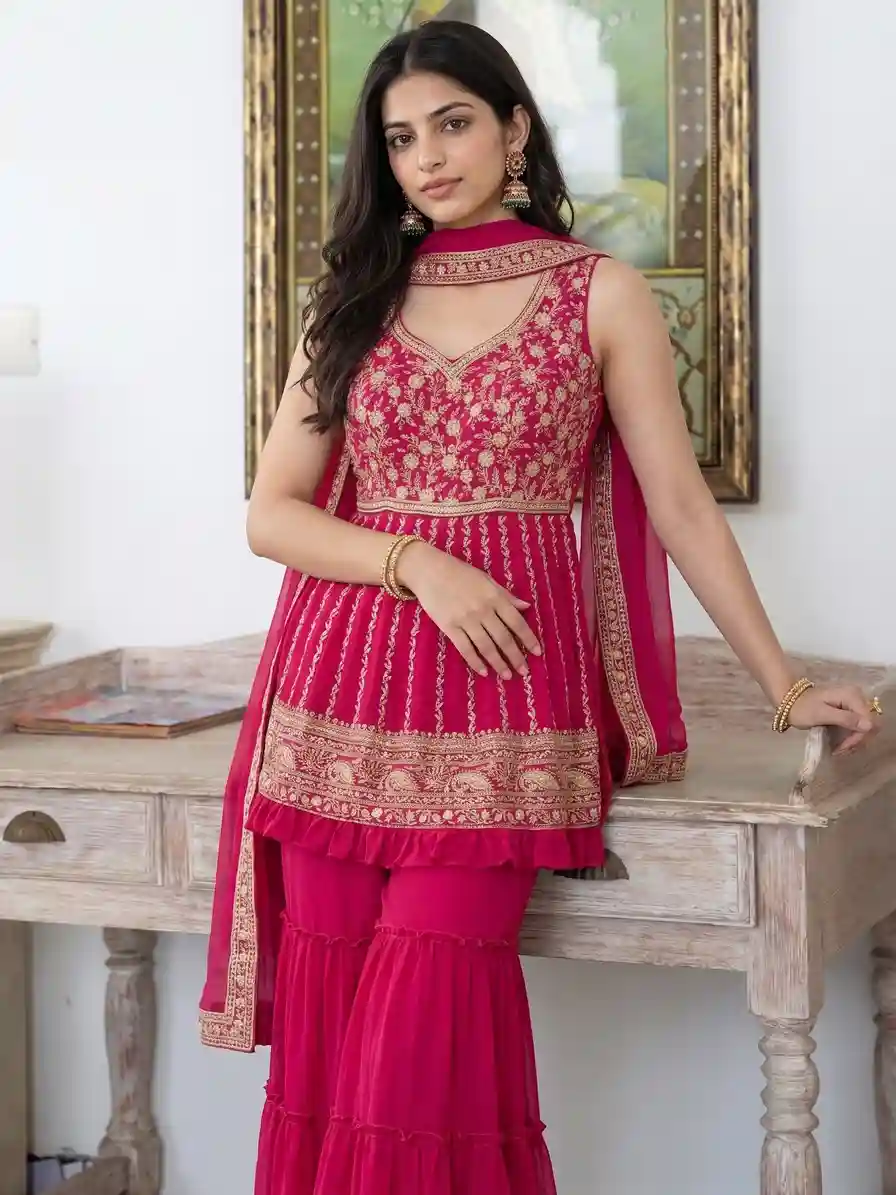
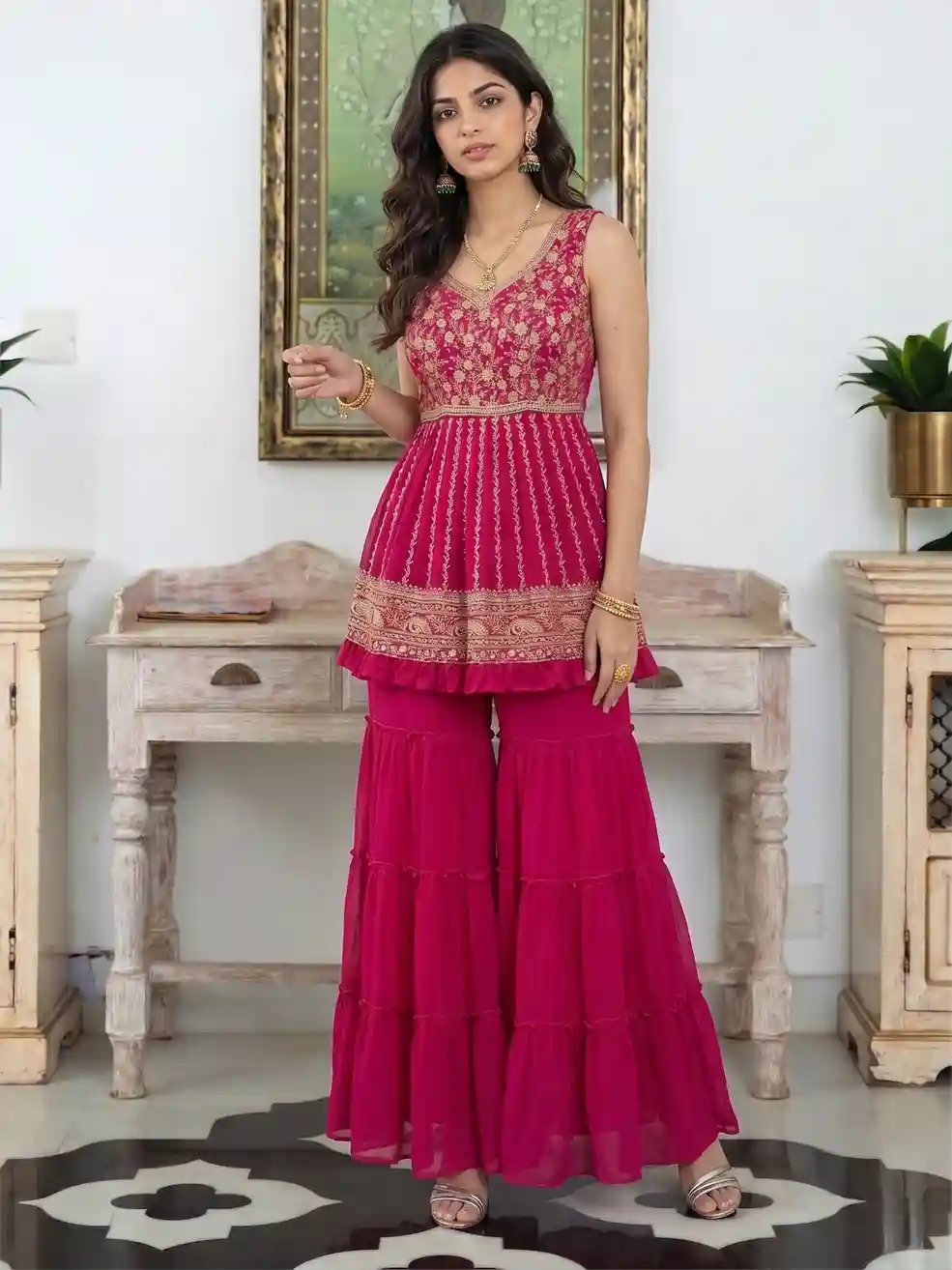
Upload the flat-lay in Catalogue Studio, choose a model and a photoshoot package, check the summary, and create the order.
No. One clear photo of the garment is enough to start.
Vastralook is built to keep them, but an AI shot can miss. Check each one at full size. If a paid shot missed, recreate it or ask for half the credits back.
Use Drape Studio for sarees and lehengas. Use Catalogue Studio for every other garment.
The AI garment analysis and the recommended looks use no credits. Making and ordering shots uses credits. New accounts start with 30 free credits.

Upload one photo and see the shots before you order.
Start freeFree AI garment analysis · no credits used