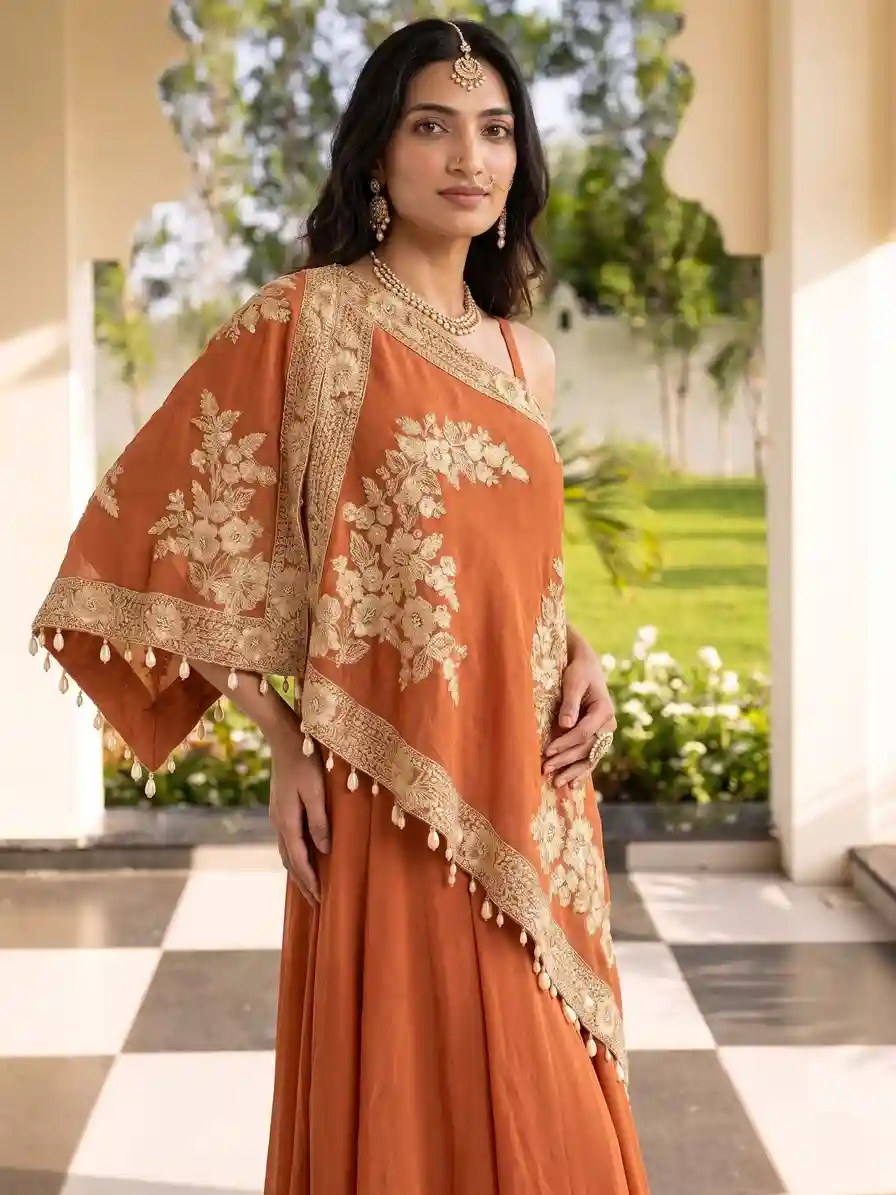
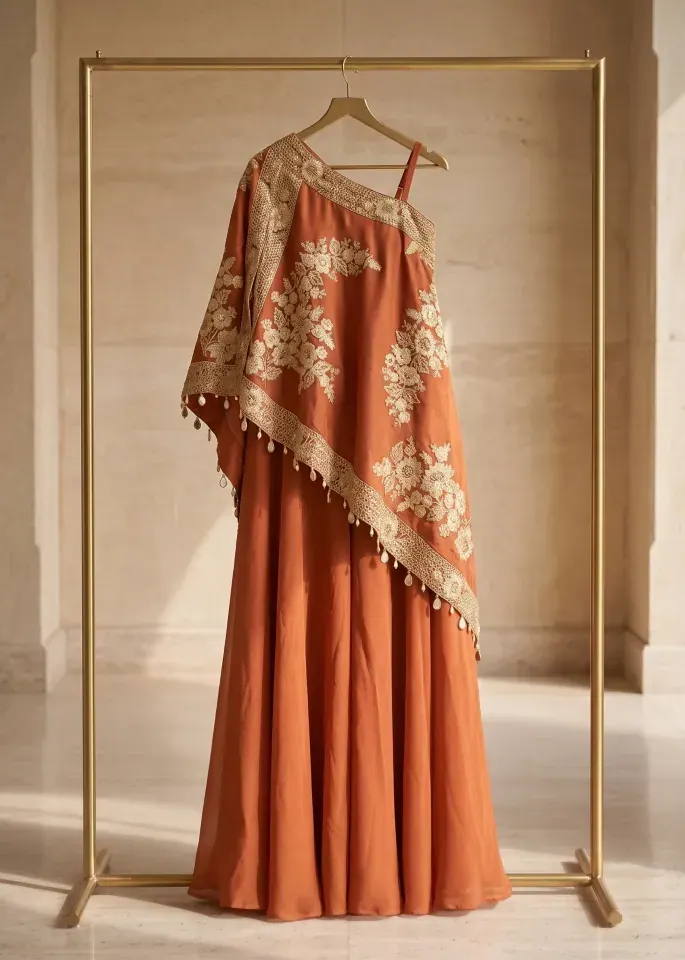
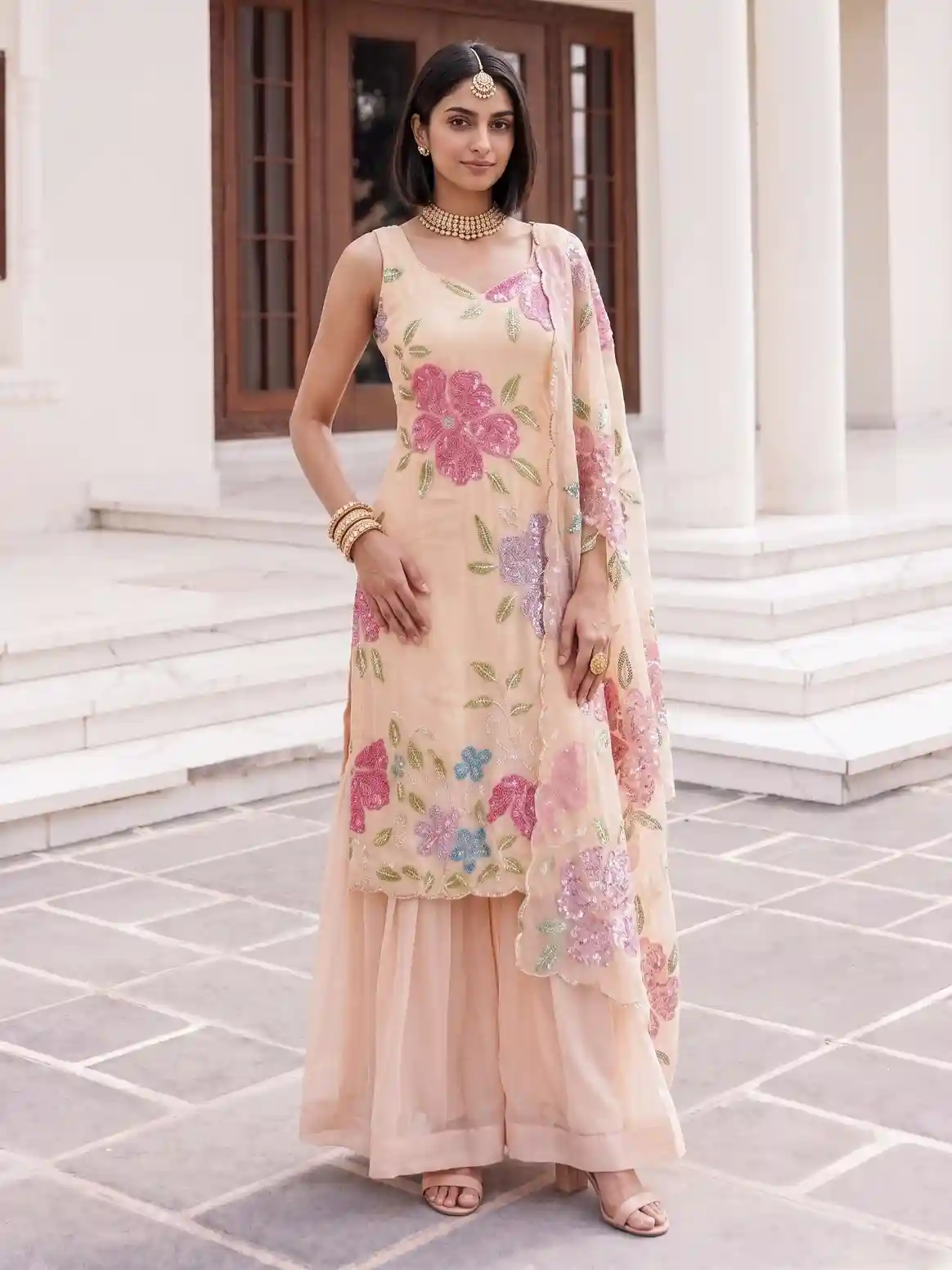
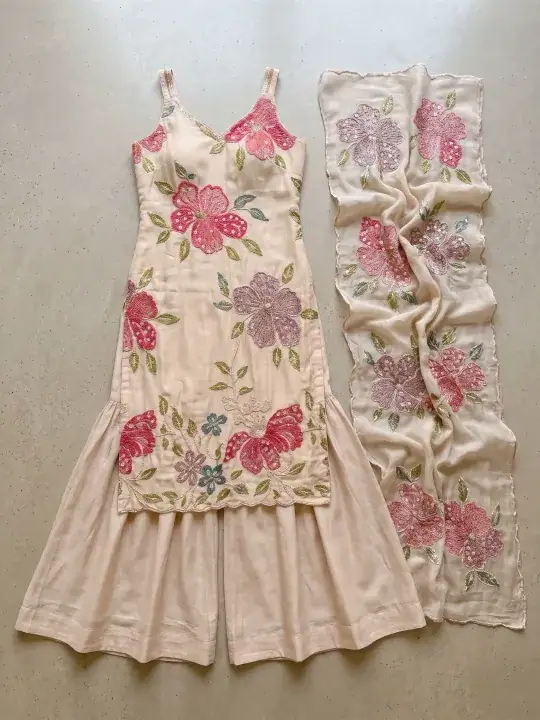
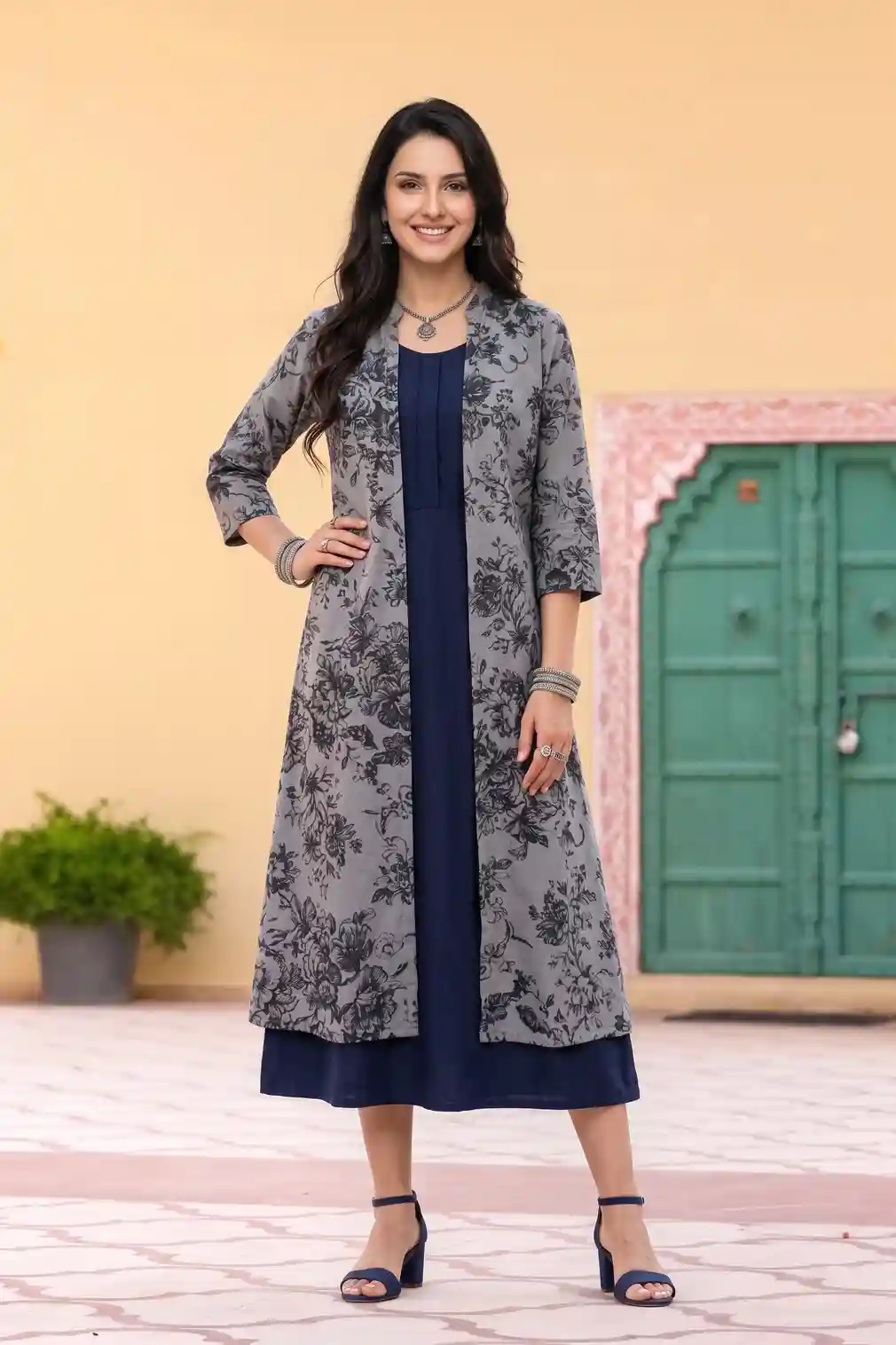
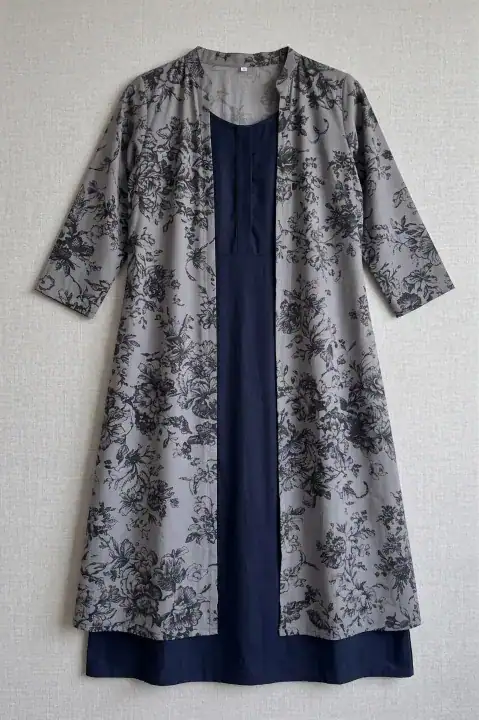
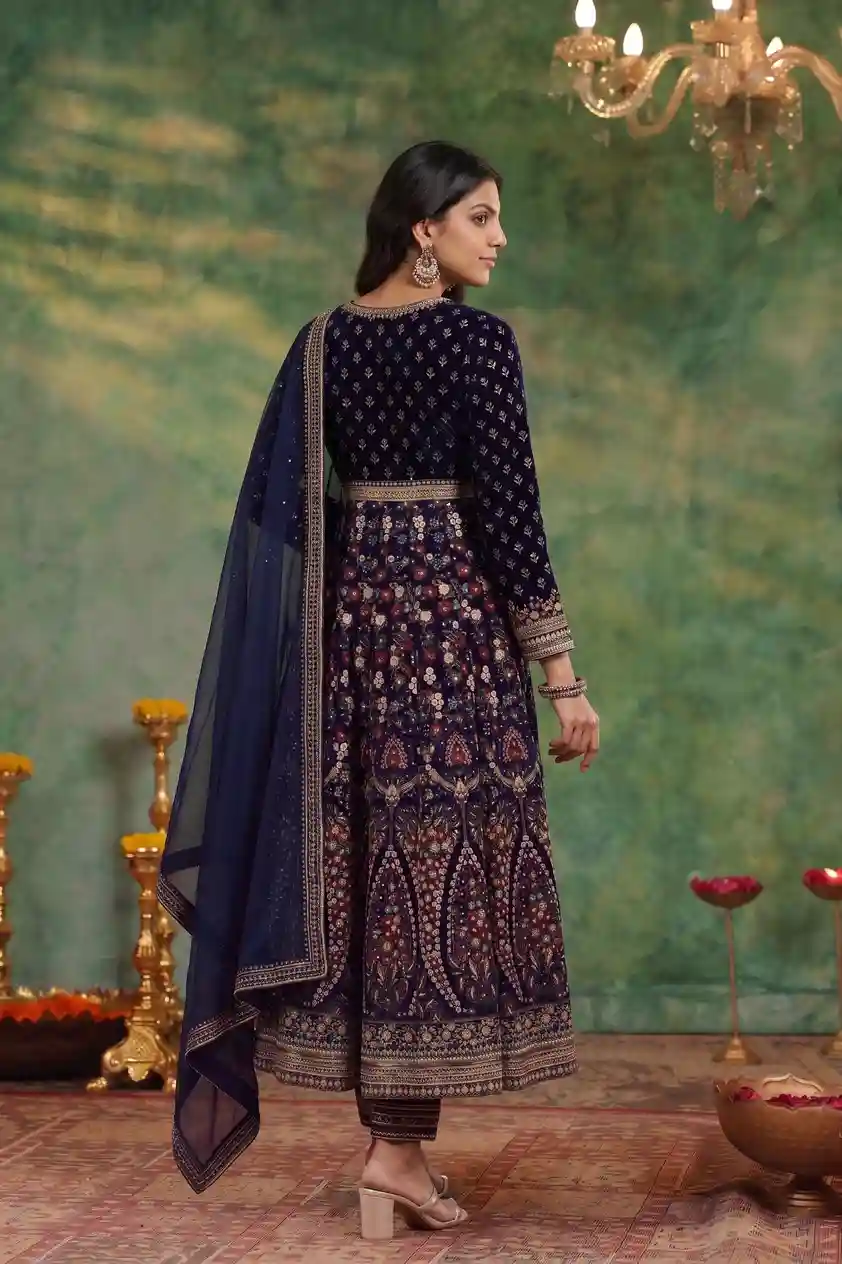
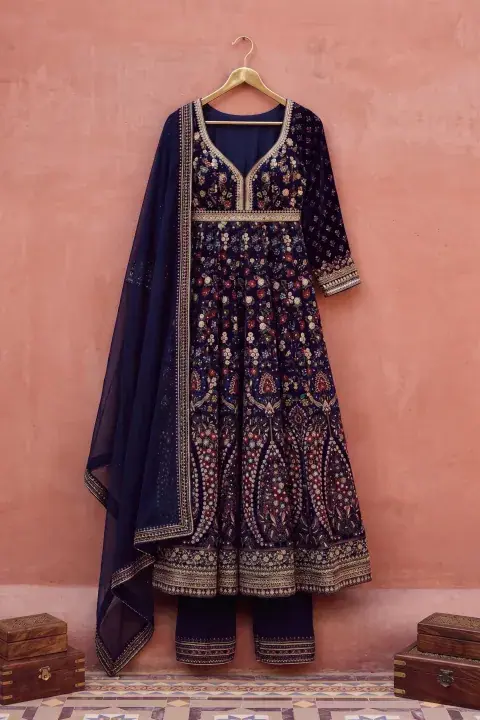
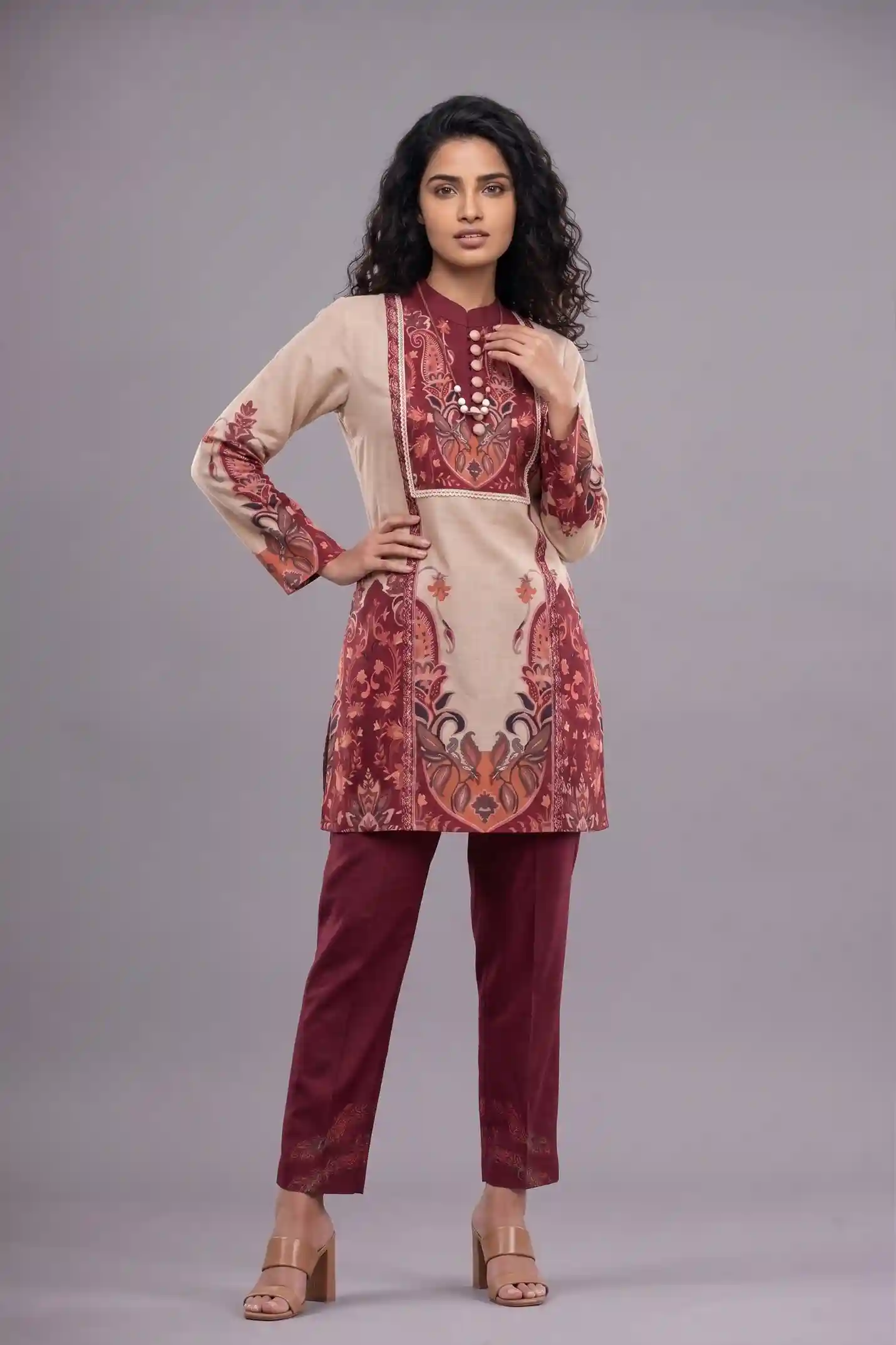
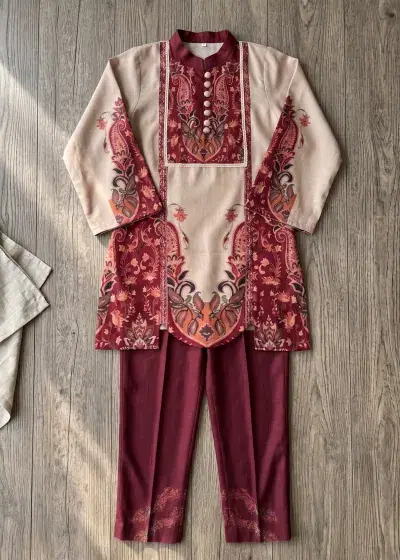
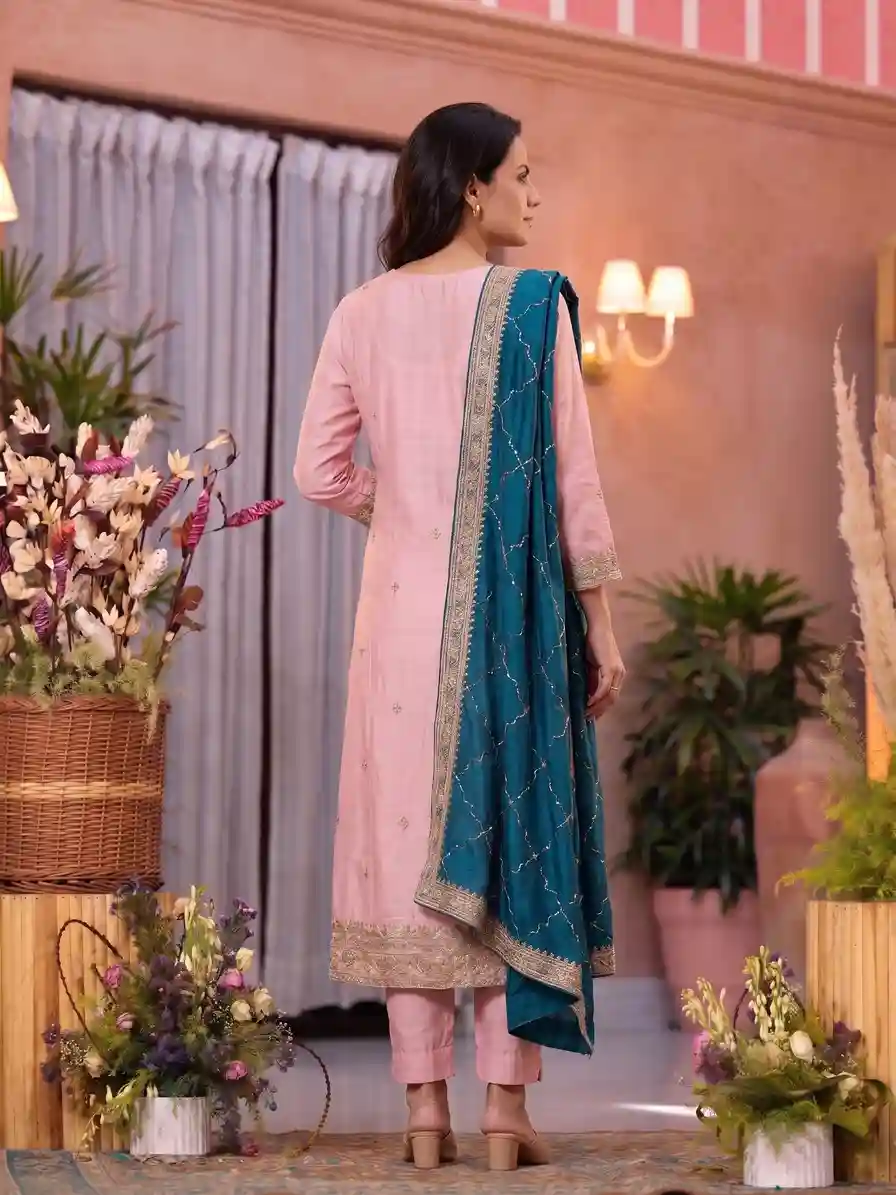
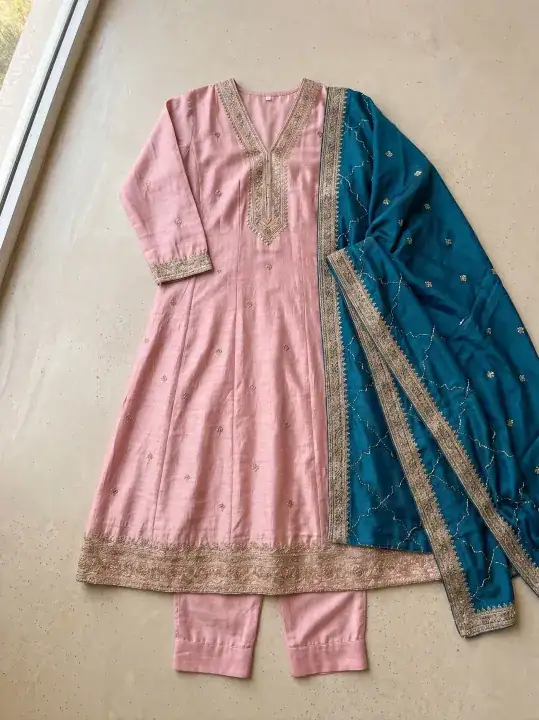
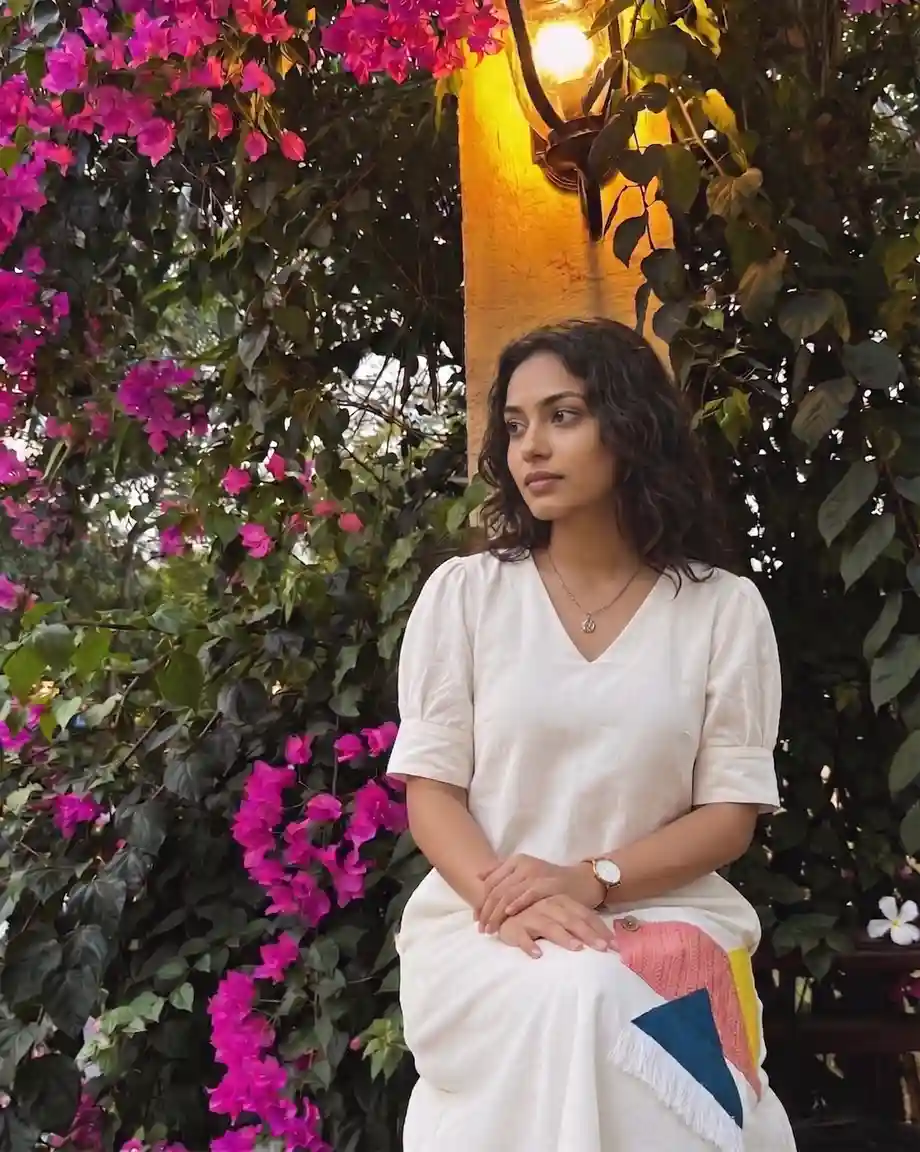
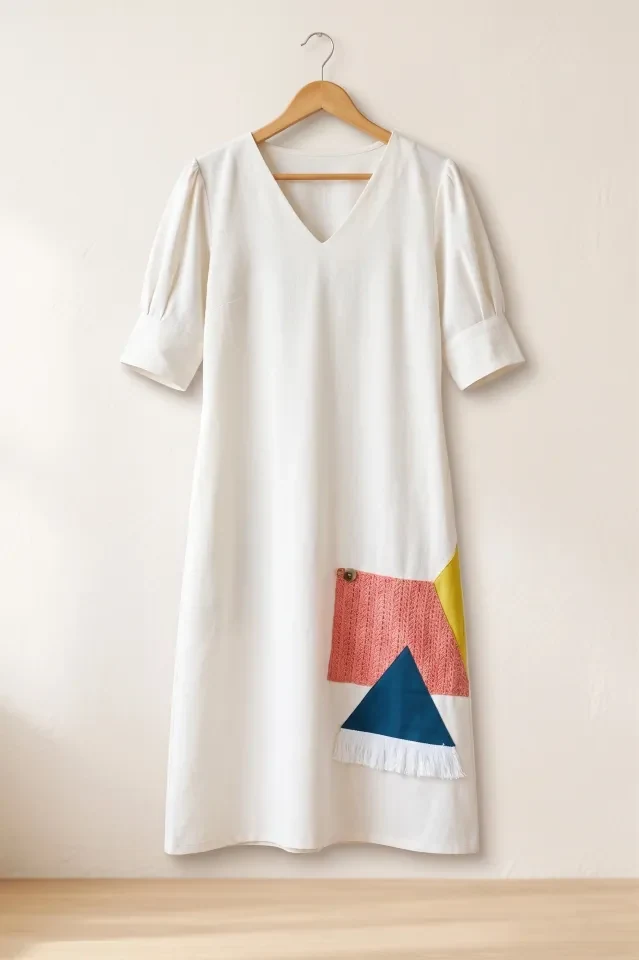
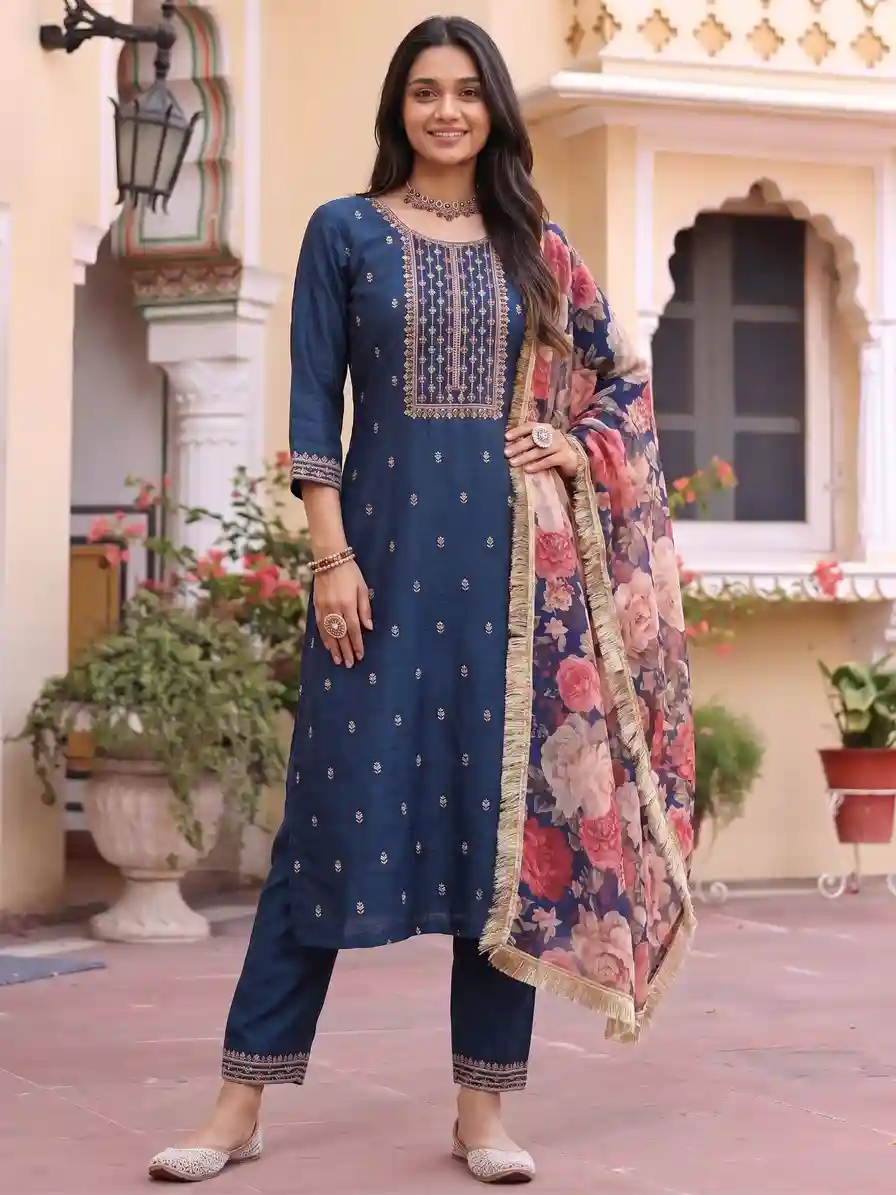
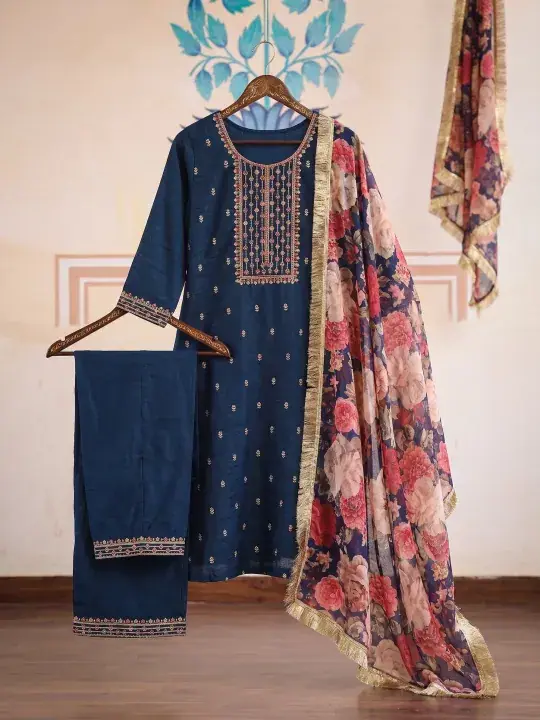
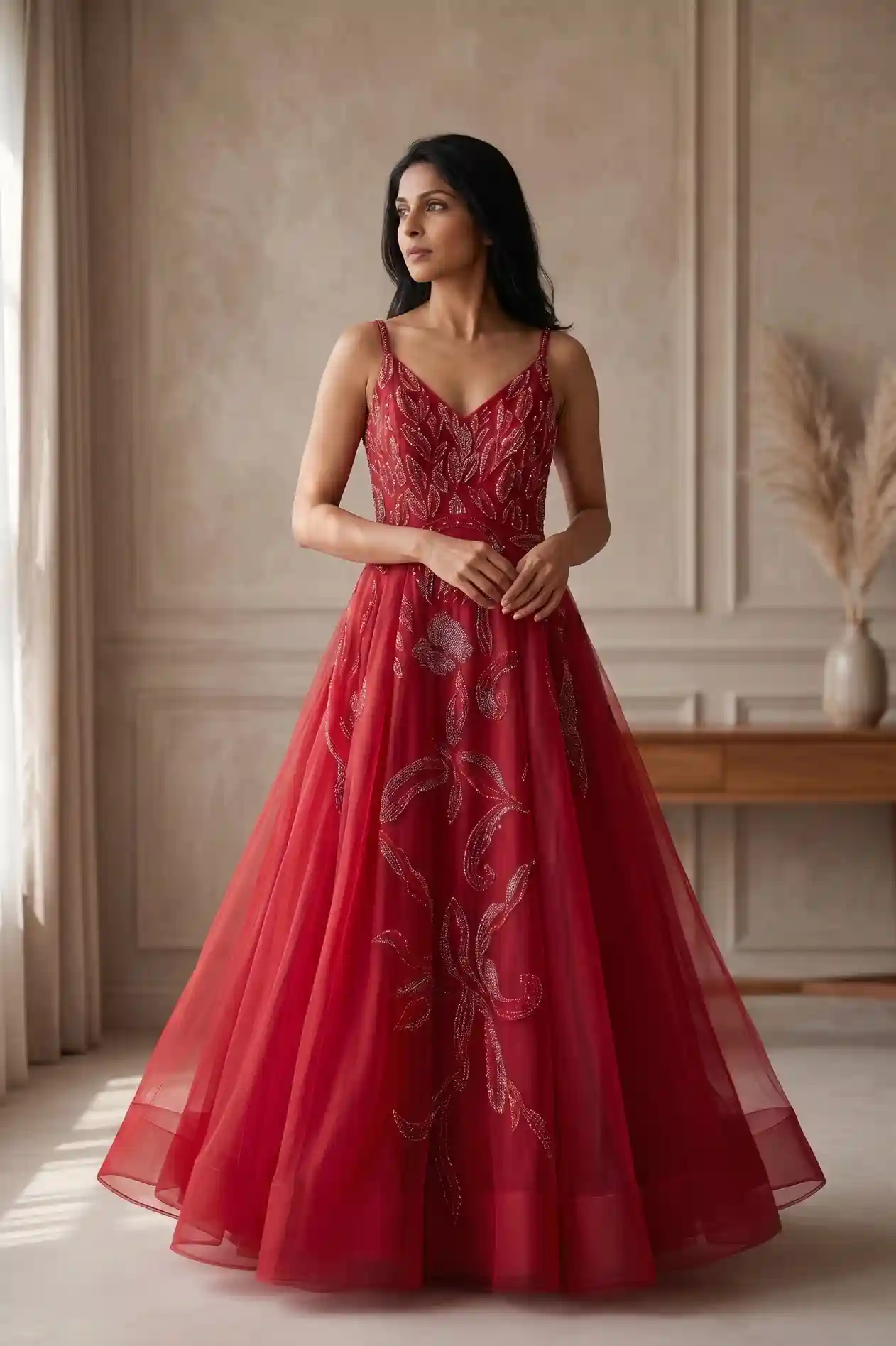
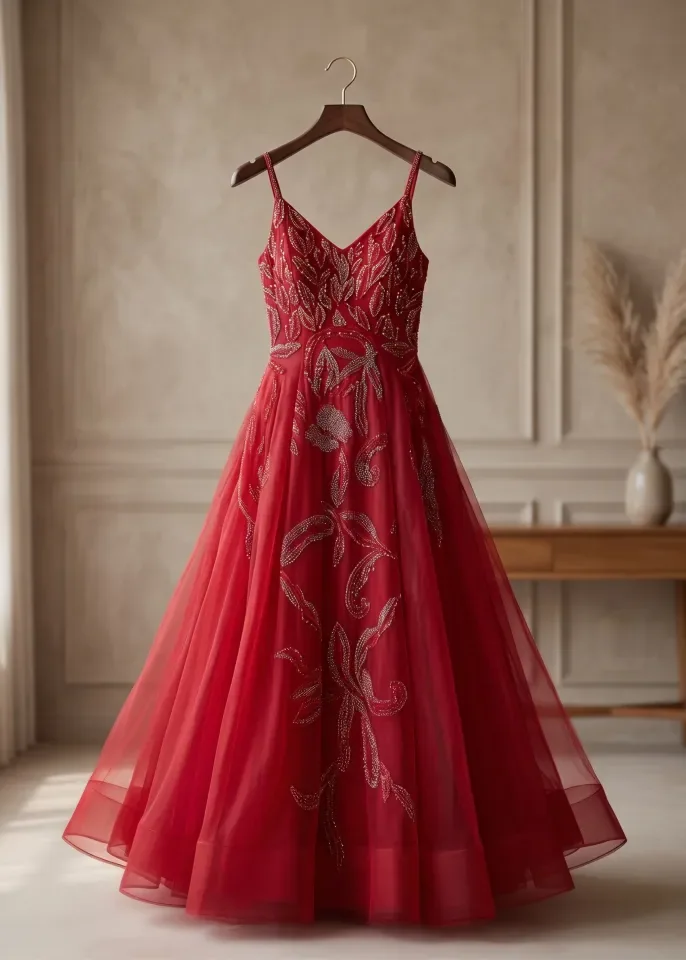
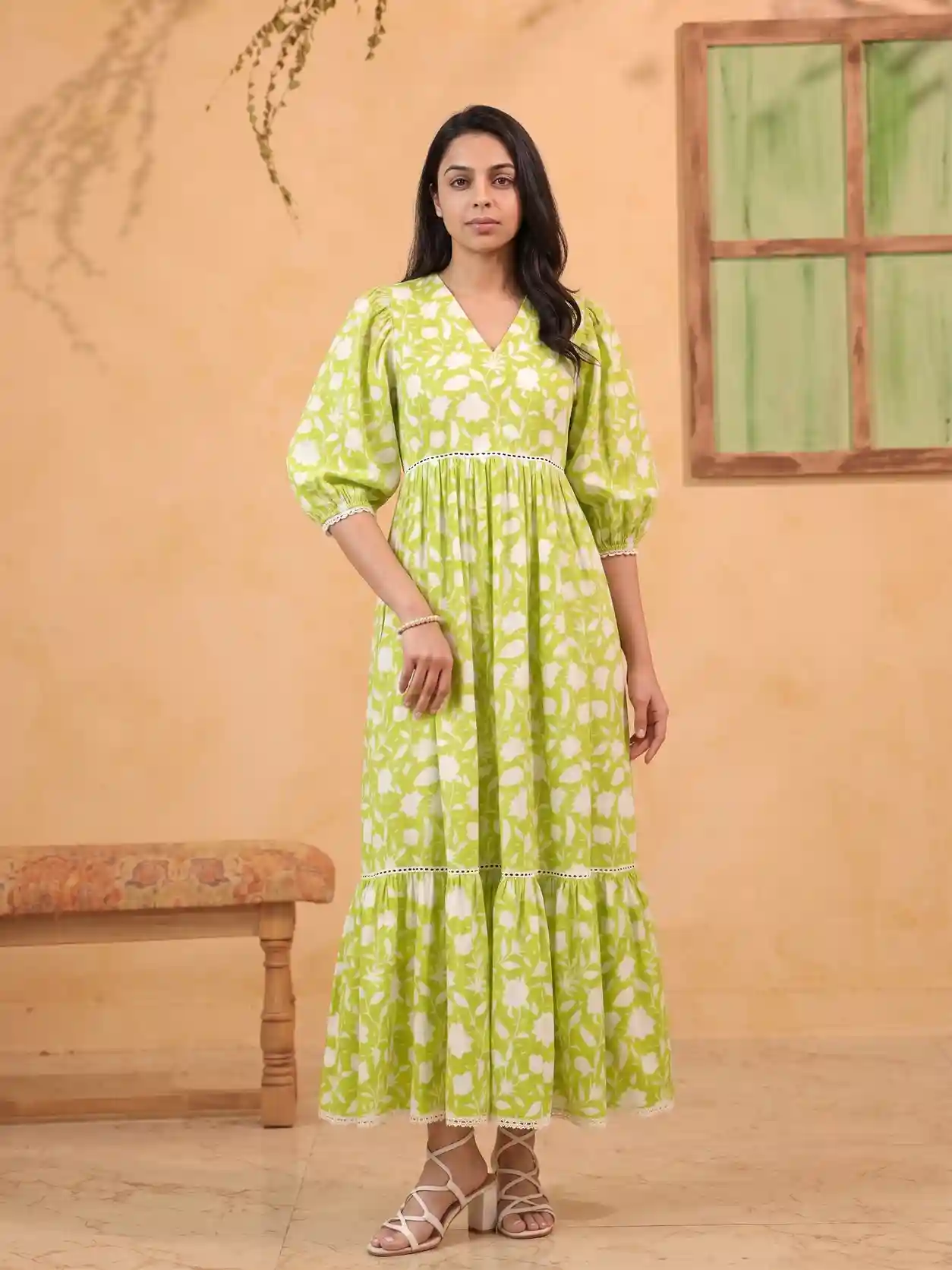
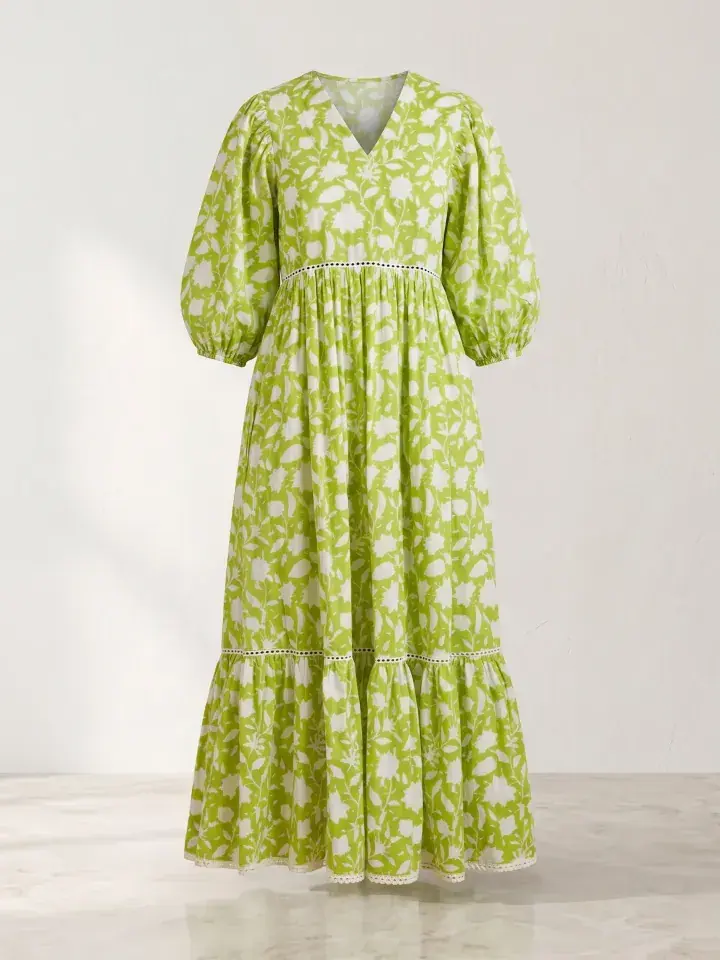
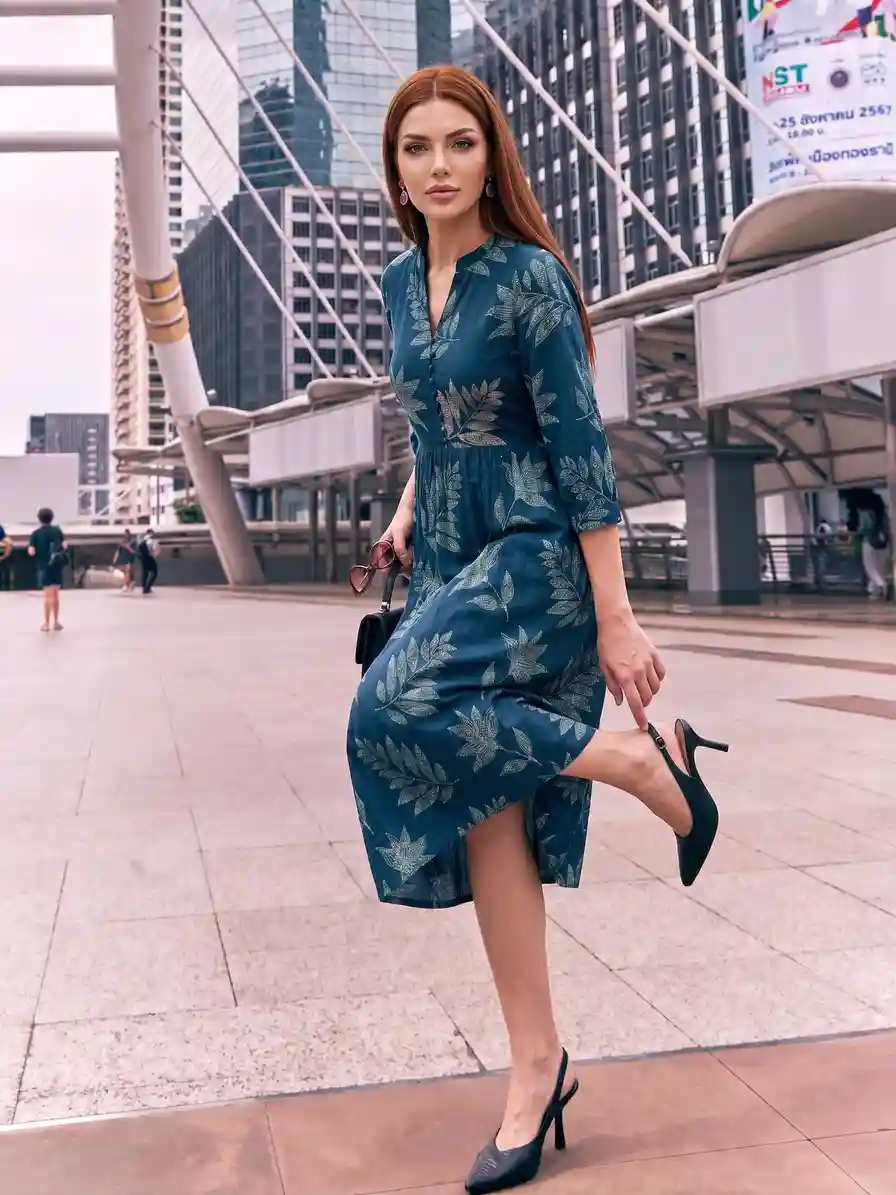
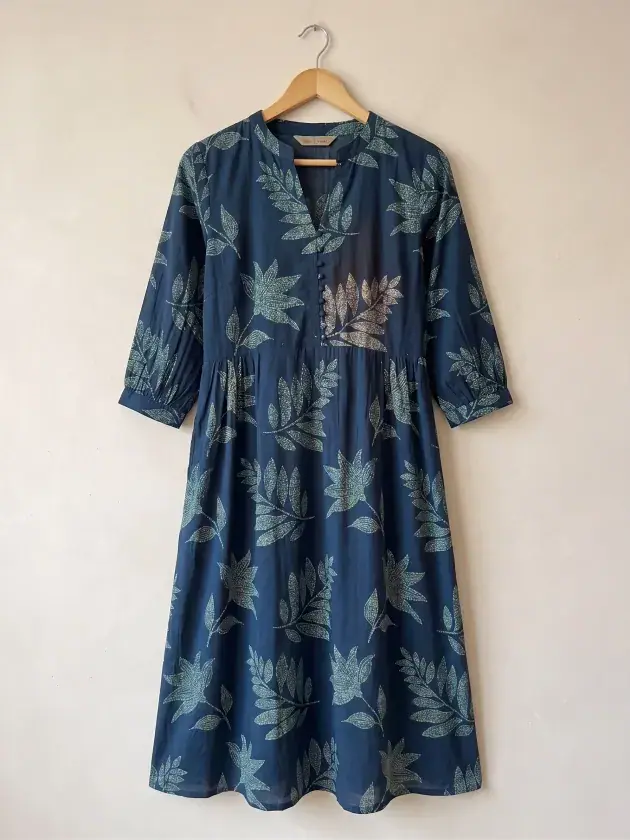
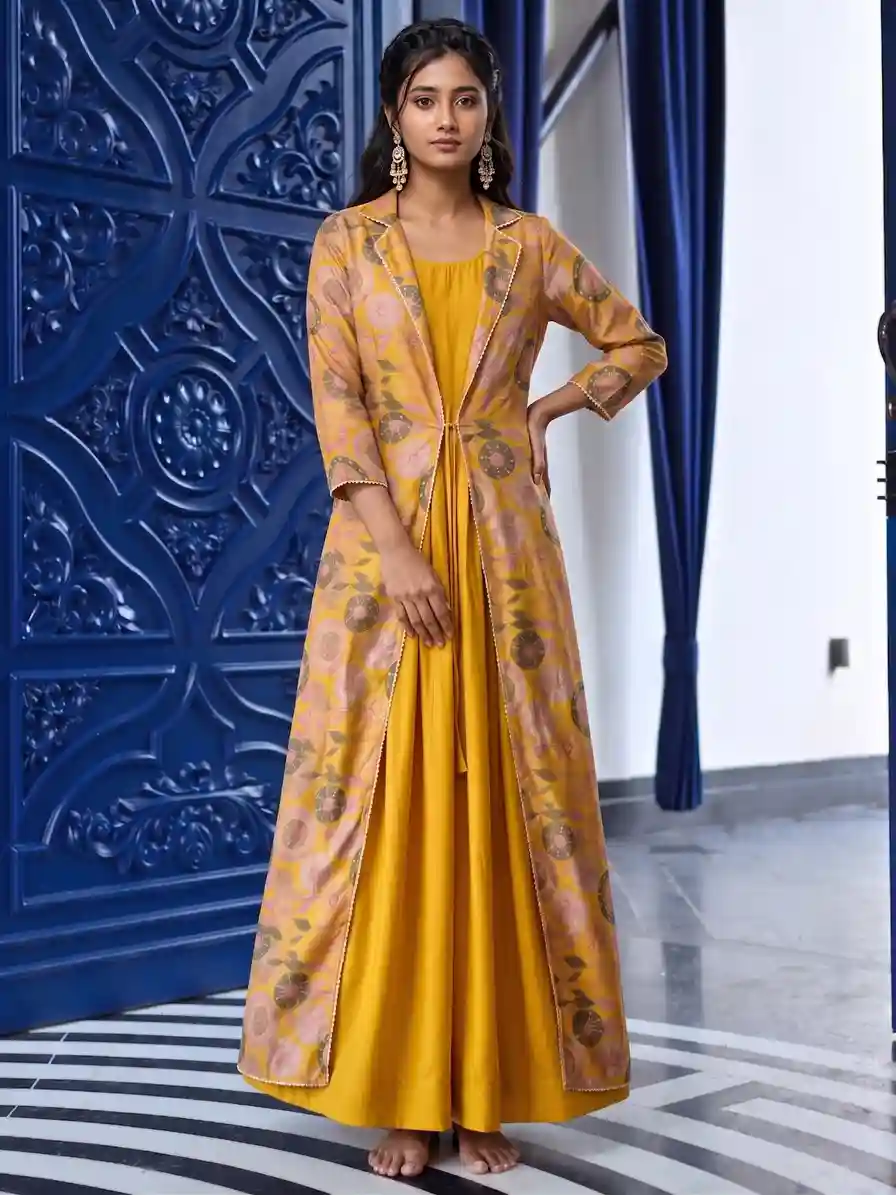
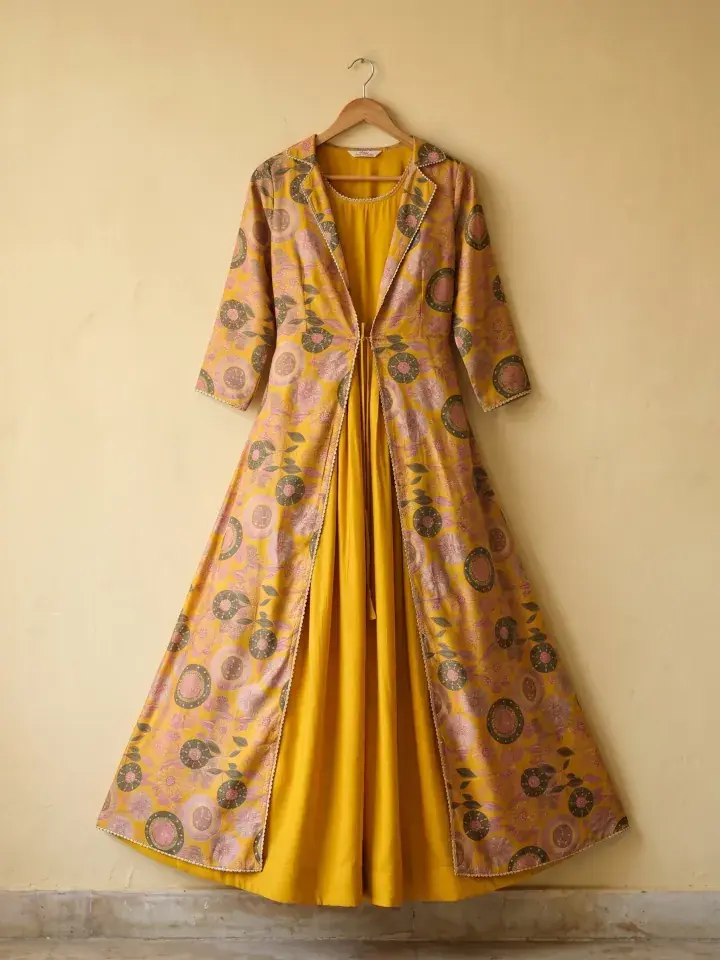
The catalogue builder turns your finished Vastralook photos into a catalogue PDF. You add your logo and details, arrange the pages, and share the file on WhatsApp, by email or in print.
Studio-quality fashion photoshoots, generated in seconds.
Vastralook
PDF
4.7Trusted by 400+ brands
1,245photoshoot packages
76AI models
Start from a template
Each template builds the whole catalogue from your finished photos: a cover, the product pages and a contact page. The pages below are the builder's own, made from real shots of the library.
Hero cover with a big serif title, an index with thumbnails, then look pages: one tall picture with a caption, one large + two small, three in a row, and a contact page. 9 pages
New collection
Vol. 01
Vastralook
Season collection
Studio-quality fashion photoshoots, generated in seconds.
Vastralook
Contents
Index
01
Indo-Western Dress
Fabric | Rs. ____
02
Sharara Suit
Fabric | Rs. ____
03
Indo-Western Outfit
Fabric | Rs. ____
04
Anarkali Dress
Fabric | Rs. ____
05
Co-ord Set
Fabric | Rs. ____
06
Kurta Set
Fabric | Rs. ____
Vastralook
Vol. 01
Index
02
Look
01
Indo-Western Dress
Fabric: add fabric
Rs. ____
Vastralook
Vol. 01
Lookbook
03
02
Sharara Suit
Fabric: add fabric
Rs. ____
03
Indo-Western Outfit
Fabric: add fabric
Rs. ____
04
Anarkali Dress
Fabric: add fabric
Rs. ____
Vastralook
Vol. 01
Lookbook
04
05
Co-ord Set
Fabric: add fabric
Rs. ____
06
Kurta Set
Fabric: add fabric
Rs. ____
07
Casual Dress
Fabric: add fabric
Rs. ____
Vastralook
Vol. 01
Lookbook
05
One picture per page edge to edge with a small caption plate, split pages with picture and text, and a two-up spread. 12 pages
New collection
Lookbook
Vol. 01 | Season
Vastralook
01
Indo-Western Dress
Fabric: add fabric
Rs. ____
02
02
Sharara Suit
Fabric: add fabric
Rs. ____
03
Look 03
Indo-Western Outfit
A short note about this look: the cut, the drape, how it moves. Replace with your own words.
Fabric
Add details
Colours
Add details
Price
Rs. ____
04
04
Anarkali Dress
Rs. ____
05
Co-ord Set
Rs. ____
05
Staggered mosaics of 4, 5 and 6 pictures with polaroid-style frames and tiny captions on a soft tinted page. 5 pages
New collection
Vol. 01
Mood
board
Season inspiration
No. 02
No. 03
No. 02
No. 03
Vastralook
Vol. 01
Mood board
02
No. 07
No. 09
The mood
A few words about this mood board, in your own voice.
Vastralook
Vol. 01
Mood board
03
No. 11
No. 12
Vastralook
Vol. 01
Mood board
04
Get in touch
Thank you.
Phone
+91 74900 09246
Email
hello@vastralook.com
Website
www.vastralook.com
Vastralook
Vol. 01
Vastralook
05
Dark pages with huge numerals 01 02 03, accent tags and white serif headings. 8 pages
LOOK
BOOK
New collection
01
Vol. 01 | Season
A few words about this collection. Replace this with your own.
Vastralook
01
New
Indo-Western Dress
Fabric: add fabric
Rs. ____
Vastralook | 02
02
Sharara Suit
03
Indo-Western Outfit
New
Vastralook
Rs. ____ | 03
04
Anarkali Dress
Rs. ____
05
Co-ord Set
Rs. ____
06
Kurta Set
Rs. ____
New
Vastralook
04
07
New
Casual Dress
Fabric: add fabric
Rs. ____
Vastralook | 05
A framed cover, a story page, then product pages with a hero shot, a detail crop, title, price, colours pill and a four-row table. 15 pages
Vastralook
Studio-quality fashion photoshoots
Catalogue
Our story
Write a short line that sums up your brand.
A sub-heading for your story
Tell customers who you are, what you make and how they can work with you. Replace this paragraph with your own words.
Vastralook
Vastralook
Design 01
01 of 12
Indo-Western Dress
Rs. ____ per piece
Contact us for colours
Fabric
Add fabric details
Work
Add work details
Drape
Add drape details
Occasion
Add occasion details
Vastralook | +91 74900 09246
03
Vastralook
Design 02
02 of 12
Sharara Suit
Rs. ____ per piece
Contact us for colours
Fabric
Add fabric details
Work
Add work details
Drape
Add drape details
Occasion
Add occasion details
Vastralook | +91 74900 09246
04
Vastralook
Design 03
03 of 12
Indo-Western Outfit
Rs. ____ per piece
Contact us for colours
Fabric
Add fabric details
Work
Add work details
Drape
Add drape details
Occasion
Add occasion details
Vastralook | +91 74900 09246
05
A cover with a row of shots, then one full-page shot per design with your brand tag and design number, and a contact page. 14 pages
Vastralook
Studio-quality fashion photoshoots
Catalogue
Vastralook
Design 01
Vastralook
Design 02
Vastralook
Design 03
Vastralook
Design 04
The shot fills the page and a white strip below carries the tagline, fabric, style number, price and sizes. 14 pages
Vastralook
Studio-quality fashion photoshoots
Vastralook
Studio-quality fashion photoshoots
Fabric: add fabric
STYLE NO.
DN-01
WSP-____ MRP-____ Size-____
Vastralook
Studio-quality fashion photoshoots
Fabric: add fabric
STYLE NO.
DN-02
WSP-____ MRP-____ Size-____
Vastralook
Studio-quality fashion photoshoots
Fabric: add fabric
STYLE NO.
DN-03
WSP-____ MRP-____ Size-____
Vastralook
Studio-quality fashion photoshoots
Fabric: add fabric
STYLE NO.
DN-04
WSP-____ MRP-____ Size-____
A grid cover, then pages of 4 and 6 shots under a New arrivals tag. 5 pages
Vastralook
Studio-quality fashion photoshoots
New arrivals
Vastralook
Vastralook | +91 74900 09246
02
New arrivals
Vastralook
Vastralook | +91 74900 09246
03
New arrivals
Vastralook
Vastralook | +91 74900 09246
04
Contact us
Vastralook
Phone
+91 74900 09246
Email
hello@vastralook.com
Website
www.vastralook.com
How to order
Minimum order
Add your minimum order
Delivery
Add delivery time
Payment
Add payment terms
Thank you
A clean white 2 x 2 grid on every page with generous spacing. 5 pages
Vastralook
Studio-quality fashion photoshoots
Collection
Vastralook
Vastralook | +91 74900 09246
02
Collection
Vastralook
Vastralook | +91 74900 09246
03
Collection
Vastralook
Vastralook | +91 74900 09246
04
Contact us
Vastralook
Phone
+91 74900 09246
Email
hello@vastralook.com
Website
www.vastralook.com
How to order
Minimum order
Add your minimum order
Delivery
Add delivery time
Payment
Add payment terms
Thank you
Made from real library photos with the builder's own templates.
Layouts for every page
Put one shot on a page or six. Plain grids, shaped frames with arches, circles and hexagons, and a small picture on top of a large one. Change the layout and your pictures are re-placed, none lost.
1 picture
2 side by side
2 stacked
1 large + 2
2 + 1 large
1 large on top + 2
4 in a grid
1 large + 3
6 (3 x 2)
6 (2 x 3)
5 mosaic
9 in a grid
3 arches
2 arches
Arch + 2 circles
2 circles
4 circles
3 capsules
Then make it yours
It works like a small design tool. Nothing here needs design skills.
1
Your logo and colours
Upload your logo, pick the brand colours and the heading and body fonts. The templates use them on every page.
2
Text you edit in place
Headings, design numbers, fabric, price and contact lines are text boxes you click and type in. The words on a new template are placeholders for you to replace.
3
Zoom and move inside a frame
Drag a picture inside its frame to choose what shows, and zoom in on a detail such as the border or the work.
4
Shaped frames
Arches, circles, capsules, hexagons and more, so a page can look designed and not only gridded.
5
Any Indian language
Text is real text in the PDF, so Hindi, Gujarati and other scripts are selectable and shaped correctly.
6
Saved as you go
Your draft is saved automatically and you can undo and redo, so you can come back and rebuild it after a new shoot.
Pick the page size
A4 for print and WhatsApp, A3 for a big lookbook, a square page or a 9:16 story page for a phone.
A4 portrait210 × 297 mm
A4 landscape297 × 210 mm
A3 portrait297 × 420 mm
US Letter215.9 × 279.4 mm
Square210 × 210 mm
Story 9:16108 × 192 mm
What you get
Uses your finished photos.
Your logo and details on the pages.
One PDF to share.
Rebuild it any time.
How it works
How it works, in 3 steps
1
Pick the photos
From your finished results.
02
Sharara Suit
Fabric: add fabric
Rs. ____
03
2
Arrange the pages
Cover, product pages, contact.
New collection
Vol. 01
Vastralook
Season collection
Studio-quality fashion photoshoots, generated in seconds.