Loading
Skip to main content On the model

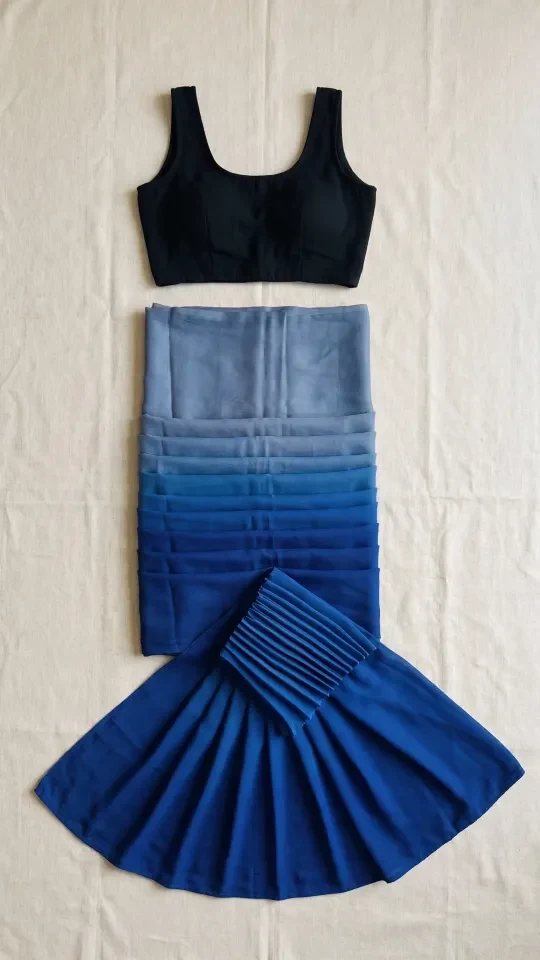 Flat photo
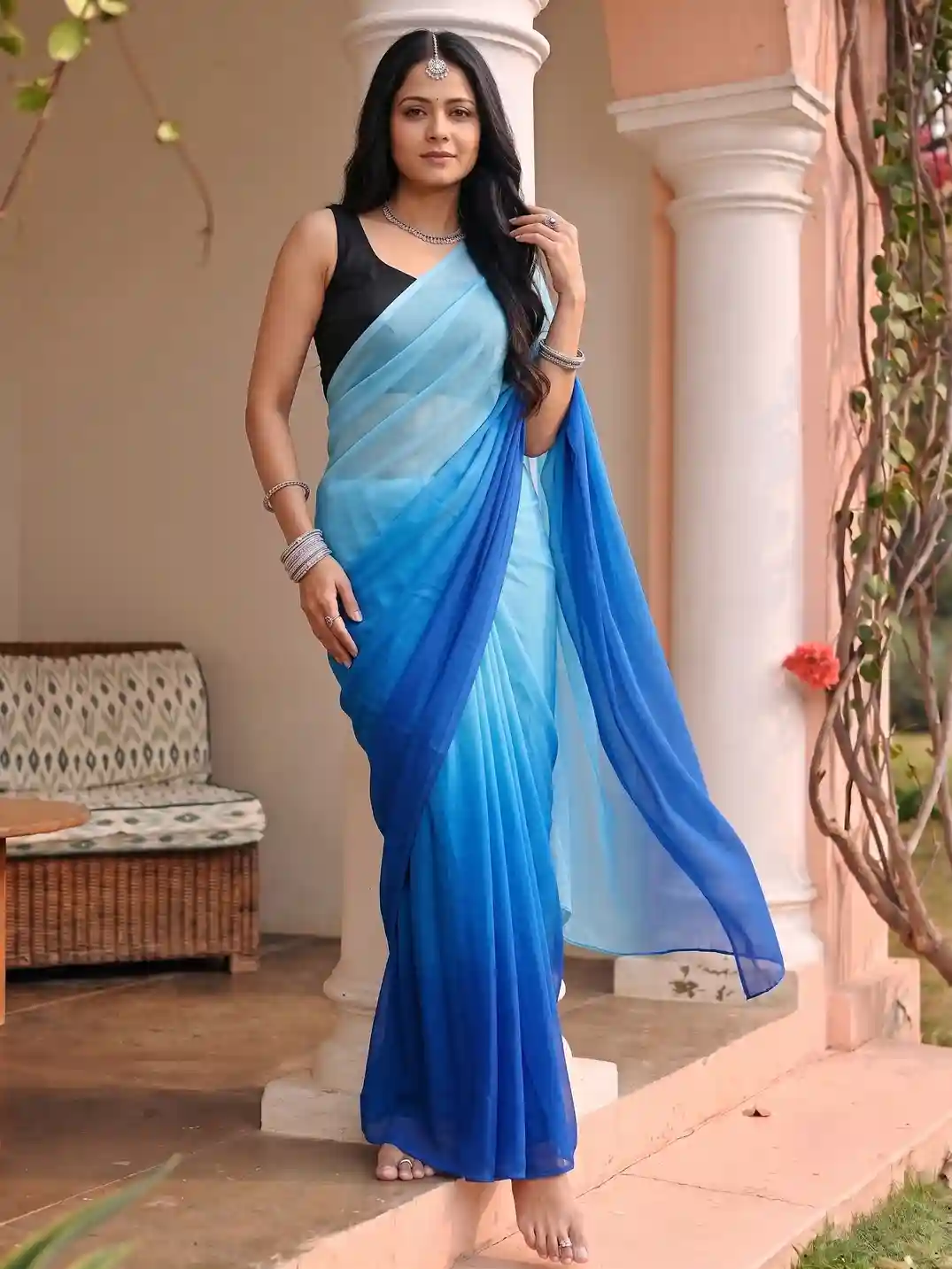
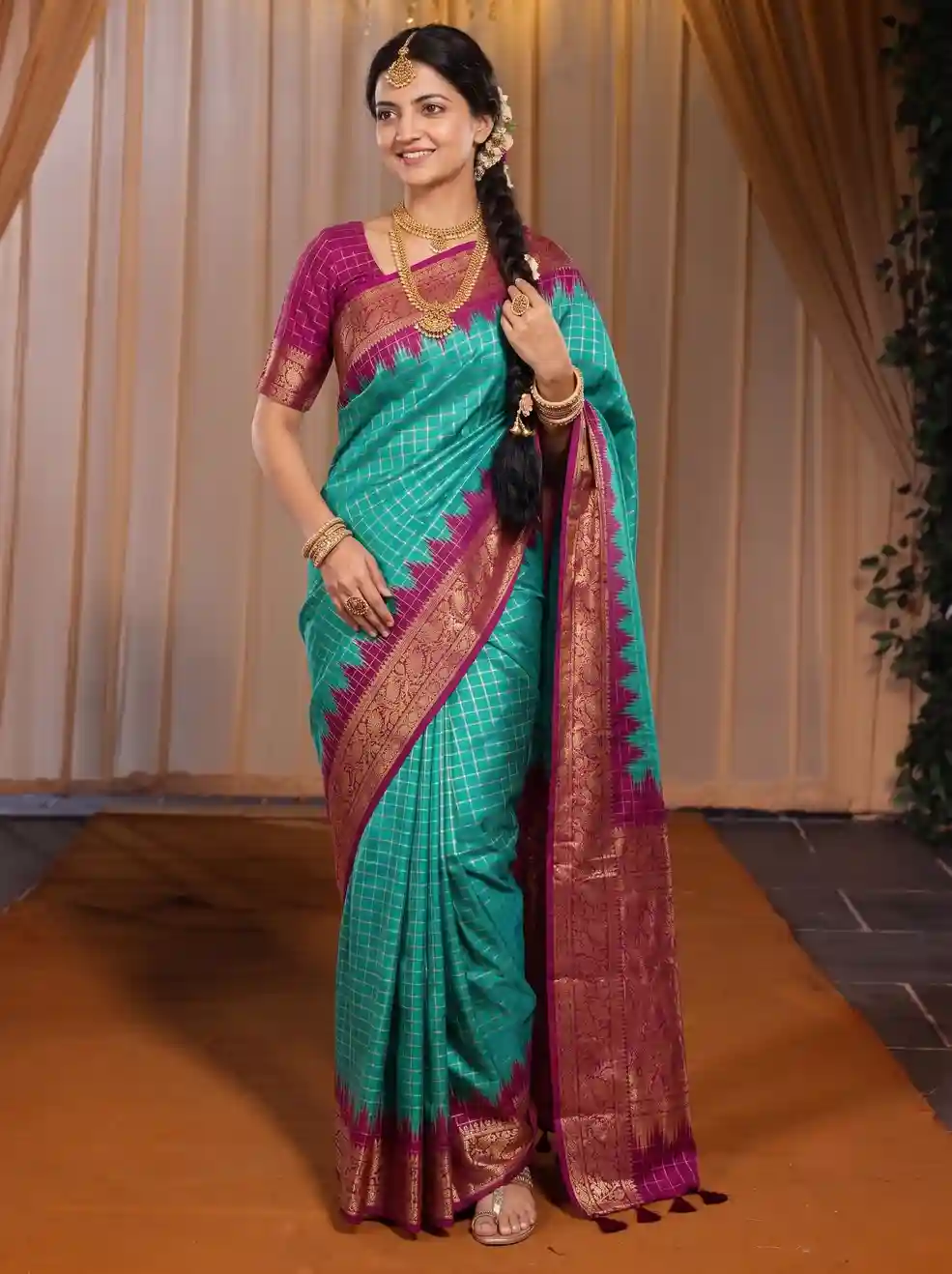
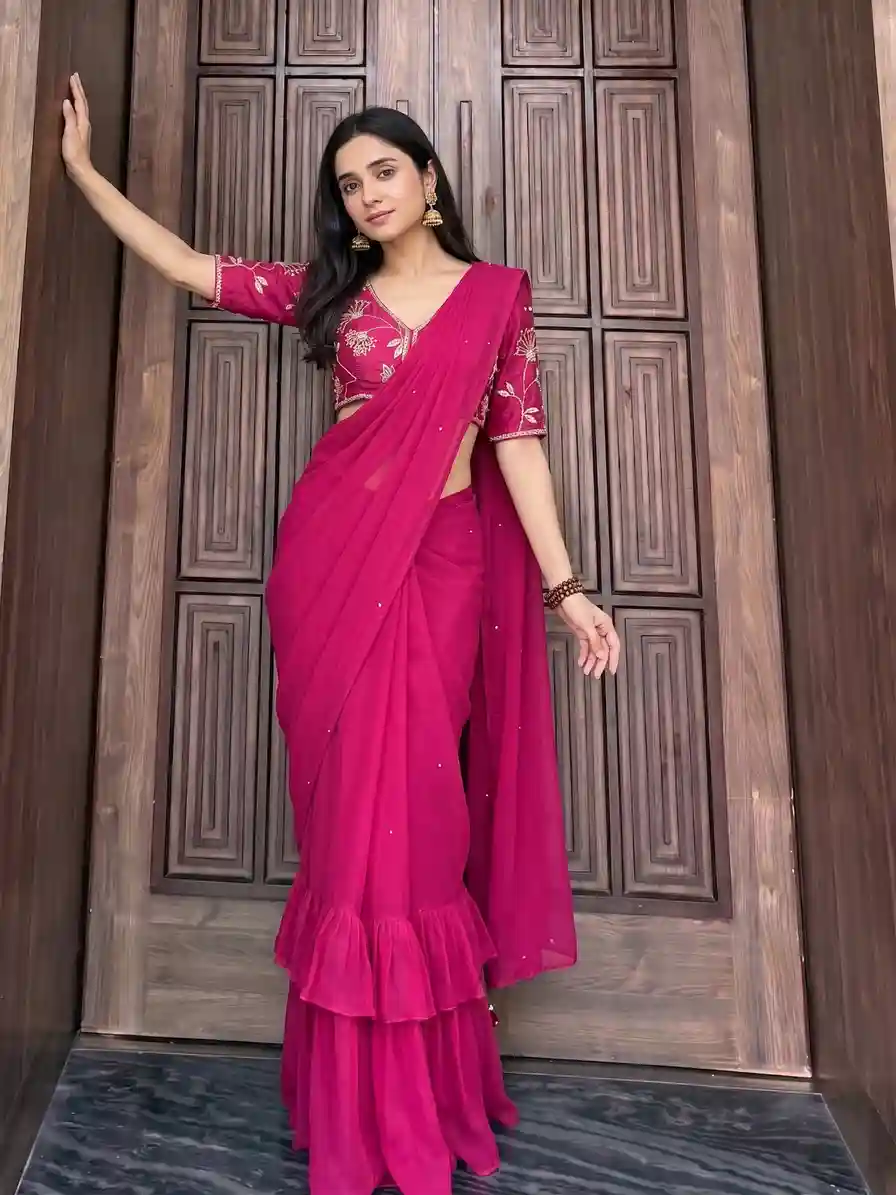
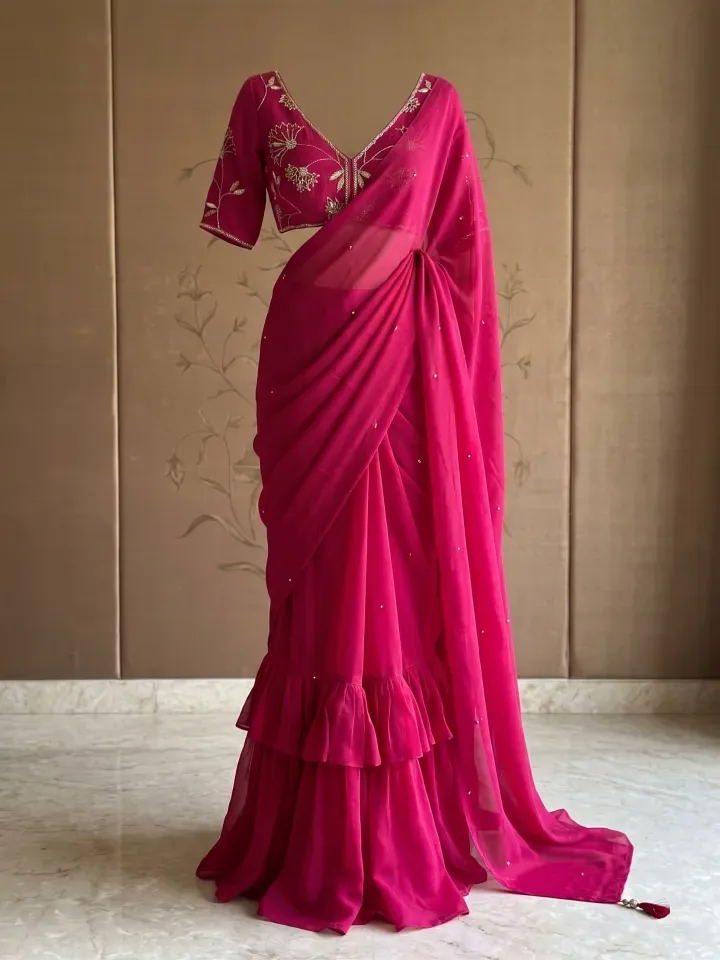
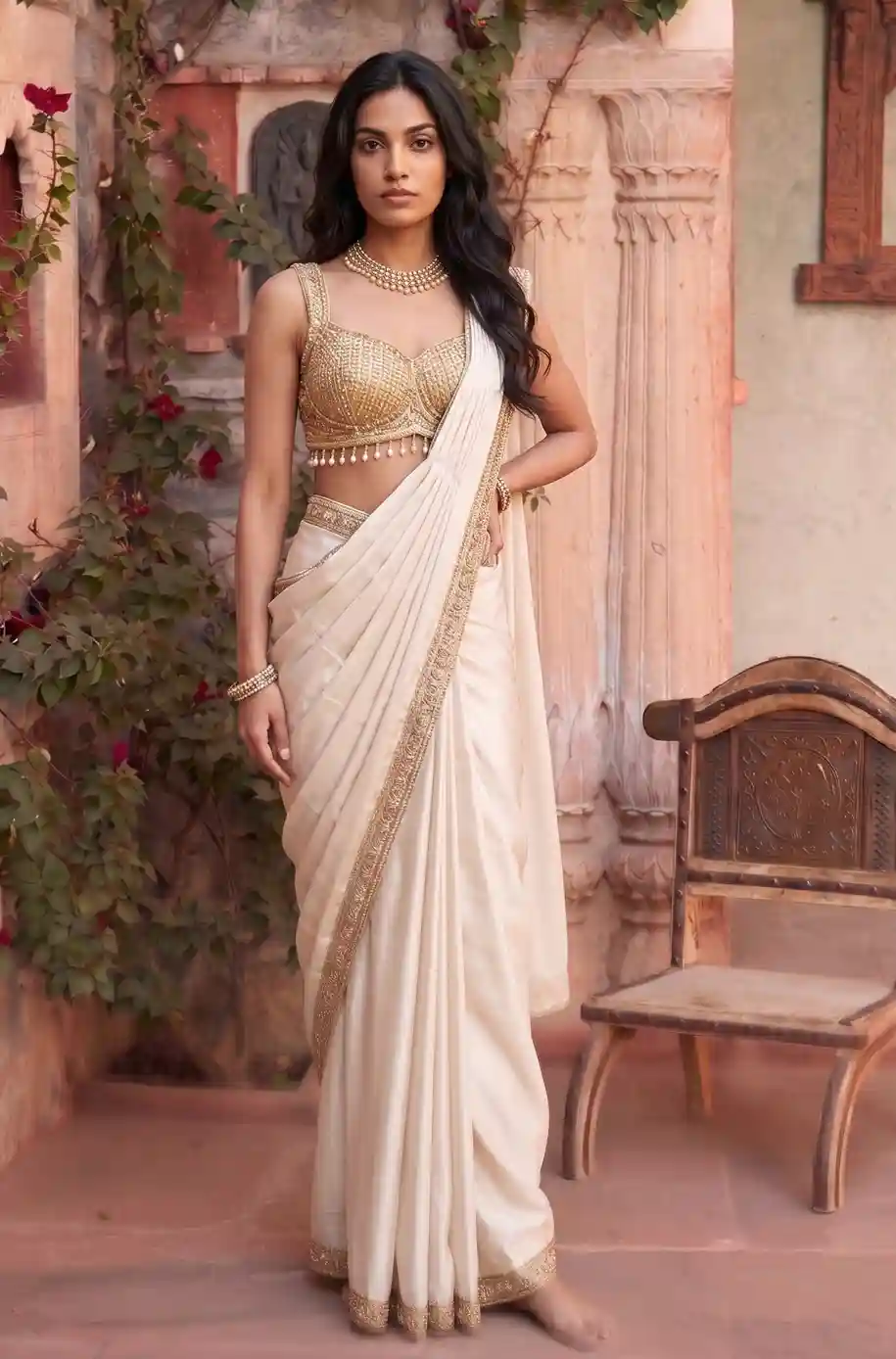
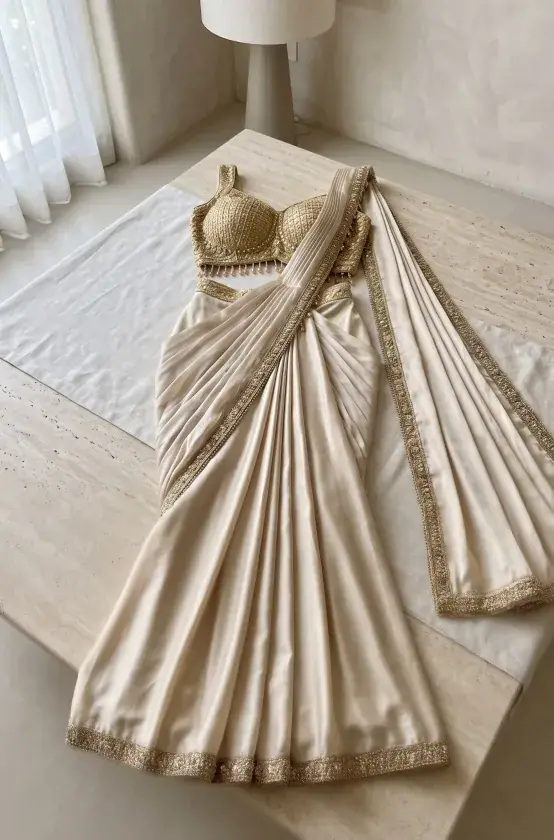
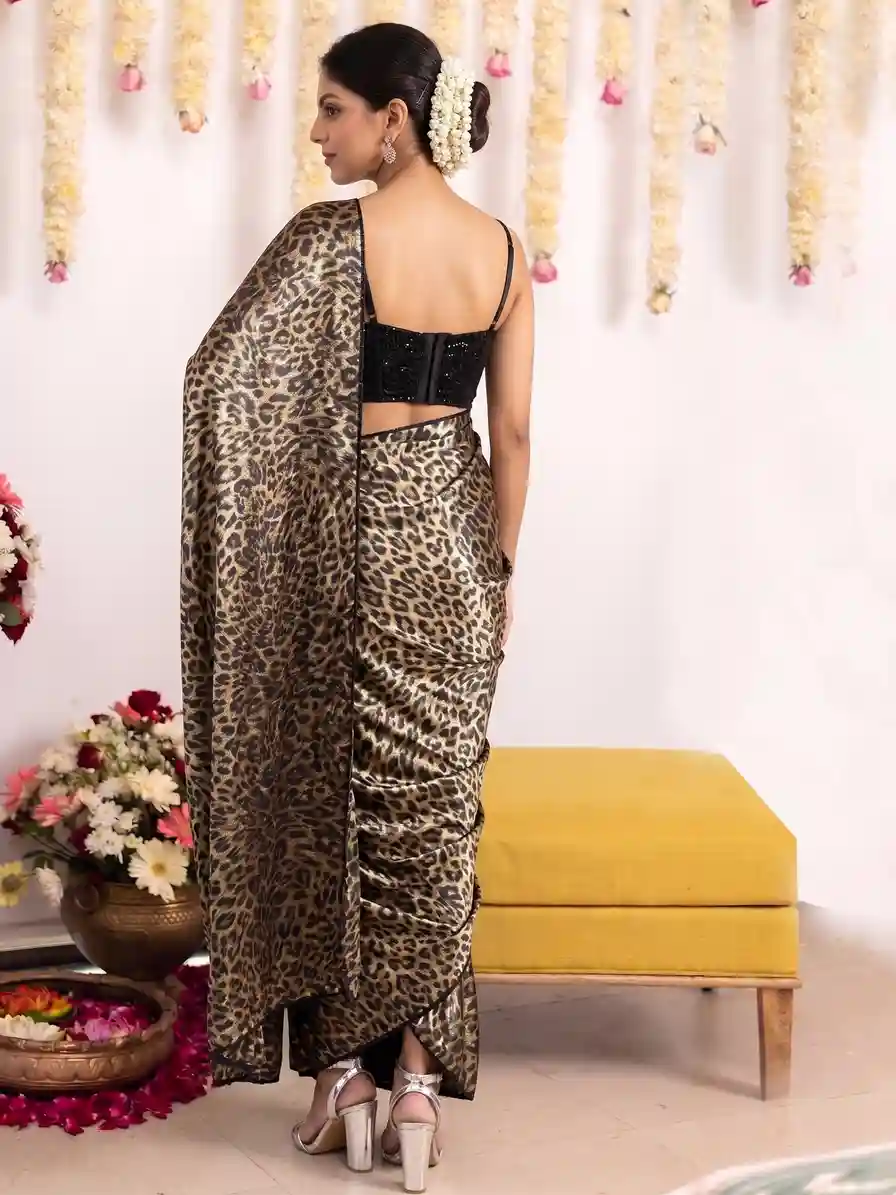
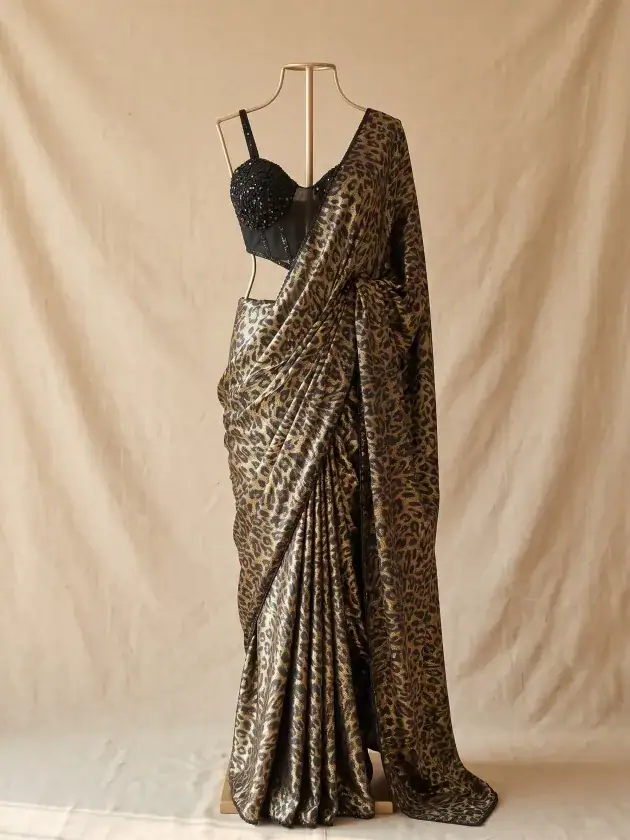
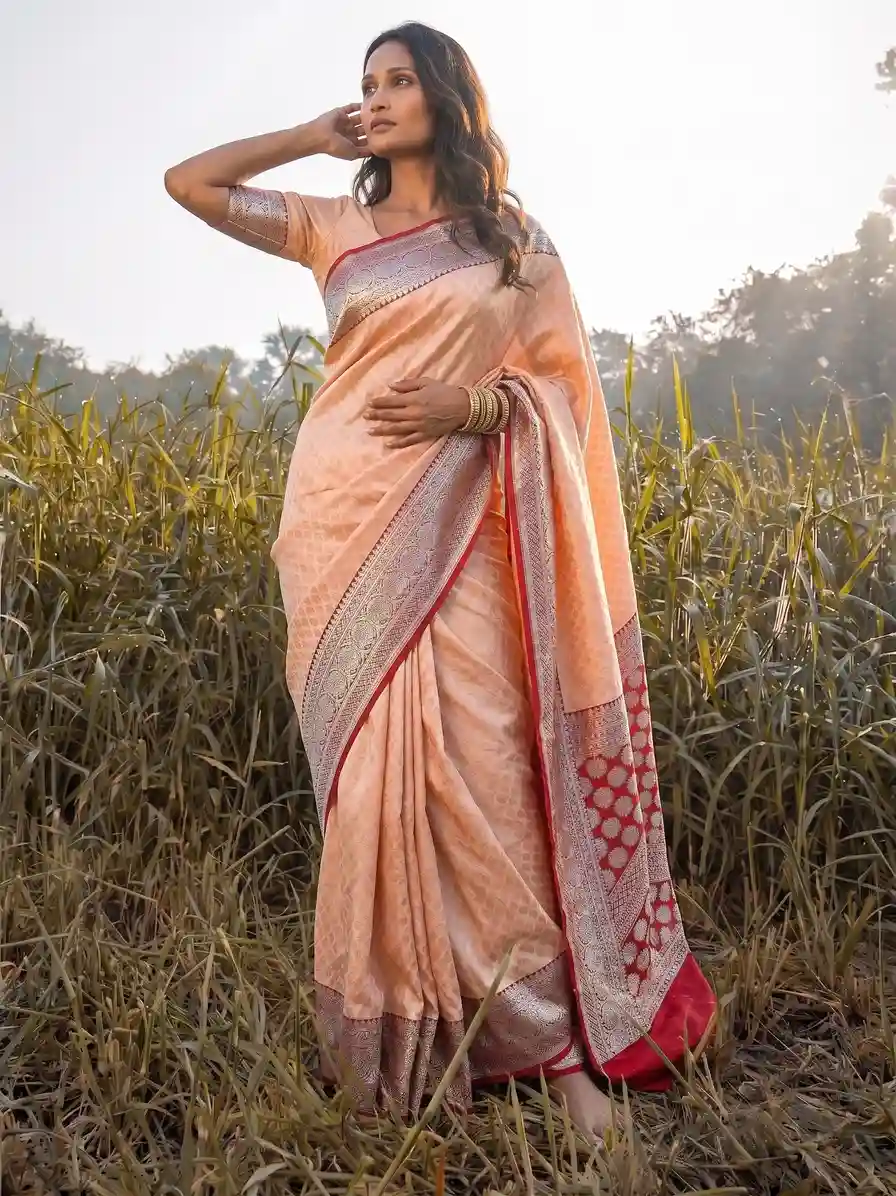
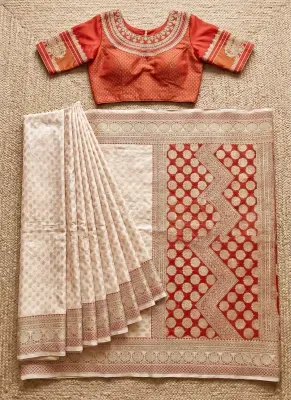
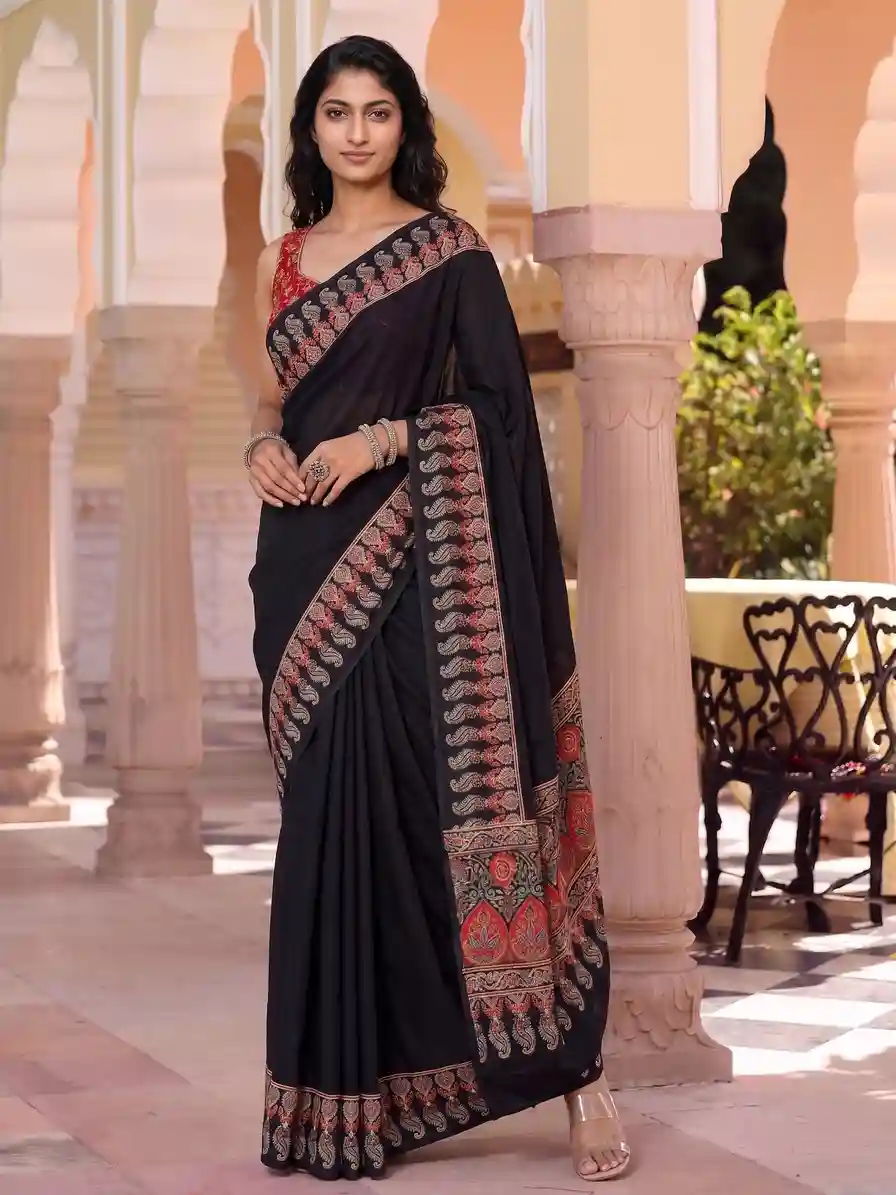
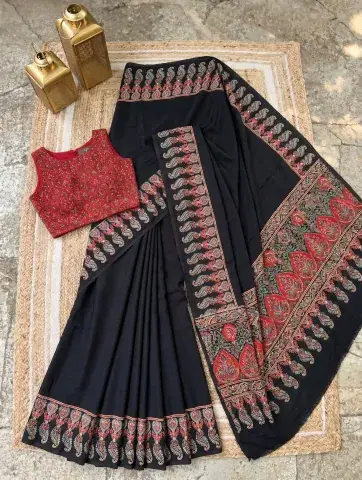
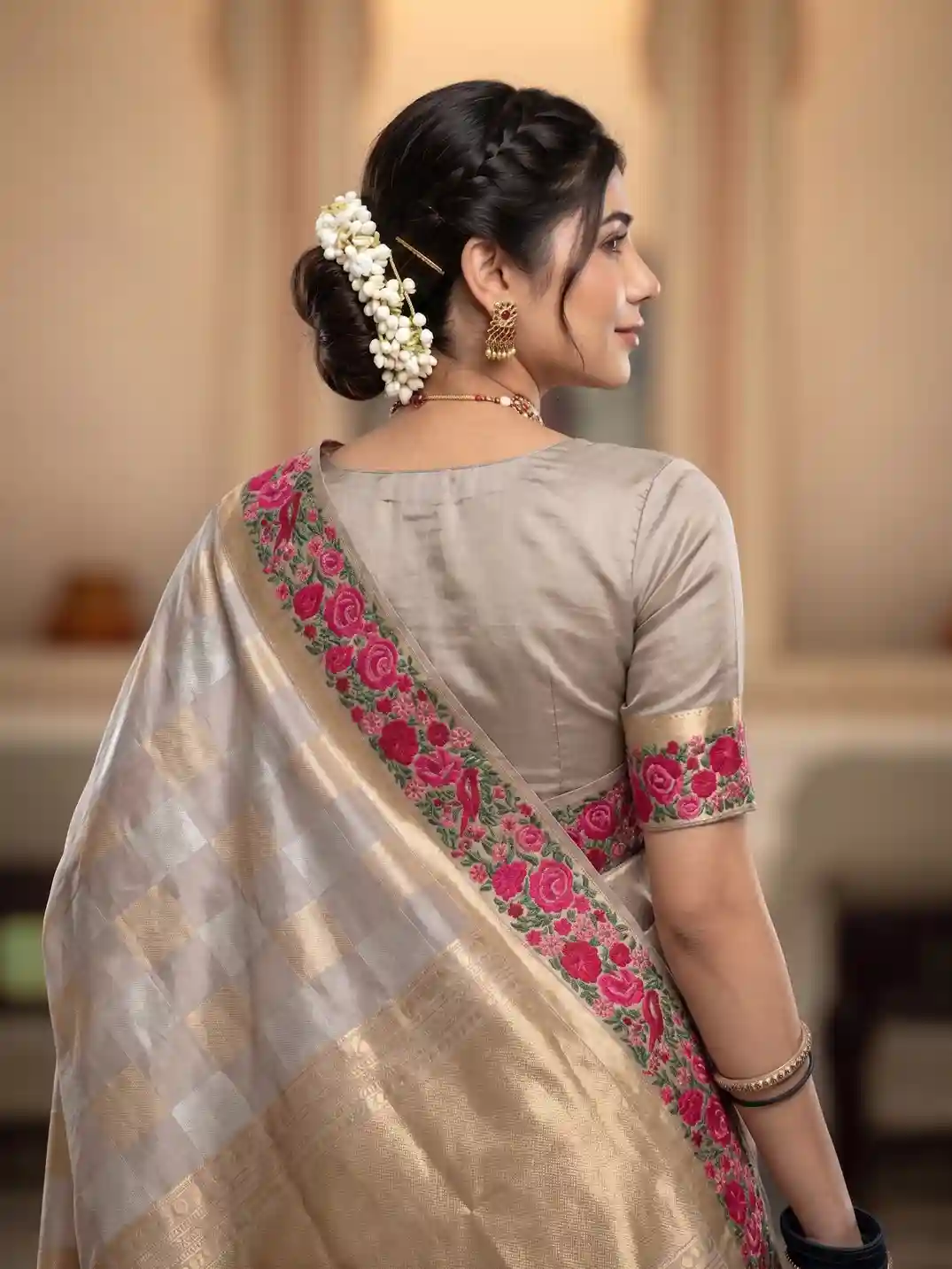
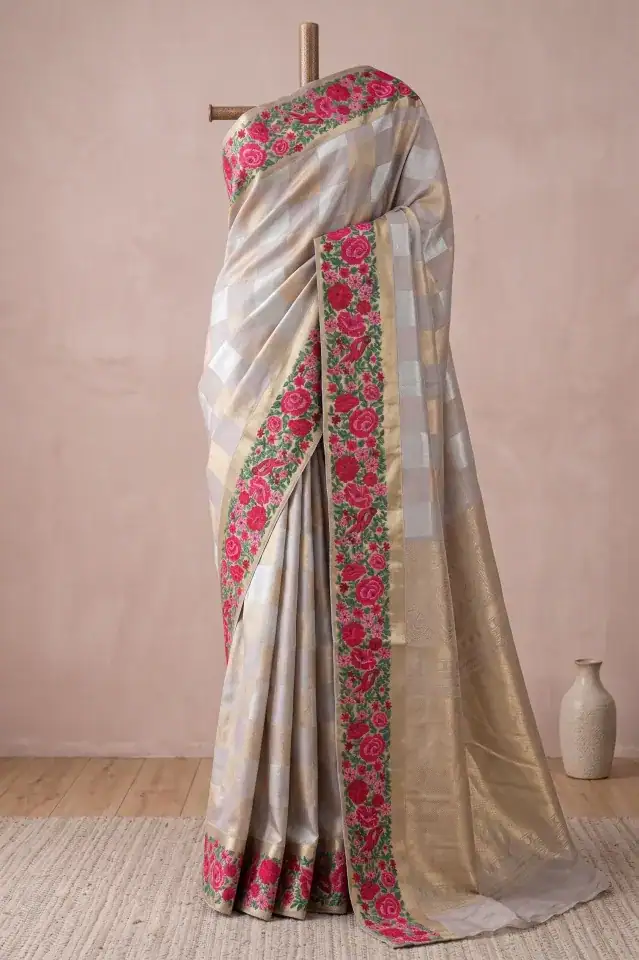
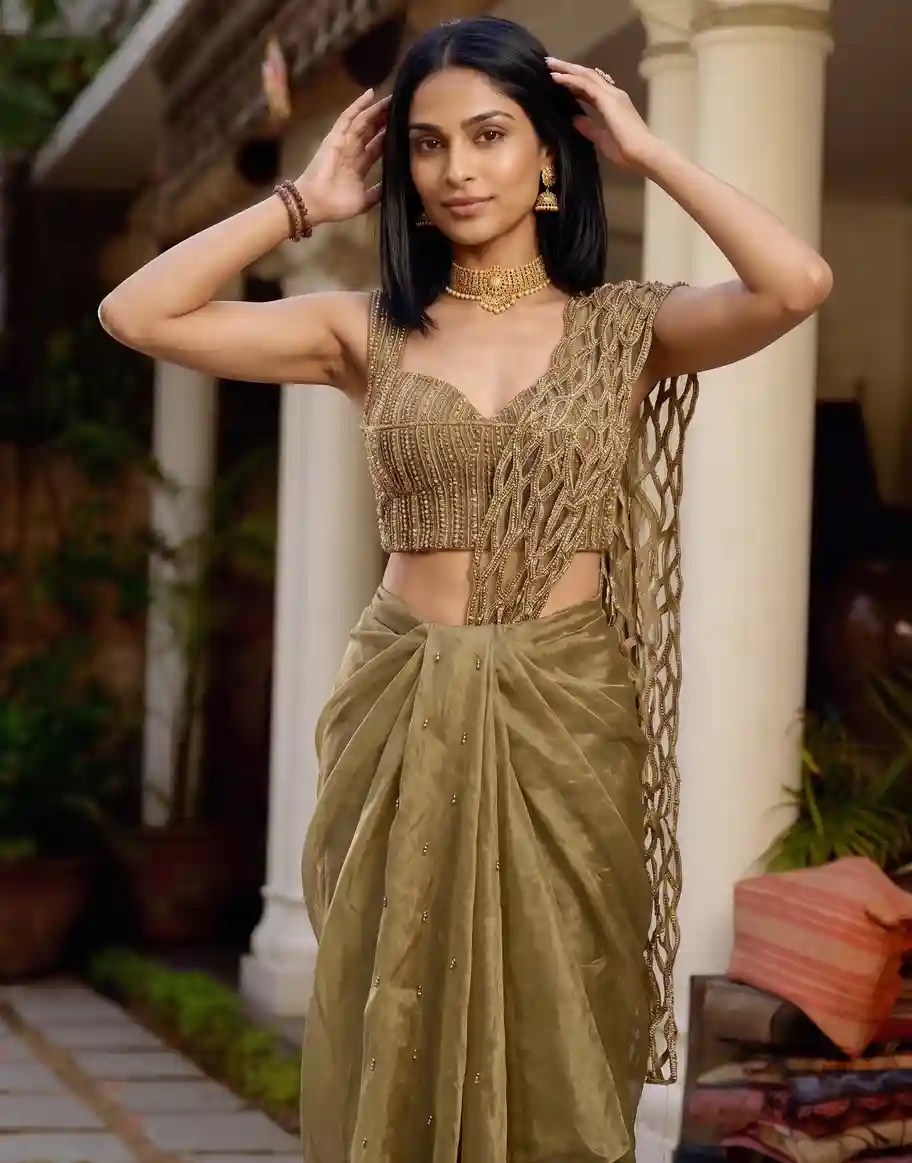
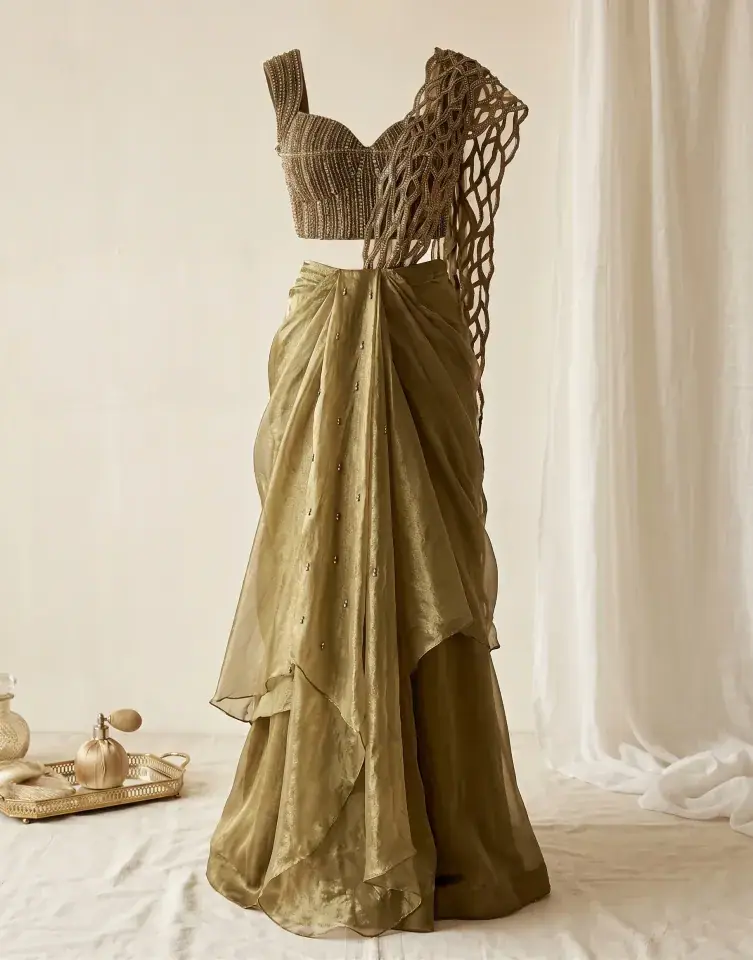
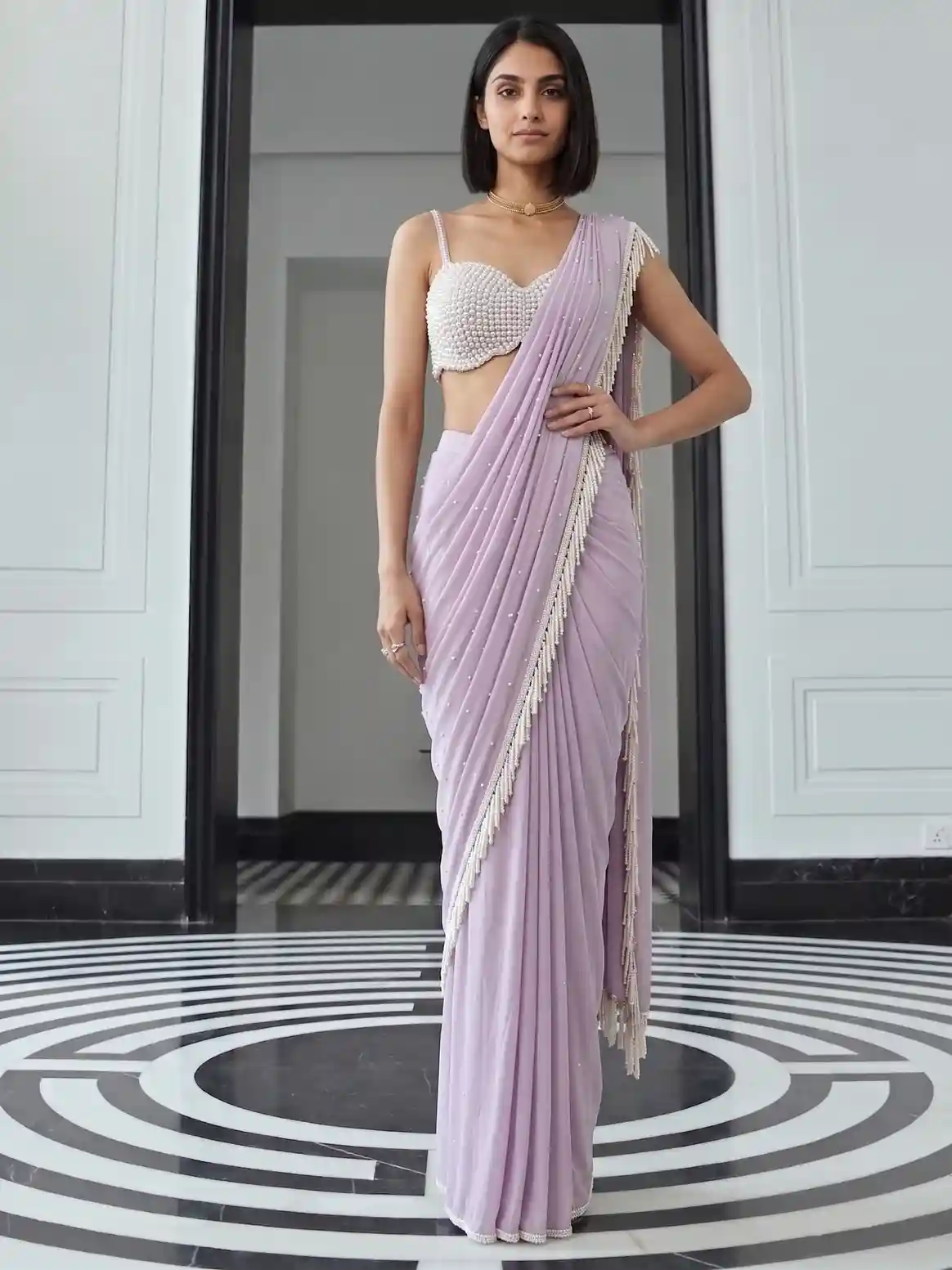
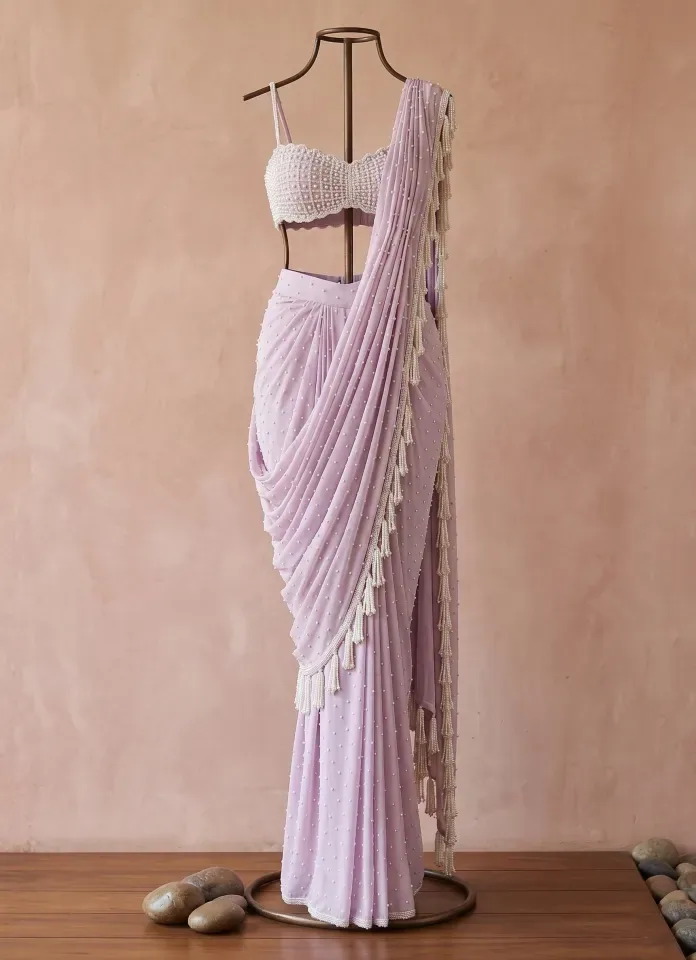
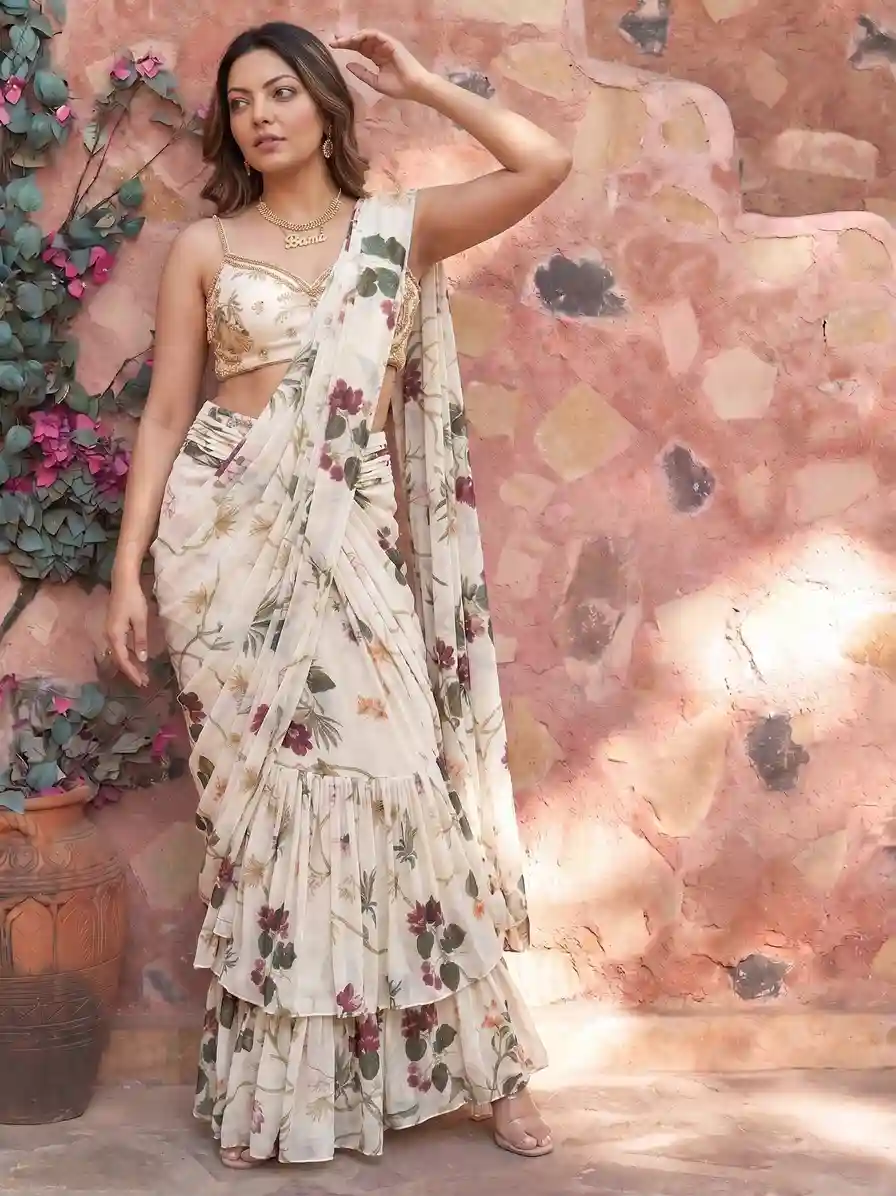
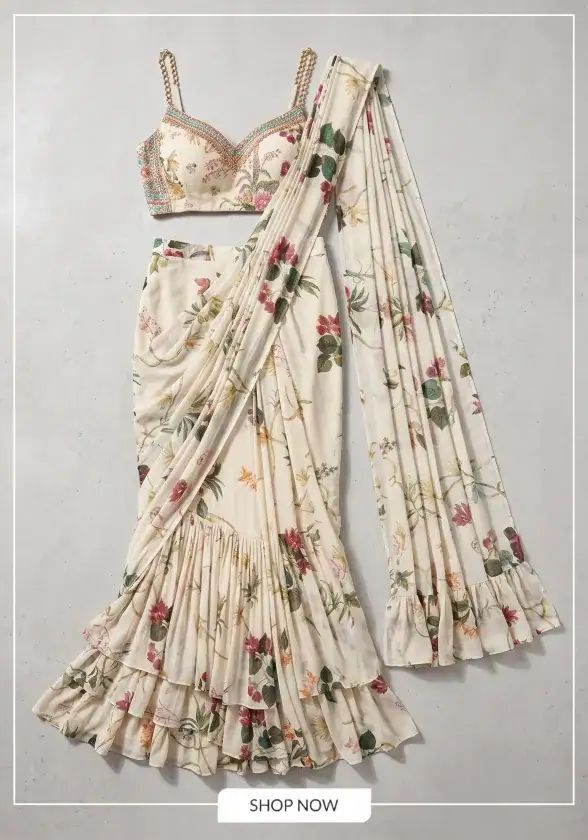
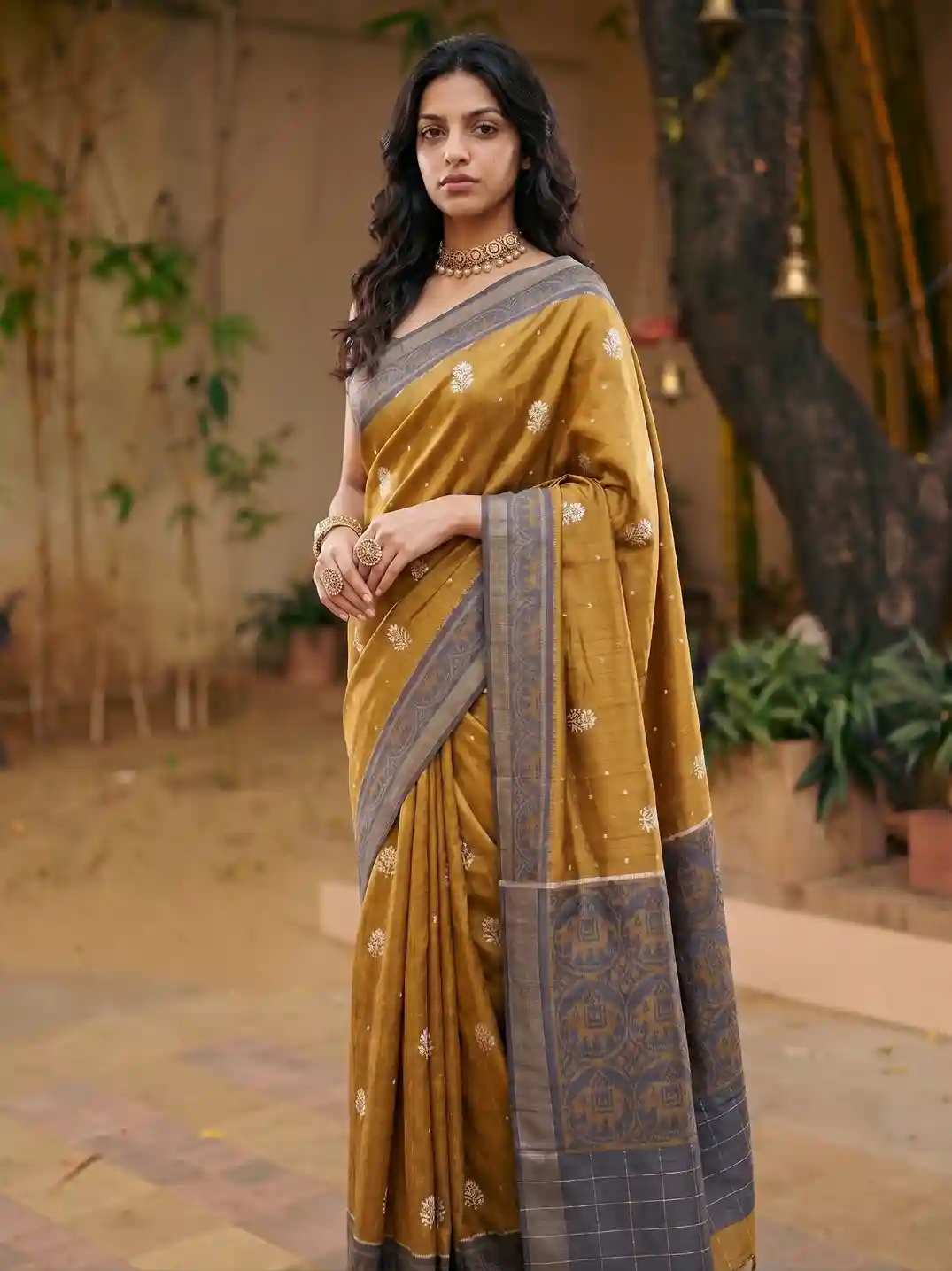

Saree on a model
Your saree, draped with the pallu in place
Vastralook's Drape Studio shows your saree draped on a model with the pallu in place, and a live preview before you create the order. You upload the saree, choose the drape and the style, then order the shots. The free AI garment analysis comes first and uses no credits.
Free AI garment analysis · no credits used
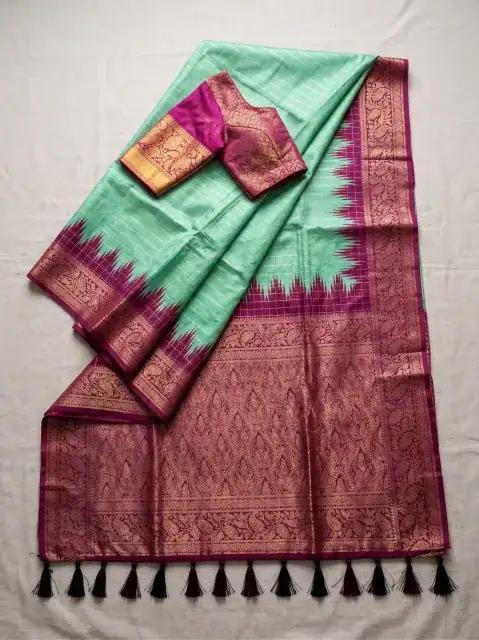
Flat photo- 4.7Trusted by 400+ brands
- 1,245photoshoot packages
- 76AI models
One saree, every pose
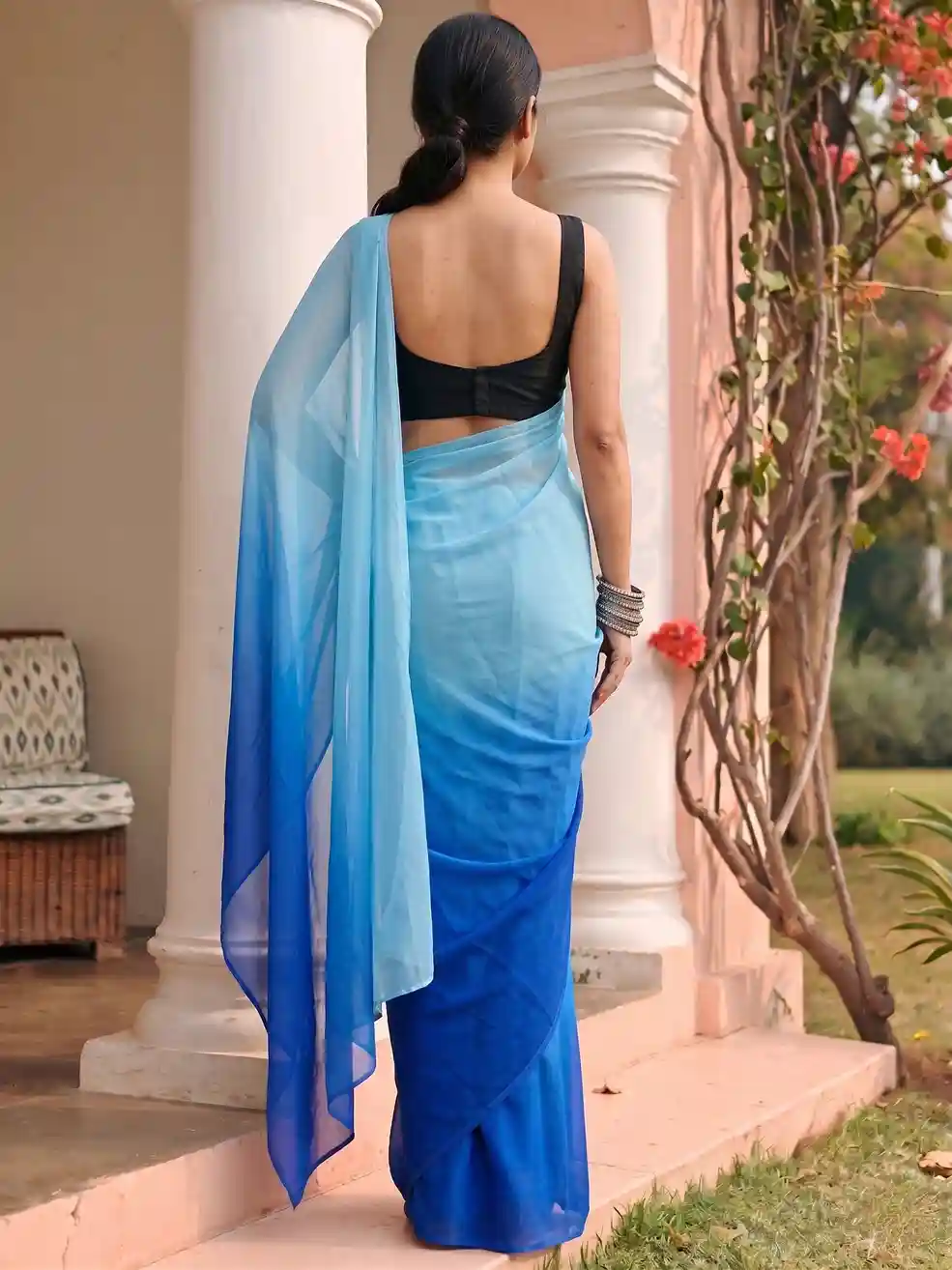
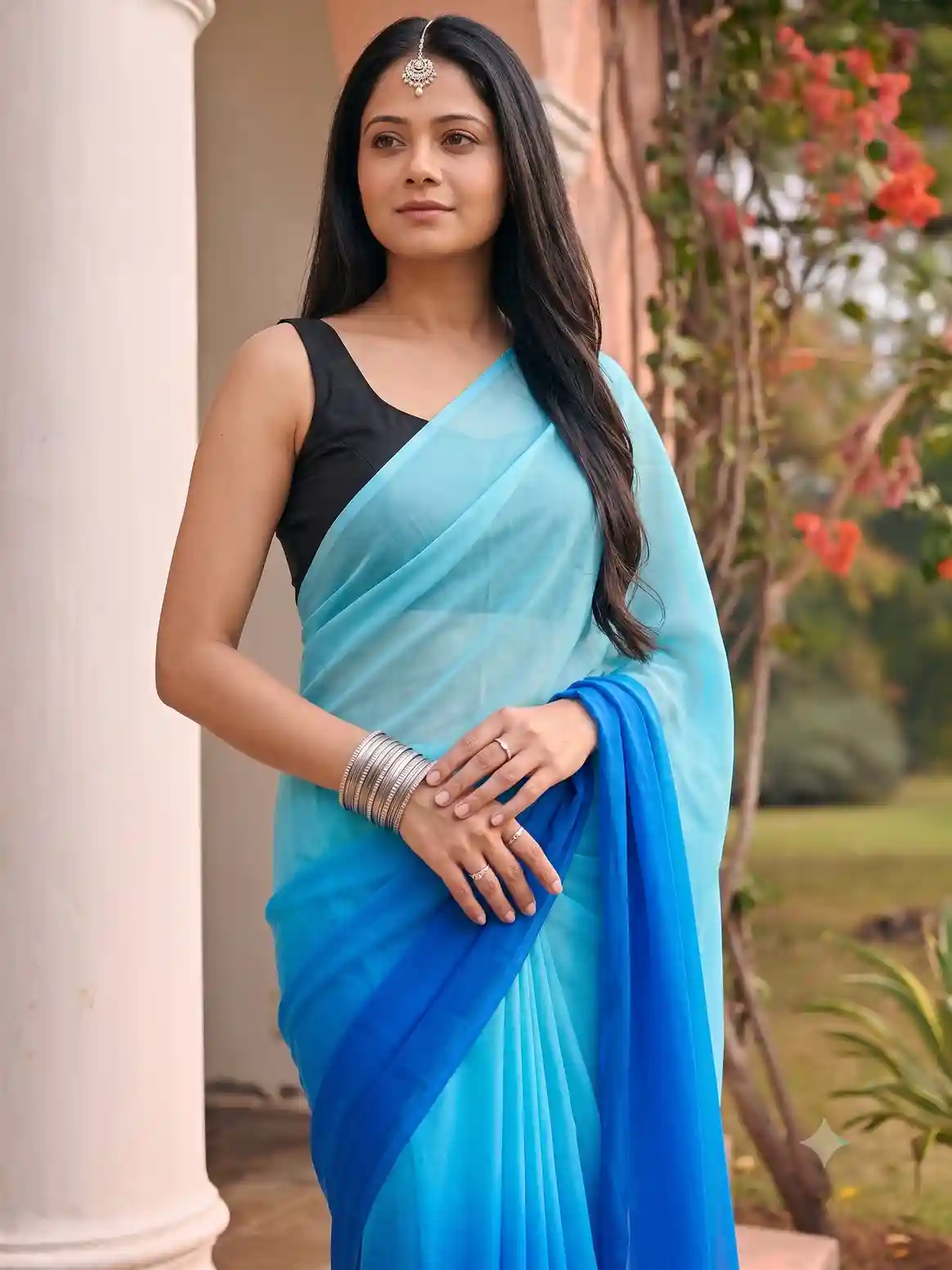
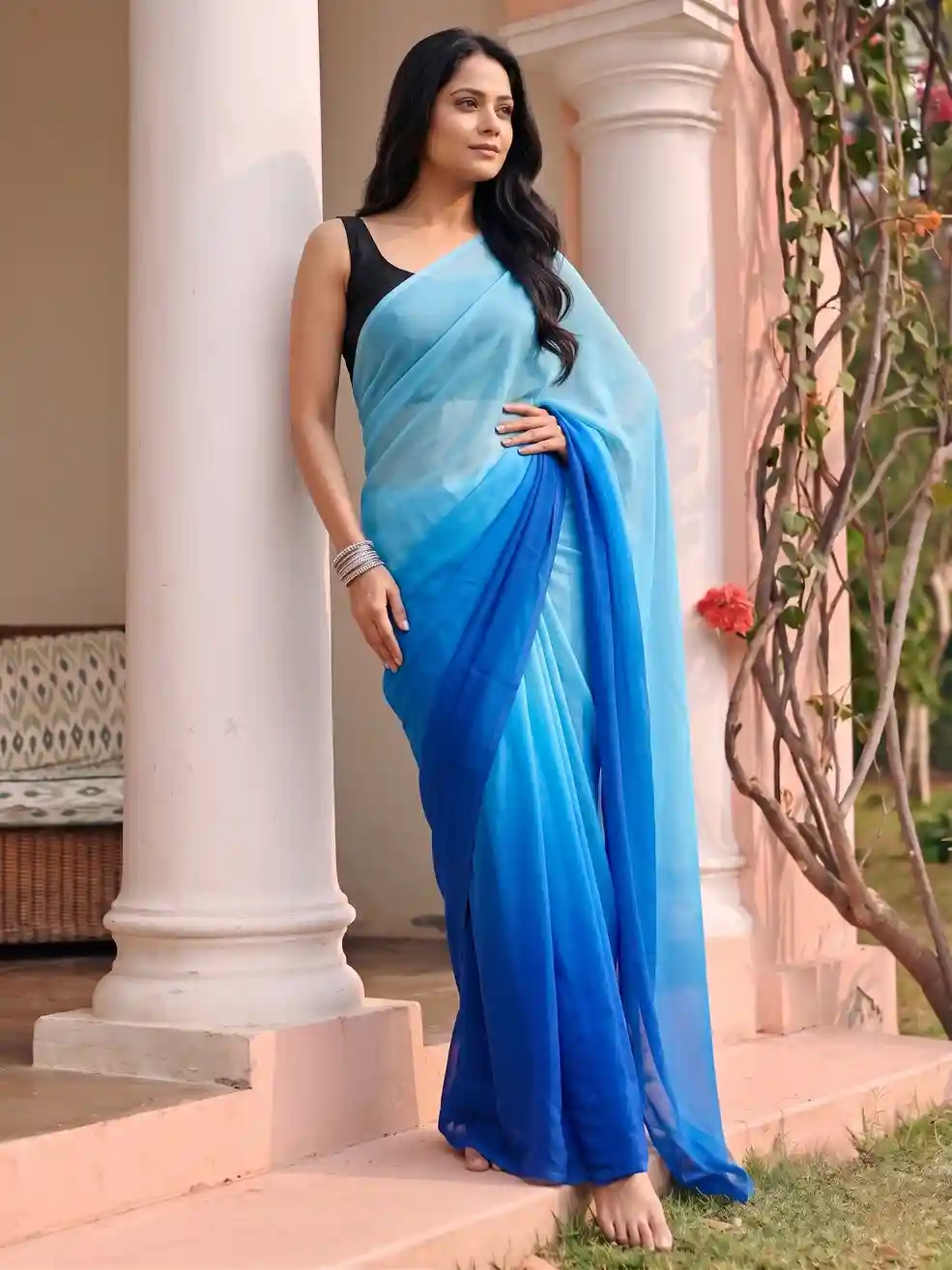
What you get
- You choose the drape and the pallu, with a live preview.
- Marketplace tags set poses, background and size for a platform.
- Free AI analysis and five recommended looks before you spend credits.
- Choose the picture shape and quality for where you will post.
- Check every shot; recreate one that missed.
How it works
How it works, in 3 steps
- 1

Add the saree
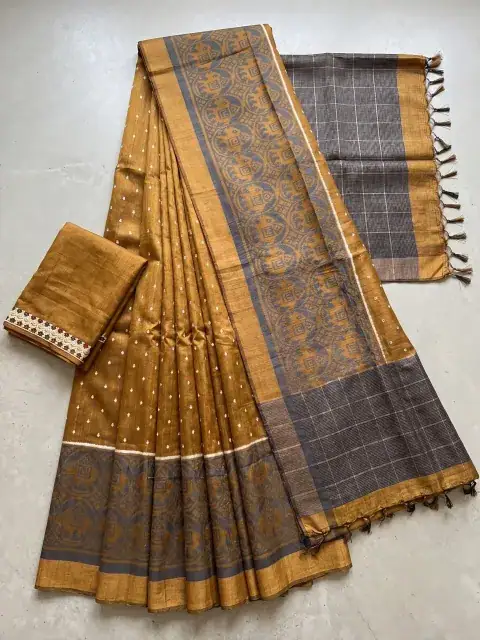
Photograph it flat with the border and the pallu visible. A photo where the blouse also shows the saree confuses the drape.
- 2

Pick the drape and the style
Choose how it is draped, then a style or a platform tag such as Myntra or Meesho.
- 3

Check the preview, then order
The summary shows the number of shots before you pay.
More about this tool
Built for a whole catalogue
02
Marketplace tags
One tap sets poses, background and size for Myntra, Amazon, Flipkart, Meesho, WhatsApp or Instagram.
See the presets03
Free garment analysis
Reads your saree photo and recommends five looks. No credits used.
Analyse a sareeGarment analysis
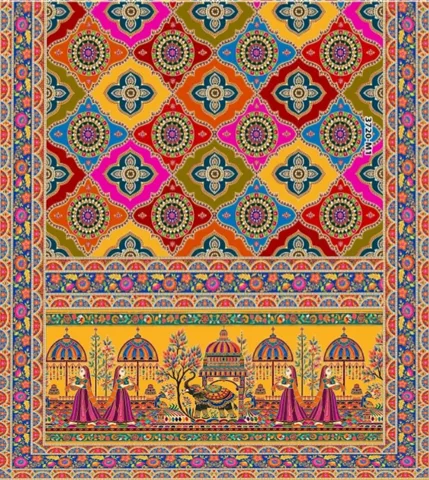
Printed Silk Saree With Geometric Medallion Pattern And Narrative Border
- Category
- Saree · saree
- Occasion
- wedding
- Fabric
- silk
- Picture shows
- garment only
- Upper garment
- not in the picture
- Lower garment
- printed silk saree with geometric medallion pattern and narrative borderYellow 40%Magenta 30%Red 30%
- Additional cloth
- not in the picture
- Colours (whole outfit)
- Yellow 35%Magenta 24%Red 23%Blue 18%
- Design
- ethnic motifA dense, all-over geometric lattice of medallions and floral motifs, with a detailed narrative border featuring figures and architecture.
- Work
- print only · level: noneThe entire design is a printed pattern with no visible embroidery or other surface work.
Questions about Saree on a model
Can I choose the pallu?
Yes. You set the drape and the pallu before you order.
Which saree photo works best?
A flat, clear photo with the border and the pallu visible. The Before you upload guide shows examples.
Is the analysis really free?
Yes. The analysis and recommended looks use no credits. Making shots uses credits. New accounts start with 30 free credits.
Will the colour, zari and border stay accurate?
Vastralook is built to keep them, but an AI shot can miss. Check each one at full size.
Your saree, draped right.
Upload one photo and see the drape before you order.
Start freeFree AI garment analysis · no credits used