Skipping the Summary
5 garments × 4 models × 6 styles is 120 shots. Trim the combinations you do not need first.
Pick your garments, models and styles once — the studio shoots every combination. Every step below is a real screenshot, with each button numbered and explained.
Updated
Every garment, on every model, in every style you pick: a full catalogue set in one go.
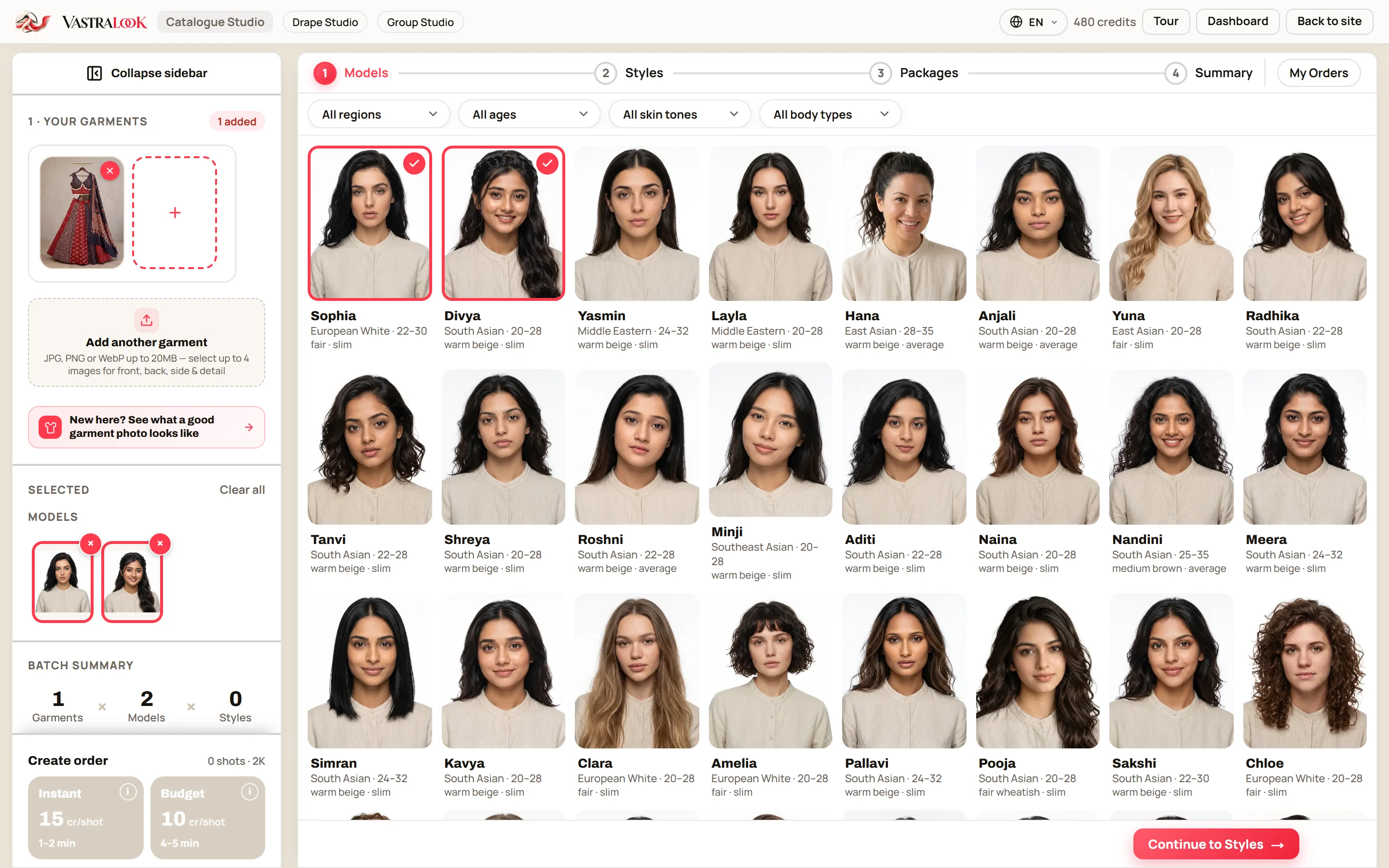
The panel on the left holds your garments and your batch. Above the workspace a numbered strip takes you through four steps (Models, Styles, Packages, Summary), and My Orders sits beside it for following your shots.
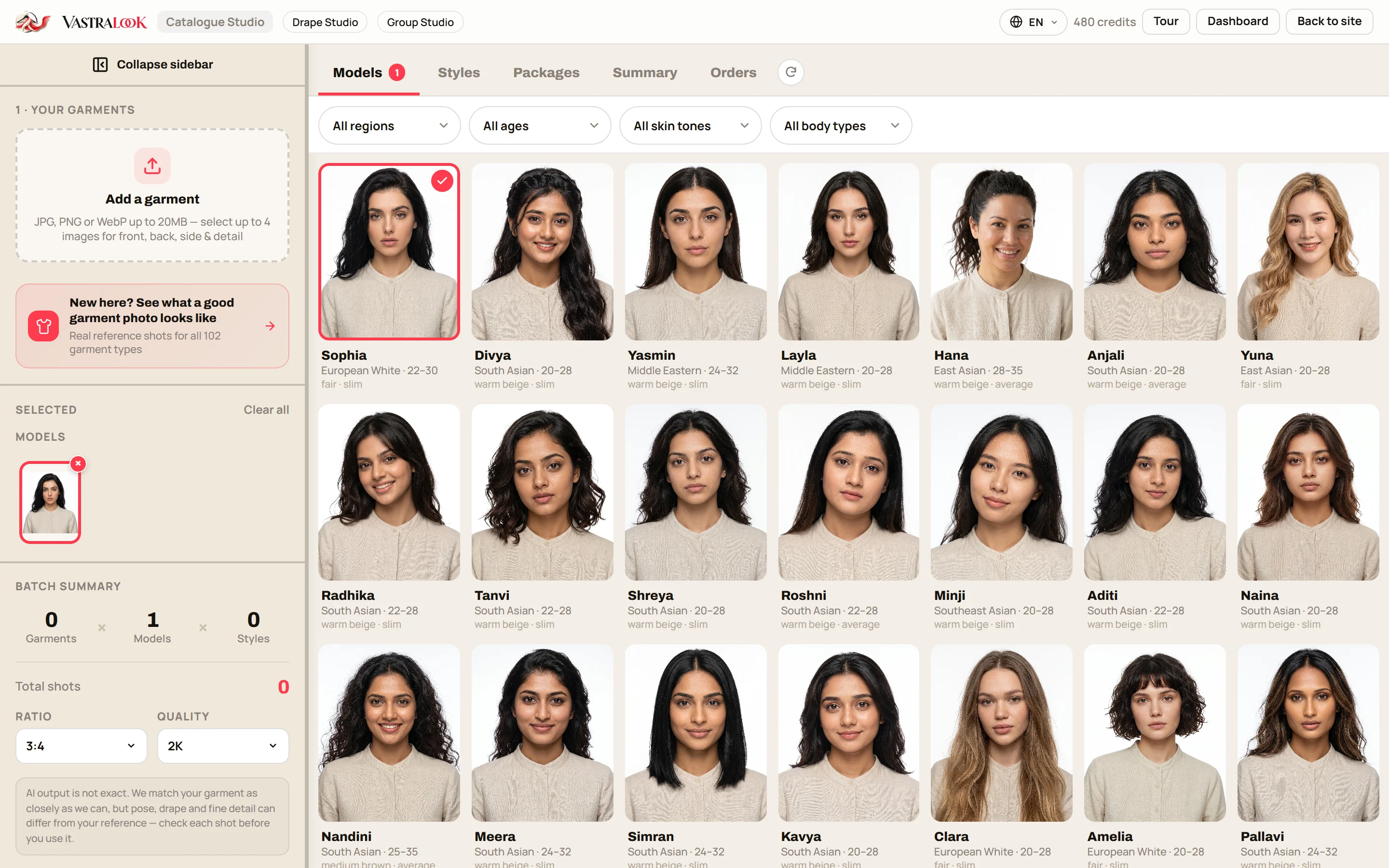
In 1 · Your garments, press Add a garment and choose the front photo of the piece. Everything after this is built from that photo.
Tip Lay the garment flat, fill the frame and shoot square-on. Anything else in the photo (floor, hanger, table) can end up in the result.
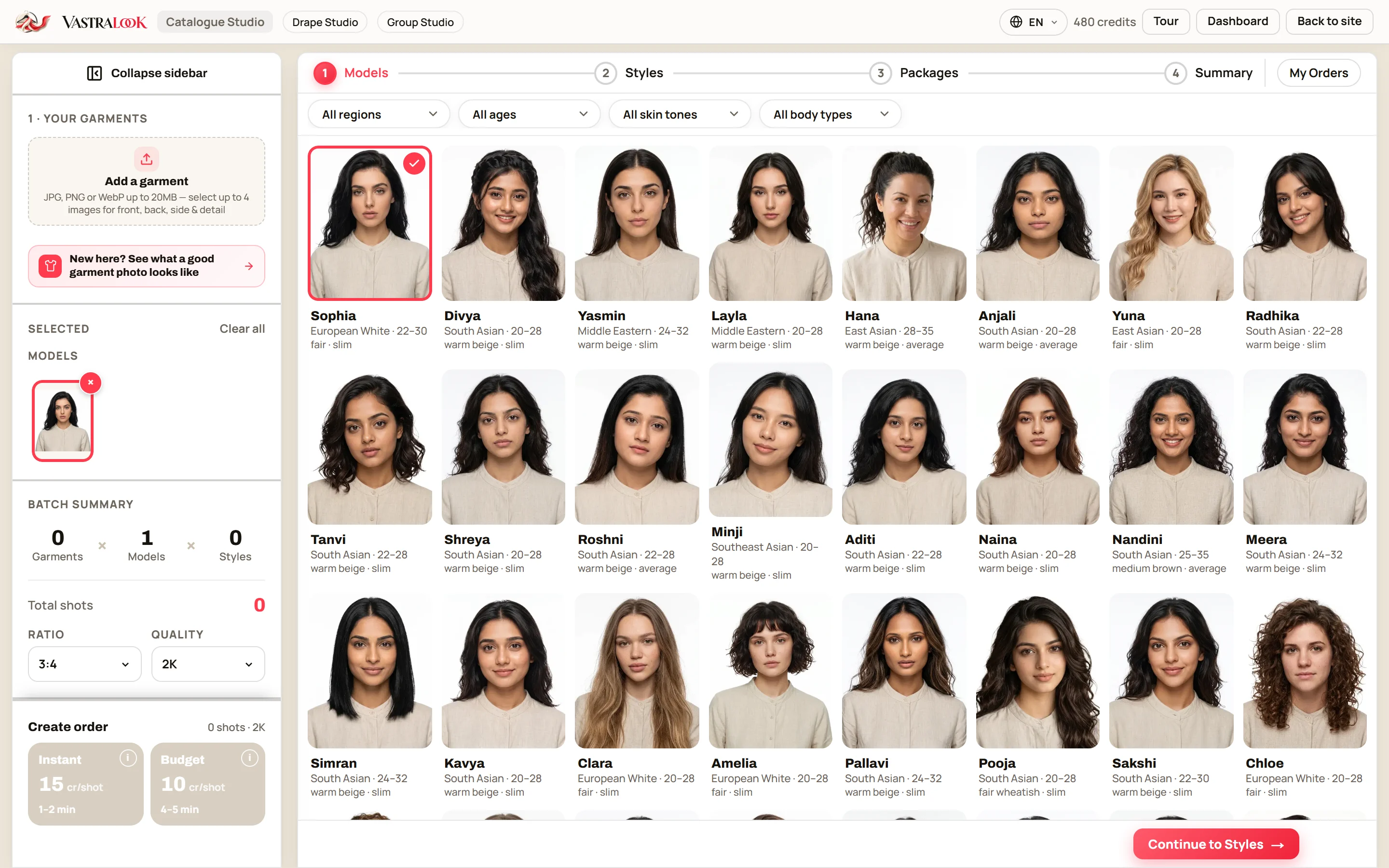
The garment shows in the panel with its photo, labelled FRONT. You can add more sides of the same piece, or another garment.
The strip above the workspace shows where you are. The step you are on is highlighted, and a step you have finished shows a tick. You can press any step to jump to it.
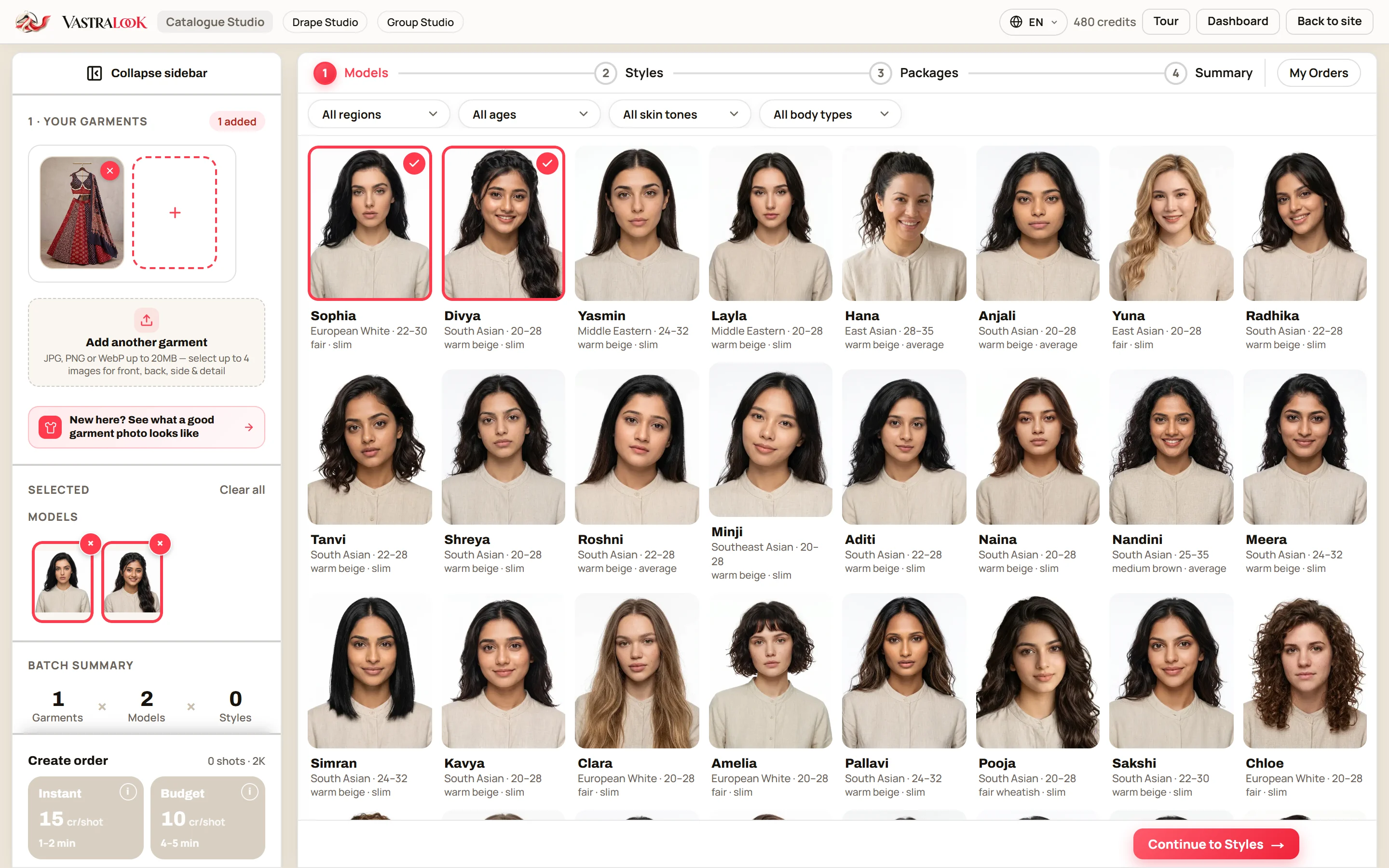
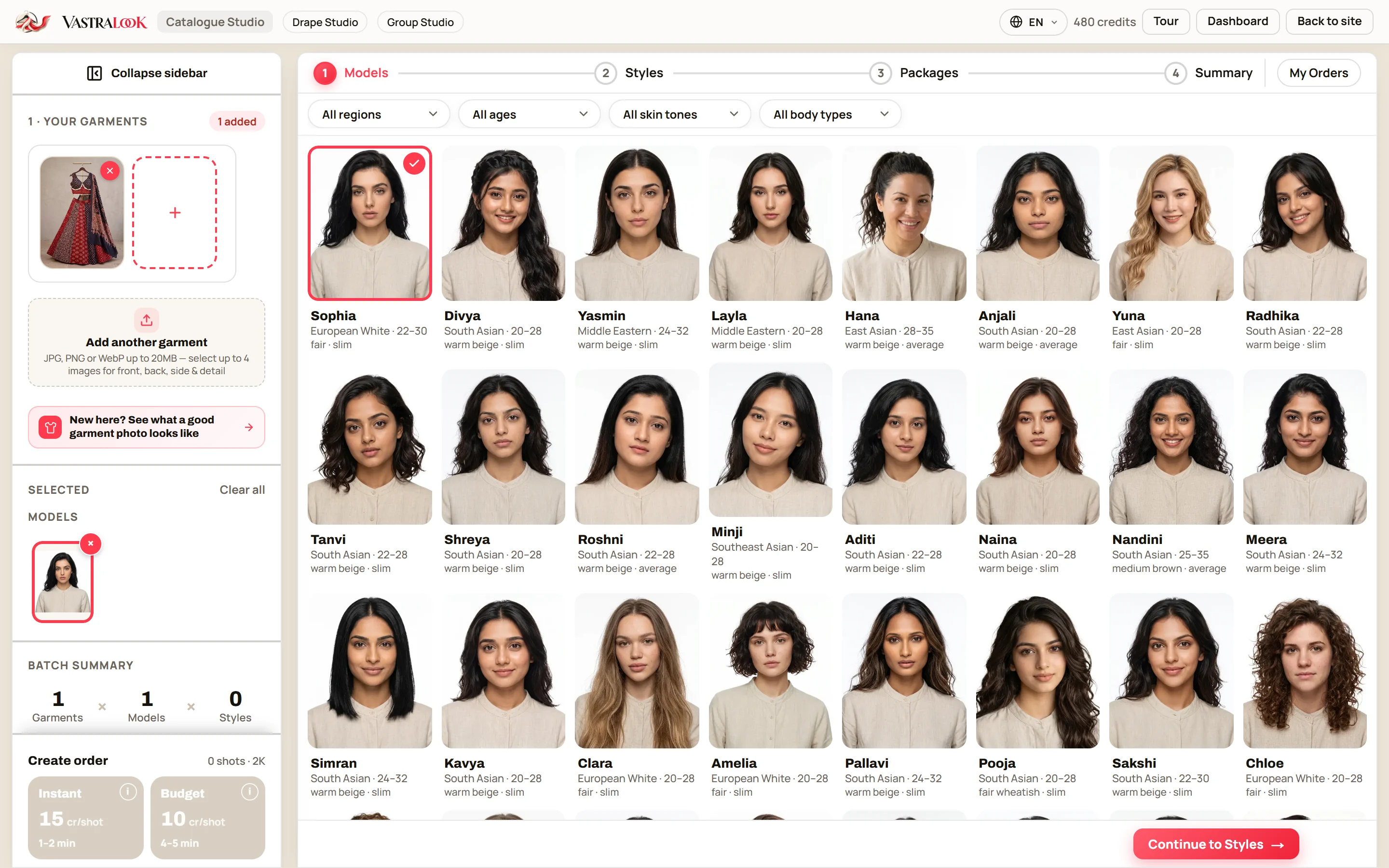
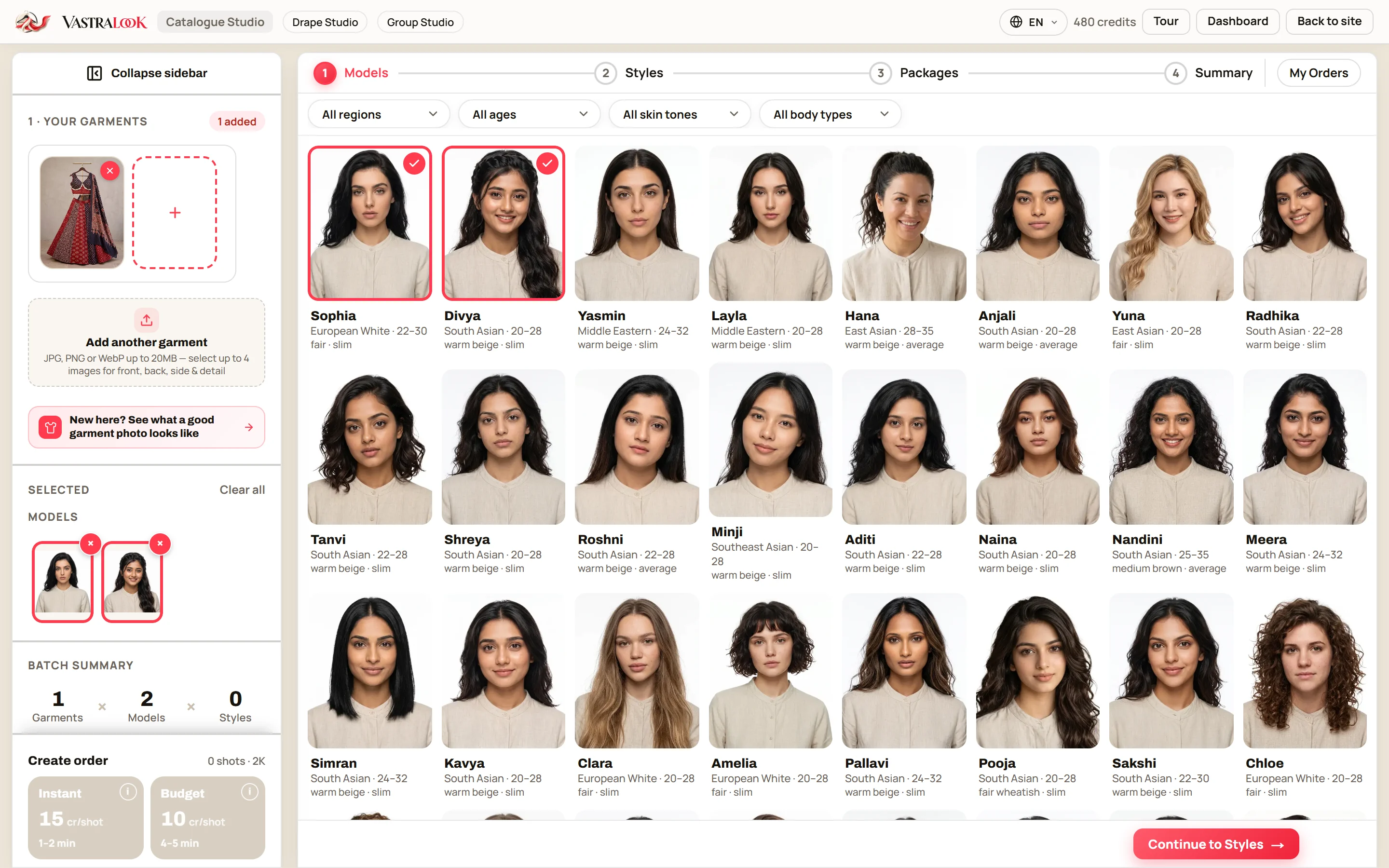
Pick one model or several. Every model you pick multiplies the shots you get. Use the filters to narrow the list.
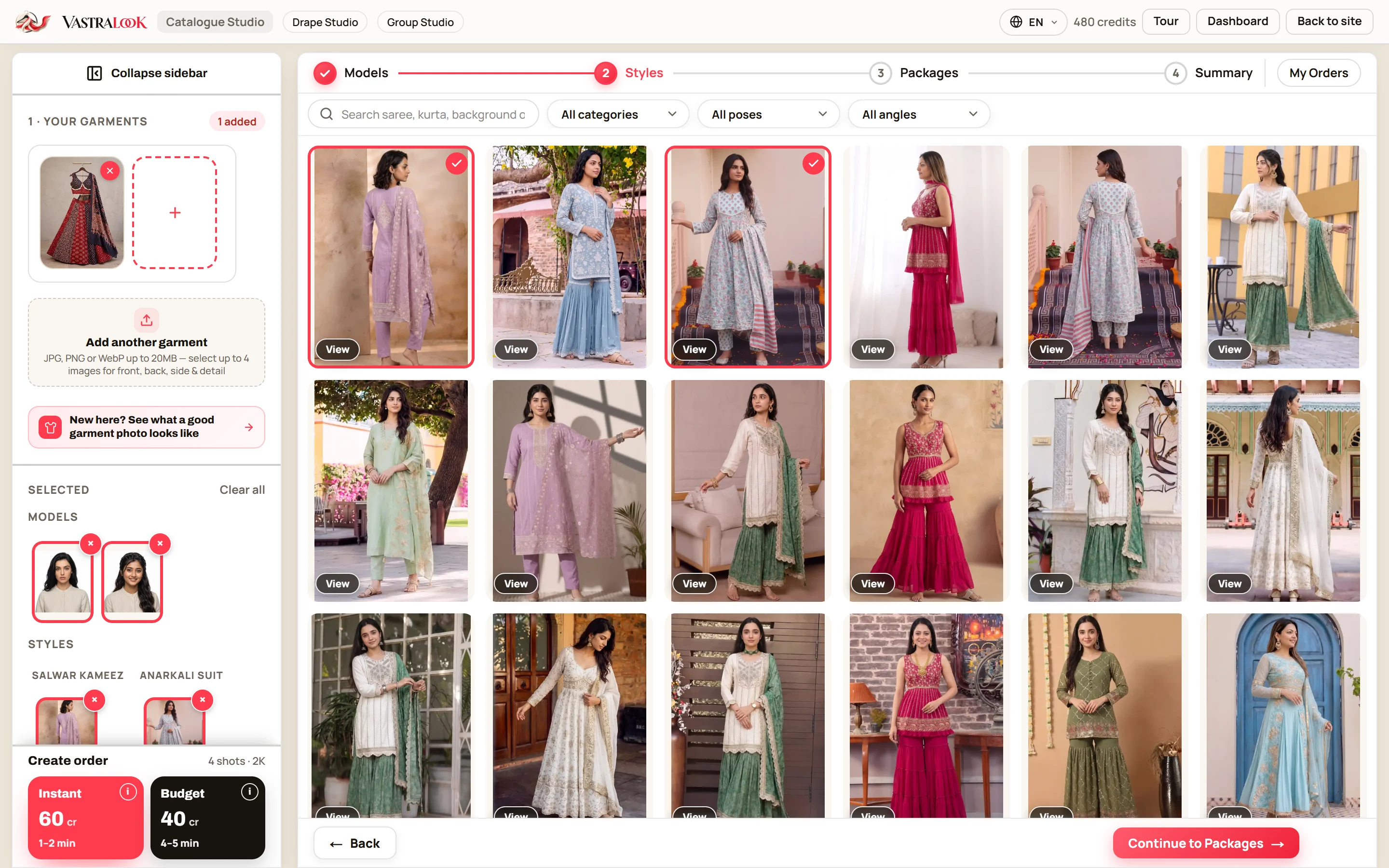
A style sets the pose, the framing and the setting. Pick as many as you like: each style is another shot of the same garment.
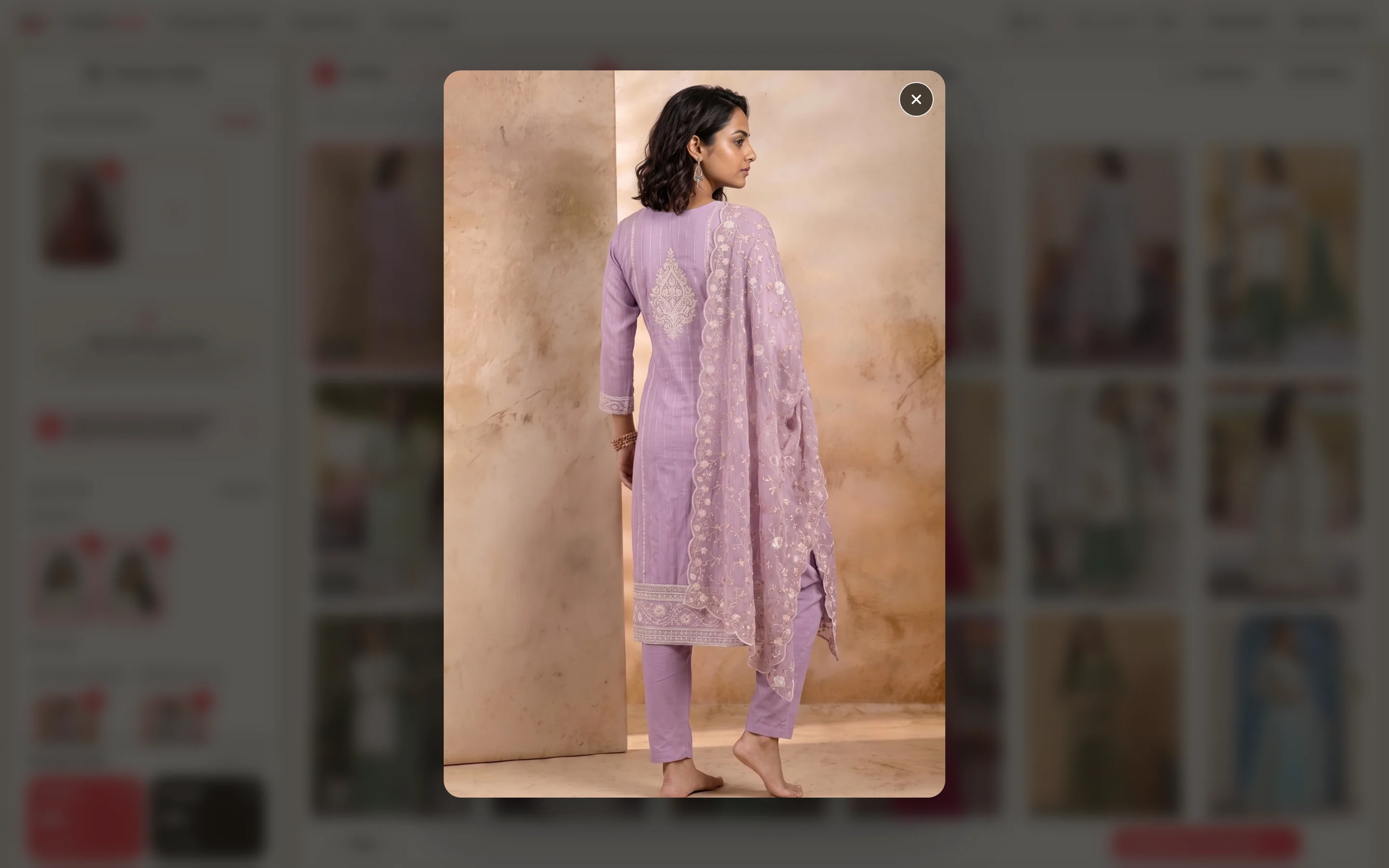
View opens the style full size, so you can judge the pose and the setting. Press ✕ or Esc to go back.
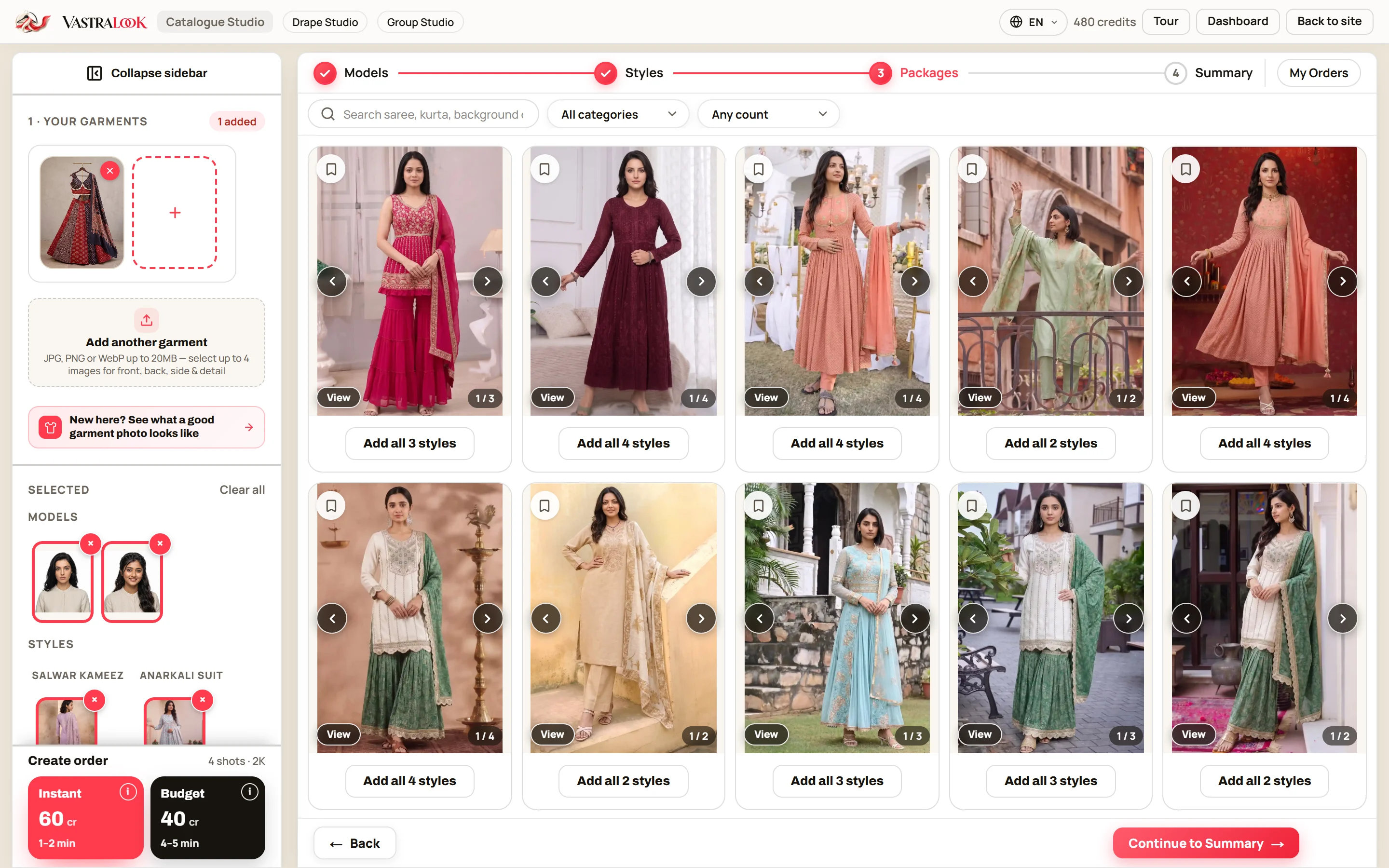
A package is a curated group of styles that work together, so a full catalogue set is one tap instead of many. Flip through a package's scenes, then add the whole set.
A bar at the foot of the workspace moves you along, so you never have to hunt for the next step. Its button always names the step it takes you to.
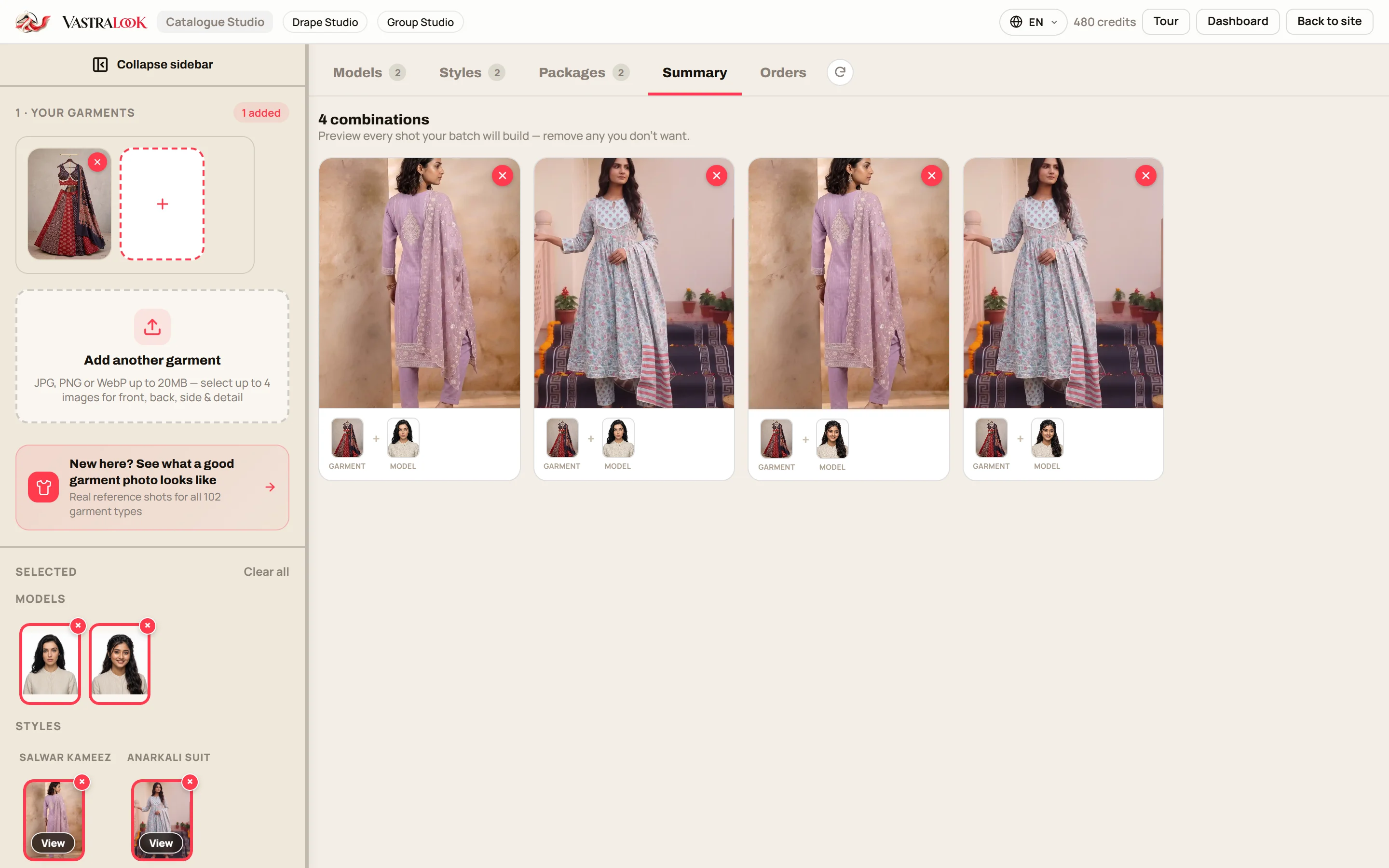
Summary lists every shot the batch will make: each card is one garment on one model in one style. Nothing is charged until you create the order.
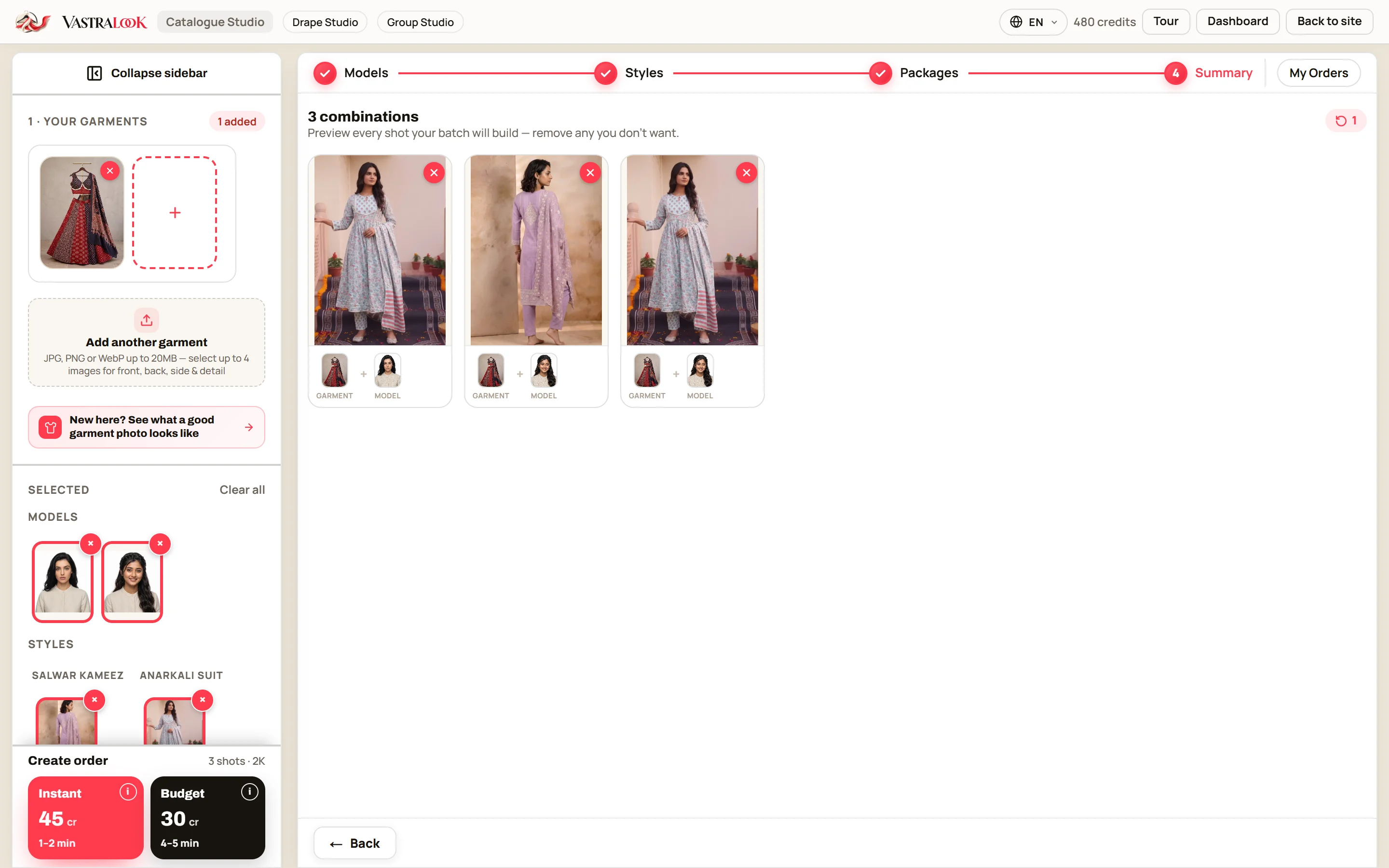
Remove a combination and the count goes down. A Restore button appears to bring every removed one back.
With a garment, models and styles chosen, the left panel shows your whole batch and the cost. The order buttons wait at the foot of the panel.
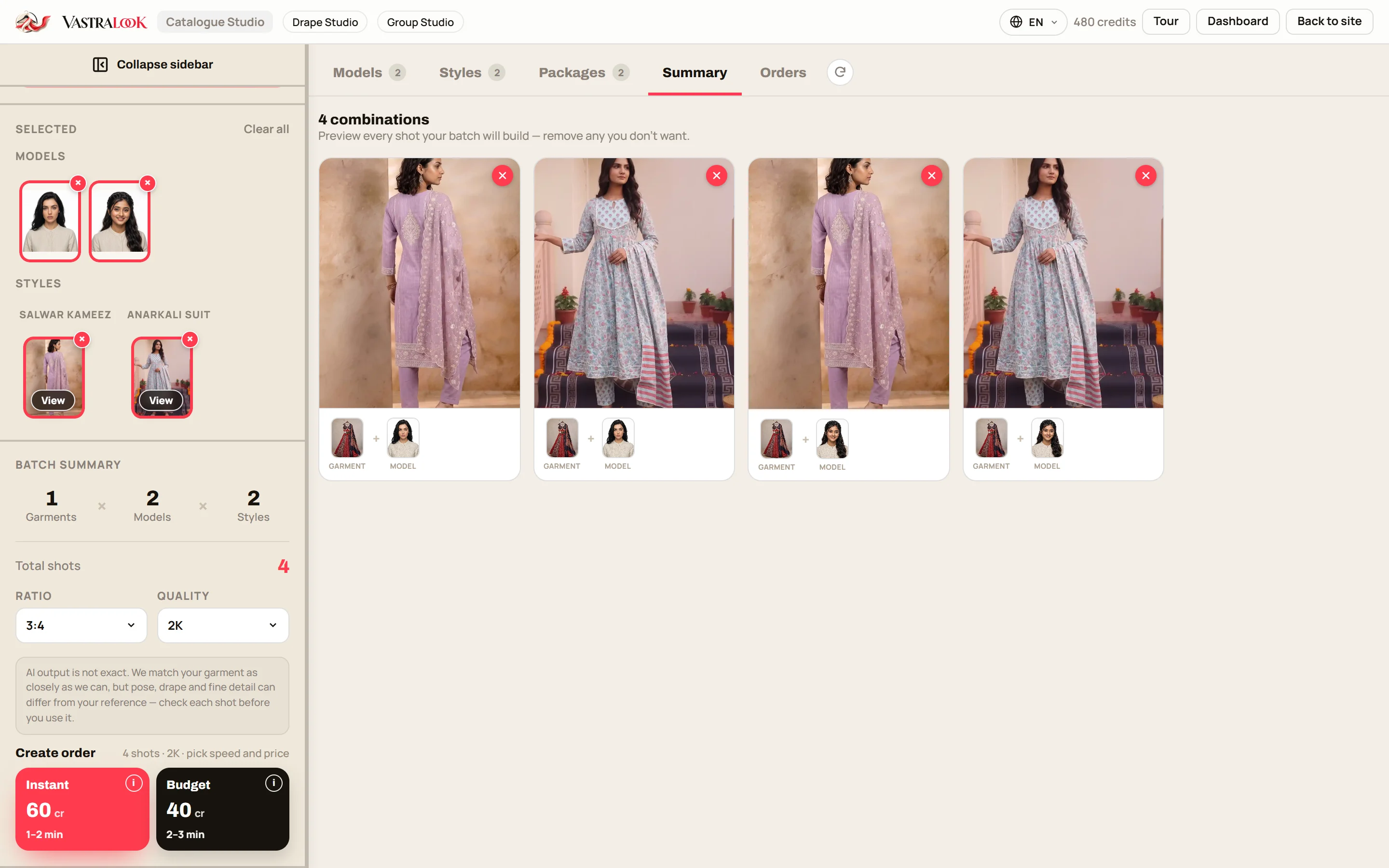
The Selected card in the left panel keeps your picks in view while you move between steps, so you can take one out without going back to the step it came from.
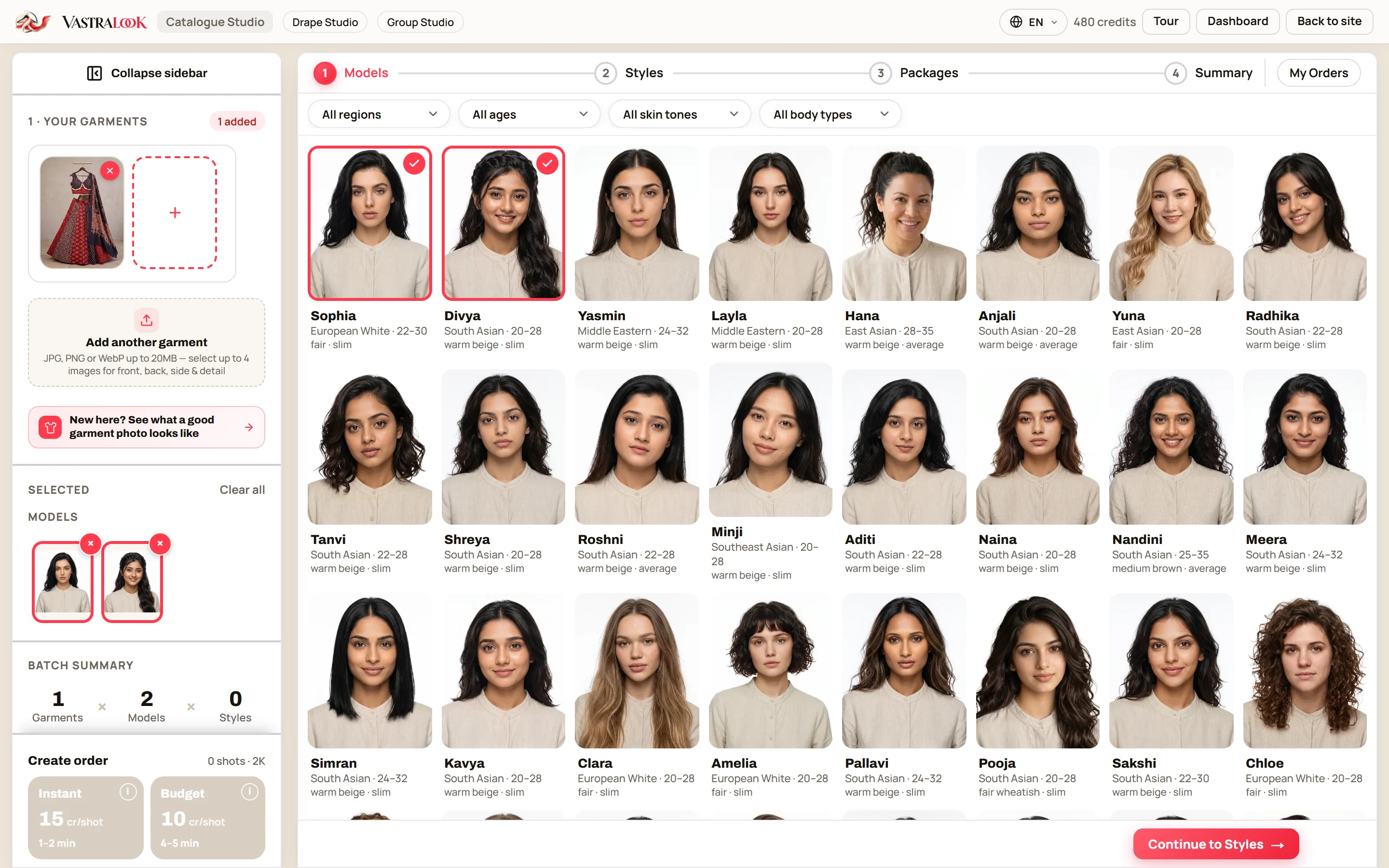
The Create order dock is pinned to the bottom of the left panel, so the buttons are always in reach and never need scrolling to. Each shows the price for your choice.
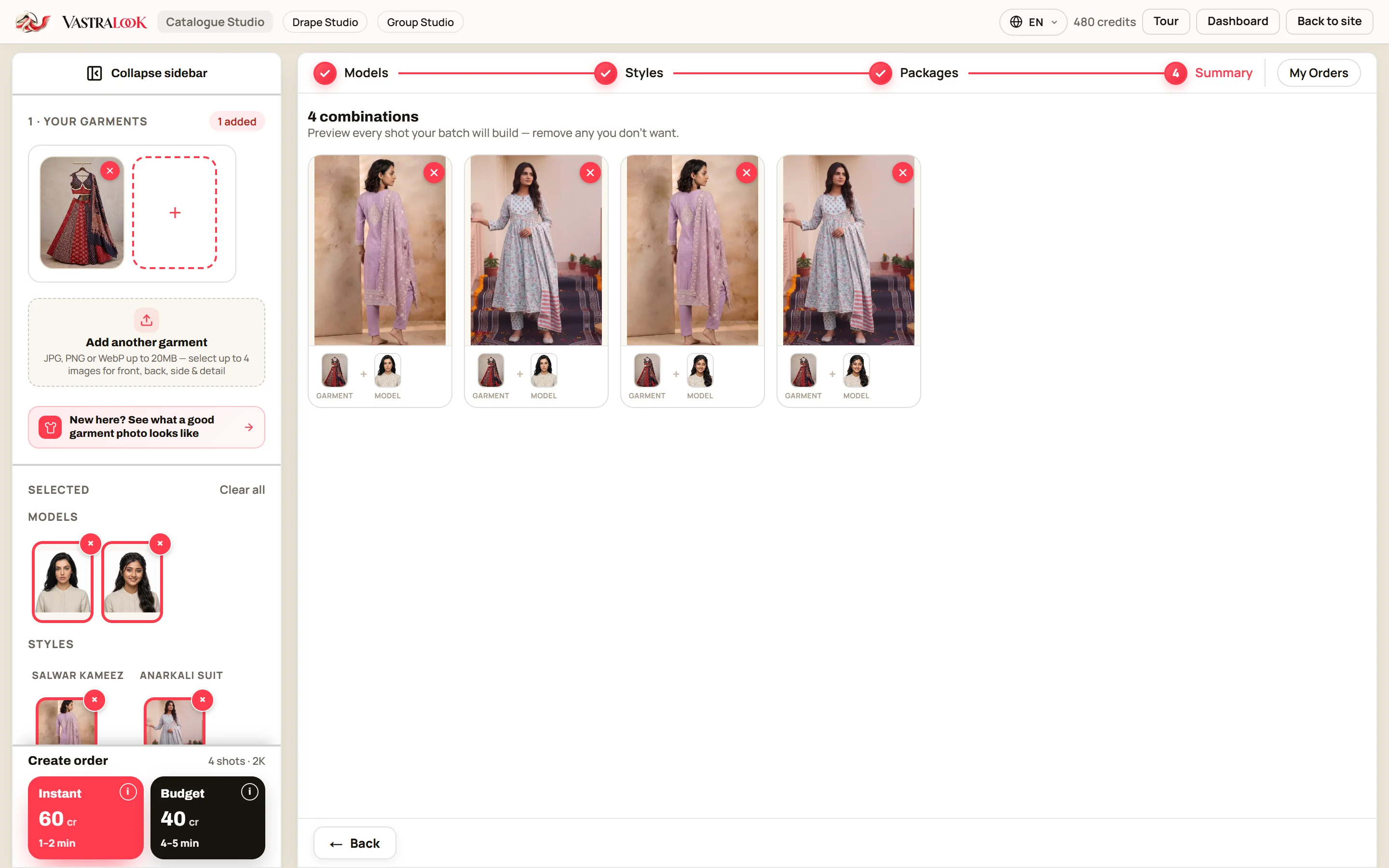
The ⓘ on a button opens its price for each size, how long it takes, and what this order costs. Nothing is charged until you press the button itself.
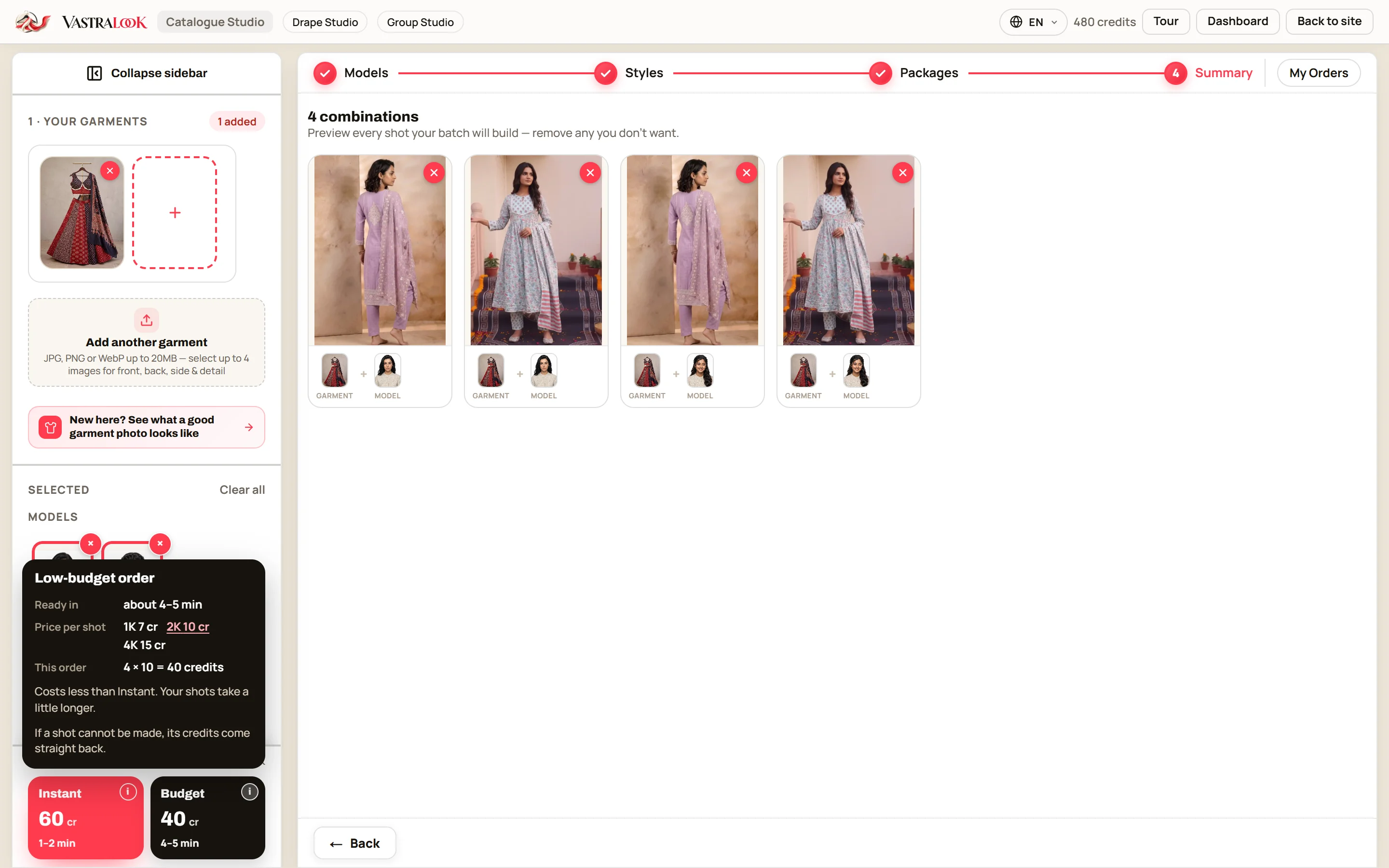
Every order you place lands in My Orders. Watch it progress, cancel a shot that has not started, and download the finished ones. The list updates itself while something is running.
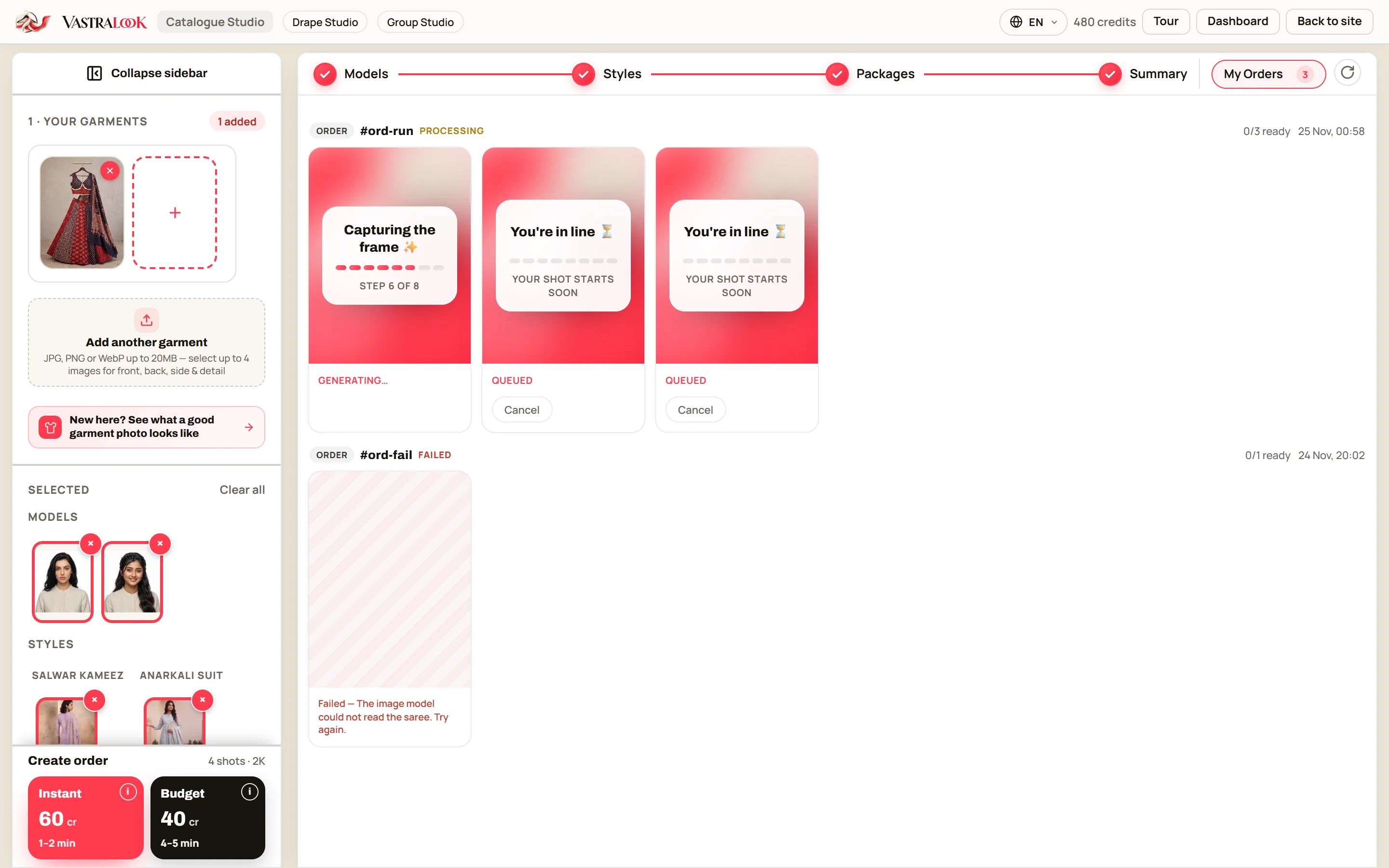
5 garments × 4 models × 6 styles is 120 shots. Trim the combinations you do not need first.
Everything downstream is built from that one image. Lay it flat and shoot square-on.
4K costs 2× as much. Find the looks you like at 1K, then re-run the keepers at 4K.
| Generate batch | Create order | |
|---|---|---|
| Who makes it | You, right now | Our team |
| When | Minutes | Within a day |
| Cost | 20 credits a shot (1K, Flash) | 15 a catalogue shot · 20 a drape shot |
| Needs a plan | Yes | No — free credits work |
Garments × models × styles. The Summary step shows every combination before you spend, and you can remove any you do not want.
Yes. Pick the same model for every batch and the face stays consistent across your listings.
Ask for 50% of its credits back from the shot's card in Orders.
Every new account gets free images after a quick phone verification.