Link and code do different jobs
The invite link gives you both 40 credits when a friend signs up. The code gives them 10% off and you 10% of their credits when they buy.
Every account has one code. Share the invite link and you both get 40 credits; a friend who types the code at checkout gets 10% off, and you earn 10% of the credits they buy.
Updated
40 credits per friend who joins, plus 10% of the credits any friend buys with your code.
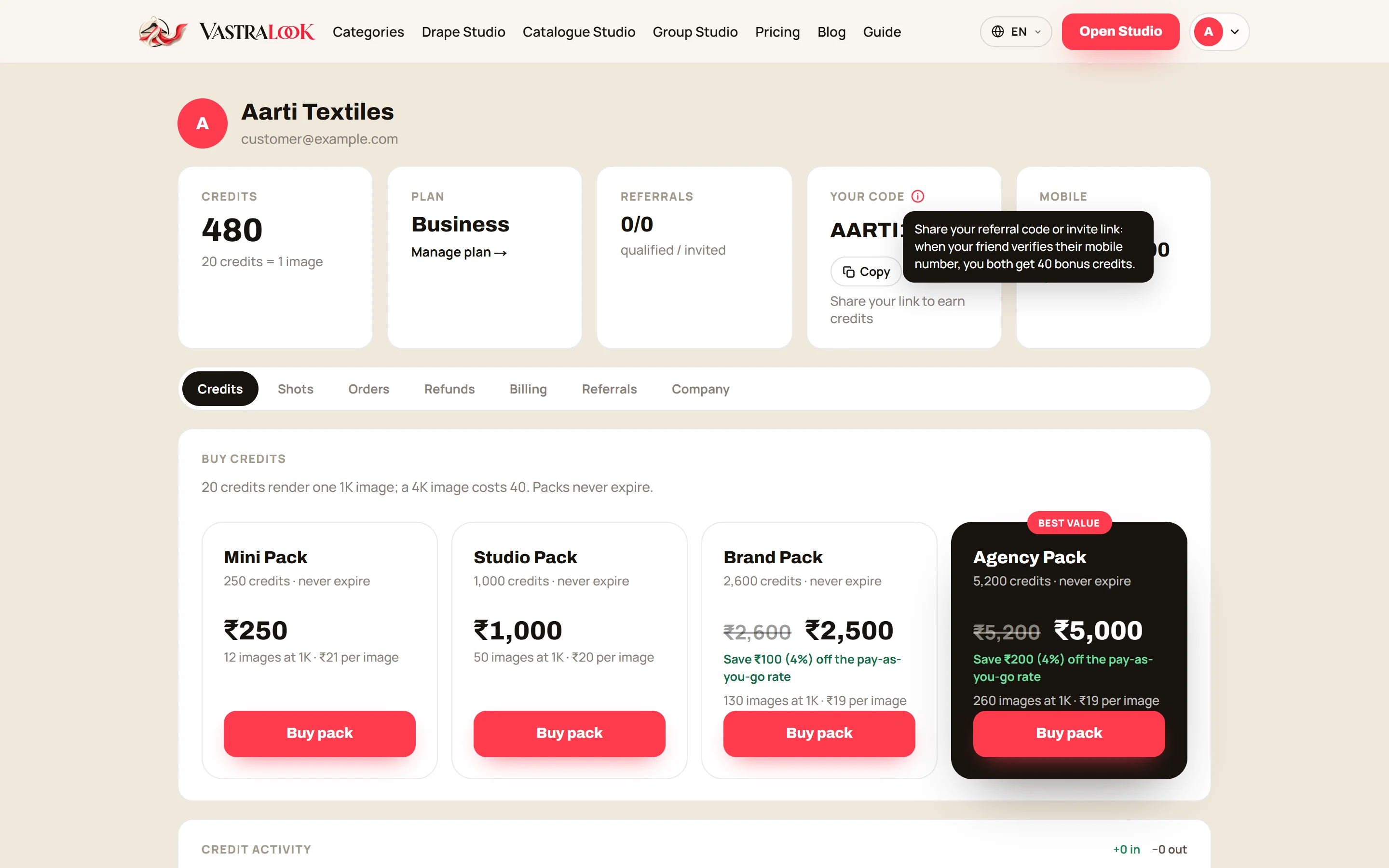
Open your Dashboard. Your code is the fourth card, next to Credits, Plan and Referrals — every account has one from the day it is created.
Hover the ⓘ beside Your code for a one-line reminder of what it does, or tap it to open this guide.
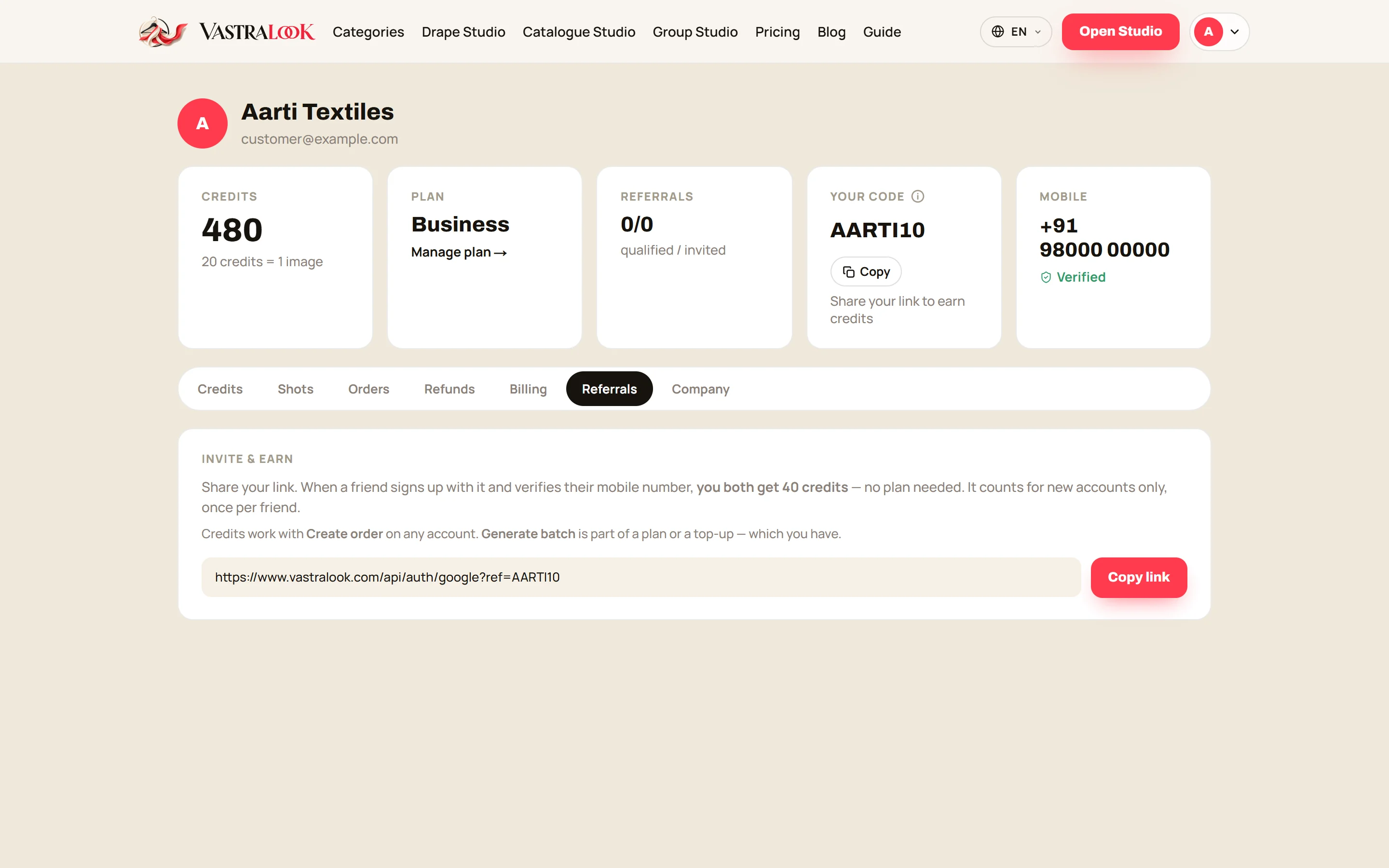
Open Dashboard → Referrals and press Copy link. When a friend signs up with it and verifies their mobile number, you both get 40 credits. No purchase is needed.
It counts for new accounts only, once per friend, and up to 20 friends in any 30 days. Your friend also gets the 40 welcome credits every new account gets.
Tip Share the link, not just the code — the sign-up page has no box for typing a code, so the link is what makes the referral count.
Back on Dashboard → Referrals, Your code at checkout shows how many purchases used your code and how many credits you have earned, with each use listed.
Credits arrive once the payment is confirmed, not when the code is typed — a friend who applies it but does not pay earns you nothing.
The invite link gives you both 40 credits when a friend signs up. The code gives them 10% off and you 10% of their credits when they buy.
A checkout takes a single code. A personal code and an admin coupon cannot be combined.
Checkout refuses your own code — share it instead.
| Invite link | Code at checkout | |
|---|---|---|
| Who uses it | A friend creating an account | Anyone buying a pack or plan |
| Friend gets | 40 credits (+40 welcome credits) | 10% off the price |
| You get | 40 credits | 10% of the credits they buy |
| When | Their mobile number is verified | Their payment is confirmed |
On your Dashboard, in the Your code card. The Referrals tab shows it again with your earnings.
No. It is yours for as long as the account exists.
Yes — 10% off either, before GST.
No. It is fixed when the account is created.
Every new account gets free images after a quick phone verification.