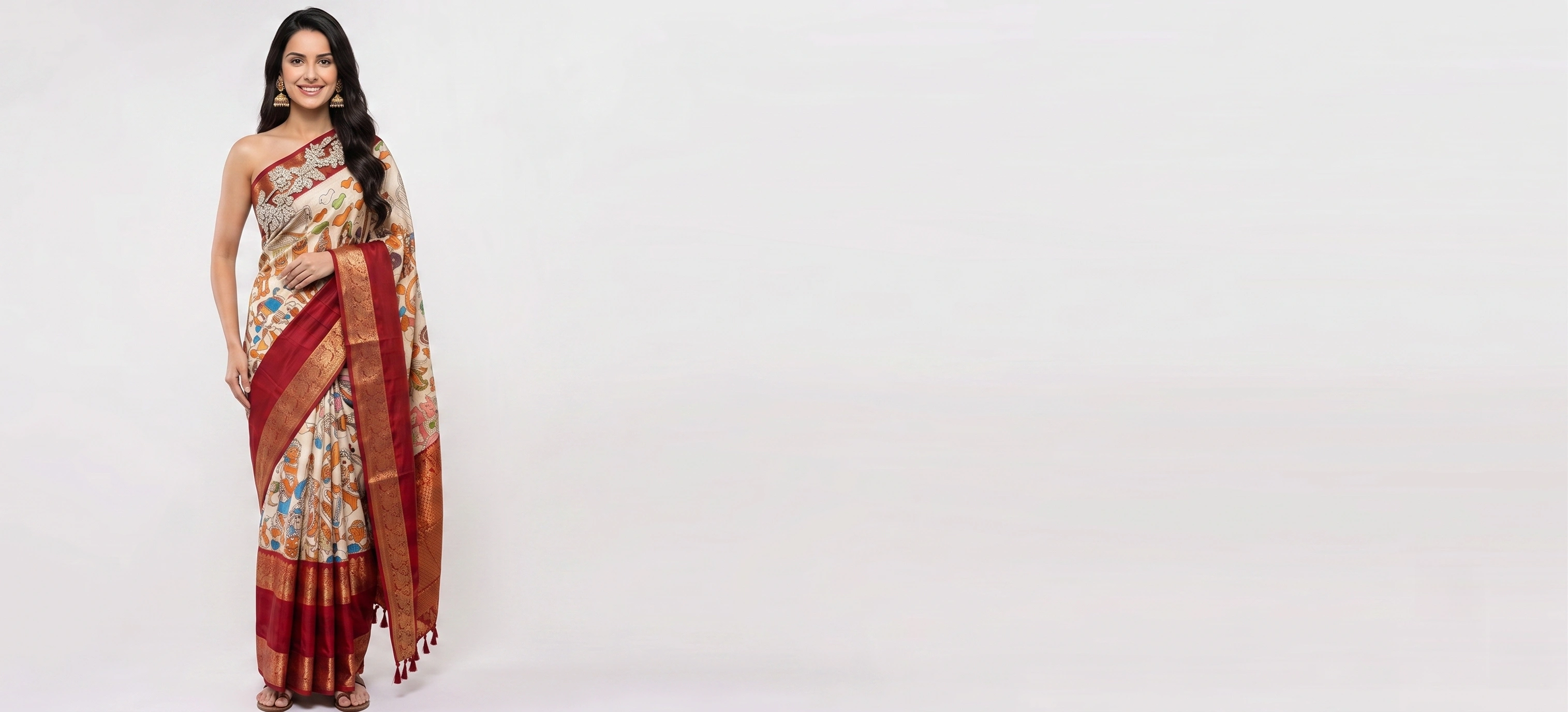
A few years ago, "saree photo editing" meant removing a background or brightening a dull photo. Today most sellers searching for it want something bigger: a model wearing the saree, photographed well enough for Myntra, Meesho or a WhatsApp catalogue, without booking a shoot. AI can do that now — but only if you give it the right input and tell it how a saree works.
What you need before you start
- One photo of the full saree — body and pallu together — laid flat or hanging
- Cropped tight to the fabric: no floor, table or hanger in the frame
- Even daylight, no filter or beauty mode — colour casts carry into the result
- Optional: one photo of the blouse piece, cropped to just the blouse
- Optional: a straight-on close-up only of a part with its own detail, like zari or a border
Step by step: saree photo to model photo
- Upload the full saree
In Drape Studio, choose Saree and upload your photo to Saree with Pallu Fabric.
- Check the cut
The studio finds the cloth's edges. Drag a corner if the outline misses any fabric, or press Remove background to cut round the cloth automatically — even a scalloped lace edge. Lasso lets you trace the cloth by hand.
- Mark the pallu
Set Pallu at top or bottom so the pallu design goes over the shoulder, not into the pleats.
- Mark the repeat
If the body pattern repeats, add a repeat line so the print tiles correctly across the drape.
- Add the blouse
Upload the blouse fabric separately and choose its shape and sleeve length.
- Pick model, pose and marketplace
Choose a model and drape poses, or pick Myntra, Amazon, Flipkart or Meesho to set them for you.
- Generate or order
Generate it yourself in minutes, or Create order and we deliver in 3–4 minutes.
Why the pallu and blouse need special care
General AI image tools treat a garment as one picture to copy onto a person. A saree is six yards of cloth with three jobs: pleats at the waist, the body around the hips, and the pallu over the shoulder — plus a blouse that is often a different fabric. If the tool cannot be told which end is the pallu, the most decorated part of your saree ends up hidden in the pleats.
| Saree type | What to upload | What goes wrong |
|---|---|---|
| All-over print | One tight photo of the full saree | Extra close-ups of the same print mix the sections up |
| Placement print | The full saree, so the motif's position is visible | Cropping to the motif repeats it everywhere |
| Plain | One photo in natural light; a weave close-up for silk | Colour casts from indoor light |
| Plain with border | Full saree with the border visible along its length | A border strip as the main photo makes the whole saree border-patterned |
| Designed pallu | Full saree with the pallu visible; mark the pallu end | The pallu design landing in the pleats |
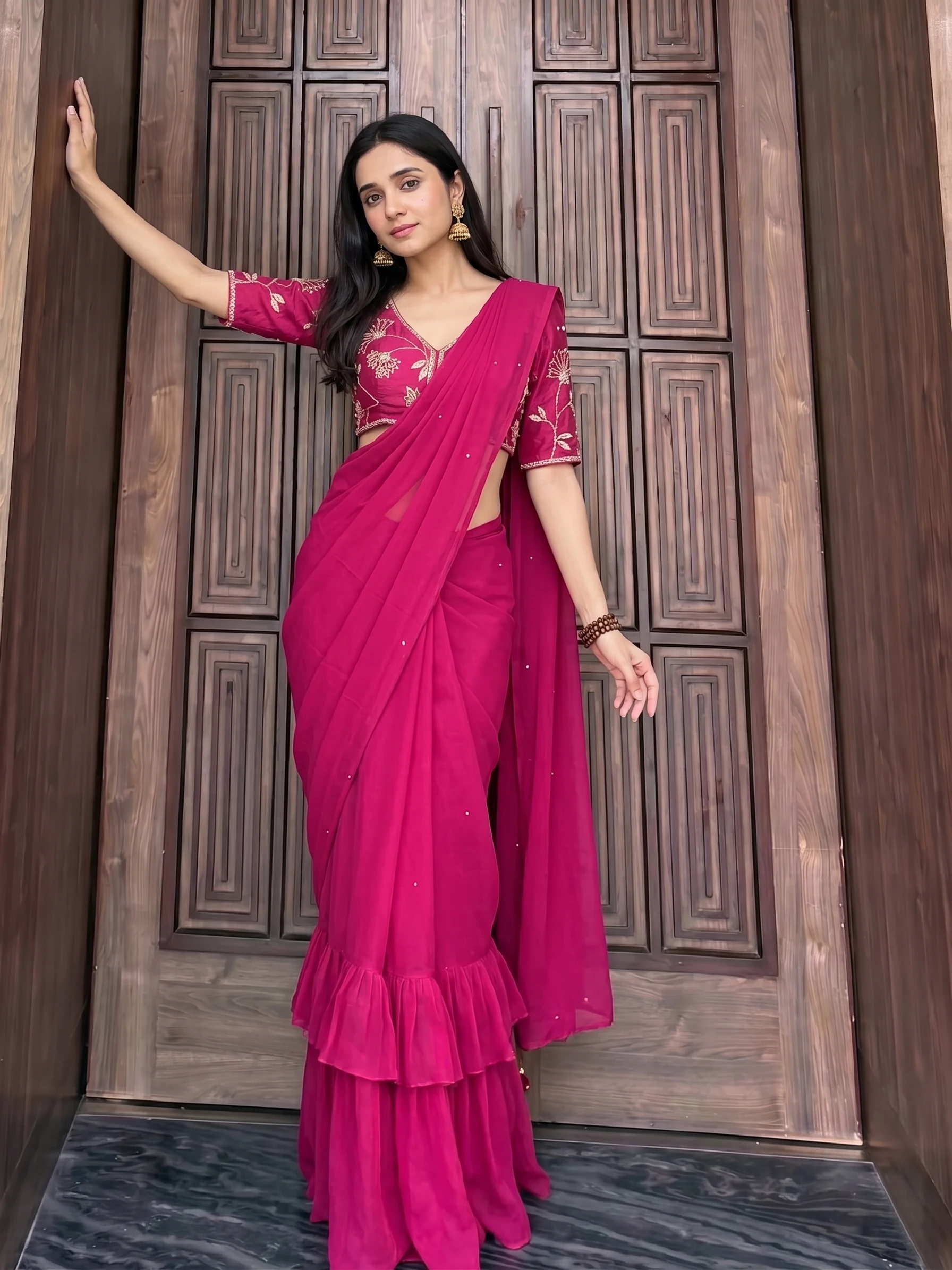
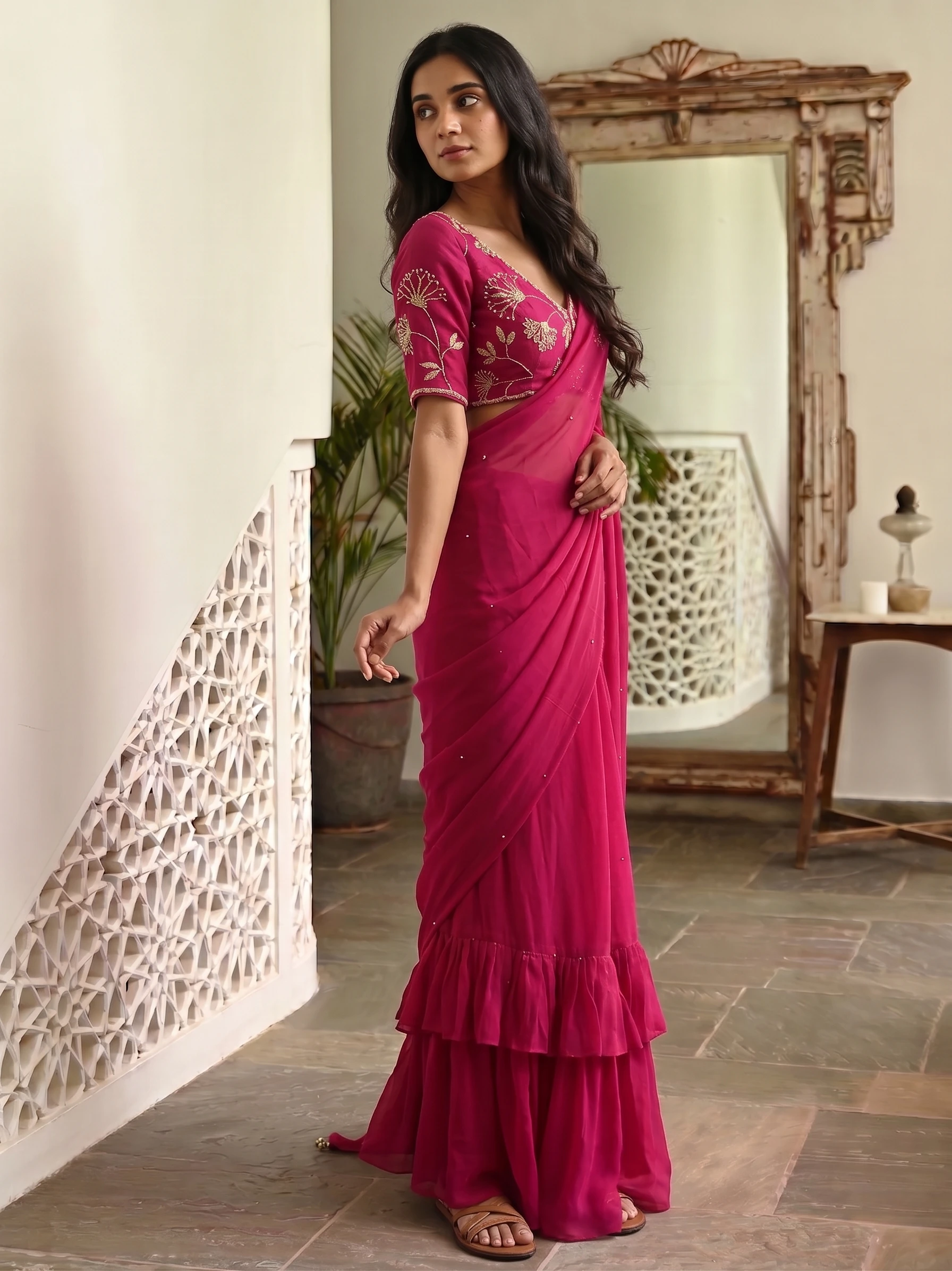
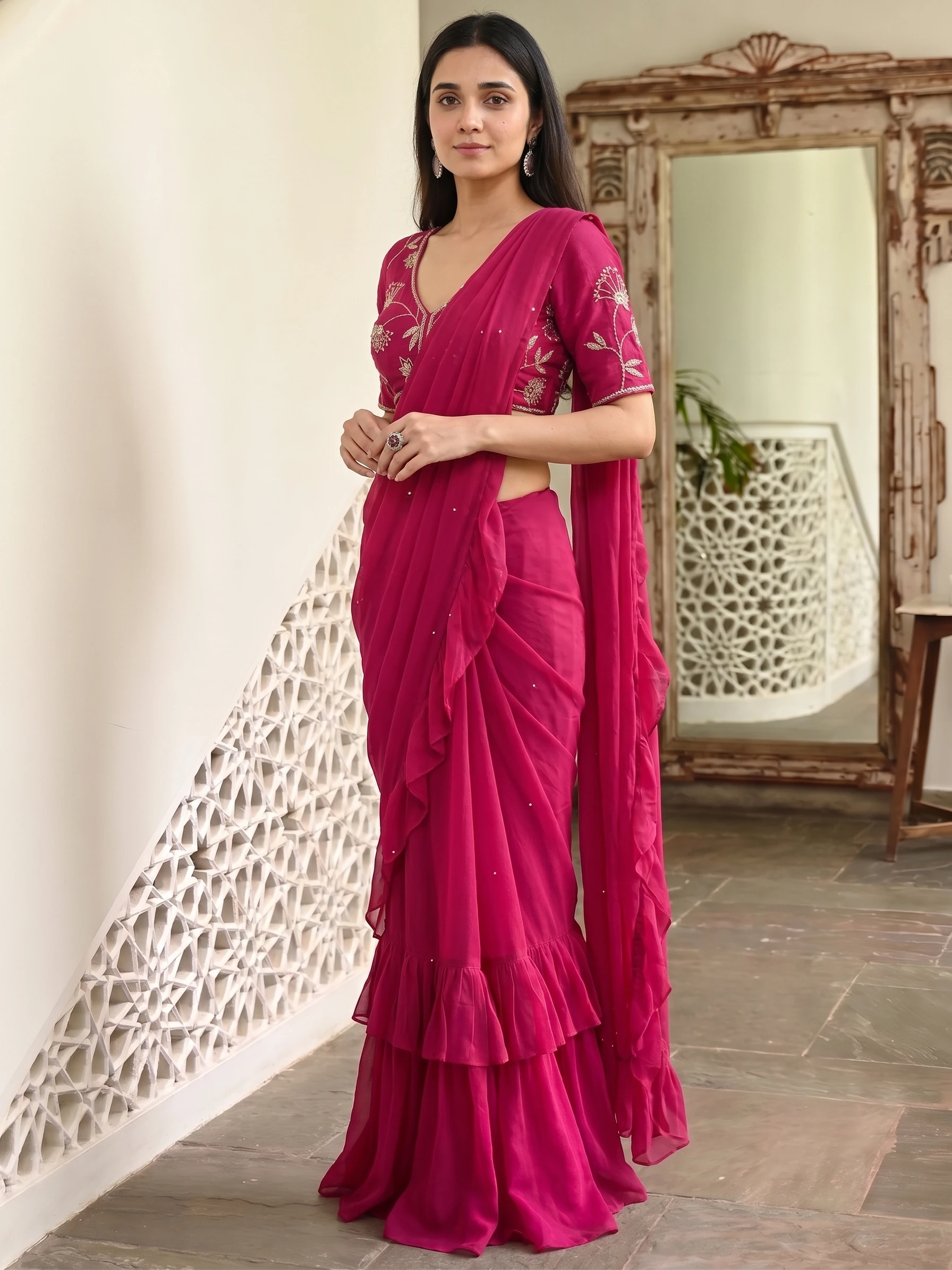
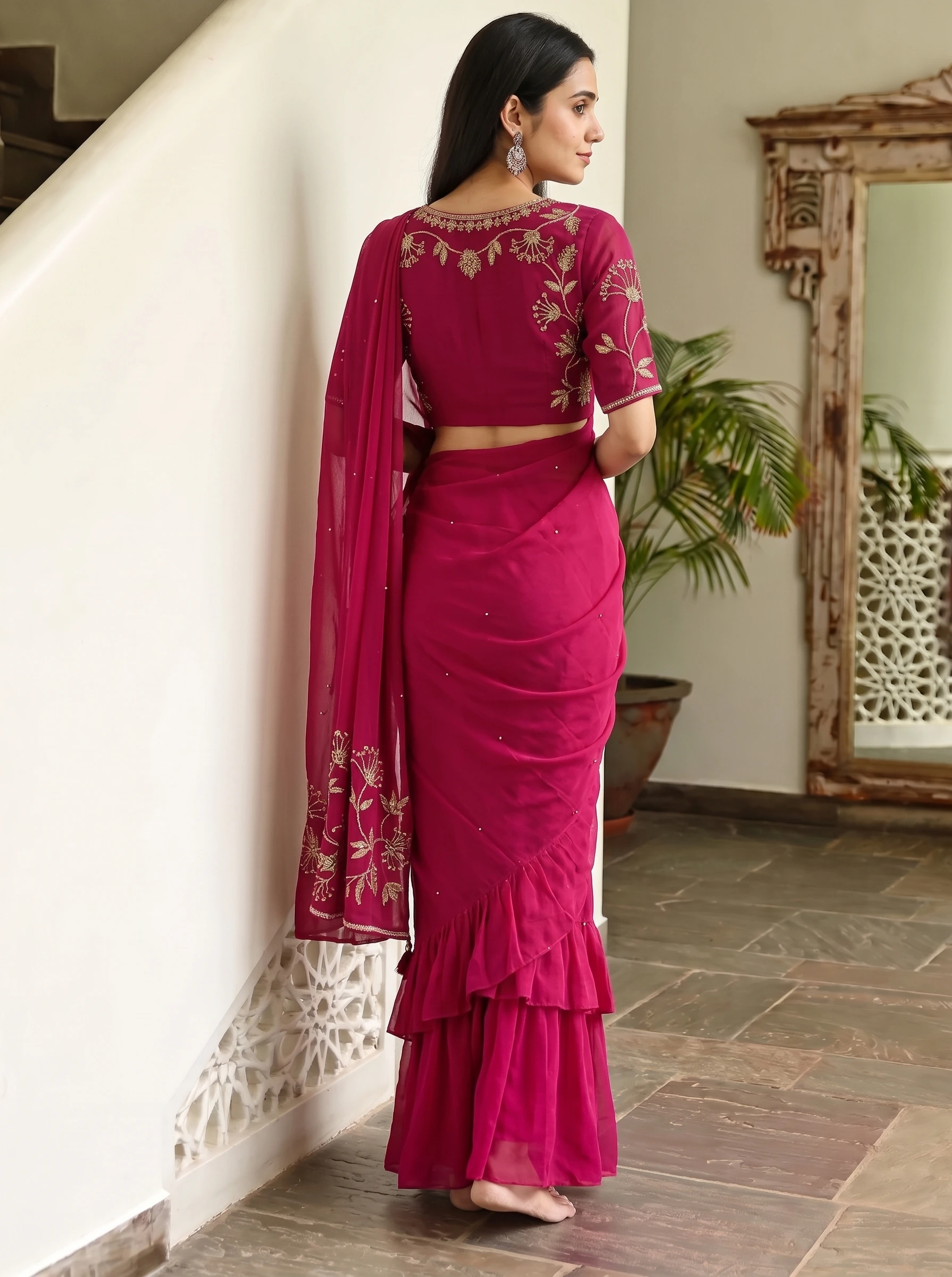
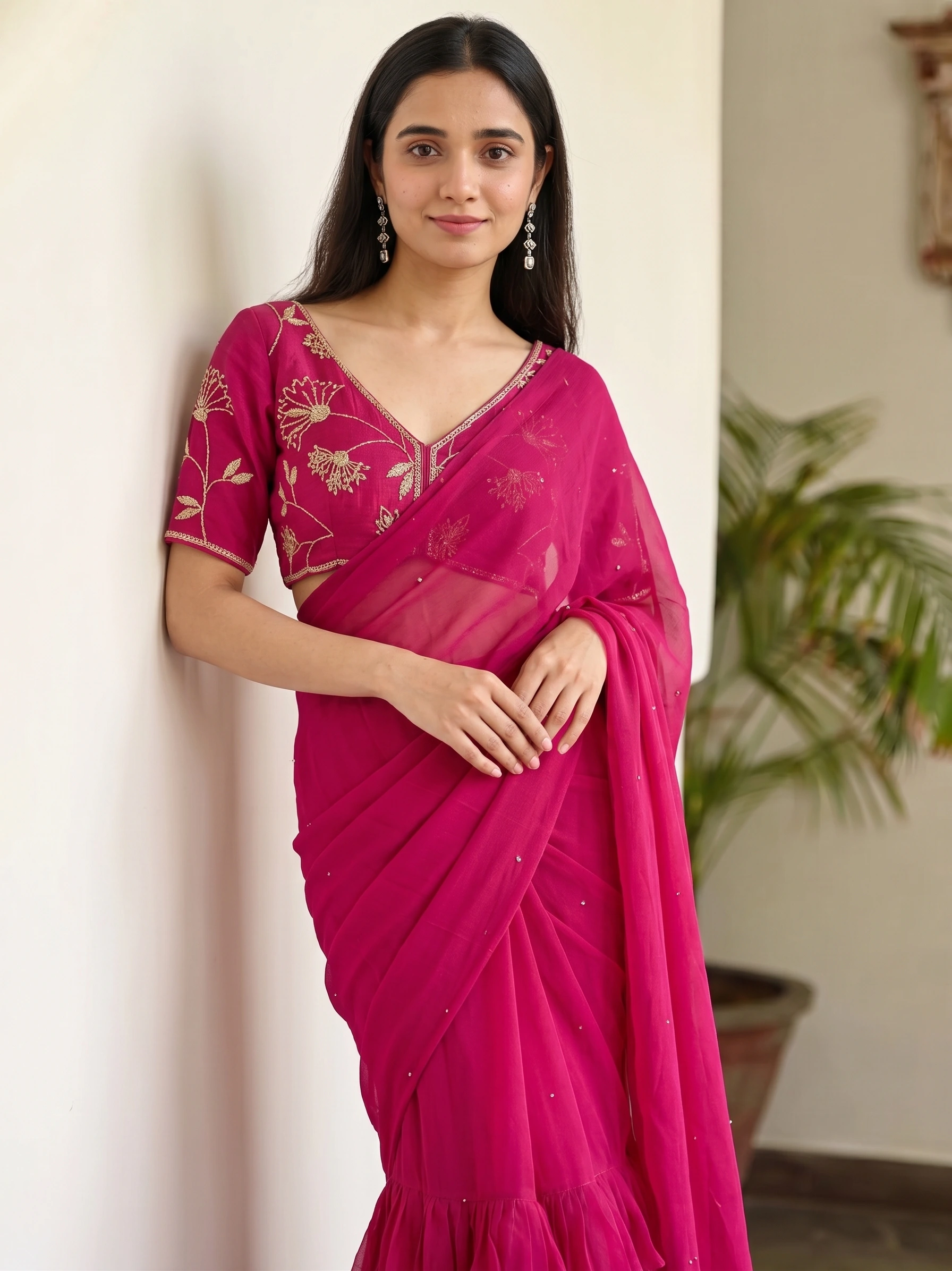
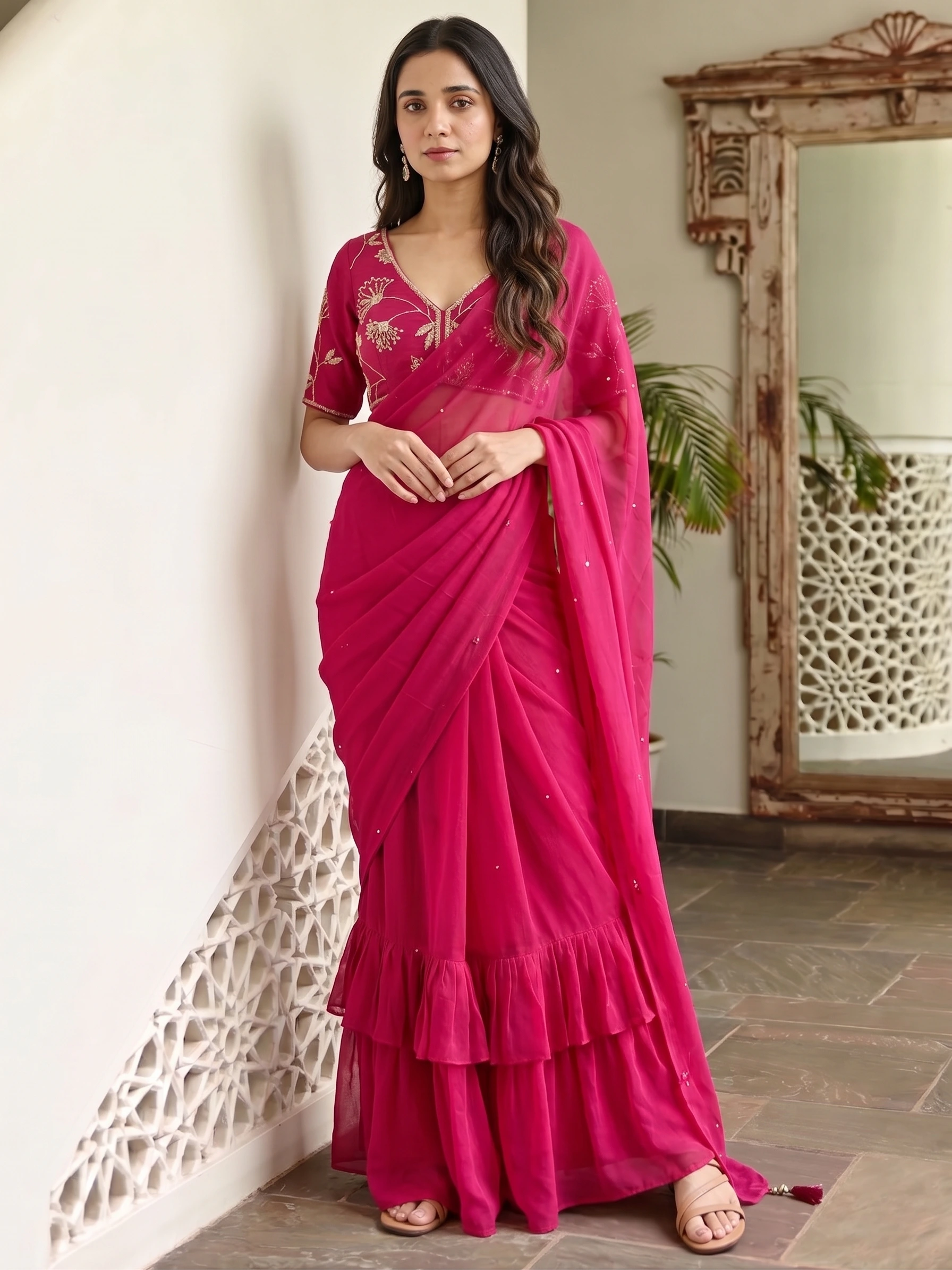
Six frames from one package in our library — the same saree, consistent across front, side and detail shots. This is what a full listing set looks like.
What it costs
Credits come in rupee packs from ₹250, and top-up credits never expire. Generating yourself is part of a plan (Starter is ₹1,099 a month); Create order is open to everyone, including the up-to-4 free 2K images you get after verifying your phone. If a shot misses, you can ask for 50% of its credits back.
Three mistakes that ruin AI saree photos
- A blouse photo that also shows the saree — the AI copies the saree border onto the blouse.
- Uploading every photo you have — five photos of the same print are five competing instructions.
- Skipping the pallu — without it, the pallu design can end up in the pleats.
Can AI edit a saree photo onto a model?
Yes. A drape tool takes one flat photo of your saree, works out the pallu, body and border, and renders a model wearing it. The fabric, border and pallu should match your saree; the exact pleat count can differ, because the saree is draped naturally.
Do I need a photographer or a model?
No. A clear phone photo of the saree in daylight is enough. You pick a ready-made model, or upload a model photo if you want the same face across your catalogue.
How much does AI saree photo editing cost?
On Vastralook, about ₹20–₹25 for a 1K photo you generate yourself, depending on the credit pack, or 8 credits (1K) / 10 credits (2K) a shot as a Create order. 4K costs 2× the 1K price.
Which photo works best?
The full saree, laid flat or hanging, cropped tight to the fabric, in even daylight with no filters. Add a blouse photo only if the blouse is a different fabric.
Can I remove the background from a saree photo?
Yes. In Drape Studio, Remove background finds the cloth in your photo and cuts round it, so the backdrop never reaches the drape. It follows scalloped lace edges, and Restore background brings the original photo back.
Is there a free AI saree photo editor?
Vastralook gives up to 4 free 2K images after you sign in and verify your phone, enough to see your own saree on a model before you spend anything.
Which AI tool is best for saree photo editing?
It depends on how you work: price per image, whether credits expire, saree-specific controls like the pallu, and whether someone can make the shots for you. Our comparison of AI saree photography tools sets them side by side with dated prices.