
A seller in Jaipur lists a new kurti on Meesho on Monday. On Tuesday she wants it on her Instagram page. On Wednesday a reseller asks for photos on WhatsApp. It is one garment and three places, and each place wants a slightly different picture. Most sellers solve this with one phone photo of a kurti on a hanger, sent everywhere, and then wonder why the listings do not sell as well as the shop next door.
Every place you sell wants a different picture
A marketplace listing needs a clean, tall picture of the garment. An Instagram feed post is 4:5, so it needs room above and below the model. A WhatsApp catalogue picture is usually square, and a Status or a Reel is full-height 9:16. If you shoot once and crop everything afterwards, heads get cut, hems disappear and the garment ends up small in the frame. If you shoot again for each place, you are paying for the same shoot three times.
Product photos for Instagram clothing sellers have a second job as well. A flat photo of a garment tells a buyer the fabric and the colour. It does not tell her how the garment hangs on a person, how long the kurti is, or whether the dupatta suits it. That is why on-model photos get more attention when she scrolls, and why sellers who only had flat photos keep asking how to get model photos without hiring a model for every design.
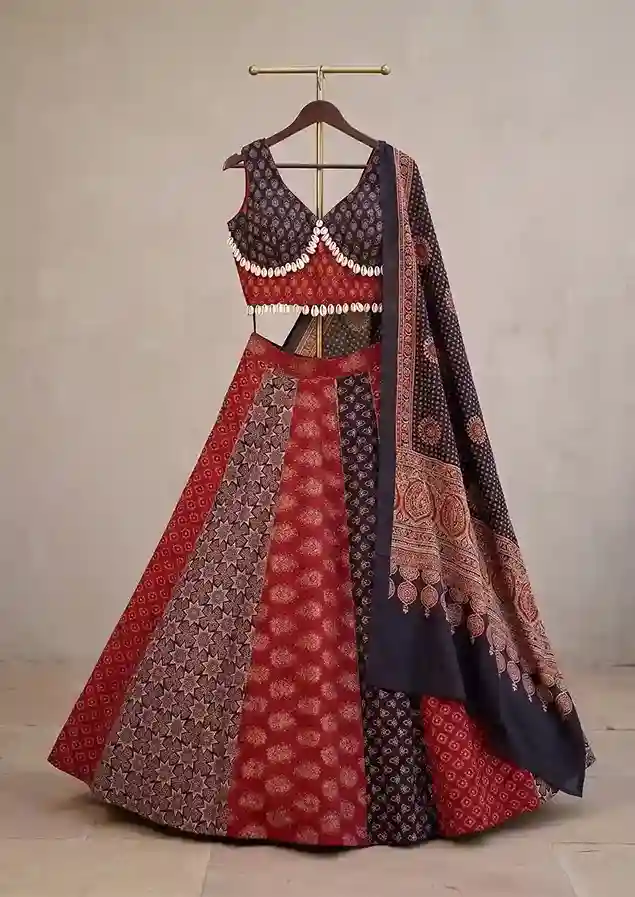 Your garment photo
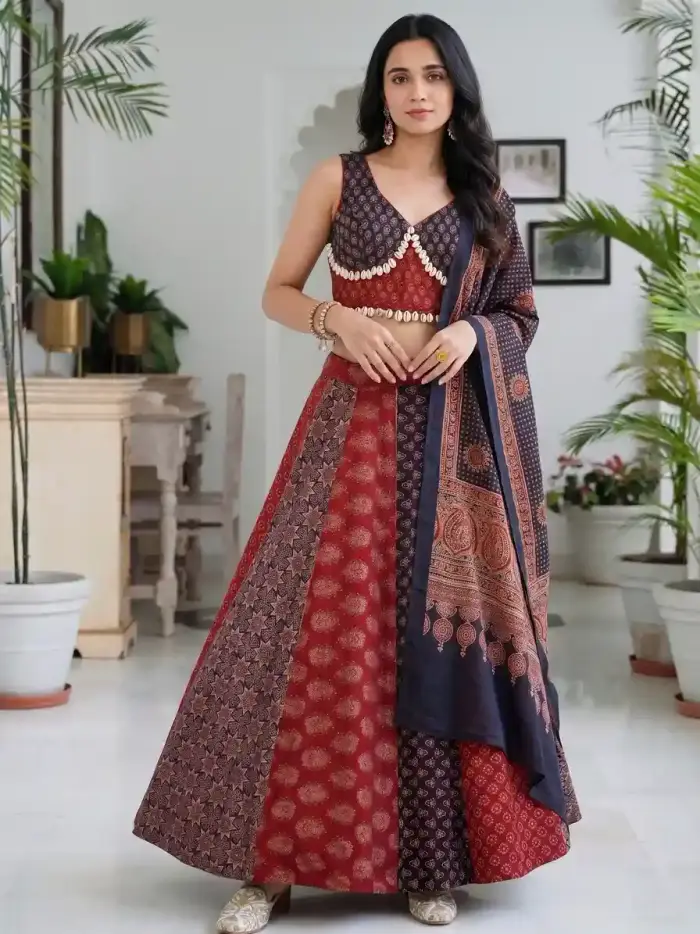 On a model
The left photo is a lehenga set on a hanger, the way most sellers photograph stock. The right photo is the same set on a model. Compare the skirt panels, the dupatta and the blouse trim.
How Catalogue Studio makes model photos for your catalogue
You start from your own garment photo: a flat-lay, a hanger shot, a mannequin or a packshot. Front, back, side and detail photos help. Your photo is the reference, so Vastralook does not invent a new design.
- Upload the garment
Front, back, side and a close-up of any embroidery or print. Use your original product photo, shot square-on in even light.
- Pick the model
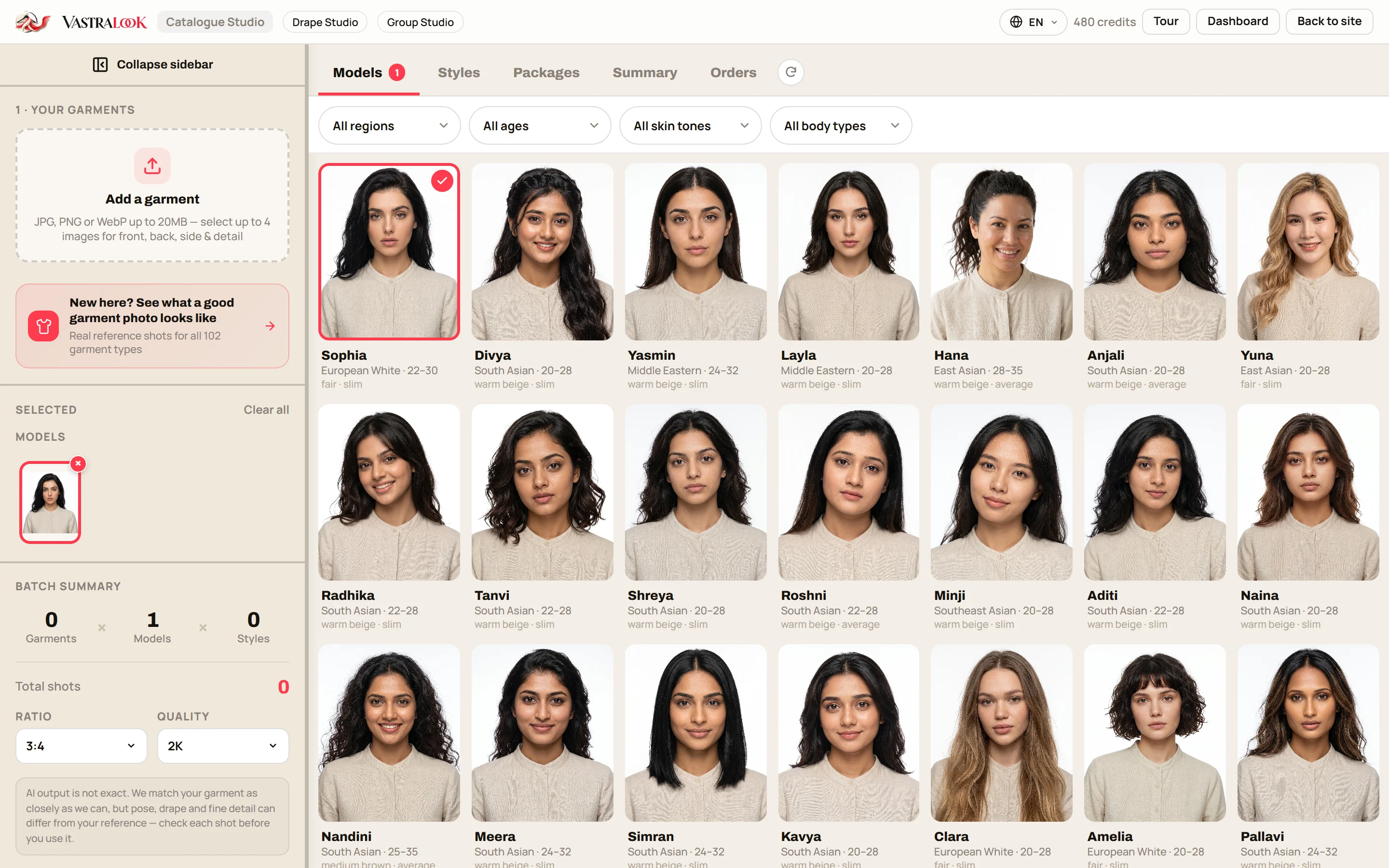
Choose from the model library, with filters for region, age and skin tone, or use a face photo you have permission to use.
- Pick a style or a ready photoshoot package
A scene such as studio, outdoor or festive, or a package that gives you several poses in one place.
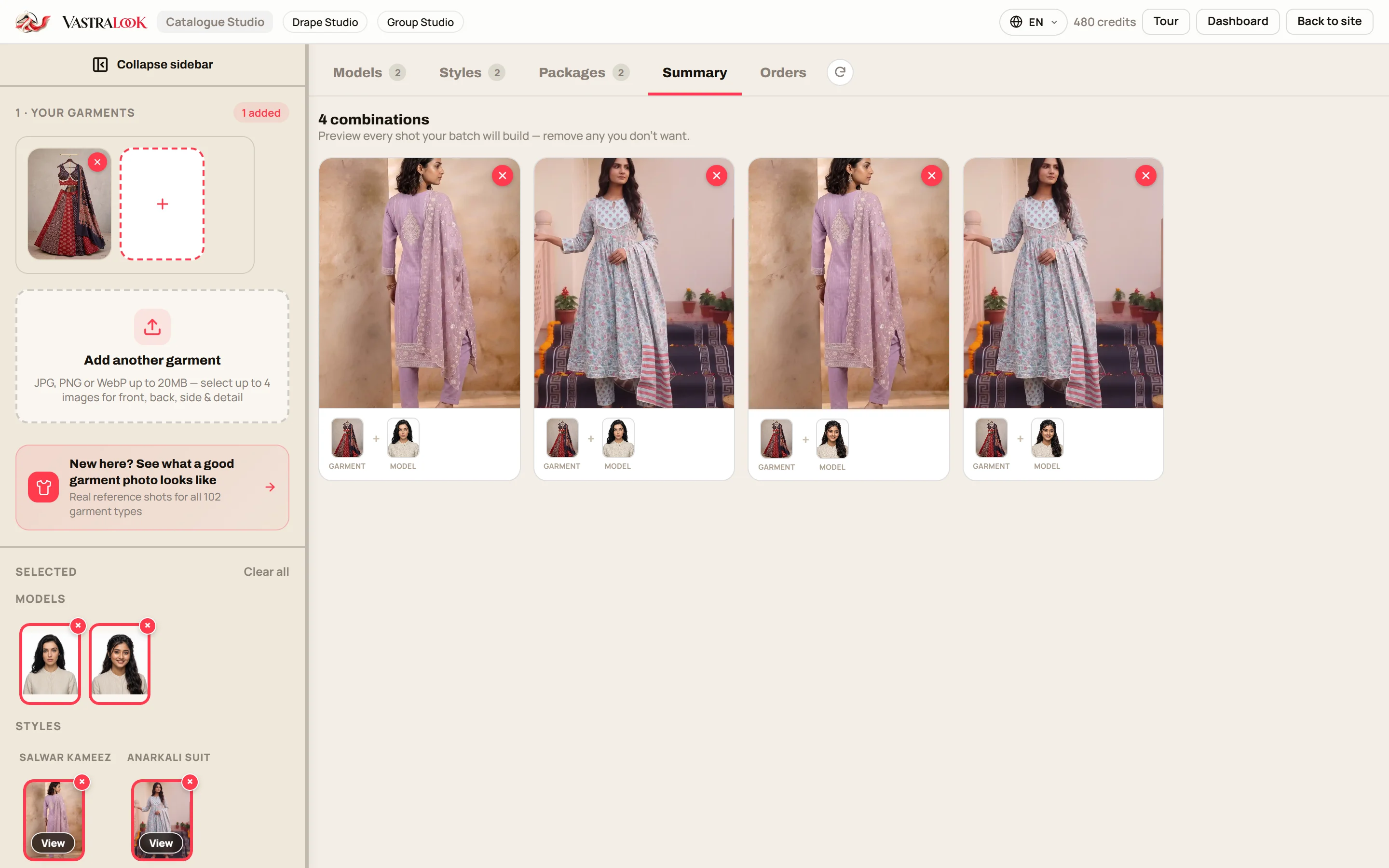
- Check the summary
Every garment, model and style combination is listed before you pay. Remove the ones you do not want.
- Choose the picture shape and size
3:4 for listings, 4:5 for the Instagram feed, 1:1 for a WhatsApp catalogue picture, 9:16 for Status, Stories and Reels. 2K suits marketplaces and Instagram.
- Order, then download
Pick a marketplace preset if you sell on Myntra, Amazon, Flipkart or Meesho. Download with or without your logo.
The right size for each place you sell
Generate at the shape you will post in, so nothing has to be cropped afterwards. Catalogue Studio composes the shot for the ratio you choose.
| Where you sell | Picture shape | Size to export | Why |
|---|---|---|---|
| Marketplace listing (Meesho, Flipkart, Myntra, Amazon) | 3:4, with a preset | 2K | A tall picture fills the listing, and the preset sets the background and size for that marketplace |
| Instagram feed post or carousel | 4:5 | 2K | Takes the most room in the feed without being cut |
| WhatsApp catalogue or chat picture | 1:1 | 1K to 2K | A square picture sits well in a chat and a catalogue grid |
| WhatsApp Status, Instagram Story, Reel | 9:16 | 2K | Full-height, composed for the screen and not cropped from a portrait |
| Website banner | 16:9 | 4K | A wide picture needs the most resolution |
Each marketplace has its own image rules, and they change from time to time, so check the seller help page of the one you use. The marketplace presets set the background and size for you, which removes the most common rejection reasons.
Make one look for Instagram, WhatsApp and the marketplace
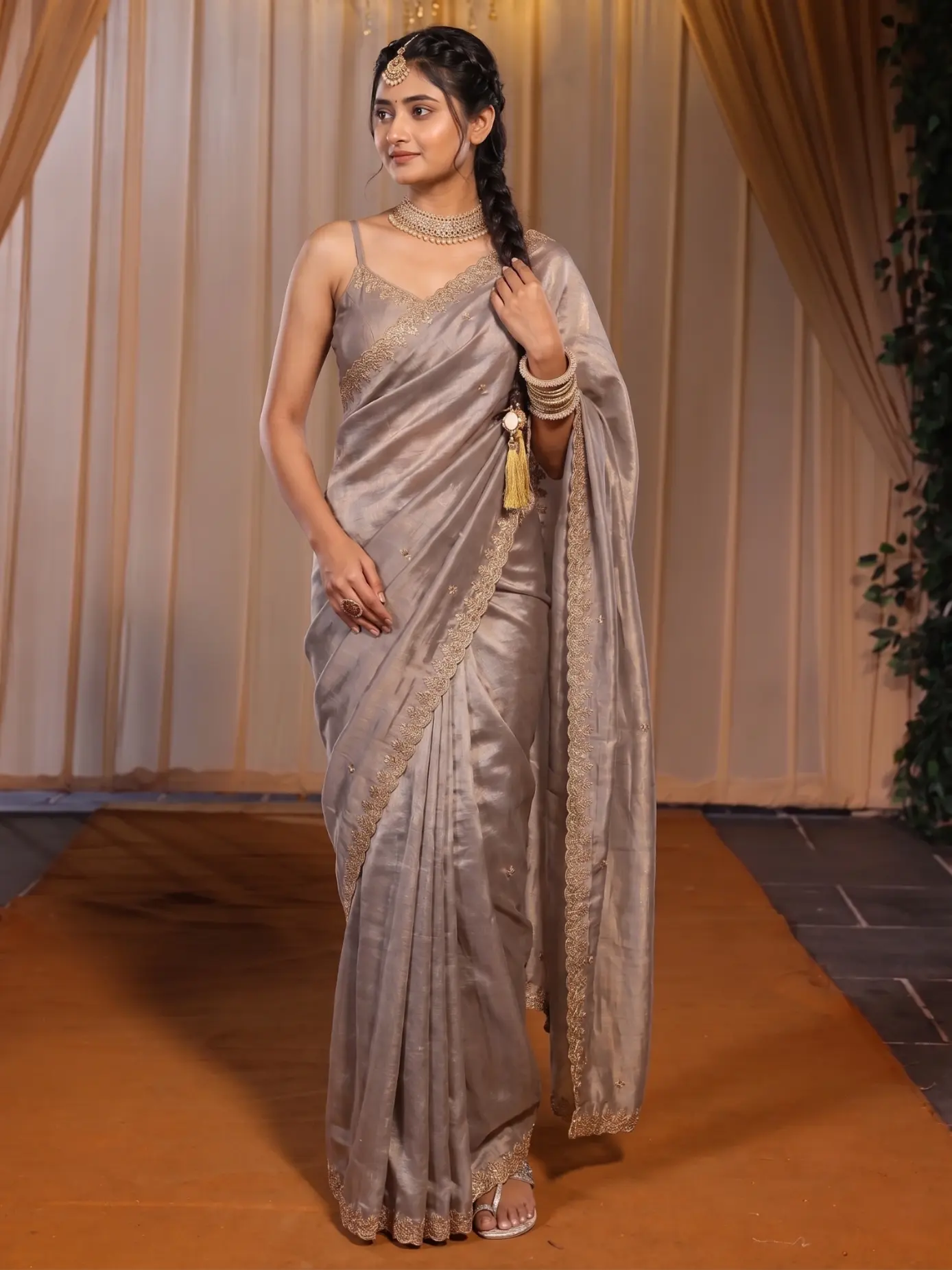
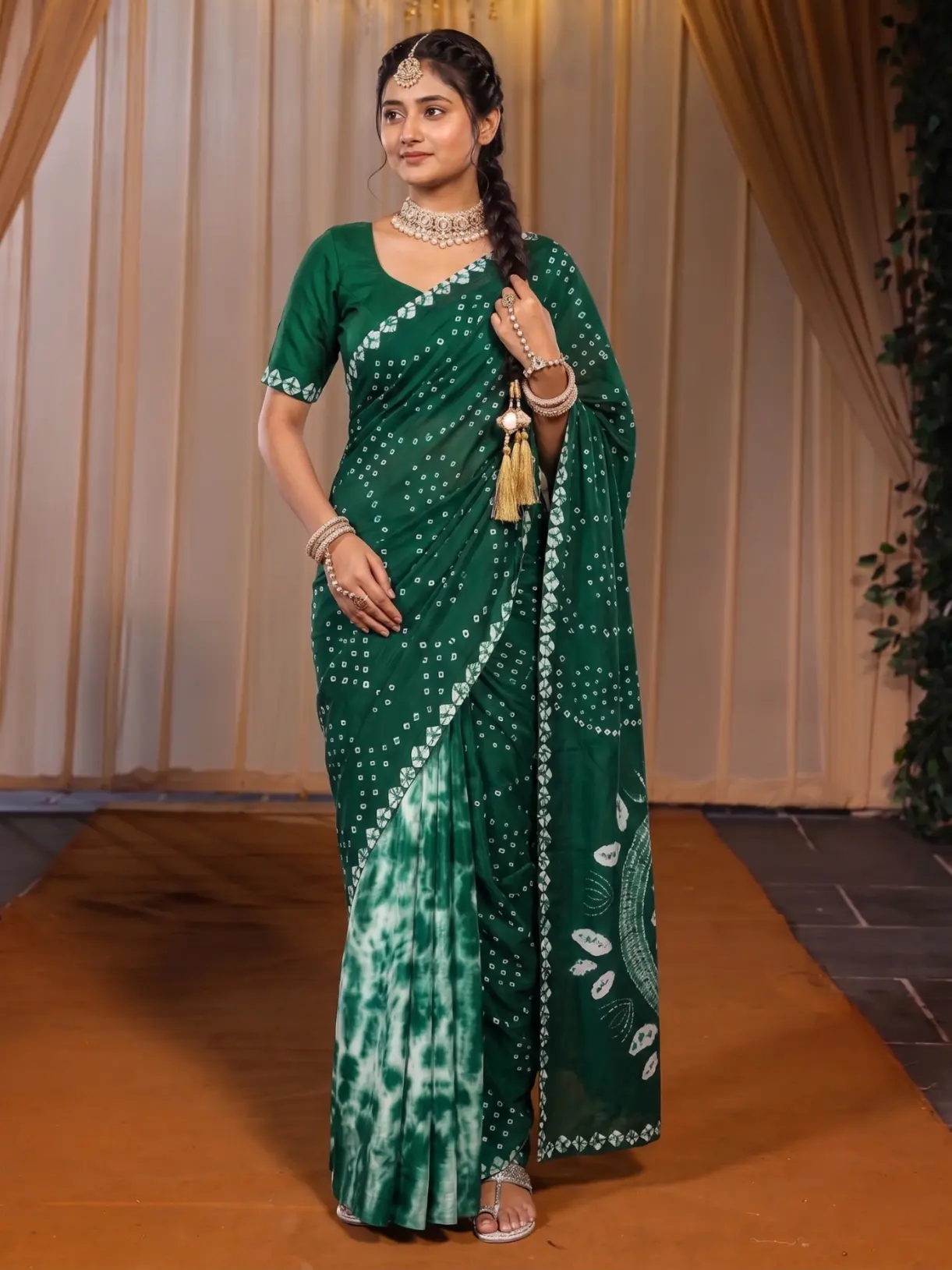
The most useful thing about doing this in one studio is that the model and the set can stay the same across every product and every place. A buyer who sees your Instagram post on Friday and your Meesho listing on Saturday meets the same model in the same scene, so the listing feels like it belongs to the page she already trusts. The next post in this series, on consistent catalogue photos, goes through how that works. Here is the short version.
 Garment one
 Garment two
Same Model, Same Set keeps the model, the pose and the scene and changes only the garment. This is how colourways and a whole range keep one look.
Your logo on every shot
Photos that you send to resellers get forwarded. Upload your logo once and set the corner, the size and the opacity, and each download can carry it. That is the quiet way to make sure a picture of your garment still points back to you after it has been shared through five WhatsApp groups. Agencies that shoot for several clients can save a logo per client and switch between them.
Who it helps
- Instagram and WhatsApp sellers who build a catalogue from phone photos and want model photos that match from post to post.
- Meesho, Flipkart, Myntra and Amazon sellers who need a listing picture in a set size without editing each file.
- Resellers and boutique owners who get a supplier's flat photos and want to show the garment worn.
- Small D2C brands whose catalogue changes every season.
What it costs and how long it takes
A Create order shot costs from ₹7 at 1K and from ₹10 at 2K, depending on the credit pack you buy from, and a Budget order usually takes 4–5 minutes. Because you check the summary before ordering, you pay for the shots you chose. The credit maths post works through a full batch with examples, and the pricing page always shows the current plans and packs.
Before you start: the photos that help
- One garment per photo, filling the frame, flat or hung, shot square-on.
- A plain background and indirect daylight. Shadows in your photo are copied into the result.
- Front, back and side wherever the garment has a detail, plus a close-up of embroidery, print or zari.
- Your original product photo, not an earlier AI image.
- Phone filters off, so the colour in your photo is the colour of the cloth.
Which product photos should an Instagram clothing seller use?
A mix. Use a clean on-model photo first, then a back or side view, a close-up of the print or embroidery, and one lifestyle shot. Catalogue Studio makes on-model photos from your garment photo in the 4:5 shape that fits the Instagram feed.
Can I use the same photos for a WhatsApp catalogue?
Yes. Make a square 1:1 version for the chat and the catalogue grid, and a 9:16 version for Status. Generating at each shape is cleaner than cropping one photo.
Are the photos right for Meesho and Flipkart?
Choose the marketplace preset and the background and size are set for that marketplace. Rules change, so check the marketplace's current seller guidelines before you upload.
Do I need a model for every garment?
No. You choose a model from the library once and use it across the range. You can also use a face photo you have permission to use.
Will the garment in the photo match mine?
Your garment photo is the reference, so the print, border and colours come from your cloth. Vastralook is built to keep them and matches as closely as it can. AI output is not exact, so compare each shot with your photo.
Can I put my logo on the photos?
Yes. Set it once and download with it. Resellers forwarding your pictures then carry your brand with them.
What does it cost?
A Create order shot costs from ₹7 at 1K and from ₹10 at 2K, depending on the pack. New accounts get up to 3 free 2K images.
What if a shot misses?
Recreate it, or ask for half the credits back on a paid shot that missed.
Who owns the photos?
You do. Everything you generate is yours to use commercially: on your store, marketplaces, WhatsApp, Instagram, ads and in a catalogue.


