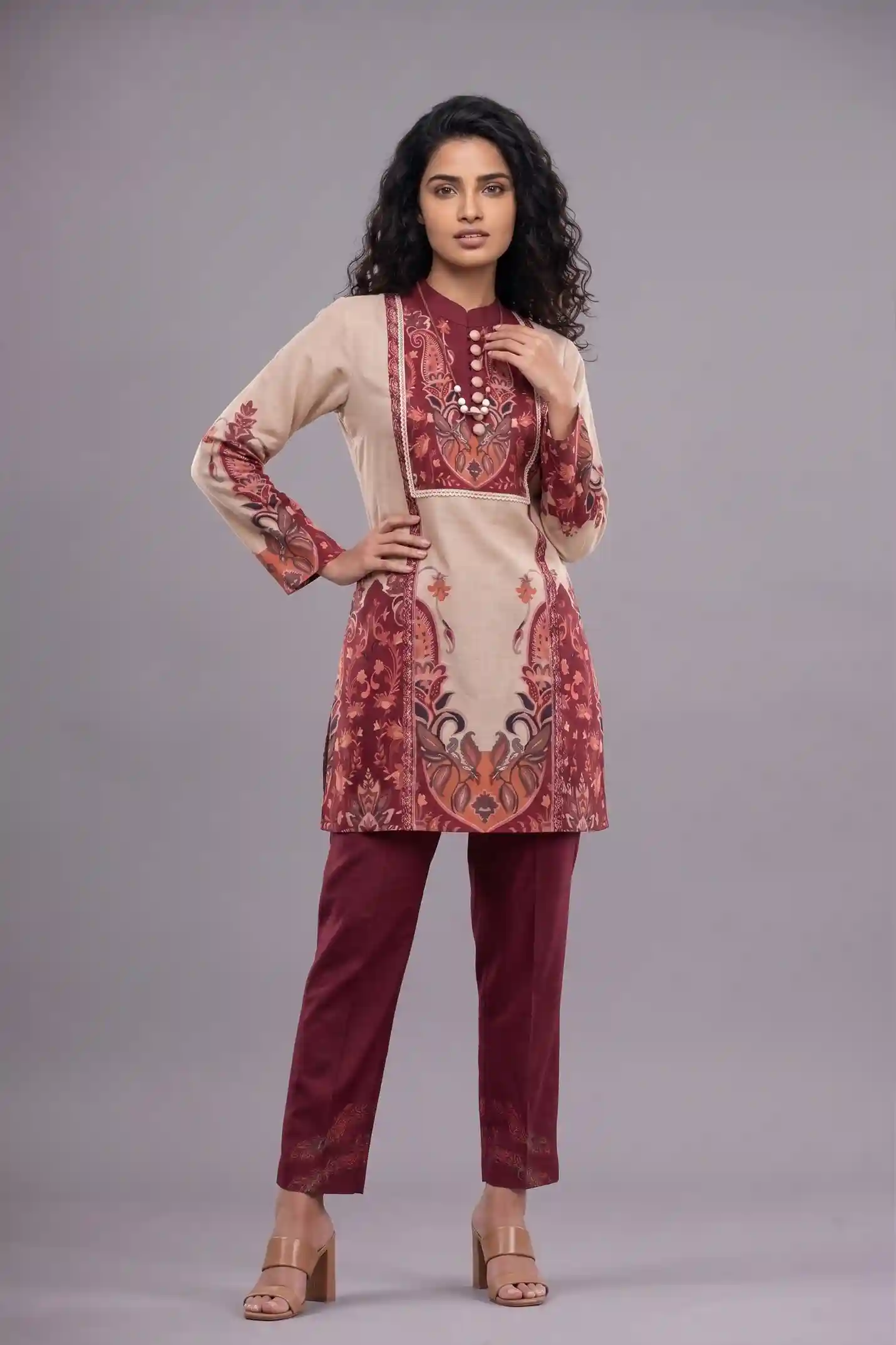
Add your logo and your photos, pick the corner, size, opacity and margin, and download every photo with the logo in place, one by one or all together as a .zip. It runs in your browser: nothing is uploaded, and no account is needed.
Sample logo: add yours on the right
Put your logo on your photos
Use your own logo and photosYour logo and photos stay on this device. Nothing is uploaded.
PositionBottom right
The same setting on every shot (tap one to see it large)
4.7Trusted by 400+ brands
1,245photoshoot packages
76AI models
More about this tool
How the logo setting works
Position
Pick one of four corners. The logo always sits in the same corner on every shot, so the catalogue looks like one brand.
Opacity
Lower it for a quiet watermark, raise it to 100% for a clear brand mark. Light and solid logos both stay readable.
Logo size
A share of the picture's width, so it stays in proportion on a small shot and on a large one.
Margin
The gap between the logo and the edge, so it does not touch the border or get cut when a marketplace crops the picture.
What you get
Free, no account.
Nothing is uploaded.
Up to 20 photos at a time.
The same setting on every photo.
Full-size downloads, or one .zip.
How it works
How it works, in 3 steps
logo.pngPNG · JPG · WebP
1
Add your logo
A PNG with a transparent background works best.
2
Add your photos and set the logo
Pick the corner and move the sliders. Every photo shows the same setting, whole.
photos-with-logo.zipJPG · PNG
3
Download
One photo at full size, or all of them together as a .zip.
More about this tool
Built for a whole catalogue
01
One setting, every photo
The logo sits in the same corner at the same share of the width on every photo, so the catalogue looks like one brand.

 Sample logo: add yours on the right