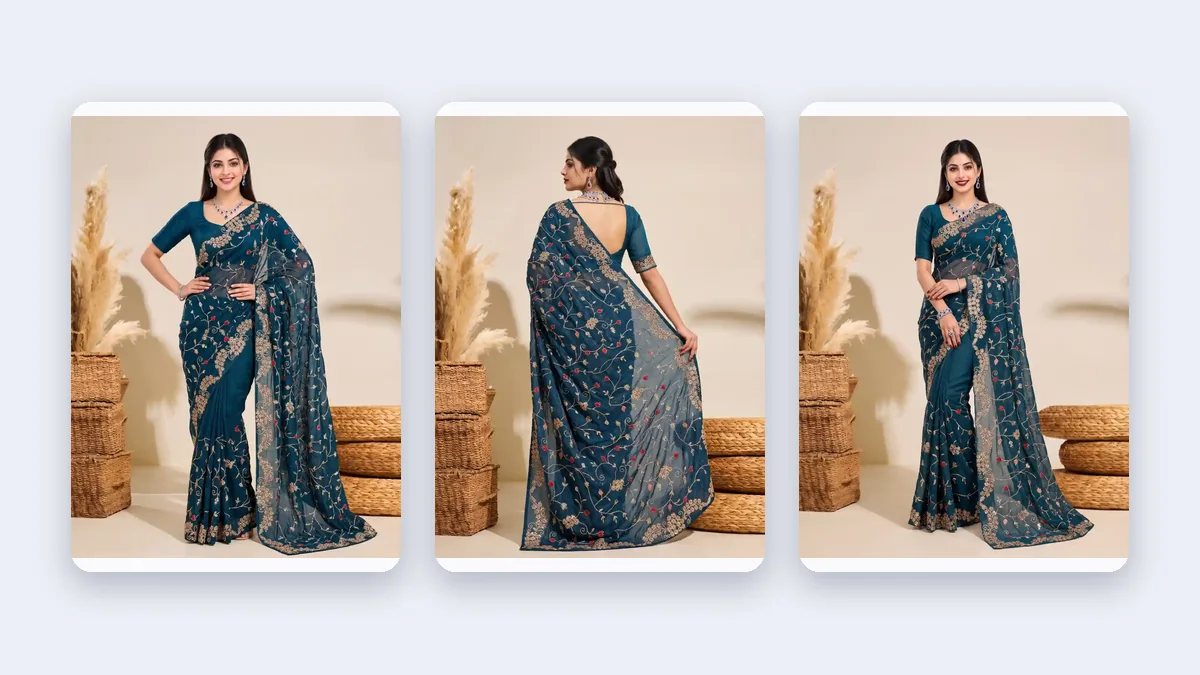
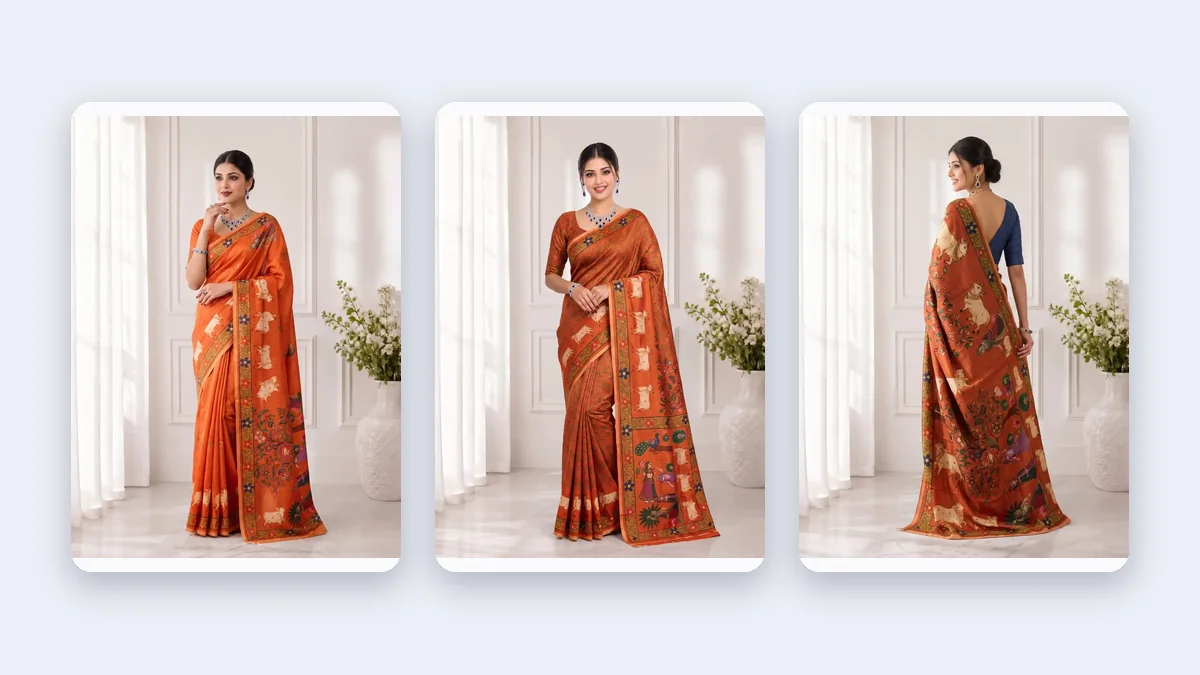
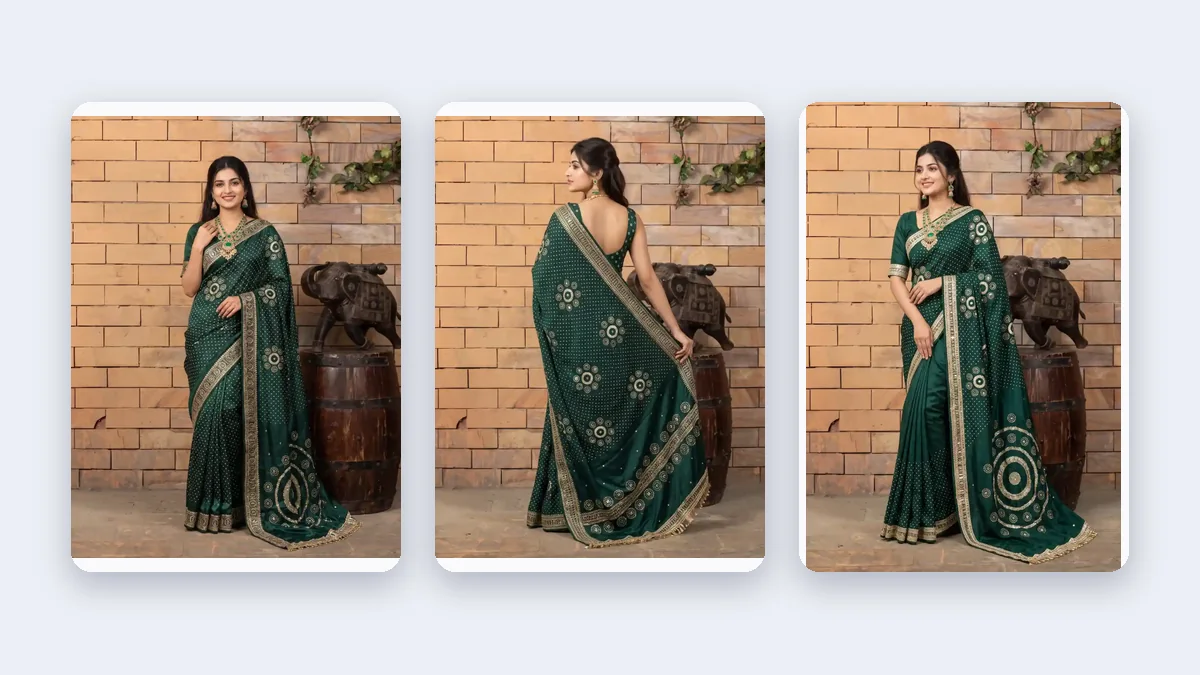
In the textile markets of Surat, Delhi and Kolkata, new saree and dress material designs reach the shop floor all the time. The slow part has always been the pictures. A catalogue photoshoot without a studio means skipping the venue, the model booking and the retouching queue, and going from a phone photo of the real piece to a finished on-model image the same day. This guide sets out a weekly workflow you can adapt, from the morning capture to the afternoon broadcast to your buyers.
Why is a studio-less catalogue workflow worth setting up?
A traditional agency shoot has a lot of moving parts: model and agency fees, studio rental and lighting, hair, makeup and a draper, then post-processing and retouching. Each of those has a lead time, and they add up. When a manufacturer releases dozens of new designs a week, the shoot becomes the bottleneck, and wholesale buyers move on to whoever has pictures ready.
A repeatable in-house routine changes that. The work becomes small and regular: one person captures photos, another checks the output, and the catalogue grows every week. It will not replace a brand campaign, but for the everyday range it is far faster.
Which studio should you use for which product?
| You make | Studio | What you upload | What you choose |
|---|---|---|---|
| Sarees | Drape Studio | One flat photo of the full saree, body and pallu together, plus an optional blouse piece | A model and a background from StyleMuse, then poses in the Styles tab |
| Lehengas | Drape Studio | Skirt, blouse and dupatta photos, with the Lehenga option selected | A model and a background from StyleMuse, then poses |
| Kurtis, dresses, dress materials made up as outfits, co-ords and other garments | Catalogue Studio | Garment photos, up to 4 sides each | Models, and styles or a package, then check the Summary tab |
What does the weekly studio-less pipeline look like?
Here is an example week-day routine for a team that photographs 50 pieces. The times are a suggestion, not a promise. Your own pace depends on how many pieces you handle and how quickly you check the output.
- Step 1: Morning capture (about 2 hours)
A junior team member lays each piece on a plain, matte table near a window and takes one square, straight-on photo with a phone on a stand or an overhead arm. At roughly 45 seconds a piece, 50 pieces fit in a morning. Name every file with the design code.
- Step 2: Upload and set up the batch (late morning)
In Catalogue Studio, add the garments. You can add up to four sides of the same piece, such as the front, back and a detail. For sarees, use Drape Studio and upload one saree at a time.
- Step 3: Pick models, styles and size (midday)
Choose the models and styles or a ready-made package. Keep the same model and style for a whole collection so your catalogue looks consistent. Choose the picture ratio and size, then read the Batch summary.
- Step 4: Order and check (afternoon)
Press Instant if you need the pictures sooner, or Budget if you can wait a little. Watch the Orders tab, and check every finished shot against the real piece.
- Step 5: Download and share
Download all, and add your logo with Export with logo if you saved one in Branding. Compile the pictures into your WhatsApp catalogue or PDF yourself, and send them to your buyers.
How do you set up the capture station?
You do not need much, but consistency matters more than equipment. A white or neutral matte table near a window gives soft, even light. Avoid direct sun and avoid a flash, which flattens the print and burns out zari.
- Plain, matte table surface or sheet, wiped and wrinkle-free.
- A phone on a stand or an overhead arm, directly above or square to the piece.
- Garment laid flat and filling the frame, with nothing else in the picture.
- The same light for the whole session, so colours are comparable.
- One file per piece, named with the design code, kept in a folder with the originals.
- A real-piece colour check before upload: compare the screen with the cloth.
How many credits does a week of shots cost?
The shot count in Catalogue Studio is garments × models × styles. Credits per shot depend on the order type and size: Instant costs 10, 15 or 20 credits at 1K, 2K or 4K, and Budget costs 7, 10 or 15. For a weekly routine of 50 garments with 1 model and 3 styles, that is 50 × 1 × 3 = 150 shots.
| Weekly batch | Shots | Budget 1K | Budget 2K | Instant 1K | Instant 2K |
|---|---|---|---|---|---|
| 50 garments × 1 model × 3 styles | 150 | 1,050 | 1,500 | 1,500 | 2,250 |
| 100 garments × 1 model × 3 styles | 300 | 2,100 | 3,000 | 3,000 | 4,500 |
| 100 garments × 1 model × 1 style | 100 | 700 | 1,000 | 1,000 | 1,500 |
Two lessons come out of the table. First, going from one style to three triples the cost, so only add a style when it earns its place. Second, the size matters: the same 150 shots cost 1,050 credits at Budget 1K and 1,500 at Budget 2K. A wholesale WhatsApp catalogue is often viewed on a phone, so ask yourself whether you need the larger size for every shot.
How do you handle colourways and consistency?
Many designs come in several colourways. Photograph each colourway as its own piece and use the same model and the same style for all of them. Because only the garment changes between shots, the colourways line up cleanly in a grid, and buyers can compare them at a glance.
- Use one model for a whole season's collection, so the catalogue looks like one brand.
- Use the same package or styles for every colourway of a design.
- Keep the garment photo identical in framing and light from one colourway to the next.
- Check each colour against the real cloth, because colour is the most common cause of disputes.
What should you check on every finished shot?
Output varies, and pose, drape and fine detail can differ from your reference. A weekly pipeline needs a quick, fixed quality check, done by someone other than the person who took the photo.
- Colour matches the real piece in daylight.
- Print, border or embroidery looks like the design, and the pattern is not distorted.
- The shape, length and neckline match the garment.
- The model's hands, face and fit look natural.
- No stray objects from the original photo have crept into the picture.
What can you skip, and what can you not skip?
You do not need editing software to generate the pictures: you choose models and styles in the studio, and the studio makes the shots. But the quality of your input photo is still your job: square-on, flat, even light. You also still need to compile your catalogue and write the listing text. Vastralook makes on-model still images, not video, and it does not post to marketplaces or send your catalogue for you.
Catalogue photoshoot without a studio: the short version
Capture flat, square-on photos in the morning, upload and order in the afternoon, check every shot, and share the same day. Use Drape Studio for sarees and lehengas, Catalogue Studio for everything else, and do the credit maths before you order. A catalogue photoshoot without a studio is not about doing less checking. It is about spending your time on the checks that matter.
Can I generate different colourways of the same design?
Yes. Add each colourway as its own garment and use the same model and style for all of them, so they line up cleanly. Check each colour against the real piece.
Do I need Photoshop skills to run this workflow?
No editing software is needed to generate the shots. You do need good input photos: flat, square-on and in even light.
How long does a batch take?
Instant orders are usually ready in 1 to 2 minutes and Budget orders in 4 to 5 minutes. The time is shown on the order button.
Can I use Catalogue Studio for sarees?
No. Sarees and lehengas go to Drape Studio. A saree uploaded as a plain photo to Catalogue Studio is not the right path.
Can I put my logo on the pictures?
Yes. Save your logo in Branding once, and use Export with logo on a finished shot. A PNG with a transparent background works best.